Networking & Wi-Fi

10 Best WiFi Extender of 2026: Reliable Coverage Without Breaking the Bank

The right WiFi extender can eliminate dead zones, but many cut speeds or have unrealistic claims. This guide helps you pick the one that matches your home size, internet plan, and budget.

Shopping for a WiFi extender often starts with the hope of flawless internet in every corner, but physics imposes a hard trade-off: extenders boost coverage by cutting throughput roughly in half. The real goal is not matching your router's full speed, but eliminating dead spots for everyday browsing, streaming, and video calls.

Budget models under $30 can fix a single weak zone in a small apartment, while mid-range options add gigabit Ethernet ports and wider range for gamers or multi-device households. The key is matching the extender's strengths to your home's layout and your internet plan's limits.

This guide focuses on proven performers from established brands, cutting through marketing claims like '15,000 sq ft' that rarely hold up through walls. The right pick depends on how much you're willing to spend and how many devices you need to connect.

1

TP-Link RE550

Top Pick

TP-Link RE550

Whole home

Our Score 8.6/10
Check Price

Worth Noting

  • Throughput is cut by roughly half due to single-radio design
  • Occasional momentary disconnections when switching between bands
Setup
App + WPS
Max Speed
1900 Mbps
Coverage Area
2100 sq. ft
WiFi Standard
WiFi 5

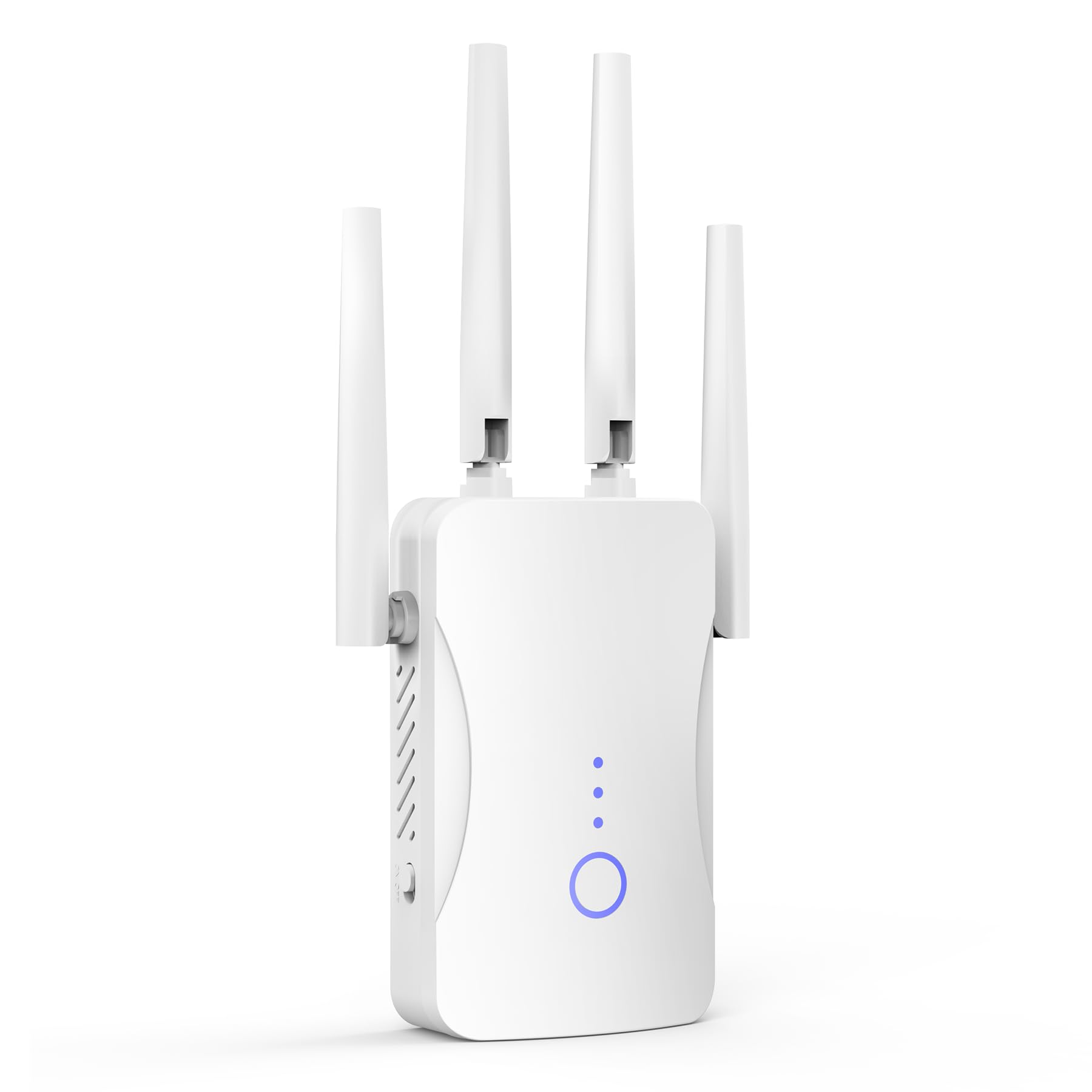
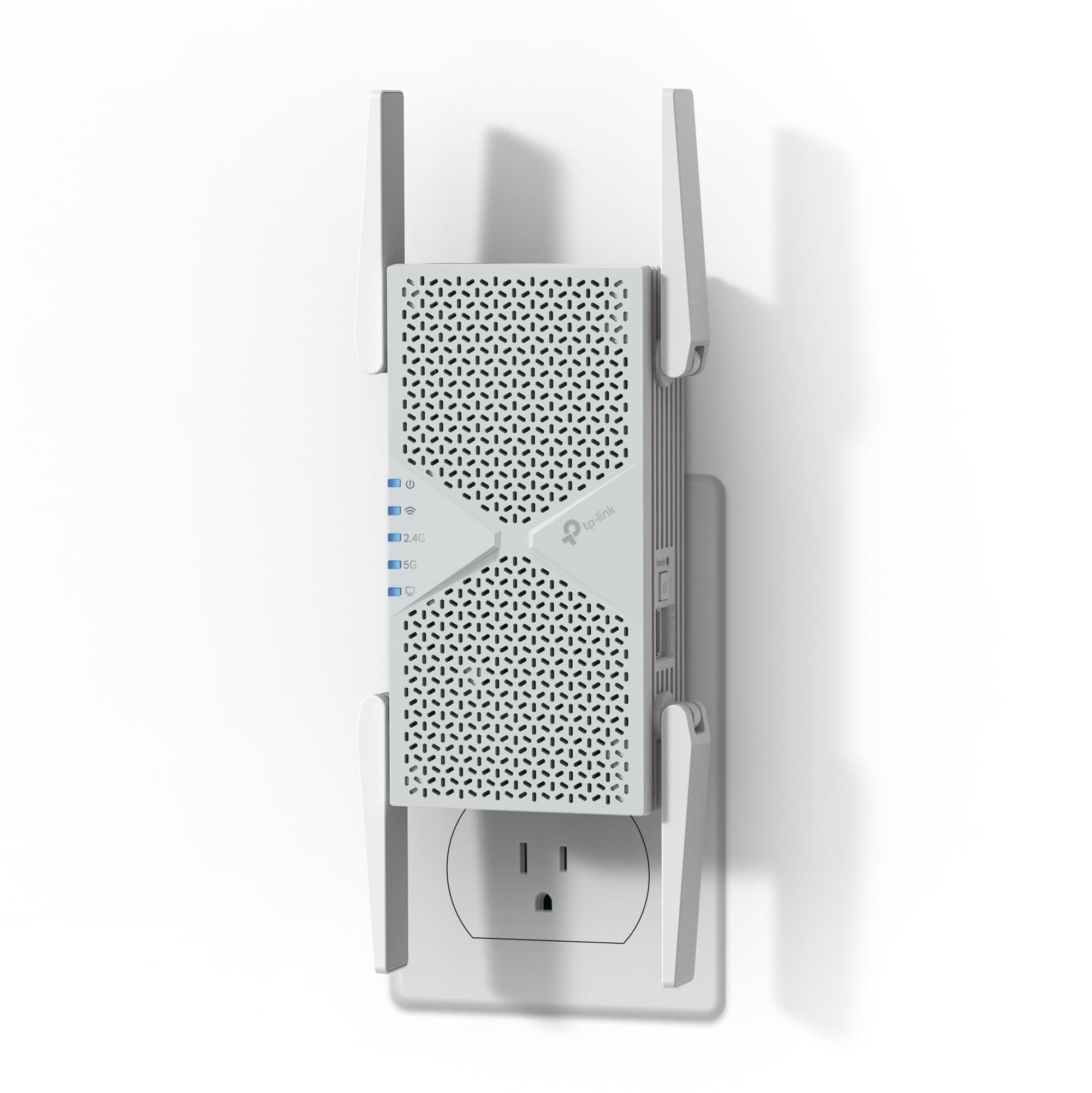
The RE550 delivers consistent signal across 2,100 square feet, reaching upstairs bedrooms and garage corners that many extenders miss. The dual-band AC1900 design handles 32 devices simultaneously, keeping a steady connection for streaming and video calls throughout a typical home.

Like all single-channel extenders, the RE550 retransmits on the same band it receives, which cuts throughput to about half the router's speed. For households with internet plans up to 200 Mbps, this still supports stable 4K streaming and online gaming – the limitation becomes noticeable only during large file transfers or if you have gigabit fiber.

This extender fits homeowners with 1,500–2,500 square feet who need whole-home coverage without upgrading to a mesh system. Setup through the Tether app or WPS is quick, and the Gigabit Ethernet port offers a wired option for game consoles or smart TVs. It is less suited for gigabit internet users who expect full wired speeds over Wi-Fi, a compromise shared by all single-band repeaters.

Tip: Place the extender halfway between your router and the dead zone for optimal throughput – too close to the router wastes coverage, too far reduces signal quality.

Bottom line: For homes with typical internet speeds and a need to eliminate dead zones, the RE550 offers a practical, well-tested solution that avoids the complexity of mesh systems.

2

TP-Link RE315

TP-Link RE315

Budget & small spaces

Our Score 8.4/10
Check Price

Worth Noting

  • Wireless throughput can drop noticeably during heavy streaming or gaming, not suited for high-bandwidth use.
  • Occasional disconnections may require a reboot to restore connectivity.
Setup
App + WPS
Max Speed
1200 Mbps
Coverage Area
1500 sq. ft
WiFi Standard
WiFi 5

The RE315 delivers the lowest cost way to address a single dead zone from a major brand. While the top pick RE550 offers gigabit Ethernet and wider coverage for about $20 more, this model keeps the focus on affordability and simplicity.

This extender fits budget-conscious buyers in apartments or small homes under 1500 sq ft with internet plans under 100 Mbps. The Ethernet port caps wired connections at 100 Mbps – a non-issue for light browsing or connecting smart devices, but a hard limit if you need faster wired throughput.

Tip: Keep the power adapter accessible in case a quick power cycle is needed.

Bottom line: A smart pick for small spaces and light internet needs where every dollar counts.

3

eero 6 Extender

eero 6 Extender

eero mesh owners

Our Score 9.0/10
Check Price

Worth Noting

  • Only works as an extender for an existing eero mesh system, not a standalone device.
  • Some users experience occasional connectivity drops that require a restart.
  • Advanced features like parental controls and security require a separate subscription.
Setup
App required
Max Speed
Coverage Area
1500 sq. ft
WiFi Standard
WiFi 6

The eero 6 Extender slides into an existing eero mesh without any manual network switching, extending WiFi 6 coverage across up to 1,500 square feet per unit. TrueMesh technology and automatic updates keep the network stable for streaming and gaming sessions.

This unit is purpose-built for households that already own an eero mesh system. If you need to cover a dead zone in a wing of the house or a basement, adding this extender eliminates the need to run additional cables or configure separate access points. The catch: it will not work as a standalone extender with a non-eero router, and advanced features such as parental controls and security monitoring require a monthly subscription.

Tip: Subscriptions for security and parental controls are optional; basic mesh coverage works without them.

Bottom line: If you already own an eero system and need to kill a dead zone, this extender integrates effortlessly. For shoppers without eero, look elsewhere.

4

nonser 1200Mbps

nonser 1200Mbps

Budget dual-band

Our Score 8.4/10
Check Price

Worth Noting

  • Coverage claim of 15,999 sq. ft is unrealistic; real-world range is typical for budget dual-band extenders.
  • Dropouts can occur during use
Setup
WPS + instructions
Max Speed
1200 Mbps
Coverage Area
15999 sq. ft (claim)
WiFi Standard
WiFi 5

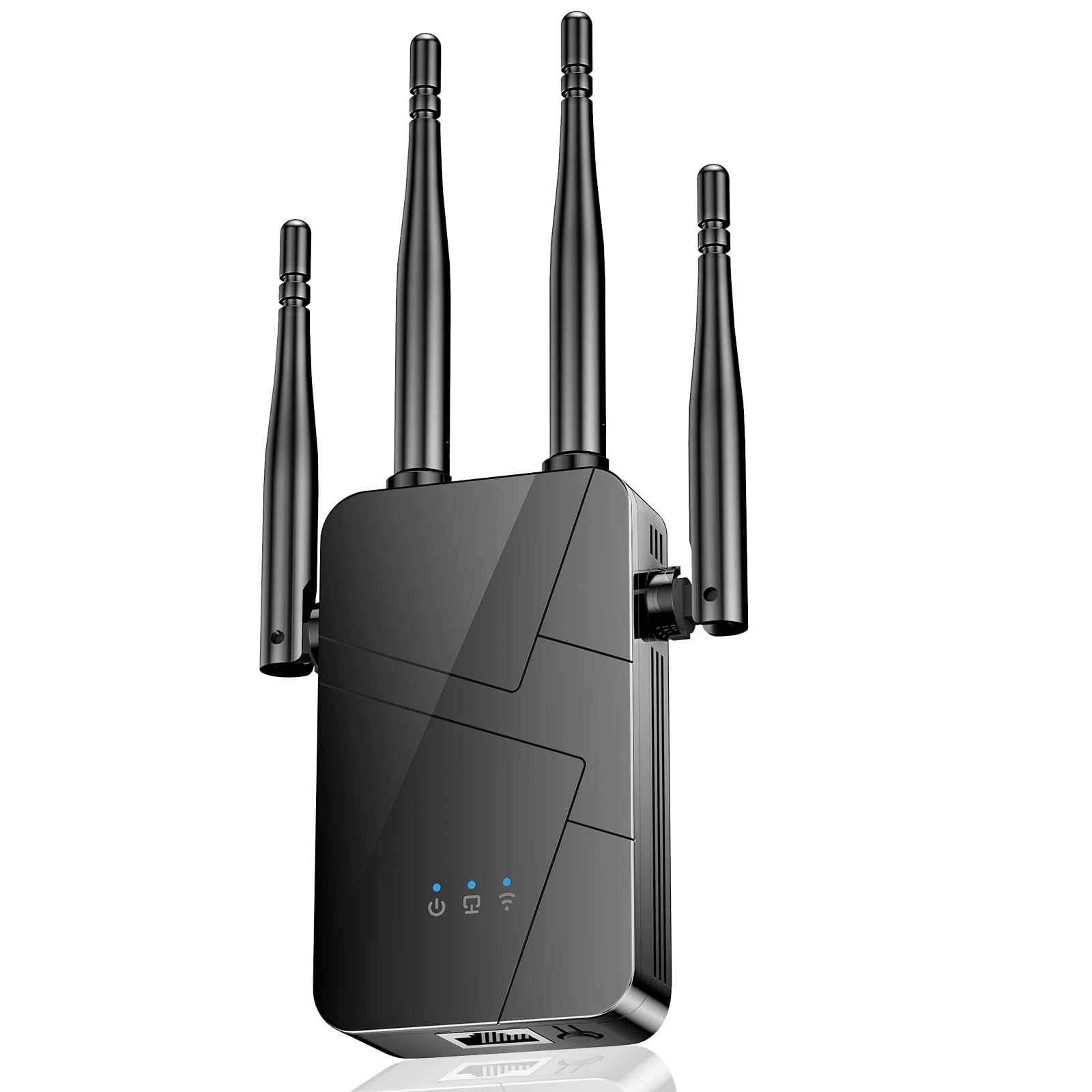
The nonser offers dual-band WiFi at a price that undercuts most comparable models, providing a simple way to extend coverage into garage or upstairs areas without breaking the bank. It rebroadcasts both 2.4 GHz and 5 GHz bands, ensuring older devices and newer gadgets can connect on their preferred frequency.

Ideal for buyers in small to medium homes who need to eliminate a single dead zone without investing in a mesh system, this extender handles basic streaming and browsing with ease. Just be aware that the 15,999 sq. ft claim is marketing hype; typical range is sufficient for a 1,500-2,000 sq. ft home. Occasional disconnections can occur, which may affect stability during heavy usage, but for light use like checking email or watching video, the performance is adequate.

Setup via WPS is quick, and once placed in a weak signal area, the nonser delivers consistent speeds suitable for HD video and web browsing. The single Fast Ethernet port provides a wired option for devices like a console or smart TV, but throughput caps at 100 Mbps, so it is not for large file transfers. Overall, it is a no-frills extender that does the job without fuss.

Tip: Place the extender about halfway between your router and the weak area to minimize potential dropouts.

Bottom line: For budget-conscious buyers with a single dead spot, this extender provides dual-band performance at a price that beats many name-brand options – just keep expectations realistic on range and stability.

5

JoyLantern 300Mbps

JoyLantern 300Mbps

2.4 GHz IoT

Our Score 8.2/10
Check Price

Worth Noting

  • Lacks a 5 GHz band, so speeds top out at 300 Mbps and interference can be an issue in dense Wi-Fi areas.
  • Some units may need a power cycle after extended use to regain a stable connection.
Setup
WPS only
Max Speed
300 Mbps
Coverage Area
10999 sq. ft (claim)
WiFi Standard
2.4 GHz only

At under $25, the JoyLantern extender is the most affordable way to extend a 2.4 GHz network into a dead spot. Setup via WPS takes under a minute, and the signal range covers typical problem areas like a back room or garage. A Fast Ethernet port lets you connect a single wired device, though at 100 Mbps it matches the wireless speed cap.

This extender fits homes with older laptops, smart home gadgets, or IoT sensors that only use the 2.4 GHz band. If you need a low-cost solution for one or two weak spots and don't mind the lack of 5 GHz speeds, it delivers. Be aware that the single-band design means more interference in crowded Wi-Fi environments, and some units may need a power cycle to restore connection after extended use.

For streaming or gaming in 4K, this extender won't cut it – the 2.4 GHz band can't handle high-bandwidth demands reliably. But for basic web browsing, email, and smart device control, it does the job without breaking the budget.

Tip: If the extender drops connection, a quick power cycle usually restores it – keep the plug accessible.

Bottom line: For a single 2.4 GHz dead spot and a tight budget, the JoyLantern delivers basic performance without the cost of a dual-band extender.

6

Baetaey Extender

Baetaey Extender

Basic IoT only

Our Score 10.0/10
Check Price

Worth Noting

  • Single-band 2.4 GHz (300 Mbps max) limits speed and compatibility with modern dual-band routers
Setup
WPS
Max Speed
300 Mbps
Coverage Area
15000 sq. ft (claim)
WiFi Standard
2.4 GHz only

The Baetaey Extender offers four operating modes — Repeater, Access Point, Bridge, and Router — giving it a flexibility uncommon among basic extenders. Setup is straightforward, and in small spaces users notice a tangible improvement in signal reach.

This is a single-band 2.4 GHz extender capped at 300 Mbps, which means it cannot keep up with modern dual-band routers or handle high-bandwidth tasks like 4K streaming. It fits buyers who need to connect a single IoT device or older hardware in a dead zone where speed is not critical. The price sits in the mid-range, higher than similar single-band options, so the value proposition rests entirely on the need for those extra modes.

An Ethernet port provides a wired link for a nearby device, though it shares the same 300 Mbps ceiling. In a market dominated by dual-band extenders for similar money, this model suits only those with a very specific use case that benefits from its mode-switching capability.

Tip: For best stability, keep the extender within 30 feet of the router and avoid placing it near metal objects.

Bottom line: Suitable for IoT-specific dead zones if the price is acceptable, but most buyers will find better value in dual-band extenders at similar cost.

7

TP-Link RE615X

TP-Link RE615X

WiFi 6 upgrade

Our Score 8.6/10
Check Price

Worth Noting

  • In some setups, brief interruptions may occur during high-demand usage.
  • Extender design can cut throughput noticeably in rooms far from the router.
Setup
App + WPS
Max Speed
1800 Mbps
Coverage Area
2100 sq. ft
WiFi Standard
WiFi 6

The RE615X extends Wi-Fi 6 coverage effectively across medium-sized homes, integrating smoothly with TP-Link EasyMesh routers. Its performance with modern devices eliminates dead zones without requiring a full mesh upgrade. However, it costs more than the top-pick RE550, and connectivity stability can vary in some configurations. Those willing to pay for Wi-Fi 6 compatibility and a well-reviewed unit will find it fits, while budget-focused buyers should look at the RE550 instead.

Bottom line: A capable Wi-Fi 6 extender for those who don't want to replace their router and can accept occasional variability in connection stability.

8

TP-Link RE220

TP-Link RE220

Ultra-budget classic

Our Score 8.0/10
Check Price

Worth Noting

  • Wired Ethernet port caps at 100 Mbps, limiting file transfers and wired gaming
  • Older AC750 chipset handles light browsing but can struggle with 4K streaming or heavy concurrent use
Setup
WPS
Max Speed
750 Mbps
Coverage Area
1200 sq. ft
WiFi Standard
WiFi 5

TP-Link's entry-level AC750 extender offers an ultra-low price for extending one weak Wi-Fi zone in apartments or dorm rooms under 1000 sq ft. The 1200 sq ft coverage claim fits small spaces, and the 100 Mbps Ethernet port handles basic wired connections. Throughput caps at 750 Mbps, which supports light browsing and video calls but can struggle with 4K streaming or multiple devices. Compared to newer models like the RE315, this older chipset is less versatile — best reserved for a single room or rental where budget is the primary concern.

Bottom line: The RE220 works if you need a cheap fix for one weak spot in a small space and don't rely on the Ethernet port for speed-sensitive tasks.

9

TP-Link RE403BE

TP-Link RE403BE

WiFi 7 budget

Our Score 8.6/10
Check Price

Worth Noting

  • For buyers expecting full tri-band Wi-Fi 7, the lack of a 6 GHz band means no access to the newest spectrum.
  • In larger homes or with many connected devices, periodic resets may be needed to maintain stable connections.
Setup
App
Max Speed
6300 Mbps
Coverage Area
2800 sq. ft
WiFi Standard
WiFi 7 (dual)

The RE403BE brings Wi-Fi 7’s Multi-Link Operation to extenders, cutting latency for compatible devices. It operates only on dual-band 2.4 and 5 GHz, missing the 6 GHz band that defines full Wi-Fi 7 — so future-proofing is limited. Connectivity can be inconsistent in some setups, occasionally requiring a reset. Priced similarly to other Wi-Fi 7 extenders, but lacks the 6 GHz band that makes the step up worthwhile. For those who want the full tri-band experience, the higher-end option is a better fit.

Bottom line: Best for users with a Wi-Fi 7 router who want lower latency but don't need the 6 GHz band and can tolerate occasional resets.

10

TP-Link RE653BE

TP-Link RE653BE

WiFi 7 flagship

Our Score 8.8/10
Check Price

Worth Noting

  • Requires a Wi-Fi 7 router to access full tri-band and MLO features; otherwise works as a standard dual-band extender
  • Premium price with limited benefit unless you already own a Wi-Fi 7 router and have gigabit+ internet
Setup
App
Max Speed
10000 Mbps
Coverage Area
2800 sq. ft
WiFi Standard
WiFi 7 (tri)

The TP-Link BE10000 brings the latest Wi-Fi 7 technology with a dedicated 6 GHz band and a 2.5 Gbps Ethernet port, offering the fastest possible wireless extension for large homes. Its tri-band design can cover up to 2800 sq. ft and support many devices. However, these capabilities only unlock fully when paired with a Wi-Fi 7 router — without one, it operates as a standard dual-band extender. The premium price makes sense only for early adopters with compatible infrastructure; most users will get better value from a Wi-Fi 6 extender.

Bottom line: Only consider the RE653BE if you already own a Wi-Fi 7 router and need the fastest possible wireless coverage. For everyone else, a more affordable Wi-Fi 6 extender delivers comparable real-world performance.

How to Choose

WiFi Standard

WiFi 5 (802.11ac) is the baseline for most affordable extenders and works well with any modern router. WiFi 6 (802.11ax) improves efficiency when both your router and devices support it, reducing congestion in homes with many gadgets.

WiFi 7 is the newest standard, offering lower latency and higher theoretical speeds, but requires a WiFi 7 router to deliver its full benefits. For most households today, WiFi 5 or 6 is sufficient — the extender's throughput bottleneck will often overshadow the WiFi generation advantage.

Max Speed Rating

The advertised speed (e.g., 1900 Mbps) is an aggregate of all bands and rarely achievable in real use. A wireless extender must communicate with both the router and your devices, which cuts effective throughput by roughly half — sometimes more depending on distance and obstacles.

For internet plans under 200 Mbps, a mid-range AC1900 extender will deliver usable speeds in most dead zones. Gigabit plans will see the extender cap at around 300-500 Mbps, making a wired mesh system a better choice for full speed.

Coverage Area

Manufacturer coverage claims (e.g., 15,000 sq ft) are measured in open, ideal conditions. Real-world range through walls, floors, and interference is typically a quarter to a third of the advertised number. An honest 1,500-2,100 sq ft extender will cover most of a medium house.

Placement matters: the extender must be positioned within your router's signal, ideally halfway between the router and the dead zone. Too far and it will rebroadcast a weak signal, defeating the purpose.

Ethernet Ports

A Fast Ethernet port (100 Mbps) is a bottleneck for any device that needs wired speeds above 100 Mbps, such as a gaming console or streaming box. A Gigabit Ethernet port (1,000 Mbps) or a 2.5 Gigabit port allows you to connect a device at full wired speed or use the extender as a wired access point.

If you plan to connect a desktop or TV directly, prioritize an extender with a Gigabit port. For purely wireless use, the port type matters less, but it still enables a wired backhaul option if you run an Ethernet cable from the router.

Setup and App Support

WPS (Wi-Fi Protected Setup) lets you pair the extender to your router by pressing a button — it takes 30 seconds but offers no configuration options. App-based setup (e.g., TP-Link Tether) gives you control over network names, band steering, and firmware updates.

For most users, an app is worth the few extra minutes during initial setup. It simplifies troubleshooting and lets you see signal strength between extender and router, helping you find the optimal placement.

Frequently Asked Questions