Networking & Wi-Fi

9 Best Mesh Wifi System of 2026: Which Deliver Stable Speeds Without the Drops

Find a mesh WiFi system that actually keeps your devices connected, not just fast on paper. For homes tired of intermittent drops.

Many mesh WiFi systems promise blazing speeds but deliver a frustrating cycle of dropped connections. A fast network that disconnects every few minutes is worse than a slower one that stays up.

The real challenge is finding a system that balances coverage and speed with consistent uptime. Shared bands, signal interference, and firmware quirks can turn a router upgrade into a headache.

This guide focuses on systems that prioritize stable, everyday performance over theoretical peak speeds. It will help you choose based on your home's size, internet plan, and tolerance for tinkering.

1

TP-Link Deco X20

Top Pick
TP-Link Deco X20

Medium-Large homes

Our Score 9.0/10
Check Price

Worth Noting

  • Some devices may lose connection intermittently, especially older smart home gear placed far from a node.
Bands
Dual‑Band
Coverage
5800 sq ft
Max Speed
1800 Mbps
Port Speeds

The Deco X20 is one of the most stable Wi-Fi 6 mesh systems at this price point. It covers up to 5,800 square feet and handles 150 devices without significant slowdowns during typical streaming, video calls, and browsing. The dual-band AX1800 speed is sufficient for most households on sub-gigabit internet plans.

Setup takes under 15 minutes via the TP-Link Deco app, and most users see consistent signal strength from room to room. The three nodes create a seamless network that eliminates dead spots for families spread across multiple floors. Occasional connection drops have been noted in some homes, particularly with older smart home devices placed far from nodes.

This system is best for budget-conscious buyers who want Wi-Fi 6 to future-proof their network without overspending. It works well in medium to large homes with many devices, but if you need dedicated tri-band backhaul for ultra-high-bandwidth activities like heavy gaming or 4K streaming across all nodes, consider a higher-tier system. A small number of users may experience intermittent device disconnections — worth checking if you have finicky IoT gear.

At this price, you get a mesh that prioritizes uptime over headline specs. The tradeoff is dual-band design and modest maximum speed, but for typical family use the Deco X20 delivers consistent performance without demanding a premium.

Tip: Place nodes within 30-40 feet of each other and away from thick walls to minimize dropout risk for older devices.

Bottom line: The Deco X20 is the smart buy for anyone who wants Wi-Fi 6 without overspending, provided they don't need tri-band backhaul or gigabit speeds.

2

eero 6

eero 6

Small-Medium homes

Our Score 9.0/10
Check Price

Worth Noting

  • For homes with gigabit internet, the 500 Mbps cap limits wired-backhaul throughput.
  • Occasional disconnections may occur, particularly in larger homes or with many devices.
Bands
Dual‑Band
Coverage
4500 sq ft
Max Speed
500 Mbps
Port Speeds

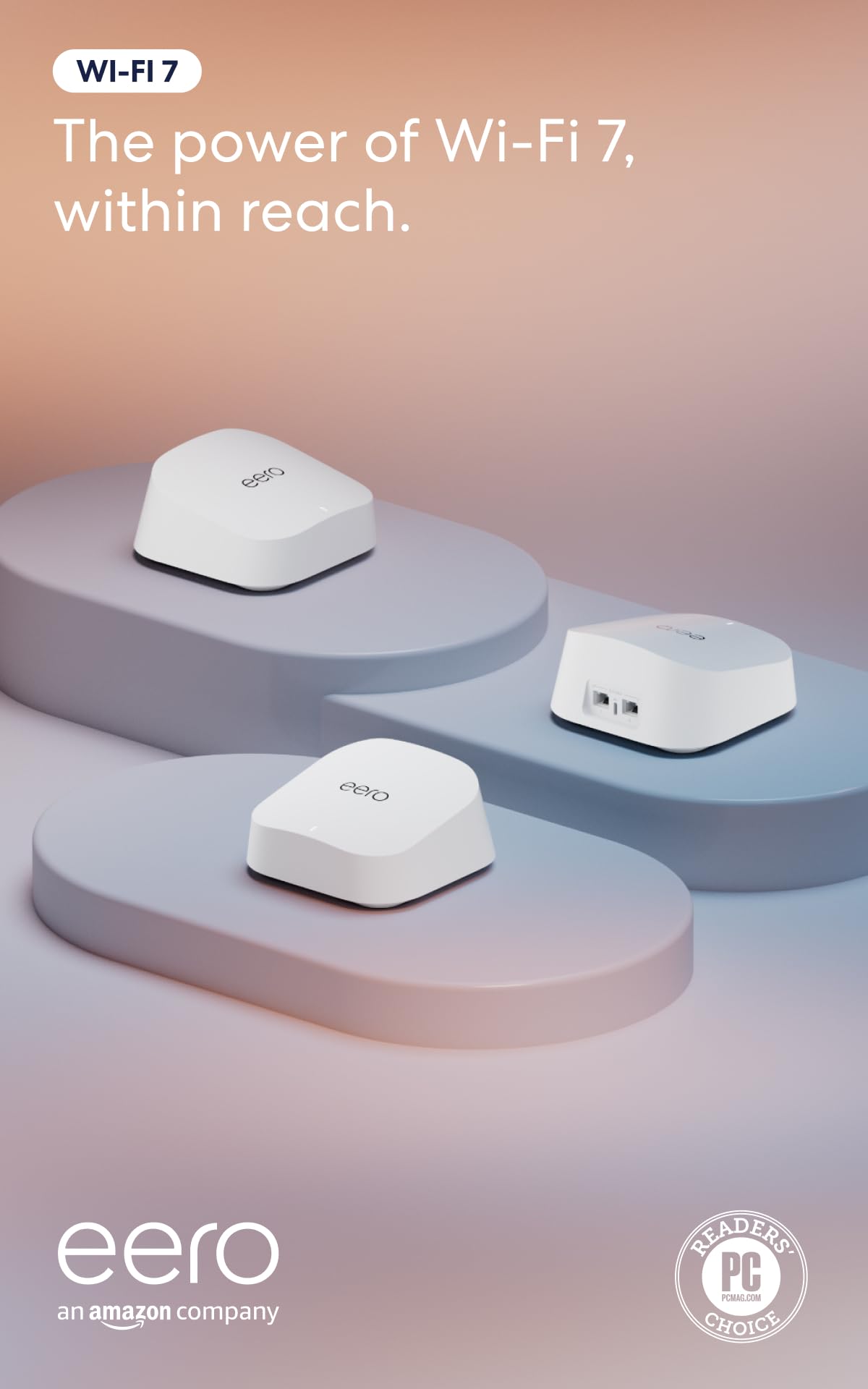
The eero 6 stands apart from the Deco X20 by putting simplicity first. Setup takes minutes through the eero app, and the system manages updates, channel selection, and device prioritization automatically — no manual tweaking required. The app gives you a clear overview of network status and connected devices without burying options in menus.

This system is built for small to medium homes up to 4,500 square feet with internet plans under 500 Mbps. It cannot take advantage of gigabit fiber connections, and advanced security features like parental controls require a monthly subscription. For households that value convenience over raw speed, these boundaries are minor trade-offs rather than dealbreakers.

Coverage is steady in typical homes, with three nodes eliminating dead spots across two to three floors. Streaming 4K video and video calls handle well, and Wi-Fi 6 helps manage traffic from 75+ devices. Some users have noted occasional short disconnections, which can be reduced by thoughtful node placement. The hardware feels solid and the compact design blends into living spaces.

Tip: Place nodes within 30-50 feet of each other and avoid thick walls between them to minimize potential disconnections.

Bottom line: If your priority is a no-fuss WiFi system that operates without constant attention, the eero 6 is a strong fit — as long as your internet plan stays under 500 Mbps.

3

TP-Link Deco X55

TP-Link Deco X55

Large homes

Our Score 8.8/10
Check Price

Worth Noting

  • Connectivity drops may affect some devices intermittently
  • System stability varies; some units may require occasional resets
Bands
Dual‑Band
Coverage
6500 sq ft
Max Speed
3000 Mbps
Port Speeds
3 Gigabit

The Deco X55 stands out with three Gigabit Ethernet ports on each of its three nodes, allowing wired connections for up to nine devices without an extra switch. This is a clear advantage over the Deco X20, which offers two ports per unit. Combined with coverage rated for 6,500 sq ft, the X55 is built for larger homes where wired backhaul or multiple wired devices are common. Performance for streaming, browsing, and video calls is solid, with good signal penetration through walls. However, the system's stability is less consistent than the X20's; some users report intermittent connectivity drops and occasional resets, so uptime expectations should be tempered.

This system suits families living in spaces up to 6,500 sq ft with a high number of connected devices (up to 150), especially those who can wire Ethernet to stationary gaming consoles, TVs, or PCs. Budget-conscious buyers who prioritize wide coverage and wired versatility over perfect stability will find the X55 a cost-effective Wi‑Fi 6 mesh. If uninterrupted connectivity for remote work or gaming is non-negotiable, the X20's better reliability track record makes it the safer choice.

Tip: Connect stationary devices like consoles and TVs via Ethernet to bypass potential wireless drops.

Bottom line: If wired ports and wide coverage matter more than perfect stability, the Deco X55 delivers compelling value for large homes on a budget.

4

NETGEAR Orbi 770

NETGEAR Orbi 770

Very large homes

Our Score 8.4/10
Check Price

Worth Noting

  • Satellite sync can be inconsistent; placing nodes within line of sight helps
  • WiFi drops may occur in busy network environments
Bands
Tri‑Band
Coverage
8000 sq ft
Max Speed
11 Gbps
Port Speeds
2.5 GbE

The NETGEAR Orbi 770 delivers multi-gig speeds across large homes, especially when using wired backhaul between nodes. While the top-pick Deco X20 emphasizes consistent uptime, the Orbi 770 is built for throughput — it handles heavy streaming and gaming without choking on bandwidth.

This system suits homes up to 8,000 sq ft where coverage is the primary need, particularly for households with gigabit-plus internet plans and multiple high-demand devices. However, connection stability can be inconsistent — some units may experience WiFi drops or lose satellite sync, making it less ideal for buyers who prioritize uninterrupted connectivity over headline speed numbers.

Setup via the Orbi app is quick, and the included 2.5 GbE ports support future multi-gig wired devices. The dedicated backhaul radio helps maintain performance, but satellite placement matters — nodes farther from the router may need a wired link to avoid occasional disconnections.

Tip: Using wired backhaul between the router and satellites reduces sync issues and improves overall stability.

Bottom line: A speed-first mesh for very large homes with multi-gig internet, best chosen if you can accept occasional connection hiccups in exchange for raw throughput.

5

eero Pro 7

eero Pro 7

Multi‑gig homes

Our Score 8.8/10
Check Price

Worth Noting

  • Premium price that only makes sense for multi-gig fiber subscribers
  • Occasional connectivity drops in homes with heavy interference
  • Advanced features like parental controls require a monthly subscription
Bands
Tri‑Band
Coverage
6000 sq ft
Max Speed
5 Gbps
Port Speeds
5 GbE

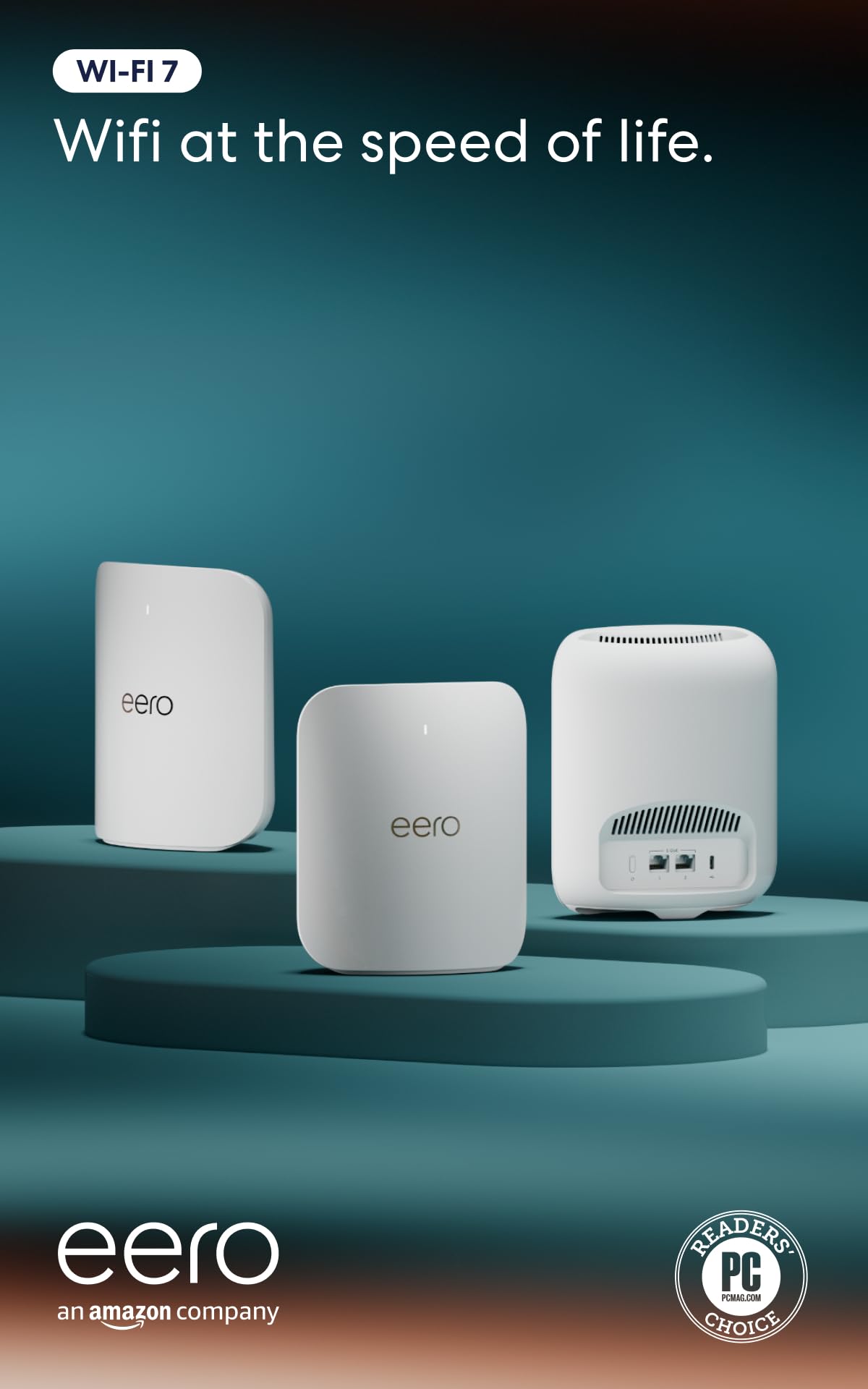
Each eero Pro 7 unit includes two 5 GbE ports, making it one of the few mesh systems that can fully saturate multi-gig fiber connections over wire. The tri-band Wi-Fi 7 design also supports the latest devices with minimal latency, a step ahead of most competitors in raw speed.

This system targets households with internet plans above 1 Gbps, large floor plans, and many simultaneous high-bandwidth devices. The premium price buys performance that typical homes won't use, and some users experience occasional connectivity drops. Advanced security and parental controls require a monthly subscription.

Setup via the eero app is quick, and the three nodes provide consistent coverage across 6000 sq ft. In practice, throughput remains high even at range, but interference from dense walls or neighboring networks can trigger brief disconnections in some setups.

Tip: Place nodes with clear line of sight to minimize disconnections; a wired backhaul via the 5 GbE ports improves stability significantly.

Bottom line: If you have a multi-gig fiber connection and a large home, the eero Pro 7 offers wired throughput no other mesh can match in this guide — but the price and occasional stability issues make it a specialist tool, not a general recommendation.

6

eero 7

eero 7

Budget Wi‑Fi 7

Our Score 8.8/10
Check Price

Worth Noting

  • Some devices may lose connection for a few seconds before reconnecting.
  • Full security features like malware scanning require a monthly subscription.
Bands
Dual‑Band
Coverage
6000 sq ft
Max Speed
2.5 Gbps
Port Speeds
2.5 GbE

eero 7 is the most affordable way to get Wi‑Fi 7 hardware from a well‑known brand, undercutting tri‑band alternatives by a significant margin. Each node includes two 2.5 GbE ports, making it a reasonable match for gigabit‑plus internet plans. The dual‑band design means the nodes share one radio for both client traffic and backhaul, which can reduce overall throughput in larger homes compared to tri‑band systems.

This system fits best in households already using Amazon services — setup is handled through the same Alexa‑friendly app, and the mesh management is straightforward. Homes with internet plans up to 2 Gbps will see solid speed gains over older routers. However, the dual‑band limitation becomes noticeable if you have many devices or need consistent high speed across three or more nodes. Advanced security features like malware blocking require an eero Plus subscription, and some users have reported occasional device dropouts.

Tip: For larger homes or high‑demand networks, wiring the nodes together via Ethernet backhaul can bypass the shared radio bottleneck.

Bottom line: If you want Wi‑Fi 7 without paying a premium and your home fits within dual‑band coverage limits, eero 7 delivers the core upgrade at a fair price.

7

TP-Link Deco S4

TP-Link Deco S4

Large homes budget

Our Score 9.0/10
Check Price

Worth Noting

  • Occasional connectivity drops may occur during heavy usage periods.
  • Maximum speed of AC1900 is insufficient for gigabit internet plans.
Bands
Dual‑Band
Coverage
5500 sq ft
Max Speed
1900 Mbps
Port Speeds

The TP-Link Deco S4 offers consistent Wi-Fi 5 performance across large homes at a price that's hard to beat. Its dual-band setup covers up to 5500 sq ft and handles typical streaming and browsing without issue. However, top speeds cap at AC1900, so gigabit internet subscribers will find it limiting – better suited for plans under 500 Mbps. Some users have noted occasional connectivity drops, though overall stability is strong for the price.

Bottom line: Ideal for budget-minded shoppers with internet speeds under 500 Mbps who need broad coverage and simple setup over future-proof hardware.

8

NETGEAR Orbi 370

NETGEAR Orbi 370

Budget Wi‑Fi 7

Our Score 8.4/10
Check Price

Worth Noting

  • System may stop working unexpectedly without clear cause
  • Wireless devices may lose connection periodically
Bands
Dual‑Band
Coverage
6000 sq ft
Max Speed
5 Gbps
Port Speeds
2.5 GbE

The Orbi 370 delivers Wi-Fi 7 speeds at a price that undercuts every other mesh system with 2.5 GbE ports. Setup is fast and wired performance is strong. However, stability can be inconsistent: the system may stop working without warning, and some devices may drop connections periodically. This makes it a better fit for early adopters who want to experiment with Wi-Fi 7 on a budget, rather than for households that need reliable all-day connectivity.

Bottom line: Best suited for budget-conscious early adopters who accept occasional instability in exchange for the lowest Wi-Fi 7 entry point.

9

Google Nest WiFi Pro

Google Nest WiFi Pro

Google ecosystem

Our Score 8.0/10
Check Price

Worth Noting

  • In homes with gigabit internet, actual throughput can be noticeably lower than advertised.
  • During video calls or gaming sessions, nodes can temporarily disconnect, causing interruptions.
Bands
Tri‑Band
Coverage
6600 sq ft
Max Speed
1 Gbps
Port Speeds

The Google Nest WiFi Pro integrates effortlessly with Google Home, making setup and smart device management smooth for Google ecosystem users. Its coverage is adequate for compact spaces, but for larger homes or heavy usage, the nodes may drop connections, and throughput falls short of what the premium price suggests. This system is best viewed as a hub for your smart home rather than a high-performance networking workhorse.

Bottom line: A fit for Google loyalists who prioritize seamless smart home control over network stability and peak speed.

How to Choose

Wi‑Fi Generation

Wi‑Fi 6, 6E, and 7 each bring faster potential speeds, but only if your devices support the same generation. The 6 GHz band in 6E and 7 is exclusive to compatible clients; without them you are paying for bandwidth you cannot use.

Coverage Area

Manufacturers quote coverage based on ideal open-floor conditions. Real-world homes with walls, floors, and interference cut that range by 30‑50%. A system rated for 6,000 sq ft may struggle in a 2,500 sq ft house with concrete walls.

Number of Bands

Dual-band systems share one 2.4 GHz and one 5 GHz channel for both client traffic and backhaul between nodes. Tri-band adds a dedicated 5 or 6 GHz band for backhaul, reducing congestion and drops. In dense neighborhoods, tri-band often makes the difference between a stable and a choppy connection.

Max Speed

Peak speeds are theoretical and rarely reached in practice. A system rated 5.4 Gbps may deliver only 600–800 Mbps over Wi‑Fi in a typical home. Focus on throughput that matches your internet plan — paying for 11 Gbps is wasted if your ISP tops out at 500 Mbps.

Port Speeds

Gigabit Ethernet ports are standard, but multi-gig ports (2.5 GbE or 5 GbE) matter if you have a fiber plan above 1 Gbps. Without them, your wired backhaul or direct connections become a bottleneck. For most homes with sub‑gigabit internet, Gigabit ports are sufficient.

Connected Devices

Mesh systems advertise support for 100+ devices, but real performance depends on how many actively stream or game. Each active device consumes bandwidth and processor time. If your home has many smart bulbs, the network can handle them, but simultaneous video calls and gaming may require a tri-band system.

Frequently Asked Questions