Networking & Wi-Fi

13 Best WiFi Router of 2026: Whole-Home Mesh for Under $150

Which WiFi router delivers reliable whole-home coverage without breaking the bank? This guide cuts through the hype to find the best value for your home internet speed and layout.

Many WiFi routers promise blazing speeds but fall short when it comes to eliminating dead zones or avoiding subscription traps. The real challenge is matching the hardware to your actual internet plan and home layout, not chasing the latest spec.

The core decision isn't between Wi-Fi 6 and 7 for most households — it's between a mesh system that covers every corner and a standalone router that offers higher raw throughput. This guide focuses on which approach works for your space, device count, and budget, so you get consistent connection without paying for features you won't use.

We've narrowed the field to models that deliver reliable coverage and straightforward management, because a router that requires constant troubleshooting isn't worth its price tag.

1

eero 6 Mesh 3-pack

Top Pick
eero 6 Mesh 3-pack

Moderate speeds, mesh

Our Score 9.0/10
Check Price

Worth Noting

  • Advanced security and parental controls require a monthly subscription after the trial.
  • Speeds cap at 500 Mbps; gigabit subscribers will see no benefit from faster plans.
  • Some users experience occasional device disconnections, especially with extenders.
Coverage
4,500 sq ft
Wi-Fi Gen
Wi-Fi 6
Mesh Support
Yes
Bands & Speed
Dual-band, AX1800

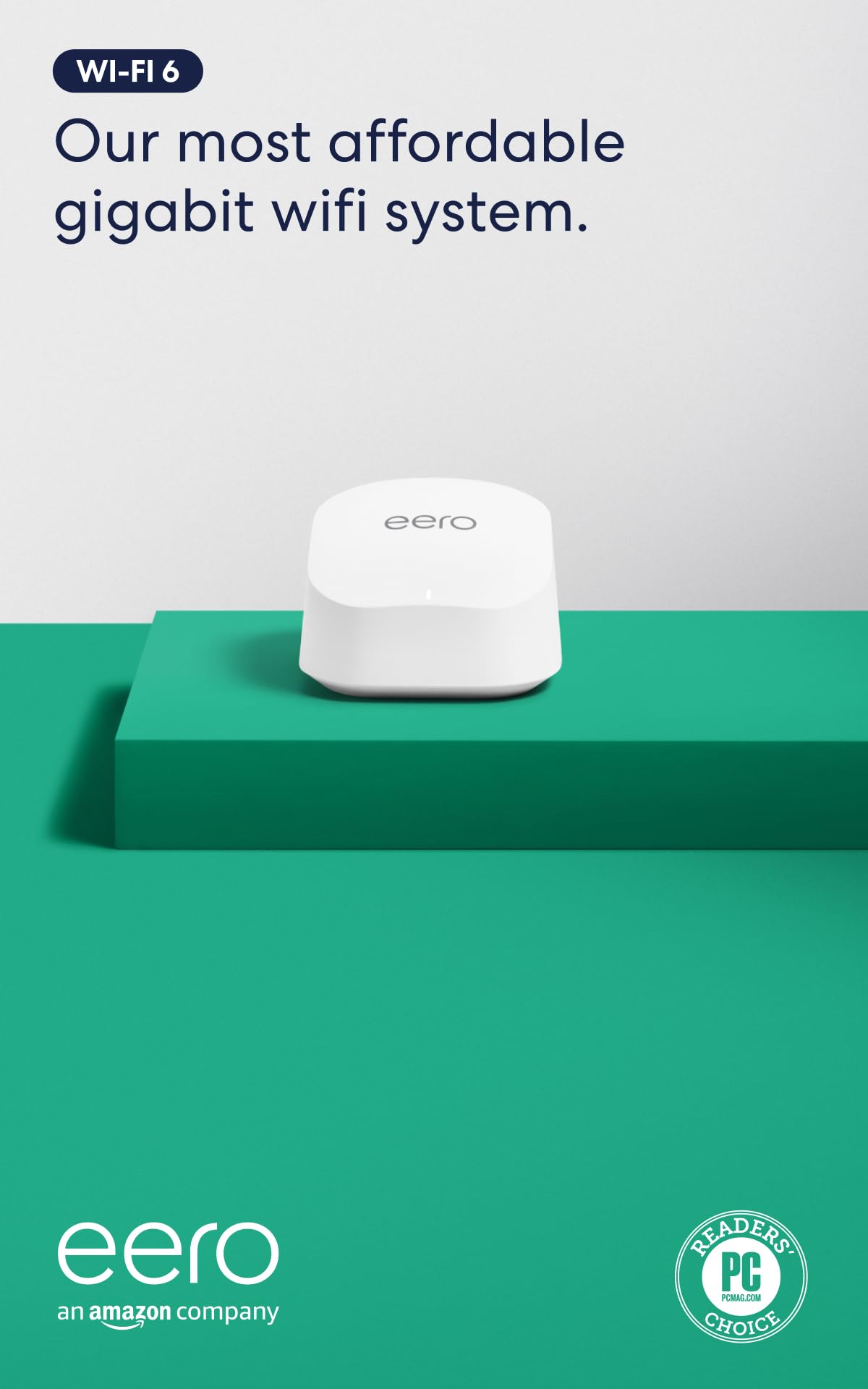
The eero 6 Mesh 3-pack delivers steady whole-home coverage through three nodes that plug into any power outlet. Setup follows the app’s step-by-step prompts, moving from scanning a QR code to placing nodes in minutes. For homes with internet plans up to 500 Mbps, this dual-band Wi-Fi 6 system handles streaming, video calls, and gaming sessions across 75+ devices without noticeable slow-downs.

In practice, the mesh eliminates dead zones that plague single-router setups in multistory or sprawling floor plans. Customers consistently report that previously problematic corners of the house now hold a stable connection. The trade-off appears when internet speeds approach the 500 Mbps cap: users on gigabit plans won’t see full throughput, and occasional device disconnections have been noted, though these are not constant for most.

This system fits households that prioritize coverage over raw speed and prefer a hands-off approach to networking. It especially suits those already using Amazon devices, as the app integrates with Alexa for voice control and basic network management. The subscription requirement for advanced security, parental controls, and network monitoring is worth noting – the core mesh function works without it, but family-friendly features require an ongoing fee.

Priced in the mid-range for a three-pack, the eero 6 offers strong value compared to buying separate routers and extenders. The per-node Ethernet ports (one WAN, one LAN) let users wire in game consoles or PCs where stable throughput matters. Wi-Fi 6 brings modest efficiency gains over older standards, especially in homes with many connected gadgets.

Tip: If you don't need network monitoring or per-device restrictions, you can skip the subscription – the basic mesh still works.

Bottom line: If your internet plan stays under 500 Mbps and you need dead-zone-free coverage without fuss, this three-pack delivers. The subscription paywall for advanced features is a catch, but the core mesh experience is complete without it.

2

TP-Link Archer AX21

TP-Link Archer AX21

Budget, small home

Our Score 8.8/10
Check Price

Worth Noting

  • Advanced security and parental controls require a HomeShield subscription after the trial
  • Coverage may weaken beyond 1,500 sq ft or multi‑story homes
Coverage
Wi-Fi Gen
Wi-Fi 6
Mesh Support
EasyMesh
Bands & Speed
Dual-band, AX1800

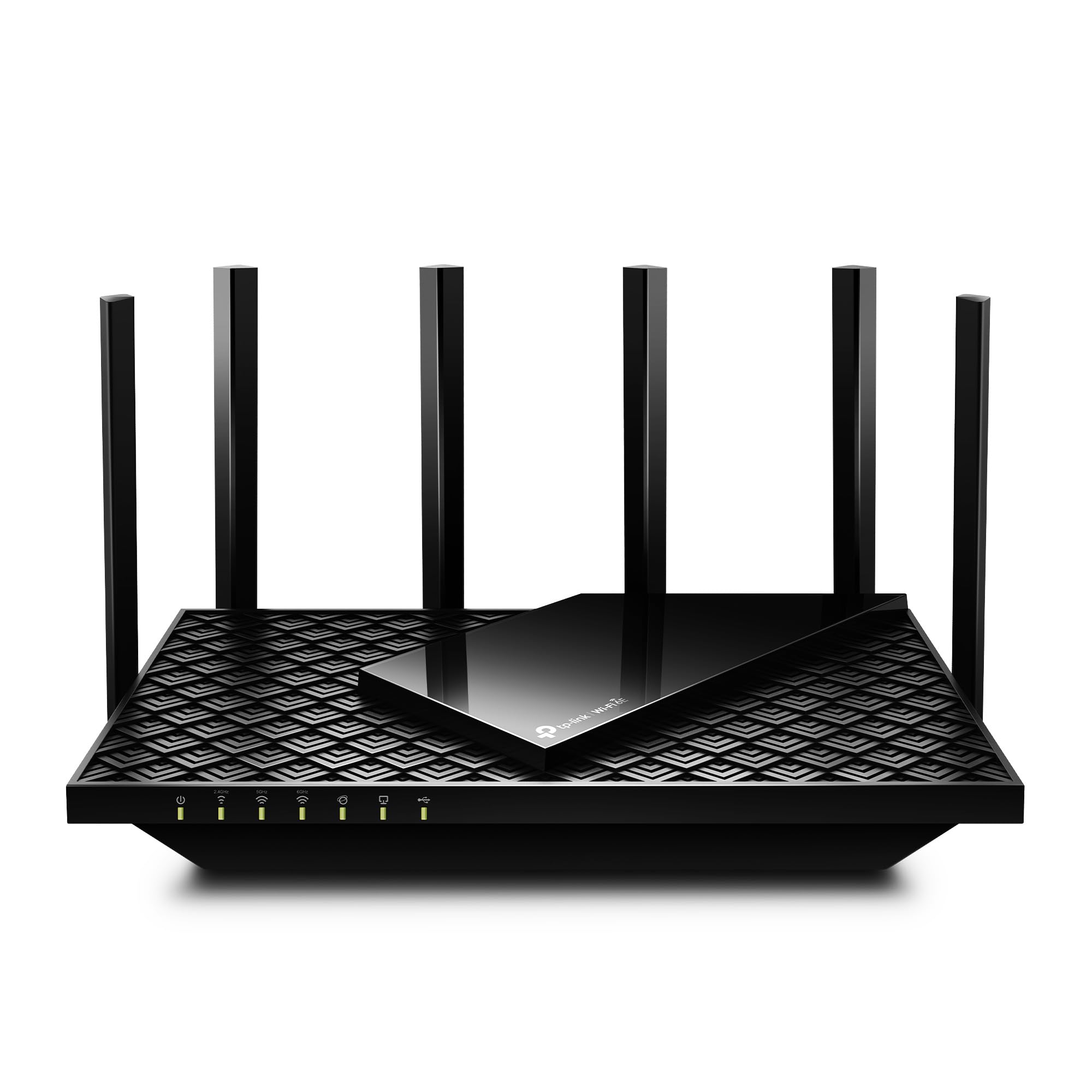
The AX21 brings Wi‑Fi 6 to a price point that forces a second look at more expensive alternatives. Speeds up to 1.8 Gbps on dual-band are enough for 4K streaming, video calls, and casual gaming, and the four Gigabit LAN ports let you wire consoles or PCs without a switch. It’s a single-node design – no mesh, no pretend multi‑gig – but the trade‑off is clear: you get the next‑gen standard for roughly the cost of a decent Wi‑Fi 5 router.

This router fits apartments, small houses, or single‑floor spaces where the router sits centrally. If your home spans two floors or exceeds 1,500 sq ft, dead spots may appear – a mesh system like the top pick would be a better fit. The Tether app makes initial setup a few‑minute task, and basic security is included with the free HomeShield tier. Advanced features like antivirus, parental controls, and usage insights require a paid subscription, something to consider if those are priorities.

Owners consistently report stable connections for everyday use – streaming, browsing, and remote work – without the connection drops that plague some budget routers. The beamforming and four antennas provide reasonable range for its class, though heavy concurrent usage (multiple 4K streams + gaming) can push the dual-band design. For the target buyer – a family with typical broadband and a modest space – it handles the load without fuss.

Tip: The free HomeShield plan covers basic intrusion detection; evaluate whether the paid tier’s parental controls are worth the monthly cost before you rely on them.

Bottom line: If your home fits within a single floor and you want Wi‑Fi 6 without overspending, the Archer AX21 is the logical choice. It leaves room to add a mesh node later if needs grow.

3

TP-Link Archer AXE75

TP-Link Archer AXE75

Gaming, 6 GHz

Our Score 8.6/10
Check Price

Worth Noting

  • In larger homes, signal strength can be inconsistent at longer distances.
  • Connection stability may vary between units, with occasional disconnections possible.
Coverage
Wi-Fi Gen
Wi-Fi 6E
Mesh Support
OneMesh
Bands & Speed
Tri-band, AXE5400

The Archer AXE75 delivers tri-band Wi-Fi 6E with a dedicated 6 GHz band at a price that undercuts most competitors. This makes it a strong candidate for reducing latency in gaming and streaming, provided your devices support the new band. Setup is quick via the TP-Link Tether app, and the dual-core CPU handles simultaneous traffic well.

This router suits gamers and streamers who want to experiment with 6 GHz without spending a premium. It also works for tech-savvy users who value advanced features like VPN server and HomeShield security. However, because quality control can vary, those needing rock-solid reliability right out of the box may want to consider a more consistent option – the eero 6 mesh or the standalone AX21, for example.

TP-Link’s OneMesh compatibility allows adding extenders to expand coverage without rebuying the ecosystem. The included 2.5 Gbps WAN port future-proofs the connection for faster internet plans, though the LAN ports remain at Gigabit speed – adequate for most wired devices.

Tip: If you experience intermittent disconnections, try a different power outlet or ensure firmware is updated – in some cases, swapping units under warranty resolves the issue.

Bottom line: For gamers on a budget who want 6 GHz performance, the Archer AXE75 delivers where it counts – just be prepared for possible unit-to-unit variance.

4

TP-Link Archer AX80

TP-Link Archer AX80

High speed standalone

Our Score 9.0/10
Check Price

Worth Noting

  • Full security features require a paid HomeShield subscription after trial
  • Some units may experience occasional connectivity drops under load
Coverage
Wi-Fi Gen
Wi-Fi 6
Mesh Support
OneMesh
Bands & Speed
Dual-band, AX6000

Where the top pick in this category leans on mesh to cover dead zones, the Archer AX80 takes a different approach: a single high-output router that delivers fast Wi-Fi 6 throughput and excellent signal penetration. The 2.5 Gbps WAN/LAN port supports multi-gig internet plans, while beamforming and eight antennas extend coverage across most medium to large homes without needing additional nodes. Speed consistency holds up well under heavy streaming and gaming loads, making this a straightforward alternative to mesh systems for homes with a central router location.

This router is best suited for buyers who prefer a single powerful unit over a multi-node setup and have a placement spot near the center of their home. Large or irregularly shaped floor plans may still encounter dead zones, and adding a separate extender would be necessary. The HomeShield security suite offers useful parental controls and malware protection, but the full feature set requires a subscription after a free trial. For those who want plug-and-play mesh convenience, the top pick remains a better fit.

Setup is handled through the TP-Link Tether app in a few minutes, and day-to-day operation stays stable for most users. The dual-band design handles typical households with 30-40 connected devices without noticeable slowdowns. For homes on gigabit or slower internet, the AX80 fully saturates the connection with headroom to spare.

Tip: The free tier of HomeShield covers basic parental controls and antivirus; decide if the paid subscription matters before buying.

Bottom line: For anyone with a central router location and no need for mesh, the Archer AX80 offers high Wi-Fi 6 speeds and strong range at a reasonable price. Just be prepared to add an extender if your home has difficult corners.

5

TP-Link Archer BE400

TP-Link Archer BE400

Mid-range Wi-Fi 7

Our Score 8.8/10
Check Price

Worth Noting

  • Dual-band only; no 6 GHz band for those who want tri-band performance.
  • Occasional disconnects can interrupt stable web use in some homes.
Coverage
2,400 sq ft
Wi-Fi Gen
Wi-Fi 7
Mesh Support
OneMesh
Bands & Speed
Dual-band, BE6500

The TP-Link BE6500 (Archer BE400) puts wired multi-gig performance front and center: two 2.5 GbE ports and a USB 3.0 port give it a clear edge over entry-level Wi-Fi 7 alternatives that skimp on wired options. Speed and coverage are strong for a dual-band router, with Wi-Fi 7 handling 90 devices across 2,400 sq. ft. without breaking a sweat. Setup is straightforward through the Tether app, and the HomeShield suite offers basic security without a subscription – though advanced features require a paid tier.

This router suits mid-sized homes with gigabit-or-faster internet plans that want to future-proof without overspending. The dual-band design means no 6 GHz band, so users who need tri-band for congested neighborhoods or VR gaming should look elsewhere. Connectivity can be inconsistent: occasional drops have been noted, which will annoy households that rely on stable video calls or streaming. For budget-conscious upgraders who prioritize wired throughput and coverage over absolute wireless bandwidth, this is a sensible step into Wi-Fi 7.

Tip: Keeping the router elevated and away from metal objects may reduce the chance of drops – a firmware update can also help stability.

Bottom line: A cost-effective Wi-Fi 7 router for homes that value wired multi-gig ports and broad coverage, but not for buyers who need tri-band or rock-solid uptime.

6

GL.iNet Flint 3

GL.iNet Flint 3

VPN, power users

Our Score 8.8/10
Check Price

Worth Noting

  • In homes with thick walls or large layouts, WiFi signal may show weak spots
  • Partial OpenWRT compatibility due to the Qualcomm chipset can cause occasional software bugs.
Coverage
2,000 sq ft
Wi-Fi Gen
Wi-Fi 7
Mesh Support
No
Bands & Speed
Tri-band, BE9300

The Flint 3 stands apart from typical home routers by offering WireGuard and OpenVPN throughput reaching 680 Mbps, a feat achieved by few consumer-class devices. Its five 2.5 Gigabit Ethernet ports provide wired headroom for multi-gig fiber connections, while the OpenWRT-based operating system grants deep customization via AdGuard, VPN profiles, and traffic shaping.

This router is built for the owner who prioritizes server-grade VPN performance and granular control over convenience. The tradeoff: it is not fully OpenWRT-compatible due to the Qualcomm chipset, which can introduce occasional bugs, and WiFi signal consistency may vary in some setups. Those seeking a set-and-forget solution for whole-home coverage should look elsewhere; the Flint 3 rewards the patient tinkerer.

Tip: Stick to GL.iNet's stock firmware unless you are comfortable troubleshooting — third-party OpenWRT builds may introduce additional quirks.

Bottom line: This router excels when VPN speed and configurability are the priority, but its quirks make it a poor fit for buyers seeking a fuss-free home network.

7

eero 6+

eero 6+

Smart home hub

Our Score 8.8/10
Check Price

Worth Noting

  • Random disconnections may require periodic reboots in some setups
  • Advanced security features like parental controls require an ongoing subscription
Coverage
1,500 sq ft
Wi-Fi Gen
Wi-Fi 6
Mesh Support
Yes
Bands & Speed
Dual-band, AX1800

The eero 6+ delivers Wi-Fi 6 and a built-in Zigbee/Thread smart home hub in one unit, simplifying both network and device connectivity. Setup takes minutes through the app, and the signal holds up well across homes up to 1,500 sq ft. As a standalone node, it can't match the whole-home coverage of a mesh system like the eero 6 3-pack, and some users have reported the need for occasional reboots when connections drop. Advanced security features also require a subscription, adding cost for full functionality.

Bottom line: Best for homes under 1,500 sq ft that want a single-router solution with smart hub integration, provided you're comfortable with the possibility of occasional resets and paywalled security.

8

eero 7

eero 7

Entry Wi-Fi 7 mesh

Our Score 9.0/10
Check Price

Worth Noting

  • Advanced security and parental controls require a subscription
  • Single 2.5GbE port can limit wired backhaul options in multi-node setups
Coverage
2,000 sq ft
Wi-Fi Gen
Wi-Fi 7
Mesh Support
Yes
Bands & Speed
Dual-band, 1.8 Gbps

The eero 7 offers a low-cost gateway to Wi-Fi 7 with the brand's hallmark ease of setup and reliable whole-home coverage. For homes with gigabit internet, it handles streaming and browsing without fuss. The catch is dual-band design — no dedicated 6 GHz band for backhaul — so performance drops when nodes communicate wirelessly. Advanced security and parental controls sit behind a subscription, and the single 2.5GbE port can bottleneck wired backhaul in larger mesh setups. Compared to eero's tri-band Pro 7, this model trades top-tier speed for a lower entry price, making it a fit for buyers who value simplicity and future-proofing over peak throughput.

Tip: If expanding to multiple nodes, use the 2.5GbE port for the modem and rely on wireless backhaul unless you add a switch.

Bottom line: Best for buyers who want eero's proven mesh simplicity and are ready to adopt Wi-Fi 7 without needing tri-band performance or advanced features out of the box.

9

eero Pro 6E

eero Pro 6E

Premium 6E mesh

Our Score 8.6/10
Check Price

Worth Noting

  • As a standalone unit, the price per square foot of coverage is high compared to multi-pack options.
  • Connection stability can vary in homes with dense walls or heavy interference.
Coverage
2,000 sq ft
Wi-Fi Gen
Wi-Fi 6E
Mesh Support
Yes
Bands & Speed
Tri-band, AXE5400

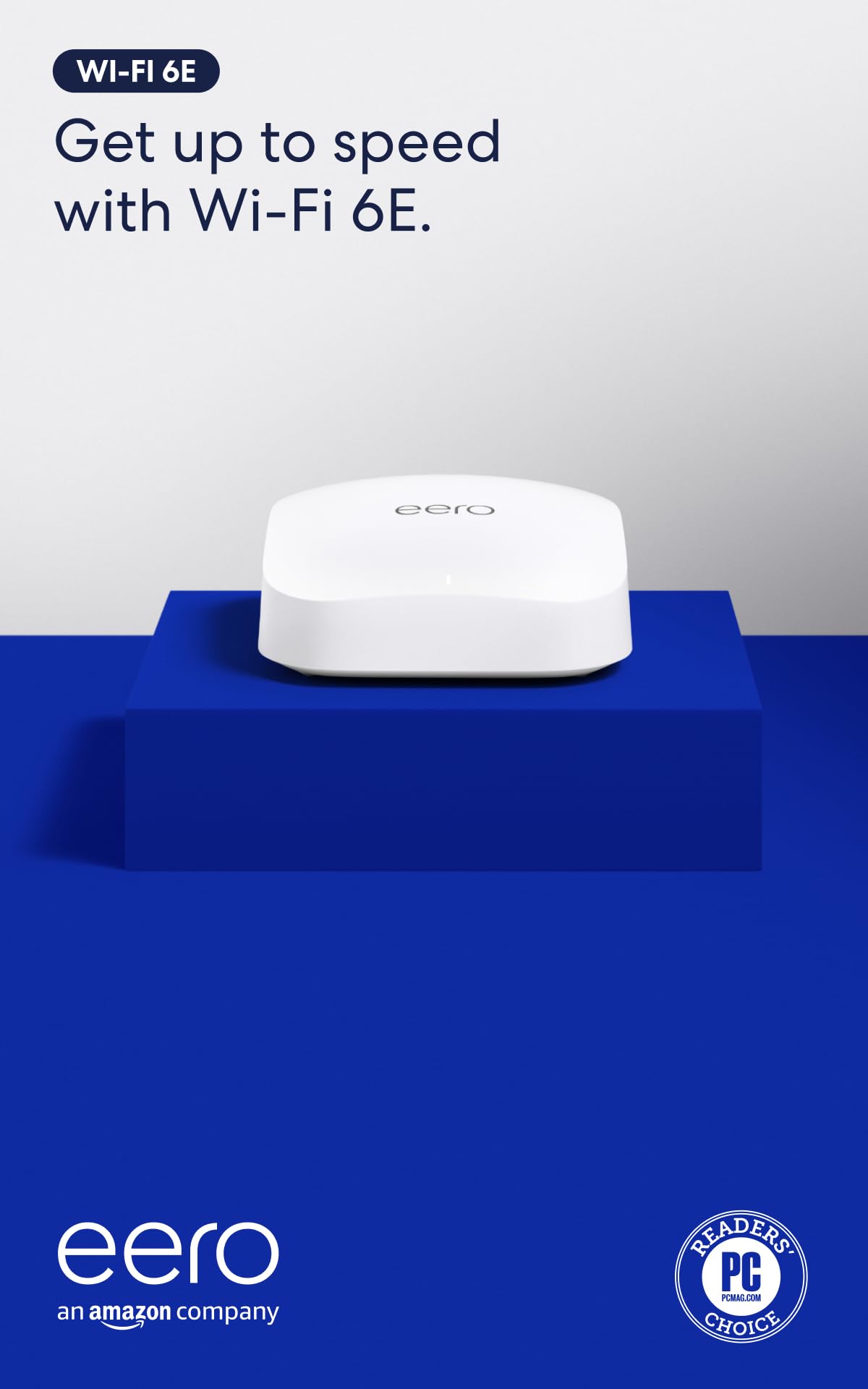
The eero Pro 6E brings tri-band 6E support with a 2.5 GbE WAN port, handling multi-gig internet plans and high device counts. Its 2,000 sq ft coverage per node is solid, and the app setup is quick. However, as a single unit the cost is steep; the real value comes in a multi-pack. The eero 6 3-pack offers better coverage per dollar for most homes. Connection stability can vary in some environments, making this best for users who need the 6 GHz band and are already committed to the eero ecosystem.

Bottom line: Best suited for users already in the eero ecosystem with multi-gig internet who plan to expand with additional nodes, not as a standalone replacement for a budget router.

10

TP-Link Archer BE230

TP-Link Archer BE230

Budget Wi-Fi 7

Our Score 8.8/10
Check Price

Worth Noting

  • Lacks the 6 GHz band, so you won't get the full speed potential of Wi-Fi 7.
  • Connectivity stability can vary
Coverage
2,000 sq ft
Wi-Fi Gen
Wi-Fi 7
Mesh Support
EasyMesh
Bands & Speed
Dual-band, BE3600

For budget-conscious buyers eager to try Wi-Fi 7, the Archer BE230 offers the lowest entry price. It delivers solid speeds on 2.4 and 5 GHz bands, and setup is simple. However, it lacks the 6 GHz band that unlocks the full potential of Wi-Fi 7, and some units may drop connections intermittently. The dual 2.5G Ethernet ports are a plus, but the connectivity trade-off means this is best suited for users who are comfortable with some variability and don't need the highest reliability. If you want the full Wi-Fi 7 experience with fewer compromises, consider spending a bit more on a dual-band model with better stability, like the best-value Wi-Fi 7 option in this guide.

Bottom line: This router fits if you're on a tight budget and curious about Wi-Fi 7, but only if you're okay with the possibility of occasional drops and missing the 6 GHz band.

11

TP-Link Deco BE25

TP-Link Deco BE25

Budget Wi-Fi 7 mesh

Our Score 8.6/10
Check Price

Worth Noting

  • Some units may disconnect or reboot unexpectedly.
  • Mesh mode connectivity can be unstable with occasional drops.
Coverage
2,600 sq ft
Wi-Fi Gen
Wi-Fi 7
Mesh Support
Yes
Bands & Speed
Dual-band, BE5000

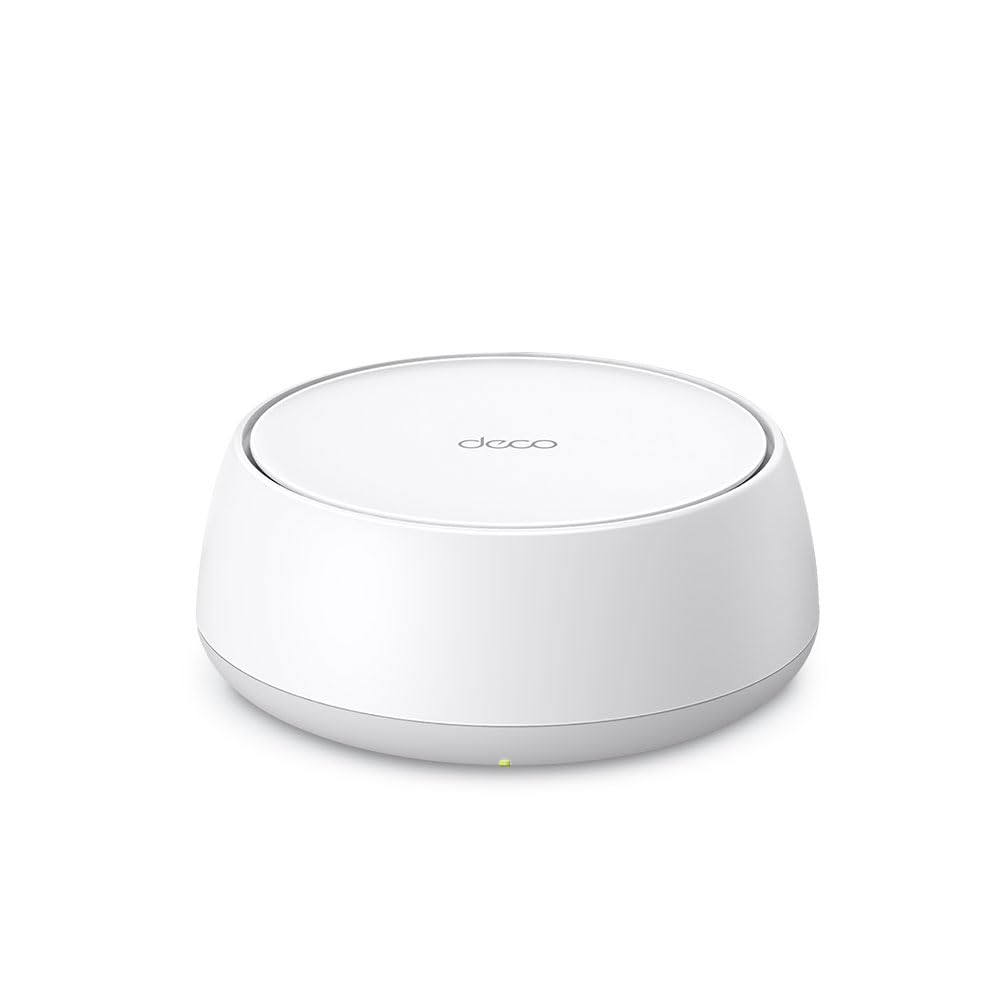
The TP-Link Deco BE25 offers an affordable entry into Wi-Fi 7 mesh, with coverage suitable for small to medium homes and dual 2.5GbE ports that support wired backhaul. Setup is straightforward, and signal strength satisfies typical streaming and browsing needs. However, reliability and connectivity have been noted as inconsistent: some units may disconnect or reboot unexpectedly, and mesh mode can experience intermittent drops. For buyers who prioritize rock-solid stability, this tradeoff makes it a gamble. But for those willing to accept occasional adjustments in exchange for budget-friendly Wi-Fi 7, it remains a viable option.

Bottom line: Best suited for budget-conscious buyers in small homes who want early access to Wi-Fi 7 and are comfortable with possible connectivity quirks.

12

Netgear Nighthawk RS200

Netgear Nighthawk RS200

Fast standalone

Our Score 8.8/10
Check Price

Worth Noting

  • Dual-band only; lacks the 6 GHz band found on tri-band routers at similar pricing
  • Occasional connectivity drops can occur in some home environments
Coverage
2,500 sq ft
Wi-Fi Gen
Wi-Fi 7
Mesh Support
No
Bands & Speed
Dual-band, BE6500

The NETGEAR Nighthawk RS200 delivers strong Wi-Fi 7 speed and covers up to 2,500 sq ft with a 2.5 Gbps WAN port, making it a capable standalone router for households with high-bandwidth needs. The tradeoff is its dual-band design — no dedicated 6 GHz band — and a price that lands near tri-band routers with broader spectrum. Some units may exhibit occasional connectivity drops, which is worth checking in your environment. This setup suits gamers and streamers who prioritize raw speed over mesh coverage and don't need the extra band, but for similar money, tri-band options offer more future-proofing.

Bottom line: Best for buyers who want a fast standalone Wi-Fi 7 router without mesh needs, but consider tri-band alternatives if 6 GHz or multi-gig LAN ports are a priority.

13

TP-Link Deco XE75

TP-Link Deco XE75

Tri-band 6E mesh

Our Score 8.8/10
Check Price

Worth Noting

  • Occasional disconnections may interrupt video calls or online gaming
  • Gigabit-only Ethernet ports limit wired backhaul and future multi-gig plans
Coverage
2,900 sq ft
Wi-Fi Gen
Wi-Fi 6E
Mesh Support
Yes
Bands & Speed
Tri-band, AXE5400

The Deco XE75 undercuts most 6E mesh nodes on price, making tri-band coverage accessible for medium-sized homes. Setup is straightforward, and the dedicated 6 GHz band helps minimize congestion. However, the system can drop connections during high-demand sessions, and the three Gigabit Ethernet ports prevent wired backhaul from exceeding 1 Gbps. These tradeoffs matter most if you run video calls or online gaming where uptime matters, but for general streaming and browsing on a sub-gigabit plan, it handles the basics well.

Tip: Use wired backhaul between nodes to reduce the chance of wireless drops in busy households.

Bottom line: This node is a fit for budget-focused buyers who want 6E mesh and can accept occasional hiccups for the price savings.

How to Choose

Wi-Fi Generation

Wi-Fi 6 handles gigabit plans for most homes, while Wi-Fi 6E adds a 6 GHz band for less interference but requires compatible devices. Wi-Fi 7 is the newest but its full speed potential demands a multi-gig internet plan and 6 GHz hardware.

For typical streaming, browsing, and video calls, Wi-Fi 6 is sufficient. Upgrade only if you run a high-speed server, game competitively, or have many smart devices competing for bandwidth.

Coverage Area

A single router can cover 1,500–2,500 sq ft if placed centrally. Beyond that, mesh systems use multiple nodes to eliminate dead zones, but each node needs a wired or strong wireless backhaul to avoid speed loss.

In open floor plans, a single high-gain router may work well. In multi-story homes or those with thick walls, mesh becomes necessary to maintain signal strength in far corners.

Bands & Speed

Dual-band routers (2.4 and 5 GHz) are standard. Tri-band adds a second 5 GHz or a 6 GHz band, giving a dedicated lane for backhaul or high-demand devices. This reduces congestion when many devices are active.

Total throughput (e.g., AX5400) is a theoretical maximum split across bands. Real-world speeds are lower and depend on client devices. Focus on the number of bands and your specific device support rather than the big number on the box.

Mesh Support

Mesh systems use multiple nodes that talk to each other to create one seamless network. Some standalone routers support EasyMesh or OneMesh, allowing you to add a compatible node later without replacing the main router.

True mesh systems like eero automatically manage handoff between nodes. If you plan to expand coverage over time, choose a platform that supports wired backhaul for best performance.

Multi-Gig Ports

A 2.5 GbE port lets you connect a multi-gig modem or wired device for faster local transfers. Most home internet is still under 1 Gbps, so this port matters mainly for LAN file transfers or future-proofing.

If you have a gigabit plan, a 2.5 GbE WAN port can slightly improve peak speeds by preventing the router from being the bottleneck. For sub-gigabit plans, it offers no benefit.

Frequently Asked Questions