Tools & DIY

6 Best Vinyl Cutting Machines of 2026: Reliable Cuts, No Subscription

Which vinyl cutters actually stay connected and cut consistently over time without hidden subscription fees eating into your crafting budget.

Anyone who has wrestled with a dropping Bluetooth connection or a cut that goes awry knows the gap between marketing and real-world performance. Not all vinyl cutters deliver consistent results.

This guide focuses on machines that actually balance cutting precision, software stability, and practical usability. Many models promise wide material compatibility, but the hidden cost can be subscription fees for design libraries. The picks here prioritize reliability and value, helping you avoid common pitfalls like connectivity drops and mat wear.

1

Portrait 4

Top Pick
Portrait 4

Budget beginners

Our Score 8.8/10
Check Price

Worth Noting

  • Silhouette Studio's interface can be unintuitive for new users, requiring some time to learn.
  • Some units may produce inconsistent cuts on certain materials or stop mid-project.
Connectivity
Bluetooth
Cutting Width
9 in
Material Support
Vinyl, cardstock, etc.
Software Platform
Silhouette Studio

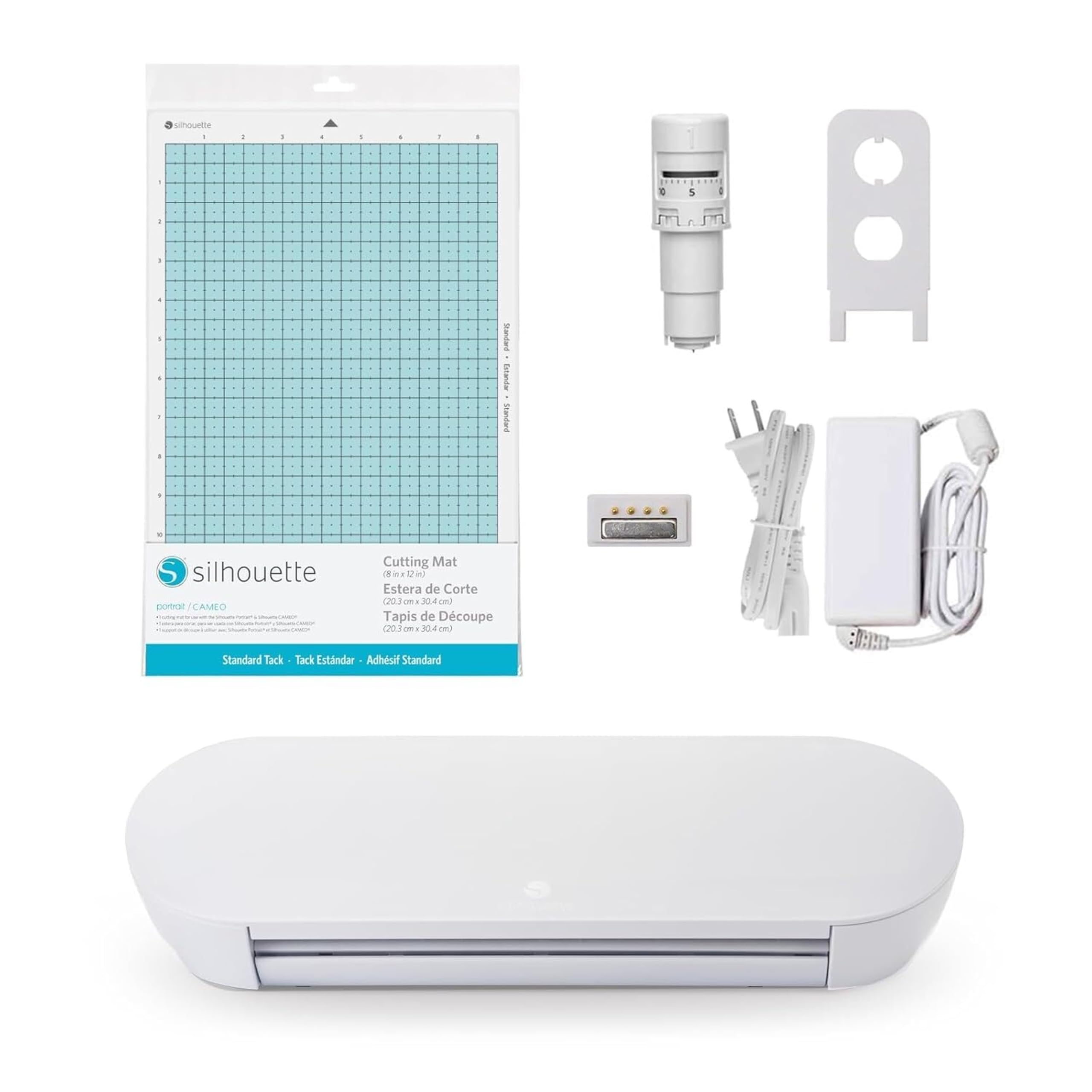
The Portrait 4 cuts vinyl, cardstock, and heat transfer material cleanly up to 9 inches wide, with quiet operation and an auto-blade that handles most craft materials without adjustment. Its IPT cutting head applies consistent pressure across the material, helping maintain cut quality on straight lines and intricate shapes. User feedback highlights solid build quality and straightforward setup - the machine comes ready to cut after a quick software install.

This machine suits beginners and hobbyists working on stickers, labels, and card embellishments. However, some units may produce inconsistent cuts or pause mid-project. Silhouette Studio offers extensive design capabilities, though its interface takes a session or two to learn. For intricate designs or larger decals, a wider-format model is a better fit.

Tip: Run a test cut on scrap material to calibrate blade depth before each project - this minimizes the risk of inconsistent cuts.

Bottom line: For small-project crafters on a budget, this is a cost-effective entry point that performs well despite occasional variability. If cutting consistency is your top priority, a larger Silhouette model is worth the extra cost.
2

Maker 4 Starter

Maker 4 Starter

Serious crafters

Our Score 9.2/10
Check Price

Worth Noting

  • Starter bundle’s value is questionable for the price
  • Larger footprint than many desktop cutters, requiring a permanent workspace
Connectivity
Bluetooth
Cutting Width
12 in
Material Support
Vinyl, wood, fabric
Software Platform
Cricut Design Space

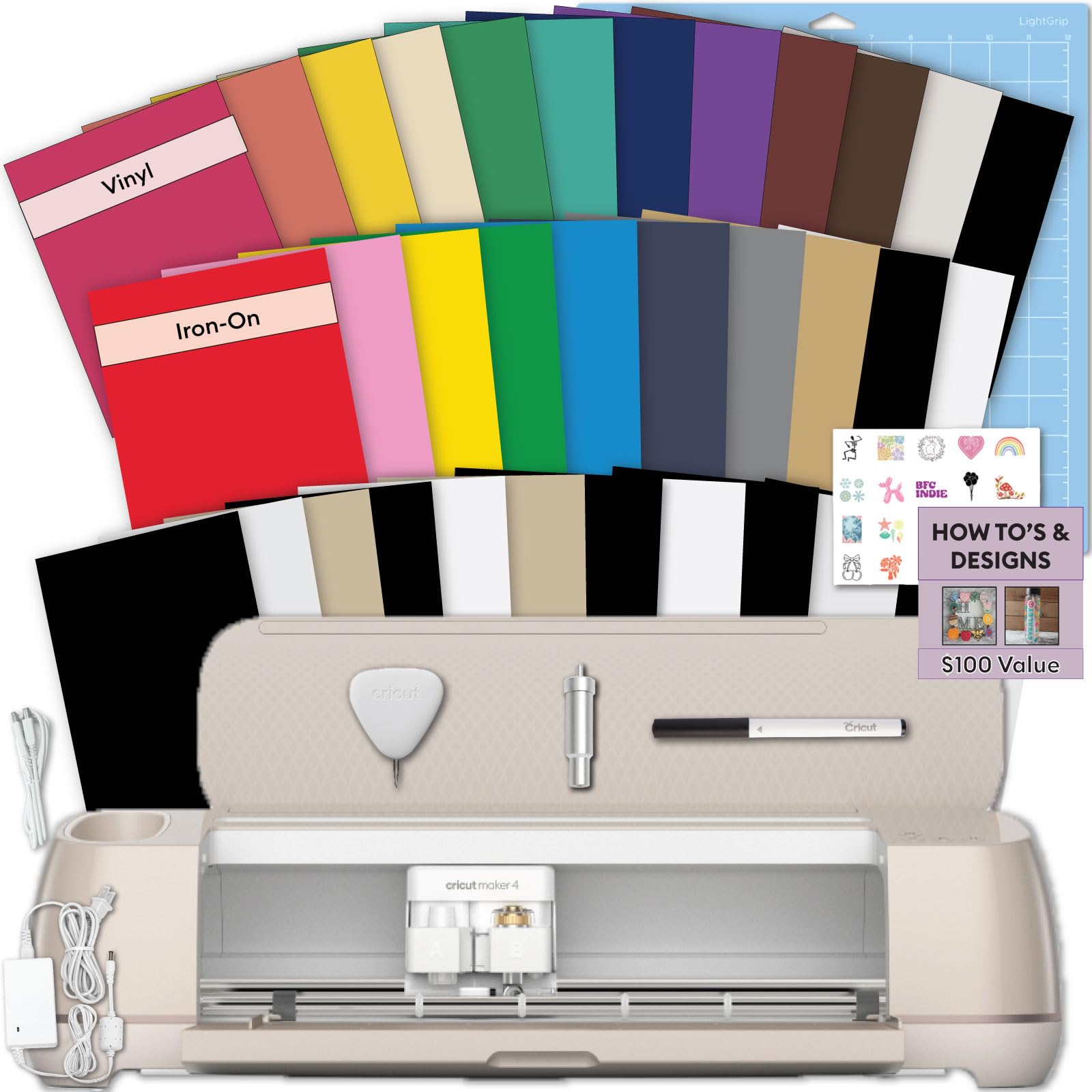
The Maker 4’s cutting performance is its strongest asset, handling thick materials like balsa wood and leather without hesitation. The included starter bundle adds tools and materials, but the overall value is debatable given the mid-range price. The machine itself is larger than compact alternatives, so it demands dedicated bench space. This setup suits crafters who frequently work with heavy materials and already use Cricut Design Space — beginners on a budget should look to slimmer options.

Tip: Measure your workspace before buying — this machine suits a dedicated craft table, not a cramped desk.

Bottom line: If you regularly cut thick materials and have the space, the Maker 4’s cutting performance justifies the investment.

3

Joy Xtra Bundle

Joy Xtra Bundle

Small project beginners

Our Score 9.2/10
Check Price

Worth Noting

  • Motor or Bluetooth connectivity may vary between units.
Connectivity
Bluetooth
Cutting Width
8.5 in
Material Support
Vinyl, cardstock
Software Platform
Cricut Design Space

The Joy Xtra Bundle pairs an easy setup process with smart materials that cut without a mat, making it a low-friction choice for first-time crafters. The included vinyl and tools let you start projects immediately. Some units may experience motor or Bluetooth issues, so early testing is wise. This machine suits those who prioritize portability and simplicity over cutting larger decals.

Tip: Run a test cut on day one to verify motor and Bluetooth performance while the return window is open.

Bottom line: Best for casual crafters who want a grab-and-go cutter for labels, cards, and small decals without the commitment of a larger machine.

4

ScanNCut SDX125E

ScanNCut SDX125E

Standalone scan cut

Our Score 8.6/10
Check Price

Worth Noting

  • Cutting consistency can vary, especially on thicker materials, and adhesive mats lose tack faster than expected
Connectivity
USB only
Cutting Width
12 in
Material Support
Vinyl, fabric, paper
Software Platform
On-device scan & cut

The built-in scanner sets this apart, allowing you to cut original designs without a computer. Cutting consistency can vary between uses, and the mats and blades wear down quickly, adding ongoing costs. This machine fits best when scanning ability is the priority over precision cutting, and you accept regular consumable replacement.

Bottom line: Best for quilters or artists who need to scan and cut unique shapes without a computer, provided they are comfortable with replacing mats and blades more often than with competing machines.

5

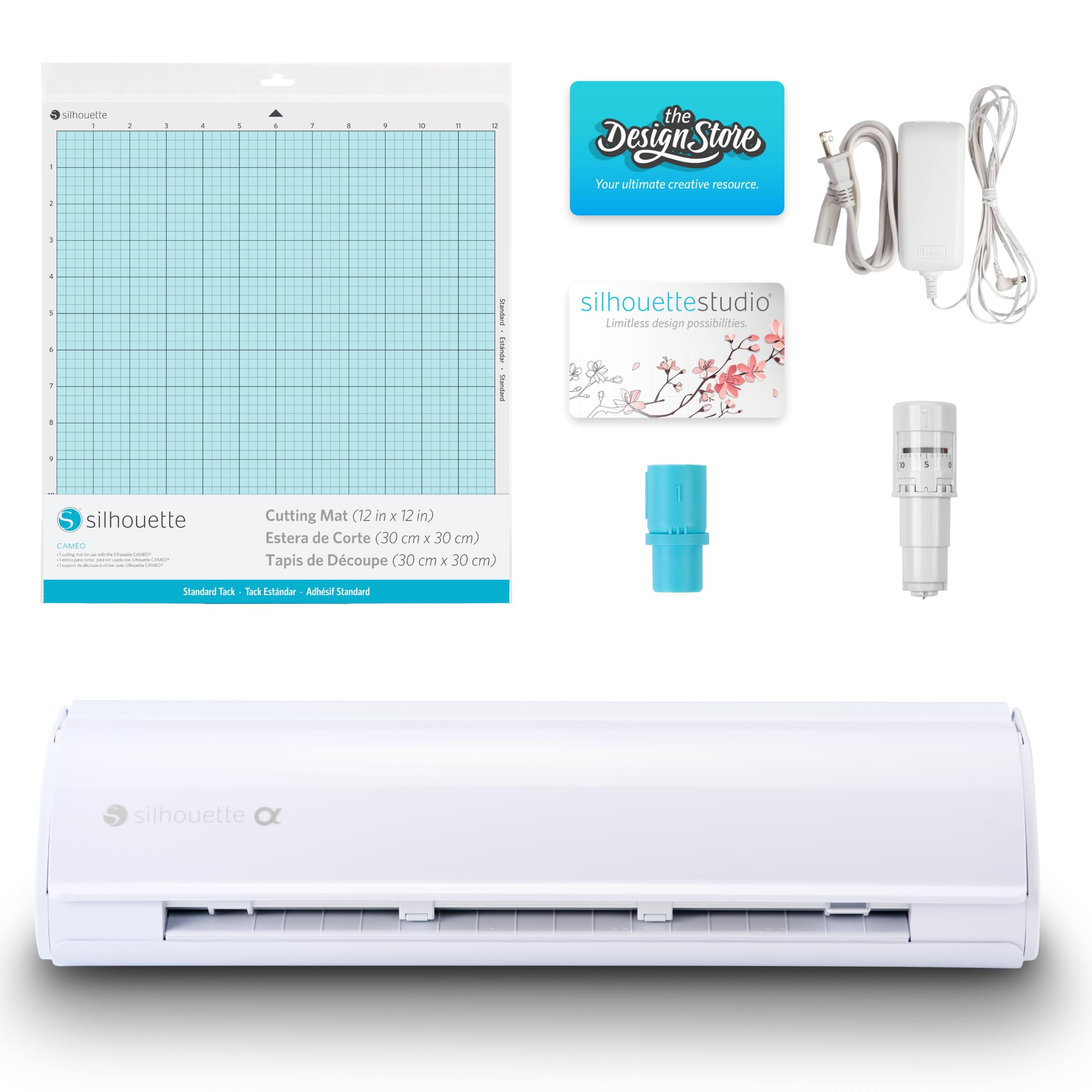
Cameo 5 Alpha

Cameo 5 Alpha

Quiet operation

Our Score 8.8/10
Check Price

Worth Noting

  • Bluetooth disconnections can interrupt projects; a wired USB connection avoids this issue.
Connectivity
Bluetooth
Cutting Width
12 in
Material Support
Vinyl, cardstock
Software Platform
Silhouette Studio

With 400mm/s cutting speed and 4-point registration for precise alignment, the Cameo 5 Alpha delivers fast, quiet cuts. However, Bluetooth disconnections and occasional mid-cut stops can disrupt workflow, making it a better fit for experienced users who can work around these quirks.

Bottom line: Suitable for experienced Silhouette crafters who value speed and quiet operation and can tolerate occasional connectivity hiccups.

6

Siser Juliet

Siser Juliet

Early adopters

Our Score 8.6/10
Check Price

Worth Noting

  • Cutting consistency across various materials can be less predictable than with more established models.
Connectivity
WiFi
Cutting Width
12 in
Material Support
Vinyl (matless)
Software Platform
Leonardo Design Studio

Leonardo Design Studio reduces setup steps with an intuitive workflow, while matless cutting and WiFi connectivity speed up project transfers. Real-world cut accuracy and support responsiveness have limited independent confirmation, making this a choice for early adopters comfortable with some uncertainty.

Bottom line: Best for early adopters who value matless cutting and WiFi and are willing to accept a less documented track record.

How to Choose

Cutting Width

Cutting width dictates the maximum size of your projects. A 9-inch machine handles stickers, cards, and small decals. A 12-inch machine fits standard sheet materials and most T-shirt heat transfers.

Wider 15- or 24-inch models sound appealing, but they take up significant space and require larger mats. The extra width rarely gets used for typical home crafting, and the larger footprint can make storage a problem.

Material Support

Not all machines cut the same materials. Entry-level units handle vinyl and cardstock. Machines with stronger motors and thicker blade clearance can cut leather, balsa wood, or craft foam up to 3mm thick.

Check blade type and force ratings, not just marketing claims. A machine that advertises '100+ materials' often still requires manual blade adjustments for each thickness. The real trade-off is convenience versus precision.

Software Platform

The software you use daily makes a huge difference. Cricut's Design Space requires a subscription for many advanced features and design libraries. Silhouette Studio is free for basic use, with a one-time paid upgrade for professional features.

Subscription costs add up over time. If you plan to import your own SVG files, check whether the free tier allows that. Some machines lock design exports behind a paywall, which can feel limiting after a year.

Connectivity

Bluetooth is standard, but reliability varies widely. Some machines drop the connection mid-cut, forcing a restart. USB connections are more stable but tie you to the computer.

WiFi connectivity, found on a few newer models, removes the cable but introduces network dependency. For consistent results, a wired USB connection or a machine with a proven Bluetooth stack is safer than a first-gen wireless solution.

Bundle Contents

Bundles often include starter materials, tools, and sample designs. The value depends on whether you'll use the extras. A 'starter kit' with basic tools and a few sheets of vinyl can save money if you're starting from scratch.

But some bundles inflate the price with low-quality accessories you won't need. Check the list: if the bundle includes a single blade and a mat, those are consumables you'd buy anyway. Expensive bundles often add little beyond the machine itself.

Frequently Asked Questions