Tools & DIY

8 Best 3D Printer Filament of 2026: Reliable Prints Without Tangles

Which budget and mid-range 3D printer filaments actually print without tangling or snapping — and which to skip for reliable results.

Anyone who has watched a print fail after hours of work knows that filament quality goes beyond the price tag. Tangled spools and brittle strands can turn a promising project into a pile of waste.

This guide focuses on the filaments that minimize those risks — balancing cost with consistent winding, reliable adhesion, and enough toughness to handle long prints without snapping. The right choice lets you print confidently, not babysit the spool.

Whether you run a fast Bambu Lab or a classic Ender 3, the trade-off between value and reliability is real. Here is how to buy smart.

1

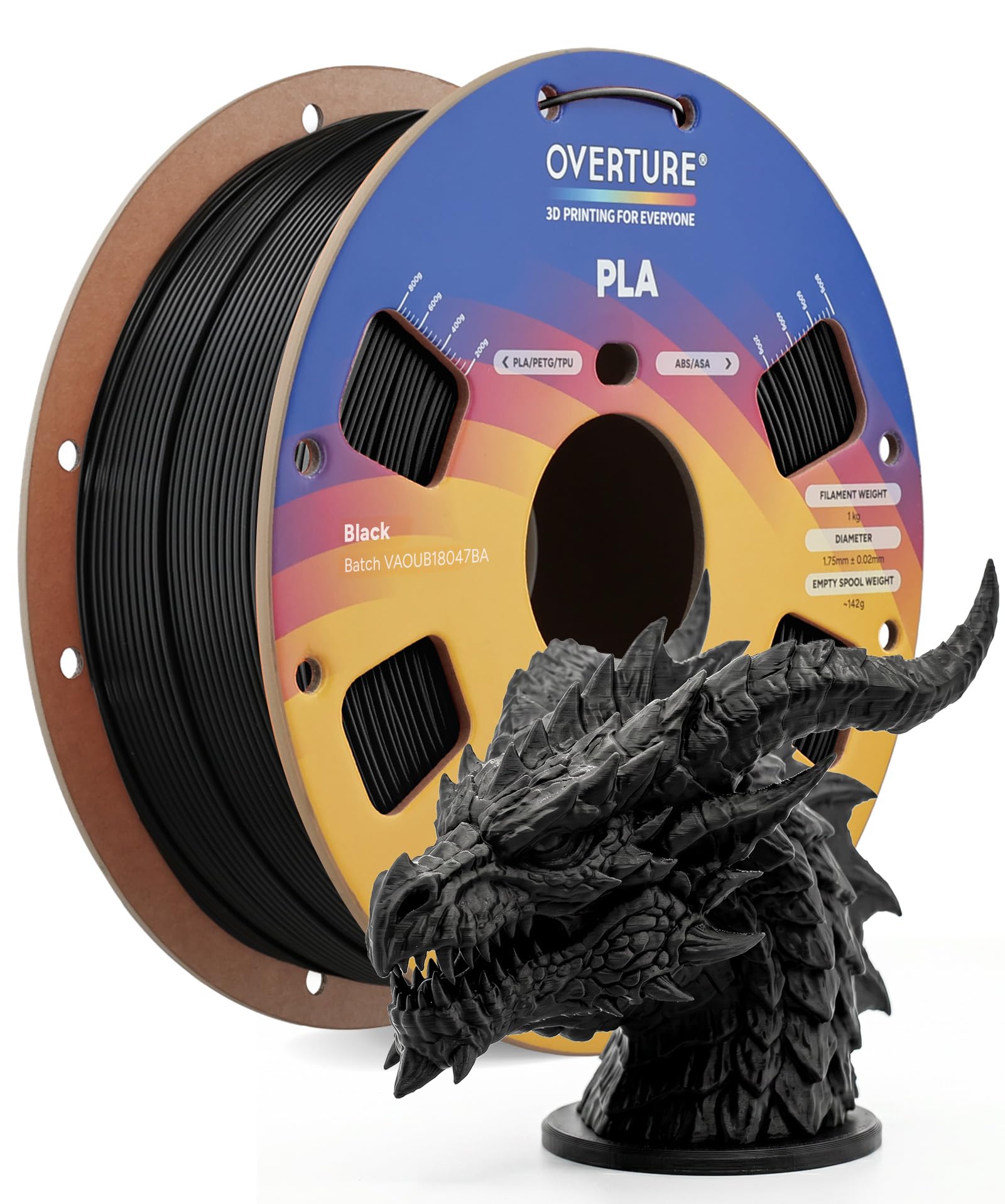
OVERTURE PLA Black 1kg

Top Pick
OVERTURE PLA Black 1kg

Budget hobbyists

Our Score 9.0/10
Check Price

Worth Noting

  • Tangling may occur in the last third of the spool, creating knots that stop long prints.
  • Bed adhesion on smooth PEI surfaces can be inconsistent unless a glue stick or tape is used.
Material Type
PLA
Print Temp Range
190–230°C
Diameter Tolerance
±0.02 mm

OVERTURE's PLA prints cleanly across its 190–230°C range with minimal stringing and good layer adhesion. The patented clog-resistant formulation keeps nozzle jams uncommon during normal use, even through color changes or short pauses.

Bed adhesion on smooth PEI sheets can be inconsistent without a glue stick or tape; textured build plates typically need no extra preparation. The spool's winding tension varies, and the last third of the filament may loosen — a condition that can produce tangles if the spool isn't monitored.

This filament suits budget-minded hobbyists who print often and are comfortable checking the spool during longer sessions. It's less ideal for printers with friction-sensitive bowden tubes or users who want a hands-off experience for day-long prints. The occasional winding quirk is the tradeoff for the low cost.

Compared to high-speed filaments that demand a premium for 500 mm/s capability, this standard-speed PLA delivers a predictable, no-surprises experience at a fraction of the price. Its ±0.02mm diameter tolerance holds up well against spools costing twice as much.

Tip: Watch the last third of the spool during long prints, or transfer to an external spool holder to reduce tangle risk.

Bottom line: For budget-conscious printing, OVERTURE's PLA balances cost and consistency better than any other option at this price.

2

FLASHFORGE Rapid PLA Red

FLASHFORGE Rapid PLA Red

Fast printers

Our Score 9.4/10
Check Price

Worth Noting

  • Bed adhesion can be inconsistent on unheated or PEI surfaces.
Material Type
Rapid PLA
Print Temp Range
200–230°C
Diameter Tolerance
±0.02 mm

FLASHFORGE Rapid PLA prints smoothly at 500 mm/s, a speed that often trips up standard filaments with stringing or poor adhesion. Where the top pick OVERTURE PLA focuses on budget-friendly reliability, this filament targets owners of fast printers (Bambu X1C, Creality K1) who want to push throughput without sacrificing surface quality.

It suits detailed, colorful models where consistent color and layer adhesion are priorities. The ruby red shade is deep and even across the spool. But winding consistency is a known variable — some spools contain tangles that can ruin a long print, so users running overnight jobs should inspect the spool before starting.

The 0.02 mm diameter tolerance and 200–230°C range make tuning straightforward. Stringing is minimal even at high flow rates, and clogs are rare when used within spec. This is a capable high-speed filament at a mid-range price, best appreciated by those who already have a fast printer.

Bottom line: A specialist filament for fast printers that delivers on its speed promise — but not the universal choice the top-pick OVERTURE PLA is.

3

Creality PETG 2kg B&W

Creality PETG 2kg B&W

Functional parts

Our Score 9.2/10
Check Price

Worth Noting

  • Winding defects may cause binding in the extruder during prints
  • Bed adhesion can be finicky on unheated or smooth glass surfaces
Material Type
PETG
Print Temp Range
220–250°C
Diameter Tolerance
±0.02 mm

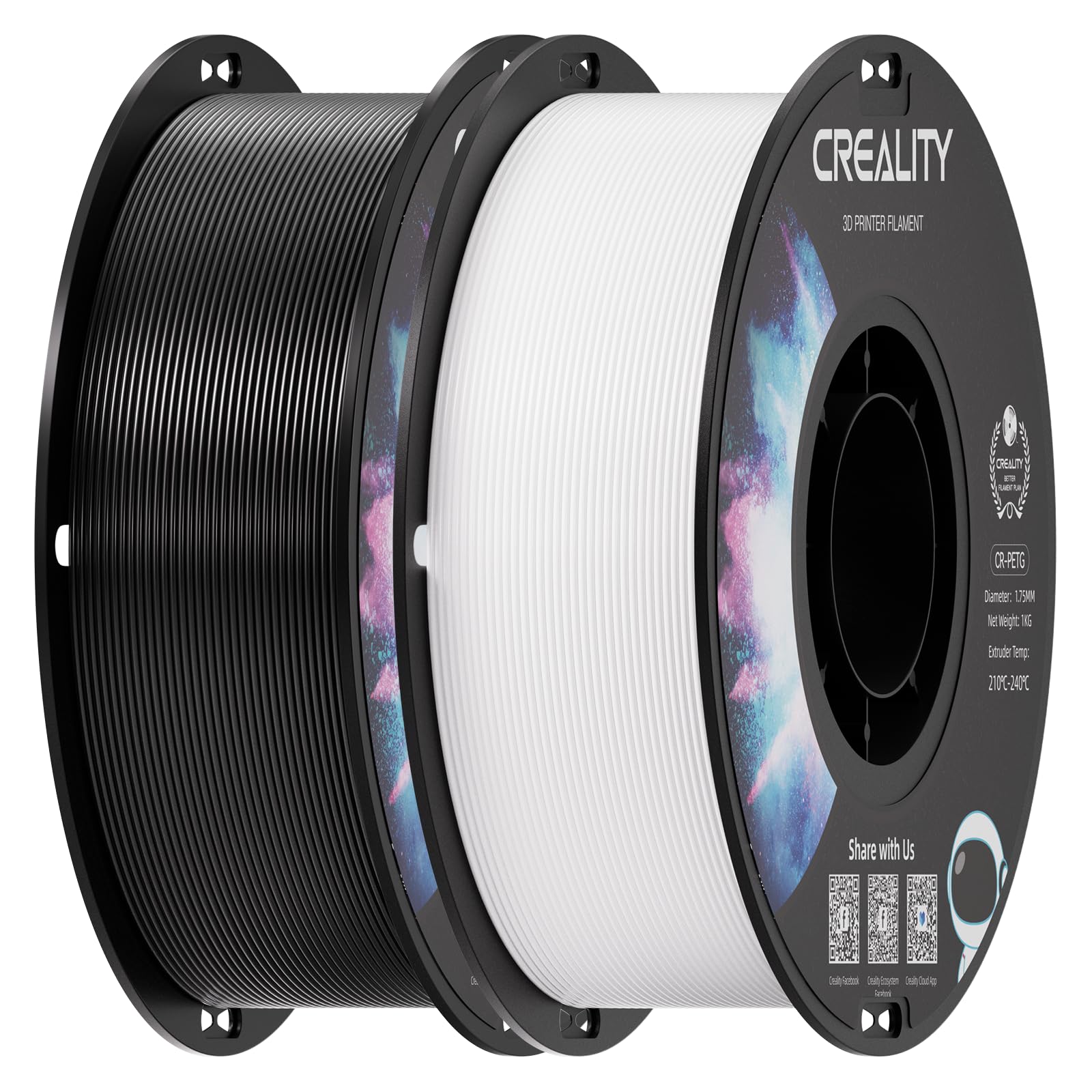
Two spools of black and white PETG at a per-kilogram cost that undercuts many single-spool options — the Creality bundle delivers solid print quality for functional parts once the printer is properly tuned.

This filament suits users who need both common colors for practical prints and have a printer capable of 250°C hotend temperatures. Beginners should note that PETG requires a heated bed (70-80°C) and careful bed leveling to avoid stringing and adhesion issues on bare glass. The cardboard spools may not fit AMS systems.

Some spools exhibit winding irregularities that can cause binding during extrusion, and bed adhesion is less forgiving than PLA on smooth surfaces — a glue stick or hairspray resolves the latter. These are usability tradeoffs rather than showstoppers for those experienced with PETG.

Tip: Use a glue stick on a heated glass bed and inspect the spool for tangles before starting long prints.

Bottom line: A cost-effective way to get two kilograms of PETG, though occasional winding defects mean careful spool inspection is wise before long prints.

4

FLASHFORGE Silk Trio

FLASHFORGE Silk Trio

Decorative prints

Our Score 9.4/10
Check Price

Worth Noting

  • Bed adhesion can be unreliable on bare glass or PEI without an adhesive layer
  • Color banding may appear abrupt on small or thin-walled parts, deviating from the advertised gradient
Material Type
Silk PLA
Print Temp Range
200–230°C
Diameter Tolerance
±0.02 mm

Vibrant color transitions and a glossy silk finish set this filament apart from standard PLAs. Prints come out with a smooth, almost metallic sheen, and layer adhesion is solid across a range of machines. Unlike high-speed filaments that prioritize flow rate, this silk PLA keeps aesthetic quality at the front — stringing is rarely an issue when temperatures stay within the 200–230°C range.

The gradient effect works best on larger, continuous surfaces. On small or detailed parts, the color transition can shift more abruptly than the advertised smooth fade — something to consider if your model relies on a precise color sequence. Bed adhesion is also worth attention: on bare glass or PEI without an adhesive, first layers may lift in some cases.

This is a filament for users who want visual impact from their prints — artistic sculptures, vases, and decorative objects that benefit from a color journey. It is not suited for solid-color work or high-speed production runs. If you are building functional parts or need repeatable single colors, a standard PLA would be a better fit. For those chasing a metallic gradient look, this delivers.

Tip: On bare glass or PEI, a thin coat of glue stick or painter's tape helps secure the first layer.

Bottom line: For decorative prints that benefit from a gradient finish, this silk PLA delivers striking results at a reasonable price – just be prepared for possible color shifts on small details.

5

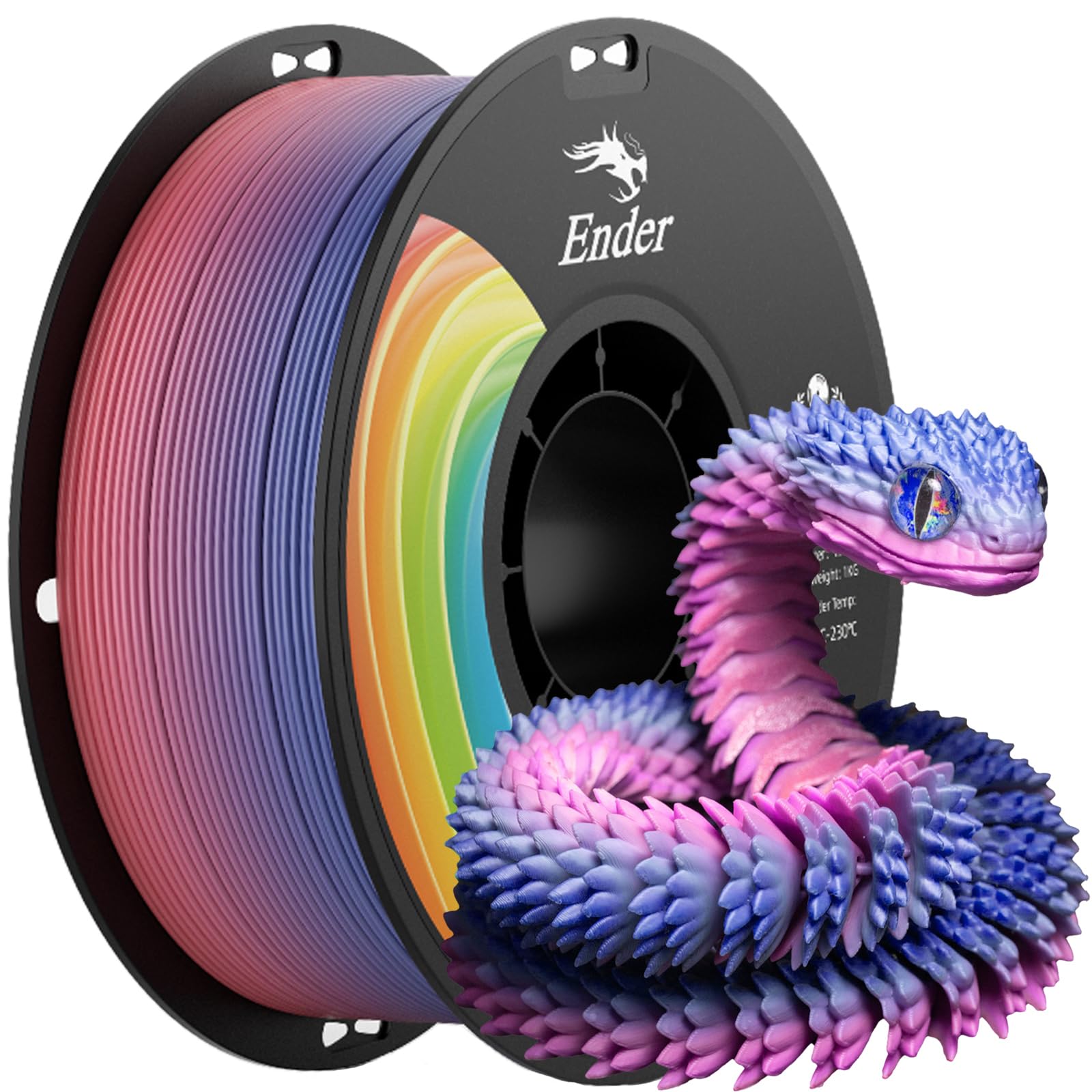
Creality PLA+ Rainbow 1kg

Creality PLA+ Rainbow 1kg

Stronger prints

Our Score 9.0/10
Check Price

Worth Noting

  • Winding can tangle mid-spool in some cases, potentially causing print failures.
  • Grey color batches may be more brittle than other colors.
Material Type
PLA+
Print Temp Range
200–230°C
Diameter Tolerance
±0.02 mm

The Creality PLA+ Rainbow spool uses a toughened formula that resists cracking and impact better than basic PLA, yet it prints at the same 200-230°C range. That means no retuning or hotend upgrades to get parts that handle everyday bumps and stress without snapping.

This filament fits users who want stronger prototypes or functional parts but aren't ready for PETG's higher bed temperatures or stringing quirks. Creality printer owners will find it dials in easily on Ender and CR series machines. However, winding quality varies between spools, and grey color batches in particular can be more brittle — so match the color to your project's demands.

Against the top pick's lower price and broader consistency, this spool trades a slight premium for a toughness boost that matters when prints need to survive drops or light loads. The PETG bundle elsewhere offers better per-gram cost if temperatures are not a barrier.

Tip: Inspect the first few meters of filament for tangles before starting a long print.

Bottom line: For users who need stronger prints than basic PLA but aren't ready for PETG's higher temperatures, this spool offers a practical middle ground — just keep an eye on winding and avoid grey if possible.

6

SUNLU PLA Black 1kg

SUNLU PLA Black 1kg

Tight budget

Our Score 8.8/10
Check Price

Worth Noting

  • Bed adhesion can be inconsistent across different print surfaces, sometimes requiring additional adhesives
  • Filament can be brittle, leading to breakage on longer prints (over 12 hours) if not kept dry
Material Type
PLA
Print Temp Range
200–230°C
Diameter Tolerance
±0.02 mm

The SUNLU PLA is among the most affordable options, producing clean prints with minimal stringing after you dial in temperature and bed prep. Its neatly wound spool reduces tangling risk. However, the filament can be brittle on long prints (over 12 hours) and bed adhesion may need glue stick or tape on some surfaces. Hobbyists who prioritize low cost and are comfortable with light troubleshooting will find good value here, but those wanting worry-free extended runs should consider the top pick in this price range.

Bottom line: This filament fits hobbyists on a tight budget who are willing to manage adhesion and brittleness tradeoffs for the low price, especially for short, non-critical prints.

7

ELEGOO Matte PLA 4kg

ELEGOO Matte PLA 4kg

Matte prints

Our Score 9.2/10
Check Price

Worth Noting

  • Tight spool winding can cause filament binding during prints in some cases
  • Color palette limited to pastel matte shades; not suited for projects needing deep or vibrant colors
Material Type
Matte PLA
Print Temp Range
190–220°C
Diameter Tolerance
±0.02 mm

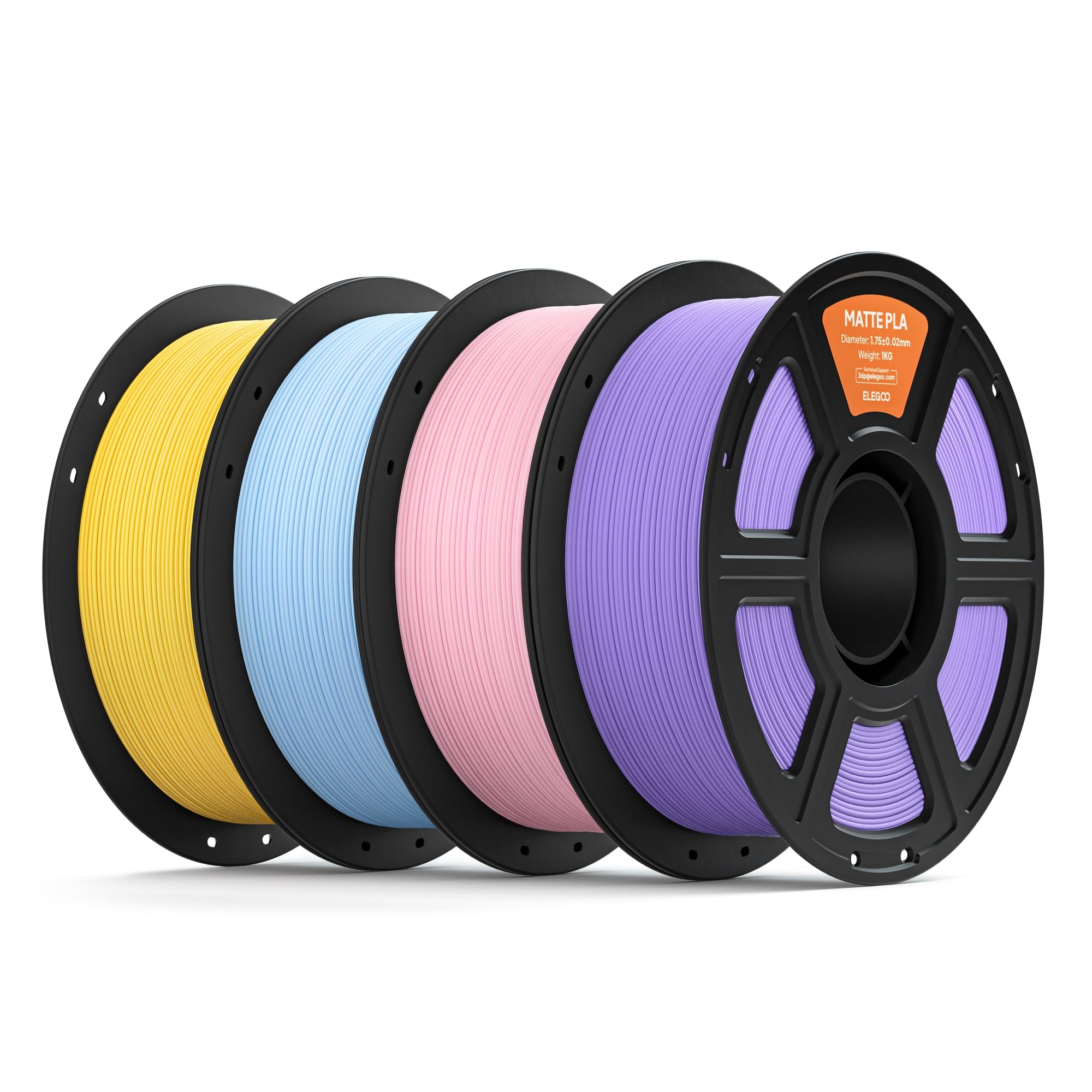
This four-kilogram bundle delivers a low-gloss matte finish that minimizes layer line visibility, making it a strong choice for decorative and artistic prints where surface quality matters. The pricing per kilogram undercuts many matte filament options, offering good value for users who want multiple pastel colors in a single purchase. However, long-term reliability remains uncertain given the limited customer feedback available; early reports are positive, but durability over extended use is not yet established. For projects where aesthetics outweigh longevity concerns, this bundle provides a cost-effective way to experiment with matte finishes across four colors.

Bottom line: For makers focused on matte aesthetics who are willing to accept a limited long-term track record, this bundle offers an affordable entry into pastel matte printing.

8

LANDU Silk Tri-Color 1kg

LANDU Silk Tri-Color 1kg

Multi-color prints

Our Score 9.4/10
Check Price

Worth Noting

  • Cardboard spool may not rotate in Bambu AMS or some enclosed systems, restricting compatibility.
Material Type
Silk PLA tri-color
Print Temp Range
Diameter Tolerance
±0.02 mm

The LANDU Silk Tri-Color PLA produces smooth color transitions across the spool, creating eye-catching decorative parts with minimal stringing when printed at standard settings. The cardboard spool may not rotate in Bambu AMS or some filament dryers, limiting its use to standard open spool holders. This spool compatibility keeps it from competing with more universally compatible options, but for users who don't need enclosed systems, the visual results justify the mid-range cost.

Bottom line: Best suited for decorative projects on standard spool holders where the gradient effect is the priority and AMS compatibility isn't needed.

How to Choose

Diameter Tolerance

A filament's diameter tolerance determines how consistently it feeds through the extruder. A spec of ±0.02 mm is the gold standard; wider tolerances cause under-extrusion blobs or jams as the gear struggles with fat and thin spots.

For long prints or high-speed machines, even small deviations amplify. Stick to filaments that guarantee ±0.02 mm — it's a reliable predictor of smooth extrusion and layer consistency.

Material Type

PLA is the easiest to print, with low warping and no heated bed required, but it is brittle and low-temp. PLA+ adds toughness without raising print temperatures much. PETG is stronger and more heat-resistant but needs a hotend capable of 250°C and careful tuning to avoid stringing.

Silk PLA looks stunning but is noticeably weaker and more brittle — use it only for decorative pieces, never functional parts. Match the material to the job: PLA for prototyping, PETG for enclosures, silk for display models.

Print Temperature Range

Every filament has a recommended temperature window, usually 30°C wide. Printing at the lower end reduces stringing but may weaken layer adhesion; the upper end improves flow but risks ooze and heat creep into the hotend cooling zone.

Begin at the midpoint and adjust based on your printer's thermistor accuracy. A consistent, properly tuned temperature is more important than chasing the perfect number — most common filaments (PLA 200-220°C, PETG 230-250°C) work well with standard settings.

Frequently Asked Questions