Tools & DIY

10 Best Laser Engraver of 2026: Find Reliable Power and Precision for Your Projects

Find a laser engraver that won't fail early. This guide helps hobbyists and small businesses pick a reliable machine for their materials and budget.

Buying a laser engraver often means navigating a market where specs look similar but real-world performance varies wildly. Many machines fail within months, leaving owners with expensive paperweights. This guide cuts through the variability by focusing on models that consistently deliver on their promises.

We consider not just power and features, but the actual track record of durability and ease of use. Whether you need a portable unit for craft fairs or a desktop cutter for production, the right choice balances your workflow with long-term reliability.

Many machines boast high wattage but fail to cut acrylic cleanly or suffer from connectivity drops. Others offer excellent engraving quality but require constant troubleshooting. We zero in on the models that minimize these headaches, so you spend more time creating and less time fixing.

1

xTool S1 40W

Top Pick
xTool S1 40W

Small biz, hobbyists

Our Score 9.0/10
Check Price

Worth Noting

  • Clear acrylic may require multiple passes for full cuts
Design
Enclosed
Software
XCS, LightBurn
Work Area
23.93 x 15.16 in
Laser Power
40W Diode

The xTool S1 40W pairs a spacious work area with a 40W diode laser and a Class 1 enclosed housing. Setup is quick, and the machine produces clean cuts on wood and acrylic, with the included rotary bundle handling tumblers well.

This model suits small business owners and serious hobbyists who need a large bed and enclosed operation. Manual alignment without a built-in camera adds setup time, but jigs or templates keep it manageable. The S1 is not for metal engraving without a fiber module, and the premium price reflects its build quality.

Bottom line: For those who prioritize a large work area and enclosed safety over auto-alignment, the S1 delivers consistent performance for daily production.
2

xTool F2 Dual Laser

xTool F2 Dual Laser

Mobile, hobbyists

Our Score 8.8/10
Check Price

Worth Noting

  • Some units may require servicing or replacement within the first month of use.
Design
Open frame
Software
XCS, LightBurn
Work Area
6.89 x 9.33 in
Laser Power
5W IR, 15W Diode

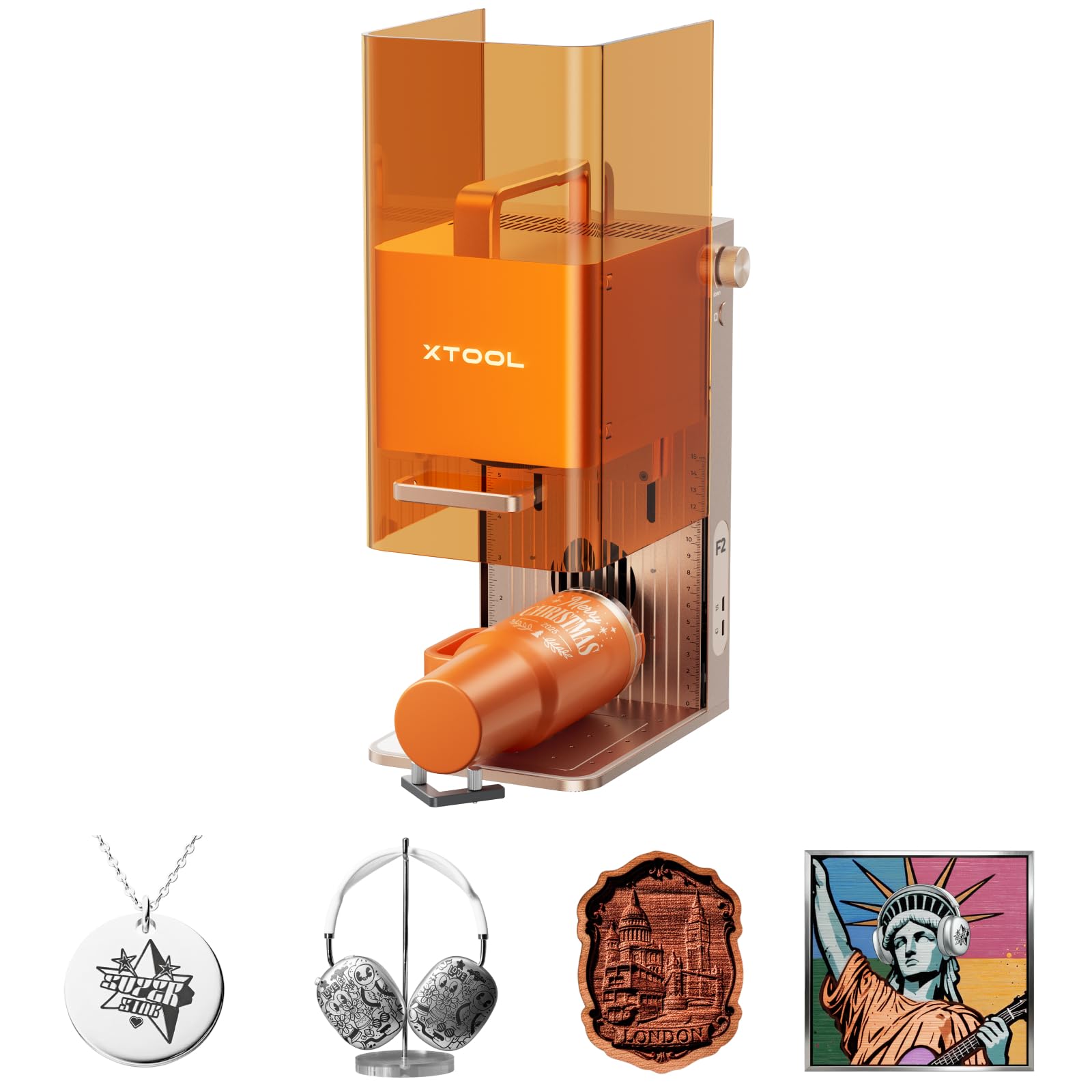
The xTool F2 packs a 5W IR and 15W diode laser into a compact 4.6 kg chassis, making it the most portable option for onsite engraving and metal marking. The 50MP camera enables precise alignment, and the software is streamlined for quick setup. However, reliability can be inconsistent – some units may require servicing within the first month, so this is best for hobbyists and mobile engravers who can tolerate potential downtime.

Bottom line: A feature-rich portable engraver for mobile work and metal marking, but only if you are prepared for possible reliability hiccups.

3

Creality Falcon 10W Rotary

Creality Falcon 10W Rotary

Hobbyists, tumblers

Our Score 8.4/10
Check Price

Worth Noting

  • The included manual is sparse and can be confusing for first-time users, especially when connecting the rotary roller.
  • The 10W diode laser lacks the power to cut thick wood or acrylic
Design
Open frame
Software
LaserGRBL, LightBurn
Work Area
Laser Power
10W Diode

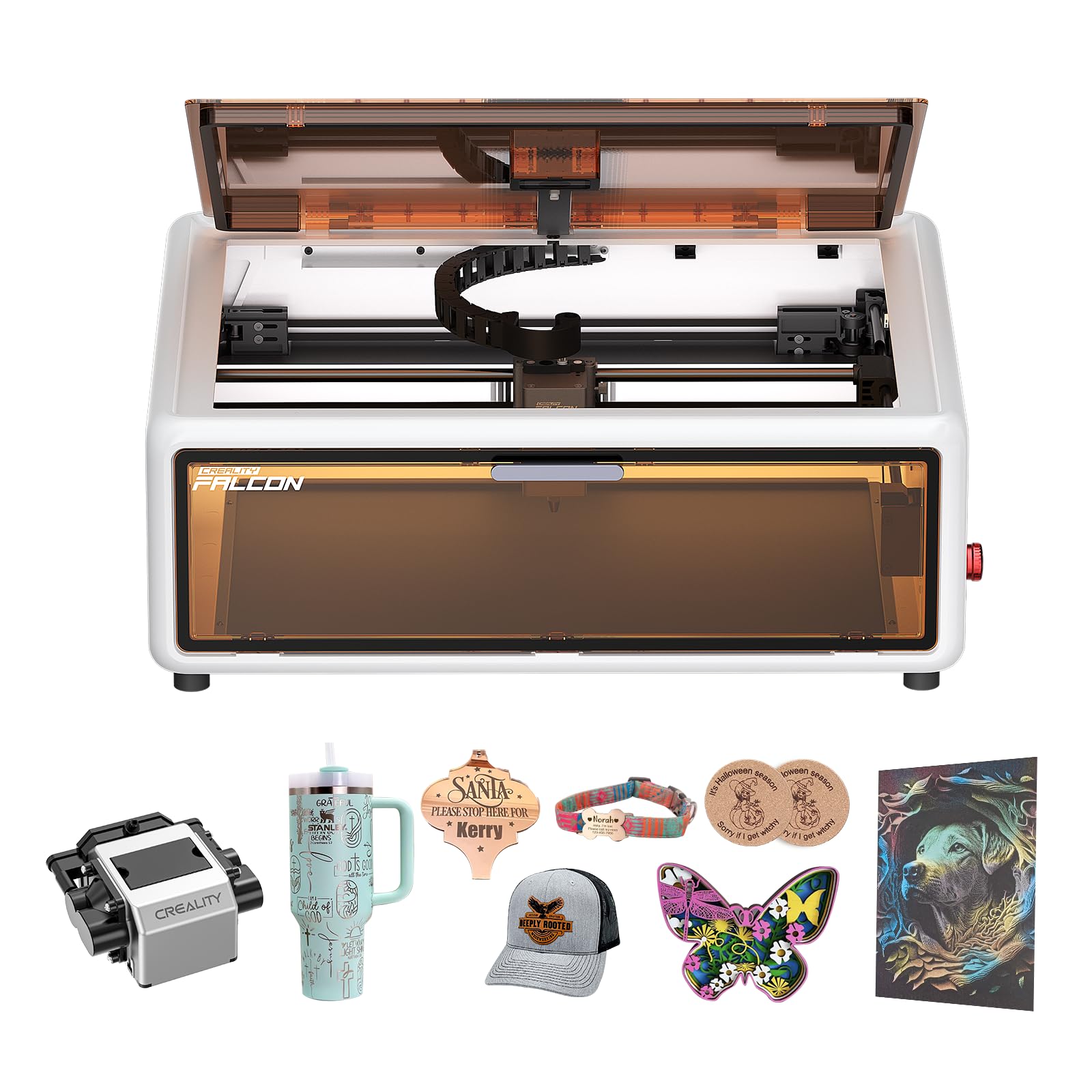
The Creality Falcon 10W Laser Engraver offers a complete package at a mid-range price: a 10W diode laser, air assist, and a rotary roller for tumblers. Unlike the larger-bed budget option designed for flat projects, this kit handles cylindrical items out of the box. It's a sensible choice for hobbyists who want to engrave mugs, bottles, and similar objects without extra purchases. However, its 10W laser is best suited for engraving and cutting thin materials – thick wood or acrylic require more power. The printed manual is sparse; some users find online videos more helpful for assembly and first runs.

Tip: Watch a few setup tutorials online before diving in – the manual may not cover all steps clearly.

Bottom line: For hobbyists eager to engrave tumblers and cylindrical items without spending extra on a rotary attachment, this kit is a practical starting point – just keep projects to engraving and thin cuts.

4

Longer RAY5 10W

Longer RAY5 10W

Hobbyists, large area

Our Score 8.8/10
Check Price

Worth Noting

  • Laser head may occasionally drift out of alignment during longer sessions.
  • Some units may experience laser burnout or become inoperative after minimal use.
Design
Open frame
Software
LightBurn, LaserGRBL
Work Area
400 x 400 mm
Laser Power
10W Diode

Offering a 400mm bed, 3.5-inch color touchscreen, and app-based offline control at a mid-range price, the RAY5 delivers features typically found on pricier models. It suits hobbyists who want a large engraving area without a big investment and are comfortable with the possibility of unit inconsistencies — some units may experience laser burnout or precision drift. For those who need consistent, daily-reliable output, the enclosed xTool S1 is a safer bet.

Tip: For precision work, verify head alignment before each job.

Bottom line: If you are a hobbyist with a moderate budget and a tolerance for potential unit variability, the RAY5 offers a compelling feature set; for business-critical consistency, look to the enclosed S1.

5

LaserPecker LP2

LaserPecker LP2

Craft fair, gifts

Our Score 8.6/10
Check Price

Worth Noting

  • Cannot engrave pure metals or shiny surfaces; best suited for wood, leather, and coated metals.
  • Bluetooth connection can be unstable, leading to occasional dropouts mid-project.
Design
Open frame
Software
Proprietary app
Work Area
Laser Power
Not specified

The LaserPecker LP2 stands out for its portability and app-driven simplicity, letting you engrave on the go with minimal setup. Where stationary enclosed models like the top pick offer larger work areas and broader material support, the LP2 trades that for a handheld form factor and an included rotary roller – ideal for personalizing cylindrical items like tumblers or pens on-site. This makes it a natural fit for craft fair vendors and gift makers who need instant-engrave capability, though its material range is limited: pure metals and shiny surfaces won’t mark, and Bluetooth connectivity may drop unexpectedly during a session.

Tip: Pre-test on scrap material to confirm engraving quality, especially on coated metals.

Bottom line: Best suited for mobile gift-makers who prioritize portability and ease of use over material range – not a replacement for a stationary enclosed laser.

6

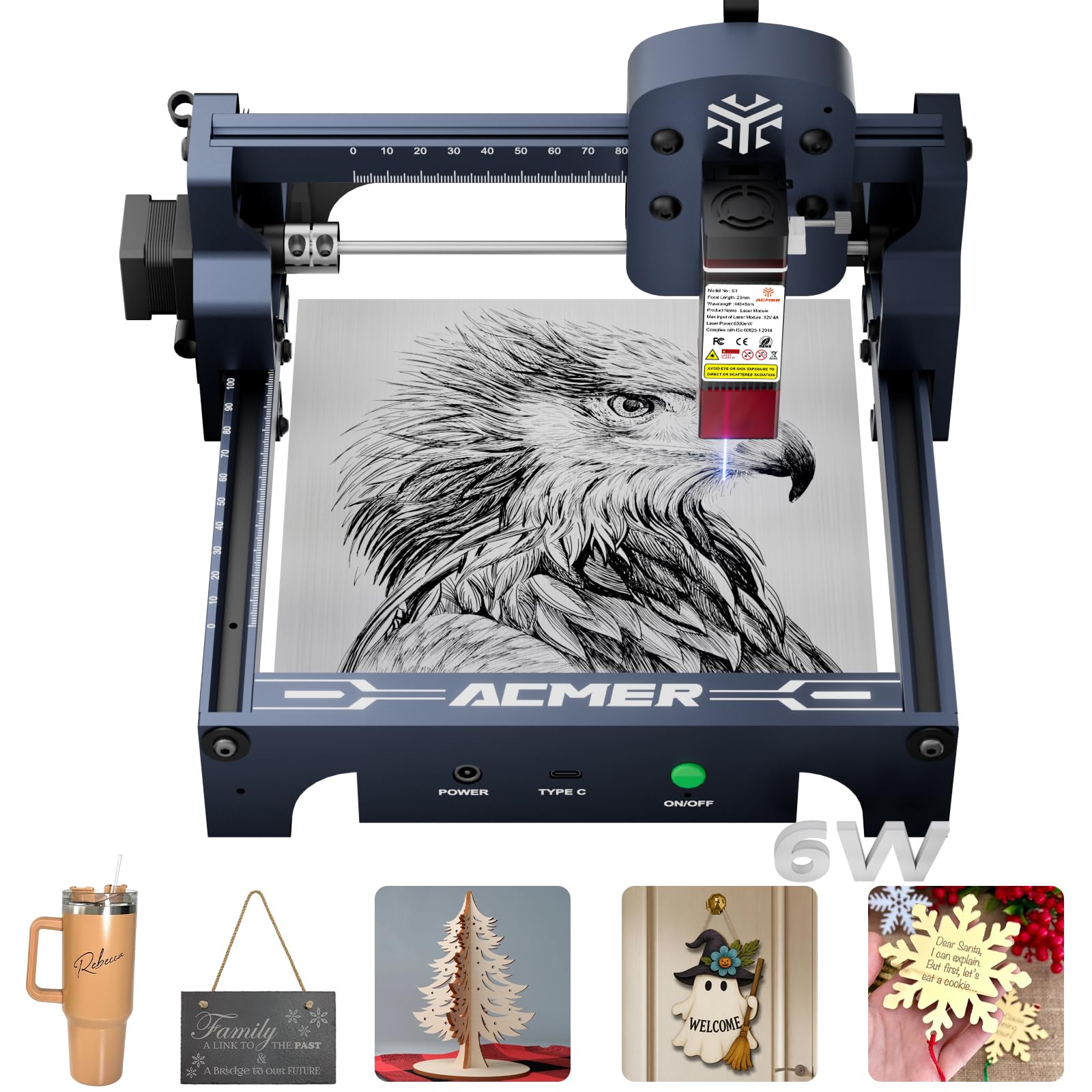
ACMER S1 6W

ACMER S1 6W

Budget beginners

Our Score 8.2/10
Check Price

Worth Noting

  • The 130x130mm work area limits project size
Design
Open frame
Software
AcmerStudio, LightBurn
Work Area
130 x 130 mm
Laser Power
6W Diode

The ACMER S1 delivers reliable engraving on wood, leather, and more right out of the box, with a pre-assembled design that cuts setup time to minutes. Its 130x130mm work area is a clear tradeoff — fine for small items but limiting for larger pieces. Beginners may need a bit of patience with the software, but the build quality and value are tough to beat at this price point.

Bottom line: If your projects stay small and you want the lowest upfront cost to get started, the ACMER S1 is a practical entry point.

7

Woxcker L2 MAX

Woxcker L2 MAX

Beginner, small space

Our Score 8.8/10
Check Price

Worth Noting

  • If you need to engrave items larger than 300mm, this bed size will be limiting
Design
Enclosed
Software
LightBurn, LaserGRBL
Work Area
300 x 300 mm
Laser Power
10W Diode

The Woxcker L2 MAX combines easy setup, a safe enclosure, and solid build quality at a mid-range price. Its 300mm work area fits small projects, but larger items require a bigger machine. Long-term durability is less established compared to more widely-used models, making this best for hobbyists exploring laser engraving rather than heavy daily use.

Bottom line: This suits hobbyists with limited space who want an enclosed machine for small projects and don't mind a shorter user history.

8

Creality A1 10W

Creality A1 10W

Safety beginners

Our Score 8.2/10
Check Price

Worth Noting

  • Automatic camera positioning may need manual adjustment under shadows or uneven lighting.
Design
Enclosed
Software
LightBurn
Work Area
17 x 16 in
Laser Power
10W Diode

The Creality Falcon A1 arrives fully assembled with a Class 1 enclosure, smart material recognition, and an HD camera for auto-positioning. Beginners will appreciate the quick setup and safety features. However, the camera alignment can be thrown off by shadows or curved surfaces, and occasional reliability concerns make this a better fit for hobbyist experimentation than small-business production.

Bottom line: Ideal for safety-conscious beginners who value ease of use and are willing to accept occasional alignment tweaks and the chance of early unit issues.

9

Ortur LM2 S2 IR

Ortur LM2 S2 IR

Metal engraving

Our Score 8.6/10
Check Price

Worth Noting

  • The unit can stop functioning after short use in some cases
Design
Open frame
Software
LightBurn, LaserGRBL
Work Area
390 x 410 mm
Laser Power
1W IR

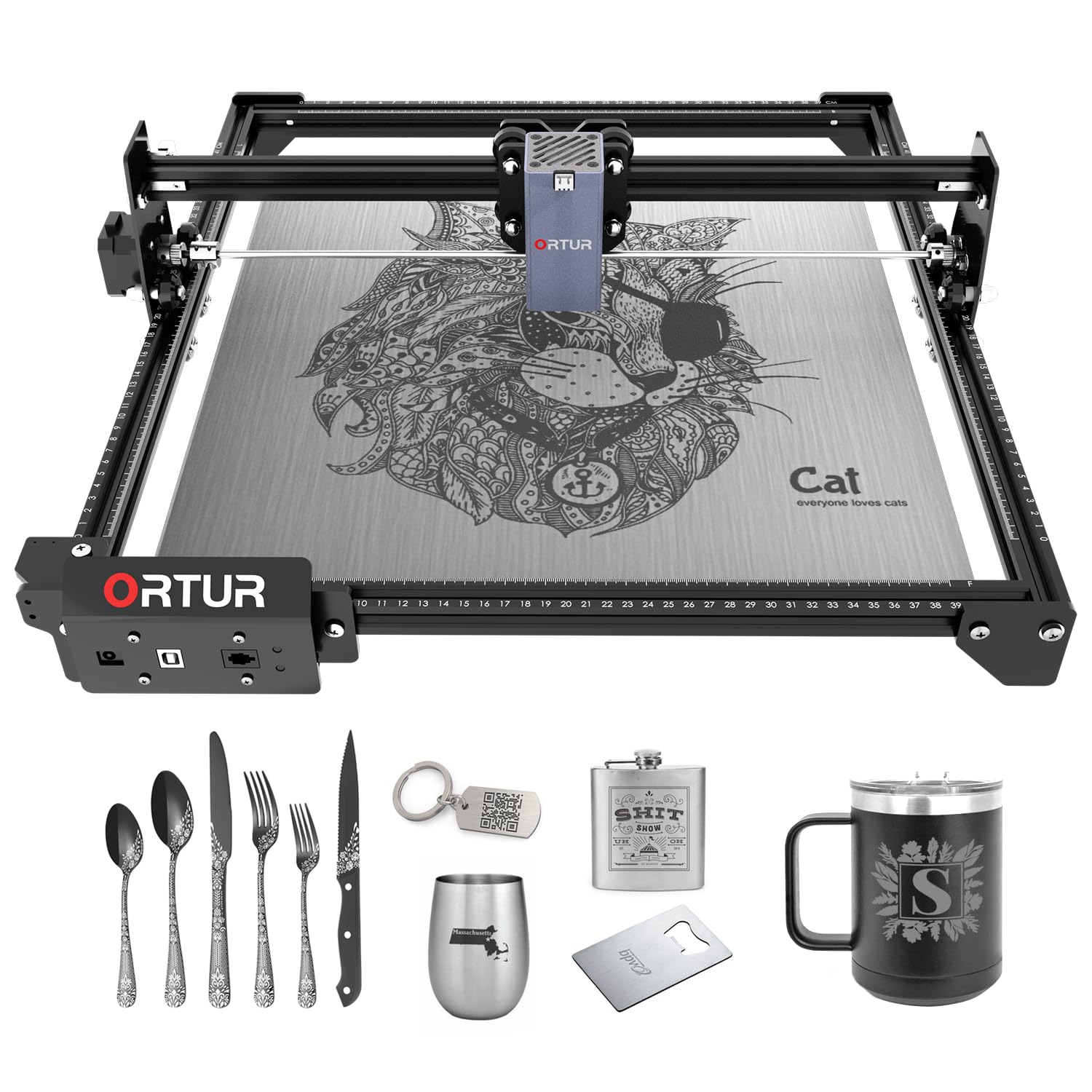
The Ortur LM2 S2 IR brings a 1W 1064nm infrared laser to the hobbyist market at a mid-range price, producing clear marks on silver, gold, and other metals. However, this laser is limited to marking only — it cannot cut materials — and some units can stop functioning after limited use. It suits hobbyists experimenting with metal engraving on a budget who are prepared for possible early issues.

Bottom line: Best suited for hobbyists who want to try metal marking on a budget and are willing to handle potential early unit issues.

10

xTool P2S 55W

xTool P2S 55W

Pro heavy cutting

Our Score 8.6/10
Check Price

Worth Noting

  • Pump failure or laser stoppage can occur shortly after setup
Design
Enclosed
Software
XCS, LightBurn
Work Area
26 x 14 in
Laser Power
55W CO2

The xTool P2S delivers clean cuts through thick acrylic and wood, with dual cameras and passthrough. Build quality is sturdy. Some units can experience pump failure or laser stoppage shortly after setup, and proprietary software limits LightBurn support. Best for experienced professionals with a backup — not for beginners or tight budgets.

Bottom line: A capable CO2 cutter for experienced makers who have a spare machine and can handle software quirks — not a reliable daily driver for beginners.

How to Choose

Laser Power and Type

Diode lasers are the most common for hobbyists, offering affordable power from 5W to 40W for wood, leather, and acrylic. A 10W diode can cut 3mm balsa wood in one pass but struggles with clear acrylic, which requires higher power or a CO2 laser.

CO2 lasers (40W–100W) cut thicker materials cleanly and work well on acrylic, but cost more and need ventilation. Fiber lasers are for metal marking and engraving, not cutting. Choose the type that matches your primary material — a diode is enough for most craft projects, while CO2 is necessary for production cutting.

Work Area Size

The work area determines the maximum project size you can handle in a single pass. A 300x300mm bed is fine for coasters, tags, and small signs, while 400x400mm allows larger items like laptop cases or cutting boards.

Small business owners should measure their typical product dimensions before buying. A larger bed also requires more desk space and a stronger frame to maintain precision over the full area.

Enclosed vs Open Frame Design

Enclosed machines protect your eyes from stray laser reflections and contain smoke and fumes, making them safe for indoor use without a dedicated workshop. Open frame lasers are cheaper and portable but require wearing proper goggles and good ventilation.

The trade-off: enclosed designs cost more and are heavier, while open frames are easier to modify or upgrade. For first-time buyers or those working in a shared space, an enclosure is worth the extra investment.

Safety Features

Look for flame detection, tilt sensors, automatic shutoff, and emergency stop buttons. A flame sensor can prevent a fire if the laser ignites material, while a tilt stop kills the laser if the machine is tipped.

Air assist is not just for cut quality — it also reduces smoke and keeps the lens clean, lowering fire risk. Even if a machine lacks a full enclosure, air assist and a fire extinguisher nearby are essential.

Software Compatibility

LightBurn is the industry standard for laser engravers, offering intuitive control over power, speed, and advanced features like image tracing and 3D engraving. Many budget machines also support open-source LaserGRBL.

Proprietary software (like xTool Creative Space or Creality's app) can be simpler but may limit advanced features or require internet connectivity. Always verify that the machine works with LightBurn if you plan to grow beyond basic projects.

Frequently Asked Questions