Computers & Accessories

8 Best USB-C Hub of 2026: Which Ones Actually Charge Your Laptop

Find a USB-C hub that reliably charges your laptop and provides stable video output - avoiding the common 100W PD marketing trap.

Walking into a Best Buy USB-C hub aisle can feel like playing marketing bingo. Almost every box under $25 brags '100W Power Delivery' -- but plug it in and your laptop sees only 85W or less. That gap between promise and reality is the first thing you need to know.

The bigger surprise is how many hubs simply stop working after a few months. Whether it's a flickering HDMI port or a USB port that suddenly goes dead, reliability separates a good hub from a frustrating one. This guide focuses on the models that actually keep working.

There's no single 'best' hub for everyone because you have to choose between features like 4K@60Hz video output, fast 10Gbps data transfers, and a price under $20. The right pick depends on your laptop's power needs and how much you're willing to spend for a hub that lasts.

1

Anker 7-in-1 4K60Hz

Top Pick
Anker 7-in-1 4K60Hz

General laptop

Our Score 9.0/10
Check Price

Worth Noting

  • Intermittent connection drops may occur with some iPads and laptops
  • Pass-through charging limited to 85W may cause slow charging or power warnings on laptops needing over 85W
HDMI
4K@60Hz
Data Speed
5Gbps
Port Variety
HDMI, 2xUSB-A, USB-C, SD
Build Material
Metal

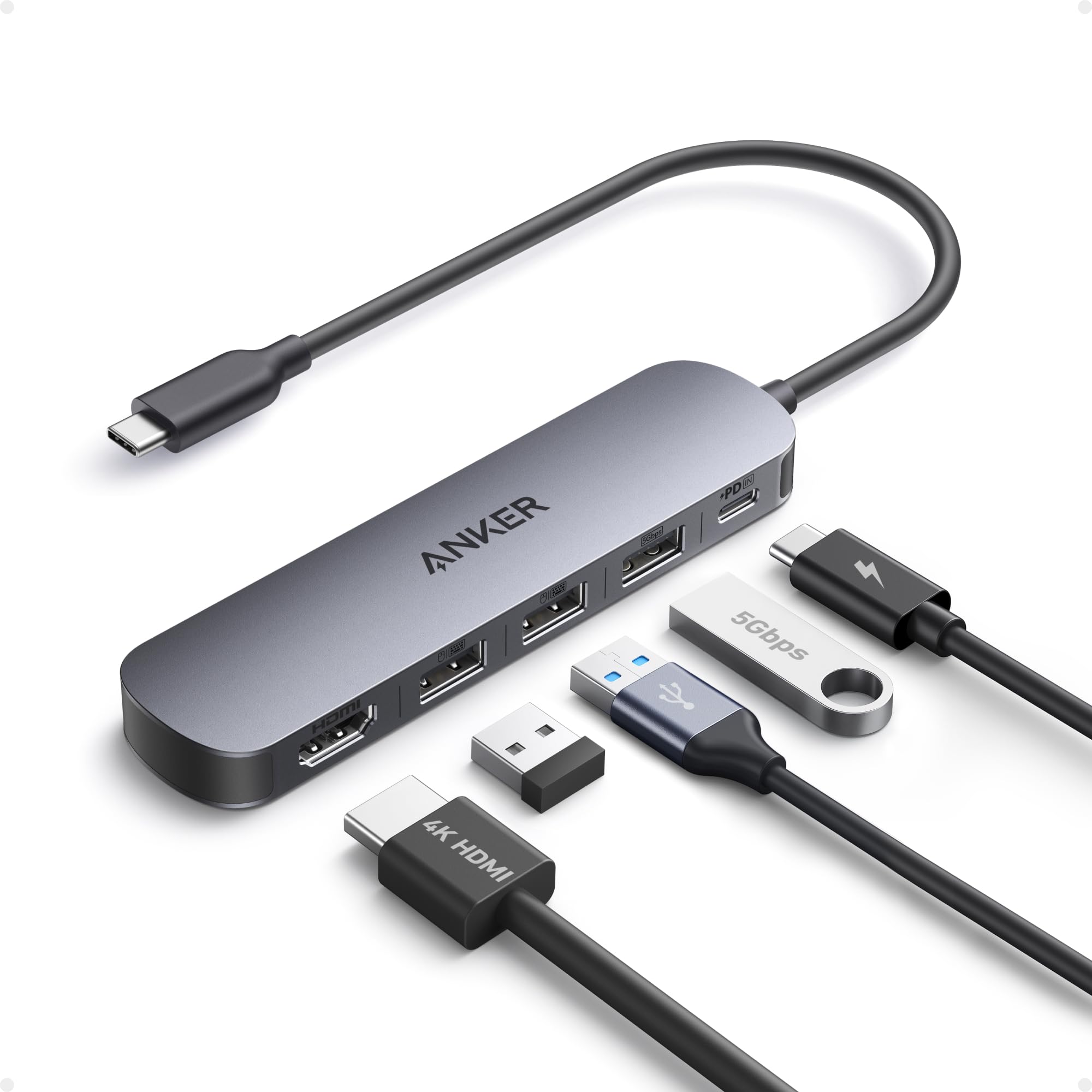
The Anker 7-in-1 USB-C Hub delivers 4K at 60Hz through a compact metal body that complements modern laptops. It works dependably across Windows, macOS, and Linux, making it a straightforward expansion for a single USB-C port.

The integrated cable stays short and tangle-free, and the aluminum shell dissipates heat well during extended use. SD and microSD card slots transfer photos at reasonable speeds. Some units may show intermittent connection drops with specific iPads or laptops — a limitation worth testing with your main device before committing.

This hub suits MacBook users who need 4K@60Hz without Ethernet, travelers wanting a portable metal adapter, and general laptop owners with PD-supported devices. If your laptop requires over 85W charging or you rely on wired network connections, the UGREEN Revodok 7-in-1 offers Ethernet and a lower failure rate, though it misses 4K@60Hz. The intermittent drops and 85W charging cap are boundaries to confirm with your hardware.

At this price point, few hubs combine 4K@60Hz, a card reader, and a metal enclosure. The Anker stands out for buyers who value video quality and build over Ethernet or ultra-high power delivery.

Tip: If you see power warnings, plug the laptop charger directly into the device instead of through the hub.

Bottom line: For users who want 4K@60Hz from a compact metal hub without breaking the bank, the Anker 7-in-1 hits that mark better than most — just confirm your device tolerates the occasional disconnect.

2

UGREEN Revodok 7-in-1

UGREEN Revodok 7-in-1

Budget buyers

Our Score 9.2/10
Check Price

Worth Noting

  • HDMI output is limited to 4K30Hz
  • A minority of units can develop issues after several months of daily use, though most continue working normally.
HDMI
4K (30Hz typical)
Data Speed
5Gbps
Port Variety
HDMI, 2xUSB-A, USB-C, SD/TF
Build Material
Aluminum

The UGREEN Revodok 7-in-1 stands apart from other budget hubs by showing fewer early failures in long-term owner reports, while wrapping a full port set — HDMI, USB-A/C, SD/MicroSD, and 100W PD — in a compact aluminum body. The tradeoff is an HDMI output that tops out at 4K30Hz, which matters little for spreadsheets or streaming but rules out gaming and smooth desktop use on high-refresh monitors.

This hub is a strong fit for everyday laptop users who need basic video output, fast file transfers (5Gbps), and an SD card slot without paying a premium. The 100W PD input delivers 95W output, enough for most ultrabooks and smaller laptops. Avoid it if your laptop pulls more than 85W or you require 4K@60Hz — the Anker 7-in-1 4K60Hz handles both. A small number of units can develop issues after months of daily use, though the majority continue working normally.

Build quality punches above its price point: the aluminum housing dissipates heat reasonably and the port spacing is generous enough for chunky USB drives. The SD card reader works for photographers on the go, though transfer speeds stay at USB 3.0 levels. For the price, it covers the essentials without the clunk or plastic feel of cheaper alternatives.

Tip: If you need 4K@60Hz, consider the Anker 7-in-1 4K60Hz instead.

Bottom line: A budget hub that prioritizes everyday functionality and consistency over peak video specs — ideal for office work, media consumption, and light photo transfer.

3

UGREEN 6-in-1 Ethernet

UGREEN 6-in-1 Ethernet

Ethernet users

Our Score 9.2/10
Check Price

Worth Noting

  • Plastic construction may not appeal to those wanting a metal hub
  • Occasional disconnections can occur with certain devices
HDMI
4K@30Hz
Data Speed
5Gbps
Port Variety
HDMI, 3xUSB-A, Ethernet
Build Material
Plastic

The UGREEN Revodok 6-in-1 centers on delivering wired networking without compromising basic expansion. Its gigabit Ethernet port provides a stable connection for video calls, file transfers, or online gaming where WiFi is inconsistent. Three USB-A 5Gbps ports handle peripherals like mice and flash drives, while the HDMI output drives an external monitor at 4K@30Hz. Plug-and-play detection means no driver installation — attach the hub and ports activate immediately.

This hub suits travelers and budget-conscious users who prioritize wired networking over premium build materials. The plastic enclosure keeps weight low but lacks the tactile feel of aluminum — fine for a backpack or desk drawer, but those wanting a metal shell should look elsewhere. Some hosts may experience occasional HDMI or USB disconnections; reseating the cable typically resolves it. For most laptops and tablets, the UGREEN delivers the basic ports needed for a desk setup without the complexity of a full dock.

Where the Anker 7-in-1 top pick offers 4K@60Hz and a metal chassis, the UGREEN trades those for a lower price and dedicated Ethernet. The 4K@30Hz output works well for presentations and productivity but won't satisfy gamers or video editors. For users whose primary need is a stable wired network connection, this hub provides a cost-effective solution with clear boundaries.

Bottom line: For those who need gigabit Ethernet as their hub's primary function, this UGREEN model offers the most cost-effective way to get it, with acceptable compromises in build and video refresh rate.

4

UGREEN Revodok Pro 6-in-1

UGREEN Revodok Pro 6-in-1

Speed seekers

Our Score 9.0/10
Check Price

Worth Noting

  • HDMI port can drop signal or stop working on some units
  • Charging may not keep up with laptops that draw more than 80W under load.
HDMI
4K@60Hz
Data Speed
10Gbps
Port Variety
HDMI, 2xUSB-C, 2xUSB-A
Build Material
Aluminum/plastic

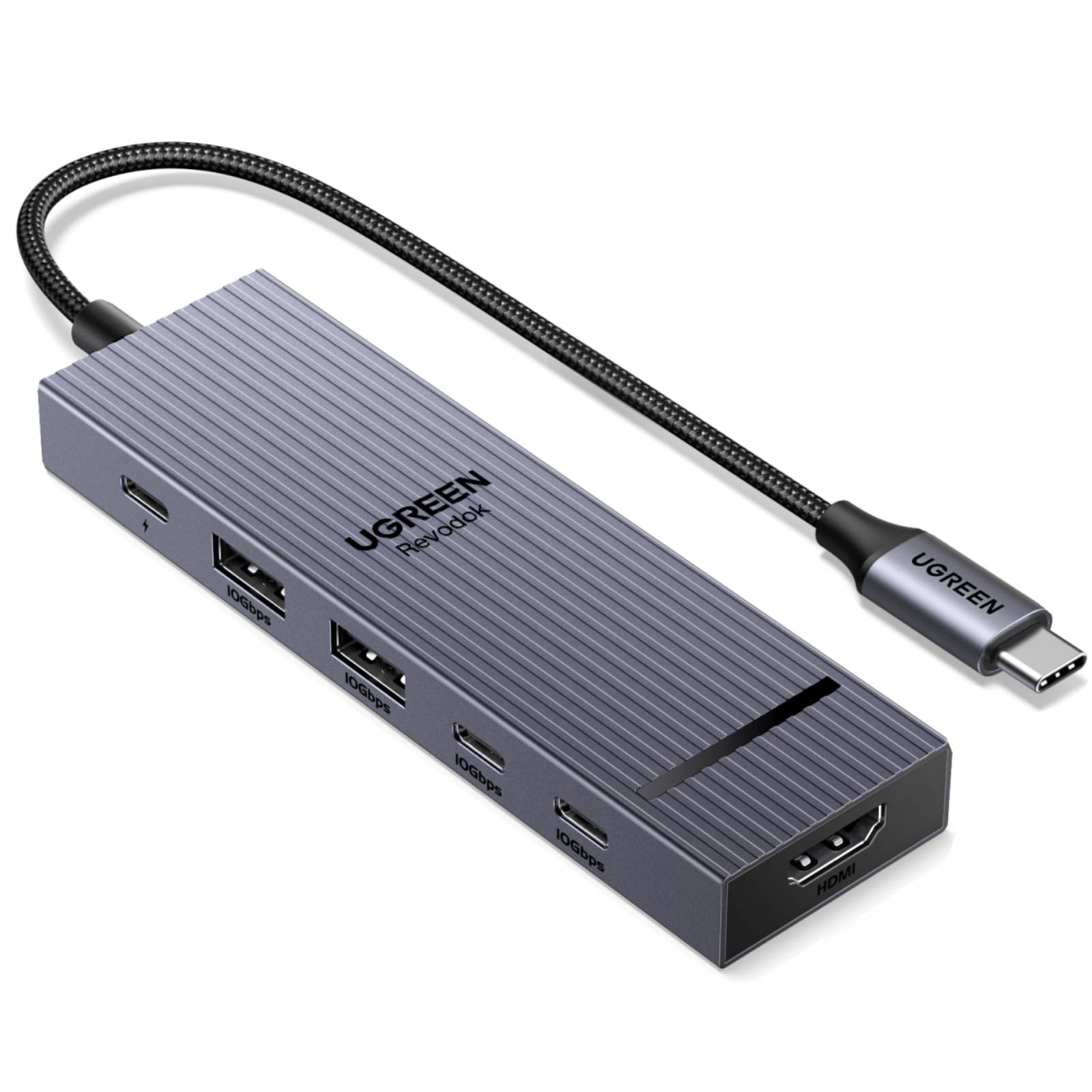
The UGREEN Revodok Pro delivers 10Gbps across all USB ports and 4K@60Hz HDMI output at a price that undercuts most competitors. It pairs these high-speed specs with a compact six-port layout and 100W PD input – making it a cost-effective option for those who need fast file transfers and high-resolution video on a tight budget.

This hub suits budget-conscious users who need fast data speeds for occasional transfers or as a secondary travel hub. It is less suited for mission-critical daily docking where consistent video output is essential – some units can experience HDMI dropouts or intermittent disconnections. Additionally, if your laptop draws more than 80W under load, the passthrough charging may not keep the battery full during heavy use.

Compared to the UGREEN Revodok 7-in-1, this model offers confirmed 4K@60Hz video and faster data ports at a lower price, but the 7-in-1 has a lower risk of port failure and a more durable aluminum build. For buyers who can tolerate some uncertainty for better base specs, the Revodok Pro makes sense – but the 7-in-1 remains the safer all-day companion.

Tip: If you rely on video output for presentations, test the HDMI port within the return window to confirm stability.

Bottom line: If you need 10Gbps speeds and 4K@60Hz on a tight budget and can accept the possibility of occasional connection drops, this hub delivers where it counts – but the UGREEN Revodok 7-in-1 is a safer bet for daily use.

5

Anker 5-in-1 Budget

Anker 5-in-1 Budget

Budget HDMI

Our Score 9.2/10
Check Price

Worth Noting

  • Two of the three USB-A ports are limited to USB 2.0 speeds (480Mbps)
  • HDMI output can become inconsistent in a small number of units over time
HDMI
4K@30Hz
Data Speed
5Gbps (1), 480Mbps (2)
Port Variety
HDMI, 3xUSB-A (mixed speeds)
Build Material
Plastic

At under $13, this Anker 5-in-1 delivers 4K@30Hz HDMI and 90W power-delivery pass-through in a package smaller than a credit card. That combination makes it the cheapest way to add a second display and keep a laptop charged from a single USB-C port. The one USB 3.0 port offers 5Gbps for quick file transfers, while two additional USB-A 2.0 ports handle slower peripherals like a mouse or keyboard. Compared to the top pick Anker 7-in-1, this model trades a faster HDMI refresh rate and metal build for a much lower price, suiting buyers who prioritize cost over extra features.

This hub fits best as a travel backup or occasional-use solution for budget-conscious laptop owners who mainly need HDMI output and one fast USB port. It works well with low-power machines like a MacBook Air or Dell XPS that support 4K@30Hz. The plastic enclosure keeps weight low (under 1.5 oz) but the design reveals its cost: only the primary USB-A port runs at USB 3.0 speed – the other two are limited to USB 2.0 at 480Mbps, so external SSDs or large backups will be slow on those ports. Additionally, HDMI port function can become intermittent in some units after extended use, so users who rely on a stable daily video connection may prefer the top pick's lower failure rate.

Tip: Reserve the USB 3.0 port for drives; use the USB 2.0 ports for mice, keyboards, or charging cables.

Bottom line: If you need a no-frills HDMI hub for occasional use and your budget is tight, this Anker gets the basics right – just keep expectations in check around port speed and long-term HDMI consistency.

6

Acer 7-in-1

Acer 7-in-1

Budget 7-in-1

Our Score 9.2/10
Check Price

Worth Noting

  • SD card reader speed around 30MB/s
  • Pass-through charging may not fully power 85W+ laptops
HDMI
4K@30Hz
Data Speed
5Gbps
Port Variety
HDMI, 2xUSB-A, USB-C, SD
Build Material
Aluminum

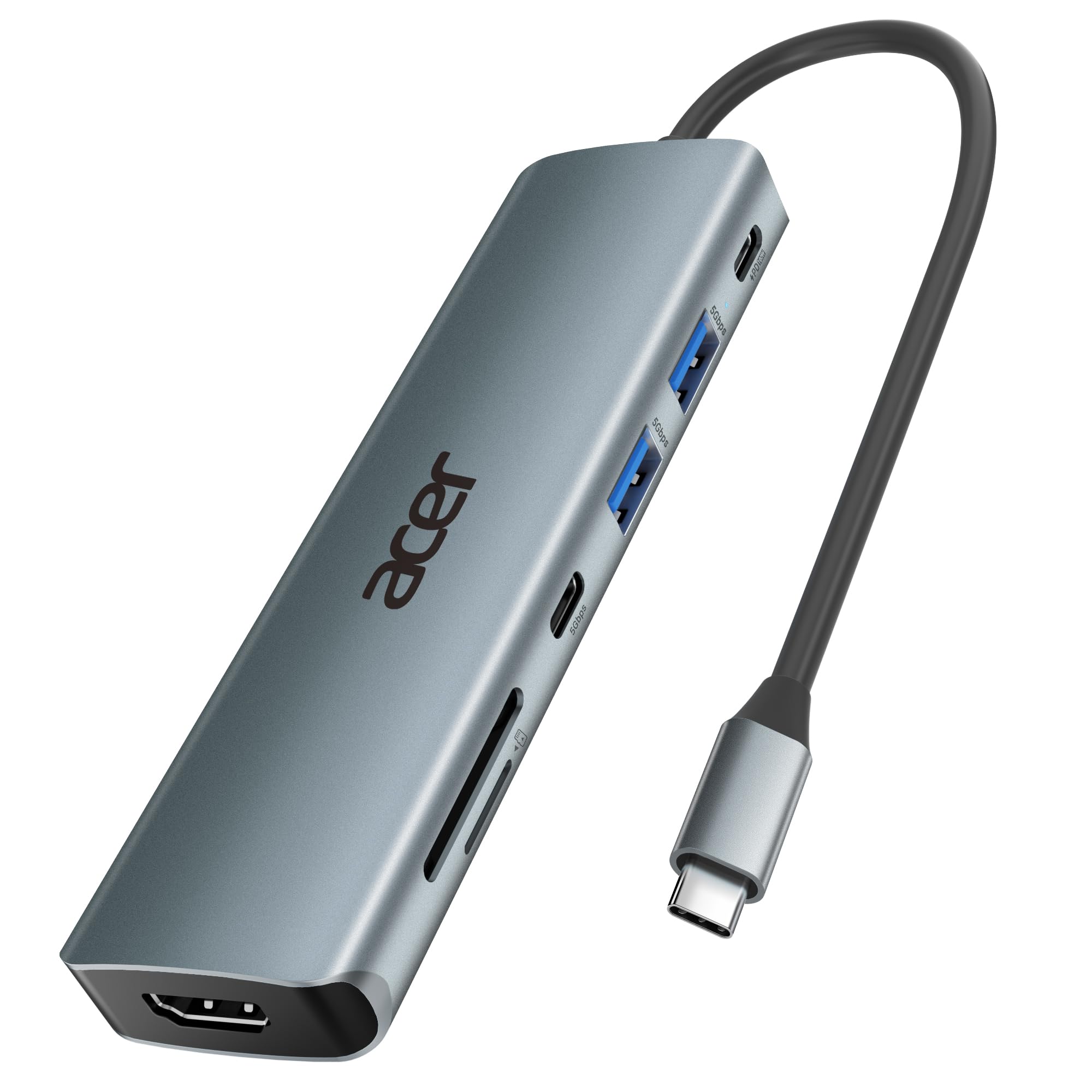
The Acer 7-in-1 offers a full port selection and a solid aluminum shell at a budget-friendly price, making it an appealing choice for occasional use. However, the SD card reader transfers at around 30MB/s — fine for casual photo transfers but not for heavy workloads — and pass-through charging may not fully power larger laptops. Those who need faster card speeds or consistent high-wattage charging should consider the UGREEN 7-in-1 instead.

Bottom line: A viable pick if you need a low-cost hub with aluminum build and occasionally move a few SD card files, and your laptop draws less than 85W.

7

SABRENT 5-in-1 10Gbps

SABRENT 5-in-1 10Gbps

Speed lovers

Our Score 9.2/10
Check Price

Worth Noting

  • Some units may stop working within a few months, introducing uncertainty for long-term setups.
  • Ports are spaced closely, making it awkward to plug in wide USB connectors side by side.
HDMI
4K@60Hz
Data Speed
10Gbps
Port Variety
HDMI, 2xUSB-C, 2xUSB-A
Build Material
Aluminum

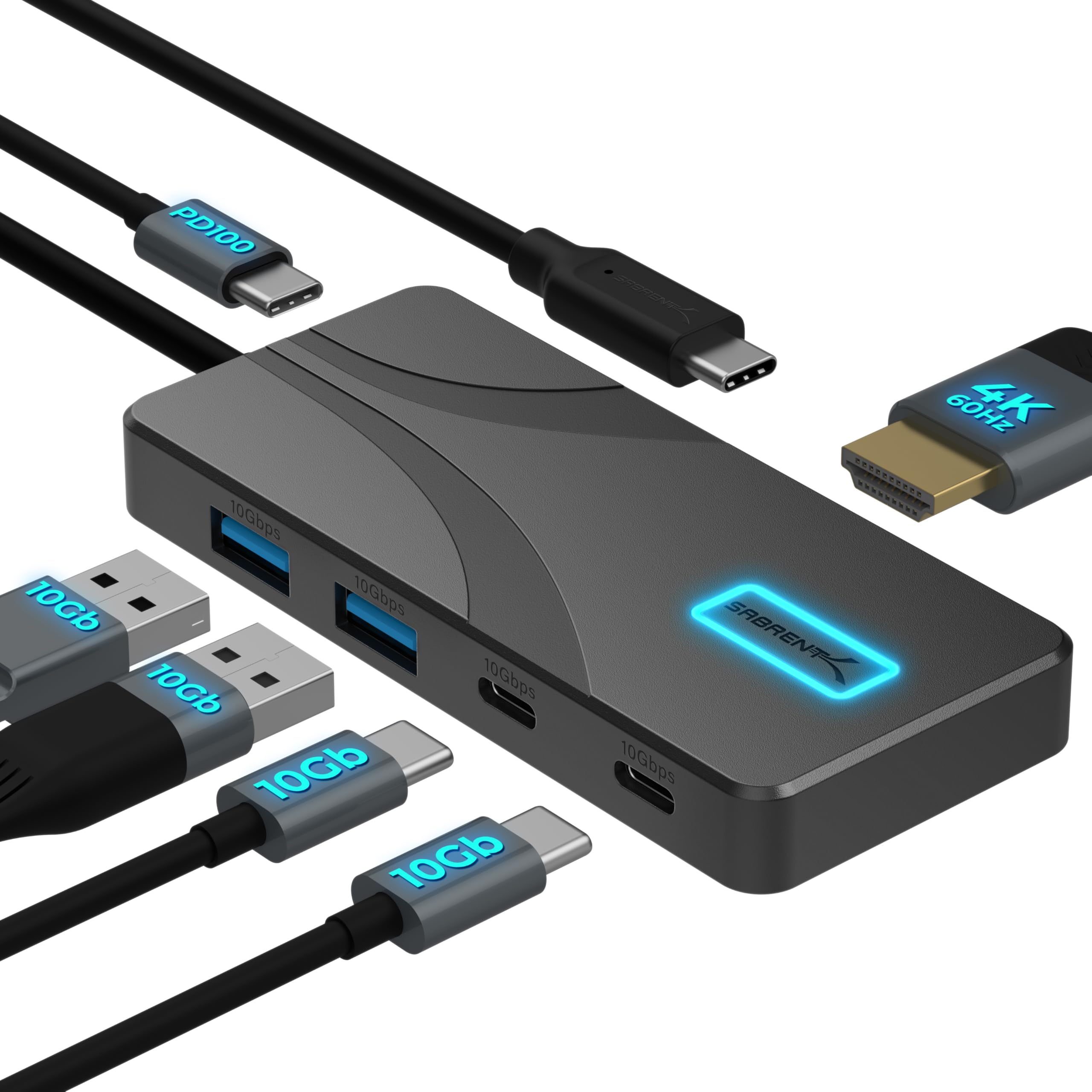
The SABRENT 5-in-1 offers 10Gbps across all data ports and a compact aluminum body with a handy power switch — a strong value for users who need fast file transfers and 4K@60Hz HDMI output. However, some units may stop working within a few months, making long-term dependability a concern. The tight port spacing also limits what connectors you can use simultaneously. This hub suits short-term or temporary setups where speed matters more than durability, but for daily, permanent use, consider alternatives with a lower failure rate.

Bottom line: Best for users who prioritize data speed over long-term durability and need a temporary hub for travel or occasional use.

8

Anker 6-in-1 Ethernet (65W)

Anker 6-in-1 Ethernet (65W)

Premium Ethernet

Our Score 9.2/10
Check Price

Worth Noting

  • 65W power delivery may not charge laptops that require 85W or more.
  • Some units can experience Ethernet or USB port failure over time.
HDMI
4K@30Hz
Data Speed
5Gbps
Port Variety
HDMI, 2xUSB-A, USB-C, Ethernet
Build Material
Aluminum

Anker's aluminum chassis and compact design give this hub a premium feel that stands out among Ethernet adapters. Gigabit networking works dependably, making it a good fit for home offices where wired internet is needed. However, the 65W power delivery falls short for larger laptops that require more power, and the USB-A ports provide data transfer only—no device charging. For buyers who need full charging or a lower price point, the plastic-bodied UGREEN Ethernet hub offers similar functionality at less cost.

Bottom line: A premium-feeling Ethernet hub best suited for low-power laptops; the cheaper UGREEN option covers the same ground if power delivery isn't a concern.

How to Choose

HDMI Resolution and Refresh Rate

4K@60Hz requires your laptop's USB-C port to support DisplayPort 1.4 Alt Mode. Many laptops only support DP 1.2, which caps at 4K@30Hz over a single cable. Check your device specs before paying extra for 60Hz.

For productivity use like spreadsheets or presentations, 30Hz is fine. For gaming or video editing, 60Hz makes mouse movement noticeably smoother. Most budget hubs default to 30Hz to keep costs down.

Power Delivery Wattage

A hub with 100W input typically delivers 85-95W to your laptop after internal overhead. That 15W loss powers the hub's own components. If your laptop demands 100W, it will slowly drain under load.

Match the hub's rated output to your laptop's charger wattage. For a 60W MacBook Air, an 85W hub is plenty. For a 130W gaming laptop, you'll need a dock with a separate power brick -- no dongle-based hub will keep up.

Data Transfer Speed

USB 3.2 Gen 2 (10Gbps) is twice as fast as Gen 1 (5Gbps) for external drives. But most hubs share bandwidth across all USB ports -- if you copy files to two drives simultaneously, each slows down.

For occasional file transfers, 5Gbps is adequate. If you regularly move large video files or backups, prioritize 10Gbps. Note that 10Gbps hubs cost slightly more and may run warmer.

Port Variety

The ideal port set includes HDMI, at least two USB-A ports for legacy peripherals, a USB-C data port for modern devices, and an SD card slot for photographers. Ethernet is useful for stable internet but not essential for most.

Be aware that some 'USB-C' ports are data-only and cannot output video. If you need to connect two monitors, look for a hub with both HDMI and DisplayPort -- but such hubs are rare under $50.

Build Material and Thermal Management

Aluminum hubs dissipate heat better than plastic, which is important when using multiple ports or fast charging. Plastic hubs can get uncomfortably warm under load, though rarely hot enough to cause damage.

A metal enclosure adds durability and a premium feel, but also adds $5-10 to the price. For a hub that sits permanently on a desk, metal is worth it. For a travel-only hub, plastic saves weight.

Frequently Asked Questions