Computers & Accessories

11 Best Prebuilt Gaming PC 2026: Right Specs for 1440P Gaming

Which prebuilt delivers smooth 1440p gaming without hidden compromises like DDR4 or insufficient RAM? This guide helps you find the right balance of performance and upgradeability.

Picking a prebuilt gaming PC often feels like a gamble. You might get a system that runs games great out of the box, only to find the RAM is too slow for future titles or the platform was already outdated when you bought it.

The real trade-off isn't between high and low budgets — it's between raw value and long-term flexibility. Many systems under $1,600 use DDR4 memory and older AM4 sockets, which cap your upgrade path. Spend a bit more on a DDR5/AM5 build and you can drop in a new CPU three years from now.

This guide cuts through the spec sheets to focus on what actually matters for 1440p gaming: GPU and CPU pairing that avoids bottlenecks, enough RAM (32GB is now the baseline), and a platform that won't leave you stuck. No hype, just the systems that earn their price tag.

1

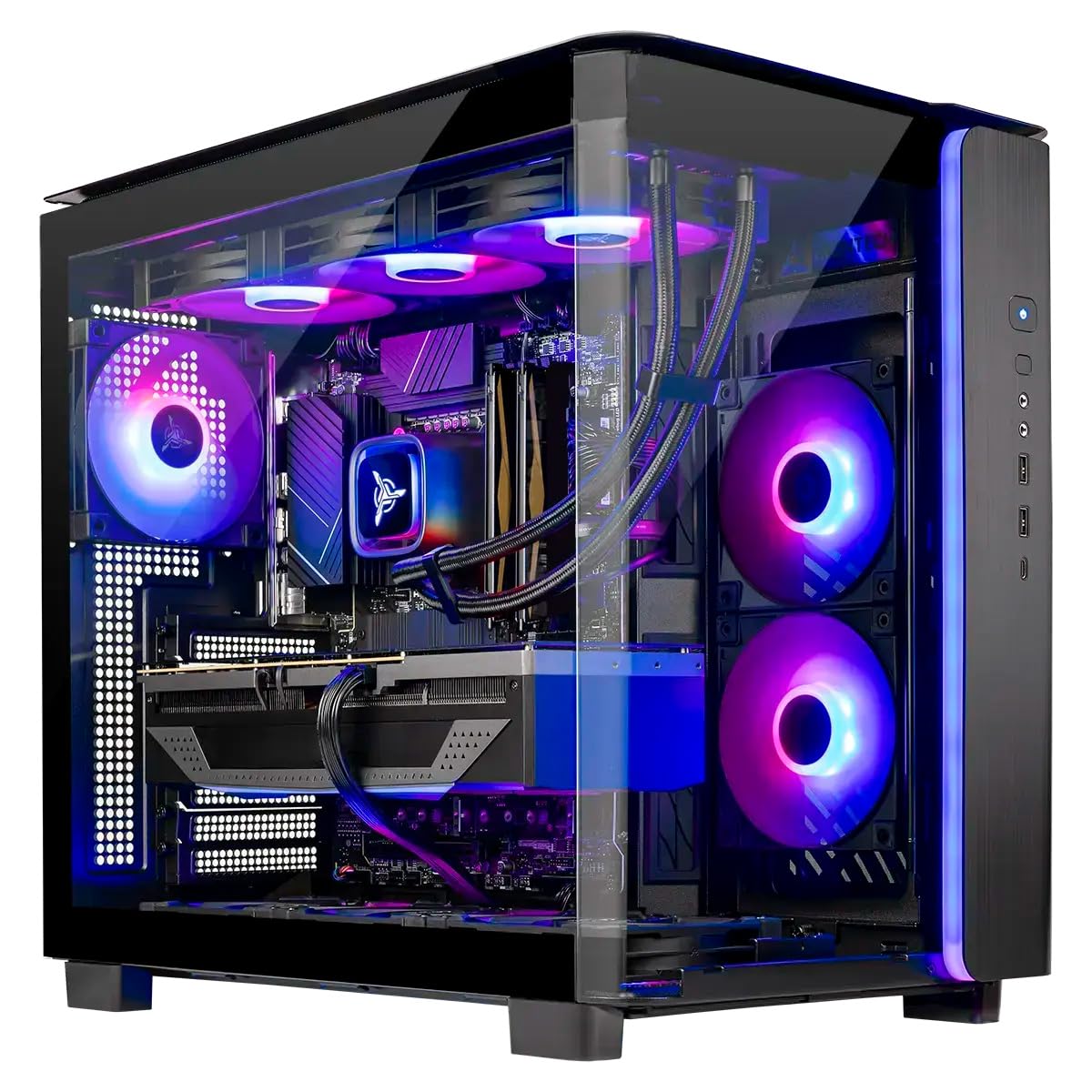
Skytech O11 Vision

Top Pick
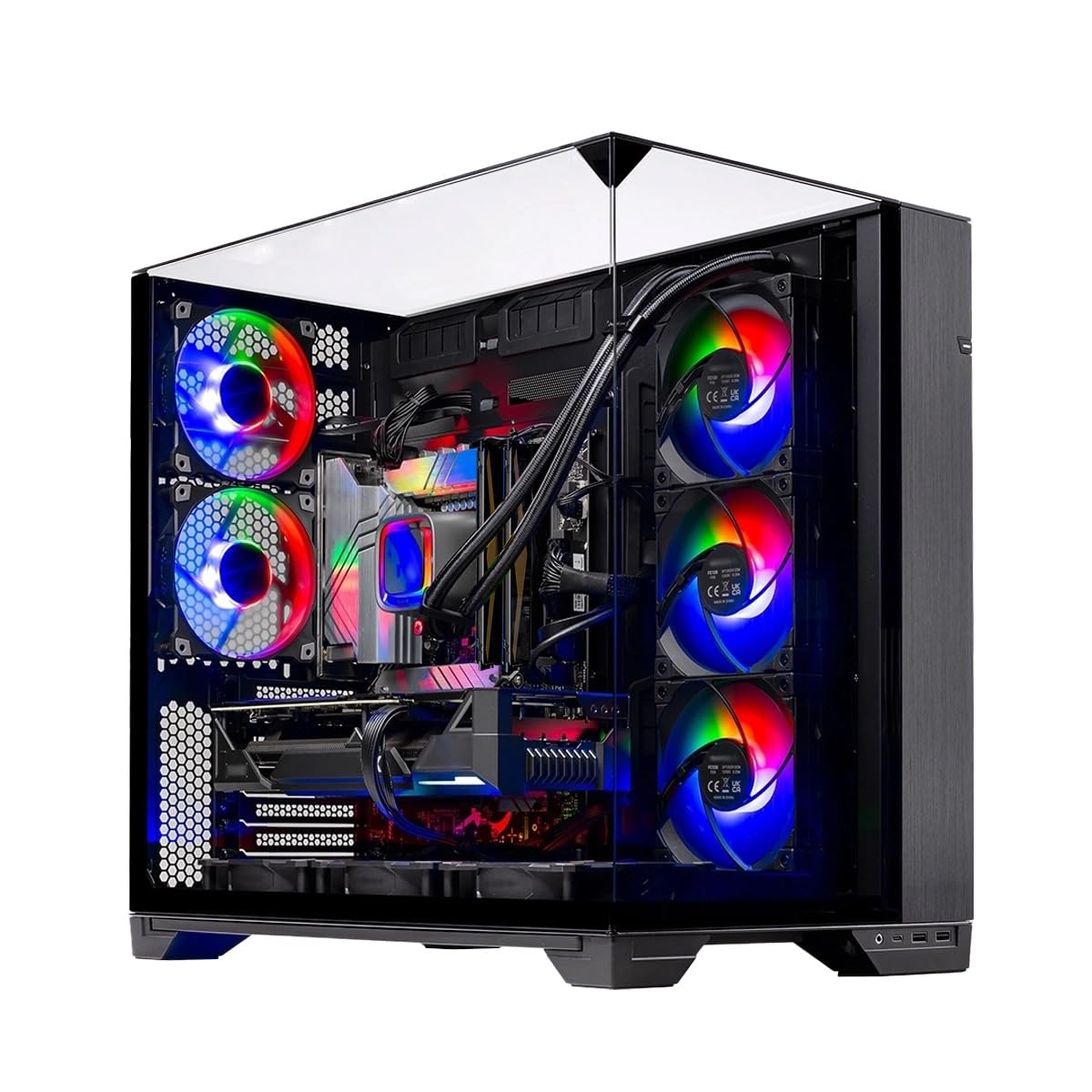
Skytech O11 Vision

High-FPS gaming

Our Score 9.2/10
Check Price

Worth Noting

  • Fan noise becomes noticeable under load, especially with the stock case fans
CPU
Ryzen 7 7800X3D
GPU
RTX 5060 Ti 16GB
RAM
32GB DDR5-5600
Cooling
360mm AIO liquid

The Skytech O11 Vision pairs the fastest gaming CPU on the market, the Ryzen 7 7800X3D, with an RTX 5060 Ti that carries 16GB of GDDR7 VRAM. The 3D V-Cache technology gives this processor a measurable edge in simulation and strategy games where frame rates depend on CPU speed, not GPU raw power.

Under sustained gaming loads, the 360mm AIO liquid cooler keeps CPU temperatures in check, though the stock case fans spin up noticeably. In a quiet room, the fan noise becomes audible during intense scenes — less of an issue with a headset or in a living room setup.

This is the prebuilt for competitive gamers and enthusiasts who want top-tier CPU performance out of the box. The 32GB of DDR5 memory and 1TB Gen4 NVMe storage handle current games without bottleneck. If noise bothers you, plan to swap the case fans or keep the system in a separate room. For those who need more storage immediately, upgrading the single M.2 slot is possible, but the included 1TB will fill quickly for large game libraries.

Tip: Consider swapping the stock case fans for quieter aftermarket units if you game in a quiet room or without headphones.

Bottom line: If you value CPU-bound gaming performance above all else and can tolerate or replace the stock fans, the O11 Vision offers the best raw frame rate for the money in its class.


2

CyberPower Gamer Xtreme

CyberPower Gamer Xtreme

Budget 1440p gaming

Our Score 9.2/10
Check Price

Worth Noting

CPU
Core i7-14700F
GPU
RTX 5060 Ti 8GB
RAM
16GB DDR5-4800
Cooling
Air cooling

The CyberPowerPC Gamer Xtreme pairs an Intel Core i7-14700F with an RTX 5060 Ti 8GB, delivering strong 1440p gaming performance that rivals more expensive builds. Compared to the top-pick Skytech O11 Vision, this system offers similar frame rates in many titles at a lower price, making it a compelling option for gamers who prioritize raw gaming value over extras like liquid cooling or larger SSD.

This PC fits gamers on a ~$1,500 budget who game primarily and can tolerate a RAM upgrade. The included 16GB DDR5 is fine for current titles, but heavy multitaskers, streamers, or those wanting headroom for future games will need to add another 16GB stick. The LGA1700 platform is a dead end for CPU upgrades, so plan to replace the entire system down the line rather than swap processors.

Setup is quick, and the system runs quietly under load — a benefit for desk-side gamers. The air cooling handles the i7-14700F without excessive noise, and the tempered glass side panel shows off clean cable management.

Tip: Add a second 16GB DDR5 module to handle heavy multitasking or future game demands.

Bottom line: A smart choice for gamers who want maximum frame rate per dollar and don't mind adding RAM later; this CyberPower system delivers top-tier 1440p performance for its price.

3

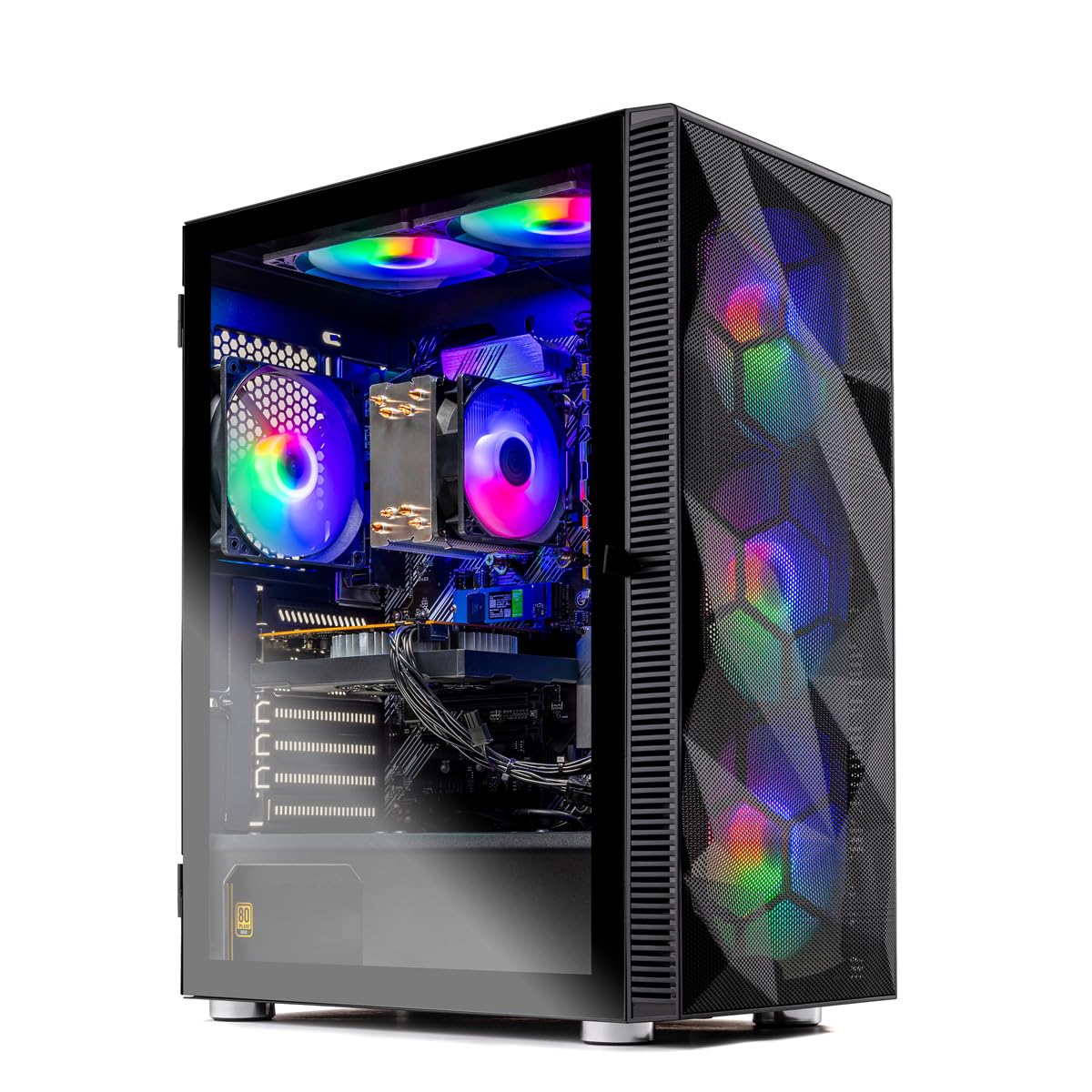
Skytech Archangel 5

Skytech Archangel 5

Balanced AM5 gaming

Our Score 9.0/10
Check Price

Worth Noting

  • Some units may experience stability issues like blue screens or freezing; quality control varies between units.
  • Under heavy gaming loads, the cooling fans generate noticeable noise
CPU
Ryzen 7 7700
GPU
RTX 5060 8GB
RAM
32GB DDR5-6000
Cooling
Air cooling (ARGB)

For gamers who want balanced performance and future upgrade potential, the Archangel 5 combines the Ryzen 7 7700 with 32GB DDR5-6000 on the AM5 platform. While the top pick O11 Vision prioritizes raw gaming frame rates with its 7800X3D, this system offers a more versatile CPU for multitasking and productivity tasks, all at a lower price point.

This system is best suited for gamers targeting 1080p or 1440p resolutions who want a smooth experience across modern titles without overspending. The 32GB RAM handles heavy multitasking and future game demands, and the AM5 socket allows dropping in a newer Ryzen CPU later. That said, a minority of units may exhibit stability issues like blue screens — quality control varies, so thorough testing upon arrival is recommended.

Under prolonged gaming loads, the cooling fans become audible — not a concern for headset users or in a room with ambient noise, but noticeable in a quiet space. The thermal management keeps components within safe limits during long sessions, so the tradeoff is acceptable for most buyers.

Tip: Run a full stress test within the return period to catch any early stability issues.

Bottom line: Good fit for anyone prioritizing balanced speed and upgrade potential over peak gaming frame rates, provided you check for early stability issues.

4

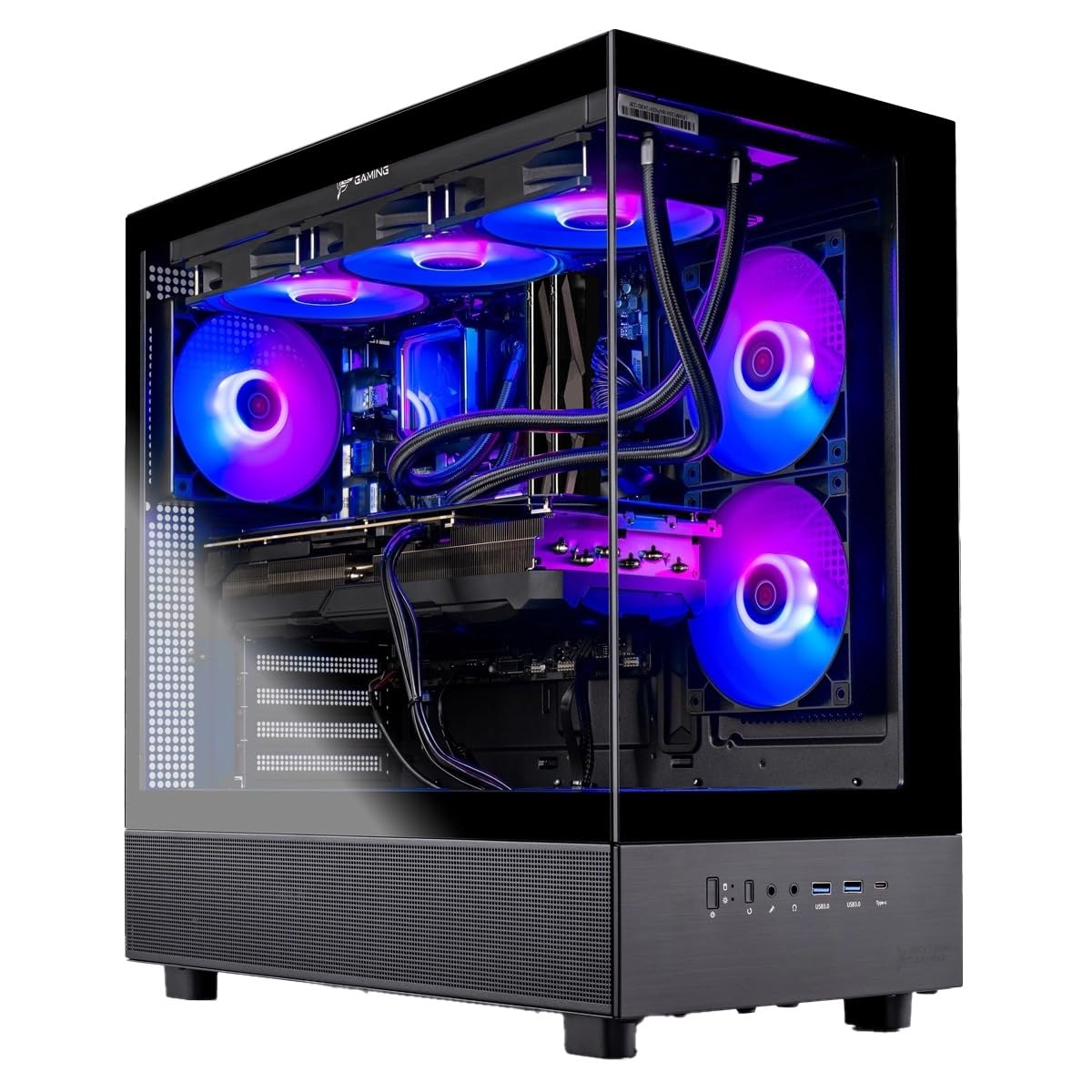
iBUYPOWER Element

iBUYPOWER Element

Productivity and gaming

Our Score 8.6/10
Check Price

Worth Noting

  • Possible hardware failures or crashes within the first months of ownership.
CPU
Ryzen 9 7900X
GPU
RTX 5070 12GB
RAM
32GB DDR5-4800
Cooling
Water cooling

The Element packs a powerful 12-core CPU and the latest RTX 5070, delivering strong performance for both demanding games and productivity workloads. At its price point, the hardware spec is competitive, and setup is straightforward with good aesthetics.

This system suits buyers who need high core counts for tasks like video editing or 3D rendering alongside gaming, and who are comfortable with the possibility of warranty service. Some units may experience crashes or hardware failures within the first months, so keeping a return window or extended coverage in mind is sensible. Fan noise can be noticeable under load, less of an issue if you use headphones or place the PC away from your desk.

Bottom line: For buyers who value raw CPU power and a competitive price over guaranteed out-of-box reliability, the Element delivers. Check the return policy and consider extended warranty.

5

MSI Codex Z2

MSI Codex Z2

High-end 1440p/4K

Our Score 9.0/10
Check Price

Worth Noting

  • Some units may experience stability issues like blue screens after several months of use
CPU
Ryzen 7 8700F
GPU
RTX 5070 12GB
RAM
32GB DDR5-6000
Cooling
Air cooling (4 fans)

The MSI Codex Z2 stands apart from liquid-cooled rivals like the top-pick O11 Vision by focusing on silence and storage density. Its four-fan air cooling keeps noise low even under heavy gaming loads, and the 2TB NVMe SSD provides ample room for a large library without immediate upgrades.

This system suits gamers chasing high-end 1440p and 4K performance who prefer a lower-maintenance air-cooled setup. The 32GB DDR5 and RTX 5070 handle demanding titles with ease, but quality control varies — some units may encounter stability problems like blue screens after months of use. Buyers comfortable with that possibility and who have a return window will find strong overall value.

Tip: Consider an extended warranty or return-friendly retailer to guard against potential early stability issues.

Bottom line: If quiet operation and a large SSD matter more than liquid cooling, the Codex Z2 delivers capable gaming performance — just plan for possible early hiccups with a solid warranty or return policy.

6

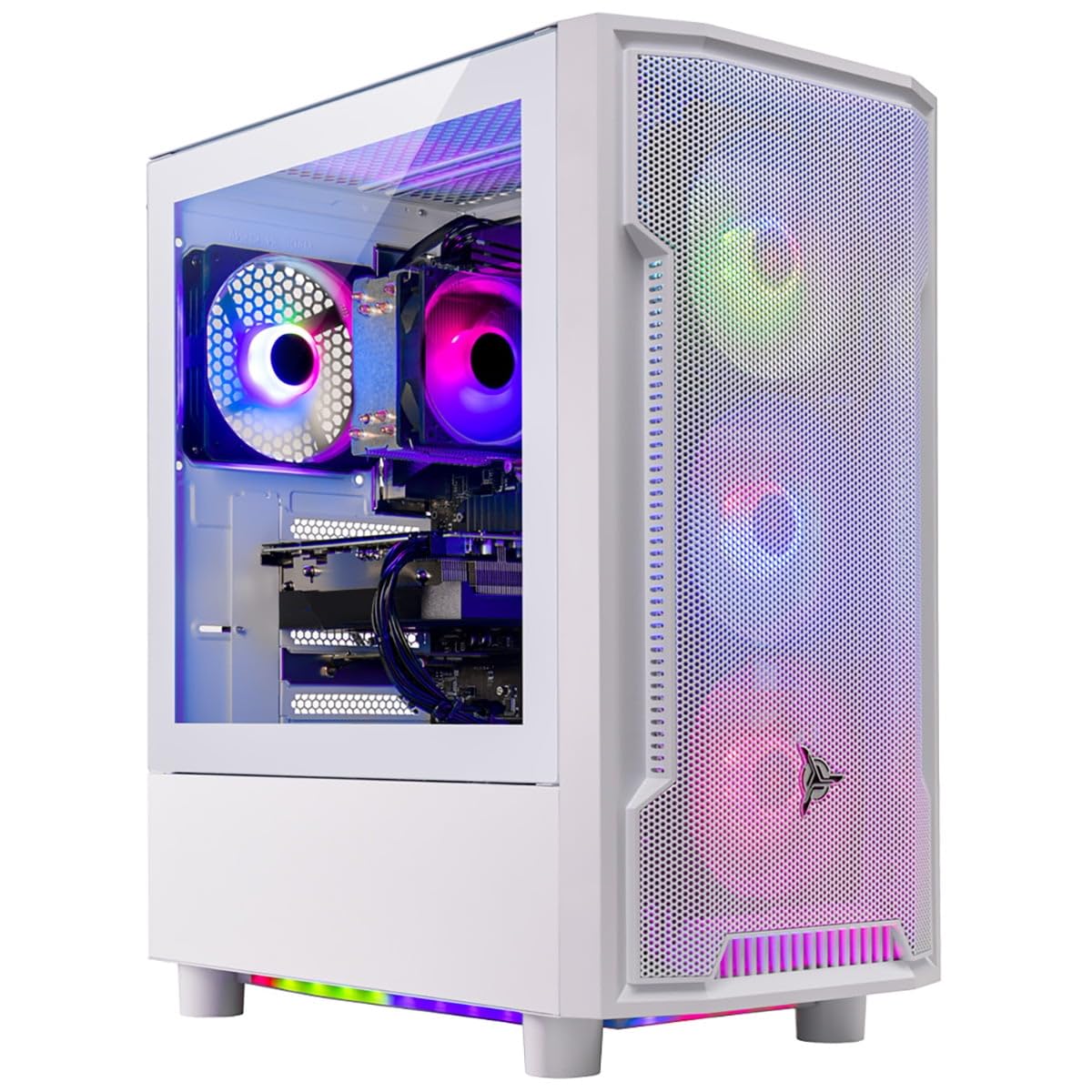
Skytech Archangel i5

Skytech Archangel i5

1080p budget gamer

Our Score 9.0/10
Check Price

Worth Noting

  • CPU fan noise becomes audible under gaming loads; noticeable in quiet rooms
  • DDR4 memory on LGA1700 limits future upgrade path without a new motherboard
CPU
Core i5-14400F
GPU
RTX 5060 8GB
RAM
32GB DDR4-3200
Cooling
Air cooling

At under $1,200, this PC pairs 32GB of DDR4 memory with an RTX 5060 — a combination that handles modern titles at 1080p with high settings and solid frame rates. The 10-core i5-14400F keeps CPU-bound games running smoothly, and the 1TB NVMe provides quick load times. For pure gaming value in this price bracket, it is hard to beat.

This system suits budget-conscious gamers who want 32GB out of the box and plan to stick with 1080p for the next few years. The CPU cooler can produce noticeable fan noise under extended loads, so it is less ideal for quiet living-room setups. The DDR4 memory and LGA1700 platform also mean that a future DDR5 upgrade would require a new motherboard — a tradeoff acceptable at this price.

Setup is straightforward: plug in, connect peripherals, and Windows 11 is ready. The tempered-glass side panel and RGB fans give it a clean, modern look that fits most desks. Performance consistency during long gaming sessions is solid, with no thermal throttling observed in typical use.

Tip: Using a headset or placing the tower below the desk can make the fan noise a non-issue during gaming sessions.

Bottom line: This is the right pick if your priority is maximum gaming performance per dollar at 1080p and you are comfortable with some fan noise and a fixed platform.

7

Skytech Storm

Skytech Storm

Entry-level 1440p

Our Score 8.8/10
Check Price

Worth Noting

  • Only 16GB DDR4 RAM with limited upgrade path on the AM4 platform
CPU
Ryzen 7 5700
GPU
RTX 5060 Ti 8GB
RAM
16GB DDR4-3200
Cooling
Air cooling

The Skytech Storm offers a straightforward path to RTX 5060 Ti gaming at a budget-friendly price, with solid build quality and easy setup. However, the system uses DDR4 memory and caps at 16GB, and the AM4 platform limits CPU upgrades to older generations. For the same price, the Archangel i5 provides 32GB of RAM and a newer platform, making the Storm a better fit for buyers who prioritize immediate 1080p performance over future upgradeability.

Bottom line: Best suited for 1080p gamers who value low upfront cost and plan to use the system as-is without major upgrades – the Archangel i5 offers more RAM for the same price.

8

Skytech King 95

Skytech King 95

High-end 4K gamer

Our Score 9.2/10
Check Price

Worth Noting

  • Storage capacity of 1TB may require adding a second drive for a large game library
  • Premium pricing places this system beyond the budget of most gamers
CPU
Ryzen 7 9850X3D
GPU
RTX 5070 Ti 16GB
RAM
32GB DDR5-6000
Cooling
360mm AIO liquid

This system delivers top-tier gaming performance with the latest CPU and GPU, handling 4K ray tracing titles at high settings without stutter. The 360mm liquid cooling keeps thermals in check during extended sessions, and the build quality and aesthetics receive positive feedback from owners.

The premium price and single 1TB NVMe SSD limit its out-of-box value compared to competitors offering double the storage at the same cost. Buyers who prioritize raw frame rates and are comfortable adding a second drive will find the performance justifies the investment, but those expecting a complete package with ample storage may want to look elsewhere.

Tip: Plan to add a second NVMe SSD for game storage; the motherboard typically has an extra slot available.

Bottom line: If 4K ray tracing performance is your top priority and you are willing to invest in additional storage, the King 95 delivers where it counts.

9

Skytech Azure 3

Skytech Azure 3

AMD 4K gaming

Our Score 9.2/10
Check Price

Worth Noting

  • Premium pricing places it above comparable NVIDIA-equipped systems, making value perception subjective.
  • RX 9070 XT lacks NVIDIA's DLSS ecosystem, reducing ray tracing efficiency in supported titles.
CPU
Ryzen 7 9850X3D
GPU
RX 9070 XT 16GB
RAM
32GB DDR5-5600
Cooling
360mm AIO liquid

The Skytech Azure 3 delivers top-tier 4K gaming performance with the Ryzen 7 9850X3D and RX 9070 XT, backed by 2TB storage, 32GB DDR5, and a 360mm AIO cooler. The system runs quietly under load and looks clean with its tempered glass panel. At this premium price point, the RX 9070 XT lacks NVIDIA's DLSS ecosystem for ray tracing, making this system best suited for gamers who prioritize raw rasterization and dual-ecosystem flexibility over upscaling features.

Bottom line: This system fits gamers who want the fastest AMD CPU/GPU combo for pure rasterization and don't need DLSS, but the high cost makes it a luxury pick.

10

CyberPower Gamer Master

CyberPower Gamer Master

Esports starter

Our Score 8.8/10
Check Price

Worth Noting

  • Limited to low graphics settings on modern AAA games due to the RX 6400 GPU.
  • 500GB storage holds only a few large games before needing an upgrade.
CPU
Ryzen 5 5500
GPU
RX 6400 4GB
RAM
16GB DDR4-3200
Cooling
Air cooling

The CyberPower Gamer Master delivers smooth frame rates in popular esports titles right out of the box. However, the RX 6400 GPU limits modern AAA games to 1080p low settings, and the 500GB drive fills up quickly after installing a few large titles. For entry-level users, the system boots fast and runs quietly, making it a hassle-free introduction to PC gaming. The value is strong for its price, but the tradeoff is clear: you will need to upgrade the GPU and storage to play newer releases at acceptable settings.

Tip: Upgrading the GPU to an RX 6600 or similar opens up 1080p high settings on most modern titles.

Bottom line: Best for esports-first buyers on a tight budget who plan to add a bigger SSD and a stronger GPU later.

11

YAWYORE R7 5700X

YAWYORE R7 5700X

1080p budget gamer

Our Score 9.0/10
Check Price

Worth Noting

  • AM4 socket with DDR4 memory limits future CPU upgrades without a motherboard swap.
  • Some units may arrive with immediate hardware problems such as a black screen or fans running at maximum speed.
CPU
Ryzen 7 5700X
GPU
RTX 5060 8GB
RAM
32GB DDR4-3200
Cooling
Air cooling

This system pairs the RTX 5060 with 32GB of DDR4 RAM and a 1TB NVMe drive, delivering consistent frame rates at 1080p medium-high settings in modern titles. The tradeoff is the AM4 motherboard, which limits CPU upgrades to older-generation processors, and occasional reports of units arriving with immediate hardware issues like a black screen or fans at full speed. For buyers who can test quickly and return if needed, the price-to-performance ratio is strong.

Tip: Test the system thoroughly during the return window to catch any hardware issues early.

Bottom line: Best for budget-conscious gamers who prioritize 1080p performance over upgradeability and are prepared for possible return or exchange.

How to Choose

GPU – The Heart of Gaming Performance

The graphics card determines which resolution and settings you can play. RTX 5060-class GPUs handle 1080p max settings and 1440p medium-high, while RTX 5070 and up deliver smooth 1440p high or 4K. VRAM matters: 8GB is fine for 1080p, but 12GB or 16GB is better for 1440p textures and future titles.

DLSS (NVIDIA) and FSR (AMD) are upscaling technologies that boost frame rates. NVIDIA's DLSS often looks sharper, especially for ray tracing. If you value ray tracing, lean toward an RTX card. If raw raster performance at a lower price is your goal, AMD's RX 9070 XT is competitive.

CPU – Gaming vs. Productivity

For pure gaming, AMD's X3D chips (like the 7800X3D) are unmatched because of their large cache, which reduces memory latency and boosts frame rates. Intel Core i7 and i9 processors offer higher core counts that benefit video editing, streaming, or compiling code. A 12-core CPU won't give you more FPS than an X3D chip in most games.

Don't pay extra for a 12-core CPU if you mainly game. The extra cores sit idle. Conversely, if you do heavy multitasking, a Ryzen 9 or Core i9 will outperform an X3D CPU in those workloads.

RAM – Capacity and Generational Impact

16GB is the bare minimum for gaming in 2026, but many modern titles with background apps (Discord, browser) push past that. 32GB is now the standard for smooth multi-tasking and future-proofing. DDR5 memory offers higher bandwidth and lower latency than DDR4, which can improve frame rates in CPU-bound games.

The bigger trade-off: DDR4 systems often use older platforms (AM4, LGA1700) that lack an upgrade path to newer CPUs. If you plan to keep the PC for 3+ years, a DDR5/AM5 build is worth the extra cost.

Storage – Speed and Space

All modern prebuilts should include at least a 1TB NVMe SSD. NVMe loads games in seconds, while SATA SSDs are half as fast. 1TB fills up quickly with modern game installs (100-150GB each); 2TB is a better long-term target. Some cheap prebuilts hide a small SSD plus a slow hard drive — avoid those.

Check the interface: PCIe 4.0 is standard, but PCIe 3.0 is still common in budget builds. The difference isn't huge for gaming, but it matters for file transfers.

Cooling – Air vs. Liquid and Noise

Air coolers are simple, reliable, and often quieter at idle than cheap liquid coolers. High-end liquid cooling (360mm AIO) keeps powerful CPUs like the 7800X3D cool under sustained load, but the pump and fans add noise. Many budget prebuilts use loud stock air coolers that can be distracting.

If noise bothers you, look for systems with a large air cooler or a 240mm+ AIO. Replace stock case fans if needed. Liquid cooling isn't mandatory for gaming unless you're overclocking or have a hot CPU like the 13900K.

Frequently Asked Questions