Computers & Accessories

14 Best Drawing Tablet with Screen 2026: Choose the Right Display for Your Workflow

Which pen displays deliver on color, pressure, and reliability without breaking the bank – and how to match one to your computer setup and skill level.

Shoppers often imagine a drawing tablet with screen as a standalone device, like an iPad. In reality, almost every pen display connects to a computer or Android device and acts as a second monitor. That surprise can kill the excitement of unboxing.

Beyond connection requirements, specs like pressure levels and color gamut are easy to compare on paper but harder to judge in practice. A tablet that looks great in marketing may disappoint with driver instability or screen quality out of the box. This guide focuses on models that actually deliver for real-world use.

Whether you are a beginner looking for an affordable entry point or a professional needing color-accurate 4K, the right choice comes down to understanding trade-offs between pen feel, screen quality, and reliability. We help you match each tablet to your specific workflow and budget.

1

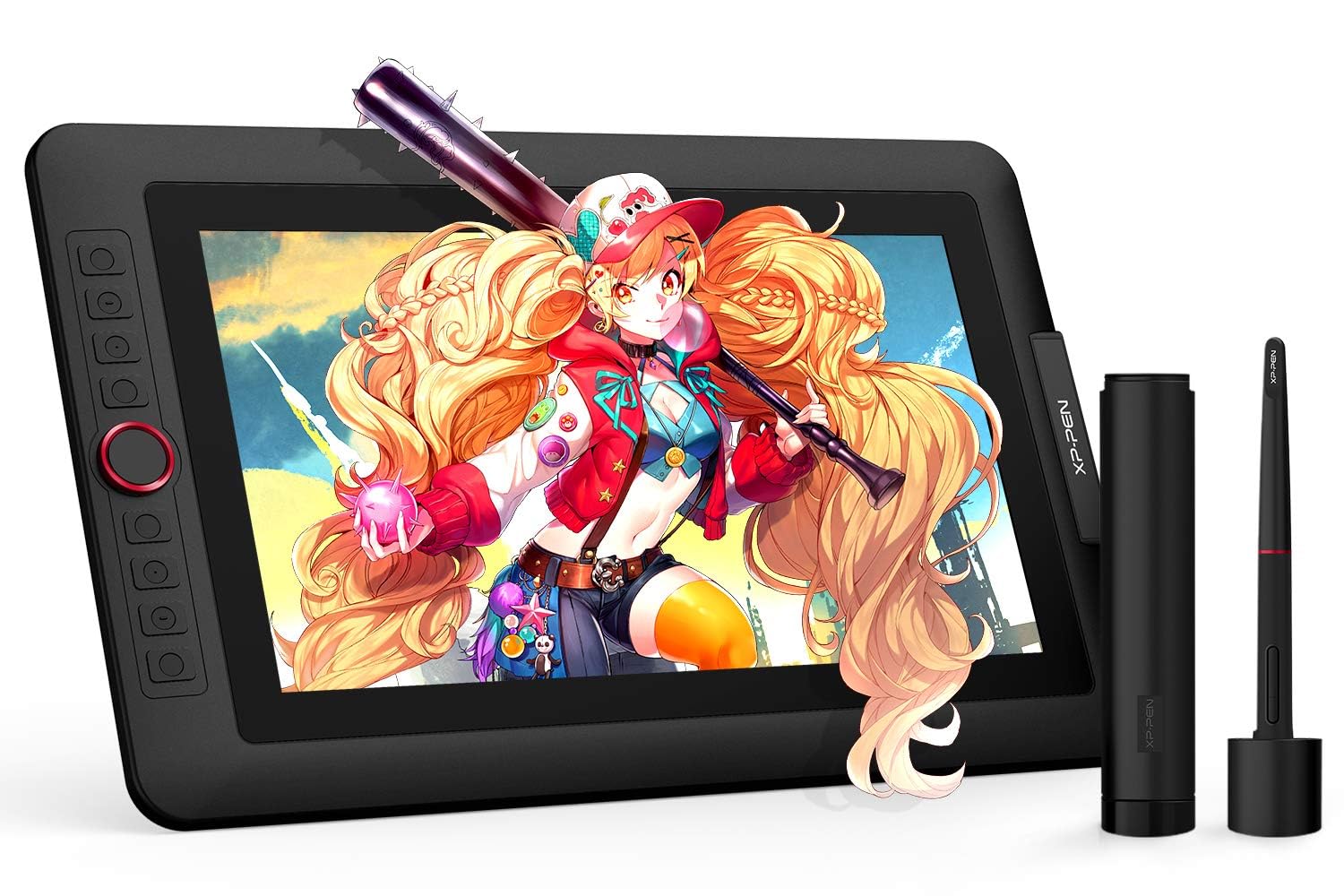
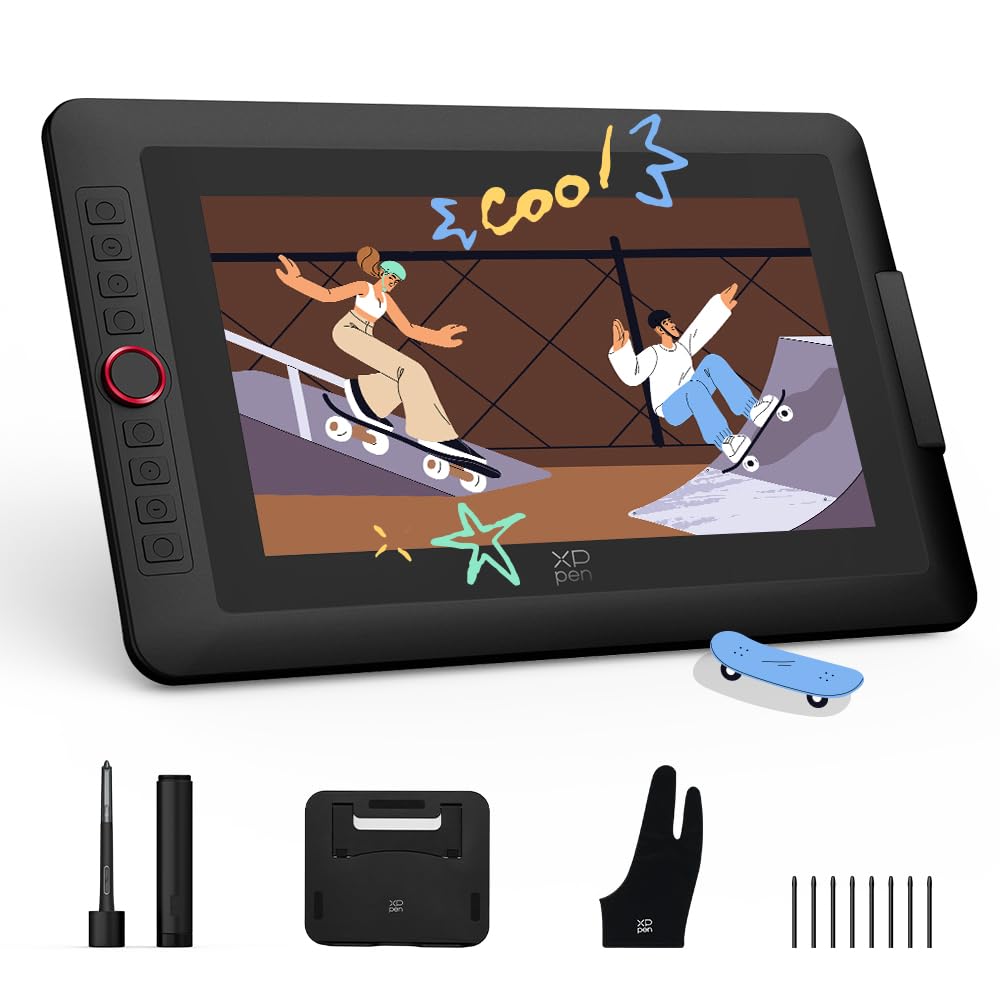
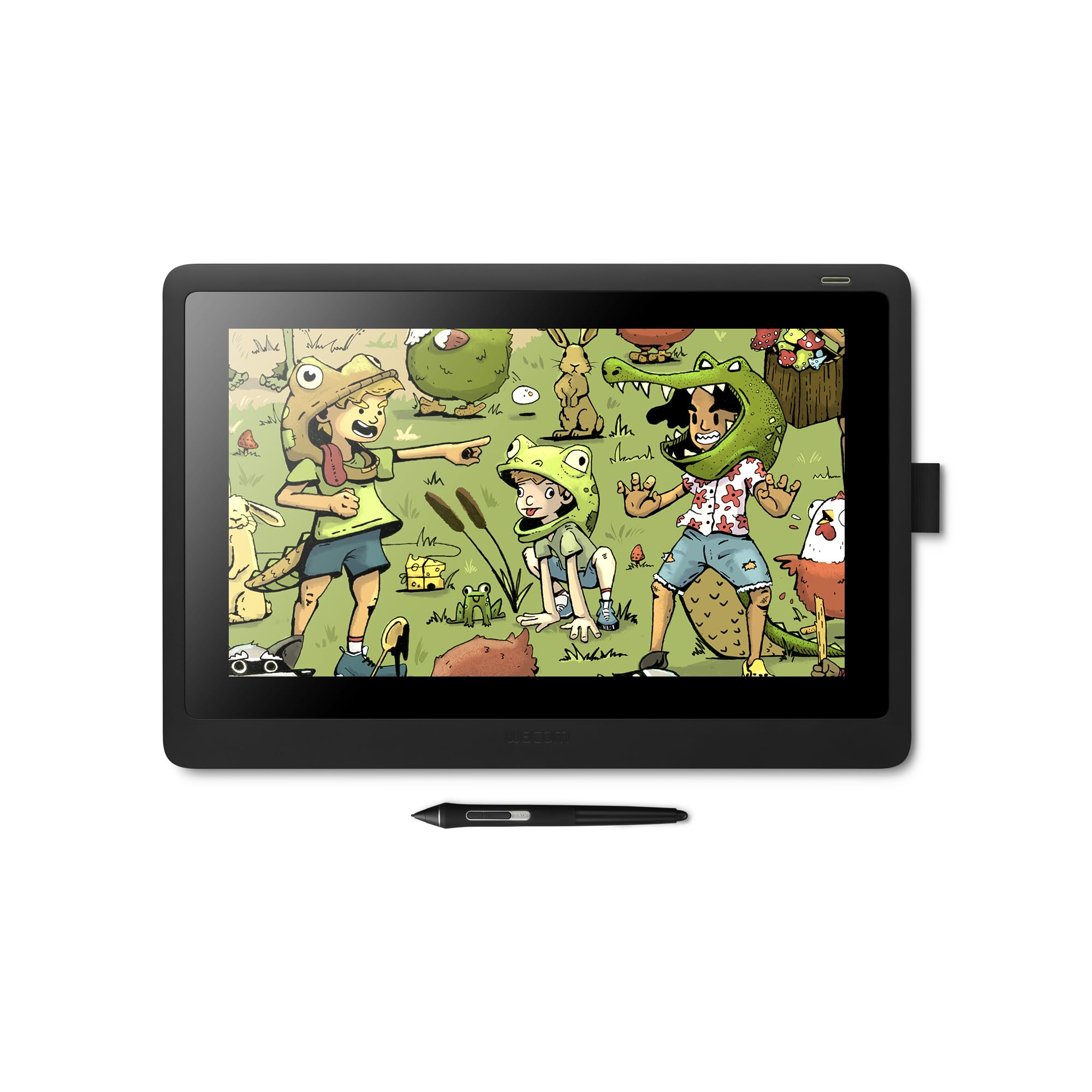
XP-Pen Artist 15.6 Pro V2

Top Pick
XP-Pen Artist 15.6 Pro V2

Balanced mid-range

Our Score 8.8/10
Check Price

Worth Noting

  • Some units may develop screen or pen issues after extended use
  • Color accuracy and vibrancy can vary between units; calibration may be needed for color-critical work.
  • Initial setup can be time-consuming with driver installation and cable management.
Stand
Included
Resolution
1920x1080
Color Gamut
99% sRGB
Screen Size
15.6 inches

The full-laminated anti-glare glass and 16K pressure-sensing pen deliver a responsive, natural drawing feel that rivals more expensive options. The included stand and eight customizable express keys add practical convenience for long sessions.

While the vast majority of owners find this tablet reliable for everyday use, a minority encounter screen or stylus issues after several months. This is a known variance rather than a systemic problem, and the manufacturer’s warranty provides a safety net for those affected.

This tablet suits beginners and intermediate artists who want a 15.6-inch canvas with modern features like full lamination and 99% sRGB color coverage without the premium price of professional models. It assumes you are comfortable with potentially needing to calibrate colors or troubleshoot drivers occasionally. Users who cannot accept any chance of hardware failure over time should look at options with more robust long-term track records.

Tip: Keep a record of your purchase date and test the tablet thoroughly during the return window to catch any early defects.

Bottom line: A balanced performer for artists who want a proven 15.6-inch tablet at a mid-range price, as long as you are prepared for the occasional need to calibrate or contact support.
2

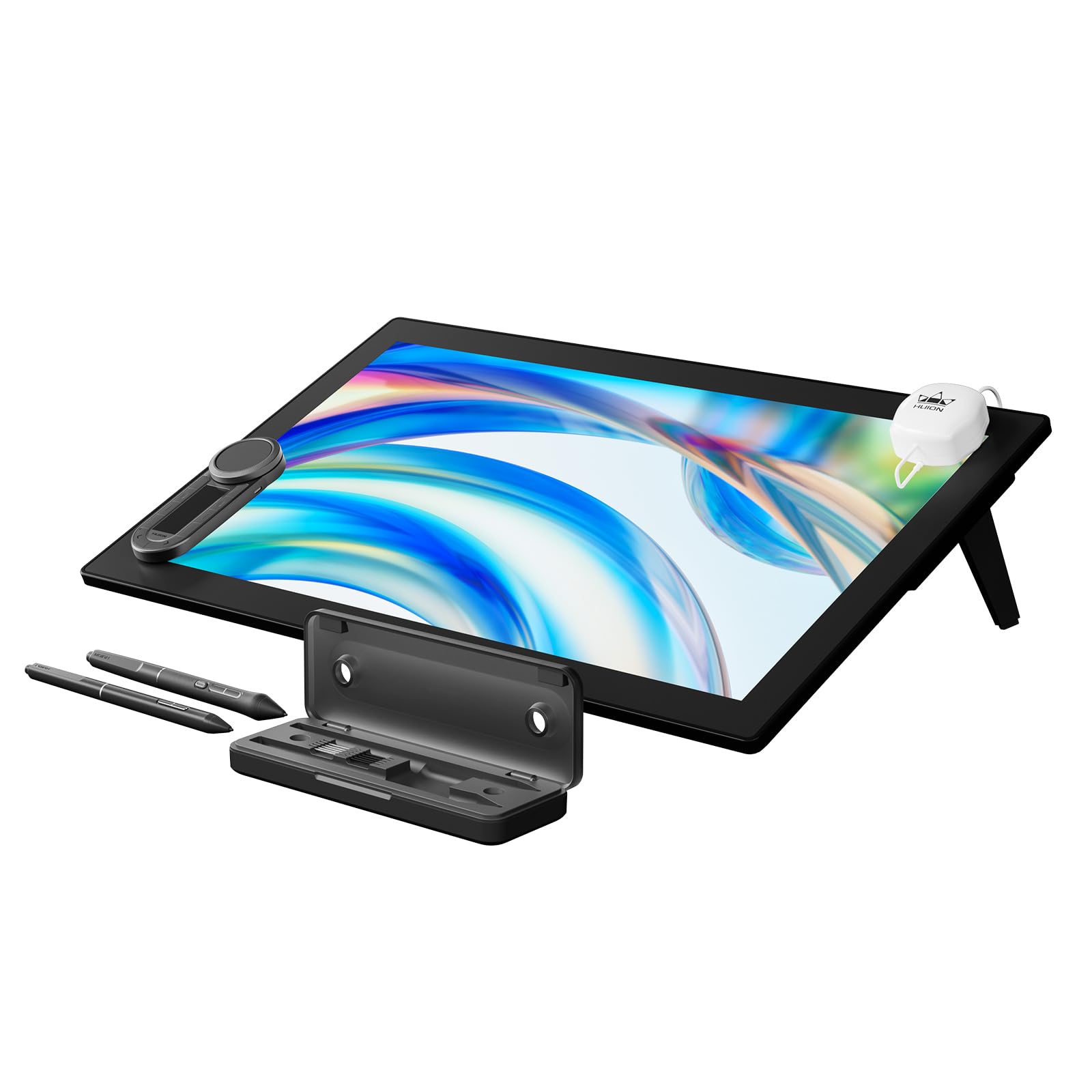
Huion Kamvas Pro 24 Gen 3

Huion Kamvas Pro 24 Gen 3

Professional 4K

Our Score 8.8/10
Check Price

Worth Noting

  • Color accuracy may require manual calibration to match advertised specs; some units appear cooler or less saturated out of the box.
  • The matte anti-glare coating can soften the image at 4K, especially when scaling is applied, making text look less crisp.
  • Driver stability and occasional pen responsiveness issues have been noted, particularly after system updates or with certain GPUs.
Stand
Not included
Resolution
3840x2160
Color Gamut
99% Adobe RGB
Screen Size
23.8 inches

This Huion delivers a rare combination: a large 4K canvas with 99% Adobe RGB, multi-touch gestures, and two styluses plus a wireless controller out of the box. The Canvas Glass 3.0 eliminates parallax, making the drawing surface feel as close to paper as any pen display at this price tier. The included Keydial adds programmable shortcuts without cluttering your desk.

Professionals who need the resolution and screen real estate for detailed illustration or 3D modeling will find the Kamvas Pro 24 Gen 3 compelling — especially if they plan to pair it with a VESA arm (no stand is included). The multi-touch support is a genuine productivity boost for zooming and rotating, something rare outside Wacom’s premium line. However, the color accuracy out of the box can be inconsistent, requiring manual calibration to reach the advertised delta E < 1, and the matte coating may introduce a softness that some users mistake for blur at 4K. Driver stability on Windows is generally solid, but occasional hiccups have been noted with specific graphics configurations.

For artists who value a large, sharp display and are comfortable spending time on setup — calibrating the screen and adjusting scaling in the OS — this Huion offers features that rival Wacom’s Cintiq Pro at a significantly lower cost. The dual 16K pens provide backup and different grips, and the Keydial’s ring control is handy for brush size or layer navigation. The main tradeoff is that you may need to tinker with drivers and color profiles to get consistent results, and a minority of units have experienced pen or connectivity issues. That risk is present with any pen display, but worth factoring in given the premium price.

Tip: For best color accuracy, calibrate with a hardware colorimeter — the factory profiles vary between units.

Bottom line: If you need a large 4K canvas with multi-touch and don't mind investing time in calibration and driver setup, this Huion delivers exceptional hardware value. The color and software quirks make it a better fit for the patient professional than the seamless out-of-box experience of Wacom alternatives.

3

Wacom Cintiq 16

Wacom Cintiq 16

Pen feel purist

Our Score 9.2/10
Check Price

Worth Noting

  • Premium price for a non-laminated display without a stand or shortcut keys
  • Non-laminated screen creates a visible parallax gap that can be distracting for precise cursor placement, and colors appear less vivid than modern panels.
  • No built-in shortcut keys or dials means you will need a separate keyboard or remote to access commands quickly during drawing sessions.
Stand
Not included
Resolution
1920x1080
Color Gamut
Screen Size
15.4 inches

The Pro Pen 2 delivers unmatched precision and natural tilt response that sets the standard for digital drawing. Its 8192 pressure levels capture subtle variations from the lightest brush stroke to heavy line work. While the top pick in this roundup provides a full-laminated screen and built-in stand, the Cintiq 16 focuses on what Wacom does best: pen accuracy and consistent driver behavior.

Driver stability is a genuine advantage here – most competitors have occasional compatibility quirks, but Wacom's drivers work reliably across Windows and macOS with minimal troubleshooting. The build quality also inspires confidence for daily studio use over years, and the pen itself requires no calibration to perform accurately in any major creative application.

This tablet suits artists who prioritize pen feel above all else and work in environments where external accessories like a keyboard or remote are already part of their setup. The non-laminated screen may show a slight parallax gap, and colors are less punchy than modern panels – a tradeoff that goes unnoticed by those focused on line art or inking over vibrant color work. No express keys means you will rely on keyboard shortcuts – a non-issue for users who already work with a keyboard, but a hurdle for those coming from tablets with dedicated buttons. If you need a stand, budget for an additional purchase.

Tip: Pair with a Wacom ExpressKey Remote or a compact programmable keypad to regain the shortcut convenience missing from the tablet.

Bottom line: If pen feel and driver stability are your top priorities, and you are willing to work around the limited display features, the Cintiq 16 remains the reference standard for digital drawing.

4

XP-Pen Artist 13.3 Pro

XP-Pen Artist 13.3 Pro

Budget beginners

Our Score 9.0/10
Check Price

Worth Noting

  • Setup can be confusing for non-technical users, requiring driver download and cable management
  • Screen quality inconsistency may appear as blurriness or dead pixels in some units
  • Functionality issues such as pen detection or driver instability can occur in a minority of units
Stand
Included
Resolution
1920x1080
Color Gamut
123% sRGB
Screen Size
13.3 inches

The XP-Pen Artist 13.3 Pro brings full lamination and 16384 pressure levels to a sub-$200 price point, a combination rarely seen outside premium models. Its 13.3-inch FHD screen keeps the setup portable, though artists accustomed to larger canvases may find the workspace tight for detailed illustrations or UI design.

Drawing feel benefits from low initial activation force and responsive tilt tracking, making strokes feel natural. Build quality is sturdy for the price. However, driver installation and pen detection can be finicky on some systems, and screen uniformity varies between units – a tradeoff common at this budget tier.

This tablet suits students, hobbyists, or those moving from a pen tablet to a display for the first time. It is less appropriate for professionals needing color accuracy (123% sRGB but no factory calibration) or a large workspace. The included adjustable stand and eight express keys add convenience, but expect occasional software quirks that may frustrate less technical users.

Tip: Download the latest driver from XP-Pen's website before connecting the tablet to minimize initial setup issues.

Bottom line: A cost-effective entry into full-laminated pen displays – suited for learners and casual artists who can accept its compact screen and occasional software hiccups.

5

XP-Pen Artist Pro 14 Gen 2

XP-Pen Artist Pro 14 Gen 2

Tall canvas artists

Our Score 8.8/10
Check Price

Worth Noting

  • Compatibility with older software such as GIMP or Photoshop CS6 may be limited
  • Signal connection can drop intermittently, causing loss of pen input or 'No Signal' errors.
Stand
Built-in
Resolution
1920x1200
Color Gamut
123% sRGB
Screen Size
14 inches

The 14-inch 16:10 screen gives you more vertical room than typical 13.3-inch models, making it a natural fit for portrait-oriented sketches and UI design. The included wireless Mini Keydial remote keeps shortcuts off the canvas, reducing desk clutter. While the top pick offers a larger 15.6-inch display, this XP-Pen provides a taller working area in a smaller footprint.

This tablet suits intermediate artists who want a step up from 13-inch displays without moving to a full 15.6-inch unit. The remote is ideal for users who prefer a clean desk without extra cables. However, note that signal reliability can vary – some users experience temporary loss of pen connection or 'No Signal' issues. Additionally, older software like GIMP or Photoshop CS6 may not work smoothly, and macOS compatibility has gaps. If your workflow relies on legacy applications, check compatibility first.

The X3 Pro stylus offers a natural drawing feel with 60 degrees of tilt recognition, and the full-laminated display minimizes parallax. The 123% sRGB gamut provides vibrant colors suitable for illustration and design work – a step up from entry-level models without the premium price.

Tip: If you encounter signal drops, try using a different USB-C cable or port – some USB hubs may cause interference.

Bottom line: Best for artists who value a taller canvas and wireless remote, and can work around occasional signal hiccups or software compatibility limits.

6

XP-Pen Artist 13.3 Pro V2

XP-Pen Artist 13.3 Pro V2

Color-sensitive illustrators

Our Score 8.8/10
Check Price

Worth Noting

  • Anti-glare film may introduce a slight softness to the image
  • Driver stability can be inconsistent, with occasional pen stalling that may require a software restart to resolve.
Stand
Included
Resolution
1920x1080
Color Gamut
125% sRGB
Screen Size
13.3 inches

The Artist 13.3 Pro V2 delivers a wide, factory-calibrated color gamut that rivals displays costing significantly more – ideal for illustrators and photographers who need accurate hues straight out of the box. The included stand and Red Dial add practical shortcuts without extra spending. However, it trades a larger canvas for portability and costs a bit more than the original Artist 13.3 Pro, while the anti-glare film can soften fine details. Driver stability is a known variable: some users encounter pen stalling that requires a quick reset. USB-C single-cable connection works only with compatible ports; otherwise, the 3-in-1 cable must be used, adding some cable clutter.

Tip: If your computer's USB-C port lacks sufficient power delivery, use the included 3-in-1 cable to avoid connection drops.

Bottom line: Best for artists who prioritize color accuracy over screen size and can manage occasional driver quirks – a solid alternative to pricier Wacom displays for color-sensitive work.

7

Huion Kamvas 13 Gen 3

Huion Kamvas 13 Gen 3

Color-focused students

Our Score 9.0/10
Check Price

Worth Noting

  • Some units may develop display or pen responsiveness issues after a few months of use.
  • Compatibility with certain software like Zbrush or Inkscape may require driver updates or workarounds.
Stand
Not included
Resolution
1920x1080
Color Gamut
99% sRGB
Screen Size
13.3 inches

HUION's Kamvas 13 Gen 3 delivers exceptional color fidelity straight out of the box, with factory calibration under Delta E 1.5 and the latest PenTech 4.0 supporting 16K pressure levels – a compelling package for students and hobbyists on a budget. However, its limited review count and occasional reports of early reliability problems (screen or pen behavior after a few months of use) make it a secondary option for buyers who prioritize long-term consistency over color specs. The compact 13.3-inch form works best for those with limited desk space, but the lack of an included stand and potential software hiccups with certain programs add friction.

Bottom line: For budget-conscious artists who value color accuracy over absolute reliability and can accept some unit variance, the Kamvas 13 Gen 3 delivers impressive specs – but for those seeking more consistent long-term performance, the comparable XP-Pen model with a larger review base is a safer bet.

8

Gaomon PD1161

Gaomon PD1161

Absolute beginners

Our Score 8.6/10
Check Price

Worth Noting

  • Screen clarity is low
  • Pen may stop responding after a few months in some cases, requiring a replacement or unit reset.
Stand
Not included
Resolution
1920x1080
Color Gamut
72% NTSC
Screen Size
11.6 inches

The Gaomon PD1161 gets you a drawing screen at the lowest price point, and its huge user base confirms it's easy to set up and responsive enough for learning. But the non-laminated display looks noticeably pixelated (colors appear washed out) and some units experience the pen losing connection over time. This combination of screen softness and possible reliability hiccups means it's only suitable for beginners who need the lowest entry cost and can accept these tradeoffs – not for anyone needing color accuracy or long-term daily use.

Bottom line: Best for absolute beginners who want a screen tablet at the absolute lowest cost and can accept a softer image and the possibility of early pen issues.

9

Veikk VK1200 V2

Veikk VK1200 V2

Ultra-budget full lamination

Our Score 8.6/10
Check Price

Worth Noting

  • Some units stop working or develop pen tracking issues after weeks of use
  • 11.6-inch screen feels small for extended drawing sessions or large-handed users
Stand
Not included
Resolution
1920x1080
Color Gamut
72% NTSC
Screen Size
11.6 inches

The VEIKK VK1200 V2 brings full-laminated glass and an anti-glare surface to an entry-level pen display, effectively eliminating the parallax gap that plagues cheaper non-laminated models. Two active pens (one spare) and six express keys are included, making the package feel complete for hobbyists who want a direct drawing experience without spending over $150. The 11.6-inch 1080p screen is adequate for casual sketching, though the 72% NTSC color gamut falls short for color-critical work, and the compact size may feel cramped during extended sessions.

Where the VK1200 V2 stumbles is long-term consistency: some units stop working after weeks of use or develop pen tracking problems, so reliability is a wildcard. Setup can also be finicky, especially on Mac or after multiple driver installs. For buyers on a tight budget who accept these boundaries and plan to use it as a secondary or light hobbyist device, this is one of the few full-laminated screens available at this price.

Bottom line: A budget-friendly full-laminated pen display that works well as a secondary sketch pad or light hobbyist tool — but only if you can accept the possibility of early reliability hiccups.

10

Huion Kamvas 22 Plus

Huion Kamvas 22 Plus

Large vibrant canvas

Our Score 8.6/10
Check Price

Worth Noting

  • 1080p resolution on a 21.5-inch screen can appear less sharp than QHD or 4K alternatives.
  • Color accuracy may require manual calibration to achieve consistent results.
Stand
Included
Resolution
1920x1080
Color Gamut
140% sRGB
Screen Size
21.5 inches

The Huion Kamvas 22 Plus delivers a large 21.5-inch canvas with vibrant colors thanks to its QLED technology covering 140% sRGB – a standout feature at its price. However, the 1080p resolution on this screen size results in a softer image, making fine details less crisp than on higher-resolution models. Additionally, color accuracy out of the box can be off, requiring manual calibration to suit professional needs. Some units have shown reliability issues such as pen or display malfunctions over time, so consistent performance is not guaranteed.

Bottom line: Ideal for artists who want a large, vivid canvas and are comfortable with 1080p resolution and color calibration, but those needing sharp details or out-of-box accuracy should look elsewhere.

11

Huion Kamvas 22

Huion Kamvas 22

Budget big screen

Our Score 9.0/10
Check Price

Worth Noting

  • Non-laminated 1080p screen can appear washed out and pixelated, especially for color-critical work.
  • Occasional pen or connectivity issues may arise after months of use.
Stand
Included
Resolution
1920x1080
Color Gamut
120% sRGB
Screen Size
21.5 inches

The Kamvas 22 delivers a generous 21.5-inch drawing surface at the lowest price in its size class. Setup is straightforward, and the included adjustable stand is a practical addition. However, the non-laminated screen with 1080p resolution can look soft and colors may appear less vibrant than advertised. Some units may experience pen or connectivity issues over time, a known limitation at this price point. For artists prioritizing screen size over color accuracy and sharpness - and who are comfortable with occasional reliability variability - this is a cost-effective entry point.

Bottom line: Best for budget-conscious artists who need a large canvas and can accept moderate color quality and occasional technical hiccups.

12

Huion Kamvas 16 Gen 3

Huion Kamvas 16 Gen 3

QHD mid-size

Our Score 8.8/10
Check Price

Worth Noting

  • Setup can be tricky if previous Huion drivers are installed
  • Some units have shown black screen or unresponsive pen behavior shortly after purchase
Stand
Included
Resolution
2560x1440
Color Gamut
99% sRGB
Screen Size
15.8 inches

The Huion Kamvas 16 Gen 3 delivers a crisp QHD display that enhances fine detail work, with a premium build that rivals higher-priced models. Dual dials and PenTech 4.0 streamline the workflow. However, some early units have experienced black screen or unresponsive pen issues, and the product's long-term durability is still being proven. This suits early adopters who prioritize display sharpness and are willing to accept some risk, while those wanting a track record should look at more established 16-inch options.

Bottom line: Best for artists who want the highest pixel density at this size and are comfortable with early-adopter risk, rather than those needing guaranteed long-term reliability.

13

XP-Pen Artist Pro 19 Gen 2

XP-Pen Artist Pro 19 Gen 2

4K professional

Our Score 9.0/10
Check Price

Worth Noting

  • May require specific USB-C cables or adapters; not all devices connect seamlessly
  • Premium pricing and 18.4-inch size make it unsuitable for portable use or small desks
Stand
Included
Resolution
3840x2160
Color Gamut
156% sRGB
Screen Size
18.4 inches

The XP-Pen Artist Pro 19 Gen 2’s 4K UHD screen is Calman Verified for Delta E < 1.5, making it a strong choice for color-critical work. It includes two styluses and a wireless keydial, saving the expense of separate purchases. However, its premium price and 18.4-inch size demand a dedicated workspace, and some users have noted occasional USB-C compatibility issues—worth verifying with your setup.

Bottom line: Ideal for color-focused professionals who need a large, accurate canvas and a complete accessory package, as long as their workflow stays desk-bound and they account for potential USB-C compatibility checks.

14

XP-Pen Artist 13.3 Pro V2 (USB-C)

XP-Pen Artist 13.3 Pro V2 (USB-C)

USB-C simple desk

Our Score 8.6/10
Check Price

Worth Noting

  • Driver and software compatibility can be problematic with certain system configurations.
  • Long-term durability under regular heavy use has not been demonstrated.
Stand
Included
Resolution
1920x1080
Color Gamut
99% sRGB
Screen Size
13.3 inches

Dual USB-C connectivity simplifies desk setup when used with modern laptops or Chromebooks, offering single-cable convenience. The display is crisp and colors are accurate, and the included foldable stand adds practical value. As a newer model, its long-term reliability under heavy daily use is not yet established, and occasional software glitches have been reported with specific hardware setups. This makes it a fit for users who prioritize cable management and are willing to accept possible driver hiccups over a more established option.

Bottom line: Best suited for artists with USB-C laptops who value a clean single-cable setup and are comfortable with early adopter uncertainty.

How to Choose

Screen Size

A larger screen (15.6 inches and up) provides more workspace for detailed illustrations and multitasking, but it demands more desk space and reduces portability. An 11.6- or 13.3-inch display is easier to store and transport but can feel cramped for extended sessions.

Resolution

Full HD (1920x1080) is standard at 13 to 16 inches and looks sharp enough for most work. On larger screens (21.5 inches and above), the same resolution can appear soft and pixelated, making QHD or 4K a meaningful upgrade for crisp linework and text.

Higher resolutions require more GPU power from your computer and may cause scaling glitches in older software. Test compatibility if you rely on legacy apps.

Color Gamut

Color gamut percentages (sRGB, Adobe RGB, DCI-P3) indicate how many shades a display can reproduce. A 99% sRGB rating is fine for web and social media work; 120%+ sRGB or Adobe RGB coverage helps with print and video color spaces.

Wider gamut does not guarantee accuracy out of the box. Many budget displays need manual calibration (using a hardware colorimeter) to achieve consistent results. Factory-calibrated models (Delta E < 2) are worth the premium for color-critical work.

Pressure Sensitivity

Pressure levels (8192 vs 16384) are largely a marketing spec. Most artists cannot feel the difference beyond 4096 levels in normal use. The quality of the pen tip, initial activation force, and driver latency matter far more for drawing feel.

Do not choose a tablet solely based on a higher pressure number. Focus on pen technology (e.g., Huion PenTech 4.0 or Wacom Pro Pen 2) and user reviews of responsiveness.

Full Lamination

Full lamination bonds the glass cover to the LCD panel, reducing the air gap that causes parallax – the offset between pen tip and cursor. This makes a noticeable difference in accuracy, especially when working at angles or tracing lines.

Non-laminated screens (like the Wacom Cintiq 16) have a visible gap that can feel like writing through a thin pane of glass. For professional work, full lamination is strongly recommended.

Connectivity

The traditional 3-in-1 cable (HDMI + USB + power) works with any computer but creates cable clutter. Newer models support single USB-C connection, which simplifies setup and works with laptops that provide video and power over USB-C.

Single-cable convenience may come with compatibility limitations. Some USB-C ports do not deliver enough power or video signal, requiring the legacy cable anyway. Check your computer’s USB-C specs before buying.

Express Keys and Dials

Physical shortcut keys and rotary dials speed up workflow by mapping common actions like undo, zoom, and brush size. The number of keys matters less than their placement and feel – keys that are too stiff or poorly labeled become frustrating.

Wireless remotes (e.g., XP-Pen Mini Keydial, Huion Keydial) offer flexibility but add batteries and potential pairing hiccups. On-tablet keys are always ready but fixed in position.

Frequently Asked Questions