Computers & Accessories

12 Best Portable Monitor of 2026: Avoid USB-C Compatibility Pitfalls

Which portable monitors actually work with your laptop's USB-C port and deliver real brightness for outdoor use? Find the right mix of specs and portability.

Many 15.6-inch portable monitors look identical on paper — same resolution, same size, same price range. The real differences hide in components that aren't listed prominently: how bright the panel actually gets, whether the USB-C cable handles video and power simultaneously, and how the stand survives months in a backpack.

Reliability varies widely across brands. Some monitors deliver sharp images and last for years; others develop flicker or stop working within weeks. The key is knowing which specs to prioritize for your actual use case — and which compromises are worth making.

This guide cuts through the spec sheet noise to focus on brightness, refresh rate, color accuracy, and build quality that matter for productivity and gaming on the go.

1

VisionOwl 16in 2.5K

Top Pick
VisionOwl 16in 2.5K

Best Overall

Our Score 9.6/10
Check Price

Worth Noting

  • Mini-HDMI input requires an adapter for standard HDMI cables
  • No protective case or sleeve included
Weight
1.48 lb
Brightness
470 nits
Resolution
2560×1600 QHD
Color Gamut
110% sRGB

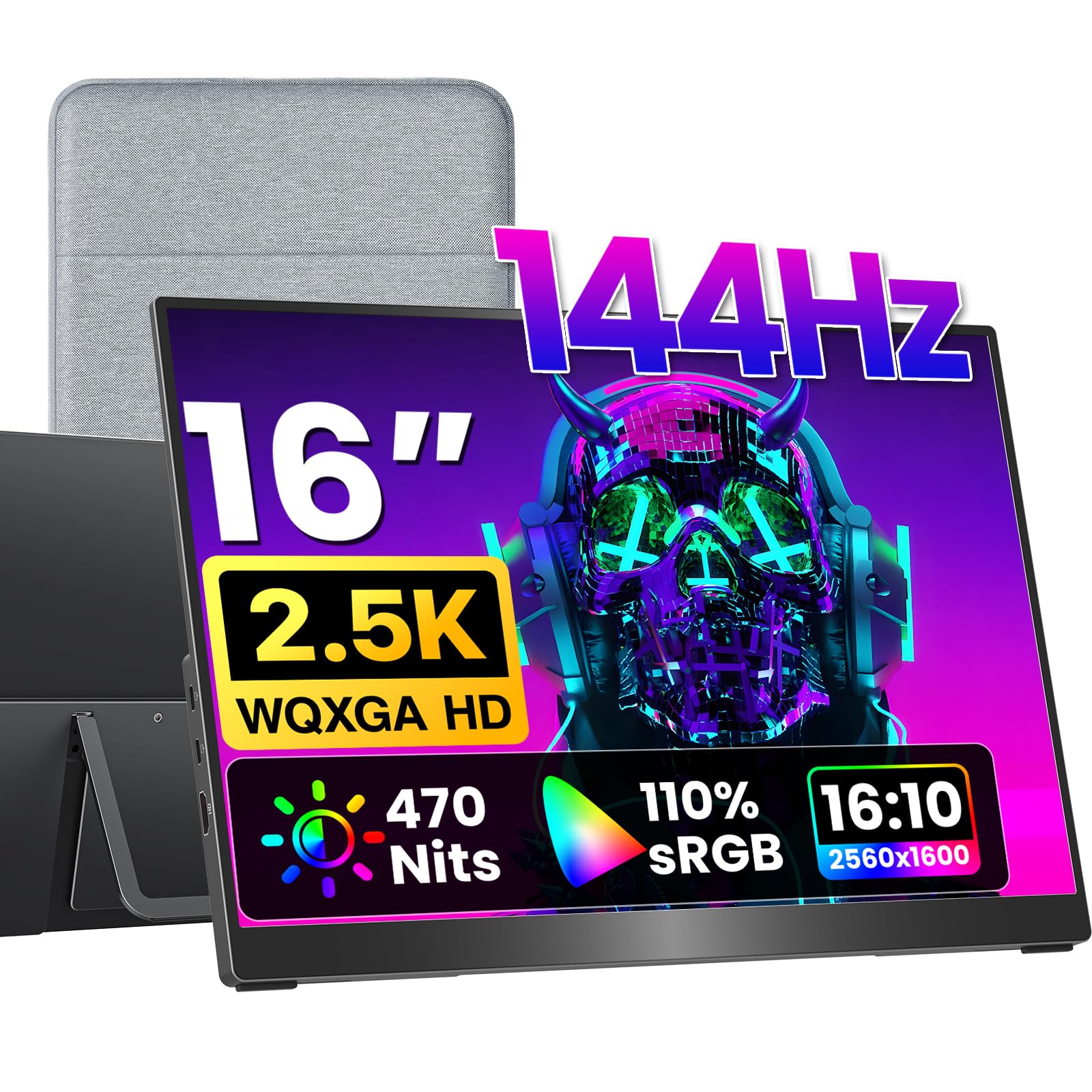
VisionOwl delivers a 16-inch 2560x1600 panel that hits 470 nits and covers 110% sRGB with 10-bit color — numbers usually found on desktop monitors costing three times as much. The 144Hz refresh rate makes cursor movement and scrolling feel immediate, and fast-paced games look fluid without ghosting.

In practice, the high brightness and wide color gamut mean HDR content actually looks distinct, not washed out. Colors stay accurate across viewing angles, which helps when using the monitor as a secondary display for photo editing or video preview. The built-in kickstand is stable on a desk but offers no tilt adjustment — fine for most setups, though users who prefer a specific angle may want a separate stand.

This monitor is best suited for creative professionals who need accurate color on the go, gamers who want a high-refresh portable option, and travelers who prioritize display quality over saving a few ounces. The tradeoff: VisionOwl uses a mini-HDMI port (adapter needed for standard HDMI) and does not include a carrying case or protective cover — the kickstand is the only included accessory. Buyers who frequently toss their monitor into a backpack should budget for a slim sleeve.

At 1.48 lb and 0.3 inches thin, the monitor slides into a laptop bag easily, and the USB-C connectivity works with most modern laptops and phones for single-cable video and power. The OSD controls are basic but responsive, and the built-in speakers are adequate for system alerts but not for music or dialogue.

Tip: Pick up a slim carrying sleeve if you plan to travel often.

Bottom line: If display quality and portability are your priorities, this is the monitor to get.
2

Upperizon 16in 2.5K

Upperizon 16in 2.5K

Gamers & Productivity

Our Score 9.4/10
Check Price

Worth Noting

  • Brightness at 450 nits is lower than the top pick; may be less visible in very bright rooms or direct sunlight
  • Color gamut at 106% sRGB is slightly narrower than the top pick's 110% - a minor difference for most users
  • At 1.76 lb, it's heavier than the slimmest portable monitors, though still travel-friendly
Weight
1.76 lb
Brightness
450 nits
Resolution
2560×1600 QHD
Color Gamut
106% sRGB

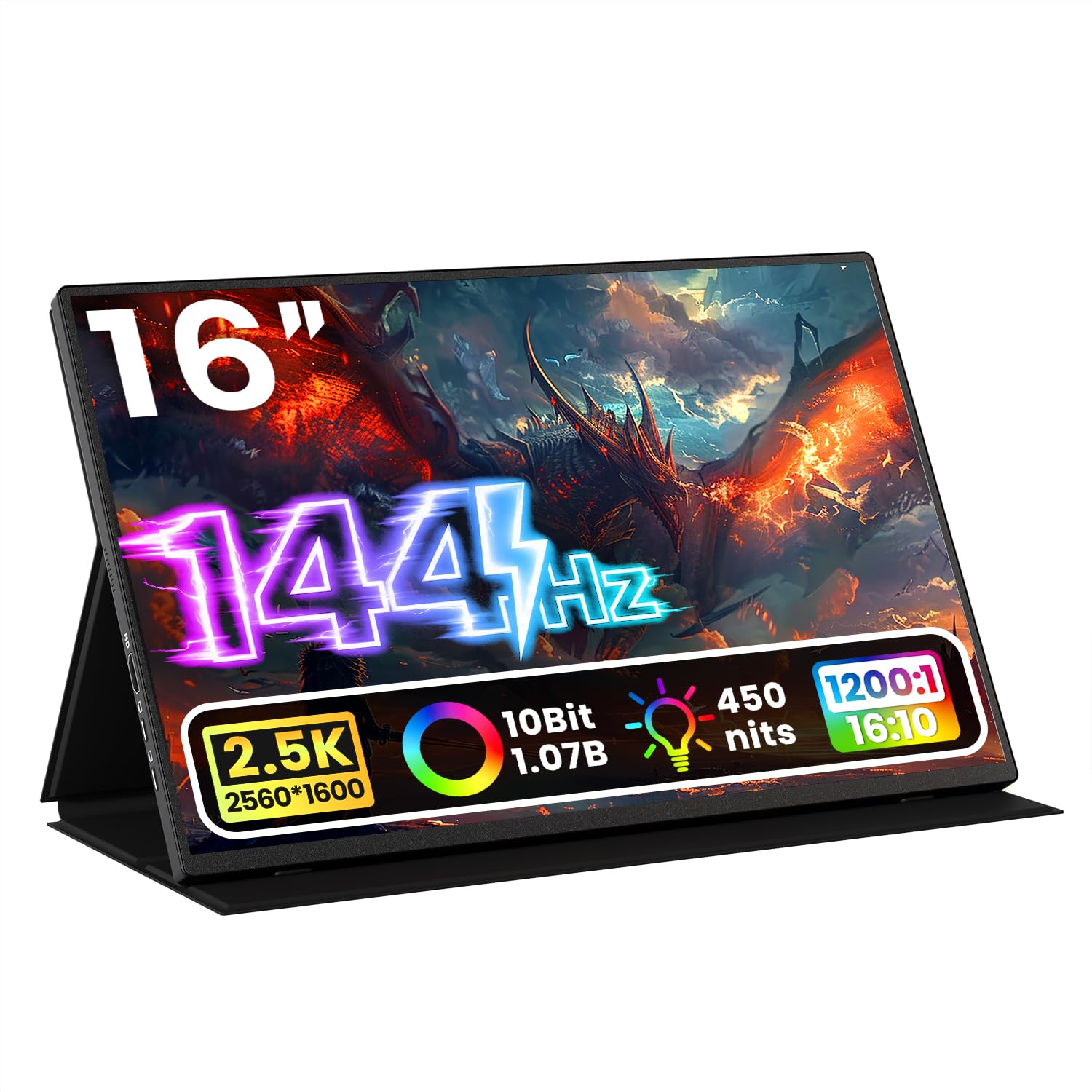
The Upperizon 16-inch delivers 2560x1600 resolution at 144Hz via USB-C, pairing sharp detail with smooth motion at a mid-range price point.

This monitor suits gamers who want high refresh rates without 4K pricing, and professionals who benefit from the extra vertical space of the 16:10 aspect ratio. Travelers will appreciate the lightweight 1.76 lb design and smart cover stand, though those needing maximum brightness for sunny outdoor use may find the 450 nits panel less effective than the top pick's 470 nits.

The 106% sRGB color gamut covers most content well, and the included standard HDMI port avoids the adapter hassle of mini-HDMI. Build quality feels solid, and customer support has been responsive in the few instances where issues arose.

Bottom line: For those who want high-resolution high-refresh performance without paying a premium and prefer standard HDMI connectivity, the Upperizon is a smart alternative to the top pick.

3

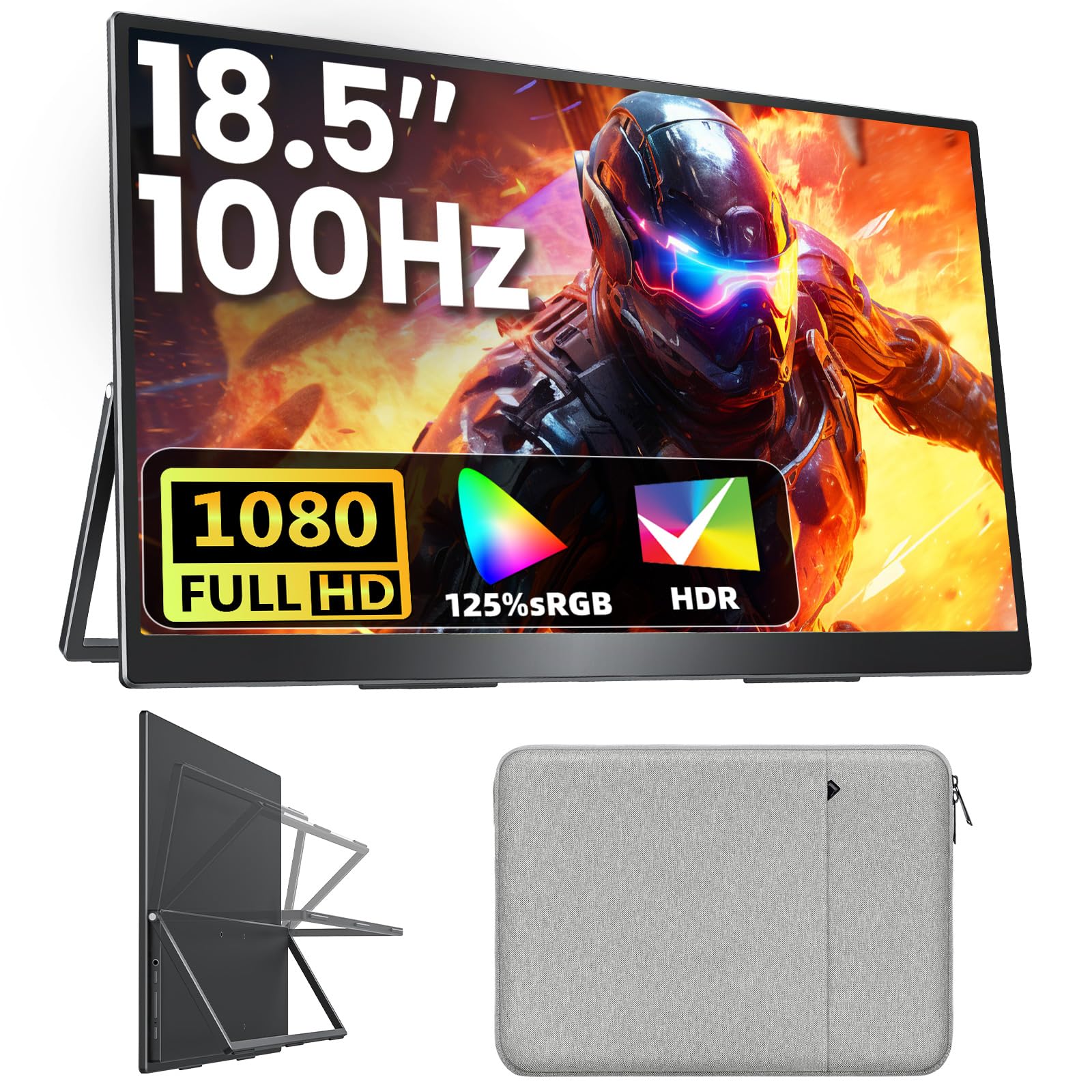
VisionOwl 18.5in 1080P

VisionOwl 18.5in 1080P

Large Screen

Our Score 9.6/10
Check Price

Worth Noting

Weight
2.6 lb
Brightness
320 nits
Resolution
1920×1080 FHD
Color Gamut
125% sRGB

The VisionOwl 18.5-inch monitor stands out with a display that is larger than most portable models, paired with a 100Hz refresh rate for fluid motion — a combination rarely seen at this size. Its IPS panel delivers 320 nits brightness and 125% sRGB color gamut, producing vivid colors and crisp 1080p detail, making it suitable for both gaming and extended productivity sessions. The included VESA mount pattern adds flexibility for desk setups.

The metal build feels substantial, and the built-in kickstand props the screen at a comfortable angle without wobbling. Setup is truly plug-and-play via USB-C or HDMI, and the included carrying case protects the monitor during travel. Dual USB-C ports allow for power and video pass-through, simplifying cable management.

This screen is for users who prioritize available display real estate over ultra-portability — gamers wanting a larger field of view on the road, or travelers who can accommodate the 2.6-pound weight and 18.5-inch footprint in their luggage. The size and heft mean it won't slip into a laptop sleeve or a small messenger bag, so plan accordingly. For those who need a truly pocketable monitor, the top pick's 16-inch model offers a better balance of size and portability.

Bottom line: If screen size and a fluid 100Hz refresh are your top priorities, the VisionOwl 18.5 offers the biggest display in this roundup without major compromises — just be ready for extra weight.

4

cocopar 15.6in 1080P

cocopar 15.6in 1080P

Value for Most

Our Score 9.6/10
Check Price

Worth Noting

Weight
1.5 lb
Brightness
280 nits
Resolution
1920×1080 FHD
Color Gamut
85% sRGB

While higher-end portable monitors push 2.5K resolution and 144Hz refresh, the cocopar focuses on what matters most for travel: a lightweight 1.5lb frame, a clever magnetic cover that doubles as a stand, and VESA mounting for desk setups. The single USB-C connection powers and displays simultaneously on compatible laptops, making setup as simple as plugging in.

This monitor is built for travelers, remote workers, and casual users who need a dependable second screen without the high price tag. The 60Hz refresh and 85% sRGB color gamut mean it won't satisfy gamers chasing smooth motion or designers needing color accuracy — but for spreadsheets, documents, video calls, and web browsing, the 1080p panel delivers sharp text and clear images.

The magnetic cover protects the screen during transport and clips onto the back to form a stable stand in both landscape and portrait orientation. At 280 nits brightness, indoor use is comfortable, though direct sunlight may wash out the image. The inclusion of HDMI alongside dual USB-C ports ensures compatibility with older devices as well.

Bottom line: If you need a portable monitor primarily for productivity and travel, and you aren't bothered by 60Hz or limited color gamut, the cocopar delivers reliable performance at a competitive price without the premium of higher-end models.

5

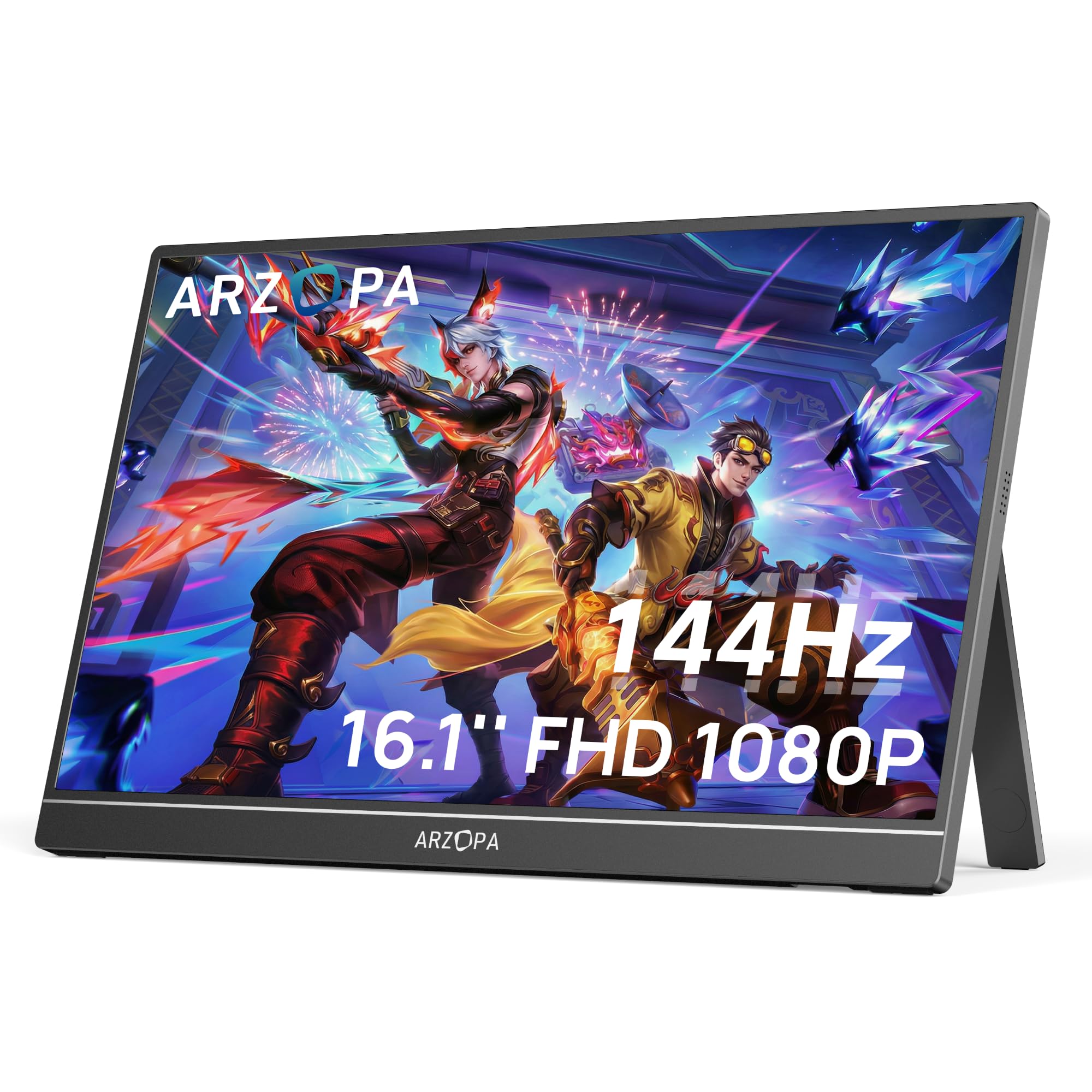
ARZOPA Z1FC 16.1in

ARZOPA Z1FC 16.1in

Budget Gaming

Our Score 9.0/10
Check Price

Worth Noting

  • Heavier than most portable monitors, less suited for extended carry-on travel
  • Occasional screen glitches or USB-C compatibility issues with certain laptops
Weight
3.13 lb
Brightness
300 nits
Resolution
1920×1080 FHD
Color Gamut
106% sRGB

The Z1FC stands out among budget portable monitors with its 144Hz panel, offering smoother motion for fast-paced titles than typical 60Hz alternatives. This makes a noticeable difference in shooters and racing games, reducing motion blur. However, the 3.13-pound weight means it's not a featherlight companion for everyday commuting — a tradeoff users should weigh against the performance gain.

This monitor suits budget-conscious gamers who want smoother gameplay on the go, especially for use with a laptop at a desk or coffee shop. The built-in kickstand and dual USB-C ports simplify connection, but occasional compatibility hiccups with certain laptops via USB-C have been noted. Those needing a lightweight travel companion for frequent flights may prefer the slimmer ARZOPA option.

Color coverage of 106% sRGB and 300 nits brightness deliver vibrant visuals for games and media. At this price point, few competitors offer a 144Hz panel with similar image quality.

Tip: Use the included HDMI cable if USB-C gives trouble; it often resolves compatibility quirks.

Bottom line: For budget gamers who prioritize smooth gameplay over portability, the Z1FC offers high refresh at a low cost — just be prepared for the extra weight and occasional cable troubleshooting.

6

Upperizon 18.5in 1080P

Upperizon 18.5in 1080P

Large Screen Alt

Our Score 9.6/10
Check Price

Worth Noting

  • In tight travel setups where every ounce counts, the 2.76 lb weight may be noticeable - less of an issue for desk-to-desk commutes.
  • The 18.5-inch footprint won't fit in typical laptop sleeves; plan your bag accordingly.
Weight
2.76 lb
Brightness
320 nits
Resolution
1920×1080 FHD
Color Gamut
125% sRGB

The Upperizon 18.5-inch monitor stands out with its 100Hz refresh rate and aluminum alloy body, giving it a sturdy, premium feel uncommon in portable displays. While the other 18.5-inch option uses plastic, this one trades a bit of weight for a more durable chassis that handles daily commutes without flex or creaks.

This monitor suits users who value a spacious workspace and smoother motion over extreme portability. The 2.76 lb weight and 18.5-inch size mean it won't slip into a laptop sleeve, but for desk-to-desk travel or a fixed home office setup, the extra screen real estate and 100Hz fluidity make it a solid choice. Gamers and productivity users who don't need the smallest footprint will appreciate the bright, color-accurate panel.

Bottom line: For those who prioritize screen real estate and a premium feel over extreme portability, this monitor delivers a smooth, vivid experience at a mid-range price.

7

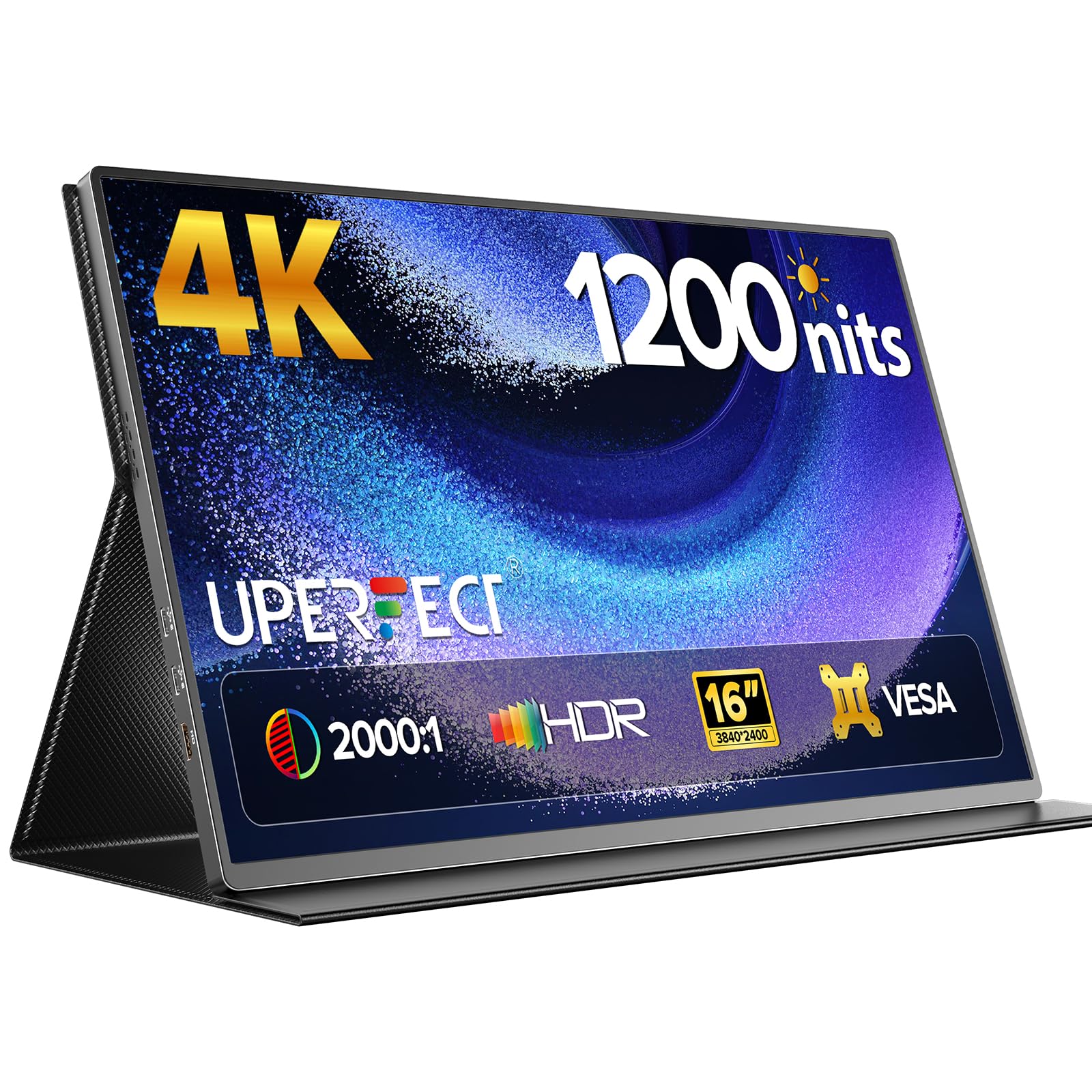
UPERFECT 16in 4K

UPERFECT 16in 4K

Outdoor Work

Our Score 9.0/10
Check Price

Worth Noting

  • In a gear bag, the actual 4.4 lb weight is noticeably heavier than typical 16-inch portables
  • Connection stability with some laptops may require extra setup or cable swapping
Weight
4.4 lb (conflicting)
Brightness
1200 nits
Resolution
3840×2400 UHD
Color Gamut
145% sRGB

The UPERFECT delivers a genuinely bright 4K image that stays visible in direct sunlight, with color accuracy suited for photo editing on location. However, the weight discrepancy between the claimed 1.8 lb and actual 4.4 lb means it sits at the heavier end of portable monitors, and some units have shown compatibility hiccups with certain laptops. This combination of extreme brightness and 4K detail is unmatched, but the added bulk and occasional connection issues keep it from being a universal travel companion.

Bottom line: Best for outdoor photographers who need 4K and extreme brightness on location, provided they accept the heavier build and potential connection quirks.

8

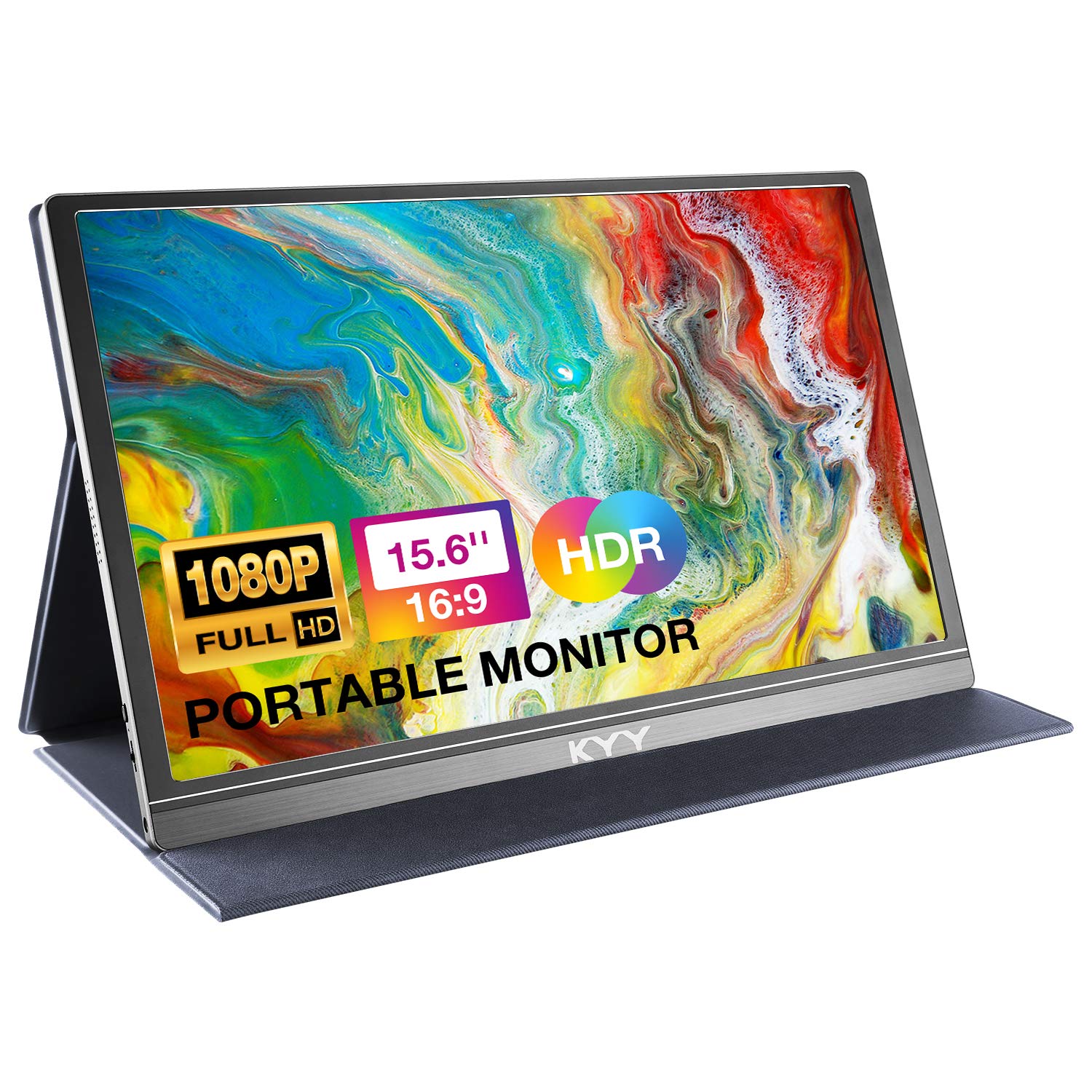
KYY 15.6in 1080P

KYY 15.6in 1080P

Budget Option

Our Score 8.8/10
Check Price

Worth Noting

  • Some units may become non-functional after a few months, making it a gamble for long-term use.
  • USB-C compatibility varies
Weight
1.7 lb
Brightness
300 nits
Resolution
1920×1080 FHD
Color Gamut

The KYY monitor delivers solid 1080p image quality and a lightweight build at an entry-level price, making it an attractive option for budget shoppers or occasional travelers. The included smart cover and screen protector add convenience. However, there is a higher likelihood of hardware issues over time – some units may become non-functional within a few months. USB-C compatibility is also not universal; some devices will need a separate power connection. This combination makes it a practical choice for short-term or secondary use, but not for a daily driver expected to last years.

Bottom line: If you need a cheap secondary screen for occasional travel or as a backup monitor, the KYY offers the basics at a low entry price. For daily driving or long-term investment, look to alternatives with better long-term track records.

9

MNN 15.6in 1080P

MNN 15.6in 1080P

Ultra-Budget

Our Score 8.6/10
Check Price

Worth Noting

  • 300 nits brightness struggles in brightly lit rooms or near windows.
  • Occasional no-signal or disconnection with some USB-C devices
Weight
1.53 lb
Brightness
300 nits
Resolution
1920×1080 FHD
Color Gamut

The MNN monitor hits the lowest price point among recognizable brands, delivering a 15.6-inch 1080p IPS panel with USB-C and HDMI connectivity that works plug-and-play. Picture quality is decent for spreadsheets and web browsing, but the 300 nits brightness makes it hard to use near a window. Some units may show no-signal or disconnection quirks — worth checking return policy.

Bottom line: A good fit for students or casual users on a tight budget who need a backup screen and are comfortable with possible quirks.

10

ForHelp 15.6in 1080P

ForHelp 15.6in 1080P

Cheapest Option

Our Score 8.8/10
Check Price

Worth Noting

  • Some units may stop working within a few months
Weight
1.52 lb
Brightness
300 nits
Resolution
1920×1080 FHD
Color Gamut

At the lowest price in the market, this 15.6-inch monitor delivers decent picture quality for basic tasks and easy plug-and-play setup via USB-C or mini HDMI. Its lightweight design and included smart cover make it convenient for travel. However, some units may stop working within a few months, so this is best suited for occasional or temporary use rather than a daily driver.

Bottom line: Best for extreme budget users who need a temporary or backup monitor and are willing to accept a shortened lifespan.

11

Lenovo L15 15.6in

Lenovo L15 15.6in

Lenovo Fans

Our Score 8.8/10
Check Price

Worth Noting

  • Some units have been reported to stop working after extended use, though the warranty mitigates risk
Weight
4.7 lb
Brightness
250 nits
Resolution
1920×1080 FHD
Color Gamut

The Lenovo L15 offers a built-in height-adjustable stand and a three-year warranty, paired with straightforward USB-C plug-and-play setup. However, the 250-nit brightness is too dim for bright rooms or near windows, and the 4.7-lb weight makes it heavy for frequent travel. These limitations confine it to indoor desk use. Best for Lenovo loyalists who value the integrated stand over portability and screen visibility.

Bottom line: This monitor suits Lenovo users who need an adjustable stand for a fixed desk and want warranty protection, but only if you work in a dim setting and don't carry it often.

12

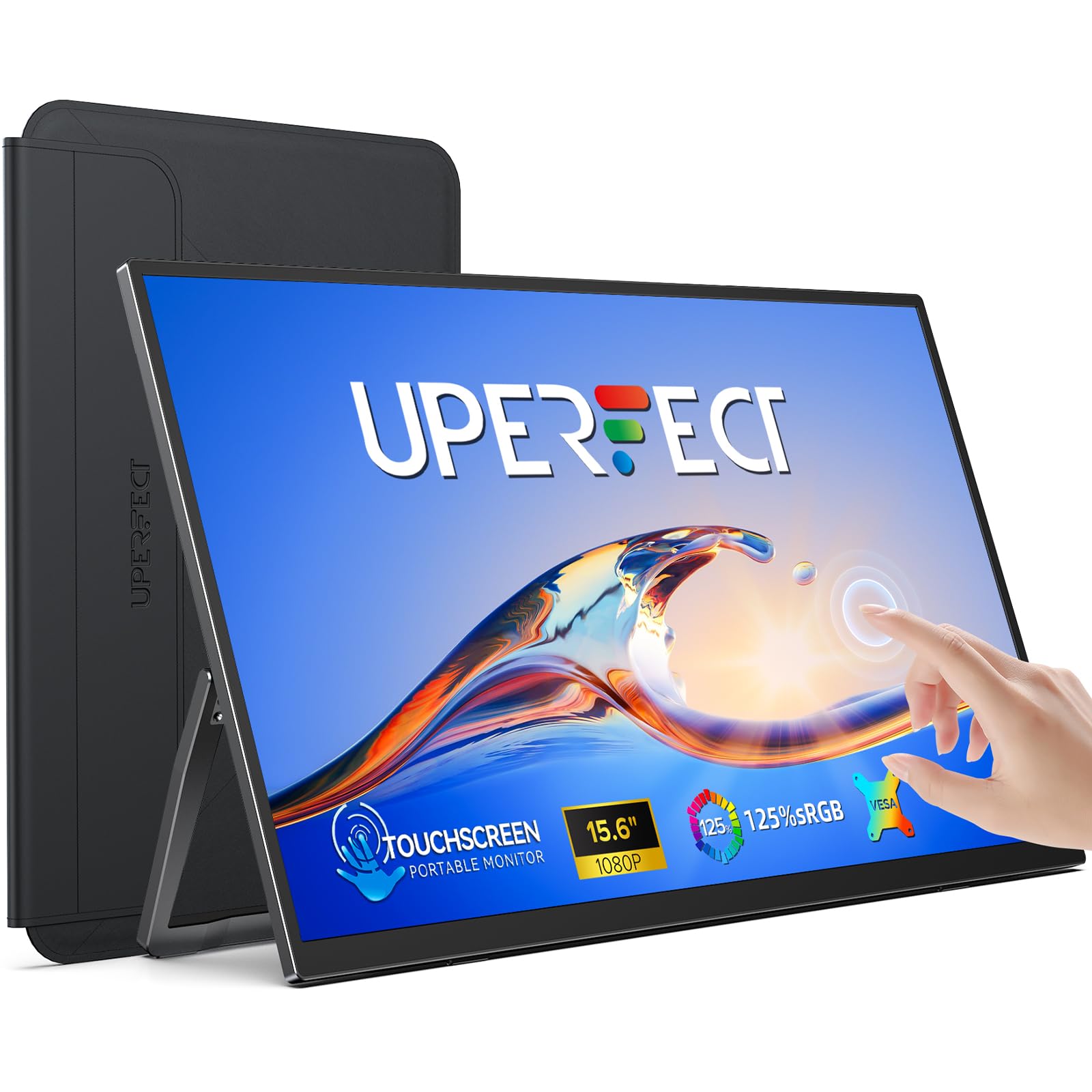
UPERFECT 15.6in Touch

UPERFECT 15.6in Touch

Touchscreen

Our Score 9.2/10
Check Price

Worth Noting

Weight
1.4 lb
Brightness
300 nits
Resolution
1920×1080 FHD
Color Gamut
125% sRGB

The UPERFECT 15.6-inch Touchscreen packs a 10-point touch interface, a 1.4 lb chassis, and a built-in adjustable stand into a slim package — impressive on paper for touch-heavy travel productivity and light gaming. Yet without independent performance reports, its touch accuracy, color reproduction (125% sRGB), and overall reliability are unconfirmed, making it a speculative buy compared to options with established track records.

Bottom line: Consider this monitor if you prioritize touch capabilities and a lightweight build over the certainty of a proven track record — and you're prepared to accept the risk of untested performance.

How to Choose

Resolution

1080p is the baseline for most portable monitors and fine for document work and casual gaming. 2.5K and 4K provide sharper text and more screen real estate, but require more bandwidth and often demand a USB-C cable that supports DisplayPort Alt Mode 1.4 or higher.

If your laptop has a lower-resolution internal display, a 2.5K external monitor will look noticeably crisper for side-by-side windows. However, running a 4K panel at full resolution through a single USB-C cable can cause flicker or require separate power — check your laptop's video output specs before buying.

Refresh Rate

Standard 60Hz is enough for productivity and most media. Higher refresh rates (100Hz, 144Hz) make cursor movement and scrolling feel smoother, and are essential for fast-paced gaming on the go.

Higher refresh rates consume more power and often require a dedicated HDMI connection or a USB-C cable that supports at least 10Gbps data transfer. Some 144Hz monitors drop to 60Hz when connected via certain USB-C ports — always verify the supported refresh rate per port.

Brightness

Brightness is measured in nits. Indoor use: 250-300 nits is adequate in a dim office. Outdoor or bright coffee shop use: 400+ nits is recommended. Panels with 470 nits or more remain readable in direct sunlight.

Many budget monitors claim 300 nits but actually peak lower. A monitor with 280 nits or less will force you to crank brightness to 100%, draining the laptop battery faster and still looking washed out near a window.

Color Gamut

sRGB percentage indicates how much of the standard color space the display can reproduce. 100% sRGB covers most web content; 125% sRGB or higher provides deeper saturation for photo editing and gaming.

For creative professionals, 85% sRGB (like the cocopar) is adequate for basic spreadsheets but will show noticeably less vivid reds and blues compared to a 110% panel. If color accuracy matters, look for monitors that also list factory calibration or Delta E values.

Weight

Weight directly impacts how often you'll actually bring the monitor. Under 1.5 lb slips into a laptop sleeve unnoticed. 2.5 lb and above adds noticeable bulk to a backpack and becomes a chore on daily commutes.

Heavier monitors (3+ lb) often include larger screens or built-in kickstands, but the trade-off is portability. If you fly regularly with a carry-on only, stay under 2 lb.

Connectivity

USB-C with DisplayPort Alt Mode is the ideal: one cable handles video and power. But not all USB-C ports support this. Check your laptop's manual — if it lacks DP Alt Mode, you'll need a separate power cable or an adapter.

HDMI is universally compatible but always requires a separate power source. Some monitors include mini-HDMI, which needs an adapter for standard HDMI cables. Pass through USB-C ports often look similar but may only charge, not transmit video.

Frequently Asked Questions