Cameras & Photography

8 Best Photo Printers of 2026: Dye Sub vs Inkjet vs Zink for Every Use

Pick the right photo printer by understanding dye sub, inkjet, and Zink trade-offs. Avoid common WiFi and paper jam frustrations. Which technology matches your prints?

Many compact photo printers promise easy wireless printing, but real-world experience often includes frustrating connection drops and paper jams. Print technology matters too: dye sublimation prints last longer and resist water, while inkjet offers richer colors but higher running costs. The key is matching the technology to your actual use — not just the price tag.

This guide cuts through the marketing to focus on which printers actually deliver on their claims. Whether you need quick 4x6 prints for a scrapbook, large gallery-quality photos, or mini sticker prints for journaling, the right choice depends on balancing portability, print quality, and durability. The smartest pick isn't always the most popular one — it's the one that matches your workflow and tolerates your connectivity environment.

1

Canon Selphy CP1500

Top Pick
Canon Selphy CP1500

Everyday 4x6 prints

Our Score 8.8/10
Check Price

Worth Noting

  • Color output can appear slightly muted compared to higher-end inkjet printers
  • Wireless pairing with some devices may require a few connection attempts
Ink Colors
Portability
Compact
Max Print Size
4x6 inches
Print Technology
Dye Sublimation

The Selphy CP1500 uses dye-sublimation to produce smooth, continuous-tone 4x6 photos without the dot pattern of inkjets. Prints have a uniform finish that looks clean and consistent. The printer delivers a 4x6 print in about 47 seconds, and setup involves loading a paper pack and inserting a ribbon cassette. The Canon PRINT app guides you through wireless connection.

Its compact size and retractable handle make it easy to take to a picnic or a family event. Each sheet feeds manually, and the output tray holds up to 10 prints, so you can batch-print a dozen or so at a time. The printer supports WiFi Direct for device-to-printer connection without a network, plus a USB cable for a wired fallback.

This printer is best for casual photographers and travelers who want simple, portable 4x6 photo printing. If you need prints larger than 4x6, look at a wide-format inkjet. The dye-sub process gives slightly muted colors compared to higher-end inkjets, so it's not suited for professional color-critical work. Wireless pairing can be temperamental with some phones; a direct USB connection avoids that issue.

For scrapbooking, vacation albums, or sharing prints, the CP1500 provides a practical mix of print quality and portability. Its mid-range price keeps entry costs low for those printing a few dozen photos per month.

Bottom line: If your photo printing needs stick to 4x6 and you value portability and simplicity, the CP1500 delivers without fuss.
2

Epson PictureMate PM-400

Epson PictureMate PM-400

Lab-quality 5x7 prints

Our Score 9.0/10
Check Price

Worth Noting

  • Wireless connection may occasionally drop, requiring a restart
  • Ink cartridges are costly compared to dye-sub or EcoTank alternatives
  • Some units show hardware issues after several months of use
Ink Colors
4
Portability
Compact
Max Print Size
5x7 inches
Print Technology
Inkjet (4-color)

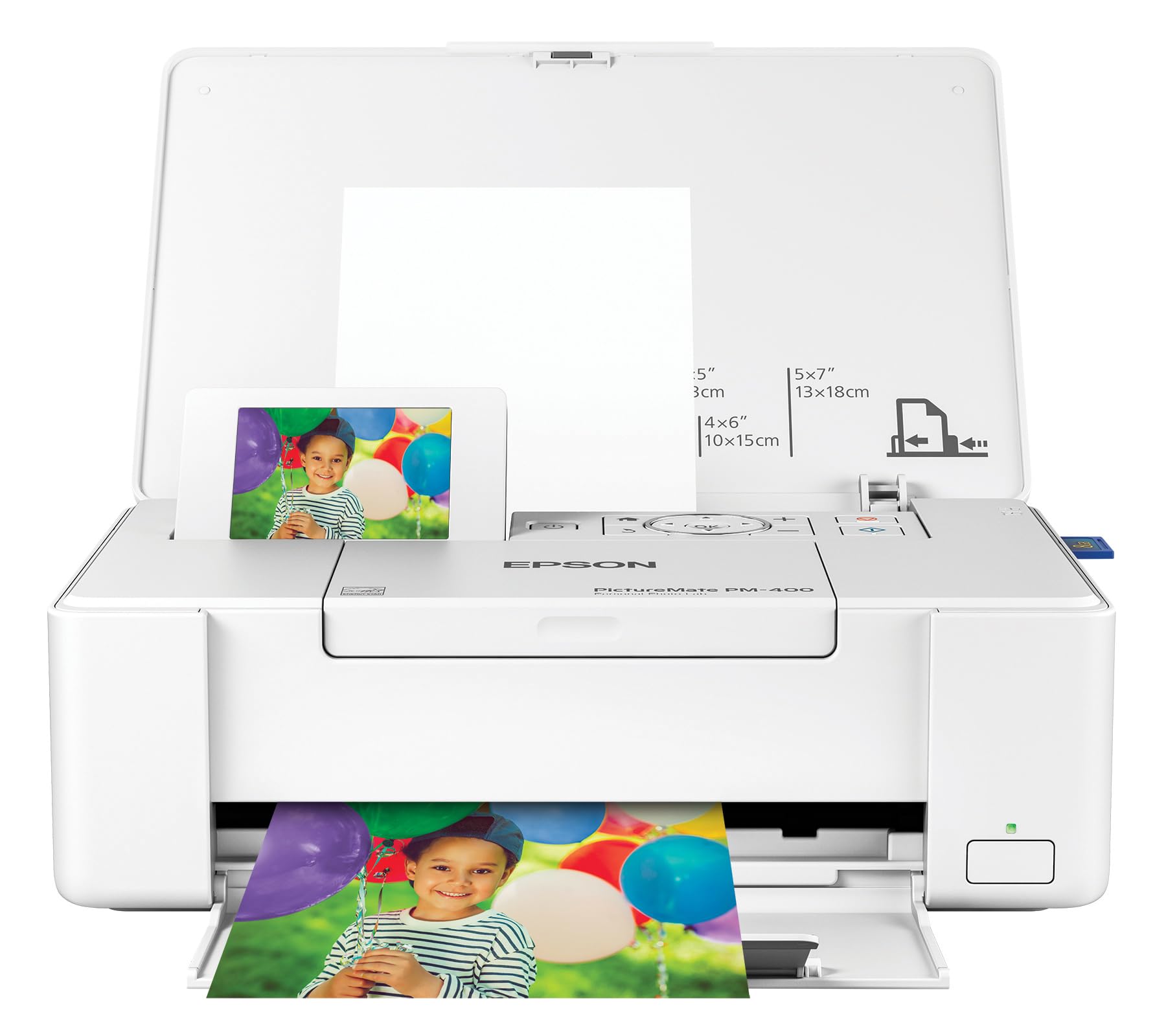
The Epson PictureMate PM-400 produces 5x7 prints with sharp detail and saturated colors that rival dedicated photo-lab output, making it the strongest contender for image quality in a compact footprint. Its 5760x1440 dpi resolution and four-color ink system deliver noticeably richer gradations than the dye-sub top pick, which trades some vibrancy for more predictable hardware behavior.

This printer suits photo enthusiasts, scrapbookers, and home decor creators who want gallery-worthy 5x7 prints without leaving the house. Ink cartridges carry a premium price compared to dye-sub alternatives or EcoTank systems, and some units may develop hardware quirks after a few months of use. Buyers who print occasionally or prioritize consistent long-term operation over peak quality will find the top pick a safer fit.

Setup is quick through the companion smartphone app, and the 50-sheet input tray handles photo paper without frequent refills. The printer's compact white chassis fits on a desk or shelf, well below the footprint of a standard document all-in-one. For those willing to accept the higher per-print cost and possible unit variance, the PM-400 offers a clear quality advantage in its size category.

Tip: Keep the printer within 10 feet of your router and update firmware to reduce wireless hiccups.

Bottom line: For photo enthusiasts who value print quality above all else and can absorb higher ink costs plus possible hardware variability, this compact 5x7 printer delivers outstanding results that the top pick can't match.

3

Liene M100 4x6

Liene M100 4x6

Budget 4x6 prints

Our Score 9.0/10
Check Price

Worth Noting

  • WiFi connection may drop or fail to pair, particularly in busy network environments.
  • Long-term reliability can vary; some units may develop issues after a few months.
Ink Colors
3
Portability
Portable
Max Print Size
4x6 inches
Print Technology
Dye Sublimation

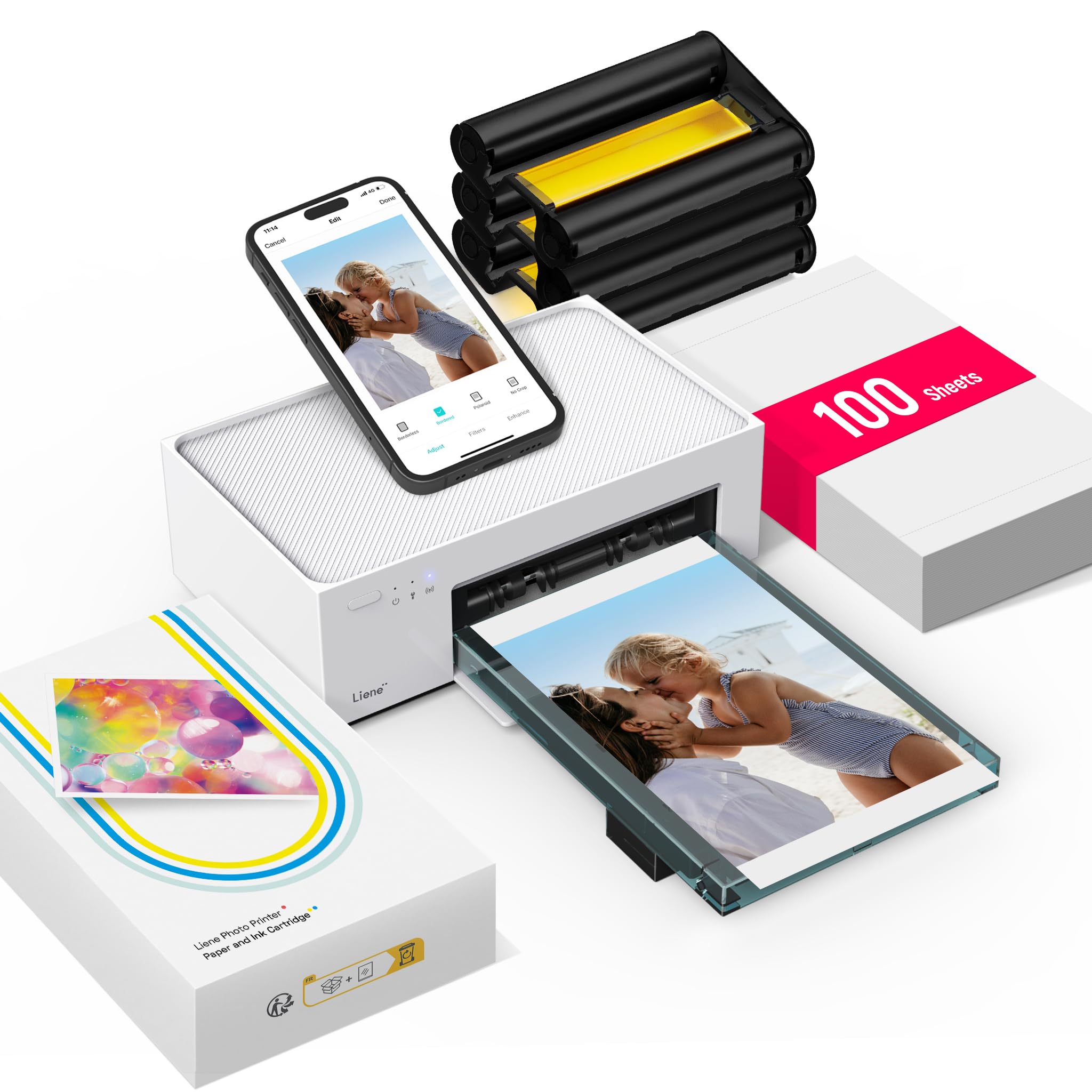
The Liene M100 produces photo prints that look noticeably better than similarly priced options, with good color and detail for casual use. Setup is near-instant — plug in the cartridge, load paper, and pair via the app. The package includes 100 sheets and three cartridges, reducing the need for frequent refills. Compared to the sticker-focused Pearl N200, this printer offers full-size 4x6 prints at a lower cost per sheet, though it lacks the specialty format.

This printer suits budget-conscious families who want quick prints for scrapbooks or fridge displays without investing in a larger inkjet. However, WiFi connectivity can be temperamental — pairing may fail in crowded wireless environments. Additionally, long-term durability can be a concern for some units; this is best treated as a casual-use device rather than a heavy-duty workhorse.

Tip: Place the printer near your router during initial setup and printing to improve wireless stability.

Bottom line: For buyers seeking budget-friendly 4x6 prints with good quality, the Liene M100 is a capable option — just expect occasional WiFi hiccups and plan for light to moderate use.

4

Epson ET-8550 EcoTank

Epson ET-8550 EcoTank

Large 13x19 prints

Our Score 8.2/10
Check Price

Worth Noting

  • Paper jams may occur with certain media types, requiring user attention.
  • Some units may develop hardware issues within months of use, affecting long-term dependability.
Ink Colors
6
Portability
Desktop
Max Print Size
13x19 inches
Print Technology
Inkjet (6-color)

The ET-8550 produces sharp, vibrant 13x19 prints with its six-color Claria ET ink system, delivering gallery-quality results at a fraction of the per-print cost of cartridge-based photo printers. The EcoTank refill system keeps ongoing expenses low, making it a strong alternative to smaller, more expensive inkjet printers like the Canon PM-400 for those who need large format output.

In daily use, print quality is consistent across various photo papers, but paper handling can be finicky. Jams may occur, particularly when using heavier media or creased sheets, and some units have been noted to develop hardware problems within a few months. These issues are not universal but worth factoring into a purchase decision.

This printer is for hobbyist photographers who regularly print 13x19 or smaller, value low running costs, and are willing to manage occasional paper jams and accept the possibility of early hardware hiccups. It is less suited for those seeking a set-and-forget device or who print only occasionally.

Tip: Use high-quality photo paper and load only one sheet at a time in the rear feed to reduce the chance of paper jams.

Bottom line: For photographers who print large format frequently and want to keep ink costs low, the ET-8550 delivers on print quality, but occasional paper jams and potential hardware issues mean it is best suited to those who can accept these tradeoffs.

5

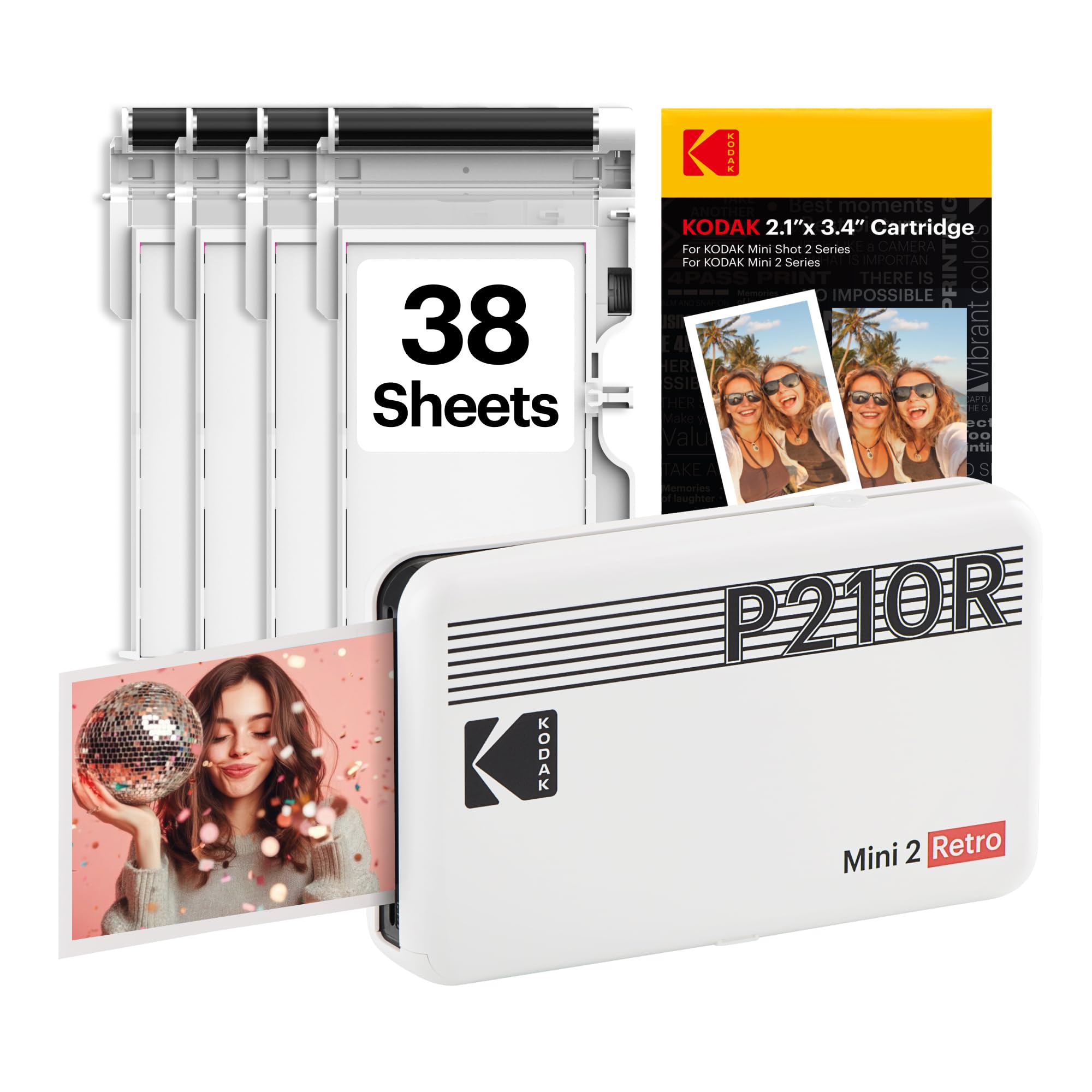
Kodak Mini 2 Retro

Kodak Mini 2 Retro

Portable sticker prints

Our Score 8.4/10
Check Price

Worth Noting

  • Color accuracy can shift toward a yellow or magenta cast in some prints.
  • Paper jams may occur during print cycles, requiring frequent clearing.
  • Some units may stop functioning after several months of moderate use.
Ink Colors
4
Portability
Portable
Max Print Size
2.1x3.4 inches
Print Technology
Dye Sublimation

The Kodak Mini 2 Retro delivers a straightforward printing experience through its app, and its dye-sub technology produces noticeably richer colors than the Zink printers in this price tier. Its pocket-friendly size makes it easy to bring along for parties or travel.

This printer is a good match for teens or casual users who want sticker-size prints for scrapbooks, party favors, or social media. The occasional paper jam and potential for a yellow or magenta cast mean it is not suited for color-critical photo work, but for playful on-the-go printing those quirks are manageable.

Some units may stop working after several months of use, so this device is better enjoyed as a secondary printer rather than relied upon for frequent output. The app works with both iPhone and Android, and the 4PASS dye-sublimation process gives a protective coating that resists smudging.

Tip: Load the paper tray with fewer sheets and align the cartridge firmly before each run to reduce jams.

Bottom line: The Kodak Mini 2 Retro is a fun, portable printer for sticker lovers who can tolerate occasional jams and color drift; it is not the tool for archival-quality photo prints.

6

Canon PRO-200S

Canon PRO-200S

Professional large prints

Our Score 8.6/10
Check Price

Worth Noting

  • Some units may develop operational issues within the first few months of use.
  • Wireless connectivity may drop intermittently, requiring reconnection.
Ink Colors
8
Portability
Desktop
Max Print Size
13x19 inches
Print Technology
Inkjet (8-color)

The Canon PIXMA PRO-200S delivers professional-grade print quality with vivid, accurate colors on prints up to 13x19 inches, making it a strong candidate for serious photo enthusiasts who want gallery-quality output from a desktop printer. The 8-color dye-based ink system reproduces fine art with depth and precision. However, the printer carries a premium price and ink costs are high, and some units may develop reliability issues over time. Wireless connectivity can also be intermittent, which may frustrate users who prefer a cable-free workflow. These trade-offs limit its appeal to those willing to manage occasional hiccups for the sake of top-tier print quality.

Tip: Using a wired USB connection can bypass wireless issues when they arise.

Bottom line: A worthwhile option for serious photographers who demand top-tier print quality and are prepared to accept occasional reliability or connectivity quirks.

7

Liene Pearl N200

Liene Pearl N200

Mini sticker prints

Our Score 9.2/10
Check Price

Worth Noting

  • No PC connectivity for printing or advanced editing
Ink Colors
Portability
Portable
Max Print Size
2x3 inches
Print Technology
Dye Sublimation

The Liene Pearl N200 Pro uses dye-sublimation to produce sticker prints with better color accuracy than Zink-based alternatives, and the compact design makes it easy to carry. The mobile app handles printing and basic editing, but there is no PC connectivity, which limits workflow for users who prefer desktop editing. Print size is fixed at 2x3 inches, so this is best suited for scrapbooking and journaling rather than standard photo prints. The limited long-term feedback means durability under heavy use is an open question, but for the sticker niche it performs well right out of the box.

Bottom line: A good fit if you want high-quality sticker prints from your phone and dont need desktop support or larger photo sizes.

8

HP Envy Photo 7975

HP Envy Photo 7975

Document & photo

Our Score 8.4/10
Check Price

Worth Noting

  • Wireless connection can drop during a print job, requiring reconnection
  • Color accuracy varies
Ink Colors
4
Portability
Desktop
Max Print Size
8.5x11 inches
Print Technology
Thermal Inkjet (4-color)

The HP Envy Photo 7975 handles everyday document and photo printing with respectable image quality for an all-in-one, and the touchscreen makes setup painless. The included Instant Ink trial adds value for light use. However, color accuracy can be inconsistent — prints may appear duller than expected — and wireless connectivity may drop unexpectedly, which makes it less suited as a primary photo printer. For households that print photos occasionally alongside school projects and office forms, this machine does the job, but it does not replace a dedicated photo printer for consistent, vivid prints.

Bottom line: Best suited for families or home offices that print photos occasionally and value an all-in-one's utility over dedicated photo quality.

How to Choose

Print Technology

Dye sublimation uses a ribbon to transfer dye onto coated paper, producing water-resistant prints that don't smudge. Inkjet printers spray tiny droplets of liquid ink onto paper, achieving higher resolution and wider color gamut but requiring careful handling to avoid smearing. Zink technology embeds dye crystals in the paper itself, activated by heat — convenient but limited in color accuracy and durability.

Maximum Print Size

Larger prints require more ink and paper handling, which impacts cost and reliability. A 13x19 printer like the Epson ET-8550 can handle gallery-size photos but takes up significant desk space and is more prone to paper jams. For most users, a 4x6 printer is sufficient and more portable.

Number of Ink Colors

More ink colors generally mean smoother gradients and better color accuracy, especially for neutral tones and skin tones. A 6- or 8-color system can produce gallery-quality prints, while a 4-color system is adequate for casual snapshots. The trade-off is higher ink cost and more frequent replacements.

Portability

Compact printers are great for travel and events, but they often use smaller paper sizes and have lower sheet capacity. Desktop printers offer larger prints and higher volume but are heavy and require a permanent spot. Consider where you will use the printer most before choosing.

Frequently Asked Questions