Computers & Accessories

10 Best Monitor Arm of 2026: Which Balance Quality and Cost

Find the right monitor arm for your desk setup — whether you need rock-solid stability for heavy monitors or a budget-friendly option for standard screens.

Monitor arms promise a cleaner desk and better ergonomics, but the gap between premium and budget models isn't just price — it's how well they hold your screen at full extension. Many budget arms wobble or sag after a few months, while premium models glide smoothly for years.

That trade-off doesn't mean you have to overspend. The key is matching features to your monitor's weight and how often you adjust position. A light office monitor rarely needs a $200 arm, but a heavy ultrawide will punish a cheap gas spring.

This guide focuses on arms that deliver reliable support for the most common setups — single and dual monitors up to 32 inches — and calls out exactly where spending more actually buys you better long-term performance.

1

Ergotron LX

Top Pick
Ergotron LX

Heavy monitors

Our Score 9.4/10
Check Price

Worth Noting

  • Tension adjustment can be finicky; finding correct counterbalance for monitor weight may take several attempts.
  • With frequent rotation, the arm may shift on the pole and require re-tightening.
  • Significant investment compared to budget arms; not everyone needs this level of performance.
Mounting
Clamp or grommet
Tilt Range
75°
Max Screen Size
34 in
Weight Capacity
25 lbs

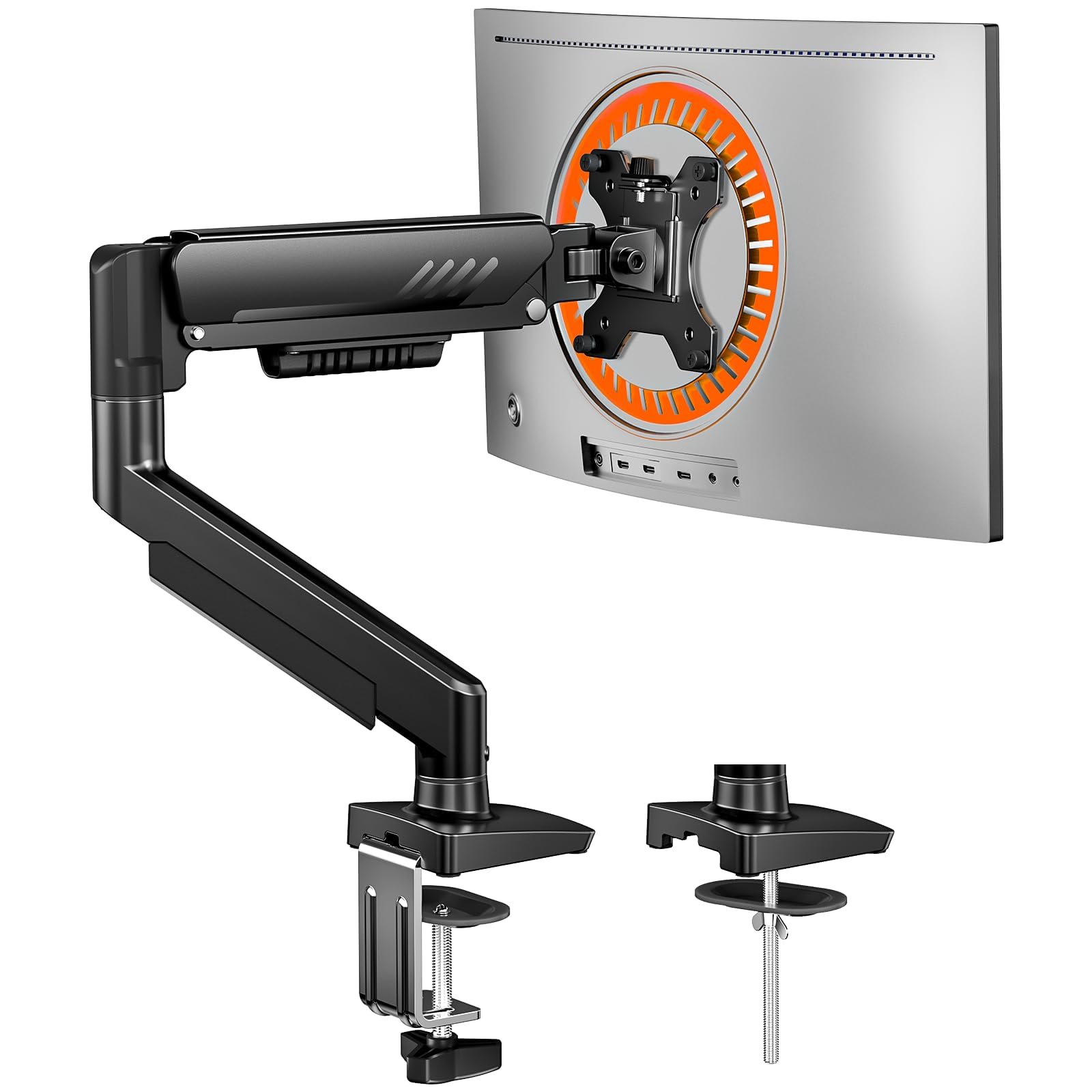
The Ergotron LX uses a gas spring mechanism to provide smooth, one-handed height adjustment across its 13-inch lift range, supporting monitors up to 25 lbs and 34 inches. It mounts via a C-clamp or grommet, accommodating desks up to 2.75 inches thick, and offers 75° of tilt and full swivel for flexible positioning. The arm's joints move with a controlled precision that signals premium design — no jerky steps or sudden drops.

In everyday use, the LX holds its position reliably even when a heavy ultrawide monitor is extended to its full reach. Repositioning the screen is a single-hand operation — tilt, swivel, and rotation each move independently without binding. The tension adjustment for the gas spring, however, can be finicky: finding the exact counterbalance for a specific monitor weight may require several small tweaks. With frequent rotation of the monitor, the arm's grip on the pole can loosen slightly, though this is remedied by occasional tightening of the collar. These are minor trade-offs for the otherwise effortless adjustability.

Build quality is a standout. The arm uses cast aluminum and hardened steel components that feel substantial. The desk clamp stays firmly attached even on thicker desks, and the gas spring shows no signs of drift over extended use. Ergotron backs the LX with a 10-year warranty — a rare commitment in this category that reflects extensive quality testing and confidence in long-term durability.

This arm is best suited for professionals and enthusiasts who adjust their monitor multiple times a day and require consistent, wobble-free positioning. Its weight capacity and height range cover standard 24-32 inch monitors as well as larger 34-inch ultrawides. The premium price — over $200 — is a significant investment, but the 10-year warranty and build quality justify it for heavy use. Not ideal for ultralight monitors under 7 lbs, as the gas spring may not balance correctly.

Compared to budget single-arm options, the LX's smooth motion and stability are immediately evident when adjusting frequently. The gas spring maintains consistent tension over years, while cheaper alternatives often develop drift or lose gas pressure. For users who set their monitor once and rarely move it, the added cost may not be worthwhile — budget arms suffice for static setups.

Tip: When mounting, fully loosen the tension knob, support the monitor, and slowly tighten until the arm holds its position — this saves time compared to incremental adjustments.

Bottom line: For frequent adjusters who demand zero drift, the LX delivers hardware that feels built to last — the 10-year warranty is a genuine differentiator. Budget buyers with static setups will find adequate alternatives at lower prices.
2

HUANUO FlowLift Single

HUANUO FlowLift Single

Single standard monitors

Our Score 9.2/10
Check Price

Worth Noting

  • Arm reach is limited; wobble can occur when extended fully or with heavier monitors.
  • Height adjustment tension may drift, requiring occasional re-tightening to keep position.
Mounting
Clamp or grommet
Tilt Range
-50° to +85°
Max Screen Size
32 in
Weight Capacity
19.8 lbs

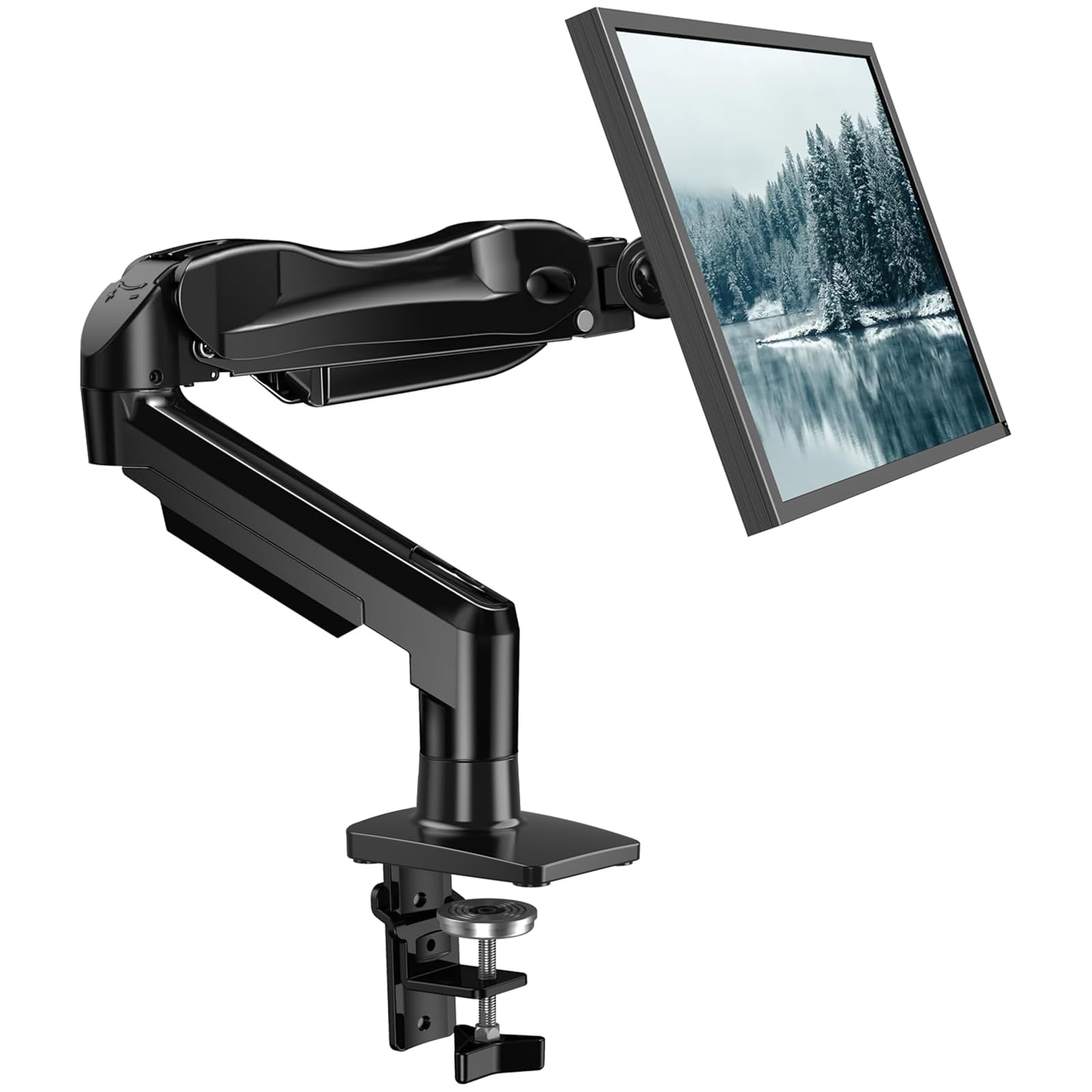
At a fraction of the cost of premium arms like the Ergotron LX, the HUANUO FlowLift delivers solid single-monitor support with an installation process that takes minutes. The trade-off is a more limited range of motion — the arm extends only so far before wobble can appear, and the tension system may need occasional adjustment.

This mount is best suited for home offices or gaming setups where the monitor stays in one position once placed. For users who frequently adjust screen height or angle, the inconsistent tension can be a frustration. Monitors up to 27 inches and 15 pounds work best; heavier or ultrawide screens push past the arm's sweet spot.

The FlowLift is a popular choice among budget-conscious buyers, with many users highlighting its sturdy build and quick assembly. It handles daily needs without requiring the budget of a premium arm. Those who don't need flawless articulation at full extension will find this mount more than adequate.

Tip: If the arm drifts, tighten the hex screw on the joint — some users find this resolves the issue.

Bottom line: A solid value for fixed-position monitor users who prioritize low cost over wide range of motion.

3

VIVO Dual

VIVO Dual

Dual budget setup

Our Score 9.2/10
Check Price

Worth Noting

  • No independent height adjustment per monitor
  • Arms may slide down the pole over time if the collar is not tightened thoroughly.
Mounting
Clamp or grommet
Tilt Range
+90° / -90°
Max Screen Size
30 in
Weight Capacity
22 lbs each

The VIVO Dual Monitor Desk Mount stands out as one of the most-widely used budget dual arms, with a steel construction that feels solid for the price and a simple assembly process that takes minutes. Detachable VESA plates allow you to attach monitors before mounting, saving hassle.

This mount is best for buyers with two monitors of similar height who don't need to adjust each screen independently — both arms slide together on the shared center pole. Over time, the arms can drift downward if the pole collar isn't tightened firmly, so periodic rechecking is needed.

The wide tilt range (+90°/-90°) and support for monitors up to 30 inches and 22 lbs each cover most standard dual setups. C-clamp and grommet mounting options fit common desks, making it a flexible choice for budget-minded users.

Tip: Tighten the pole collar firmly during installation and recheck after a few days to prevent drifting.

Bottom line: If you have two matching monitors on a tight budget and can accept a shared height adjustment, this mount delivers solid value for the price.

4

NB SmooVex

NB SmooVex

Light to medium

Our Score 9.2/10
Check Price

Worth Noting

  • Height adjustment range of 9 inches is shorter than most gas spring arms, restricting use for taller users or standing desks.
Mounting
Clamp or grommet
Tilt Range
Max Screen Size
32 in
Weight Capacity

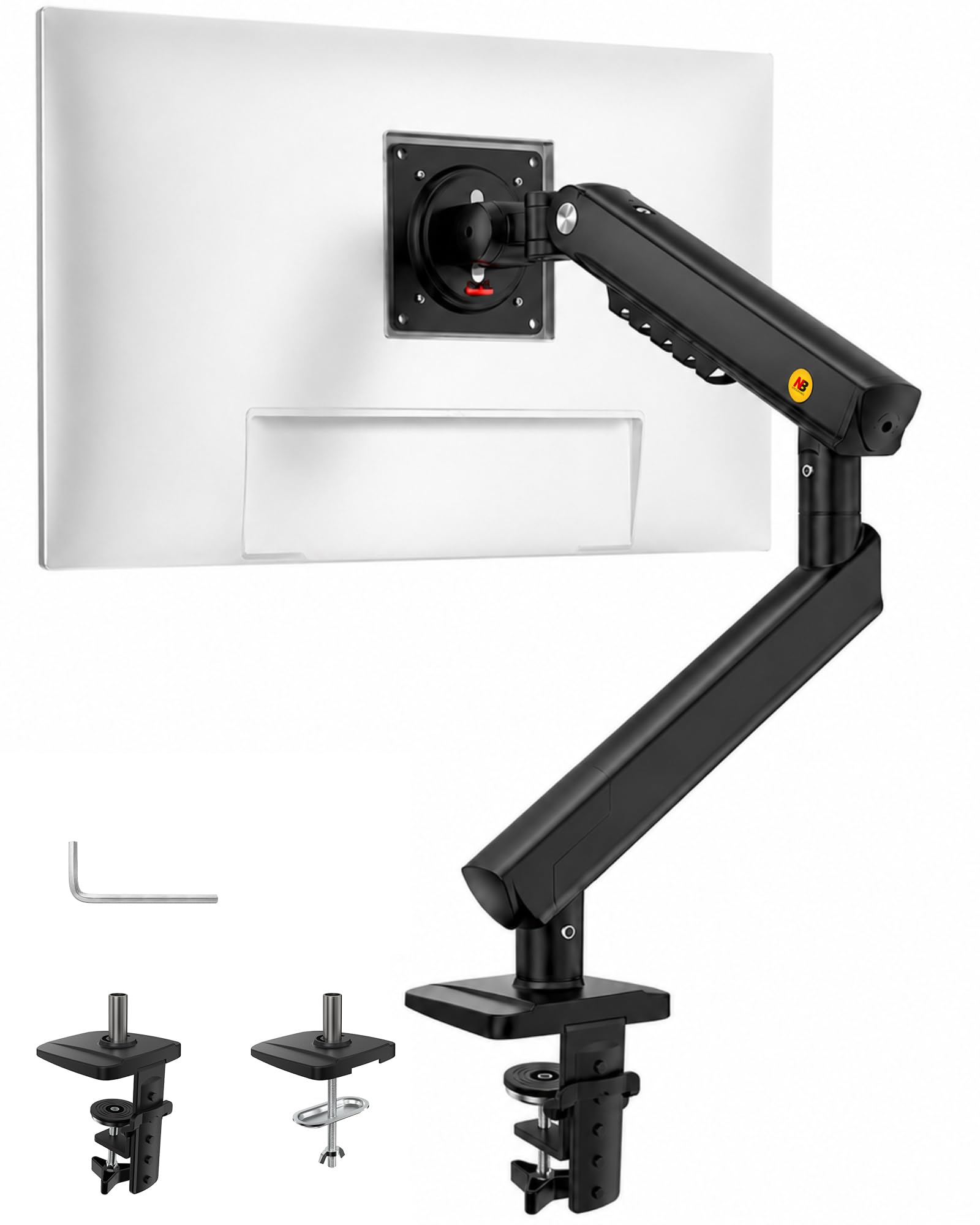
The NB SmooVex replaces the gas spring with a mechanical coil, so there is no gas to leak or lose tension over years of use. This design avoids a common failure point in budget arms and delivers consistent lift across its 9-inch height range. For monitors up to 32 inches, the arm stays firm with minimal wobble, even at full extension.

This arm suits users who want a set-and-forget mount for a light or medium monitor, and who do not need frequent height changes or a very tall adjustment arc. The limited 9-inch range means tall users or standing-desk setups will find it restrictive, but for seated desks with a typical 27-inch screen, the available positions cover standard ergonomic needs. The C-clamp and grommet bases provide two reliable mounting options.

Tip: Mount the base at the highest practical position on your desk to maximize the usable height range of the arm.

Bottom line: For buyers who prioritize durability over maximum adjustability, this mechanical arm delivers reliable support at a budget-friendly price without the gas spring tradeoffs.

5

Acer Single Mount

Acer Single Mount

Ultra-budget single

Our Score 8.6/10
Check Price

Worth Noting

  • With heavier monitors near the weight limit, the arm may struggle to hold position without sagging
Mounting
Clamp or grommet
Tilt Range
-60° to +90°
Max Screen Size
34 in
Weight Capacity
19.8 lbs

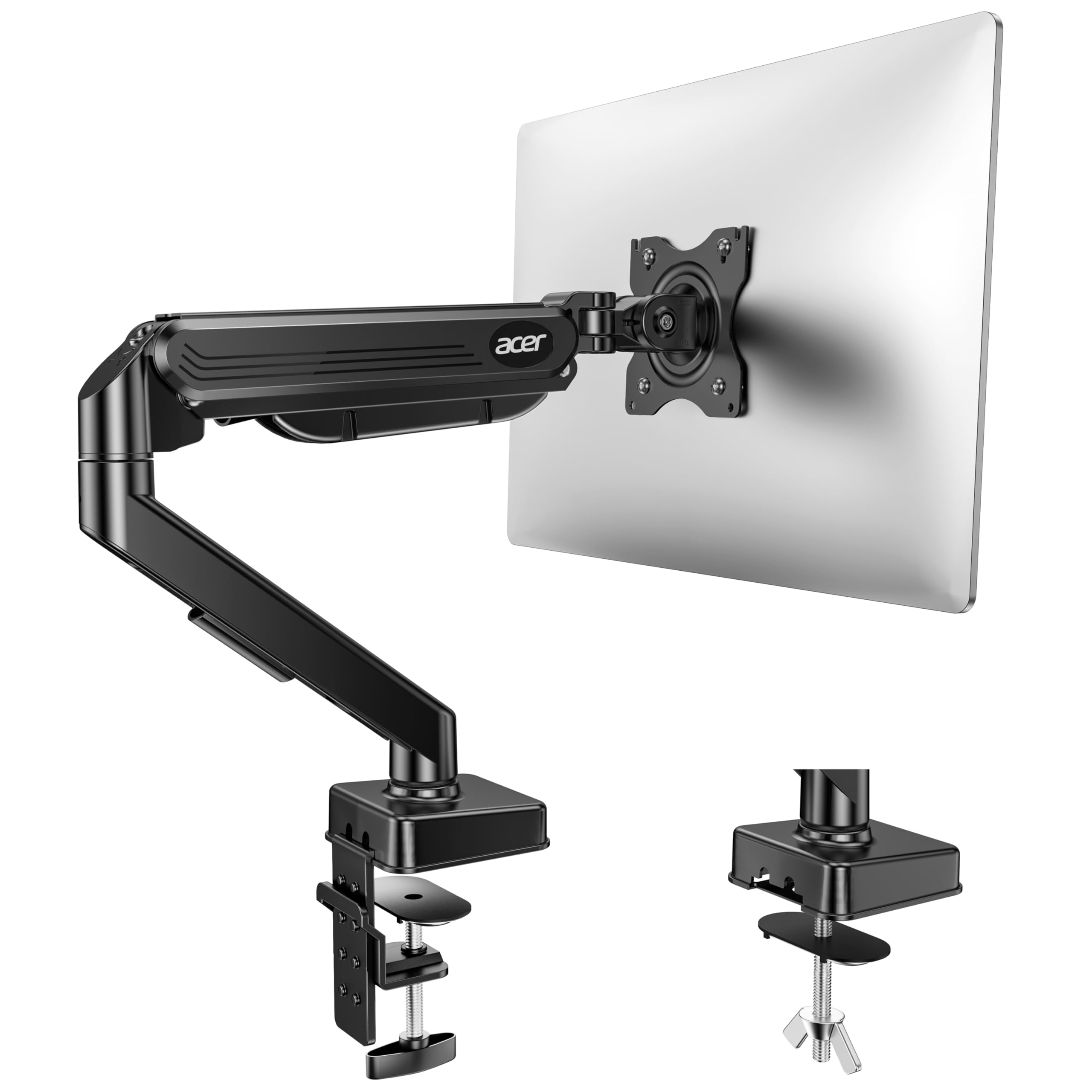
The Acer Single Mount undercuts most budget arms on price, combining a one-piece design with an installation that takes about five minutes. The metal build feels solid for its cost, and the gas spring provides basic height and tilt adjustment.

This arm suits lightweight monitors under 15 pounds and users who set their screen position once and rarely touch it. Occasional VESA screw incompatibility — the supplied screws can be too long for certain monitors — means you may need to source your own hardware before mounting.

Stability and tension consistency vary between units, so heavier screens near the 19.8-lb limit may not hold position as expected. For a few dollars more, the HUANUO FlowLift Single offers more predictable quality and a smoother overall experience.

Tip: If your monitor has recessed VESA mounting holes, the included screws may be too long; use shorter M4 screws instead.

Bottom line: For budget buyers with lightweight monitors who rarely adjust, this arm works — but the HUANUO FlowLift is worth the extra for more consistent performance.

6

HUANUO FlowLift Dual

HUANUO FlowLift Dual

Dual budget alternative

Our Score 9.2/10
Check Price

Worth Noting

  • Clamp may lose grip over time on some desks, requiring re-tightening.
  • Height adjustment tension can be tricky to dial in, especially with lighter monitors.
Mounting
Clamp or grommet
Tilt Range
+85° / -50°
Max Screen Size
32 in
Weight Capacity
19.8 lbs each

The HUANUO FlowLift Dual uses two separate C-clamps for each arm, giving each monitor an independent base that reduces wobble compared to shared-pole designs. It costs a bit more than the VIVO dual, and its 19.8-lb capacity is overkill for most standard monitors. The clamp may lose grip over time and the height tension can be finicky to set, but for users who want individual arm stability at a budget price, it is a capable choice.

Tip: Check clamp tightness periodically, especially on desks that vibrate or get bumped.

Bottom line: Choose the FlowLift Dual if you prefer independent C-clamp bases for each monitor and can handle occasional re-tightening — it fills a gap the VIVO shared-pole design does not.

7

VIVO Single

VIVO Single

Static single monitor

Our Score 9.0/10
Check Price

Worth Noting

  • Tilt and height adjustments lack the smooth precision of pricier arms.
  • Can sag with monitors over 18 lbs and may not hold position reliably.
Mounting
Clamp or grommet
Tilt Range
+90° / -90°
Max Screen Size
38 in
Weight Capacity
22 lbs

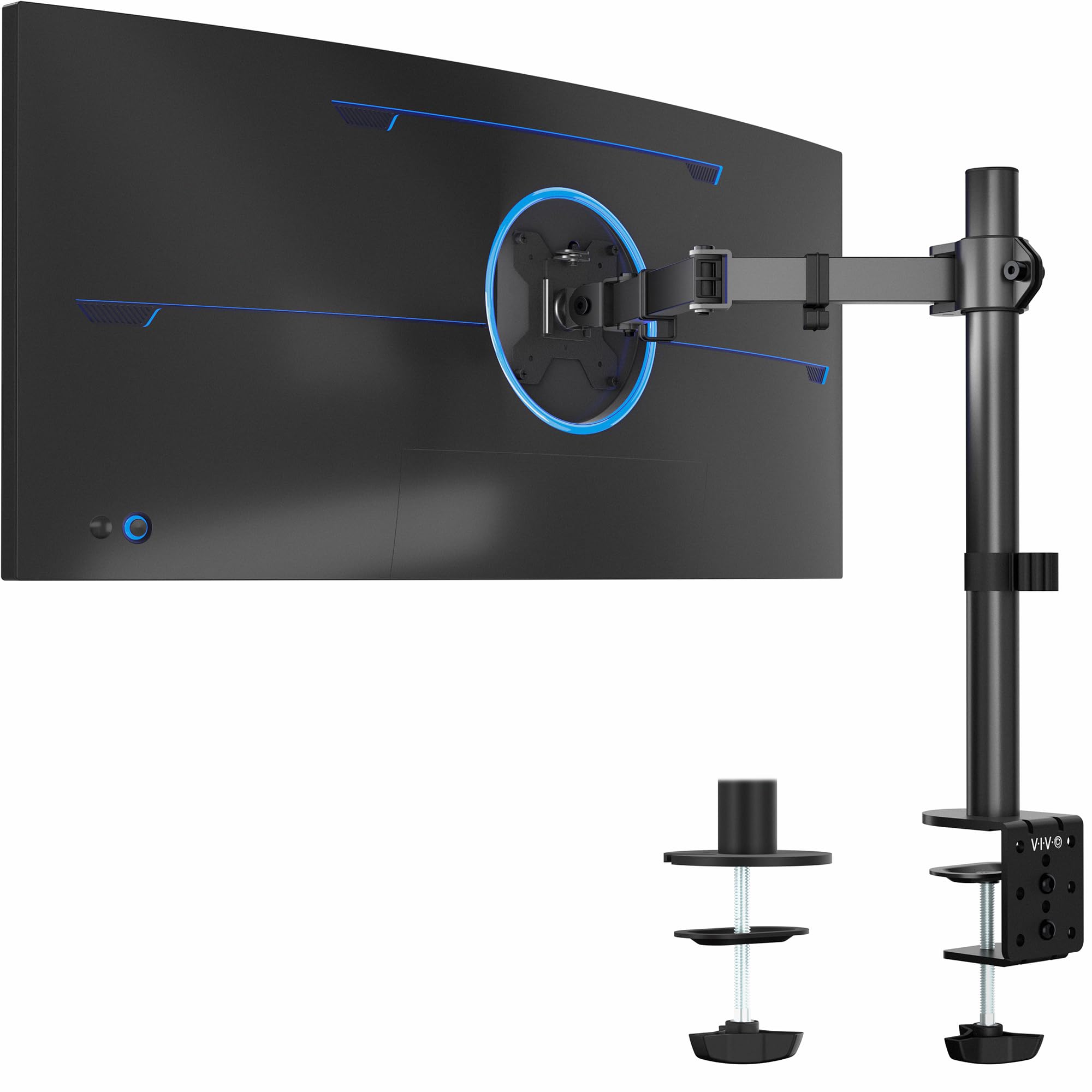
The VIVO Single Monitor Arm delivers a solid steel frame and straightforward assembly at a budget price, supporting screens up to 38 inches. However, its tilt and height adjustments are less refined than similarly priced options like the HUANUO FlowLift, and the arm can sag with monitors over 18 lbs, making it better suited for static, lightweight setups where fine positioning isn't critical.

Bottom line: A viable backup if the HUANUO FlowLift is unavailable, particularly for a static single monitor under 18 lbs where budget is the priority.

8

ULTRARM Heavy Duty

ULTRARM Heavy Duty

Super ultrawide monitors

Our Score 8.6/10
Check Price

Worth Noting

  • In a typical desk setup with a 27-inch monitor, the arm's generous proportions can dominate the workspace
  • Premium price that only makes sense for those with super ultrawide displays.
Mounting
Clamp or grommet
Tilt Range
Max Screen Size
57 in
Weight Capacity
44 lbs

For standard 24-32 inch monitors, this arm is overbuilt and premium-priced. That same monster capacity makes it a perfect fit for 49-57 inch super ultrawides where typical arms buckle. The modular extension system allows precise positioning of oversized panels, and the C-clamp or grommet mounting holds firm even at full extension. Buyers with standard gear should look at lighter, less expensive options — this arm belongs in a different weight class.

Bottom line: Best reserved for owners of 49-57 inch super ultrawide monitors who need the extra capacity and reach.

9

BenQ BSH

BenQ BSH

BenQ owners

Our Score 8.8/10
Check Price

Worth Noting

  • Arm maintains a slight upward tilt that adjustments cannot fully correct -- not suitable for level-critical setups.
  • Premium pricing with no published weight capacity or max screen size, making value comparisons difficult.
Mounting
Tabletop mount
Tilt Range
50°
Max Screen Size
Weight Capacity

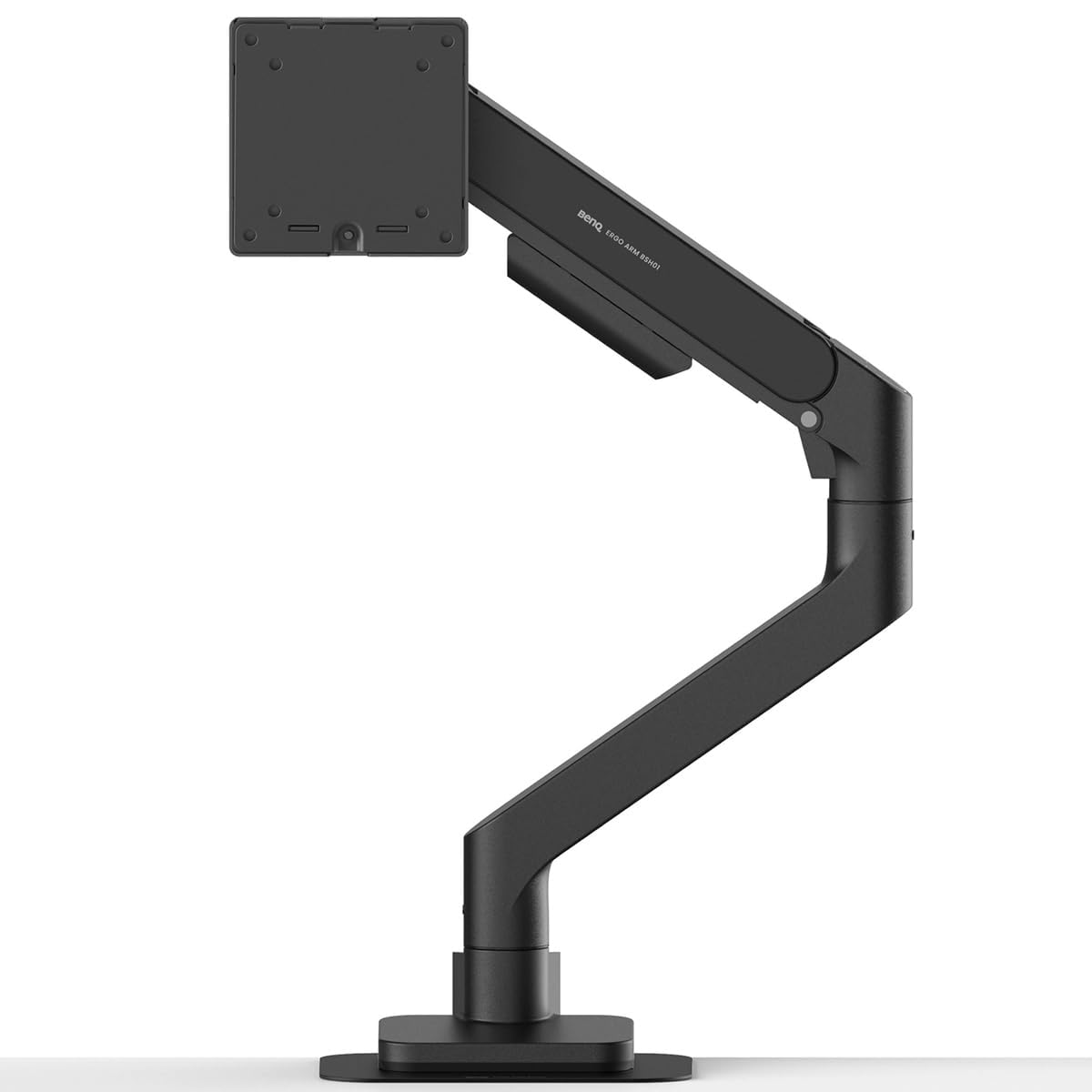
The BenQ BSH delivers a sturdy, wobble-free mount with an understated design that pairs naturally with BenQ monitors. Assembly is tool-free and quick. However, the arm's tilt range does not include a truly flat position -- a slight upward angle remains even after adjustment. Combined with a premium price that outpaces the specs BenQ provides (no listed weight capacity or max screen size), the BSH fits best when matching aesthetics matters more than fine positional control or spec sheet transparency.

Bottom line: Best suited for BenQ monitor owners who want a visually cohesive arm and can accept the tilt limitation -- competitors like the Ergotron LX offer more adjustability at a similar price.

10

ErGear Single

ErGear Single

Extreme budget build

Our Score 9.2/10
Check Price

Worth Noting

  • Tilt tension adjustment may feel coarse compared to pricier arms.
  • Without user feedback, long-term build consistency remains unverified.
Mounting
Clamp or grommet
Tilt Range
+80° / -50°
Max Screen Size
34 in
Weight Capacity
19.8 lbs

This ErGear arm undercuts most competitors on price and adds tool-free VESA mounting for quick setup. The spec sheet covers the basics — 17.5 inches of height range, wide tilt angles, and C-clamp or grommet mounting. However, the lack of customer reviews means real-world build consistency and long-term performance are unknown. For extreme budget builds where every dollar counts and the buyer is comfortable with an untested product, this arm offers a low-cost entry point. Monitor weight under the 19.8-lb limit and infrequent adjustments reduce potential issues.

Bottom line: Best for budget-first shoppers who are willing to gamble on an unreviewed product — keep monitor weight under 15 lbs and expect to adjust infrequently.

How to Choose

Weight Capacity per Arm

Every arm has a rated maximum weight, but that rating assumes the monitor is centered. At full extension, the leverage increases and a 20-lb rated arm may struggle with a 15-lb monitor. Always leave a 20% safety margin.

Height Adjustment Range

Gas spring arms offer a continuous range, but the tension screw must be set correctly for your monitor's weight. If the arm drifts down, the screw is too loose; if it won't lower, too tight. Budget arms often have less range — typically 9 to 16 inches — which can be limiting on standing desks.

Tilt, Swivel, and Rotation Flexibility

Full articulation allows you to switch between landscape and portrait, but extra joints introduce more wobble. A premium arm like the Ergotron LX uses tighter tolerances to keep motion smooth without play. For static setups, fewer joints are actually more stable.

Mounting Options

C-clamps work on most solid desks, but require a flat 1-2 inch edge. Grommet mounts are better for desks with a cable hole — they spread the load more evenly and don't mar the surface. Never use a clamp on glass, plastic, or hollow-core desks; the pressure can crack the surface.

Cable Management Quality

Integrated channels or clips keep cables tidy but vary in width. Some arms can't fit thick HDMI cables, forcing a messy external route. Arms with removable covers make cable routing easier; built-in clips that are too tight will pinch or break cables over time.

Frequently Asked Questions