PC Components & Storage

13 Best Crypto Hardware Wallet of 2026: Seedless vs Seed Phrase

Struggling to choose between seedless cards, traditional USB wallets, or air-gapped devices? This guide matches your crypto habits to the right security trade-off.

The biggest shift in crypto hardware wallets is the move away from seed phrases. Card-style wallets like Tangem let you skip the 24-word recovery process entirely, but lock you into that brand's ecosystem. Traditional USB wallets keep your seed phrase portable across any compatible device, but require careful backup management.

At the same time, coin compatibility is often oversold — a wallet claiming '10,000+ coins' may only natively support a fraction, relying on third-party apps for the rest. And iPhone users face a minefield of NFC and Bluetooth pairing failures. This guide helps you pick the wallet that actually works with your phone, your coins, and your preferred recovery method.

1

TANGEM Wallet 2-Pack

Top Pick
TANGEM Wallet 2-Pack

Beginners & backup

Our Score 9.0/10
Check Price

Worth Noting

  • iPhone NFC compatibility can be inconsistent
  • Occasional unit defects where the card or app fails to function entirely.
Backup
Card backup (2 cards)
Form Factor
Credit-card size, no battery
Coin Support
14,100+
Connectivity
NFC only

The TANGEM Wallet pack eliminates the usual hardware wallet complexity by using two NFC cards that pair with your phone in seconds – no cables, batteries, or seed phrases to manage. Just tap a card to the back of your Android device and the app guides you through generating and backing up a private key. The second card serves as an immediate duplicate, so losing one doesn't mean losing access.

Built around an EAL6+ Secure Element, the wallet keeps your private keys completely offline. The credit-card-sized form is waterproof to IP69K and shockproof, with a 25-year warranty that reflects its build quality. No remote hack has been reported in the device's nine-year history, making it a solid choice for long-term holding.

This is the simplest possible cold storage for crypto beginners. Android users will find the NFC connection smooth and reliable. However, iPhone NFC compatibility can be inconsistent – some cards may not pair or transactions may fail. If you rely on iOS, check recent feedback before buying. The wallet also lacks support for staking, DeFi, or multi-signature setups, so it's not suited for advanced users needing those features.

At a budget-friendly price for a pack of two, the TANGEM costs less than a single entry-level competitor. The second card serves as a backup or gift, making it a cost-effective entry point. For newcomers who want to avoid seed phrase management and just store Bitcoin, Ethereum, NFTs, and altcoins securely, this pair delivers straightforward, no-fuss cold storage.

Tip: Test the card with your iPhone as soon as it arrives – if it doesn't pair, contact support for a replacement.

Bottom line: For crypto newcomers who prioritize simplicity and want a backup card at a budget price, this two-pack delivers strong value and peace of mind.
2

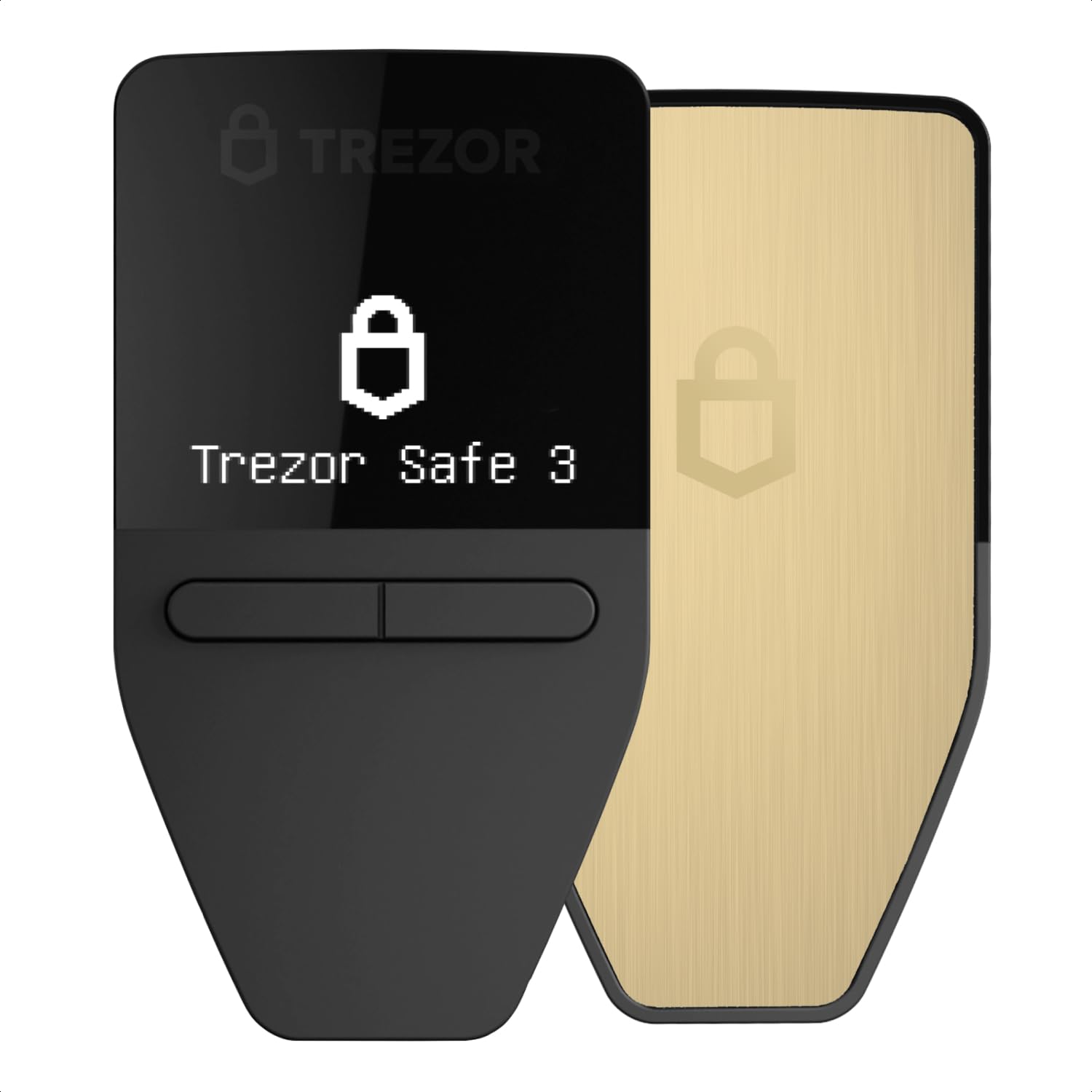
Trezor Safe 3

Trezor Safe 3

Beginners & wired

Our Score 9.2/10
Check Price

Worth Noting

  • OLED screen text can be hard to read in bright light or for users with vision needs
  • Some coins like Monero require extra software steps rather than native support
Backup
Seed phrase
Form Factor
OLED screen, wired
Coin Support
1,000s (BTC, ETH, etc.)
Connectivity
USB-C only

The Trezor Safe 3 pairs an EAL6+ secure element with fully open-source firmware, giving you verifiable control over your private keys – a rare combination at this price. It requires a wired USB-C connection to a computer or Android device; there is no Bluetooth or iOS support.

This wallet suits beginners who want top-tier security without spending over $100, provided they work from a desktop or Android phone. The seed phrase model gives you direct recovery control, unlike seedless alternatives that rely on the manufacturer's infrastructure. iPhone owners should look elsewhere, and coins like Monero require extra setup steps – less of an issue if your portfolio is mainly Bitcoin and major altcoins.

Setup is guided and intuitive, with clear on-screen prompts for seed generation and passphrase creation. The compact aluminum body feels durable, and the OLED display, though small, is sufficient for verifying transactions – users with vision needs may find the font size limiting.

Bottom line: If you prioritize open-source transparency and don't need mobile or iOS flexibility, the Trezor Safe 3 delivers strong security at a fair price.

3

Bitkey Bitcoin Wallet

Bitkey Bitcoin Wallet

Bitcoin maximalists

Our Score 9.0/10
Check Price

Worth Noting

  • Limited to Bitcoin only
Backup
Seedless (3-key)
Form Factor
Corian, stainless steel
Coin Support
Bitcoin only
Connectivity
NFC only

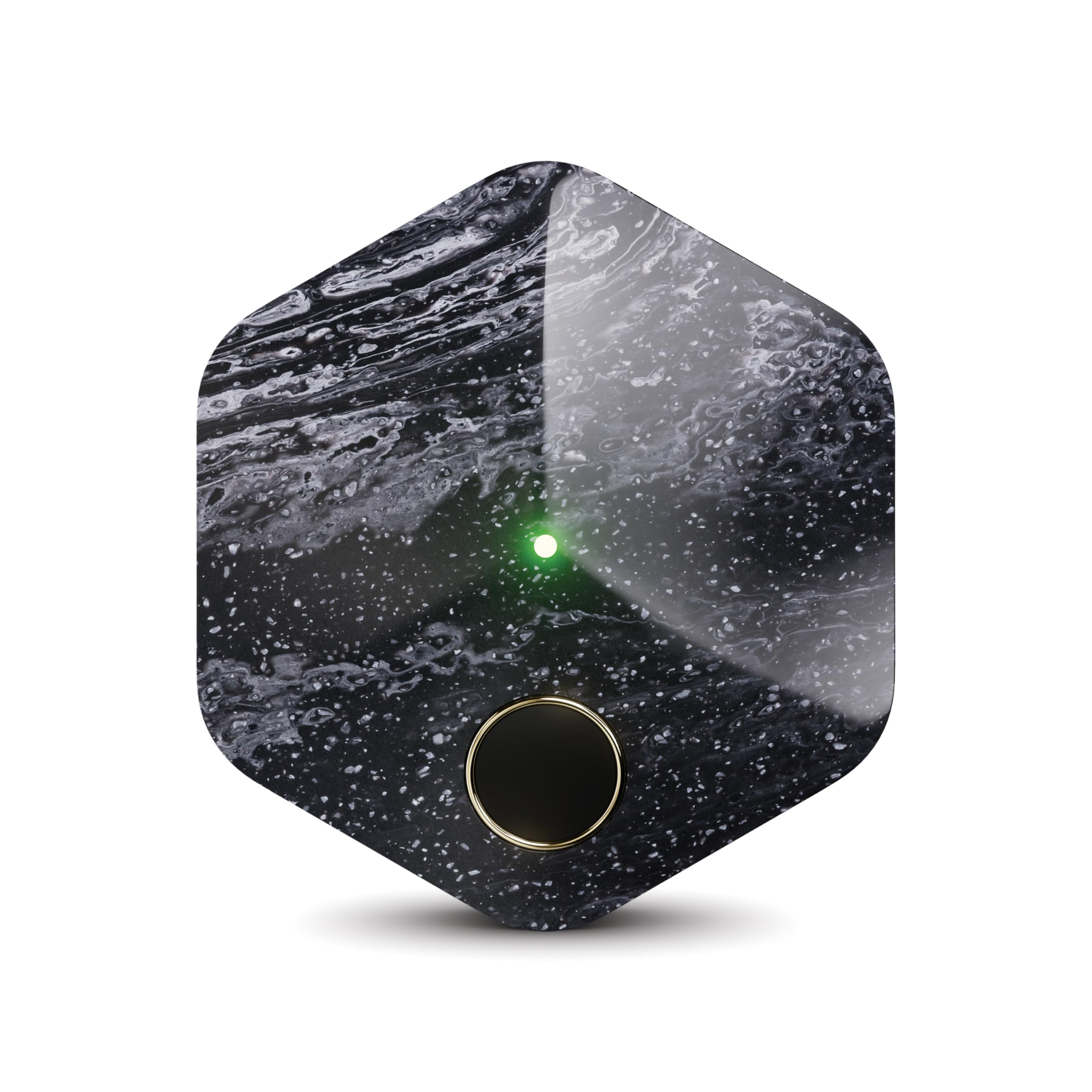
The Bitkey ditches traditional seed phrases for a three-key system where each key plays a distinct role in custody. Native integrations with Cash App, Coinbase, and Robinhood let you buy and sell Bitcoin directly from the wallet, eliminating the need for separate exchange transfers.

This wallet is designed for Bitcoin maximalists and newcomers who prioritize simplicity over coin diversity. It cannot hold Ethereum, altcoins, or NFTs — a deliberate trade-off that keeps the experience clean but rules out multi-coin portfolios. The Corian and stainless steel build gives it a premium feel, and NFC connectivity works smoothly with most mobile devices.

No Bluetooth keeps the attack surface small, though it also means no wireless signing range. The wallet relies on a companion app for transaction signing, which pairs quickly via NFC. Setup takes minutes even for first-time users, and the lack of a battery or cables removes common failure points.

Bottom line: For Bitcoin-only holders who want the simplest possible custody experience, the Bitkey delivers on ease and design — just accept that other coins are not supported.

4

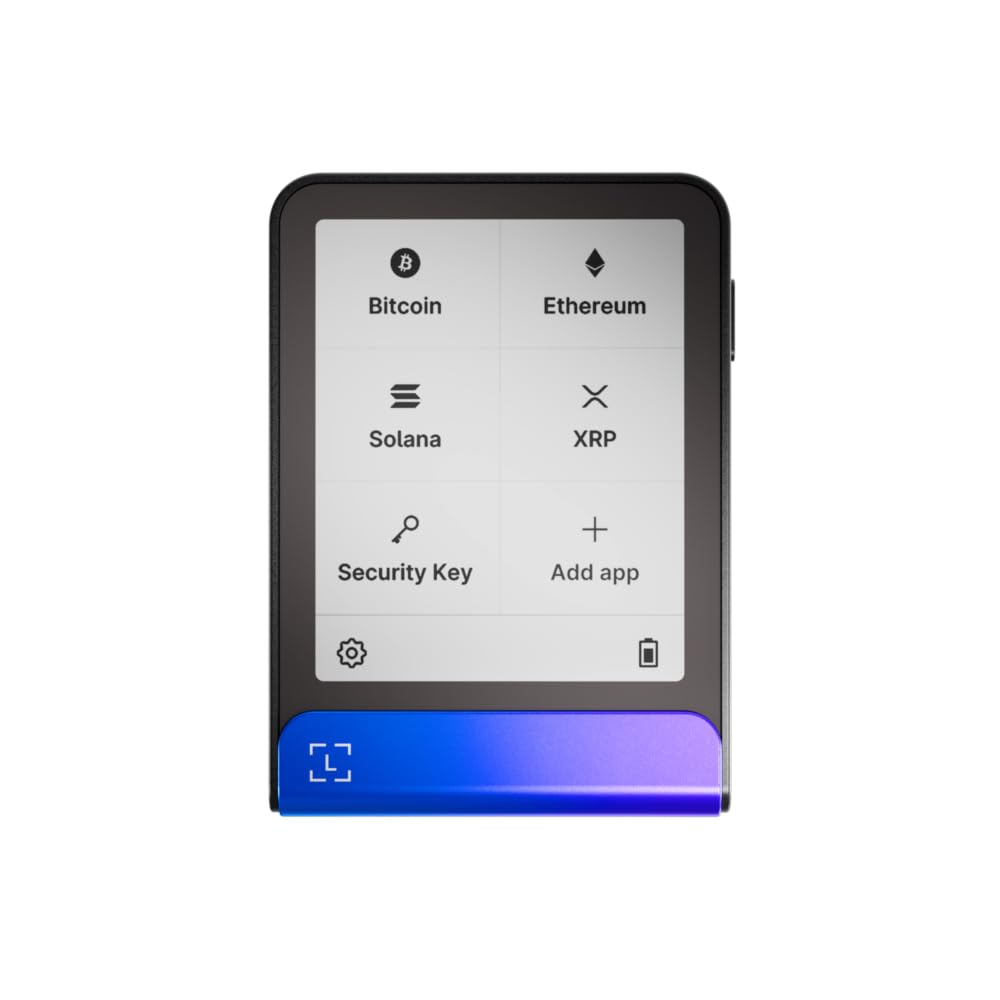
Trezor Safe 5

Trezor Safe 5

Desktop & security

Our Score 9.2/10
Check Price

Worth Noting

  • In a quiet home office, occasional screen ghost-touches can interrupt workflow
  • For signing on the go, the lack of Bluetooth means you need a computer nearby at all times
  • Given the same security as the Safe 3, the higher price is hard to justify for budget-conscious buyers
Backup
Seed phrase
Form Factor
Color touchscreen, Gorilla Glass
Coin Support
1,000s (BTC, ETH, etc.)
Connectivity
USB-C only

The 1.5-inch color touchscreen displays transaction details with enough clarity to reduce the chance of misreading addresses, and the haptic feedback confirms each tap. The Gorilla Glass and aluminum casing give a premium feel that matches the price tag.

This wallet fits desktop-centric crypto managers who stay at a computer – there is no Bluetooth, so signing on a phone is off the table. Some units may experience occasional ghost touches on the screen, which usually resolve with a restart.

Security is on par with the cheaper Safe 3: open-source firmware and an EAL6+ secure element protect private keys. The extra cost here buys the larger display and haptic feedback, not additional security – the Safe 3 is the better value for most buyers.

Tip: If ghost touches persist, cleaning the screen or restarting the device typically resolves the issue.

Bottom line: Desktop users who want a clear display and tactile feedback will appreciate the Safe 5, but the Safe 3 is the smarter buy for most people – you pay for the screen, not stronger security.

5

Arculus Cold Wallet

Arculus Cold Wallet

Card & biometric

Our Score 8.8/10
Check Price

Worth Noting

  • For holders of niche tokens like HBAR or DOT native, the supported coin list may not include them.
  • Some users experience transfer errors that require repeated attempts to link the card.
Backup
Seed phrase (via app)
Form Factor
Metal credit-card size
Coin Support
95% of market cap
Connectivity
NFC only

The Arculus Cold Wallet delivers biometric security and NFC tap-to-sign in a slim metal card that fits alongside your debit cards. Where Tangem removes seed phrases entirely, Arculus adds a fingerprint sensor and PIN for those who prefer traditional key control.

This wallet suits Android users who hold major coins like Bitcoin, Ethereum, and Cardano and want hardware security without a bulky device. However, native support for smaller chains such as HBAR or DOT native tokens is absent, and iPhone users may encounter inconsistent NFC connections – the card is best paired with an Android phone.

Some buyers report that linking the card requires multiple attempts, with error codes appearing before a successful connection. This is more of a setup hurdle than a daily issue for most, but it is worth being patient during initial pairing.

Bottom line: Best for Android users holding BTC, ETH, or ADA who want a wallet they can carry everywhere – check coin support before buying.

6

ELLIPAL Titan Mini

ELLIPAL Titan Mini

Air-gap & metal

Our Score 8.6/10
Check Price

Worth Noting

  • QR scanning can be slower than direct USB or Bluetooth connections
Backup
Seed phrase + metal tiles
Form Factor
2.4" touchscreen, metal
Coin Support
10,000+
Connectivity
QR codes only

The ELLIPAL Titan Mini achieves true air-gap isolation by communicating solely through QR code scanning, with no Bluetooth or WiFi to compromise. Its reinforced metal casing provides physical protection, and the anti-tamper design clears data if intrusion is detected. This budget-friendly wallet offers a level of security typically found in higher-priced models.

This wallet fits security-conscious long-term holders who rarely transact and don't mind a slower QR scanning workflow. The small touchscreen makes seed phrase entry and transaction verification less comfortable, and the metal backup tiles have printed lettering that may wear off over time – tradeoffs that matter less to users who primarily store and rarely move assets.

The metal construction gives the Titan Mini a solid, durable feel. Setting up the wallet is straightforward with the companion app, and the self-destruct mechanism adds peace of mind for physical security. For users who prioritize isolation above all else, this is a cost-effective entry point.

Tip: Use the included metal backup tiles to read your seed phrase – avoid the small touchscreen for seed entry whenever possible.

Bottom line: A cost-effective air-gapped wallet for long-term holders who value isolation over speed – the small screen and printed backup tiles are manageable sacrifices for security-minded users.

7

Ledger Nano X

Ledger Nano X

Bluetooth mobile

Our Score 8.8/10
Check Price

Worth Noting

  • In crowded venues, Bluetooth disconnections may interrupt the signing process.
  • Battery capacity means recharging is needed after extended signing sessions away from power.
Backup
Seed phrase
Form Factor
OLED, rechargeable
Coin Support
15,000+
Connectivity
Bluetooth, NFC, USB

The Ledger Nano X brings Bluetooth connectivity for signing transactions on the go and supports an extensive range of cryptocurrencies. Its OLED display makes transaction verification clear on the device. However, without access to recent user feedback, we cannot verify real-world performance or identify any current limitations. Its reputation is shaped by long-standing brand presence rather than verified recent data. This wallet suits users who value mobile signing and wide coin support, and who are comfortable relying on brand history over independently confirmed user experiences.

Bottom line: For users who prioritize Bluetooth mobile signing and broad coin support, and who are comfortable relying on brand reputation over verified recent user feedback, the Ledger Nano X remains a functional option.

8

Ledger Flex

Ledger Flex

E Ink clarity

Our Score 9.2/10
Check Price

Worth Noting

  • Premium pricing may not feel justified given the Bluetooth limitations.
  • Bluetooth connection can be unstable, leading to dropped connections during mobile signing.
Backup
Seed phrase + Recovery Key
Form Factor
E Ink touchscreen, Li-ion
Coin Support
15,000+
Connectivity
Bluetooth, NFC, USB-C

The E Ink Gorilla Glass display keeps transaction details crisp and readable even under direct sunlight, and the build quality feels premium. Strong security via dedicated recovery key option and Secure Element rounds out the hardware. However, the Bluetooth connection can drop during mobile signing, undermining the convenience of on-the-go use. At a premium price, this wallet is less compelling than cheaper alternatives that offer more reliable wireless pairing.

Bottom line: The Ledger Flex suits buyers who prioritize a large, readable screen for outdoor use and are willing to accept occasional Bluetooth drops, but most users will get better value from the reliable Bluetooth and lower price of the Ledger Nano X.

9

Ledger Nano S Plus

Ledger Nano S Plus

Budget desktop

Our Score 9.0/10
Check Price

Worth Noting

  • Not compatible with iOS devices
  • Connectivity may degrade over time in some units, so checking function early is wise
Backup
Seed phrase
Form Factor
1.1" OLED, compact
Coin Support
15,000+
Connectivity
USB-C only

The Ledger Nano S Plus brings the security of a CC EAL5+ secure element and support for over 15,000 coins to a budget-friendly price, making it a solid entry for Android and desktop users. However, iOS users are locked out, and some units may develop connectivity issues after extended use. Competing wallets like Tangem offer a simpler, cable-free experience at a lower overall cost, which is why the Nano S Plus remains a capable secondary option rather than a top recommendation for all buyers.

Bottom line: Best suited for Android or desktop users seeking an affordable cold storage solution with broad coin support, provided you verify connectivity soon after purchase.

10

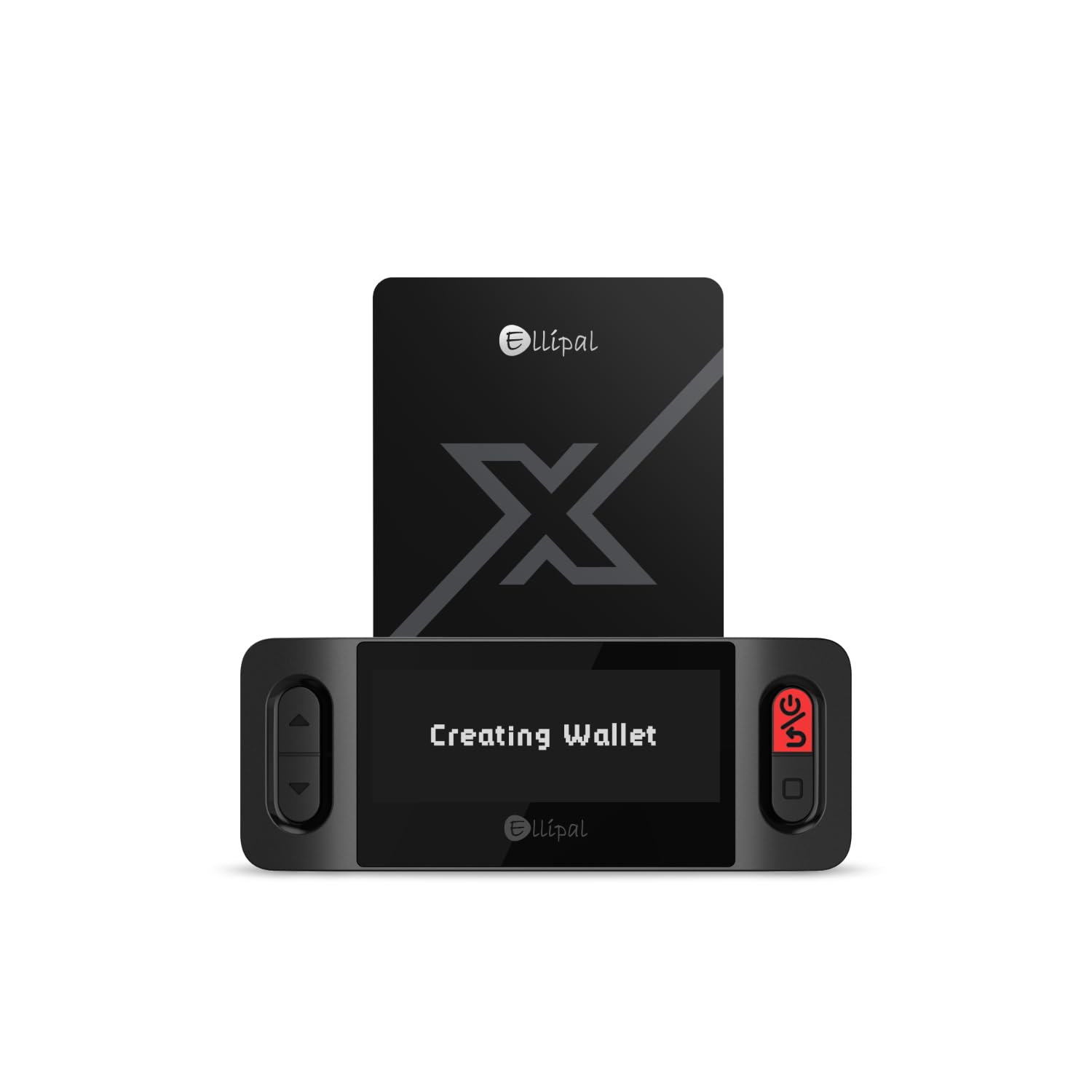
ELLIPAL X Card

ELLIPAL X Card

Backup card

Our Score 9.0/10
Check Price

Worth Noting

  • NFC usability varies by device; iPhone compatibility is uncertain.
  • Some units may arrive with a non-functional card that cannot be scanned.
Backup
Seed phrase import
Form Factor
Card, no battery
Coin Support
10,000+
Connectivity
NFC only

The ELLIPAL X Card serves a narrow but useful role as a physical backup for users who already manage seed phrases on other wallets. Setup is quick and the metal card feels durable. However, its functionality as a standalone wallet is limited: sending transactions requires the companion app, and NFC scanning may not work consistently on iPhones. Some units arrive with cards that fail to scan at all, which is worth checking on arrival. This card is best treated as a secondary cold storage option rather than a primary wallet.

Bottom line: Ideal for Android users who already own a seed-phrase wallet and want a low-cost NFC backup card, provided they verify the card works on arrival.

11

D'CENT Wallet

D'CENT Wallet

Biometric mobile

Our Score 8.8/10
Check Price

Worth Noting

Backup
Seed phrase
Form Factor
Biometric device, rechargeable
Coin Support
4,900+ native
Connectivity
Bluetooth, USB-C

The D'CENT Wallet brings fingerprint authentication to a mobile-friendly Bluetooth interface while supporting over 4,900 coins, including less common tokens like HBAR. Its combination of biometric security and broad coin coverage is appealing, but Bluetooth pairing can be inconsistent across devices and the fingerprint sensor may need multiple tries to register. These usability issues keep it from challenging top-tier options, making it a fit for users who prioritize biometric convenience and niche coin support over flawless connectivity.

Bottom line: This wallet is a fit for users who want biometric authentication and must hold niche coins like HBAR.

12

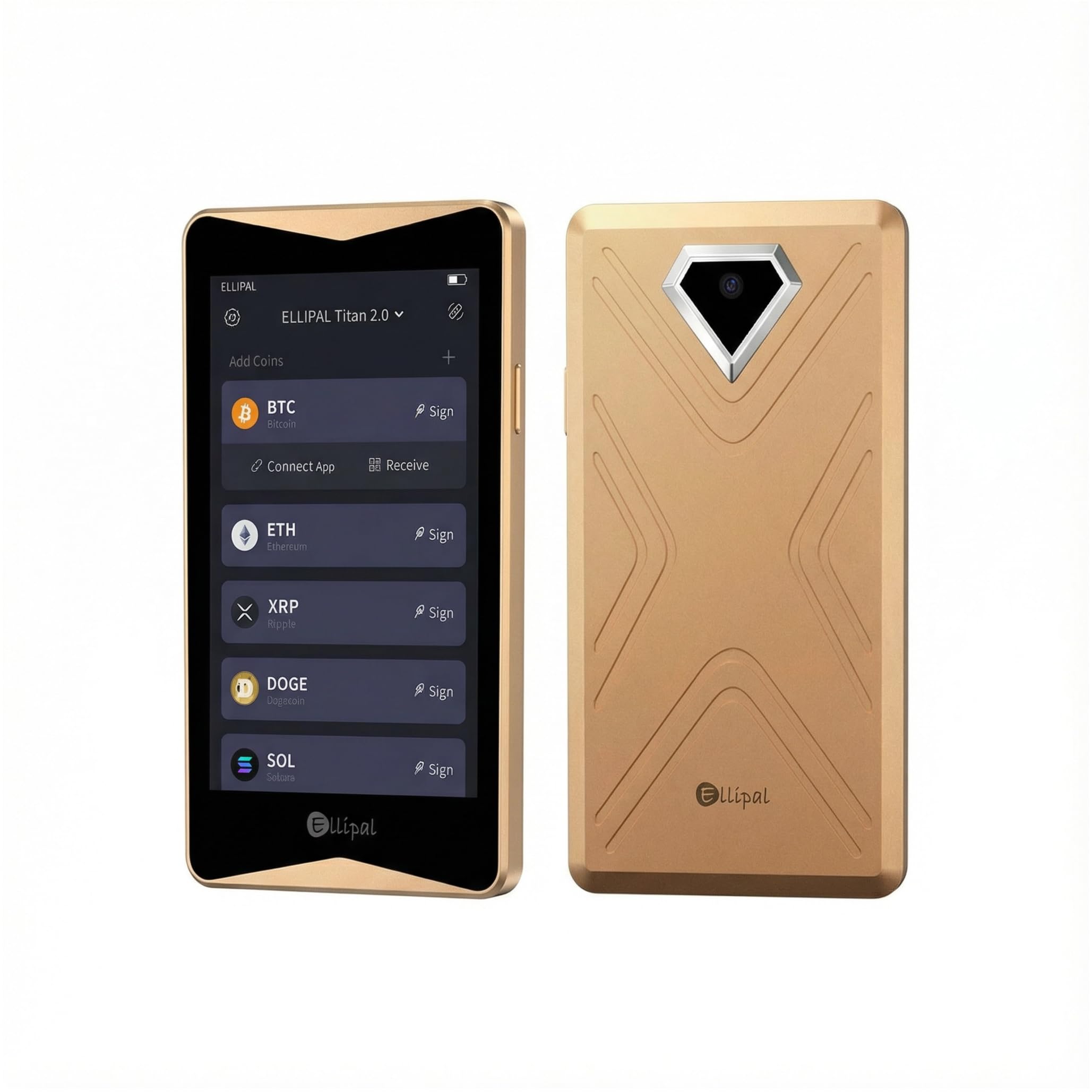
ELLIPAL Titan 2.0

ELLIPAL Titan 2.0

Large screen

Our Score 8.4/10
Check Price

Worth Noting

  • If the device becomes unresponsive after initial use, recovery depends on a seed phrase backup
  • Software setup lacks clear step-by-step guidance, which can confuse newcomers
Backup
Seed phrase
Form Factor
4.1" HD, metal case
Coin Support
10,000+
Connectivity
QR codes only

The ELLIPAL Titan 2.0's large 4.1-inch HD screen makes transaction verification clear and easy, and its air-gapped QR code workflow provides strong security with no internet connection. The metal casing gives a premium feel. However, some units have been noted to become unresponsive after days or weeks of use, making a backup strategy essential. Additionally, the software setup may be confusing for those new to hardware wallets, often requiring external guidance to complete.

Bottom line: Consider this wallet if you prioritize a large screen and air-gap security over absolute reliability and ease of setup.

13

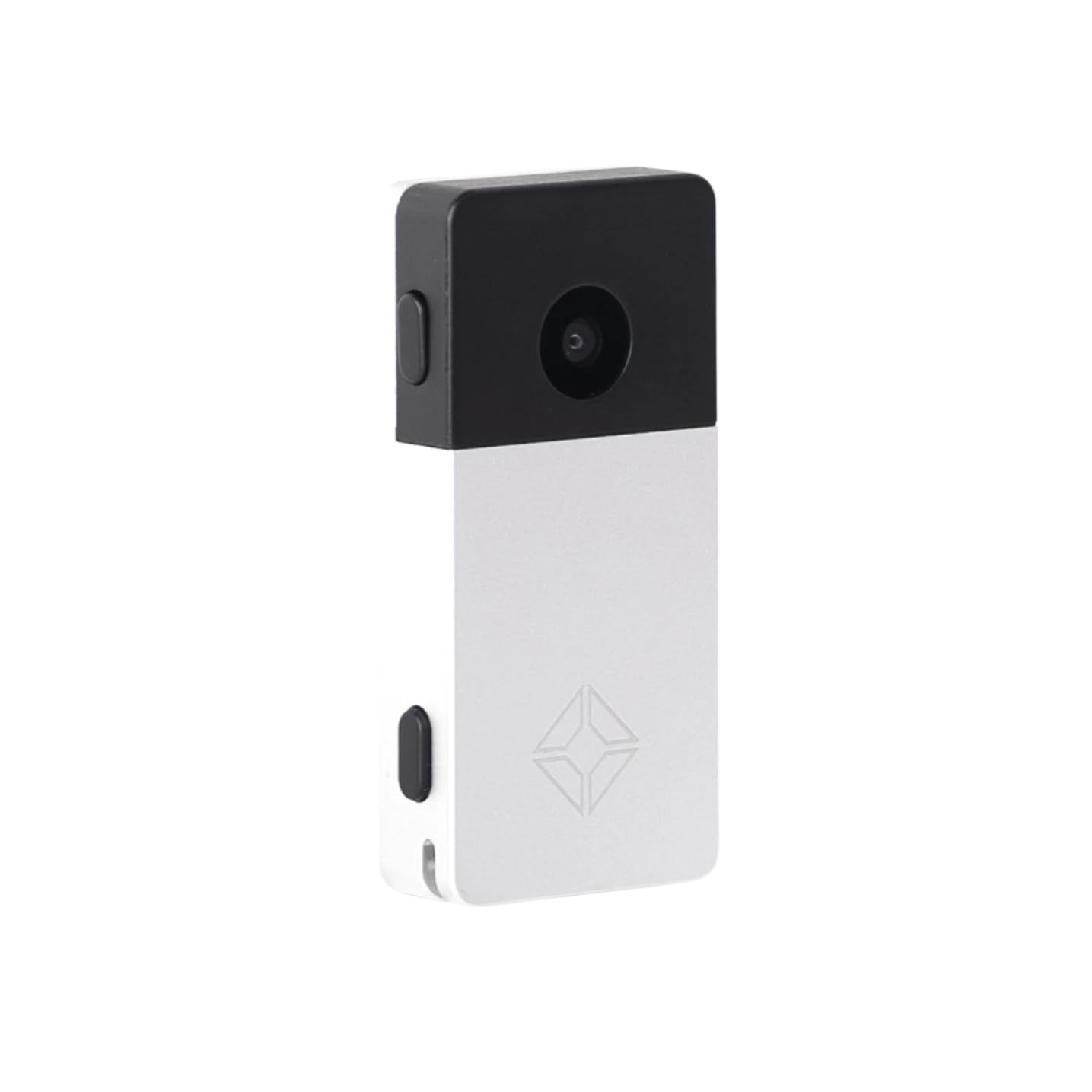
Blockstream Jade Plus

Blockstream Jade Plus

Bitcoin open-source

Our Score 9.4/10
Check Price

Worth Noting

  • Bitcoin and Liquid only
Backup
Seed phrase
Form Factor
Metal case, color screen
Coin Support
Bitcoin + Liquid
Connectivity
Bluetooth, USB-C, camera

Blockstream's Jade Plus brings an open-source, air-gapped design with a built-in camera to scan transactions and an SD card slot for secure backups – features that appeal to privacy-focused Bitcoiners. Bluetooth and USB-C add flexible connectivity with wallets like Sparrow and Green. However, the wallet is strictly limited to Bitcoin and Liquid sidechain; anyone holding Ethereum or other assets will need a second device. Additionally, because the Jade Plus is a relatively new arrival in the hardware wallet space, its operational quirks and durability under extended use are not yet documented by a broad user base. This makes it best suited for dedicated Bitcoin maximalists who value code transparency and are comfortable with a product that has not been extensively field-tested.

Bottom line: Best for Bitcoin-only users who prioritize open-source verifiability and want to avoid USB cable dependencies – not for multi-asset portfolios or those seeking a wallet with a long track record.

How to Choose

Secure Element Certification

The secure element is a tamper-resistant chip that stores your private keys. EAL5+ and EAL6+ are the common certifications — EAL6+ offers higher resistance to physical attacks. Most wallets use standard chips, but Trezor's NDA-free EAL6+ allows independent auditing. For practical purposes, both levels protect against remote hacks; the difference matters if you face physical theft of the device.

Coin Support and Compatibility

A wallet's listed coin count often includes tokens that require third-party integrations or manual steps. Native support means you can manage the coin directly through the wallet's app. Before buying, check the wallet's official supported asset list for your specific tokens. For example, some wallets claim Monero support but need extra software.

Connectivity Options

NFC wallets require no battery and tap to sign, but iPhone NFC support is inconsistent. Bluetooth adds mobile convenience but drains the device's battery and can suffer from pairing drops. USB-only wallets are the most reliable for wired connections but tether you to a computer. Air-gapped wallets use QR codes, eliminating all wireless risks at the cost of slower transactions.

Form Factor and Battery Life

Card-shaped wallets are ultra-portable but rely on your phone's battery for operation — they have no battery of their own. Handheld devices with batteries let you sign offline but need recharging every few hours or days. If you rarely transact, a battery-free card is simpler. Frequent movers may prefer a rechargeable device with Bluetooth.

Backup and Recovery Method

Traditional seed phrase backup lets you recover your wallet on any compatible device, but you must store the phrase securely. Card-based backup (like Tangem's two-card system) is easier but locks you into that brand. Hybrid solutions like Ledger Recovery Key offer cloud backups but introduce a third party. Your tolerance for vendor lock-in determines which approach suits you.

Frequently Asked Questions