Computers & Accessories

6 Best All-In-One Computers of 2026: Real-World Performance Without the Hidden Trade-Offs

Find the all-in-one that balances speed, storage, and reliability for home office or daily use without overspending on specs that don't deliver.

All-in-one desktops promise a clean, space-saving setup, but the real-world experience often comes down to a single trade-off: raw specifications versus long-term dependability. A machine that looks powerful on paper may stumble with frequent crashes or become unusable as Windows updates swallow its tiny SSD.

The best picks in this category deliver the performance you actually notice — smooth multitasking, fast boot times, and a screen that feels spacious — while avoiding the pitfalls that turn a convenient purchase into a constant headache. This guide focuses on models that match the right processor, RAM, and storage to your actual workload, not just a spec sheet.

Whether you need a budget secondary computer or a creative workstation, the choice often comes down to accepting a compromise in one area (like fan noise or storage size) that you can live with, rather than one that will frustrate you every day.

1

HP 27" Touch Ryzen AI

Top Pick
HP 27" Touch Ryzen AI

Home office multitasker

Our Score 9.4/10
Check Price

Worth Noting

  • Reliability can vary; a minority of units may need service within the first month
  • Limited USB ports may require an external hub for multiple peripherals
RAM
32GB DDR5
Storage
2TB SSD
Graphics
Radeon 860M integrated
Processor
Ryzen AI 7 350

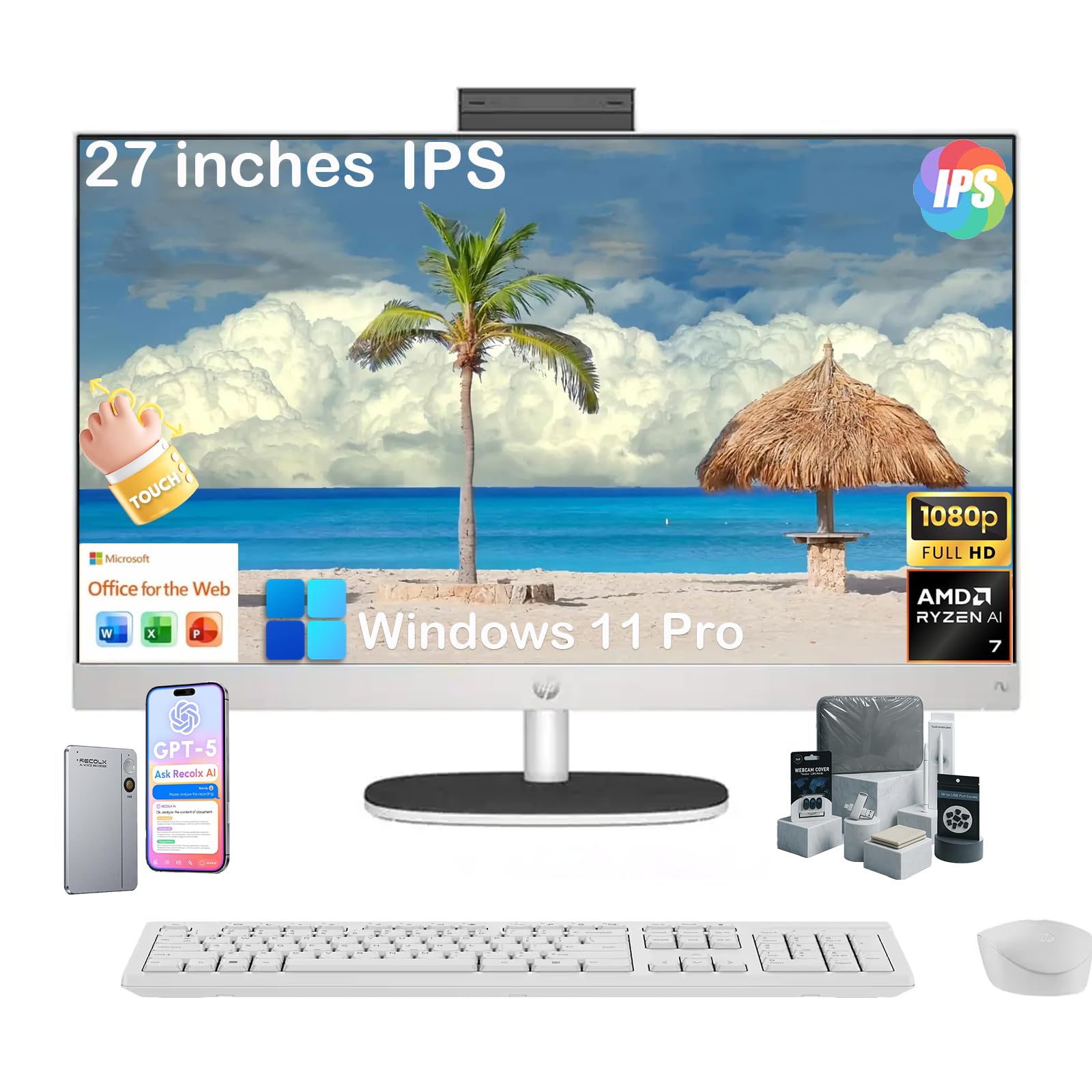
The combination of AMD Ryzen AI 7 and 32GB DDR5 RAM makes this all-in-one a strong multitasker for home office work, handling spreadsheet-heavy workflows and video calls without lag. The 2TB PCIe Gen4 SSD loads applications and files quickly, while the 27-inch FHD touchscreen adds a layer of intuitive interaction for document reviews and presentations.

Setup is straightforward, with the system ready to use within minutes of unboxing. However, a small fraction of units may encounter hardware issues within the first month, so it's worth verifying the return policy before purchase. Outside that variance, boot and app loading speeds are consistently fast.

This machine is best suited for professionals who need 32GB RAM and 2TB storage out of the box, and for home office users who want a large touchscreen for direct interaction. If top-tier long-term reliability is your priority, consider models with documented service records. The limited number of USB ports may require an external hub for additional peripherals.

The slim profile and compact footprint save desk space, and the 27-inch display provides ample screen real estate for productivity tasks. At this price point, the spec combination is rare among all-in-ones, offering performance that rivals more expensive configurations.

Tip: If you need more USB connections, a simple hub will expand the ports without hassle.

Bottom line: For power users who value high specs at a competitive price, this HP delivers strong daily performance, though it carries a small reliability risk that budget-conscious buyers should weigh.

2

HP 22" N100 8GB

HP 22" N100 8GB

Budget basic user

Our Score 8.8/10
Check Price

Worth Noting

  • 128GB SSD can be filled by Windows updates within a year, leaving little space for personal files.
  • Entry-level Intel N100 and 8GB RAM may struggle with newer software or heavier multitasking over time.
RAM
8GB DDR5
Storage
128GB SSD
Graphics
UHD integrated
Processor
Intel N100

The HP 22 all-in-one performs reliably for everyday tasks like web browsing, email, and document editing, making it a practical choice for basic home or office use. Its price is the lowest among Windows 11 Pro AIOs, undercutting the top pick by a wide margin. Yet that savings comes with a tradeoff: the 128GB SSD can be consumed by Windows updates within a year, leaving minimal room for personal files.

This machine fits users whose storage needs are minimal and who are comfortable relying on cloud storage or external drives. Seniors, children, or anyone using the computer as a secondary device for light tasks will find the performance adequate and the price attractive. The 21.5-inch display is compact enough for small desks, and the all-in-one design reduces cable clutter. Setup is straightforward out of the box, and if you rarely install software and keep most documents in the cloud, the HP 22 sidesteps the storage limitation to deliver solid value for a budget all-in-one.

Tip: Connect an external SSD or use cloud storage from the start to avoid running out of space on the internal drive.

Bottom line: For budget-conscious buyers who need a basic Windows 11 Pro AIO for light tasks and are willing to use cloud storage, the HP 22 is a cost-effective choice.

3

Acer Aspire 27" i5

Acer Aspire 27" i5

Student or senior

Our Score 8.8/10
Check Price

Worth Noting

  • Fan noise can be audible in quiet rooms, especially when the processor is under load.
  • Wi-Fi connectivity and power-up consistency can vary; some units experience dropped connections or fail to turn on over time.
RAM
16GB DDR4
Storage
512GB SSD
Graphics
Iris Xe integrated
Processor
Core i5-1235U

The Acer Aspire C27-1700 combines a spacious 27-inch FHD IPS screen with a capable Intel i5-1235U processor and 16GB of RAM, yet stays under $850 — a combination that stands out against pricier competitors like the HP Ryzen AI. For everyday web browsing, document editing, streaming, and video calls, the system feels responsive and the large display is a clear advantage over smaller all-in-ones.

In quiet environments the fan can become noticeable, especially under sustained loads. Some units also exhibit Wi-Fi connectivity drops or fail to power on after months of use — a variance that affects a minority but is worth factoring in for buyers expecting years of trouble-free operation. The trade-off is an otherwise smooth performer at a price that undercuts many 27-inch alternatives.

This Acer fits best in households where the occasional fan hum won't bother the household — think a living room or den rather than a silent study. Seniors often appreciate the large screen and minimal setup fuss, and students on a budget get a solid machine for classes and entertainment without overspending. Those who need absolute silence or long-term dependability should look at higher-end options with on-site service.

Tip: Placing the Acer in a room with ambient background noise (like a living room) makes the fan less noticeable than in a quiet home office.

Bottom line: If a big screen and solid everyday performance are your priorities and you can accept occasional fan hum and possible Wi-Fi quirks, this Acer delivers exceptional value for the price.

4

Dell 27" Touch Core 7

Dell 27" Touch Core 7

Creative pro / light gamer

Our Score 9.0/10
Check Price

Worth Noting

  • Built-in webcam delivers below-average image quality for a premium-priced machine.
  • Occasional keyboard compatibility issues and sleep-mode hangs have been noted.
RAM
32GB DDR5
Storage
1TB SSD
Graphics
NVIDIA MX570A 2GB
Processor
Core 7 150U

The Dell 27 All-in-One stands apart from the HP top pick by including a dedicated NVIDIA GeForce MX570A GPU and Dell’s 1-year on-site service — a combination that suits creative professionals who need graphics acceleration and want hardware support without shipping the unit. The 27-inch FHD touch display responds well to taps and swipes, and the 32GB of DDR5 RAM keeps multiple Adobe apps running smoothly.

This machine is best for photo editors, light gamers, and anyone who regularly works with GPU-accelerated software and wants the peace of mind of on-site repairs. The compromise comes in two areas: the built-in webcam delivers below-average image quality for a premium-priced machine, and some users may encounter occasional keyboard compatibility issues or the system not waking from sleep. These are usability tradeoffs rather than dealbreakers, but they are worth factoring in if video calls are a daily priority.

Day-to-day performance is fast and responsive — the Intel Core 7 processor handles office tasks and web browsing without lag, and the 1TB SSD provides ample room for project files. Set-up is quick, requiring little more than plugging in the power cable and following on-screen prompts. The touchscreen adds convenience for navigating Windows 11 Pro, though the display is FHD rather than 4K, which is acceptable for most creative work at this price point.

Tip: If the system has trouble waking from sleep, try disabling fast startup in Windows power settings or connecting peripherals directly to the PC.

Bottom line: For photo editors and light gamers who need a dedicated GPU and value on-site support, the Dell 27 is a capable workstation — but plan to use an external webcam and be aware of possible keyboard quirks.

5

Dell 24" Touch Core 5

Dell 24" Touch Core 5

Space-saving touch user

Our Score 8.8/10
Check Price

Worth Noting

  • 23.8-inch screen may feel small for those used to larger displays
RAM
16GB DDR5
Storage
512GB SSD
Graphics
Intel integrated
Processor
Core 5 120U

The Dell 24-inch Touch Core 5 stands apart from the top pick by pairing a responsive touch display with Dell's 1-year onsite service in a smaller footprint. For buyers who value support and a clean desk, this all-in-one delivers a complete package without a separate monitor or tower.

This computer fits users with limited desk space who want touch capability without a 27-inch screen. The 23.8-inch display may feel cramped if you're used to larger monitors, but it saves valuable real estate on a compact desk or kitchen counter. The integrated Intel graphics handle everyday tasks and video calls, but creative work or gaming is not its strength.

Tip: If transitioning from a 27-inch monitor, give yourself a few days to adjust to the smaller screen.

Bottom line: For a compact space that benefits from touch input and onsite support, this Dell delivers a balanced experience — just be aware of the screen's footprint.

6

Lenovo 24" N100 32GB

Lenovo 24" N100 32GB

Budget RAM priority

Our Score 8.0/10
Check Price

Worth Noting

  • When juggling multiple heavy applications, the processor can feel sluggish
RAM
32GB DDR4
Storage
1TB SSD
Graphics
UHD integrated
Processor
Intel N100

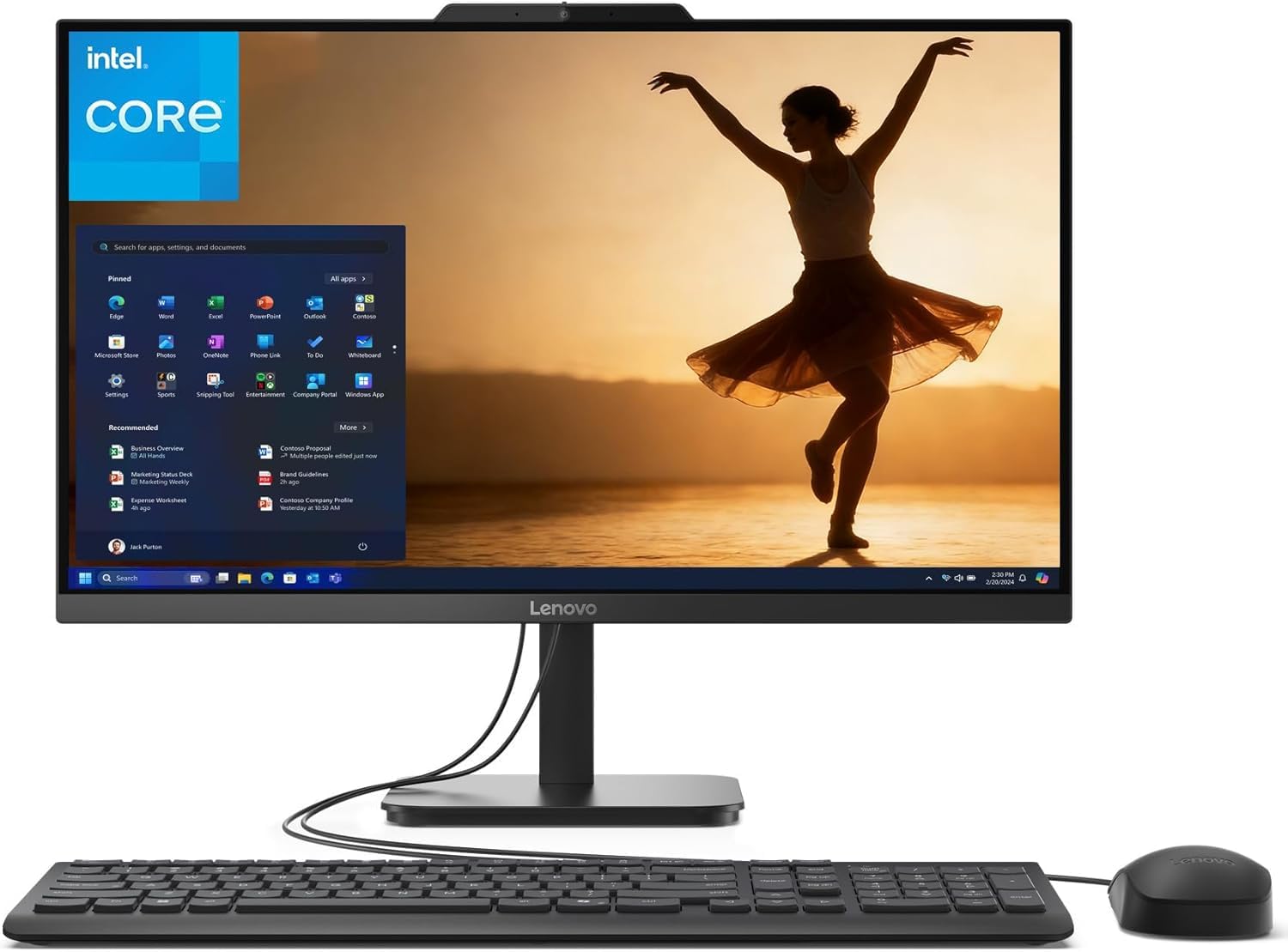
This Lenovo AIO delivers a generous 32GB of RAM and a 1TB SSD at a price that undercuts most similarly configured desktops. The 23.8-inch FHD IPS display is crisp and easy on the eyes, and setup is quick. The trade-off comes in the processor: the Intel N100 is a low-power chip designed for basic web browsing, document editing, and streaming — not for running multiple heavy applications or dozens of browser tabs simultaneously. This machine is best suited for users who prioritize memory capacity over raw speed, such as those managing large spreadsheets or maintaining many open windows without taxing the CPU.

Bottom line: Ideal for budget-conscious buyers who need ample memory for tasks like data entry, spreadsheet work, or light media consumption, but are willing to accept slower performance under heavy loads.

How to Choose

Screen Size and Resolution

Screen size directly affects how much content fits on screen without scrolling. A 27-inch display gives you room for two documents side-by-side, while 21.5 to 23.8 inches are sufficient for single-window tasks but feel cramped for multitasking.

Resolution matters more than size on smaller screens. All models here use 1080p (FHD), which is crisp at typical viewing distances. Higher resolutions like 4K are rare at this price and add cost without much benefit for basic office work.

Processor Performance

Intel N100 processors are fine for web browsing and email, but they choke on more than 6-8 browser tabs or any video editing. Intel Core i5/i7 or AMD Ryzen 7 deliver noticeably smoother multitasking and faster app loading.

The trade-off: higher-performance processors generate more heat, which often requires active fan cooling. In quiet rooms, fan noise from a Core i5 can be distracting, while an N100 may run fanless or nearly silent.

RAM Capacity

8GB RAM handles basic tasks but fills quickly with modern browsers and apps. 16GB is the sweet spot for home office and light creative work. 32GB benefits heavy multitaskers running virtual machines or editing large files.

Most all-in-ones have soldered RAM that cannot be upgraded later. Buying the configuration you need from the start is critical. Models with user-upgradeable RAM are rare in this category.

Storage Type and Capacity

SSDs are standard, making boot times fast. The danger is capacity: a 128GB SSD loses half its space to Windows updates within a year. 256GB is tight; 512GB is comfortable for most users; 1TB+ is needed for large media libraries.

Cloud storage can offset limited internal space, but it requires consistent internet access. External drives add clutter and cost, so it is better to choose adequate internal storage upfront.

Touchscreen Availability

Touch adds convenience for zooming, scrolling, and navigating on screen, especially if you are used to tablets. It also raises the price by $100–200 and adds glare on glossy panels.

For most desk users, a non-touch matte display is more practical — less fingerprint smudging, lower cost, and better visibility in bright rooms. Touch is worth it only if you actively use touch gestures or work in a creative field.

Graphics Capability

Integrated graphics (Intel UHD, Iris Xe, AMD Radeon) are sufficient for office apps and 4K video playback. Dedicated GPUs like NVIDIA MX570A add moderate performance for photo editing, light 3D modeling, and older games at low settings.

Dedicated graphics consume more power and generate heat. If gaming or GPU-accelerated software is not part of your workflow, the extra money is better spent on RAM or storage.

Frequently Asked Questions