Cameras & Photography

9 Best USB Microscope of 2026: Real Magnification Without the Hype

Tired of '1000x' USB microscopes that pixelate at half that? This guide helps hobbyists, collectors, and repairers find ones with real optical power and stable stands.

The USB microscope market is flooded with models claiming '1000x' magnification, but that number is almost always digital zoom. Past 200x, the image becomes pixelated and unusable. The real performance comes from the sensor resolution, lens quality, and a stand that keeps the scope steady.

For hobbyists examining coins, educators teaching biology, or electronics repairers checking solder joints, the real choice isn't between spec numbers – it's between a tool that works predictably and one that fights you. Compatibility with your computer or phone, especially iOS, is where many budget models fail. A flimsy stand turns a $30 microscope into a frustration.

This guide focuses on the models that respect your time and money. It highlights those with honest magnification, solid stands, and broad device support – so you can inspect without the headache.

1

Plugable USB 250x

Top Pick
Plugable USB 250x

Hobbyists, educators

Our Score 8.6/10
Check Price

Worth Noting

  • Flexible arm stand can be unstable at higher magnifications, requiring careful repositioning.
Lighting
LED halo, adjustable
Connectivity
USB-A/C, wide OS
Stand Quality
Flexible arm
Magnification Type
Optical 250x

The Plugable USB Digital Microscope provides an honest 250x optical magnification – a rarity in a category where many products inflate their zoom numbers. It connects to Windows, Mac, ChromeOS, Linux, Android, and iPad via USB-C without requiring driver downloads, making it one of the most cross-platform compatible options available. The 2 MP sensor captures clear imagery of coins, stamps, and solder joints, with a halo LED that adjusts brightness to avoid washout.

Image quality is consistent enough for inspecting fine details like coin mint marks or circuit board traces. The flexible arm stand allows a wide range of positioning, but at higher magnifications (above 150x or so) it can lose its grip and need readjustment. The observation pad is useful for flat objects, though the stand's base could be heavier for stability. Most hobbyists will find the built-in software on each platform sufficient for basic capture and measurement.

This scope is aimed at hobbyists inspecting coins, stamps, electronics, or educational specimens – users who need a dependable USB-connected tool without tying up a separate screen. First-time digital microscope buyers will appreciate the plug-and-play setup and the manufacturer's lifetime warranty. However, the flexible arm stand is a clear tradeoff: it suits casual use but may frustrate anyone requiring precise focus at the top of the magnification range. For those tasks, budget for a third-party stand or a microscope with a rack-and-pinion focus. Professionals needing true 1000x optical magnification should look elsewhere.

At its mid-range price, the Plugable avoids the inflated magnification claims common in the category, offering a straightforward view of what you get. This honesty, combined with responsive customer support, makes it a top pick for hobbyists who want a dependable tool without surprises.

Tip: For stable focus at 200x+, a third-party stand with a rack-and-pinion mechanism will improve the experience.

Bottom line: The Plugable USB Microscope delivers honest specs and broad compatibility, making it a practical choice for hobbyists who can work around the flexible stand's limitations at high magnification.
2

Elikliv EDM4 4.3"

Elikliv EDM4 4.3"

Coin collectors

Our Score 9.0/10
Check Price

Worth Noting

  • Battery life can be inconsistent; some units may drain quickly or fail to hold a charge, and the battery is not replaceable.
Lighting
8 LED, adjustable
Connectivity
USB + standalone
Stand Quality
Adjustable stand
Magnification Type
Digital zoom, ~100x

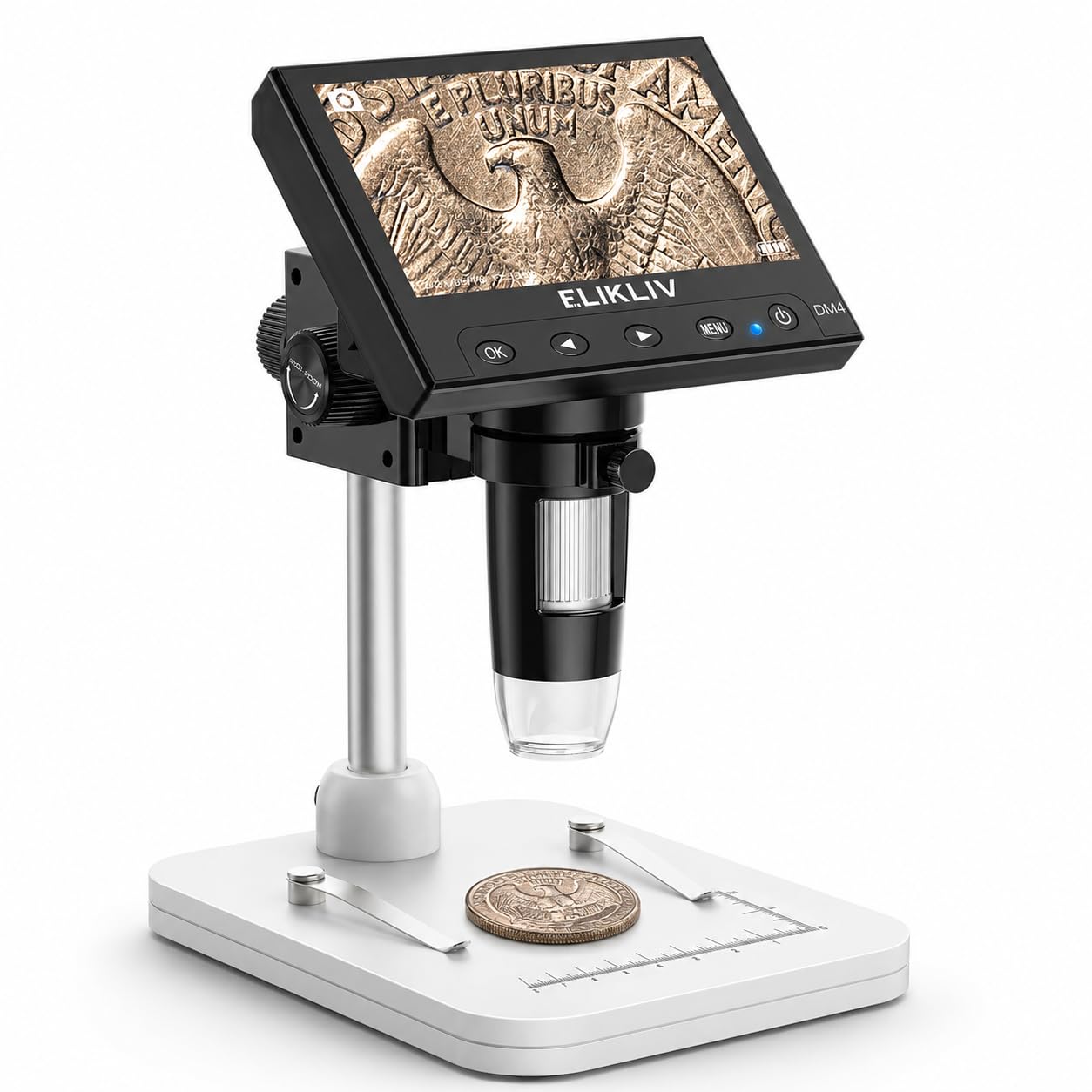
The Elikliv EDM4 offers a dedicated 4.3-inch LCD screen that eliminates the need to tether a microscope to a computer. This standalone approach makes it a direct alternative to computer-connected USB scopes like the Plugable, especially suited for inspecting coins or stamps at a desk without occupying a laptop or desktop.

This model targets coin and stamp collectors who want a convenient all-in-one viewing station. Families and educators will appreciate the simple controls and quick setup. However, the internal battery can drain faster than expected in some units, and it is not replaceable, so the scope works best when kept near a power outlet or used primarily plugged in.

The built-in screen provides clear, detailed images for examining coin details and stamp fibers. The 8 adjustable LEDs give sufficient lighting for most hobbyist tasks, and the height-adjustable stand allows stable positioning. Digital magnification up to 1000x is mostly marketing; the effective optical zoom on the 4.3-inch screen is around 100x, which is adequate for close inspection.

Tip: Keep the scope plugged in during extended sessions – the battery is best treated as a backup for short inspections away from an outlet.

Bottom line: This is the scope to pick if you want a self-contained viewing station for coin and stamp inspection and don't need computer connectivity. Just plan to keep it near a power source.

3

Andonstar AD246S-M

Andonstar AD246S-M

Electronics repair

Our Score 9.2/10
Check Price

Worth Noting

  • PC measurement software can crash during extended sessions
  • Zoom ring has some backlash, making fine magnification adjustments imprecise
Lighting
8 LED + gooseneck
Connectivity
HDMI + USB
Stand Quality
Pro boom arm
Magnification Type
Optical, 3 lenses

The Andonstar AD246S-M is the toolkit for serious solderers and coin collectors who want both a dedicated 7-inch screen and HDMI output, plus USB connectivity for PC measurement. Its three swapable lenses (L, A, D) cover wide-area inspection up to high-detail 510x zoom, and the metal boom arm keeps the scope steady over a workbench. On its own display or via HDMI to a monitor, the image is crisp and bright – a clear step up from budget USB sticks that rely on a phone or laptop screen.

For buyers who explicitly need a USB microscope that tethers to a computer for continuous magnified viewing, the Andonstar works but with caveats. The PC measurement software has been noted to crash or become unresponsive during use, and the zoom ring has a loose feel with some backlash, making fine magnification adjustments less precise. These limits are easier to tolerate if you primarily use the built-in screen – the USB connection is a secondary bonus rather than the core workflow.

The boom stand is a highlight: it moves front-to-back, side-to-side, and tilts, staying put once set – exactly what you need for hands-free soldering or coin grading. The adjustable LED ring and included remote let you dial in lighting without touching the scope. Image quality rivals many desktop microscopes at a similar price, and the three-lens system means one tool handles both PCB inspection and fine die details on coins.

Tip: For repeatable measurement work, set the zoom ring with gentle pressure – the backlash can be managed by approaching the target magnification from the same direction each time.

Bottom line: Choose the Andonstar if your workbench can benefit from a dedicated screen and a rock-solid boom arm, and you treat USB connectivity as a handy extra rather than the main connection method.

4

Jiusion 1080P USB

Jiusion 1080P USB

Budget-conscious

Our Score 8.2/10
Check Price

Worth Noting

  • iPhone and iPad compatibility may be inconsistent despite the listing claiming support
  • Zoom button on the cable can be unresponsive; manual focus adjustment works better
Lighting
8 LED, cable control
Connectivity
USB-A/C, multi-OS
Stand Quality
Metal stand
Magnification Type
Digital zoom

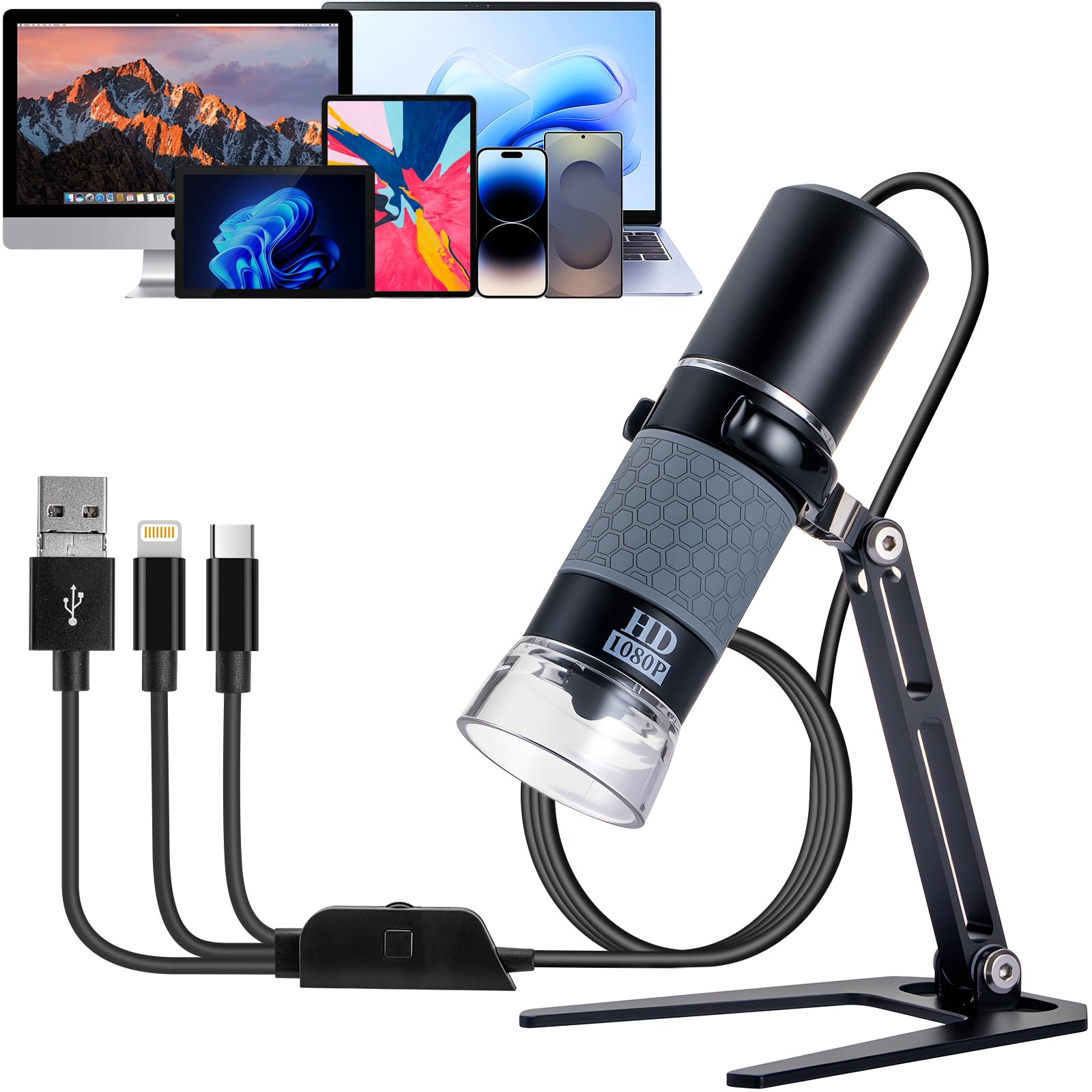
For under $30, this Jiusion scope delivers a 1080P sensor and a metal stand – a combination rare at this price point. It offers a cost-effective alternative to the top-pick Plugable, especially for buyers who don't need cross-platform reliability and prioritize saving money.

This scope suits budget-conscious buyers who use Android devices or Windows PCs. The included metal stand provides a stable base for inspecting coins, circuit boards, or other small objects. However, if you rely on an iPhone or iPad for viewing, compatibility issues can arise – many users find the connection unreliable. Also, the zoom button on the cable may not respond; magnification is best adjusted manually at the lens.

Image quality is clear enough for detailed work at typical magnifications, though the digital zoom past 200x introduces softness. The eight LED lights offer adjustable brightness via the cable control, helping illuminate subjects without harsh shadows.

Tip: If you need iOS support, consider a model with a dedicated Lightning cable; otherwise, treat the zoom button as a backup and adjust magnification at the lens.

Bottom line: If you use Android or Windows and want the lowest entry point for a 1080P scope with a metal stand, this Jiusion is a strong choice – just don't count on using it with an iPhone.

5

Skybasic WiFi 1000x

Skybasic WiFi 1000x

Casual hobbyists

Our Score 8.4/10
Check Price

Worth Noting

  • Digital zoom past 100x yields soft, low-detail images; actual useful magnification is about 100x.
  • WiFi streaming can experience lag or occasional disconnection, especially on iPhones during longer sessions.
Lighting
8 LED, adjustable
Connectivity
WiFi + USB
Stand Quality
Plastic bracket
Magnification Type
Digital zoom

The Skybasic stands out for its dual WiFi and USB connectivity, letting you pair it with an iPhone, Android phone, or computer via USB for a stable wired feed when the WiFi stream gets flaky. This flexibility makes it a go-to for casual exploration on the go, without tying you to a specific device or operating system.

This scope suits newcomers and hobbyists who want a simple, portable way to examine coins, plants, or electronics on their phone without spending much. The included stand and eight adjustable LEDs provide decent lighting for stationary work, but the WiFi connection can lag or drop during extended use — especially on iPhones — and the magnification beyond 100x is purely digital, resulting in soft, pixelated images. It works best for quick, low-power inspections rather than detailed precision work.

Tip: For consistent viewing, connect via USB to a computer instead of relying on WiFi.

Bottom line: For mobile-first casual exploration on a tight budget, the Skybasic delivers convenience and basic imaging, but opt for a wired USB scope if you need stable high-magnification views.

6

Jiusion 2K USB

Jiusion 2K USB

Android/PC users

Our Score 8.4/10
Check Price

Worth Noting

  • Not compatible with iPhone or iPad
  • Claimed 1000x magnification is digital; real usable zoom is significantly lower.
Lighting
8 LED
Connectivity
USB, no iOS
Stand Quality
Plastic stand
Magnification Type
Digital zoom

The Jiusion 2K USB microscope steps up from common 1080P models with a 2560x1440 sensor that makes details noticeably crisper. It plugs directly into Android devices and Windows PCs without driver fuss, making it a no-fuss tool for inspecting coins, circuit boards, or fabric. The price stays under $30, which is lean for this resolution tier. However, the 1000x magnification claim is digital zoom — effective magnification tops out well below that. iPhone and iPad owners are left out entirely, as the device lacks iOS compatibility. Compared to the Jiusion 1080P model (which includes a metal stand), this version uses a plastic stand, a factor that keeps it from a higher recommendation.

Bottom line: Fits Android/PC users who want 2K resolution for under $30 and can work around the digital magnification limit.

7

PalliPartners 4.3" LCD

PalliPartners 4.3" LCD

Families, educators

Our Score 8.6/10
Check Price

Worth Noting

  • Standalone design
  • Screen may occasionally freeze requiring a restart
Lighting
8 LED, adjustable
Connectivity
USB + standalone
Stand Quality
Metal stand
Magnification Type
Digital zoom

The PalliPartners delivers clear images on its 4.3-inch screen and includes a 32GB SD card for saving photos and videos out of the box – a convenient setup for kids and families exploring the microscopic world. However, it is a standalone device; it does not connect to a computer or mobile via USB, so it won't satisfy buyers seeking computer-based magnification. Additionally, the screen may occasionally freeze or glitch, requiring a restart.

Tip: If the screen freezes, a quick restart usually resolves it.

Bottom line: Best suited for families and educators who want a dedicated screen for kids, not for those needing a computer-connected USB microscope.

8

Celestron 5MP 200x

Celestron 5MP 200x

Serious collectors

Our Score 8.0/10
Check Price

Worth Noting

  • Software may not be recognised by modern Windows 10/11 or Mac systems without driver workarounds.
  • Maximum 200x magnification and short working distance limit use with larger objects.
Lighting
LED ring + polarizer
Connectivity
USB-C, Win/Mac
Stand Quality
Adjustable stand
Magnification Type
Optical 200x

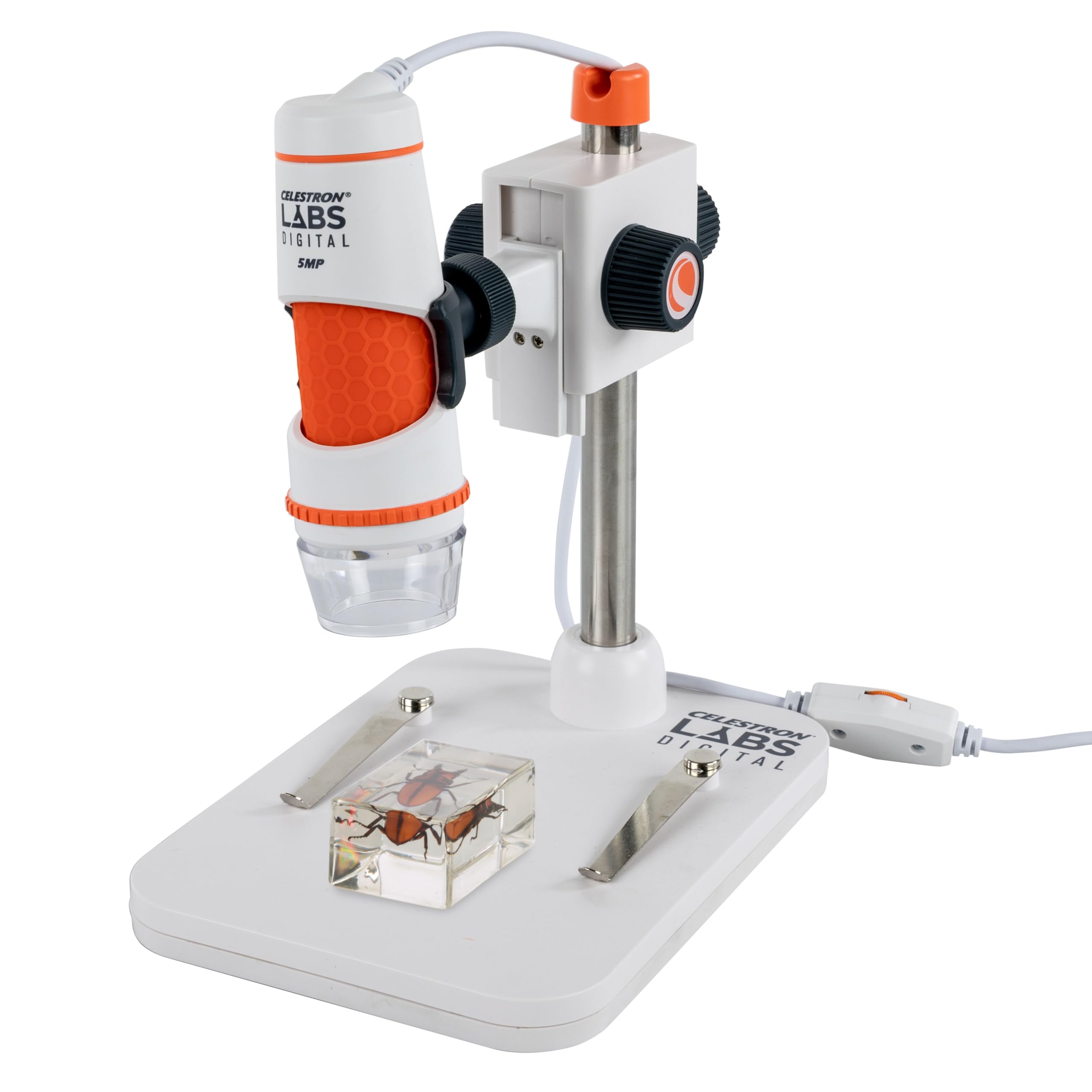
The Celestron Labs 5MP delivers sharp, detailed images at 20-200x optical magnification thanks to a quality glass lens and built-in polarizing filter that cuts glare on coins and stamps — a clear advantage for collectors. Included measurement software and calibration ruler add precision. However, the proprietary software struggles with modern Windows 10/11 and Mac systems, often requiring driver workarounds or alternate capture apps. This is not a plug-and-play device for those on current OS versions. The 200x ceiling and short working distance also constrain use with larger objects. For collectors and educators willing to troubleshoot, the optical quality is noteworthy; for anyone seeking hassle-free USB microscopy, it’s a miss.

Bottom line: Best suited for coin and stamp collectors who prioritize image quality over plug-and-play convenience and are prepared to handle software setup.

9

Hayve DM9 7"

Hayve DM9 7"

Screen-focused hobbyists

Our Score 8.8/10
Check Price

Worth Noting

  • Instructions are minimal and lack helpful guidance, making assembly confusing.
  • The stand screw may not hold the microscope steady on some units, allowing wobble during fine adjustments.
Lighting
8 LED + gooseneck
Connectivity
Standalone only
Stand Quality
Metal stand
Magnification Type
Digital zoom

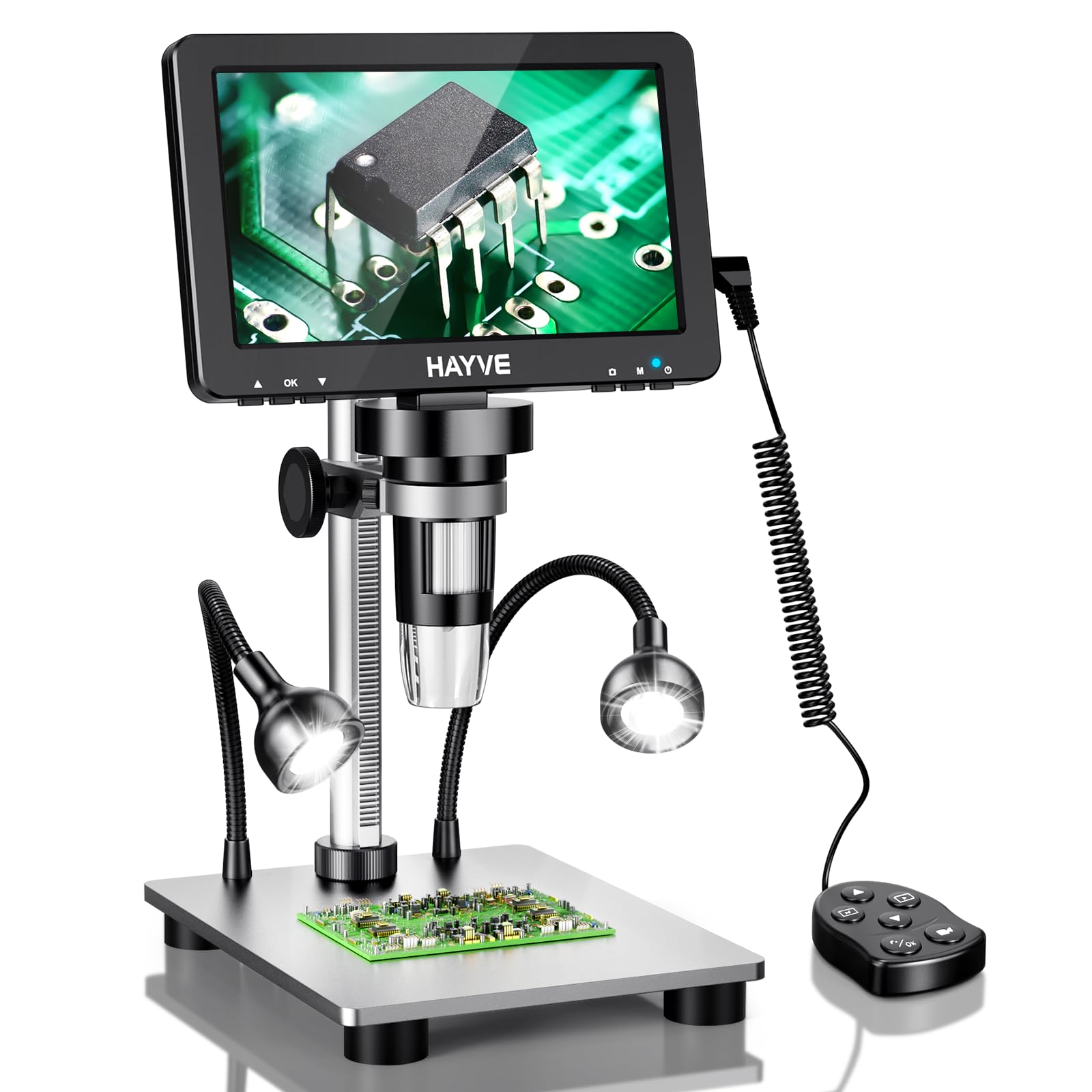
The Hayve DM9 delivers a large 7-inch screen that rotates for comfortable viewing, paired with two flexible gooseneck lights that illuminate coins and solder joints effectively. At a mid-range price, it packs a lot of features. However, the included instructions are barely usable, making assembly a guessing game, and some units arrive with a stand screw that fails to hold the microscope steady during close work. These issues prevent it from competing with more refined standalone scopes.

Bottom line: Best suited for hobbyists who want a dedicated screen for close-up work and are comfortable tinkering with setup – not for those seeking a polished, out-of-box experience.

How to Choose

Optical vs Digital Magnification

Most budget USB microscopes advertise extreme numbers like '1000x' but achieve that through digital zoom. Digital zoom simply crops and enlarges pixels, so the image becomes blurry and useless beyond 200x. The spec that matters is the sensor resolution (in megapixels) and whether the lens offers true optical zoom. A 2MP sensor with optical magnification up to 250x will produce far sharper detail than an 8MP sensor using digital zoom alone.

For serious work like coin grading or soldering inspection, look for models that clearly state their optical magnification range. If the listing only mentions a max number without specifying 'optical' or 'digital', expect it to be digital zoom.

Connectivity

How the microscope connects to your device determines its versatility. USB-A and USB-C connections are the most reliable for PC use, offering plug-and-play on Windows, Mac, and Linux. WiFi models add the convenience of wireless use with a smartphone, but they often introduce lag or connectivity drops, especially on iOS. Some budget USB models claim iPhone compatibility but fail in practice - the Lightning connector doesn't always work.

If you need to switch between a computer and a phone, consider a model with dual connectivity (USB + WiFi). For pure computer work, a wired USB scope is more stable and typically delivers higher frame rates.

Stand Quality

A wobbly stand ruins the experience. At higher magnifications, even a slight vibration makes the image blurry. Flexible arm stands are convenient for positioning but can be hard to lock in place. Metal stands with a height-adjustable column or boom arm provide the rigidity needed for precise focusing. Plastic stands often flex under the weight of the scope, causing drift.

For soldering or inspection work, a boom arm stand with a solid base is worth the extra cost. For casual use, a simple metal stand is a big step up from the plastic brackets included with many budget models.

Lighting

Good lighting is essential for clear images. Most USB microscopes include LED ring lights around the lens. Adjustable brightness prevents glare on shiny surfaces like coins or circuit boards. Some models add gooseneck lights for directional illumination, which is especially useful for soldering. A polarizing filter, found on higher-end scopes like the Celestron, reduces reflections on metallic and glossy objects.

The number of LEDs is less important than the ability to control their brightness and angle. Eight adjustable LEDs are sufficient for most tasks.

Software Compatibility

Software compatibility is where many USB microscopes stumble. Older models like the Celestron use proprietary software that may not run on Windows 10/11 or modern macOS without workarounds. Others rely on generic UVC drivers which work out of the box on most systems. iPhone/iPad support is notoriously inconsistent - many budget scopes promise iOS compatibility but fail due to power draw or driver limitations.

For the most hassle-free experience, choose a microscope that uses standard USB Video Class (UVC) drivers and is confirmed to work with your specific operating system. Check recent reviews for compatibility notes before buying.

Frequently Asked Questions