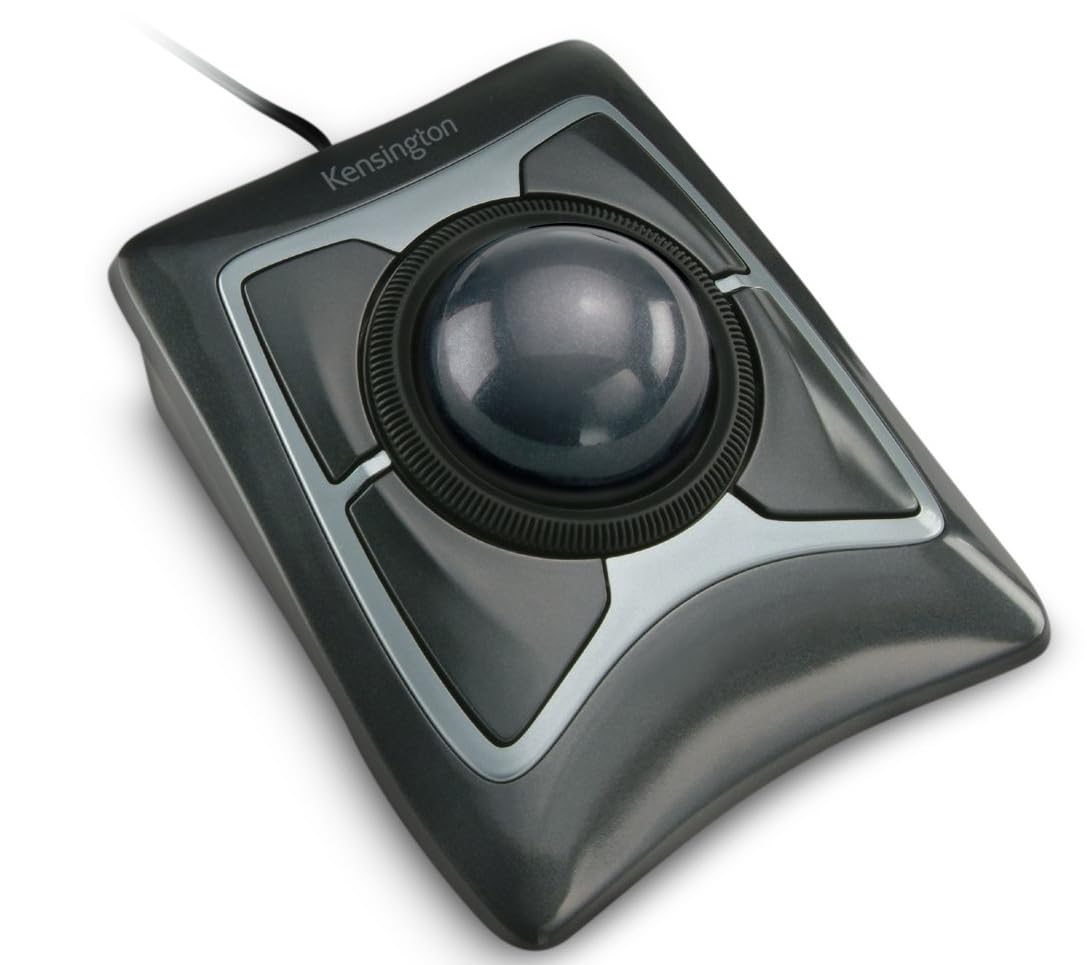
Logitech MX Ergo S
Top Pick
What We Like
- Fixed 20-degree tilt reduces wrist strain without requiring adjustment
- Solid construction with premium materials and soft-touch finish
- USB-C charging that holds charge for months, with quick top-ups
- Smooth, precise trackball movement suited for CAD and design work
Worth Noting
- In some units, button switches may develop double-click or scroll-wheel issues after months of use
- Quiet-click mechanism feels softer than traditional clicks, which some may find less satisfying
- Durability
- Double-click
- Tilt Angle
- 20° fixed
- Connectivity
- Bluetooth + USB-A
- Control Type
- Thumb
The MX Ergo S takes the familiar M575 shape and adds a 20-degree fixed tilt that naturally rotates your forearm, reducing the inward twist that often aggravates wrist strain. In daily use, this angled platform feels deliberate and supportive - you don't have to adjust your posture, the mouse does it for you. Combined with the thumb-operated trackball, precise cursor movements for CAD or photo editing become a smooth, low-effort motion rather than a shoulder-tensing drag.
Build quality stands out immediately: the magnesium-infused chassis feels dense and well-seated on the desk, with a soft-touch coating that resists fingerprints. The USB-C rechargeable battery lasts up to four months on a single charge, and a one-minute top-up gives you a full day of use. Dual connectivity via Bluetooth or the included Logi Bolt USB-A dongle lets you switch between three devices with a button press.
This is the right choice for right-handed office workers or designers who currently experience wrist fatigue from conventional mice and want a thumb-driven alternative with a tilt that encourages a more relaxed grip. However, the fixed 20-degree angle means left-handed users can't use it, and those who need extra adjustability (like the MX Ergo Plus wedge) will want the older model. The button mechanism - while quiet and low-force - can develop double-click behavior after several months of heavy use, a known vulnerability in Logitech switches that isn't unique to this model.
Tip: To minimise the chance of switch wear, avoid using the mouse in high-click applications (like gaming) or consider mapping common clicks to the trackball itself via Logitech Options+.
Bottom line: If you want tilt-driven wrist relief combined with multi-device flexibility and USB-C charging, this is the most polished thumb trackball at its price - just keep in mind that button longevity has variability over time.