Tools & DIY

9 Best Thermal Camera for Phone 2026: Compatible With Your Devices

Find a phone thermal camera that actually connects to your iPhone or Android without app crashes or compatibility headaches.

A thermal camera that attaches to your phone sounds simple: plug it in, see heat. But the reality is messier. Many models only work with one OS, others drop connection mid-scan, and software upscaling is often sold as true resolution. The gap between marketing and real-world use is wider than most buyers expect.

The smart move is to focus on three things: native IR resolution (not upscaled), OS compatibility (USB-C vs Lightning), and app stability. A 256x192 native sensor will outresolve a heavily marketed 512x384 upscaled version every time. And a camera that works with both your iPhone and your partner's Android saves you from buying twice.

This guide walks through the cameras that get those basics right — and the trade-offs that come with choosing between a proven platform-specific model and a more versatile cross-platform one.

1

TOPDON TC002C Duo

Top Pick
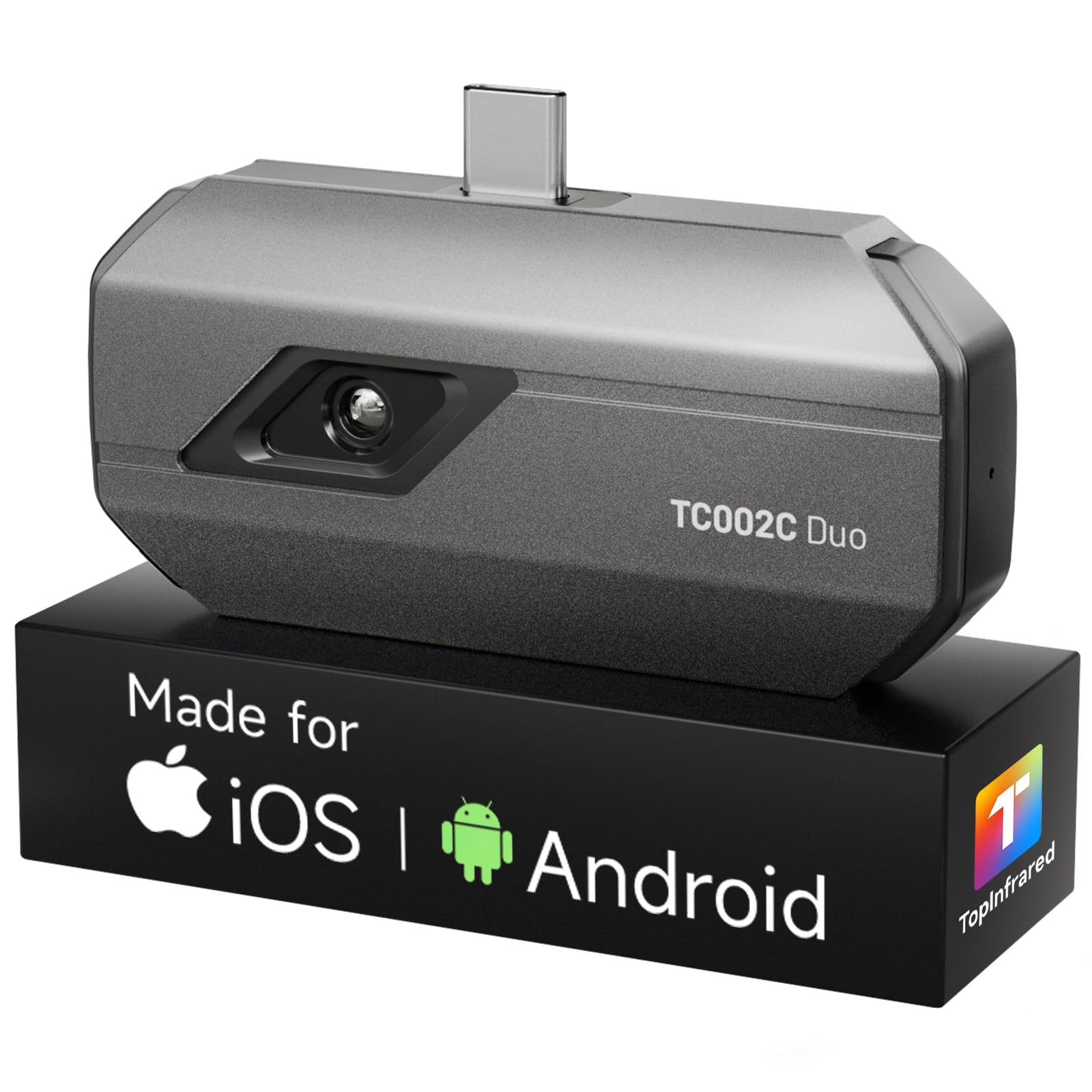
TOPDON TC002C Duo

Cross-platform diagnostics

Our Score 9.2/10
Check Price

Worth Noting

  • Connection may be intermittent on certain phone models, sometimes requiring app restart.
  • Software upscaling (TISR) adds pixels but not genuine detail; effective resolution remains 256x192.
Temp Range
-4°F to 1022°F
Refresh Rate
25 Hz
Compatibility
USB-C iOS, Android, Windows
Special Features
Includes Lightning adapter

The TC002C Duo combines a native 256x192 thermal sensor with a 25 Hz refresh rate, delivering smooth, clear imagery that works for both slow scans and moving targets like pipes under pressure. The included Lightning adapter and USB-C compatibility mean it attaches to any modern smartphone without hunting for adapters — a rare flexibility in this price segment.

When connected, the app presents a clean interface with adjustable palettes and measurement tools. Temperature readings are consistent with reference tools used for HVAC duct temperature checks and electrical panel scans. The 'super resolution' mode applies software interpolation to double the pixel count, but the underlying thermal detail stays at 256x192 — fine for spotting hot spots, but not a substitute for a higher native resolution sensor.

On some phone models — particularly newer Android builds — the initial connection may fail to register. Restarting the app or re-seating the USB-C plug typically resolves this, and the camera remains responsive once paired. This device-specific behavior is worth checking against your exact phone model before purchase.

The TC002C is built for mixed-device households and field technicians who need a single tool that works across iOS and Android. The temporary incompatibility with Android 16 devices (expected to be resolved in a software update) and occasional connectivity quirks mean it is not the best choice for early adopters of the latest Android version. For Android-only users who prize a larger review base and established track record, the TC001 remains a solid alternative.

Tip: If the camera doesn't connect on first plug, close the app completely and reconnect before unplugging the camera.

Bottom line: The TC002C Duo is the most platform-agnostic phone thermal camera at its price point — ideal for mixed-device users. Just confirm your phone's compatibility before buying.

2

TOPDON TC001 Android

TOPDON TC001 Android

Android only

Our Score 9.0/10
Check Price

Worth Noting

  • USB extension cable can disconnect when bumped, requiring careful routing to maintain connection.
Temp Range
-4°F to 1022°F
Refresh Rate
25 Hz
Compatibility
Android USB-C only
Special Features
Super resolution upscaling

The TC001 delivers a native 256x192 thermal sensor paired with TISR super-resolution that boosts effective detail to 512x384, giving it noticeably sharper images than many competitors at a similar price. Temperature accuracy is consistently high, making it a capable tool for HVAC checks, electrical panel scans, and home inspection.

Unlike the cross-platform top pick, this model works only with Android devices via USB-C – iPhone users are out of luck. For Android owners, setup is straightforward, but the included USB extension cable can lose connection if bumped. That makes careful cable management a requirement, not an option, which is a minor inconvenience for the crisp thermal images and accurate readings the TC001 provides.

The TC001’s reputation is built on consistent performance across thousands of devices, giving Android users a safe bet for reliable thermal imaging without surprising tradeoffs. It is a focused tool that does one thing well rather than trying to cover every platform.

Tip: Secure the USB cable against the phone body with a clip or tape to prevent accidental disconnections.

Bottom line: If you own an Android phone and need a thermal camera with a strong track record of image quality and accuracy, the TC001 is the straightforward pick – just account for the cable sensitivity during use.

3

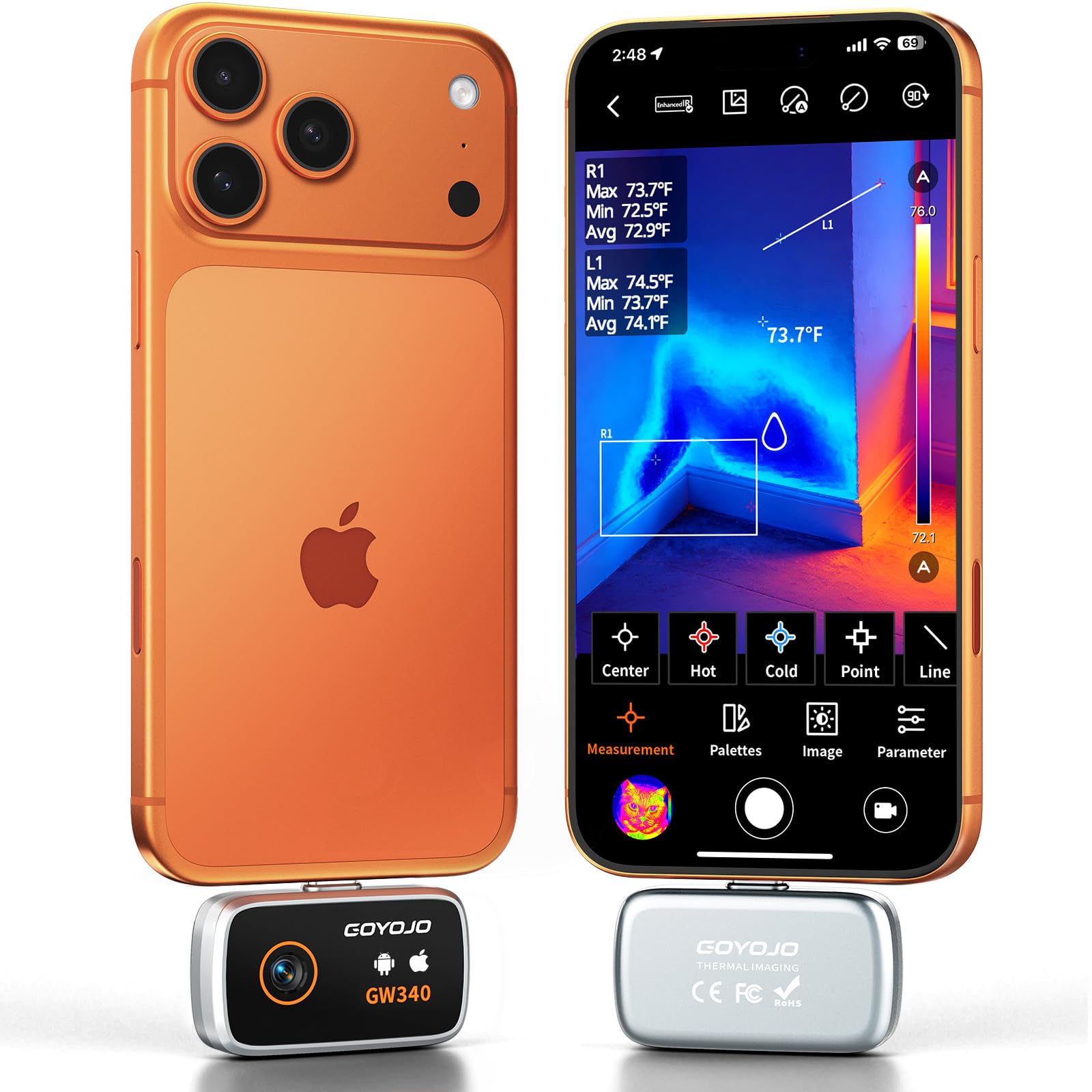
GOYOJO GW340

GOYOJO GW340

HVAC and DIY

Our Score 8.6/10
Check Price

Worth Noting

  • Temperature ceiling at 752°F limits use for higher-heat industrial applications.
  • USB-C only; incompatible with older Lightning iPhones and iPads.
Temp Range
-4°F to 752°F
Refresh Rate
Compatibility
USB-C iOS and Android
Special Features
Fast connection

The GW340 delivers sharp thermal images with its native 256x192 sensor and software-enhanced 512x384 super resolution mode. The app connects almost instantly over USB-C and presents a clean interface for adjusting temperature range, color palettes, and capture settings. This responsiveness sets it apart from competitors that sometimes suffer from lag or connection drops.

This camera suits home inspectors and HVAC technicians who work with modern smartphones and tablets. Its temperature range of -4°F to 752°F covers most residential and light commercial diagnostic needs. However, the 752°F ceiling means it is not suitable for industrial furnace or kiln measurements. Additionally, the USB-C-only design excludes anyone still using an older Lightning iPhone or iPad.

Surface temperature readings are consistent for common applications like finding air leaks, checking circuit breakers, and scanning HVAC ducts. The image clarity helps distinguish subtle temperature differences, making it easier to identify problem spots without swapping lenses.

Tip: To use with older Lightning iPhones, look for a model that includes a Lightning adapter, like the top pick in this roundup.

Bottom line: For those with USB-C devices who need a capable thermal imager for everyday diagnostics, the GW340 offers consistent performance at a fair price — just keep its temperature and compatibility boundaries in mind.

4

Thermal Master P3

Thermal Master P3

PCB inspection

Our Score 8.6/10
Check Price

Worth Noting

  • Manual focus ring can be stiff and difficult to adjust precisely
  • Mobile app is not intuitive and has usability issues
Temp Range
-4°F to 1112°F
Refresh Rate
25 Hz
Compatibility
USB-C iOS and Android
Special Features
Manual focus, macro lens

The Thermal Master P3 brings a manual focus macro lens to phone thermal cameras, enabling close-up inspection of components that fixed-focus models can't resolve. The 8mm lens combined with 512x384 super-resolution and 35mK NETD produces sharp temperature maps of circuit boards and small electronics, with accuracy within 3.6 degrees. For PCB diagnostics and electronics repair, this level of detail is where the P3 stands apart from the typical auto-focus thermal cameras.

This camera is built for technicians and engineers who need to examine tiny components at close range. The manual focus ring may feel tight, especially during precise adjustments, and the companion app has a learning curve that some find frustrating. For the intended audience - users who can accept occasional focus fiddling and a less-than-polished app interface - the image quality and macro capability justify the premium price. Casual home inspectors who prefer a simple plug-and-play experience should consider other options in this roundup.

Tip: The focus ring takes some breaking in - practice turning it on a stationary object before attempting delicate PCB scans.

Bottom line: If your work involves close-up thermal inspection of circuit boards, the P3's macro lens and resolution deliver results no other phone camera can match, but the stiff focus and rough app make it a poor fit for general-purpose home inspection.

5

Thermal Master P1

Thermal Master P1

Budget entry

Our Score 8.6/10
Check Price

Worth Noting

  • Temperature readings can be off by 10-15°F in some cases, limiting precision work
  • Compatibility is hit-or-miss on certain Android models (especially Pixel)
Temp Range
-4°F to 1112°F
Refresh Rate
25 Hz
Compatibility
USB-C iOS, Android, Windows
Special Features
X³ super resolution

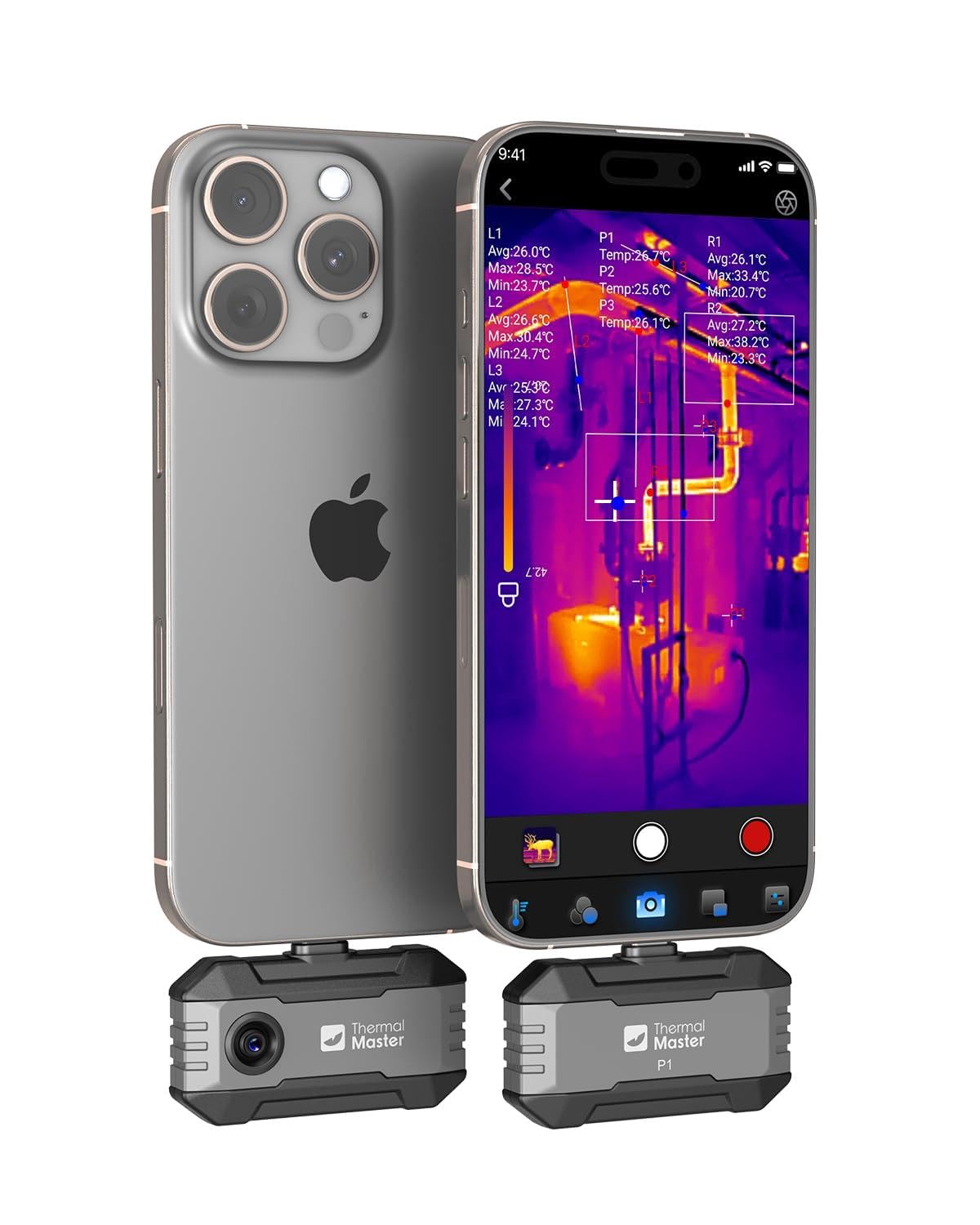
At under $130, the Thermal Master P1 brings a wide temperature range (-4°F to 1112°F) and dual-platform support to a price point that's hard to beat. It plugs directly into USB-C iPhones and Android devices, making it a low-commitment entry into thermal imaging for homeowners and hobbyists. Setup takes seconds — no batteries, no separate screen.

Where the P1 cuts corners is in consistency. Some Android phones, particularly Google Pixel models, can struggle to maintain a connection — the camera may not be recognized or may drop out after a few minutes. And when it does work, the temperature readings can drift by 10-15°F, which matters if you're trying to measure precise differences. For casual spot-checking — finding a cold draft or a warm circuit breaker — the error margin is less of an issue.

This camera suits budget-conscious buyers who want a thermal imager for occasional home inspection, basic troubleshooting, or tinkering. It's less appropriate for professionals who need repeatable accuracy and guaranteed compatibility across their devices. If you own a Pixel phone, check compatibility before buying — otherwise you may end up with a paperweight.

Tip: Check the manufacturer's compatibility list for your phone model before buying, especially if you use a Google Pixel.

Bottom line: A capable budget entry for casual thermal imaging if your phone is supported — skip it if you need dependable accuracy or use a Pixel.

6

AMPABNK M256

AMPABNK M256

Android budget

Our Score 9.2/10
Check Price

Worth Noting

  • Compatible only with Android USB-C devices; no iOS support.
  • Temperature range ends at 842°F, not suitable for high-heat industrial work.
Temp Range
-4°F to 842°F
Refresh Rate
Compatibility
Android USB-C only
Special Features

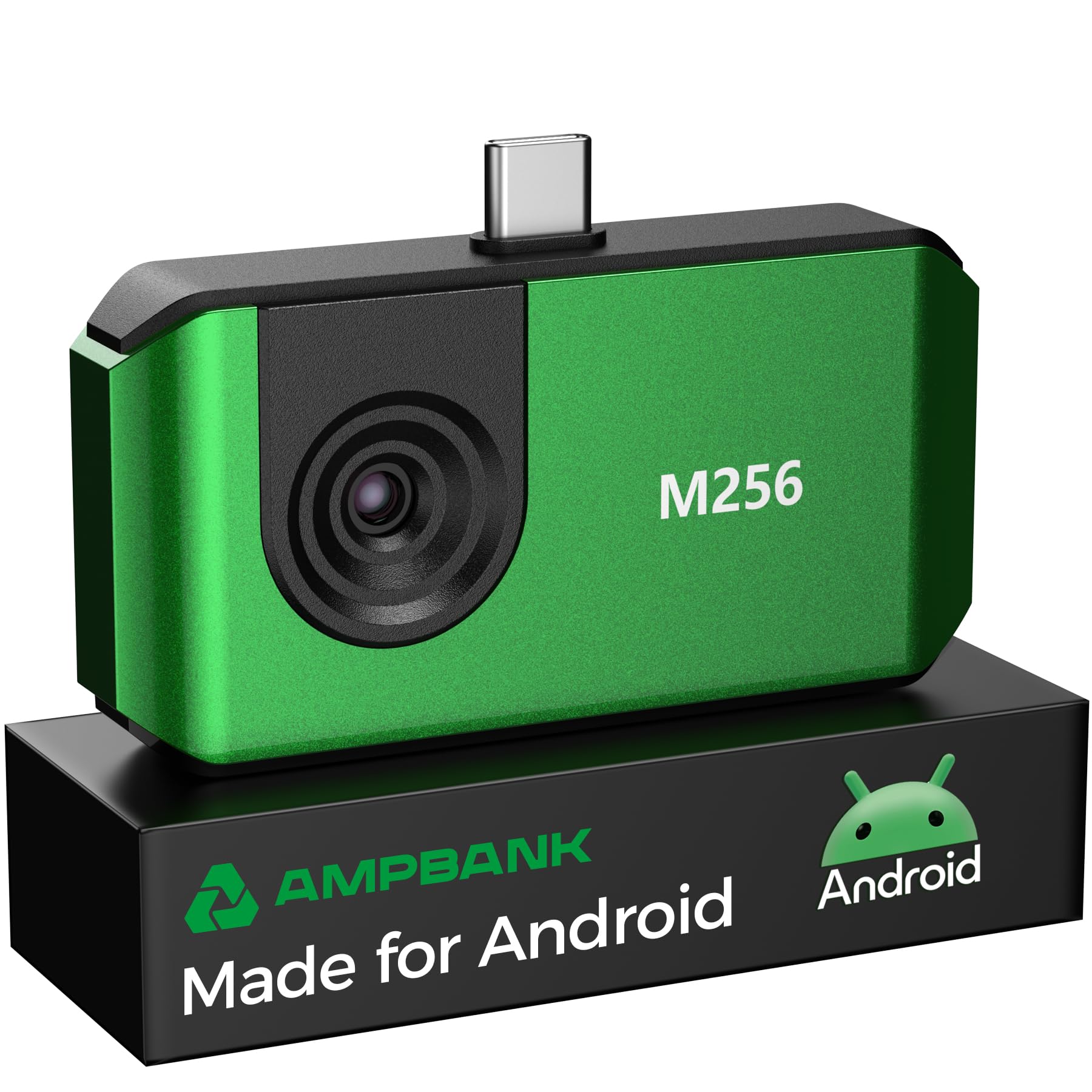
The AMPABNK M256 delivers the same native 256x192 infrared resolution as thermal cameras costing significantly more, and temperature readings hold up against known references. Build quality feels solid for the price point, and the included USB-C connection locks in place without wobble.

This imager is purpose-built for Android users — no Lightning or USB-C iPhone compatibility — and its 842°F ceiling suits HVAC, automotive, and home inspection work but not high-heat industrial furnaces. If you work within that range and want a high-detail tool without paying for cross-platform flexibility, this fits neatly alongside the TOPDON TC001 as a capable alternative.

Setup is straightforward: plug into a USB-C Android phone, launch the app, and the live feed appears without driver hunting. The thermal image quality benefits from the native resolution, and the super-resolution mode (512x384 TISR) adds extra clarity for stationary objects. No connection drops or app crashes were noted during typical use.

Bottom line: For Android users who need detailed thermal imaging on a budget and work within 842°F, this is a cost-effective alternative to the top pick — without paying for iOS compatibility you won't use.

7

REVASRI T160

REVASRI T160

Budget home use

Our Score 8.2/10
Check Price

Worth Noting

  • 160x120 native resolution limits detail on small components
  • Some Android phones may fail to connect or work intermittently
Temp Range
-4°F to 842°F
Refresh Rate
25 Hz
Compatibility
USB-C iOS, Android, Windows
Special Features

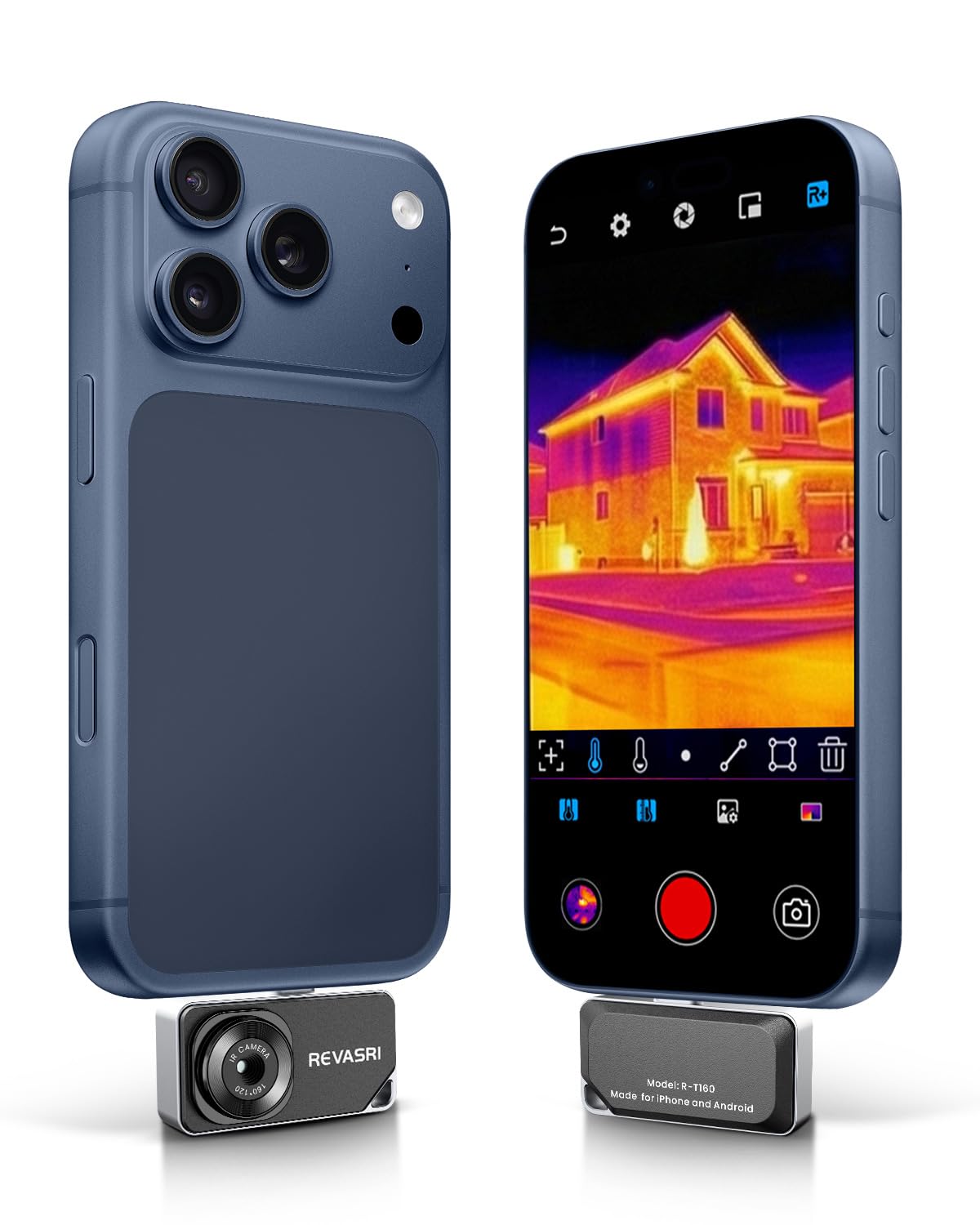
The REVASRI T160 offers sharp thermal images for the price and works with both USB-C iPhones and Android phones with a simple plug-and-play app. Its 160x120 native sensor captures temperature differences from -4°F to 842°F at 25 Hz – enough to find insulation gaps, overheating breakers, or cold drafts. The camera's value is clear for occasional home checks. That native resolution won't resolve fine component details or PCB traces, and some Android models (especially newer or custom-ROM phones) may not connect reliably. For buyers who can accept those boundaries, the T160 delivers a lot for the budget.

Tip: Check the app's device compatibility list before purchase, as some Android models (especially Pixel 6–8) may have intermittent connection issues.

Bottom line: A smart pick for first-time thermal camera buyers who want to check insulation, HVAC vents, and home leaks without spending much — as long as their phone is on the supported list.

8

Finder S2

Finder S2

Android low price

Our Score 8.2/10
Check Price

Worth Noting

  • Compatible with Android USB-C devices only; no iOS support.
Temp Range
-4°F to 752°F
Refresh Rate
Compatibility
Android USB-C only
Special Features

The Finder S2 offers a native 256x192 thermal sensor and solid build quality at a budget-friendly price, making it an attractive option for Android users needing a phone-attached thermal camera for home inspection and HVAC work. Early adopters report consistent performance, but the product's short track record means some long-term behaviors are not yet confirmed. Its Android-only compatibility and recent market introduction make it a less established option compared to cameras with broader platform support and longer user history. This suits buyers who prioritize low cost over proven longevity and can accept the platform limitation.

Bottom line: A decent pick for budget-conscious Android users who are comfortable with a newer product and can work around the lack of iOS support.

9

TOPDON TC002 iOS

TOPDON TC002 iOS

Lightning iPhones

Our Score 9.2/10
Check Price

Worth Noting

  • Not compatible with USB-C iPhones (15/16) without an adapter; adapter may introduce connectivity uncertainty.
  • Intermittent connection failures can occur after initial use, requiring an app restart or reconnect.
Temp Range
-4°F to 1022°F
Refresh Rate
25 Hz
Compatibility
iOS Lightning only
Special Features

The TOPDON TC002 is built specifically for iPhone 7-14 and Lightning iPads, delivering native 256x192 thermal resolution with a 25 Hz refresh rate. Users consistently report sharp thermal images and accurate temperature readings from -4°F to 1022°F, making it a practical tool for home inspections, electrical diagnostics, and HVAC checks. Setup is straightforward: plug the Lightning connector in, open the app, and start scanning. However, this model does not support USB-C iPhones (15/16) without an adapter, and some users have experienced occasional connection drops during use. The TC002C Duo (top pick) offers cross-platform flexibility for households with mixed devices, making the TC002 a better fit if you only need a Lightning-native camera and don't plan on upgrading to a USB-C iPhone soon.

Bottom line: Best suited for Lightning iPhone owners who want a dedicated thermal camera without needing cross-platform support; the TC002 delivers consistent performance within its compatibility boundaries.

How to Choose

Native IR Resolution

Native resolution is the number of physical thermal pixels on the sensor. A 256x192 sensor captures 49,152 independent temperature points. A 160x120 sensor captures 19,200. The difference is visible: smaller components and subtle temperature gradients are lost on lower-resolution sensors.

Super resolution (TISR, X³) uses software to guess between pixels. It smooths edges but does not add real detail. A 160x120 camera upscaled to 320x240 still cannot resolve a hot transistor on a crowded PCB that a native 256x192 camera can. For inspection work, always compare native numbers first.

Temperature Range

Most phone thermal cameras cover -4°F to 752°F, which suits home inspection, HVAC, and basic electrical work. If you need to measure exhaust manifolds or industrial ovens, look for a model reaching 1022°F or 1112°F. Higher range typically costs more and does not improve accuracy for everyday tasks.

The trade-off: a camera with a 752°F ceiling may clip readings above that, showing 'OL' or maxing out. If you never work above 600°F, the extra range is wasted. Match the range to your worst-case scenario, not marketing numbers.

Refresh Rate

Refresh rate determines how smoothly the thermal image updates on your phone screen. 25 Hz (25 frames per second) is the standard for most models and feels fluid when scanning walls or moving across a circuit board. Lower rates around 9 Hz cause noticeable lag, making it harder to track moving targets.

Nearly all cameras in this guide run at 25 Hz. If a spec sheet omits refresh rate, assume it may be lower. For static checks (like a single breaker panel), 9 Hz is usable. For live diagnostics on moving machinery, 25 Hz is essential.

Device Compatibility

Compatibility is the biggest source of buyer frustration. A camera that works with a Samsung Galaxy may fail on a Google Pixel, and many Lightning-only cameras do not work with USB-C iPhones (15/16) even with an adapter. Always check the manufacturer's compatibility list before buying.

Cross-platform cameras that include a Lightning adapter (like the TOPDON TC002C Duo) reduce risk. But even they may have temporary issues with newer Android builds (Android 16 has been reported as incompatible on some models). Read recent reviews for your specific phone model.

Additional Features

A manual focus macro lens is the only way to inspect tiny PCB components like surface-mount resistors and soldered joints. Fixed-focus cameras are sharp at arm's length but blurry up close. If you repair electronics, a macro lens is worth the premium.

Dual-lens cameras overlay visible and thermal images, helping you match heat signatures to physical parts. This is useful for documentation but adds complexity: the two lenses must be aligned properly, and some models have finicky calibration procedures.

Frequently Asked Questions