Office Electronics

9 Best Portable Printer 2026: Understand Ink vs. Thermal Trade-Offs

Which portable printer? This guide helps you choose between lightweight thermal and versatile inkjet models, matching your travel and printing needs.

Mobile printing sounds ideal – a printer that fits in your bag and works anywhere. But the reality is that portable printers come with a set of trade-offs that aren't obvious from the spec sheet. Wireless connections drop, battery life varies, and the type of paper you use determines how long your documents last.

This guide breaks down the two main approaches: inkjet models that deliver color but demand ink refills and careful handling, and thermal printers that are lightweight and ink-free but only print in black-and-white on special paper. We've found the models that strike the best balance for travelers, students, and professionals who need a reliable mobile printing solution. The decision often comes down to whether you need color or value simplicity, and whether you are willing to deal with ink costs or special paper. Our picks reflect that reality.

1

Canon PIXMA TR150

Top Pick
Canon PIXMA TR150

Color travel prints

Our Score 8.8/10
Check Price

Worth Noting

  • WiFi setup and connection stability can be inconsistent.
  • Some units may develop paper feed issues or stop responding.
Print Tech
Inkjet Color
Connectivity
WiFi, USB
Paper Capacity
50 sheets
Battery & Charging
Optional battery

The Canon PIXMA TR150 brings automatic duplex printing to a 4.5-pound portable body — a feature rarely found in this class. Its compact dimensions (12.7 x 7.3 x 2.6 inches) fit into most bags, and the guided online setup gets you printing in minutes. Text output is sharp for letters and reports, while color graphics hold up well for presentations or itineraries.

Print speed (9 ppm black, 5.5 color) suits small batch jobs rather than bulk runs. The optional battery, sold separately, provides about 20 pages per charge — enough for a cafe session but requiring advance planning for longer trips. A small number of units have shown horizontal banding in color prints, so checking initial output is advisable.

Ink replacement costs are a factor: the two-cartridge system yields roughly 200 pages per set, pushing per-page costs above typical desktop printers. For occasional printing, the convenience of portability offsets the expense, but users who output color frequently will notice the difference.

This printer fits travelers who need color documents on the go and home offices where desk space is at a premium. It handles standard letter/A4 paper and includes automatic duplex for paper savings. However, it is not suited for high-volume or mission-critical use — if flawless wireless or absolute reliability is required, a full-size printer is the better option. The battery is sold separately, and the 50-sheet input tray means frequent refills during longer print jobs.

Tip: During initial WiFi setup, place the printer close to the router and use the Canon PRINT app for a smoother connection.

Bottom line: For travelers and space-limited offices who print color occasionally, the TR150 covers the essentials in a lightweight, duplex-capable package — just budget for the optional battery and anticipate occasional WiFi quirks.

2

HP OfficeJet 250

HP OfficeJet 250

Mobile scanning pro

Our Score 8.8/10
Check Price

Worth Noting

  • At 6.5 lb, it's the heaviest mobile printer in this class
  • Battery and reliability can be hit-or-miss; some units may develop faults within months
  • Ink costs add up quickly for frequent printing
Print Tech
Inkjet Color
Connectivity
WiFi, USB
Paper Capacity
250 sheets
Battery & Charging
Included battery

The HP OfficeJet 250 is the only portable printer in this roundup that includes a built-in scanner and copier, letting you digitize documents on the go without a separate device. Unlike the print-only model in the same series, this one handles full document workflows from a hotel room or client site. Print quality holds up for professional letters and contracts, and the compact footprint fits into a briefcase alongside a laptop.

This printer suits mobile professionals who absolutely need on-the-go scanning and copying—real estate agents, field service techs, or anyone who must send signed documents from a remote location. The tradeoff is weight: at 6.5 pounds, it's the heaviest portable here, more suited for car travel than a backpack. Battery and reliability have been inconsistent across units; some experience wireless connection drops or battery faults. Additionally, ink costs run high, so total cost of ownership matters for frequent printing.

Print speeds are adequate for a mobile device—20 pages per minute in black and 19 in color—and the 250-sheet paper capacity means fewer refills during a workday. Wireless setup is generally straightforward, though connection stability can vary depending on the environment. The included battery allows printing away from an outlet, but its longevity has been noted to differ between units, so keeping a charging cable handy is wise.

Tip: Place the printer close to your router during initial Wi-Fi setup to minimize connection drops.

Bottom line: If scanning and copying on the go are must-haves, the OfficeJet 250 is the only portable that delivers – just budget for ink and be prepared for occasional quirks.

3

TATTMUSE A285M

TATTMUSE A285M

Budget B&W travel

Our Score 8.0/10
Check Price

Worth Noting

  • Bluetooth pairing may drop during some sessions, requiring a quick reconnect.
  • Thermal prints fade over time, especially when exposed to direct sunlight.
  • A small portion of units may stop working after months of use.
Print Tech
Thermal Monochrome
Connectivity
Bluetooth, USB
Paper Capacity
360 sheets rolls
Battery & Charging
Built-in 160 sheets

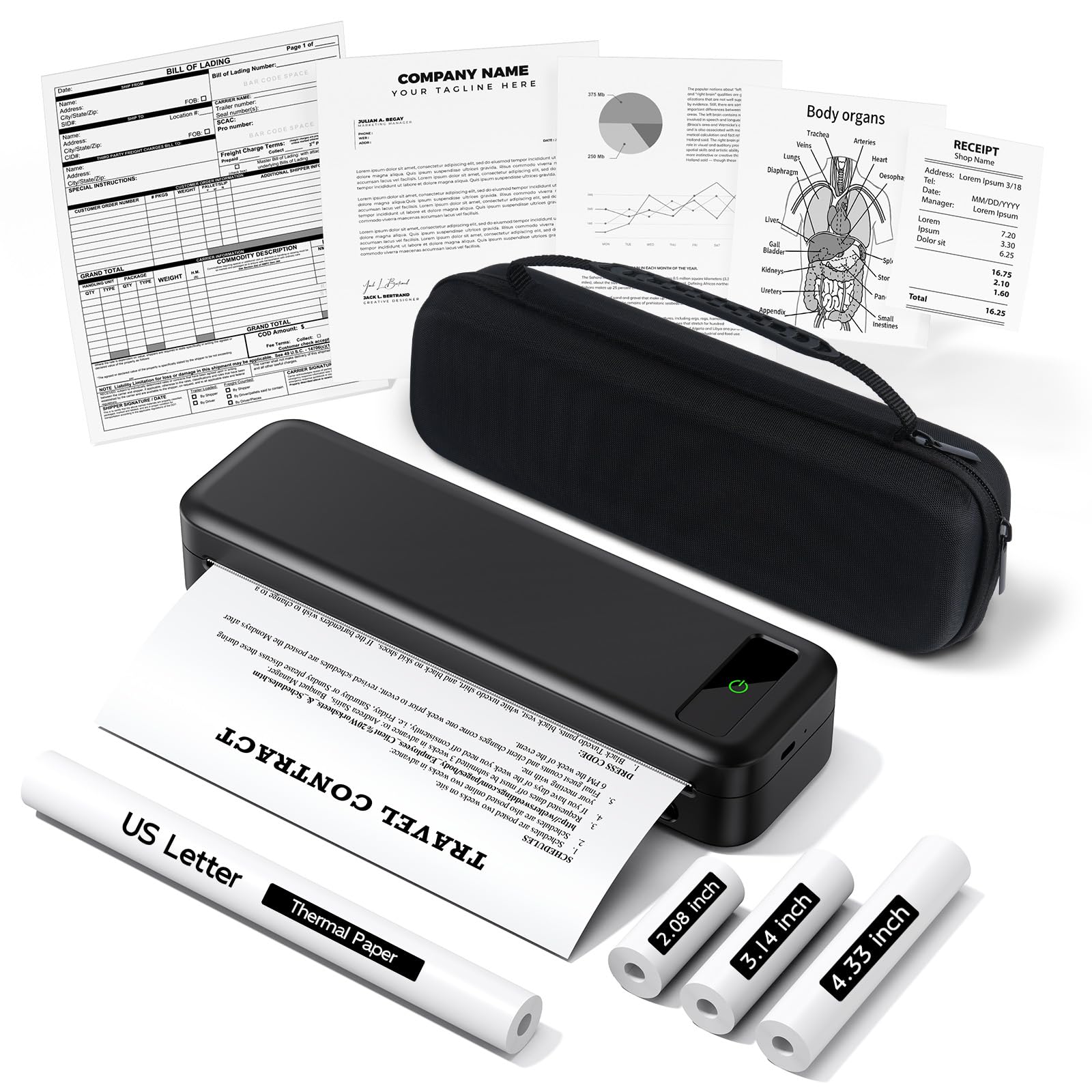
The TATTMUSE A285M prints sharp black-and-white text and pairs via Bluetooth with minimal setup, making it a straightforward option for travel printing. Compared to other budget thermals, its connection holds steady for typical document sessions, and the compact shape slips easily into a handbag.

This printer suits travelers who need occasional 8.5x11 black-and-white copies and value portability over color or permanent storage. Thermal prints fade in direct sunlight, so treat them as short-term references rather than archives.

The included carry case and four rolls of thermal paper get you started quickly, and the app is simple to navigate for page size and print options. A small number of units may stop functioning after months of use, so view this as a budget tool for occasional jobs rather than a long-term workhorse.

Tip: If Bluetooth pairing fails, restart the printer and phone — reconnection usually succeeds on the second attempt.

Bottom line: For travelers who need a compact black-and-white document printer for occasional use and accept thermal paper's limitations, the A285M is a practical budget option.

4

Phomemo M832D

Phomemo M832D

Tech travel thermal

Our Score 8.4/10
Check Price

Worth Noting

  • Some units may experience power issues after limited use, affecting reliability.
  • Bluetooth connectivity can be temperamental with certain devices, requiring occasional re-pairing.
Print Tech
Thermal Monochrome
Connectivity
Bluetooth, USB
Paper Capacity
Multi-size roll
Battery & Charging
2600mAh (200 sheets)

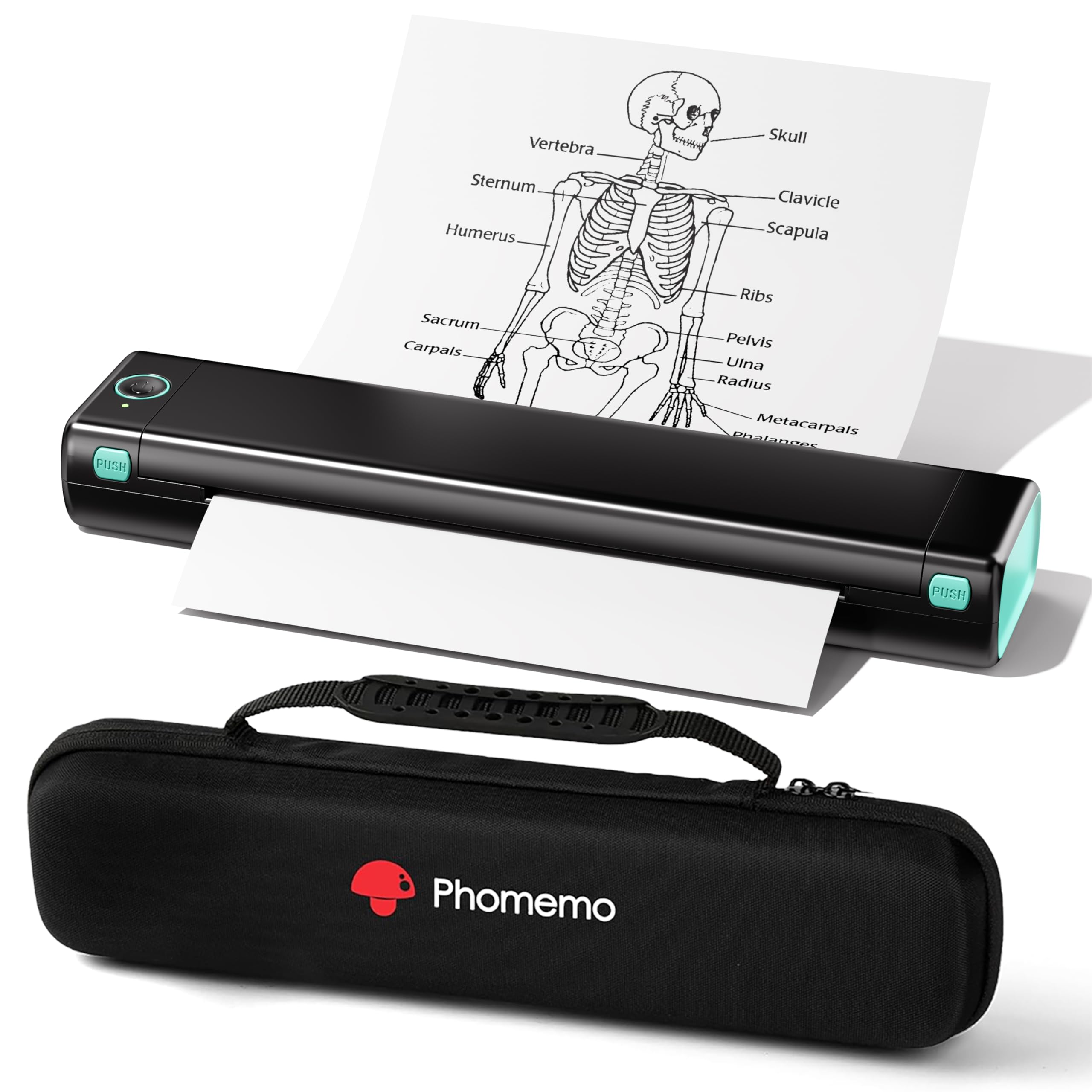
A touchscreen interface sets the M832D apart from other portable thermal printers, offering straightforward navigation through print settings and paper size selection. The 300 dpi resolution produces sharp text and clear line art on standard letter or A4 thermal paper, making it a viable option for travelers who need legible documents without color.

This printer fits tech-savvy travelers who want a compact, inkless device with a modern control panel. The lack of ink saves ongoing costs, but the monochrome output limits it to black-and-white documents. Some units have experienced power issues after a limited number of prints, and Bluetooth pairing can be temperamental with certain phones or PCs — factors worth checking before relying on it for critical documents.

Weighing 1.5 pounds and fitting easily in a bag, the M832D is genuinely portable. The 2600mAh battery supports roughly 200 sheets per charge, enough for a few days of light printing. For occasional use — boarding passes, notes, checklists — it performs reliably, but heavy or time-sensitive workloads may expose the variability in unit quality.

Tip: If Bluetooth pairing is inconsistent, use the USB cable for a more stable connection.

Bottom line: For travelers who value a touchscreen and monochrome clarity over color, the M832D offers a modern portable printing option, but its occasional connectivity and power quirks make it best for non-critical, light-duty use.

5

Canon PIXMA TR160

Canon PIXMA TR160

Color travel prints

Our Score 8.6/10
Check Price

Worth Noting

  • Setup instructions can be unclear, leading to initial frustration
  • Wireless connection may drop during extended print jobs
  • Occasional unresponsiveness after storage may require a reset
Print Tech
Inkjet Color
Connectivity
WiFi, USB-C
Paper Capacity
50 sheets
Battery & Charging
Optional battery

The TR160 brings a fresh design to Canon's portable line, with a bright 1.44-inch OLED display and USB-C charging that aligns with current accessories. Its compact frame produces sharp color documents on standard letter paper, making it a natural fit for travelers who need occasional prints without sacrificing desk space at home.

Wireless connectivity can drop during longer sessions, and the initial setup may frustrate those who prefer plug-and-play over app-guided pairing. Some units become unresponsive after being stored for a while, requiring a power cycle to resume printing. The battery is sold separately, so mobile use out of the box requires an AC outlet.

This printer suits travelers who value the newest features and need a lightweight color document printer for occasional use, and who can accept occasional connectivity hiccups or a brief setup curve. It is less ideal for users who want a seamless wireless experience or plan to print frequently while away from power outlets.

Tip: Download the Canon PRINT app before starting setup to simplify the wireless connection process.

Bottom line: For those who want the latest design features in a portable color document printer, the TR160 delivers — just budget for a separate battery and prepare for occasional connectivity quirks.

6

HP OfficeJet 200

HP OfficeJet 200

Color printing pro

Our Score 8.8/10
Check Price

Worth Noting

  • Wireless connectivity with Windows computers can drop or fail to connect
  • Some units may stop printing after a few uses, requiring replacement
Print Tech
Inkjet Color
Connectivity
WiFi, USB
Paper Capacity
50 sheets
Battery & Charging
Included battery

The HP OfficeJet 200 delivers vivid color output in a 4.85-pound package that slips into a bag easily. It's fast for an inkjet and simple to operate. However, this print-only model costs as much as the HP OfficeJet 250, which adds scanning and copying. Without those functions, the high price stings. Some units may develop issues after light use, and the wireless connection can be frustrating with Windows machines. Ink costs are also steep. This printer suits buyers who prioritize compact size and print quality above all else and do not need scanning, but the value proposition is weak when the comparable all-in-one costs the same.

Bottom line: Consider this if you need top-quality color prints in a portable package and can accept print-only functionality, occasional wireless quirks, and higher per-page ink costs.

7

Phomemo M08F

Phomemo M08F

Budget text prints

Our Score 8.4/10
Check Price

Worth Noting

  • Long-term reliability can vary; some units may cease functioning after a few months.
  • Print clarity may be inconsistent, especially with fine text or dense graphics.
Print Tech
Thermal Monochrome
Connectivity
Bluetooth, USB
Paper Capacity
Rolls +10 sheets
Battery & Charging
Built-in

The Phomemo M08F is one of the most popular budget thermal printers for standard-size monochrome text on the go. Its ease of use and compact design make it appealing for travel, but setup can involve occasional Bluetooth pairing hiccups, and some owners experience the printer ceasing to function after several months. Print clarity can also vary, so this is best suited for light, occasional use rather than frequent or critical documents. Budget travelers who need a low-cost black-and-white option and can accept unit-to-unit variability will find it fits a narrow use case.

Bottom line: Worth considering if you need a low-cost monochrome printer for light travel use and can accept some setup variability.

8

Gloryang Inkless

Gloryang Inkless

Student budget text

Our Score 8.4/10
Check Price

Worth Noting

  • Print quality may vary, with occasional resolution drops or blank pages
  • Bluetooth connectivity can be temperamental, especially when pairing with Mac devices
Print Tech
Thermal Monochrome
Connectivity
Bluetooth
Paper Capacity
Rolls 360 sheets
Battery & Charging

The Gloryang Inkless delivers sharp black-and-white text at an entry-level price, making it a practical travel companion for students and budget-conscious users who need letter-size documents. It is extremely lightweight and simple to set up via the app, and the included case and three rolls of paper add value. The thermal paper output will fade over time, so it is better for short-term use than archiving. Bluetooth pairing, especially with Mac devices, has been noted as temperamental, so those who need consistent wireless may prefer the TATTMUSE A285M, which has fewer connectivity complaints.

Bottom line: This printer fits students and travelers who need occasional monochrome prints and can accept Bluetooth hiccups. For regular use or Mac setups, consider a more stable alternative.

9

ETIKEZ D90E

ETIKEZ D90E

Ultra-budget first

Our Score 8.8/10
Check Price

Worth Noting

  • Thermal prints can fade when exposed to direct sunlight, limiting document longevity.
  • Long-term print quality consistency and durability are not yet established.
Print Tech
Thermal Monochrome
Connectivity
Bluetooth, USB
Paper Capacity
10 sheets included
Battery & Charging

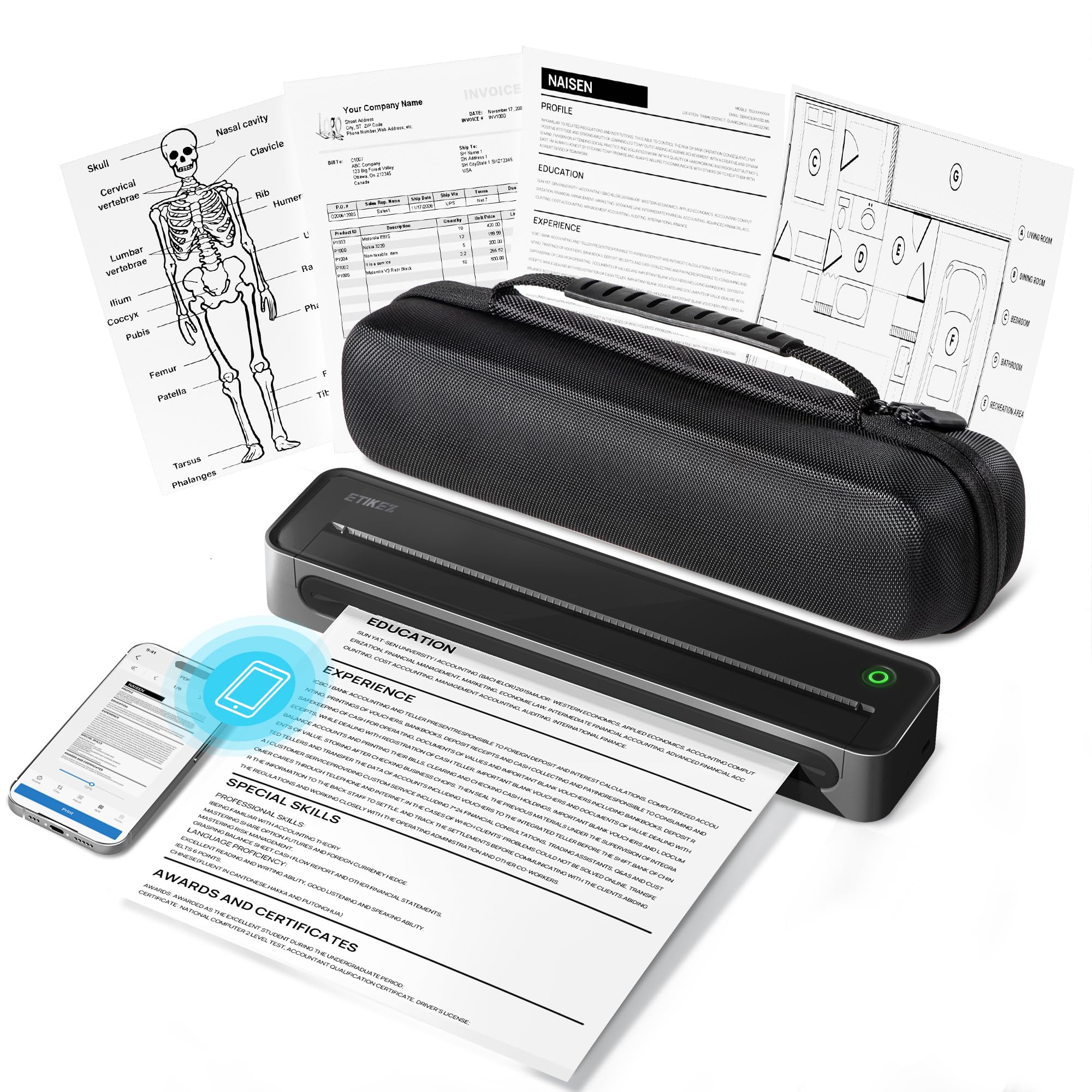
The ETIKEZ D90E offers the lowest entry price among thermal printers supporting standard letter-size paper, with Bluetooth pairing that requires minimal effort. However, with limited user feedback available, its long-term print consistency and durability remain unknown. The thermal paper prints may lose clarity if left in direct sunlight, which is a characteristic of the medium rather than a defect. This printer suits a first-time buyer willing to experiment with monochrome mobile printing on a tight budget, rather than someone needing a dependable travel printer for regular use.

Bottom line: A viable option only for those who need an ultra-budget monochrome printer for occasional use and are comfortable with the unknowns of a new product.

How to Choose

Print Technology

Inkjet printers use ink cartridges to produce full-color output, but require regular use to prevent clogging and have higher per-page costs. Thermal printers use heat on special paper, eliminating ink but limiting you to monochrome and paper that fades over time. For documents that need to last, inkjet is the only option. For travel notes or receipts, thermal is lighter and cheaper.

Weight & Dimensions

Weight directly affects portability. A 1.5-lb thermal printer is easy to carry in a purse, while a 6.5-lb all-in-one may require a dedicated bag. Dimensions also matter: a longer footprint may not fit in a standard backpack sleeve. Consider your typical carry setup before choosing.

Wireless Connectivity

Most portable printers rely on WiFi or Bluetooth. WiFi generally offers more stable connections and supports multiple devices, but can be finicky with hotel or public networks. Bluetooth is simpler to pair but has shorter range and can drop signal if obstacles are present. Check user reports for model-specific connectivity issues.

Battery Life

Battery capacity determines how many pages you can print away from an outlet. Built-in batteries are convenient, but some models require a separate purchase. Review the manufacturer's page yield (e.g., 160 sheets per charge) and consider charging options: USB-C is more versatile than proprietary chargers.

Paper Capacity

Large paper trays reduce the frequency of refills but add weight. Thermal printers use rolls that can hold hundreds of sheets, while inkjets use sheet trays with 20-50 sheet capacities. If you print multiple documents at once, higher capacity saves time. Also note supported sizes: some portables only handle up to letter or A4.

Frequently Asked Questions