Office Electronics

9 Best Thermal Printer for Shipping Labels of 2026: Wired Reliability That Actually Prints Dark

Which thermal label printer delivers crisp, scan-ready labels without Bluetooth dropouts? For small e-commerce sellers who value consistent output over wireless hype.

Many small businesses discover that Bluetooth thermal printers are convenient until labels come out faded or the connection drops mid-print. That's when the appeal of a simple USB or Ethernet cable starts to make sense.

The real differentiator isn't speed or app features — it's consistent print darkness and reliable connectivity. Most budget printers share the same 203 DPI printhead; what varies is quality control and the support you get when something goes wrong.

This guide focuses on printers that actually deliver scannable labels day after day, without requiring you to troubleshoot reconnection issues or waste labels on failed prints.

1

Westinghouse WHTP203e

Top Pick
Westinghouse WHTP203e

Wired desktop users

Our Score 9.4/10
Check Price

Worth Noting

  • Ethernet network setup on Mac computers can require extra configuration steps
  • Lacks Bluetooth and Wi-Fi
Label Size
4.6 inches
Print Speed
6 ips
Connectivity
USB, Ethernet
Print Resolution
203 x 203 DPI

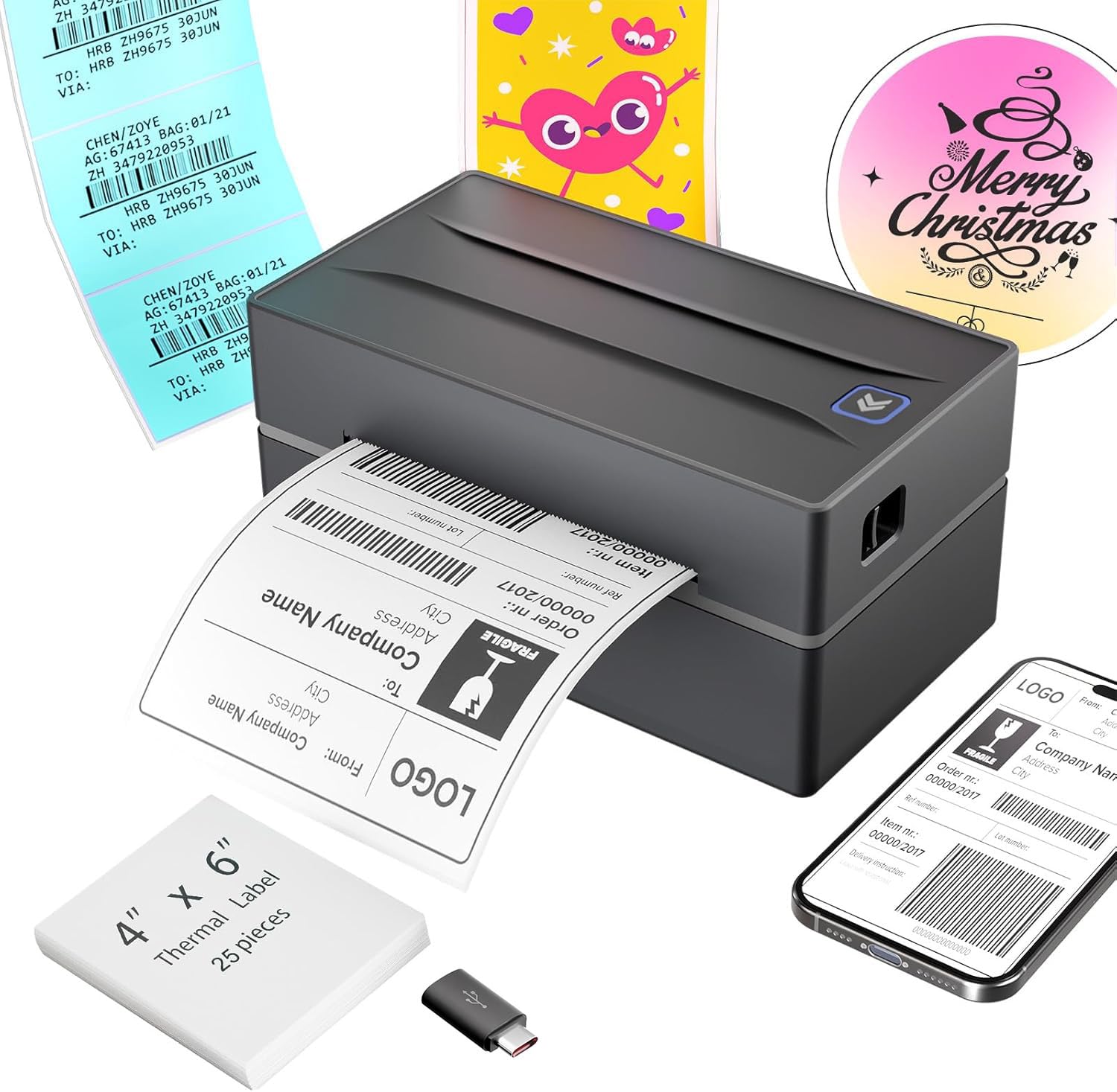
Westinghouse delivers near-guaranteed dark, scannable labels — a direct result of strict print head quality control that many faster models lack. The 6 ips speed handles daily volumes without feeling slow, and the Ethernet port gives wired offices a stable network option that USB-only printers can't match.

Users report minimal jams and consistent output across hundreds of labels, making this a dependable choice for e-commerce sellers who can't afford reprints. While some high-speed alternatives produce lighter or uneven print, this printer holds a tight darkness level that barcode scanners read on the first pass.

This printer is built for desktop or laptop users in a wired environment — no Bluetooth or Wi-Fi means it won't work with phones or tablets. Mac buyers should know that while USB plugs in and prints immediately, Ethernet setup can require manual configuration; Windows users have no such friction.

At a mid-range price, the commercial build and included Ethernet port offer better value than paying extra for wireless features you may not need. For sellers on Amazon, eBay, or Shopify who want a straight wired connection and consistent print quality, this is a sensible upgrade from budget models.

Tip: For Mac users, USB connection works plug-and-play; only use Ethernet if you need network sharing and are comfortable with manual configuration.

Bottom line: If your shipping workflow stays at a desk and consistent label darkness matters more than raw speed, this Westinghouse delivers exactly that without the randomness of faster alternatives.

2

Rollo X1038

Rollo X1038

High-volume sellers

Our Score 9.2/10
Check Price

Worth Noting

  • Auto-feed alignment can waste labels during setup and between prints
  • Print darkness consistency varies between units, sometimes requiring settings adjustment
Label Size
4.1 inches
Print Speed
150 mm/s
Connectivity
USB only
Print Resolution
203 x 203 DPI

The Rollo prints shipping labels at 150 mm/s, completing one 4x6 label per second. That speed places it ahead of most competitors in this price range. The printer has a large user community, which means troubleshooting guides and label profiles are easy to find. Setup requires only a driver install and works with major shipping platforms like ShipStation.

This model is best for high-volume sellers who value throughput and brand-name recognition over perfectly uniform print darkness. The tradeoff appears in two areas: some units produce labels that are lighter than expected, and the auto-feed mechanism can waste several labels during alignment. Neither issue stops the printer from working, but buyers who need every label to scan immediately may find the variability frustrating.

Build quality feels commercial-grade, with a sturdy casing that holds up to daily use in a busy shipping area. The label loading process is intuitive — most users have the printer running within minutes of unboxing. Over months of operation, the printer maintains its speed without degradation, though occasional jams do occur when using thinner label stock.

Tip: If labels appear too light, try increasing darkness in driver settings or switching to a different brand of thermal labels.

Bottom line: The Rollo is the right choice if your priority is raw speed and you have the patience to test label brands or settings to dial in darkness.

3

JADENS JD268BT

JADENS JD268BT

Budget USB users

Our Score 9.0/10
Check Price

Worth Noting

  • Print darkness can vary between labels, with some coming out faded or blurred in areas.
  • Bluetooth pairing and connection stability can be inconsistent; disconnections mid-print have been reported.
Label Size
4.1 inches
Print Speed
150 mm/s
Connectivity
Bluetooth, USB
Print Resolution
203 x 203 DPI

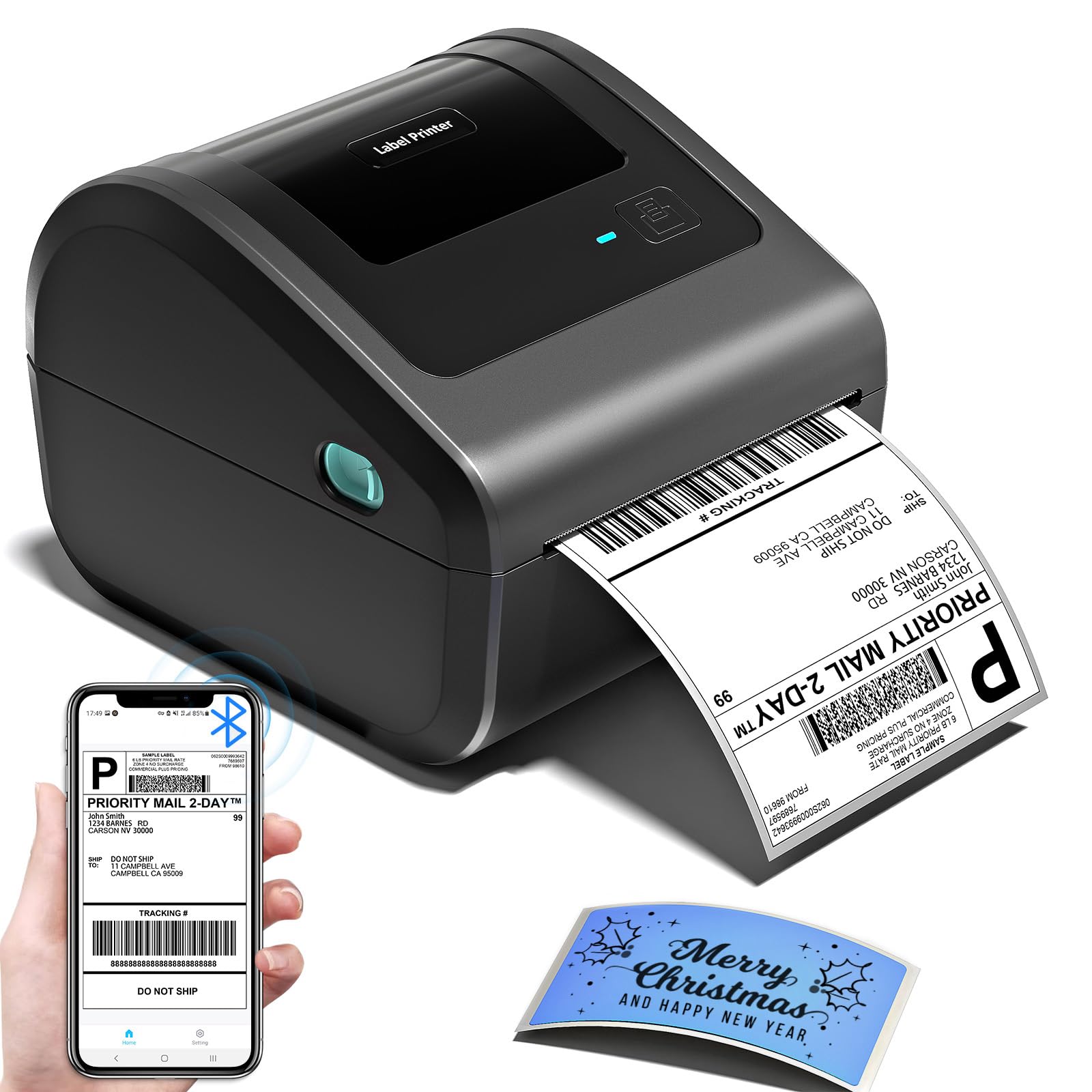
With over nine thousand reviews and consistently positive feedback on build quality, the JADENS JD268BT is the most popular budget-priced thermal label printer on the market. It undercuts many competitors on price while delivering solid wired performance, setting it apart from slimmer options that prioritize app experience over durability. However, its Bluetooth functionality has been noted to drop connections during print jobs, making it a better fit for those who primarily use a USB cable.

This printer suits small businesses and home offices where the label printer sits at a desk connected via USB for most tasks. Users who need occasional wireless printing from a mobile device may find the Bluetooth feature works for short bursts, but it is not a primary workflow. Print quality, while generally good, can vary between units – some labels may come out slightly faded, which is acceptable for shipping labels but not for barcode-heavy inventory where darkness consistency matters. JADENS recommends using USB for critical printing.

Print speed reaches 150 mm/s, which keeps batch label runs moving quickly. The direct thermal design eliminates ink and toner costs, adding to long-term value. For a budget-friendly investment with a large user community providing troubleshooting resources, the JADENS offers strong day-to-day performance when wired.

Tip: For critical shipping jobs, keep the USB cable connected; Bluetooth is fine for occasional off-cable prints.

Bottom line: JADENS is the budget pick for wired-centric users who prioritize an established support community and low cost over wireless convenience.

4

Phomemo 241BT

Phomemo 241BT

Multi-device printing

Our Score 9.0/10
Check Price

Worth Noting

  • Long-term print head or feed functionality can vary between units after several months of use.
  • Label alignment may misplace prints, wasting thermal labels in some cases.
Label Size
4.6 inches
Print Speed
150 mm/s
Connectivity
Bluetooth, USB
Print Resolution
203 x 203 DPI

Sharp output and an intuitive mobile app set the Phomemo 241BT apart from other budget Bluetooth label printers. Unlike the best-selling budget option that struggles with wireless connectivity, this unit pairs easily with phones and tablets for quick shipping label printing at up to 150 mm/s. Print quality is crisp and scannable, satisfying the needs of most small e-commerce sellers.

Small business owners who prioritize print quality and mobile convenience will appreciate the Phomemo 241BT's crisp output and easy app. However, some units may develop feed or print issues after a few months of use, and label alignment can occasionally waste thermal labels. This printer suits users who value immediate out-of-box performance and are comfortable with possible long-term variation.

Tip: Run a few test labels before starting a batch to check alignment and reduce waste.

Bottom line: If crisp shipping labels and a smooth mobile printing experience matter most, the Phomemo 241BT delivers – just accept that consistent long-term performance isn't guaranteed.

5

Brother TD-4550DNWB

Brother TD-4550DNWB

300 DPI logistics

Our Score 8.6/10
Check Price

Worth Noting

  • Wireless pairing can be inconsistent
  • Some units may stop working after a year of use, introducing longevity risk for high-volume operations.
Label Size
4 inches
Print Speed
6 ips
Connectivity
USB, Serial, Ethernet, Wi-Fi, Bluetooth
Print Resolution
300 x 300 DPI

The TD-4550DNWB stands out with its combination of 300 DPI resolution and multiple connectivity options — Ethernet, Wi-Fi, Bluetooth, and Serial — making it suited for networked environments where label precision matters. Unlike entry-level models limited to USB or proprietary roll systems, this printer handles standard 4-inch labels and integrates into existing infrastructure without workarounds.

This printer targets warehouses, logistics hubs, and operations that require reliable barcode scanning and the flexibility to print from wired or wireless sources. The premium price and possibility that a unit may stop working after a year of heavy use mean it is not a fit for small businesses on tight budgets or those printing shipping labels only occasionally.

Tip: Use USB or Ethernet for critical printing to avoid wireless setup issues.

Bottom line: This printer excels in logistics environments that demand high-resolution labels and network flexibility, but the cost and possible durability concerns make it a poor match for casual or budget-limited shipping tasks.

6

Omezizy D450BT

Omezizy D450BT

Compact desk printer

Our Score 8.8/10
Check Price

Worth Noting

  • Bluetooth pairing can be inconsistent; dropouts or failed connections may occur.
  • Limited native support for certain shipping platforms like Mercari.
Label Size
4.6 inches
Print Speed
150 mm/s
Connectivity
Bluetooth, USB
Print Resolution
203 x 203 DPI

The Omezizy D450BT stands out with an internal paper roll compartment that keeps the printer footprint compact — a rare feature among budget 4x6 thermal printers. Unlike many alternatives that require an external roll holder, this design saves several inches of desk space, making it a good fit for cramped shipping stations.

This printer suits small businesses whose primary connection is USB and who want a tidy workspace. Bluetooth is included but can be finicky — pairing may require extra attempts or driver updates, and some platforms like Mercari lack native driver support. For wired use, the D450BT prints labels quickly and consistently.

Build quality feels sturdy for the price, and the 150 mm/s print speed keeps label production moving. Print output is crisp enough for barcode scanning, though at 203 DPI it won't match higher-resolution models. For most shipping tasks, it performs well.

Tip: For wireless printing, expect occasional setup effort — stick to USB for consistent labeling.

Bottom line: For small businesses with cramped desks who plan to use USB, the built-in paper compartment makes this a smart space-saving choice — just don't count on Bluetooth for daily use.

7

KNAON Y813BT

KNAON Y813BT

Low-volume budget

Our Score 9.0/10
Check Price

Worth Noting

  • Bluetooth may drop, requiring occasional app reconnection
  • Print darkness can be inconsistent, leading to faint or streaky labels
Label Size
4.2 inches
Print Speed
180 mm/s
Connectivity
Bluetooth, USB
Print Resolution
203 x 203 DPI

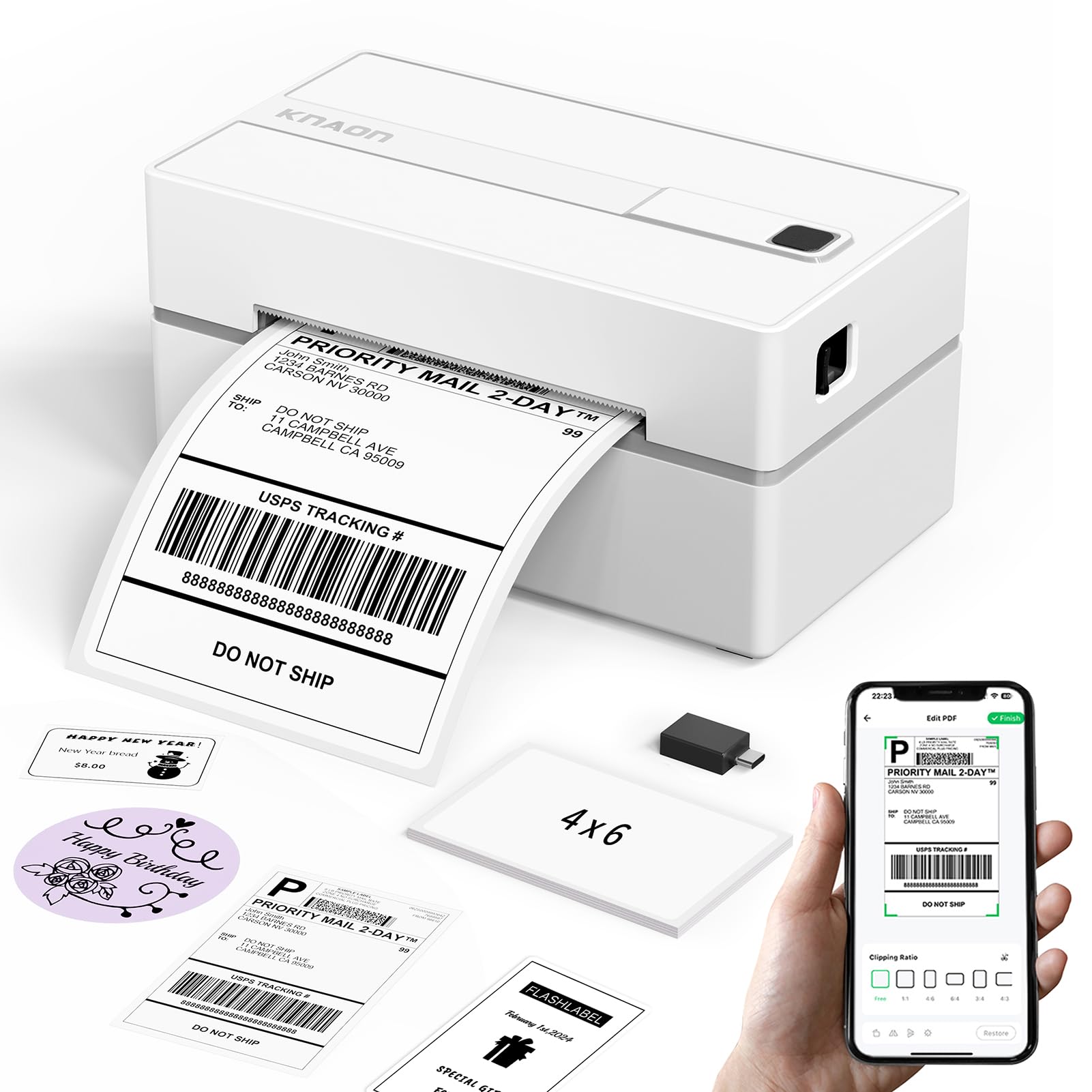
The KNAON Y813BT sets up quickly via Bluetooth and the FlashLabel app, and it prints labels fast for its entry-level price. However, print darkness can vary between units, with some labels coming out faint or streaky, and Bluetooth may drop, requiring reconnection. This makes it a viable trial for thermal printing if you ship only a few items per week and can tolerate the occasional imperfect label, but not a consistent workhorse for high-volume or scanning-critical shipping.

Bottom line: Best for sellers shipping a few packages per week on a tight budget who can accept the occasional faded label – a low-cost trial run for thermal printing.

8

NULLTONEX Y813

NULLTONEX Y813

Budget home office

Our Score 8.6/10
Check Price

Worth Noting

  • Bluetooth connectivity can drop during longer print sessions, requiring reconnection.
  • Label print darkness may be inconsistent, with occasional faint prints that may not scan reliably.
Label Size
4.3 inches
Print Speed
150 mm/s
Connectivity
Bluetooth, USB
Print Resolution
203 x 203 DPI

Setup through the FlashLabel Pro app is quick and intuitive, making this a low-friction introduction to thermal printing. For light home office use where labels don't need to be scan-ready, the cost savings from eliminating ink and paper are real. However, print quality can vary between units — some labels may appear faded — and Bluetooth connections can drop, so this printer suits occasional use rather than daily shipping. If you need reliable, dark labels for barcodes, a wired model or higher-priced option would be a safer choice.

Bottom line: A fine entry point for the home office on a tight budget who prints shipping labels infrequently and can tolerate occasional faded output.

9

HP AMZHPKE24x6

HP AMZHPKE24x6

HP brand loyal

Our Score 8.2/10
Check Price

Worth Noting

  • Print quality can vary between units, with some producing less dense labels.
  • Label printing may only produce partial content or blank labels in some cases.
Label Size
4 inches
Print Speed
7 ips
Connectivity
USB
Print Resolution
203 x 203 DPI

Setup is quick out of the box and the included 500 labels get you started immediately — a convenience for anyone who wants minimal assembly. However, print quality varies between units, with some producing faded output, and label printing can occasionally cut off content or generate blank labels. At this premium price point, printers from Westinghouse or Jadens deliver more consistent results for the same or lower cost.

Bottom line: This printer fits HP loyalists who value brand consistency and a quick start with included labels, and are willing to accept occasional print quality variance over chasing the best value.

How to Choose

Print Resolution

Standard 203 DPI is sufficient for most shipping barcodes and text. It offers a good balance of speed and cost.

300 DPI provides sharper output for tiny barcodes or dense QR codes, but it comes with a higher price and slower print speeds. Only pay the premium if your logistics system demands high-density scanning.

In practice, 203 DPI handles 99% of e-commerce labels without issue. The trade-off is worth making only for specialized warehouse applications.

Connectivity

Bluetooth sounds convenient but often introduces instability. Many budget printers require a dedicated mobile app and drop connections mid-print, especially with multiple devices.

USB and Ethernet provide a direct, stable link that never drops. For high-volume shipping, a wired connection saves time and frustration. Ethernet also allows network sharing without a dedicated computer.

Print Speed

Print speed is measured in inches per second (ips) or mm/s. Most printers range from 6 ips to 150 mm/s, which is roughly equivalent.

Speed matters most when printing 50+ labels in a batch. However, label feeding and alignment can negate speed advantages if the printer wastes labels on calibration. A slower printer with consistent feeding often outperforms a faster one that misaligns.

Label Size Compatibility

The maximum label width determines what media you can use. 4.6 inches covers standard 4x6 shipping labels plus fanfold paper for continuous printing.

Some printers only accept proprietary drop-in rolls (like Brother DK labels), which cost more per label. Choose a printer that supports generic thermal labels to save money over time.

Frequently Asked Questions