Creator & Streaming

10 Best MIDI Keyboard of 2026: Match Your Workflow and Key Size

Which MIDI keyboard fits your music style? From mini keys for beat-making to full-size for piano play, and DAW-specific vs general controllers – find the right match without overspending.

A compact MIDI keyboard is tempting: low price, small footprint, and a bundle of software to get started. But once you sit down to play chords or melody lines, those mini keys can feel cramped, especially if you are used to a piano. The same trade-off applies to DAW-specific controllers — deep integration is great until you switch software.

This guide focuses on the three decisions that matter most: key size and action, DAW compatibility, and the controls you actually need. Whether you are a beat-maker on the go or a home studio producer, the right controller matches your gear, not the marketing.

1

Akai MPK Mini MK3

Top Pick
Akai MPK Mini MK3

Beginners & beat-makers

Our Score 9.2/10
Check Price

Worth Noting

  • Mini keys feel cramped and lack weighted action for pianists
  • Some units may arrive with sticky or dead keys
Key Action
Synth action
Connectivity
USB
Extra Controls
8 pads, 8 knobs
DAW Integration
Generic

The MPK Mini MK3 combines solid construction with a feature set that costs less than a good pair of headphones. Build quality is consistent for the price point, and the included MPC Beats software plus Native Instruments sound package gives newcomers a complete production starter kit.

The eight backlit MPC pads are responsive enough for finger drumming, and the 25 mini keys work well for chord voicings and bass lines — though pianists will find them cramped. The 360-degree knobs offer tactile control over virtual instruments and effects without menu diving.

This controller suits beginners diving into music production, beat-makers on a budget, and anyone needing a portable sketchpad. The compact key size means it is not for players who need full-sized weighted keys, and occasional QC reports of sticky or dead keys mean it is worth testing on arrival.

Tip: Test all keys and pads on arrival — a small number of units arrive with sticky keys that can be addressed through warranty.

Bottom line: For anyone starting out or needing a compact beat-making controller, the MPK Mini MK3 delivers more value than any competitor at this price.
2

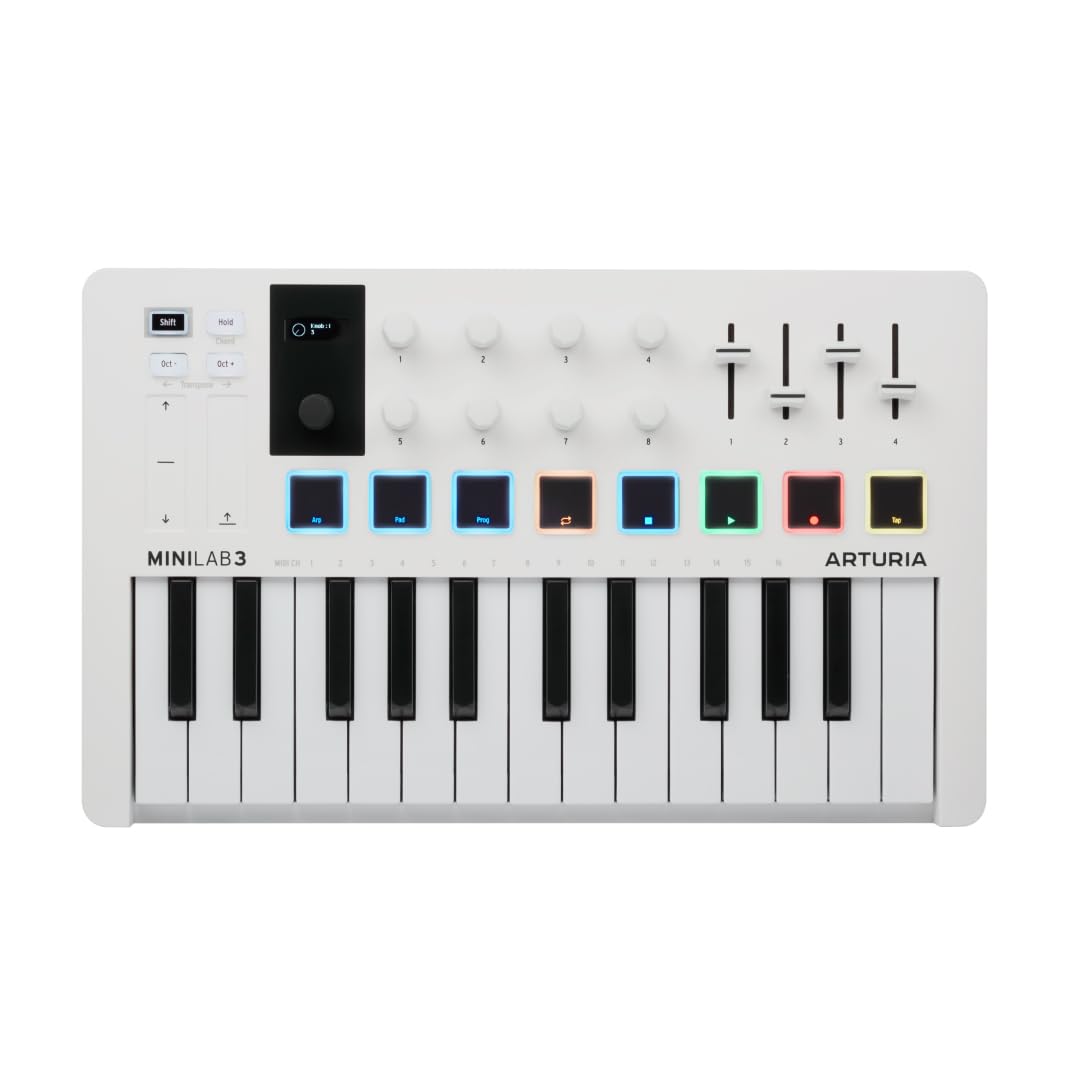
Arturia MiniLab 3

Arturia MiniLab 3

Key feel focus

Our Score 9.4/10
Check Price

Worth Noting

  • Initial software setup can eat up time and requires navigating multiple installers.
  • Touch strips for pitch/mod may trigger accidentally when your hand brushes past them.
Key Action
Synth action
Connectivity
USB, MIDI
Extra Controls
8 pads, 4 faders, 8 knobs
DAW Integration
Generic

The MiniLab 3 stands out with key feel that rivals full-size controllers — each press is precise and responsive, with a smooth travel that many mini keys lack. The build quality matches, using metal and robust plastic that feel solid on a desk. Analog Lab Intro adds hundreds of synth sounds, boosting the value considerably. However, the software installation requires patience and the touch strips for pitch/mod can register unintended swipes if brushed during play.

This controller suits producers who prioritize key action and want immediate access to Analog Lab presets, especially if they use Ableton Live. The setup friction and sensitive touch strips are less of an issue for users comfortable with software installs and those who prefer working with encoders rather than strips. It's a compact fit for tight desk setups but not ideal for anyone seeking a plug-and-play experience straight out of the box.

Tip: Allocate 20 minutes for the software install and consider disabling the touch strips in the editor if they cause issues during recording.

Bottom line: If you value key feel and Analog Lab sounds over immediate plug-and-play simplicity, the MiniLab 3 is a strong pick for desk-bound production.

3

M-Audio Keystation 49 MK3

M-Audio Keystation 49 MK3

Home studio budget

Our Score 9.2/10
Check Price

Worth Noting

  • Plastic chassis and synth-action keys may feel less substantial to players used to weighted keybeds.
  • No drum pads, rotary knobs, or faders for hands-on parameter control.
Key Action
Synth action
Connectivity
USB
Extra Controls
Pitch/mod, volume
DAW Integration
Generic

Full-size 49-key layout at a mid-range price distinguishes the Keystation 49 MK3 from mini-key alternatives. Plug-and-play USB connectivity works across all major DAWs, and the included software provides a solid starting point for music production.

This is a practical choice for producers on a budget who prioritize full-size keys over advanced controls. The plasticky chassis and synth-action feel may disappoint players accustomed to weighted pianos, and the absence of pads or knobs limits direct hands-on control.

Tip: If transitioning from a weighted piano, test the synth action before buying to ensure the lighter touch suits your playing style.

Bottom line: The Keystation 49 MK3 delivers affordable full-size keys and a useful software bundle, but producers needing hands-on control or weighted feel should consider alternatives.

4

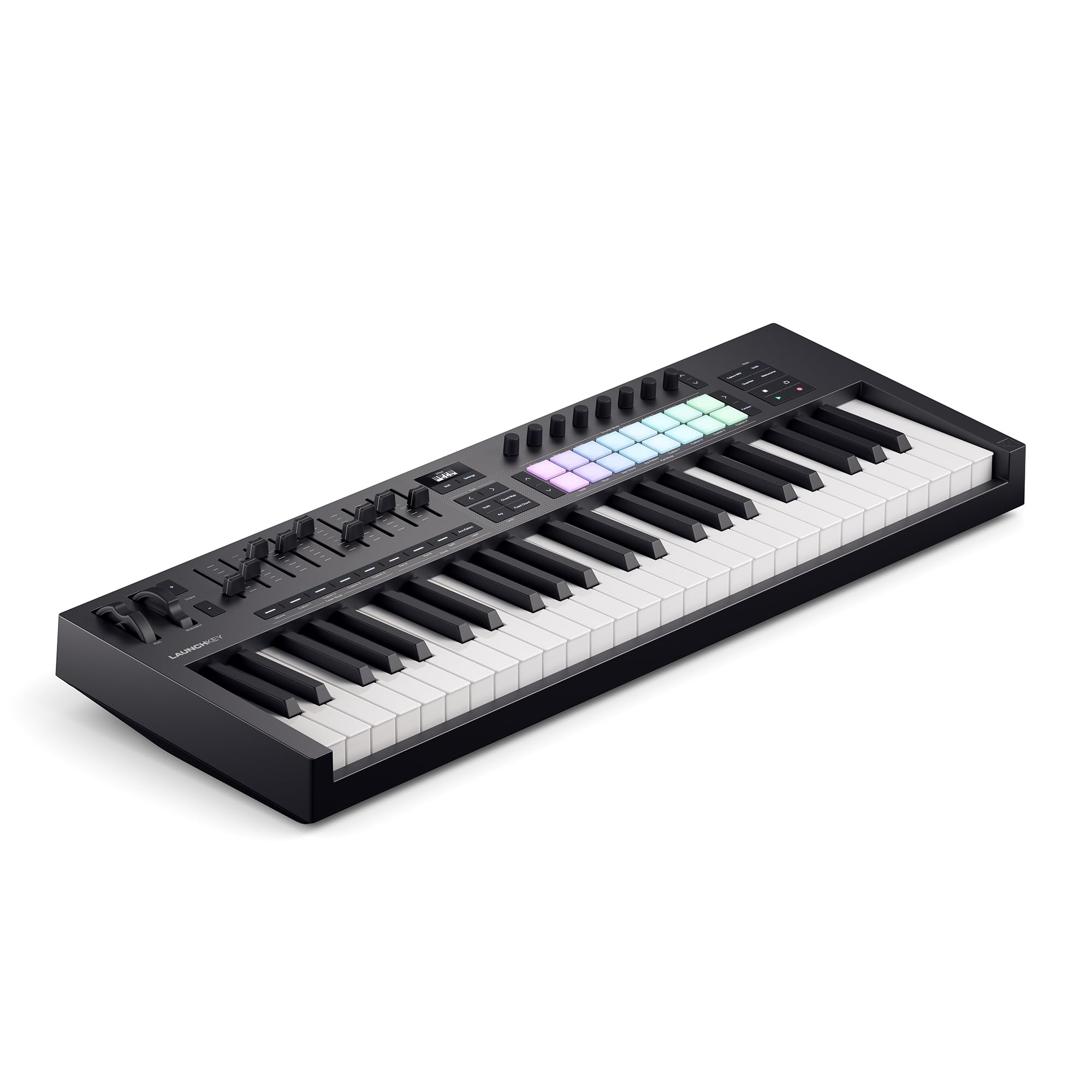
Novation Launchkey 49 MK4

Novation Launchkey 49 MK4

Ableton power users

Our Score 9.4/10
Check Price

Worth Noting

  • Semi-weighted action may feel light for pianists expecting weighted keys
  • Cubase integration is less polished than Ableton
Key Action
Semi-weighted
Connectivity
USB, MIDI out
Extra Controls
16 pads, encoders, chord modes
DAW Integration
Ableton Live

The Launchkey 49 MK4 maps directly to Ableton Live’s transport, clips, and mixer without any configuration – a near-native feel. The 49 semi-weighted keys provide a solid resistance for synth leads and basslines, though the action is lighter than weighted pianos. Build quality is sturdy, and the 16 FSR drum pads respond well to finger drumming.

This controller suits producers who live inside Ableton and want tactile control without mouse-dragging. Chord and scale modes plus the arpeggiator add quick creative routes for beat-making and harmony. The trade-off: a higher price, and Cubase integration is less seamless – transport and mixer mapping may need manual work. Pianists seeking weighted resistance should look elsewhere.

Tip: If you work primarily in Cubase, test the software integration first or consider a controller with native Cubase support.

Bottom line: For Ableton Live users who value tight hardware integration and a premium keybed, the Launchkey 49 MK4 is a worthy investment – just accept its narrow focus and higher cost.

5

Akai MPK Mini Plus

Akai MPK Mini Plus

Modular & beat-makers

Our Score 9.2/10
Check Price

Worth Noting

  • Mini keys may feel cramped for users accustomed to full-size keybeds
  • USB connection reliability can be inconsistent on certain computer configurations
Key Action
Synth action
Connectivity
USB, MIDI, CV/Gate
Extra Controls
8 pads, 8 knobs, sequencer
DAW Integration
Generic

The MPK Mini Plus packs 37 mini keys, a 64-step polyphonic sequencer, and CV/Gate outputs into a footprint that fits most desk setups. Where the top pick focuses on pad-centric beat-making, this model adds hardware sequencing and modular connectivity for producers working with analog or Eurorack gear. The 8 RGB MPC pads retain the responsive feel from the MPK Mini line, and the built-in arpeggiator adds another layer of creative control.

This controller suits intermediate producers who have outgrown basic MIDI keyboards and need to control external synthesizers or modular systems. The mini keys are noticeably smaller than standard keys, which may feel cramped during chord-heavy playing. Additionally, some setups may experience USB connection drops — a powered USB hub or different cable can often stabilize the link. If you primarily work in-the-box with a DAW and don't need CV/Gate, the slimmer top pick may be a better fit.

Tip: If you experience USB dropouts, try a different cable or a powered hub before assuming a defect.

Bottom line: For producers who need a hardware sequencer and CV/Gate integration, the MPK Mini Plus delivers capabilities not found in the top pick — provided you can adapt to mini keys and have a stable USB setup.

6

Arturia KeyStep

Arturia KeyStep

Modular & live

Our Score 9.2/10
Check Price

Worth Noting

  • Sequencer requires an external metronome or clock source; no built-in metronome.
  • Key contacts can become unreliable after extended heavy use in some cases.
Key Action
Synth action (aftertouch)
Connectivity
USB, MIDI, CV/Gate
Extra Controls
Sequencer, arpeggiator
DAW Integration
Generic

The KeyStep targets a different workflow than typical MIDI controllers: its core strength is the built-in 64-step polyphonic sequencer and CV/Gate outputs that connect directly to analog and modular gear. Unlike controllers that focus on key feel or DAW software, this Arturia prioritizes hardware sequencing and live performance control.

It suits electronic musicians who need a hands-on sequencer for creating patterns without a computer, especially those with modular synthesizers. However, the sequencer lacks a built-in metronome, so external clock or a separate metronome is necessary. A small number of units have shown key contact issues after years of use — longevity may vary.

Tip: Pair with an external drum machine or audio interface with a click track to keep the sequencer in time.

Bottom line: For electronic musicians who need a sequencer-driven controller with modular connectivity, the KeyStep offers capabilities rarely seen at this price.

7

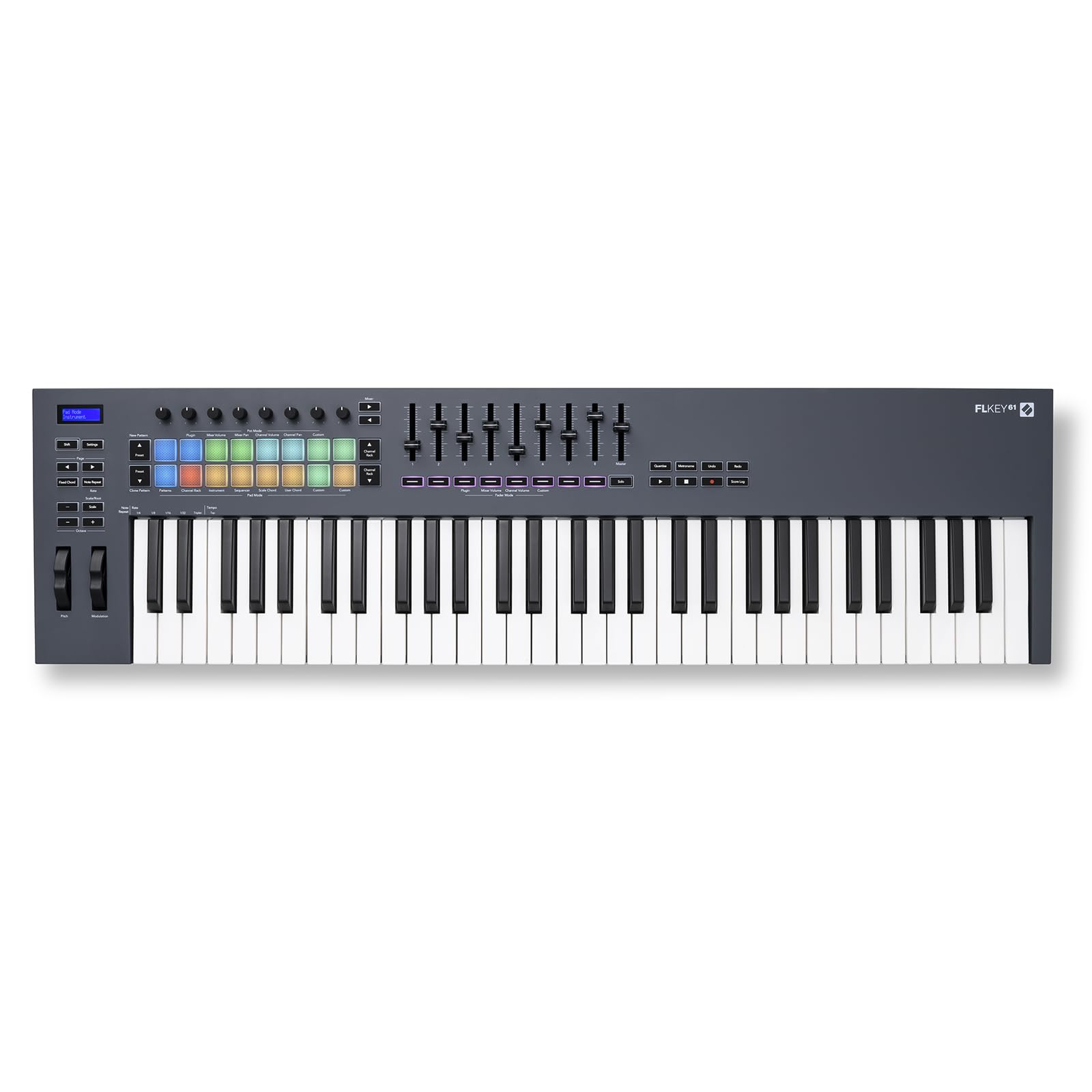
Novation FLkey 61

Novation FLkey 61

FL Studio users

Our Score 9.4/10
Check Price

Worth Noting

  • No physical power button
Key Action
Synth action
Connectivity
USB, MIDI out
Extra Controls
16 pads, faders, knobs
DAW Integration
FL Studio

The FLkey 61 is purpose-built for FL Studio, with direct control over the playlist, channel rack, and mixer that reduces mouse dependency. The 61 synth-action keys and 16 pads feel solid for a controller in this premium range. However, its high price and lack of a physical power switch (always on when connected) only make sense if FL Studio is your primary DAW — outside that ecosystem, the value drops significantly.

Bottom line: Best for FL Studio producers who want deep integration and full-size keys, but not worth it if you use another DAW.

8

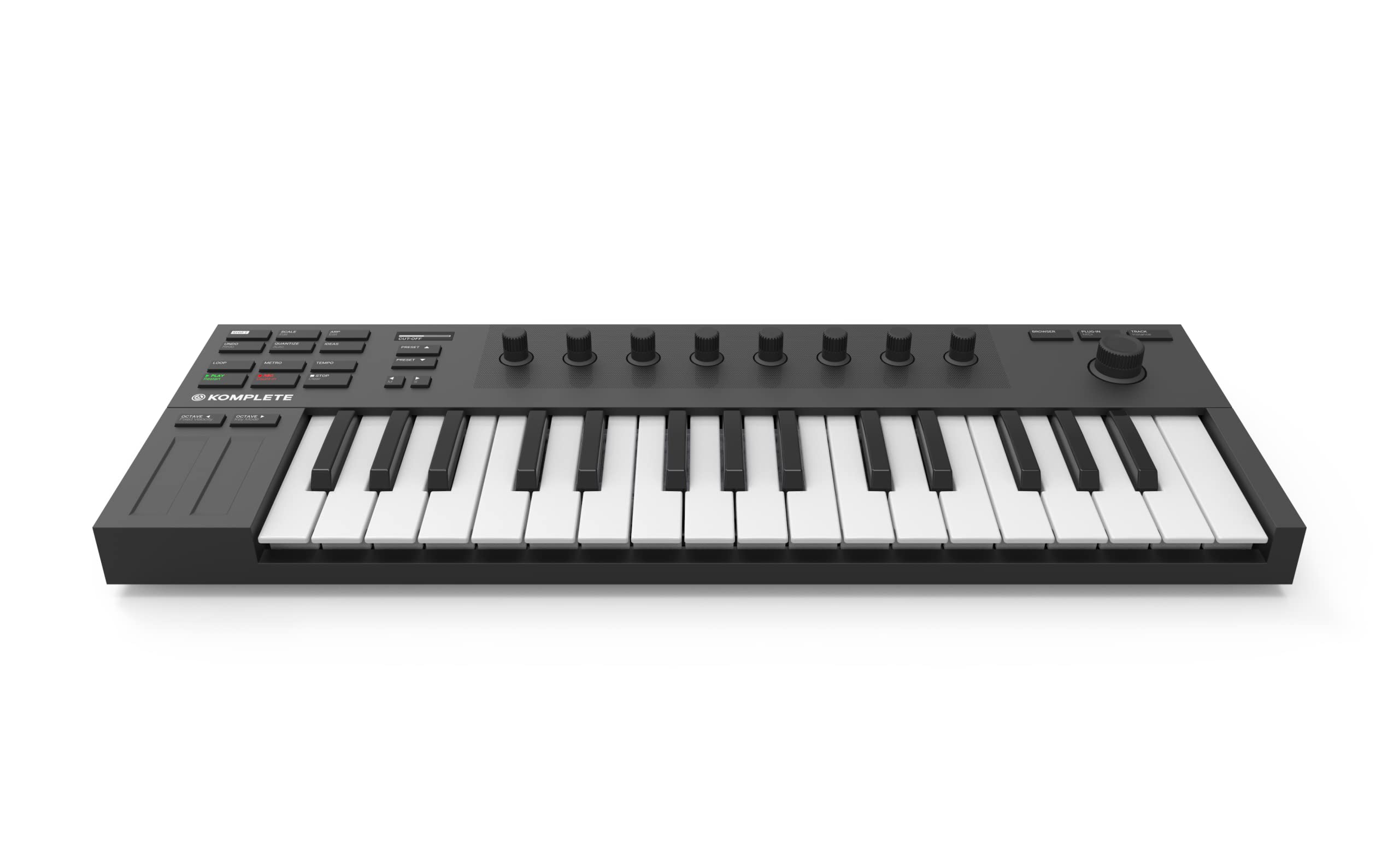
NI Komplete Kontrol M32

NI Komplete Kontrol M32

NI software users

Our Score 9.2/10
Check Price

Worth Noting

  • Compact keys may feel cramped for larger hands or piano-oriented playing.
  • DAW integration outside the NI ecosystem can be problematic and limited.
Key Action
Synth action
Connectivity
USB
Extra Controls
8 knobs, smart play
DAW Integration
NI ecosystem

The M32's Smart Play features simplify chord progressions and scale navigation, and the build quality feels solid for its price range. However, the compact 32-key layout can feel cramped for pianists, and its deep integration is limited to Native Instruments' ecosystem — outside of Komplete Kontrol and Maschine, DAW control is basic. This tradeoff makes sense if your workflow centers on NI software, but general-purpose users should consider alternatives with broader DAW support.

Bottom line: This is the right choice if you're building around Native Instruments software and want a compact controller with practical music theory helpers.

9

NI Komplete Kontrol A61

NI Komplete Kontrol A61

NI power users

Our Score 9.2/10
Check Price

Worth Noting

  • Keybed consistency may vary between individual units.
  • Integration with non-NI DAWs can be less seamless compared to dedicated DAW controllers.
Key Action
Semi-weighted
Connectivity
USB
Extra Controls
8 knobs, smart play
DAW Integration
NI ecosystem

The Komplete Kontrol A61 delivers a quality semi-weighted keybed and tight integration with Native Instruments' software ecosystem, including the bundled sound library and Smart Play features. The OLED display and clean design complement a workflow centered on NI products. However, keybed consistency can vary between units, and integration with DAWs outside the NI environment may require additional mapping or feel less immediate. For users not committed to Native Instruments, comparably priced controllers offer broader DAW compatibility and similar key feel.

Bottom line: Best for producers already using Native Instruments who want a premium keybed; for general studio use, more flexible alternatives exist at a similar price.

10

Nektar SE49

Nektar SE49

Budget full-size

Our Score 9.0/10
Check Price

Worth Noting

  • Input latency can be noticeable in some setups
  • Key action feels stiff, which may not suit all playing styles
Key Action
Synth action
Connectivity
USB
Extra Controls
Pitch/mod, volume
DAW Integration
Generic (DAW plugins)

The SE49 provides a rare combination of full-size keys and deep DAW integration at a low price, making it a strong choice for budget-conscious home studio producers. However, occasional input latency and a stiff key action may bother those needing quick response, and the lack of pads or assignable knobs limits its use for beat-making or sound design.

Bottom line: Best for home studio producers on a tight budget who prioritize full-size keys and DAW integration over low latency and extra controls.

How to Choose

Key Count and Key Size

Mini keys save space but reduce finger movement for chords. Full-size keys allow proper piano technique but increase footprint. For beat-making, mini keys are fine; for melody and chord work, full-size is better.

Key Action Type

Synth action keys are spring-loaded and light, good for fast synth leads and drum programming. Semi-weighted adds resistance for a more piano-like feel, but still not weighted. Weighted keys simulate acoustic piano action but are heavy and expensive. Most producers in electronic music use synth or semi-weighted.

DAW Integration

Generic controllers work with any DAW but lack one-button mappings. DAW-specific controllers like Novation Launchkey for Ableton or FLkey for FL Studio offer deep control over mixer, transport, and clip launching. If you switch DAWs later, those shortcuts become useless. Evaluate your long-term DAW commitment before buying.

Extra Controls

Pads, knobs, and faders add workflow speed. MPC-style pads are essential for beat-making. Knobs are useful for adjusting synth parameters. Faders help with mixing. But if you primarily play melodies, a simple keyboard with just pitch/mod wheels may be sufficient. More controls mean more to map.

Connectivity Options

USB is standard for modern DAWs, but if you use external hardware synths or modular gear, MIDI I/O and CV/Gate are necessary. CV/Gate allows control of analog gear without a computer. USB-only controllers limit you to software. Consider future gear expansion.

Frequently Asked Questions