Creator & Streaming

10 Best Key Light for Streaming 2026: Brightness Won't Stop Working

Avoid clip-on lights that fail in months. Find a reliable key light for streaming with adjustable brightness and color temp that actually lasts.

Clip-on key lights under $20 seem tempting, but many flicker or stop working within weeks. The plastic mounts and cheap electronics can't survive regular use. You end up buying replacements, spending more than a decent mid-range light would cost. The waste and hassle make cheap lights a false economy.

A proper streaming key light uses edge-lit panels with full-spectrum LEDs, adjustable between warm 2700K and daylight 6500K. These deliver natural skin tones without harsh shadows. They are USB-powered for simple desk integration and often include fanless cooling - no high-pitched noise in a quiet room. Many budget lights overstate their brightness and CRI, leading to disappointing results.

With a stable monitor clamp and smooth dimming, a mid-range light becomes a one-time purchase. This guide focuses on models that balance performance and durability so you can set up once and forget it. Whether you stream daily or join regular video calls, the right light makes a noticeable difference in how you appear on camera.

1

Logitech Litra Glow

Top Pick
Logitech Litra Glow

Streaming, remote

Our Score 9.0/10
Check Price

Worth Noting

  • Monitor mount may not grip curved screens securely
  • Light output is lower than larger panel options
Mount Type
Monitor mount
Panel Design
Power & Control
USB, G HUB app
Color Temp Range
2700K-6500K

The Litra Glow's TrueSoft LED renders skin tones naturally across a wide 2700K–6500K color temperature range. You can adjust brightness and warmth either via the on-device buttons or through Logitech's G HUB app for finer presets. This gives you consistent, flattering light for webcam calls, streaming, and content creation.

The three-way monitor mount clips onto most flat-backed displays without tools, keeping your desk clear. The compact panel measures just a few inches across and sits flush against the monitor. On-device controls let you change brightness and color temp on the fly, and the G HUB app offers additional scene profiles.

This light fits streamers and remote workers who want a simple, one-cable solution with good color accuracy. During extended use the panel becomes warm to the touch — within normal operating range for LED lights. In very quiet rooms, some units produce a faint high-pitched hum; this is less noticeable in typical office or ambient noise environments.

G HUB integration ties the light into a broader Logitech ecosystem, letting you adjust lighting alongside other peripherals. This is a nice convenience for existing Logitech users, though the light works standalone without the app.

Bottom line: For streamers and remote workers with flat monitors who value color accuracy and simple setup, the Litra Glow delivers consistent performance at a fair price.

2

NEEWER GL25B

NEEWER GL25B

Streamers, remote

Our Score 9.4/10
Check Price

Worth Noting

  • Remote sync can drop and require a pairing reset now and then.
  • A small number of units may not power on out of the box.
Mount Type
Desk stand
Panel Design
12.9in edge-lit
Power & Control
USB, remote, app
Color Temp Range
2900K-7000K

The GL25B’s 12.9-inch edge-lit panel delivers more surface area than the top pick, making it easier to soften the light for head-and-shoulders shots without a separate diffuser. The included 2.4G remote and Neewer Control Center app let you adjust brightness and color temperature from across the room or from your PC, which is a step up from the Litra Glow’s on-light controls.

This light is best for streamers and content creators who want a larger lighting panel and prefer remote or app control over reaching for the light itself. The fanless design means no noise during recordings, and brightness reaches 2300 lux at half a meter — enough for a well-lit talking head. Some units may have reliability issues, and the remote can require occasional re-pairing, but for a buyer willing to accept that possibility, the cost savings over the top pick are meaningful.

Color temperature spans 2900K to 7000K, covering warm to cool tones for matching ambient light or creative looks. USB power (adapter included) keeps the desk clean, and the included desk stand offers a stable base. Panel tilt is sufficient for most monitor-top or desk placement, though the stand lacks a clamp option for those who prefer a cleaner mount.

Tip: If the remote loses sync, hold the pairing button for 3 seconds to reconnect.

Bottom line: Streamers who value a bigger light surface and don’t mind an occasional remote re-pairing will find the GL25B a strong balance of size, control, and price.

3

Godox ES45

Godox ES45

Pro streamers

Our Score 8.8/10
Check Price

Worth Noting

  • In a completely dark room, the minimum brightness can still feel too bright
  • The stand mounting screw may break if tightened too much
Mount Type
Desk stand
Panel Design
Edge-lit OLED
Power & Control
AC, magnetic remote, app
Color Temp Range
2800K-6500K

Unlike simpler desk lights, the Godox ES45 offers a magnetic remote that charges automatically when docked, plus full dimming from 0 to 100% via the Godox Light App. This level of control is rare in a compact AC-powered panel, making it a strong alternative for streamers who want fine adjustments without reaching for the fixture.

The edge-lit OLED panel produces soft, diffused light that reduces eye strain during long sessions. Build quality is sturdy, with a well-made diffuser panel that evenly disperses light across a 2800K to 6500K range. The remote’s magnetic attachment is convenient and responsive, and app control allows grouping multiple units for consistent scenes.

This light suits serious streamers who need precise brightness and color temperature control and are willing to pay a premium. However, the lowest brightness setting may still be too intense for fully dark rooms, and the mounting screw can loosen or break if over-tightened. These are tradeoffs to consider before buying.

Tip: Tighten the mounting screw gently by hand — overtightening can crack the plastic base.

Bottom line: Best for streamers who prioritize control and build over portability or lowest price; those needing a near-zero light output may want to look elsewhere.

4

RALENO 9" Panel

RALENO 9" Panel

Portable creation

Our Score 9.0/10
Check Price

Worth Noting

  • The included mini stand lacks stability and can tip over with the panel attached.
  • Battery life is about 80 minutes at full brightness and the light cannot be used while charging, limiting continuous desk use.
Mount Type
Mini tripod
Panel Design
7.6in x 5.0in
Power & Control
Battery or USB-C
Color Temp Range
2500-6500K continuous

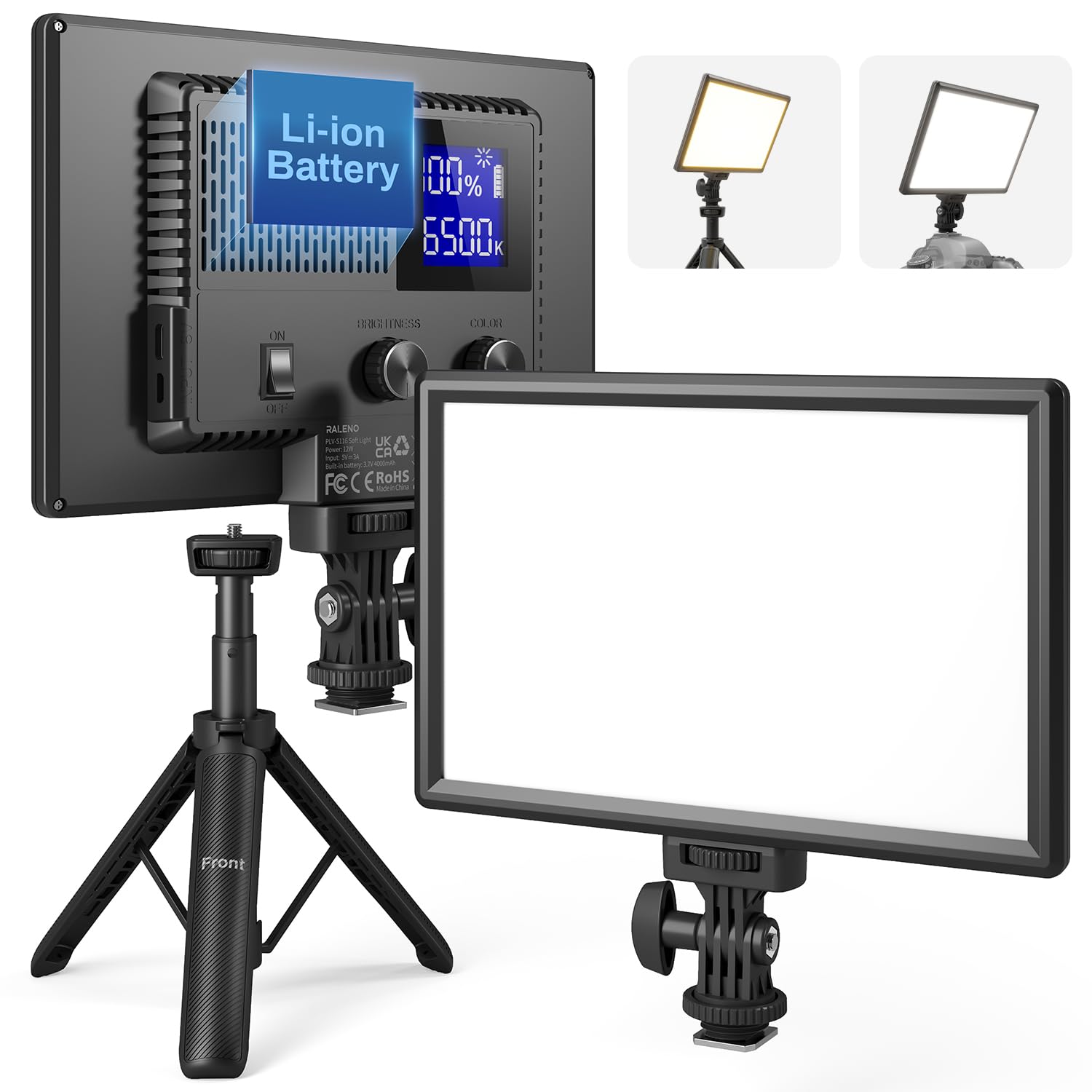
The RaLeno panel offers continuous color temperature adjustment from 2500K to 6500K, a feature typically found in pricier lights. It also packs a built-in battery for cord-free operation, but that battery runs for about 80 minutes at full brightness and cannot be recharged while in use.

This light fits creators who need a portable fill for short vlogging sessions or occasional video calls near a power source. For desk streaming beyond an hour, the battery limit becomes a constraint. The included mini stand is wobbly; for stable desk placement, consider a separate mount.

Tip: Use a separate light stand or clamp mount for desk stability, and keep the panel charged between sessions for quick use.

Bottom line: A practical choice for vloggers and short-session streamers who prioritize portability and color control over non-stop operation.

5

Weilisi 10.2" Ring

Weilisi 10.2" Ring

Streaming, calls

Our Score 9.0/10
Check Price

Worth Noting

  • Clamp may shift over time if not fully tightened
  • Remote control can arrive non-responsive; unpack and test immediately
Mount Type
C-clamp, 360 arm
Panel Design
10.2in full-screen
Power & Control
AC adapter
Color Temp Range
3 color temps

The Weilisi ring light stands out from typical budget options with its full articulating arm — 360-degree rotation and 180-degree tilt allow precise positioning around a desk or monitor. Its edge-lit panel delivers even illumination across 10 brightness levels and three color temperatures, matching the adjustability of more expensive alternatives while undercutting them on price.

This light is best for streamers, remote workers, or content creators on a tight budget who need flexible desk lighting. The C-clamp mounts to desk edges up to a certain thickness, but the clamp can loosen over time — occasional re-tightening may be needed. Additionally, a small number of units have arrived with a non-responsive remote control; this is worth checking upon arrival.

In use, the light provides consistent color and brightness, and the arm holds position well once tightened. The included remote allows quick switching between modes, though some users find the controller to be less robust than the light itself.

Tip: Tighten the clamp firmly against a solid desk edge; a padded surface may cause slippage.

Bottom line: If you need a highly adjustable desk ring light and are willing to manage a slightly loose clamp and check the controller early, this is the most value you'll find in this price range.

6

Anautin Kit

Anautin Kit

Beginners, kit

Our Score 8.6/10
Check Price

Worth Noting

  • Tripod feels flimsy when fully extended; use at lower heights for stability.
  • Some units are defective out of the box
Mount Type
Foldable tripod
Panel Design
6.9in x 10in
Power & Control
USB
Color Temp Range
2500/4500/8500K

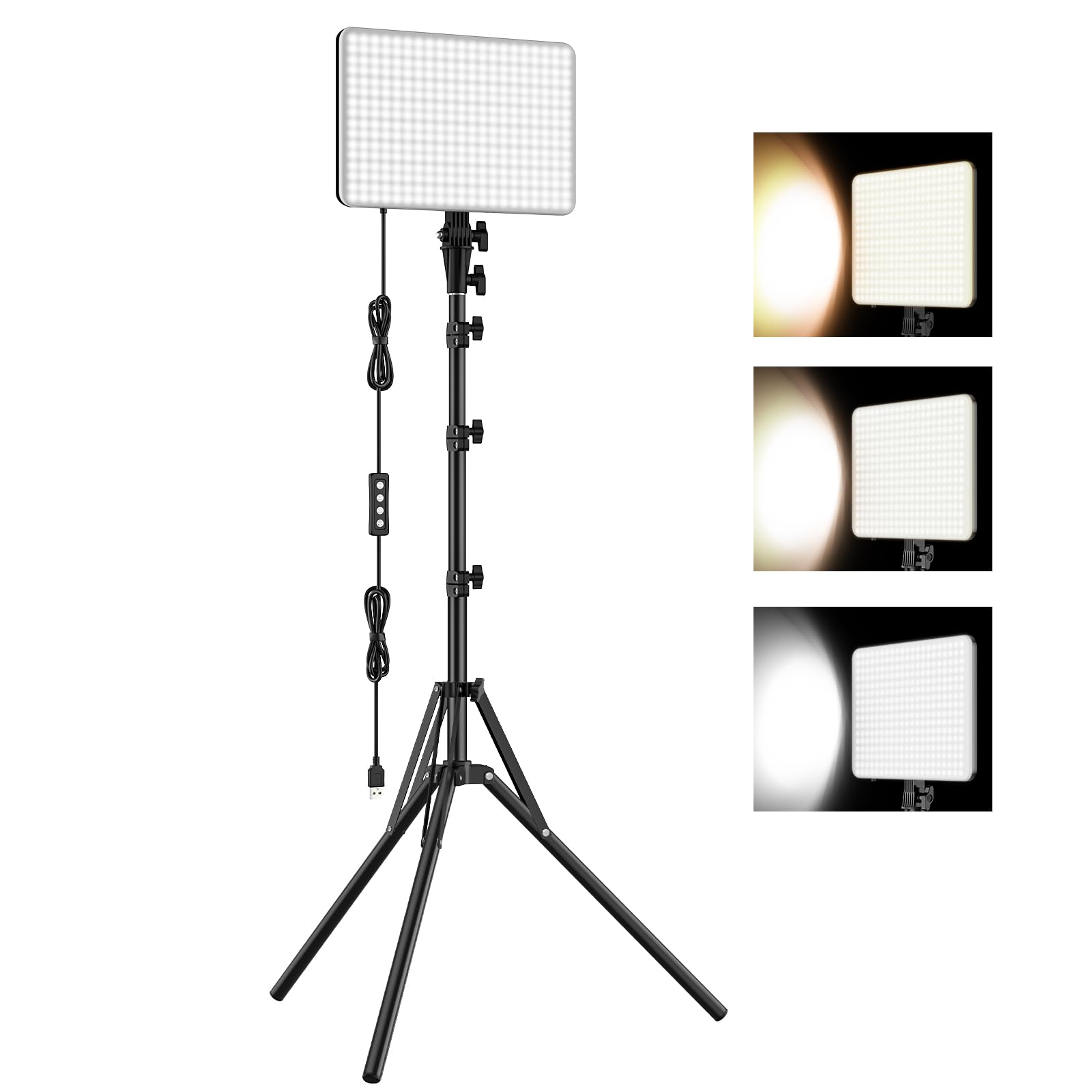
The Anautin kit combines a 15W LED panel, a foldable tripod, and a USB power cable for a price that undercuts most single lights. The panel produces even, adjustable light across three color temperatures, and setup requires no tools — just plug and unfold.

This is a fit for creators on a tight budget who want a full stand-and-light setup for occasional video calls or small desk recordings. The tripod, however, becomes unstable when fully extended — keep it collapsed for desk use. Some units may have dead pixels or loose USB connections out of the box, a risk that is typical at this price point.

For the price, the brightness and even coverage are ahead of most sub-$30 lights. But long-term durability is uncertain given the quality control variance, so it is best seen as a starter kit rather than a permanent production tool.

Tip: Use the tripod at a lower height (legs partially collapsed) for a more stable desk setup.

Bottom line: A cheap entry point for a complete lighting kit that works well for casual use, provided you can tolerate the risk of receiving a dud and keep the stand low.

7

Logitech Litra Beam

Logitech Litra Beam

Creative streaming

Our Score 8.8/10
Check Price

Worth Noting

  • Light output may not be enough for larger spaces or those needing high brightness.
  • G HUB software can be finicky, with some units experiencing random power-on events.
Mount Type
Adjustable stand
Panel Design
17.8in beam
Power & Control
USB, G HUB
Color Temp Range
2700-6500K 5 steps

The Litra Beam's elongated design and three-way adjustable stand enable precise light placement for video calls or streaming. But at a premium price, it doesn't offer more output than the Logitech Litra Glow, and some users may find the brightness insufficient for larger setups. G HUB software integration can be finicky, with occasional unexpected wake-ups reported. For Logitech fans who value the unique form factor, the Beam is a stylistic choice; others will get similar performance for less.

Tip: If the light turns on unexpectedly, disable scheduled tasks in G HUB or unplug when not in use.

Bottom line: The Litra Beam suits Logitech enthusiasts who prioritize aesthetic consistency and creative positioning over raw brightness or value.

8

EMART Gooseneck

EMART Gooseneck

Home office, calls

Our Score 8.8/10
Check Price

Worth Noting

  • Some units may arrive without power or malfunction out of the box
  • Stand can be top-heavy when fully extended and may tip if bumped
Mount Type
Gooseneck with holder
Panel Design
Full-panel LED
Power & Control
USB
Color Temp Range
Magnetic filters

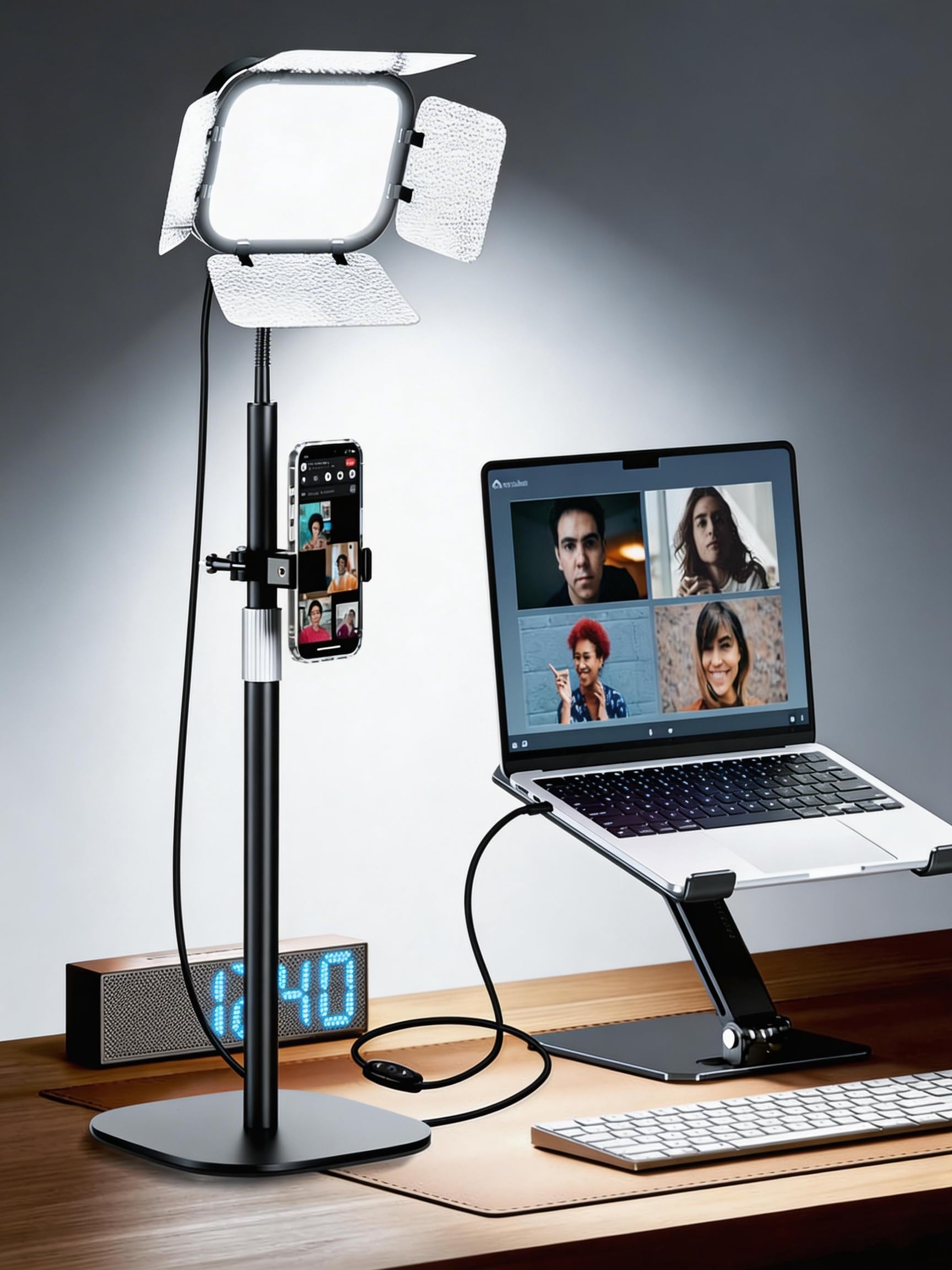
This light delivers solid brightness and easy positioning via its gooseneck and phone holder at a budget-friendly price. The magnetic color filters provide color changes, but they replace continuous temperature adjustment — if you need precise color temperature control, this won't fit. The stand can be top-heavy when fully extended, and a small number of units may not work out of the box, so checking function on arrival is wise.

Bottom line: This light works well for budget-minded streamers who don't need variable color temperature and are comfortable with the physical filter system.

9

NEEWER 192 Panel

NEEWER 192 Panel

Vloggers, portable

Our Score 9.2/10
Check Price

Worth Noting

  • Battery life of roughly 90 minutes and no pass-through charging option
  • Some panels may become non-functional after a year due to possible component variance
Mount Type
Cold shoe mount
Panel Design
10.6in x 7.4in thin
Power & Control
Battery or AC
Color Temp Range
3200-5600K

The NEEWER 192 Panel delivers bright, adjustable light in an ultra-thin package that slips into a bag. Its 192 bi-color LEDs provide clean output from 3200K to 5600K, and the LCD screen makes dimming and color changes straightforward. The built-in 4000mAh battery lets you shoot away from outlets, but the battery lasts roughly 90 minutes at moderate brightness and the panel cannot be used while charging without potentially degrading the battery — making it better suited as a fill light for quick location shoots than as a primary key light for extended streaming. Some panels may become non-functional after a year due to possible component variance, so warranty coverage is worth verifying.

Bottom line: For content creators who need a portable fill light for short shoots away from power outlets, this panel offers good brightness and controls in a thin package.

10

Elgato Key Light Neo

Elgato Key Light Neo

Elgato fans

Our Score 8.6/10
Check Price

Worth Noting

Mount Type
Laptop/monitor mount
Panel Design
Edge-lit slim
Power & Control
USB, ext power
Color Temp Range
Adjustable

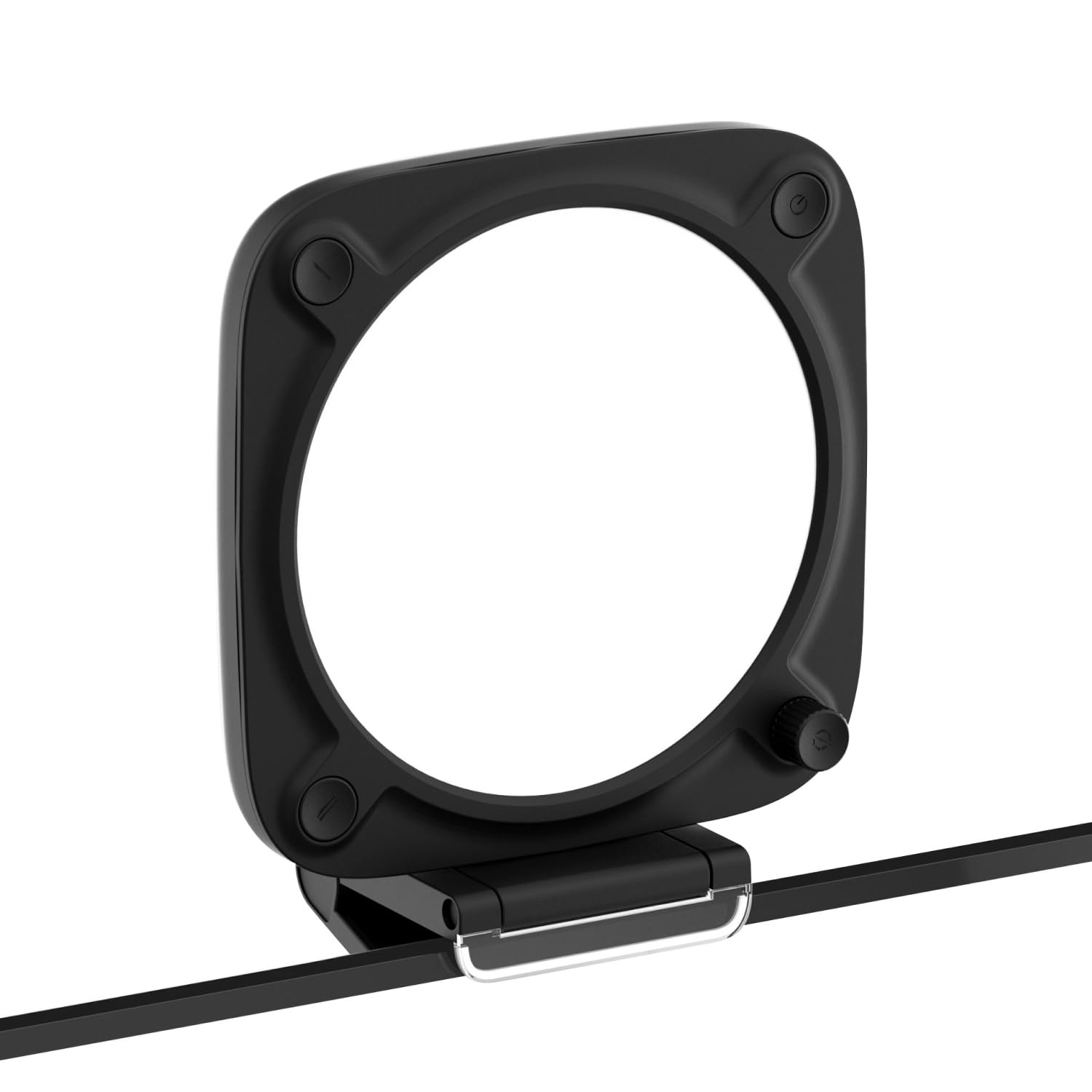
The Elgato Key Light Neo uses a slim edge-lit panel that sits flush on monitors, powered via USB for simple setup. It offers adjustable color temperature and brightness with a maximum output of 1000 lumens. The eco-friendly packaging and minimalist design appeal to those who prioritize aesthetics and sustainability. For buyers who prioritize a light with broad user acceptance, the top pick in this category remains the Logitech Litra Glow.

Bottom line: This light fits best for early adopters who value design and eco-friendly packaging over a longer history of user feedback.

How to Choose

Brightness Output

Brightness is often measured in lux at a set distance. A light with 2300 lux at 0.5m is sufficient for standard desk streaming. Higher numbers aren't always better - very bright lights can wash out skin tones or cause glare on glasses. Look for a light with a wide dimming range rather than a single high output.

Color Temperature Range

Adjustable color temperature lets you match your room's ambient light. Most streaming lights offer 2700K to 6500K. A continuous range (not just 3 presets) gives finer control. The best range for natural skin tones is around 5600K (daylight) for a neutral look.

Panel Design

Edge-lit panels produce softer, more even light than direct LED arrays. They reduce harsh shadows and are easier on the eyes. Ring lights create a distinct circular catchlight in the eyes, while rectangular panels provide a more natural fill. For glasses wearers, panels avoid hot spot reflections.

Mount Type

A stable mount is essential. Monitor clamps are convenient but may not fit curved screens. Desk stands offer more flexibility but take up space. Gooseneck arms can be adjusted precisely but may loosen over time. The best mount for you depends on your desk setup and whether you need to reposition the light frequently.

Power & Control

USB-powered lights are ideal for desk use as they can be plugged into a PC or adapter. Battery-powered lights offer portability but limited run time. App or remote control lets you adjust settings without reaching behind the monitor. However, Wi-Fi connectivity can be unreliable - wired or Bluetooth is more stable.

Frequently Asked Questions