PC Components & Storage

10 Best External DVD Drives of 2026: Pick the Right One for Your Laptop

Which external DVD drives actually work with modern laptops without driver issues? Find the best match for your system, from USB-C budget picks to archival M-Disc burners.

The external DVD drive market is crowded with nearly identical-looking models at every price point. Many claim broad compatibility, but the real difference shows up when you plug them into a modern laptop: Macs with M-series chips, Windows 11 machines, or USB-C-only ultrabooks each have their own quirks.

This guide cuts through the confusion by focusing on three factors that actually matter: USB interface type, system compatibility out of the box, and build quality that survives daily use. A short cable or a finicky driver requirement can turn a simple disc read into a frustrating hunt for adapters and powered hubs.

Whether you need a cheap backup drive for occasional DVD ripping or a reliable archival burner for critical data, the right choice depends on matching the drive's strengths to your specific laptop and usage pattern.

1

ROOFULL ECD829-Y DVD Drive

Top Pick
ROOFULL ECD829-Y DVD Drive

Travelers, Mac/PC

Our Score 8.8/10
Check Price

Worth Noting

  • Some M-series Macs may require a powered USB hub for reliable detection
Interface
USB 3.0 & USB-C
Portability
Portable with case
Build Quality
Solid, carrying case
Compatibility
Windows, Mac (some M1 issues)

Plug the ROOFULL into a USB 3.0 or USB-C port and it shows up as a drive immediately on both Windows and Mac. No driver downloads, no system tweaks. The drive reads and writes DVDs at 8x and CDs at 24x, which covers the vast majority of home and office tasks. The built-in USB-C cable means one less adapter to bring along.

The included padded carrying case is a genuine convenience for anyone who moves between desks or takes the drive on trips. Owners consistently note that the drive runs quietly during reads and burns — no distracting whirring in a quiet room. The chassis feels solid, with no creaking or flex under normal handling.

This drive suits travelers and commuters who want a rugged, easy-to-carry optical drive that works without fuss on both PC and Mac. It also appeals to buyers who prefer a 2-year warranty over the 30-day coverage common on budget drives. One boundary: some M-series Mac users may need a powered USB hub for the drive to appear consistently. That scenario is the exception, not the rule, and doesn't affect Windows or Intel Macs.

Tip: If using with a Mac M-series laptop, connect through a powered USB hub to ensure consistent detection.

Bottom line: If you need a dependable external DVD drive for everyday disc reading and writing on a laptop or desktop, this is the one to get. The carrying case and extended warranty justify the mid-range price.

2

ASUS ZenDrive SDRW-08U9M-U

ASUS ZenDrive SDRW-08U9M-U

Archival burning

Our Score 8.8/10
Check Price

Worth Noting

  • Disc tray can feel loose during insertion, though it holds discs securely.
  • USB 2.0 interface limits transfer speeds compared to USB 3.0 alternatives.
Interface
USB 2.0 (A & C cables)
Portability
Ultra-slim
Build Quality
13mm thickness, plastic tray
Compatibility
Windows, Mac

The ASUS ZenDrive stands out among external DVD burners by including Nero BackItUp and Disk Encryption software alongside M-Disc support for archival burning. Its 13mm profile is among the slimmest available, and both USB-A and USB-C cables are included, saving the cost of an adapter for newer laptops. This package targets users who need more than a basic disc reader.

Ideal for users who need long-term data preservation with M-Disc burning and value the included software suite. When using the included USB-A cable, the drive draws power from a separate port, requiring two USB connections — a setup that works on desktops but can be inconvenient on laptops with limited ports. For those with a USB-C port, the Type-C cable provides power and data in one connection, though not all USB-C ports supply sufficient power.

Read and write speeds are consistent with standard 8x DVD and 24x CD drives. The drive handles disc burning without errors, and the bundled software simplifies backup tasks. The slim build fits in most laptop bags without adding bulk. For users who prioritize speed, USB 3.0 drives offer faster transfers, but the ZenDrive's combination of software and M-Disc support makes it a strong choice for archival use.

Bottom line: For buyers needing M-Disc archival and bundled software, the ZenDrive delivers — provided you can work around the dual-port power draw on laptops.

3

Dell DW316 External DVD

Dell DW316 External DVD

Business users

Our Score 9.0/10
Check Price

Worth Noting

  • Bundled CyberLink software may prompt unnecessary installation
Interface
USB 2.0/3.0
Portability
Lightweight 200g
Build Quality
Plastic, slim 14mm
Compatibility
Windows, Mac

The Dell DW316 has accumulated a large user base, reflecting consistent performance across hundreds of disc reads and writes. Plug-and-play setup works instantly on Windows and Mac, and the slim 14mm profile fits easily into a laptop bag.

This drive suits business professionals who need a name-brand accessory for occasional disc tasks. The USB 2.0 interface means slower transfer speeds – acceptable for reading a DVD or burning a CD now and then. The plastic casing is adequate for desk use but may not endure drops or heavy travel; those who need a rugged daily driver should consider a USB 3.0 alternative like the top pick.

Tip: Skip the CyberLink software installation if you only need basic disc access – it's not required for playback or burning.

Bottom line: The Dell DW316 is a dependable companion for occasional disc tasks – its USB 2.0 speed and plastic build are tradeoffs worth accepting if you value brand consistency and plug-and-play convenience over raw performance.

4

Amicool A11 External DVD Drive

Amicool A11 External DVD Drive

Budget buyers

Our Score 8.4/10
Check Price

Worth Noting

  • Short integrated cable can be inconvenient when rear desktop USB ports are the only option
  • Plastic build feels lightweight and less durable than metal or thicker enclosures
  • Occasional detection issues with certain Windows 11 systems, particularly on front USB ports
Interface
USB 3.0 & USB-C
Portability
Slim with built-in cable
Build Quality
Plastic, short cable
Compatibility
Windows, Mac, Linux

The Amicool A11 packs USB 3.0 and USB-C connectivity at a budget-friendly price point, making it one of the few slim drives that doesn’t require an adapter or separate cable for modern laptops. Plug it into a Mac or PC and it’s recognized without driver downloads — a straightforward experience for anyone who just needs to read or burn a disc now and then.

This drive suits students, travelers, or anyone on a tight budget who keeps an optical drive around for occasional backups, software installs, or media playback. The all-plastic shell and integrated cable (about 12 inches) work fine on a laptop desk but can be awkward on a desktop tower where the USB ports sit at the back — you’ll want a USB extension or a secondary cable for those setups. Some Windows 11 machines may not detect the drive when plugged into front-panel USB ports, so rear ports are a safer bet.

For infrequent burns at DVD 8x or CD 24x, performance matches what the price suggests: no surprises but no speed records either. The drive stays reasonably quiet during reads and doesn’t get uncomfortably warm during extended use. Keep in mind that the plastic build feels light, so it’s best handled with care — it’s more of a travel companion than a desk fixture.

Tip: Use a rear USB port on desktops and avoid daisy-chaining through hubs to reduce detection hiccups.

Bottom line: A solid choice if your disc use is rare and your laptop has USB-C — just plan for a USB extension if you’re hooking it up to a desktop.

5

YADIANSU YD168 DVD Drive

YADIANSU YD168 DVD Drive

Travelers

Our Score 8.8/10
Check Price

Worth Noting

  • Built-in cable is very short, making desktop use awkward without an extension
  • Plastic body feels delicate and may not withstand drops or rough handling
Interface
USB 3.0 & USB-C
Portability
Ultra-slim, pouch
Build Quality
Ultra-slim 0.5", fragile
Compatibility
Windows, Mac, Linux

At just 0.5 inches thick, the YADIANSU YD168 is the slimmest external DVD drive we've tested — noticeably thinner than the top pick and the other budget alternative. It comes with a drawstring pouch and supports both USB-A and USB-C out of the box, making it a convenient travel companion for modern ultra-thin laptops.

Read and write speeds are standard for this class (DVD 8x, CD 24x), and the USB 3.0 interface handles data transfers quickly enough for occasional disc burning or watching movies. Plug-and-play compatibility with Windows, Mac, and Linux means no additional software is needed for basic operation.

This drive is best suited for users who prioritize portability above all else — owners of ultra-slim laptops without optical drives who need something to toss in a bag. The cable is short, so desktop towers without front USB ports are awkward to reach; an extension cord helps. The build also feels light and somewhat delicate, so it is not for rough handling or frequent drops. It is a travel drive, not a daily workhorse.

Tip: A USB extension cable resolves the short cable issue for desktop setups.

Bottom line: The thinnest drive here, and the best value for ultra-light travel use — just keep the pouch handy and plan for a USB extension if using a desktop.

6

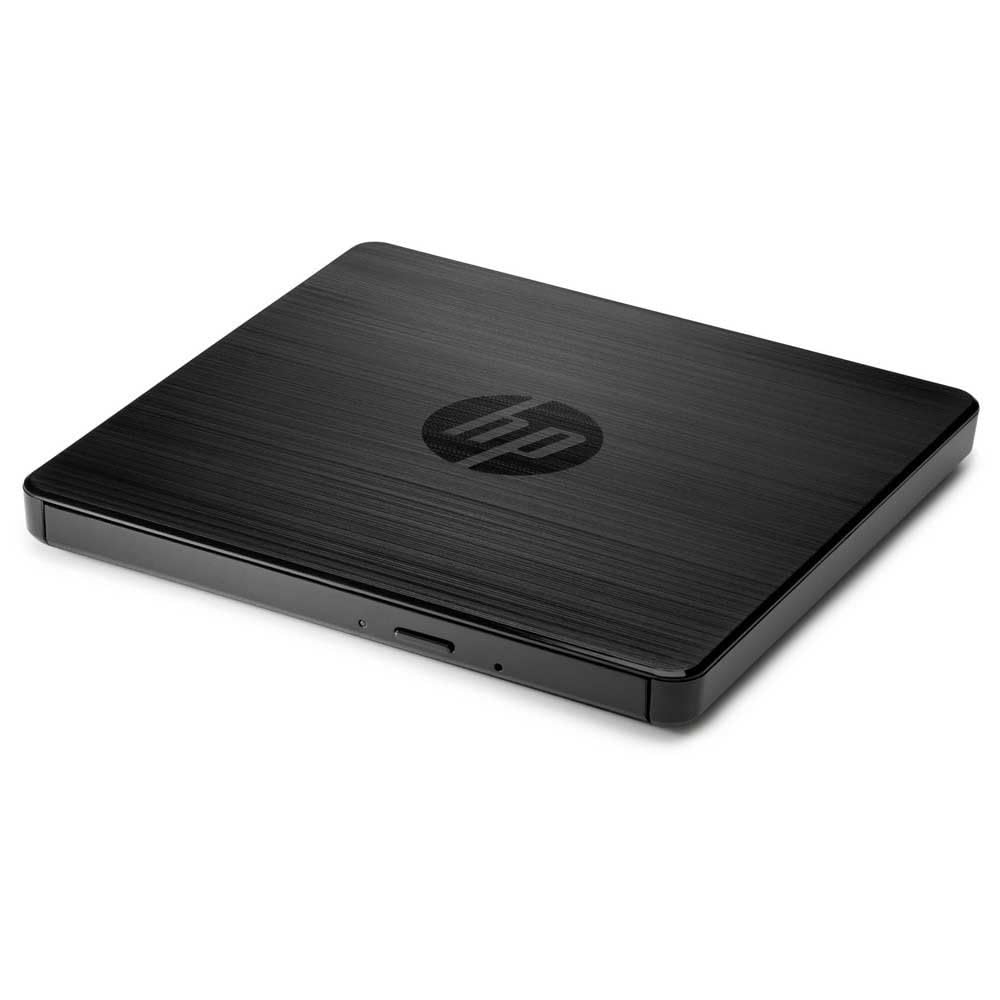
HP F6V97AA External DVD

HP F6V97AA External DVD

HP users

Our Score 9.2/10
Check Price

Worth Noting

  • USB-A only
  • No DVD burning software included; basic package feels sparse for the price.
Interface
USB 3.0
Portability
External, no case
Build Quality
Plastic enclosure
Compatibility
Windows, Mac

HP's external DVD drive delivers the plug-and-play compatibility that business users expect from a brand-name peripheral. Setup is genuinely driver-free on both Windows and macOS, and USB 3.0 keeps burn and read speeds competitive. The catch is the price: you pay a premium for the HP logo while getting a basic USB-A drive with no software bundle or USB-C cable. This makes sense for HP laptop owners who want a guaranteed match, but budget-conscious buyers or Mac users needing USB-C will find better value elsewhere.

Bottom line: Best suited for HP users who need a no-hassle, brand-matched peripheral and can accept the premium price without extras like USB-C or software.

7

HP F2B56AA External DVD

HP F2B56AA External DVD

HP loyalists

Our Score 9.0/10
Check Price

Worth Noting

  • USB 2.0 interface caps burn and read speeds at DVD 8x
  • Plastic casing can feel flimsy; some units have shown cracking after limited use.
Interface
USB 2.0
Portability
Slim
Build Quality
Plastic, flimsy
Compatibility
Windows, Mac

This HP external DVD-RW drive delivers the plug-and-play convenience you expect from a brand-name accessory — no driver installation, instant recognition on Windows and macOS. It's compact and works reliably with HP laptops and desktops, making it a safe choice for workplace compliance. However, its USB 2.0 interface limits transfer and burn speeds to roughly half what USB 3.0 drives achieve, and the plastic shell feels lighter than the premium price suggests. These tradeoffs make it a niche pick: ideal for HP-centric offices that prioritize compatibility over performance, but outmatched by cheaper, faster alternatives for most home users.

Bottom line: A suitable option for HP-centric corporate environments where brand consistency matters more than speed, but for most buyers a USB 3.0 drive offers better value.

8

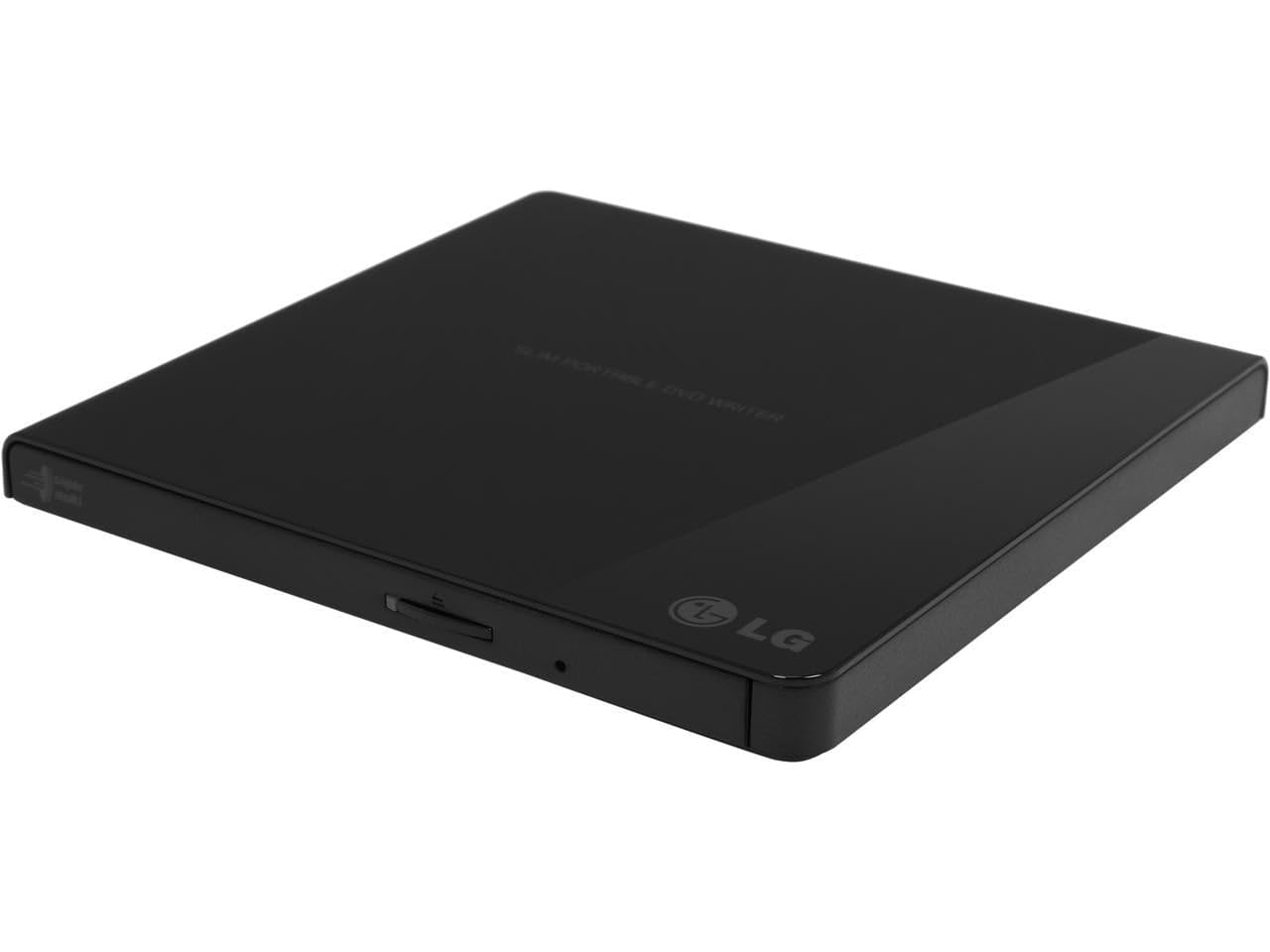
LG GP65NB60 DVD Writer

LG GP65NB60 DVD Writer

M-Disc budget

Our Score 8.8/10
Check Price

Worth Noting

  • In a scenario where the drive is used most days, some owners have reported it stopping working after 12 to 18 months.
  • In a quiet office or library, the drive's whirring and clicking can be distracting.
Interface
USB 2.0
Portability
Ultra slim
Build Quality
Ultra slim, noisy
Compatibility
Windows, Mac

The LG GP65NB60 delivers plug-and-play compatibility across Windows and Mac and adds M-Disc support at a mid-range price — a practical choice for occasional DVD burning or archival storage. However, this drive is best suited for light, sporadic use: in quiet spaces the whir and clicking will be noticeable, and some owners have noted the drive can become unreliable after a year of regular handling. For daily or noise-sensitive environments, a more durable option like the ASUS ZenDrive is a better fit.

Bottom line: This drive is a capable option for infrequent archival burns where budget is tight, but for regular use or quiet environments, a more robust drive is worth the additional cost.

9

Rioddas BT638 DVD Drive

Rioddas BT638 DVD Drive

Extreme budget

Our Score 8.6/10
Check Price

Worth Noting

  • Compatibility issues with Mac M-series and some Windows 11 systems
  • Some units may stop working after limited use
Interface
USB 3.0 (Type-A)
Portability
Portable
Build Quality
Plastic, fragile
Compatibility
Windows, Mac (poor)

This drive's low price and plug-and-play convenience are its primary strengths. When it functions, it reads and writes at advertised speeds. However, its reliability and compatibility with Mac M-series and some Windows 11 systems have been noted as inconsistent. This makes it suitable only for one-time projects or situations where the drive is considered disposable.

Bottom line: Only consider if you need a drive for a single, non-essential task and can replace it without concern.

10

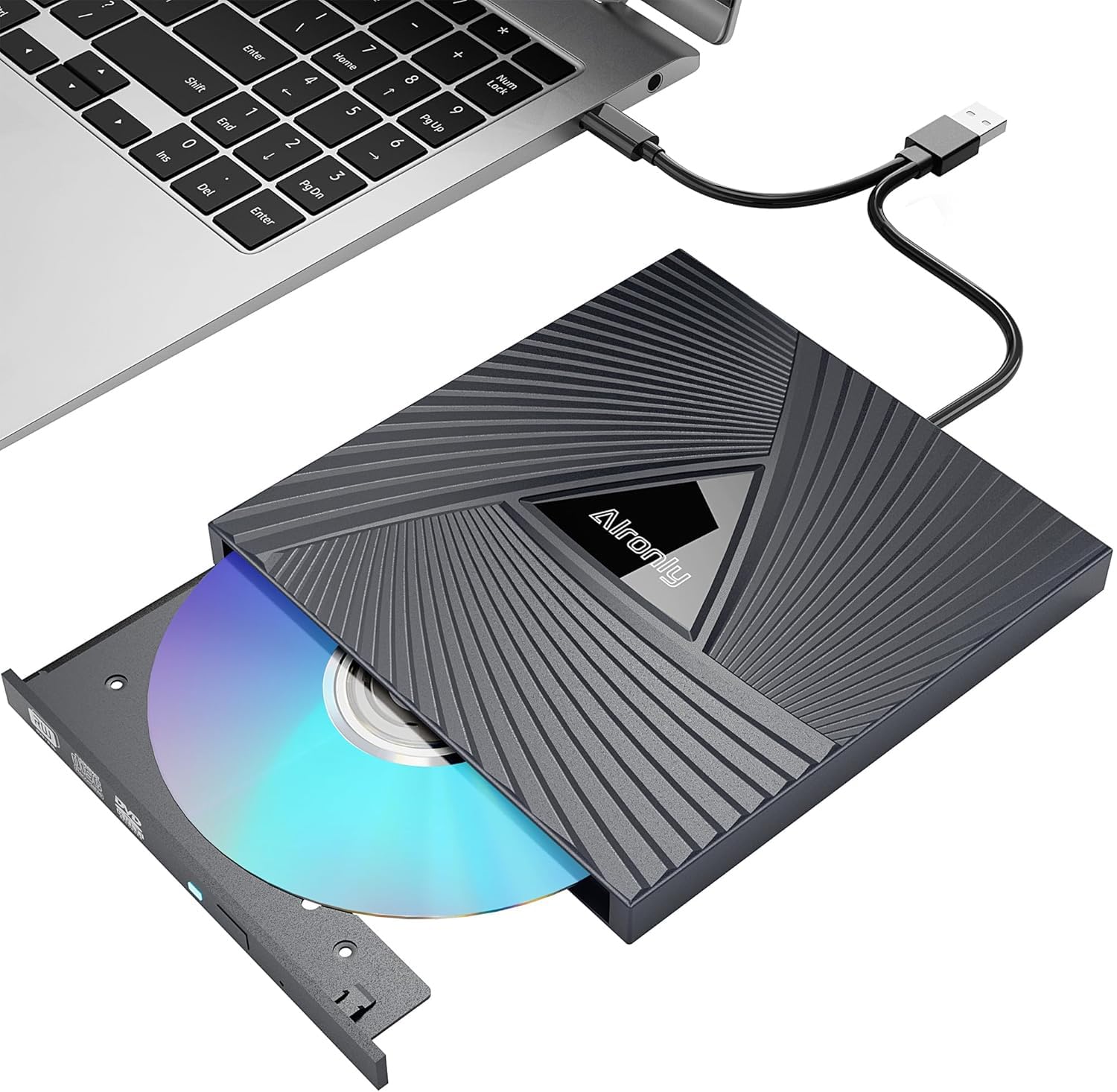
Alronly External DVD

Alronly External DVD

Single-use

Our Score 8.6/10
Check Price

Worth Noting

  • Can be noticeably loud during operation
  • Some units may arrive non-functional or stop working after limited use
Interface
USB 3.0 & USB-C
Portability
Portable
Build Quality
Plastic, noise
Compatibility
Windows, Mac, Linux

The Alronly External DVD drive hits a remarkable price point for a dual-interface drive that works immediately with both USB-A and USB-C devices. However, the low cost comes with noticeable unit-to-unit variation: some drives may arrive non-functional or stop working after a few uses, and the optical mechanism is audibly loud during operation. This makes it suitable only as a disposable backup for a single project or an emergency drive to keep in a laptop bag, not for regular or long-term use.

Bottom line: Fine if you need a single-use drive on a tight budget and can accept the possibility of a dud.

How to Choose

Interface: USB-A vs USB-C vs Both

A drive with only USB-A requires an adapter for newer laptops that have only USB-C ports. Some adapters don't deliver enough power, causing the drive to spin up but not read discs. Drives with a built-in USB-C cable avoid this issue entirely.

USB 3.0 (5 Gbps) is fast enough for DVD read/write speeds; USB 2.0 (480 Mbps) is half as fast but still adequate for occasional use. The real bottleneck is not speed but power stability — USB 2.0 ports often provide less power, which can cause intermittent dropouts with bus-powered drives.

Read/Write Speed

Standard external DVD drives offer 8x DVD write and 24x CD write. That translates to about 10 minutes to burn a full 4.7 GB DVD. Higher speeds like 16x exist but are rare in slim drives; they also produce more noise and heat.

For reading discs, 8x is sufficient. Slower 6x or 4x drives are acceptable for occasional use but become noticeable when ripping a full DVD. Most users won't notice the difference between 8x and 16x in real-world use.

Build Quality

Plastic enclosures dominate the budget tier, but not all plastic is equal. Thinner shells flex under pressure and can crack if dropped. Metal-clad drives or reinforced plastic with internal bracing survive daily commutes much better.

The tray mechanism is another weak point. Slot-load or push-click trays are more durable than manual tray designs that rely on a flimsy plastic arm. A drive that feels 'creaky' when inserting a disc is likely to jam after a year of use.

Compatibility

Windows and macOS handle external DVD drives with built-in drivers, but Mac users on M1/M2 chips often hit a roadblock: the drive may not appear in Finder without a powered USB hub. This is because Macs limit power output on their USB ports for these older devices.

Linux support is hit-or-miss; most drives work with generic CD-ROM drivers, but some require disabling kernel modules. Chromebooks and tablets almost never work — their operating systems lack the necessary file system handlers for optical media.

Portability

Slim drives (around 14mm thick) fit in a laptop bag, but the integrated cable length is often a compromise. A 6-inch cable is fine for a laptop on a desk but frustrating for a desktop tower. Some drives include a separate cable or allow you to use your own.

Carrying cases add real protection but also bulk. A drive that comes with a padded sleeve is ready for travel; one that relies on bare plastic will get scratched and potentially damaged in a packed bag.

Frequently Asked Questions