PC Components & Storage

8 Best Capture Card for Streaming 2026: Reliable Audio and Real 4K60 Capture

Find capture cards that deliver true 4K60 capture and reliable audio, avoiding common latency and reliability issues. For console and camera streamers.

Many capture cards advertise '4K input' but only capture at 1080p60, and audio problems are the most common complaint across all price tiers. This guide focuses on cards that actually deliver on their specs — genuine 4K60 capture where promised, and audio that works without static or delay. Whether you're streaming console games or using a DSLR as a webcam, the right card eliminates these headaches.

We've separated the reliable performers from the ones that fail after a few sessions, and highlighted the trade-offs you'll face at each budget level. The result is a clear path to a stable stream setup without the guesswork.

1

Elgato 4K S

Top Pick
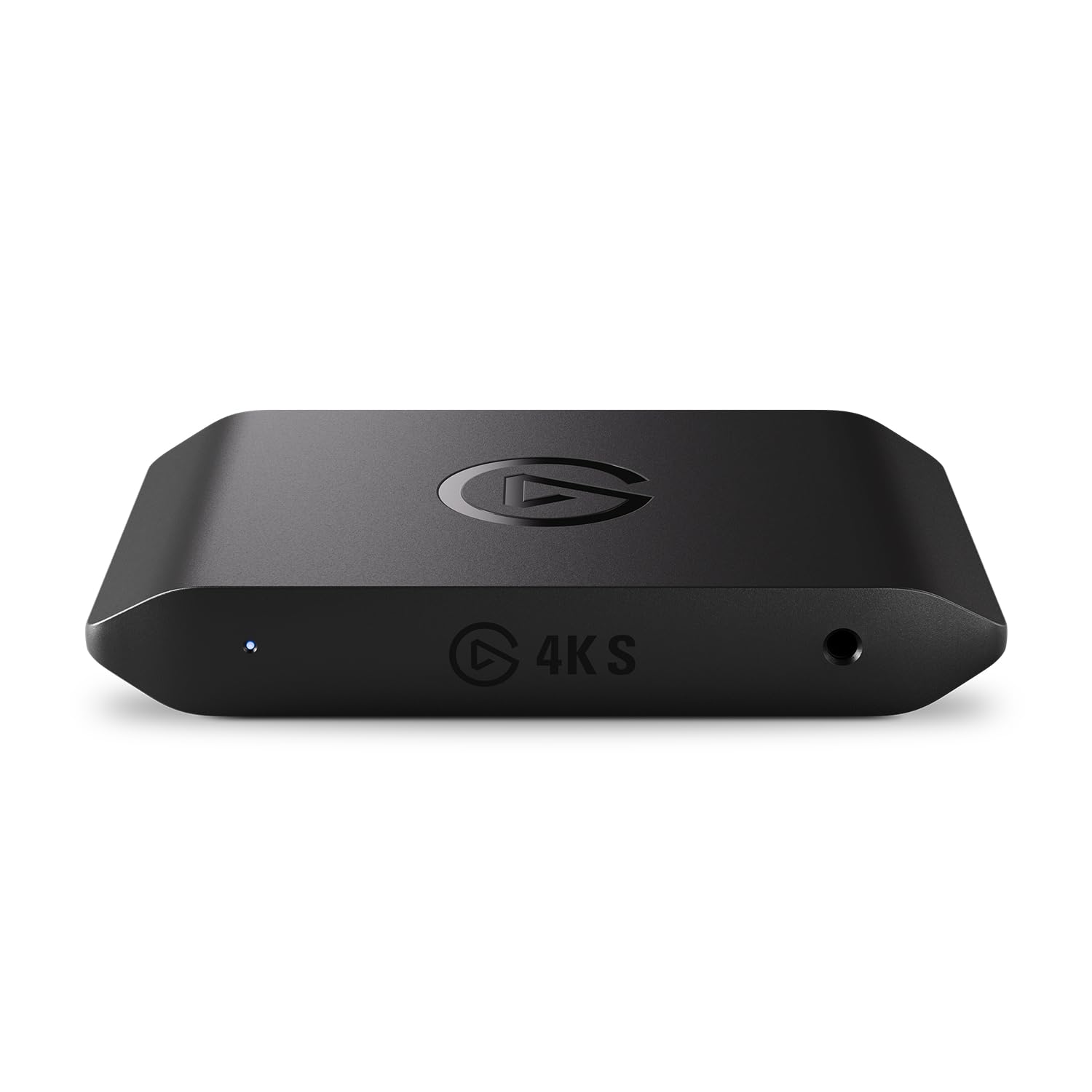
Elgato 4K S

Console gamers

Our Score 9.2/10
Check Price

Worth Noting

  • On macOS, audio routing may require manual configuration in the Elgato Sound Capture utility
Audio
Analog 3.5mm input
Latency
Near-zero
Interface
USB 3.0 Type-C
Capture Spec
4K60 HDR10

The Elgato 4K S captures 4K60 HDR10 with the same color depth you see on your monitor — no washed-out tones or compressed gradients. The passthrough keeps 1440p120 or 1080p240 intact, so gameplay remains butter-smooth on your screen while the stream sees a clean 4K60 feed. An analog 3.5mm input lets you mix commentary mic audio directly into the capture feed, a feature absent from most sub-$150 external cards.

Latency sits below perceptible thresholds even in fast-paced shooters. On Windows, plug-in and OBS recognition is immediate. However, macOS users may need to manually route audio in the Elgato Sound Capture utility; it is not a true plug-and-play experience on that platform. This is a one-time configuration step, not an ongoing headache.

This card targets console streamers who want to broadcast at 4K without adding an internal card or upgrading their PC. The high-refresh passthrough benefits competitive players on PS5 or Xbox Series X, while the analog input suits those who prefer a separate mic setup. If you rely on macOS, expect 15 minutes of initial configuration — not a blocker, but worth knowing.

At a mid-range price, it undercuts the internal Elgato 4K Pro while delivering the same capture specs externally. Budget alternatives like the Dcyfol 1080p60 card offer lower cost but lack HDR and high-refresh passthrough — tradeoffs that matter for 4K monitors and smooth gameplay. The Elgato 4K S earns its place as the top pick by covering the critical capabilities without pushing you into a PCIe install.

Tip: On macOS, open Elgato Sound Capture to route audio to your streaming software — it takes a few minutes of initial setup but works reliably afterward.

Bottom line: For console streamers who want 4K60 HDR capture without an internal card or a full system upgrade, the Elgato 4K S delivers the performance and passthrough that matters — just be prepared for a short setup detour on macOS.

2

Dcyfol Capture Card

Dcyfol Capture Card

Budget streamers

Our Score 8.8/10
Check Price

Worth Noting

  • Capture resolution tops out at 1080p60
Audio
HDMI audio
Latency
Low
Interface
USB 3.0
Capture Spec
1080p60

The Dcyfol Capture Card does exactly what a budget 1080p60 card should: plug it in, open OBS, and start streaming — no driver downloads, no HDCP workarounds, no audio routing headaches. That level of out-of-box reliability is rare at this price point, where many alternatives introduce static, lag, or compatibility roadblocks.

This card is for console streamers who are content with 1080p60 output and want a hassle-free experience. It works with PS5, Xbox, Switch, and cameras without fuss. However, the capture resolution is capped at 1080p60 — if you plan to record or stream in 4K, this isn't the card for you. The 4K60 loop-out passthrough preserves the high-resolution signal to your monitor, but the capture itself stays at 1080p.

Latency is low enough for real-time gameplay monitoring — the USB 3.0 interface keeps the feed responsive. Video quality at 1080p60 is crisp, with no visible compression artifacts in normal lighting. Users who have tested it with OBS report consistent frame rates and stable audio sync.

Bottom line: For streamers who work entirely at 1080p60 and value reliability over resolution, the Dcyfol delivers exactly what you need at a price that leaves room for other gear.

3

AVerMedia Live Gamer 4K

AVerMedia Live Gamer 4K

Dual-PC gamers

Our Score 8.6/10
Check Price

Worth Noting

  • Some HDMI splitters may cause HDCP handshake issues, requiring troubleshooting
  • HDR color accuracy can be off in certain scenes, needing manual adjustment
  • Windows only
Audio
HDMI audio
Latency
Ultra-low
Interface
PCIe x4
Capture Spec
4K60 HDR10

The Live Gamer 4K captures genuine 4K60 HDR10 using a PCIe x4 slot, not a USB bottleneck. It also records at 1080p240, giving high-frame-rate analysis that external cards typically can't match. Installation takes minutes and OBS picks it up as a plug-and-play device, making it a straightforward addition to a gaming rig.

This card is built for Windows PC users running a dual-PC streaming setup who need consistent 4K60 capture without the latency of USB. The tradeoffs are narrow but real: it requires a Windows system — no macOS support at all. The 1440p passthrough tops out at 100fps, so if you need 1440p120, you'll have to adjust your console output. HDR color accuracy can also be finicky, often needing manual calibration in OBS to match the source.

Most users find the card behaves reliably after initial configuration, with few dropouts or sync issues. The 1080p240 recording is a standout feature for frame-by-frame playback, and the zero-lag passthrough keeps gameplay smooth for the streamer. Compared to the newer HDMI 2.1 internal cards, this one offers a more proven, less troublesome experience at a lower price point.

Tip: For 1440p120 passthrough, this card maxes out at 100fps — set your console to 1080p240 or 4K60 to get the full benefit.

Bottom line: For PC streamers who want reliable 4K60 capture without the premium of an external solution, the Live Gamer 4K delivers — just be ready to fine-tune HDR and accept that it's Windows-exclusive.

4

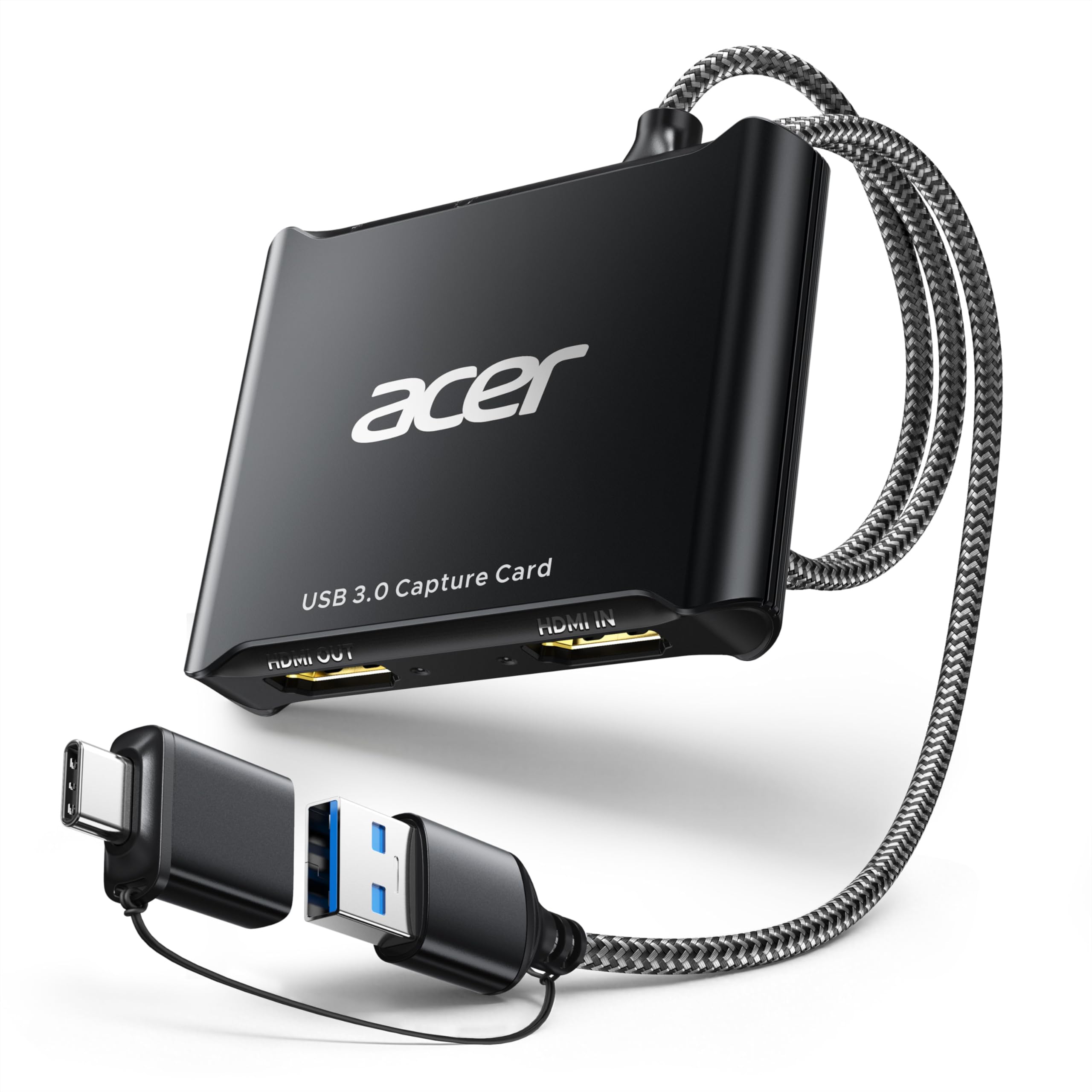
Acer Capture Card

Acer Capture Card

Linux users

Our Score 8.8/10
Check Price

Worth Noting

  • Audio static may appear in some configurations, particularly with certain USB controllers or headphone jacks
Audio
Mic input
Latency
Low
Interface
USB 3.0 Type A/C
Capture Spec
1080p60 YUY2

The Acer capture card stands out among budget options for its broad OS compatibility, including Linux, and its use of YUY2 color format for better quality, all at a budget-friendly price. While the budget champion in this segment offers similar 1080p60 capture, the Acer card adds name-brand consistency and multi-platform support that many cheap cards skip.

This card is best for streamers on a tight budget who need a capture solution that works out of the box on Windows, Mac, and Linux without driver tinkering. The occasional audio static is a tradeoff to be aware of; it has been noted in some setups but doesn't affect every user. If audio reliability is critical, the budget champion may be a safer bet.

Setup with OBS and consoles is genuinely plug-and-play — connect the HDMI source, plug in the USB 3.0 cable, and OBS recognizes it as a video source. Capture quality at 1080p60 is clean, with YUY2 color providing good fidelity for the price. The 4K loop-out passthrough works as expected for local gameplay monitoring.

Tip: If you hear static, try connecting the card directly to a motherboard USB 3.0 port and disabling audio enhancements in your streaming software.

Bottom line: A cost-effective 1080p60 capture card that delivers where it counts, with the added benefit of Linux support — worth considering if you value OS flexibility over absolute audio perfection.

5

Elgato Cam Link 4K

Elgato Cam Link 4K

Camera users

Our Score 9.2/10
Check Price

Worth Noting

  • Some units can develop freezes or unexpected shutdowns over time
  • Overheating may cause signal dropouts during long streaming sessions
Audio
HDMI audio
Latency
Ultra-low
Interface
USB 3.0
Capture Spec
4K60

The Cam Link solves a specific problem: transforming a DSLR or mirrorless camera into a USB webcam with full 1080p60 or 4K60 output. Video quality is clearly superior to any built-in webcam, and latency stays low enough for real-time streaming. Setup is near-instant with OBS, Zoom, and Discord — the device is recognized the moment it is plugged in.

This is for streamers or remote workers who already own a capable camera and want professional-grade video without a dedicated camcorder. The tradeoff is that a portion of units may develop freezes, unexpected shutdowns, or signal dropouts during extended sessions. Overheating can contribute to these issues, so this device is best for non-critical streams where a brief interruption is tolerable. Console gamers should look elsewhere — there is no HDMI passthrough, only capture.

Tip: Ensure adequate airflow around the device during extended use to reduce the chance of overheating-related dropouts.

Bottom line: If you need a one-camera-to-webcam solution and can accept occasional hiccups, the Cam Link delivers excellent video quality at a mid-range price — just keep expectations realistic for marathon streams.

6

Elgato HD60 X

Elgato HD60 X

Mid-range streamers

Our Score 9.2/10
Check Price

Worth Noting

  • Some units may lose input detection after a few uses
  • Audio can exhibit crackling or drop out entirely during streaming
Audio
HDMI audio
Latency
Ultra-low
Interface
USB 3.0
Capture Spec
1080p60 HDR10 or 4K30

The Elgato HD60 X delivers clean 1080p60 HDR capture with smooth 4K60 passthrough and plugs in without driver installation on both Windows and Mac. It performs well with OBS for Twitch or YouTube streaming. However, some units may stop detecting input after a few sessions, and audio crackling or missing sound has been noted during use. At its price point, the Elgato 4K S provides more consistent performance and cleaner audio, making this a secondary option for streamers willing to accept possible variability.

Bottom line: Best for streamers who want 1080p60 HDR capture at a mid-range price and are prepared to handle occasional audio or connectivity quirks, ideally with a warranty for peace of mind.

7

Guermok Capture Card

Guermok Capture Card

Non-gaming use

Our Score 8.8/10
Check Price

Worth Noting

  • Advertised 4K capture may produce softer, less detailed output than expected at higher resolutions.
  • Noticeable input lag prevents use for gaming, live streaming, or any real-time interaction.
Audio
HDMI audio
Latency
High
Interface
USB 3.0 to USB-C
Capture Spec
1080p60

The Guermok Capture Card lives up to its budget-friendly price with a hassle-free plug-and-play experience that works with OBS and common operating systems. Its 4K input and 1080p60 capture are enough for simple recording tasks like presentations or security camera feeds. However, the input lag is significant enough that interactive uses — game streaming, live commentary, or any scenario where timing matters — will feel disconnected. Video quality at the advertised 4K capture is softer than expected, and the card does not deliver true 4K output. This makes it a poor fit for streaming on Twitch or YouTube, but a viable option for non-interactive projects where the lowest possible cost is the priority.

Bottom line: This card fits only non-interactive recording tasks where latency is irrelevant, such as capturing presentations or security footage on a tight budget.

8

AVerMedia StreamLine MINI+

AVerMedia StreamLine MINI+

Tech-savvy tinkerers

Our Score 8.0/10
Check Price

Worth Noting

  • Requires disabling HDCP and installing software before use; not plug-and-play.
Audio
3.5mm mic and headset
Latency
Ultra-low
Interface
USB 3.0 Type-C
Capture Spec
1080p60

The StreamLine MINI+ packs 4K60 HDR passthrough and 1080p60 recording into a small, portable shell for $69.99. Once configured, it delivers clean video with low latency — enough for live streaming from Switch 2, Xbox, or PS5 to OBS on a PC or Mac.

Setup is the catch: HDCP must be disabled on the console, and the required AVerMedia Streaming Center software needs to be installed manually. This friction makes it unsuitable for anyone expecting true plug-and-play. The early adopter risk also means long-term reliability is unproven. For tech-savvy streamers willing to tinker, it's a capable budget option; for beginners, look elsewhere.

Tip: Disable HDCP on your console's video output settings and install the AVerMedia Streaming Center software before connecting the card.

Bottom line: Best for streamers comfortable with manual configuration who want 4K60 HDR passthrough without spending premium prices.

How to Choose

Capture Resolution and Frame Rate

Capture resolution determines the quality of the video your streaming software receives. Most USB capture cards are limited to 1080p60 over USB 3.0 due to bandwidth constraints. If you need 4K60 capture, you'll need a card explicitly designed for it - either an internal PCIe card or a premium external model like the Elgato 4K S.

For console gaming, 1080p60 capture is sufficient for most platforms, but if you record or stream in 4K, the difference in detail is noticeable. A card that only captures 1080p60 but passes 4K allows you to play in 4K while streaming in 1080p - a common and acceptable trade-off.

Passthrough Resolution and Refresh Rate

Passthrough is the signal that goes from your console/hame to your monitor. A card that supports 1440p120 or 1080p240 passthrough lets you play at high refresh rates while capturing at a lower resolution. This is critical for competitive gamers on PS5 or Xbox Series X who want smooth gameplay without the overhead of 4K.

Budget cards often cap passthrough at 4K60 or even 1080p60. Check your monitor's capabilities - if you have a 1440p 120Hz display, a card with limited passthrough will bottleneck your gaming experience even if capture quality is fine.

Latency

Latency is the delay between what happens on screen and what appears in your stream preview. Ultra-low latency (under 100ms) is essential for interactive streaming where you react to chat in real time. Higher latency creates a laggy stream that feels disconnected from your commentary.

Internal PCIe cards generally have lower latency than external USB cards because they bypass USB bandwidth. For most streamers, external cards with USB 3.0 are fine, but avoid USB 2.0 cards (common on ultra-budget models) as they introduce noticeable delay.

Interface Type

External USB capture cards are the most popular choice - they work with laptops and desktops, are easy to swap between devices, and don't require opening your PC. Internal PCIe cards offer the lowest latency and highest bandwidth but are limited to desktop PCs and require a free PCIe slot.

USB 3.0 is the minimum for 1080p60 capture. Some budget cards use USB 2.0 and can't handle full 1080p60 bandwidth, resulting in dropped frames or lower resolution. Always check the interface spec.

Audio Handling

Audio is the most common failure point across all capture cards. Cards that rely on HDMI audio only are generally more reliable than those with analog 3.5mm inputs, which can introduce static, noise, or audio lag. If you need to add commentary via a microphone, plan to route audio through your streaming software (OBS) rather than relying on the card's mic input.

Some cards offer analog audio input for a separate mic, but this often requires additional configuration and may not work well with all consoles. For simplicity, use a USB microphone connected directly to your PC instead.

Frequently Asked Questions