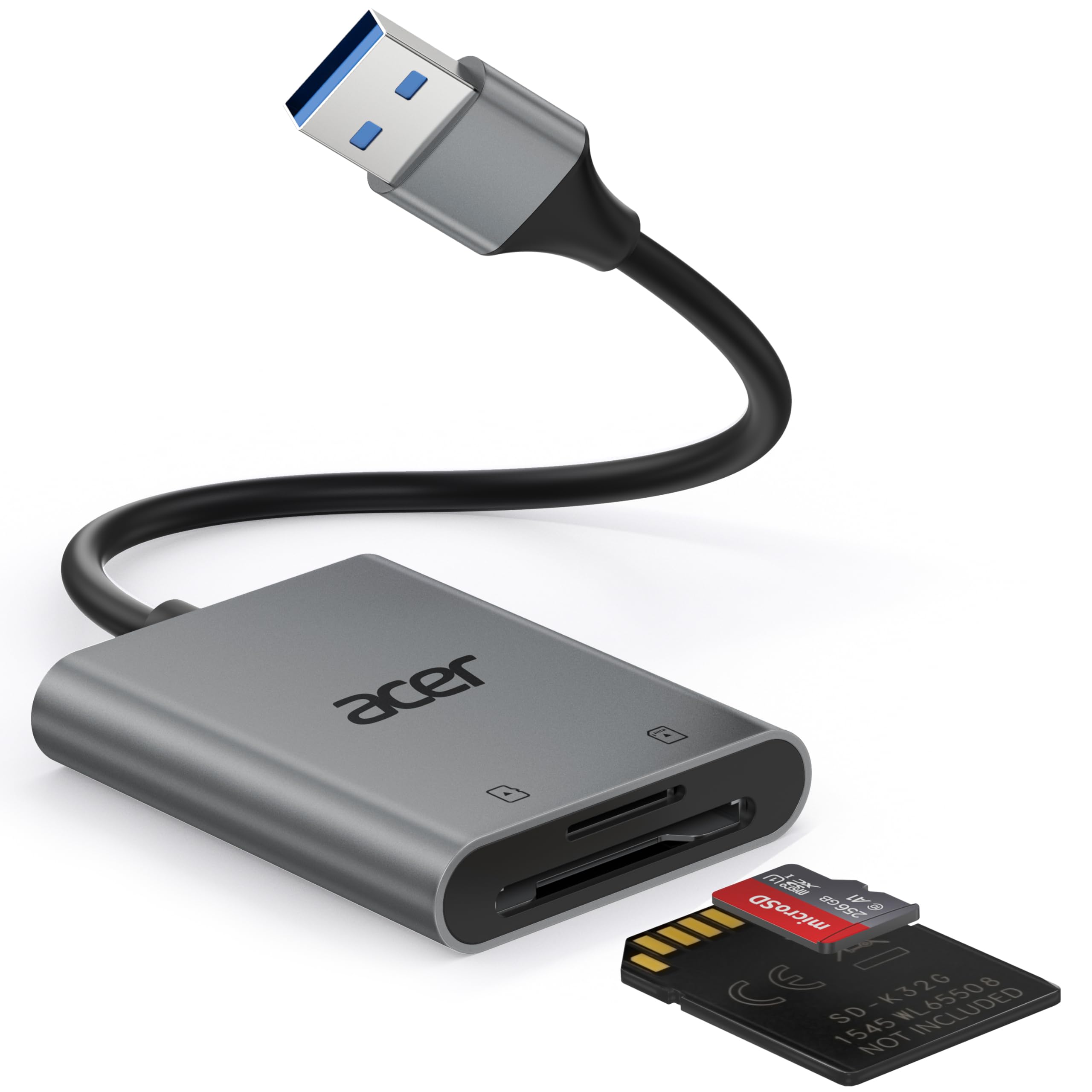
Acer USB-C Dual Slot
Top Pick
What We Like
- Aluminum housing resists scratches and feels sturdy in hand.
- Works with both USB-C and USB-A devices out of the box.
- Plug-and-play setup with no drivers needed.
- Great value given the dual-interface design and aluminum build.
- Compact enough for daily carry without blocking nearby ports.
Worth Noting
- USB-C plug may warm up during prolonged transfers.
- Requires a USB-C port; not compatible with Lightning devices.
- Slots
- 2
- Speed
- 5 Gbps
- Card Formats
- SD, microSD
- Connectivity
- USB-A & USB-C
Built with an aluminum shell, this Acer reader handles SD and microSD cards at USB 3.0 speeds up to 5 Gbps. It connects via a built-in USB-C plug and includes a USB-A adapter, so it works with modern MacBooks, iPhones, and older laptops alike. The dual slots allow simultaneous use of both card types, and the compact frame leaves adjacent ports accessible.
During extended file transfers, the USB-C connector can get warm — a common trait in metal-bodied readers that doesn't affect performance or safety. The reader is recognized instantly on Windows, macOS, and iOS devices without drivers, and the snug fit prevents accidental disconnection. Travelers will appreciate the pocket-friendly size that fits alongside a phone or laptop.
This reader suits owners of USB-C laptops (MacBook Pro/Air, Dell XPS), iPhone 15/16 users wanting direct photo imports, and anyone who needs a single adapter for both USB-C and USB-A devices. It's not intended for Lightning-equipped iPhones or older iPads without USB-C, nor does it support CompactFlash or Memory Stick formats.
Tip: If your phone case is thick, a short USB-C extension cable ensures a secure fit without removing the case.
Bottom line: If you need one card reader that covers both modern USB-C laptops and older USB-A devices without breaking the bank, this Acer is the straightforward pick.