Cameras & Photography

8 Best Teleprompter of 2026: Find One That Actually Works With Your Gear

Find the teleprompter that fits your device and workflow without software headaches. From tablets to DSLRs.

Most teleprompters claim universal compatibility with every camera and tablet on the market. In practice, that promise often breaks down the moment you try to mount an iPad Pro 12.9-inch or connect a MacBook via USB-C. The result is wasted time and a setup that doesn't actually work for your gear.

This guide cuts through the vague marketing to focus on what matters: glass size that fits your tablet, a beam splitter that doesn't introduce haze, and software that doesn't crash mid-recording. Whether you use a smartphone, DSLR, or dedicated studio rig, the right teleprompter is the one that matches your specific devices and workflow.

The biggest mistake buyers make is assuming 'works with iPhone' means it works with every phone case and lens combination. By checking real-world compatibility reports before buying, you skip the trial-and-error phase entirely.

1

Glide Gear TMP 100

Top Pick
Glide Gear TMP 100

Tablet users

Our Score 9.2/10
Check Price

Worth Noting

  • Instructions can be unclear, though assembly is intuitive enough to figure out without the manual.
  • Phone users must buy a separate mount
  • The frame maxes out at tablets 10.5 inches by 8 inches
Glass Size
12 inch
Accessories
Carry case
Tablet Size
10.5 inch
Software Type
None

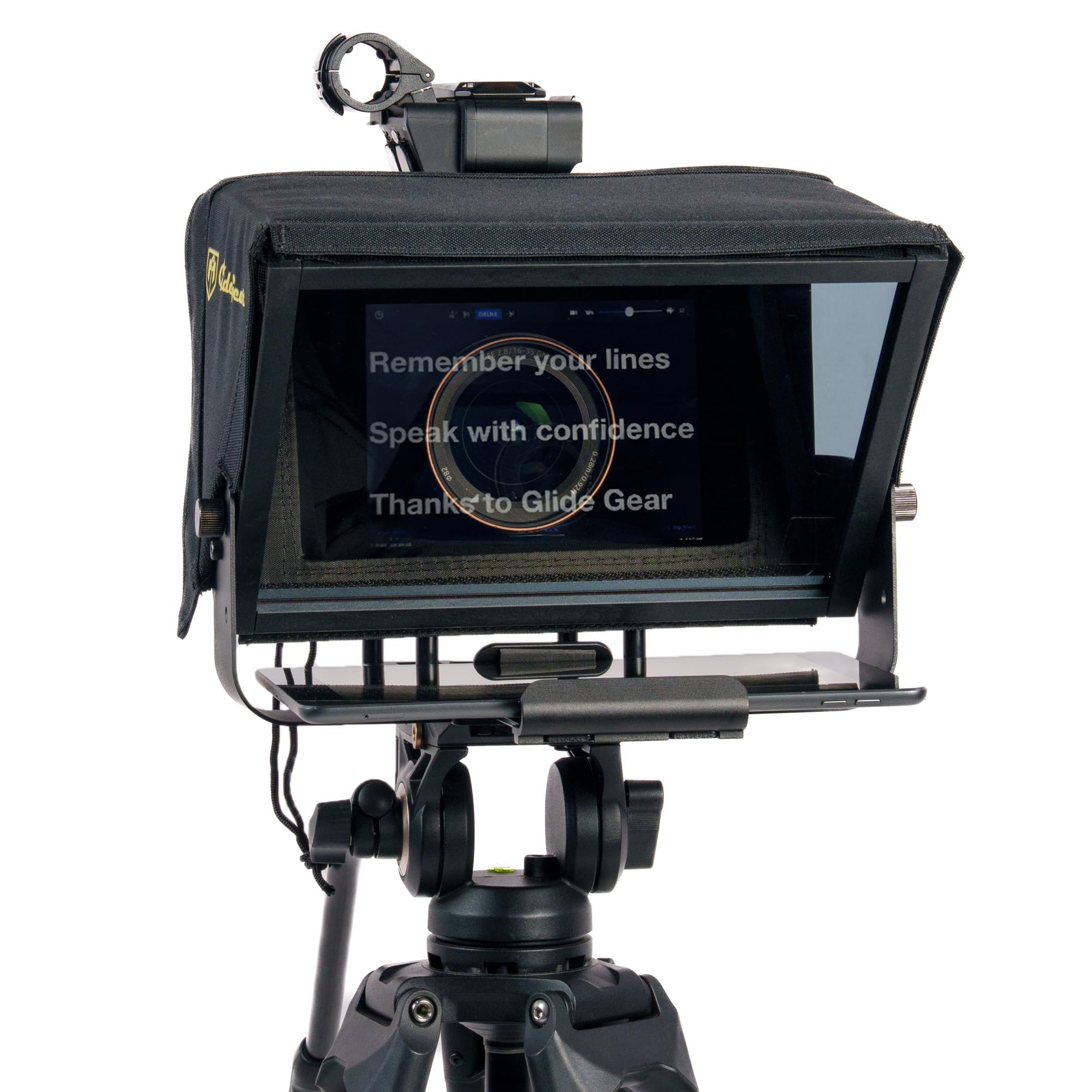
The Glide Gear TMP 100 is built around a 6061 aluminum frame that feels solid without being heavy. The 12-inch beam splitter glass provides a clear, easy-to-read reflection, and the entire setup requires no tools – just slide your device in and start recording. This is the teleprompter that over 2,500 buyers have rated highly, not because of marketing, but because it simply works shift after shift.

In practice, the TMP 100 delivers a sharp, distraction-free text reflection that works with most DSLRs, mirrorless cameras, and webcams. The 70/30 beam splitter allows enough light to reach the camera lens while keeping the text bright. Users consistently note that the glass doesn't introduce unwanted color casts or reflections, and the wide 1/4-inch-20 and 3/8-inch-16 mounting threads fit nearly any tripod or rig. The included padded carry case makes transport and storage straightforward.

This teleprompter is best for content creators who already own a tablet or smartphone and want a reliable, no-electronics tool for on-location shoots or streaming. It handles tablets up to 10.5 inches by 8 inches – that covers iPads (non-Pro 12.9-inch) and most Android tablets. For smartphone users, a separate phone mount is required, and the frame won't accommodate the iPad Pro 12.9-inch or larger tablets. If you need to support those larger devices, consider a different model.

The TMP 100's value is clear: it costs less than many competitors with comparable build quality, and its straightforward design means you won't be troubleshooting software or charging batteries. It's a tool that pays for itself after a handful of shoots, and the consistent positive feedback suggests it holds up well over years of use.

Tip: If you plan to shoot with a smartphone, order a separate phone mount; the frame is designed for tablets.

Bottom line: If you want a teleprompter that just works, no fuss, no extra purchases (except a phone mount if needed), the TMP 100 is the one to get – it's built to last and consistently delivers.
2

Elgato Prompter

Elgato Prompter

Streamers

Our Score 8.8/10
Check Price

Worth Noting

  • Software glitches can cause screen blackouts or crashes during use.
  • Compatibility with macOS is inconsistent; some cameras may not be recognized.
  • Backlighting on the screen may appear uneven in certain lighting conditions.
Glass Size
9 inch LCD
Accessories
None
Tablet Size
Built-in screen
Software Type
DisplayLink

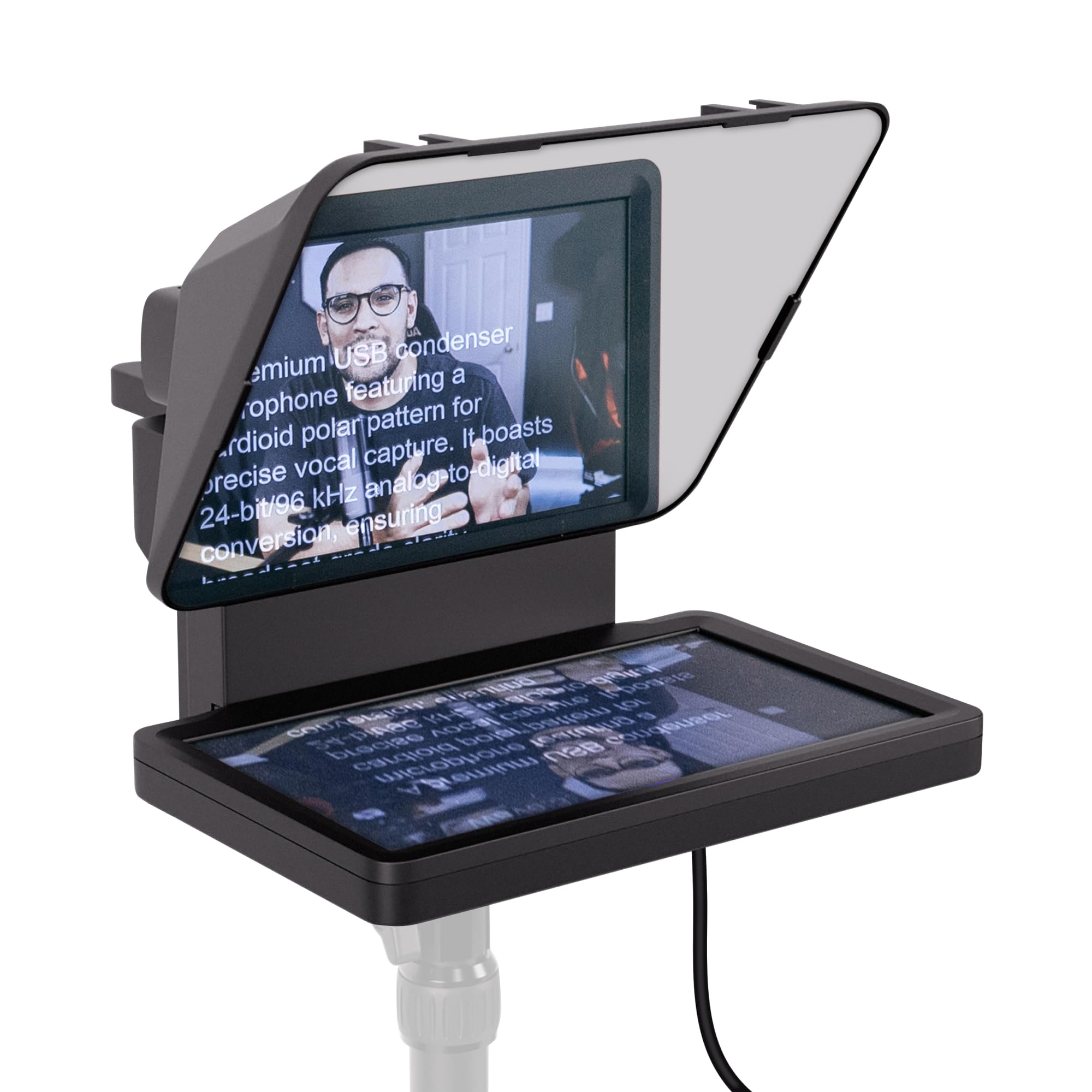
The Elgato Prompter replaces the need for a separate tablet or phone by integrating a 9-inch LCD that functions as a third monitor when connected via USB-C and DisplayLink. For streamers already using a Stream Deck, the hardware integrates seamlessly for scroll control. Once the DisplayLink driver is installed and configured, the setup becomes straightforward — text appears directly on the glass and the camera sees through clearly.

During live streaming or recording, the built-in screen eliminates the clutter of a separate device. However, the software layer can introduce issues such as momentary blackouts, audio sync drift, or application crashes, particularly when other USB devices are competing for bandwidth. These interruptions are brief but can disrupt a live session if not preemptively managed.

This teleprompter suits Windows users who are comfortable with driver management and already invested in Elgato's ecosystem. Mac owners should verify compatibility with their specific webcam or DSLR before purchasing, as inconsistent recognition has been reported. For those willing to troubleshoot occasional software hiccups, the hardware quality and integrated design offer a compact all-in-one prompting solution.

Tip: Install the latest DisplayLink driver and keep the Elgato software updated to minimize crashes.

Bottom line: Best for Windows-based streamers who already own a Stream Deck and want an integrated prompting monitor — expect some software tinkering to get it running smoothly.

3

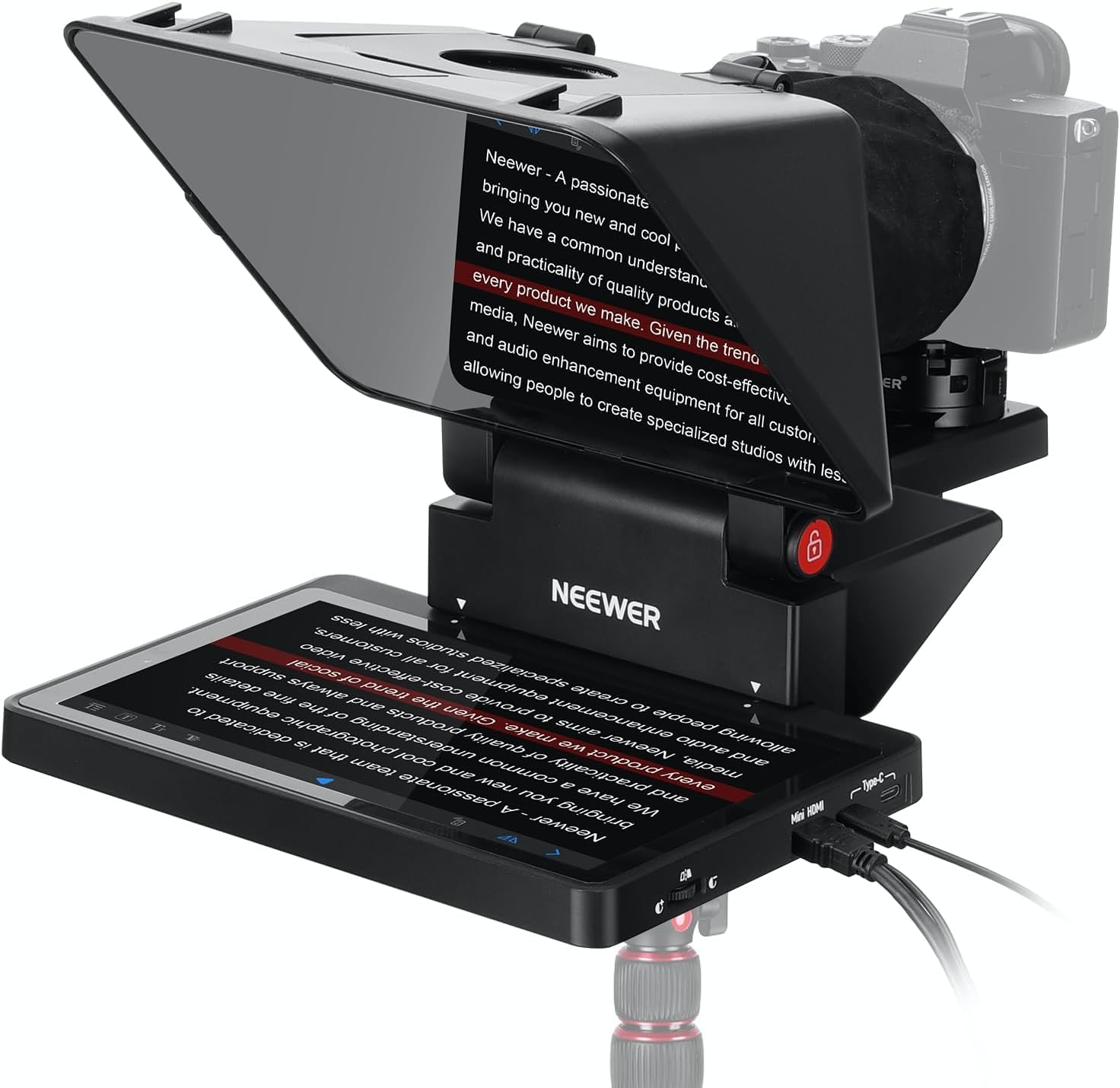
NEEWER X12B

NEEWER X12B

Tablet budget

Our Score 8.8/10
Check Price

Worth Noting

  • Bluetooth remote and app connection may be inconsistent.
  • Not suitable for smartphone shooting despite ambiguous product page.
  • Stand can wobble under heavier DSLR or camera setups.
Glass Size
12 inch
Accessories
Remote, app
Tablet Size
10.5 inch
Software Type
NEEWER app

Under $100 with no assembly required and a Bluetooth remote, the NEEWER X12B is a straightforward choice for tablet teleprompter users. Unlike the integrated-monitor model, this unit uses your own iPad or Android tablet, keeping the cost low while still offering app-based text scrolling.

The beam splitter glass provides a clear reflection, and scrolling via the app is smooth once connected. Some owners note that the Bluetooth remote and app can be inconsistent in connecting, so it helps to pair the remote before each session. The stand supports tablet and lightweight DSLR setups well, though it shows some instability with heavier camera loads.

This teleprompter is best for iPad or Android tablet users who want a simple, portable kit. It does not work with smartphones, and the included tripod stand may wobble under heavier cameras, so a sturdier third-party tripod is a good pairing for DSLR work.

Tip: Mount the teleprompter on a sturdy tripod rather than the included stand for better stability with DSLR cameras.

Bottom line: For iPad/tablet users seeking a no-fuss, budget-friendly teleprompter with remote control, the NEEWER X12B is a solid option — skip it if you shoot with a smartphone or a heavy camera rig.

4

Desview T3

Desview T3

Smartphone shooters

Our Score 8.4/10
Check Price

Worth Noting

  • Printed instructions are unclear, requiring YouTube assembly videos
  • Beam-splitter glass can show haze or blueish tint in certain lighting
Glass Size
11 inch
Accessories
Remote, 9 rings
Tablet Size
10 inch
Software Type
Desview app

The Desview T3 comes with a 9-piece adapter ring kit and a Bluetooth remote, giving smartphone and DSLR shooters extensive lens compatibility out of the box. It uses a 70/30 beam-splitter glass with 26 anti-reflection layers, and the frame is light enough to toss in a bag for location shoots. This combination of accessories and portability sets it apart from simpler budget models that only cover a single device.

Assembly takes a few minutes once you follow a video guide – the printed manual is vague. Users report that it pairs quickly with smartphones and DSLRs like the Sony A73. The glass quality, however, is inconsistent: some units show a blueish haze or glare under direct light, which can reduce video clarity. For indoor, controlled lighting this is less noticeable, but outdoors or with bright backlight it may be a concern.

This teleprompter is best for smartphone-first creators who want an affordable entry point with room to use different lenses. If you rely on tablets larger than 10 inches or need consistently clear glass for professional work, consider the premium large-tablet alternative in this roundup. The T3’s value lies in its accessory set and lightweight build for mobile recording.

Tip: Skip the printed manual and watch a YouTube assembly video – it makes setup much easier.

Bottom line: For smartphone shooters on a budget who are willing to look past inconsistent glass and vague instructions, the Desview T3 delivers solid functionality and great compatibility for the price.

5

SMALLRIG 3646

SMALLRIG 3646

Rail system users

Our Score 8.8/10
Check Price

Worth Noting

  • Tablet mount may feel less secure; some users replace it with a third-party mount
  • Included remote can feel flimsy and the SmallGoGo app navigation is cumbersome
  • Requires a 15mm LWS baseplate (not included), adding to the total investment
Glass Size
Accessories
Remote, app
Tablet Size
11 inch
Software Type
SmallGoGo app

Machined aluminum construction and precision fit set this teleprompter apart for filmmakers who already work with 15mm LWS rod systems. Unlike the simpler Glide Gear TMP 100, which mounts on a tripod, this SMALLRIG model attaches directly to your camera rig via a baseplate (sold separately). The silicone lens cover accommodates diameters from 49–95mm and avoids vignetting from 22mm focal lengths onward, making it compatible with cine lenses and matte boxes without obstruction.

This teleprompter suits videographers who own a 15mm LWS baseplate and rod system and need a lens-mounted prompt that won't interfere with follow focus or matte boxes. The included remote and SmallGoGo app can be glitchy — expect to rely on your own control method for a smooth workflow. The iPad mount also may feel less secure; some users swap it for a third-party alternative. If you already have the rail infrastructure, the build quality and modular design justify the premium price. If you don't, the added cost and complexity make other options more practical.

Tip: The SmallGoGo app can be finicky; keep a wired remote or alternative control method as a backup.

Bottom line: This is the right choice for serious videographers who already own a 15mm rail system and want a teleprompter that integrates seamlessly with their existing gear. Skip it if you are starting from scratch — the Glide Gear TMP 100 offers a simpler, all-in-one solution.

6

Desview T12S

Desview T12S

iPad Pro 12.9

Our Score 9.2/10
Check Price

Worth Noting

Glass Size
12.9 inch
Accessories
Case, remote, app
Tablet Size
12.9 inch
Software Type
Desview app

The Desview T12S stands out for iPad Pro 12.9-inch owners with its aviation-grade aluminum frame and premium carrying case that includes a remote and app. However, with minimal user feedback available, the durability of the glass and long-term build quality are uncertain. This is a strong candidate if you are willing to be an early adopter, but for those who prefer verified performance, other models offer more peace of mind.

Bottom line: Best suited for iPad Pro 12.9-inch users who prioritize large tablet support and a premium case over a proven track record.

7

NEEWER X11

NEEWER X11

Early adopters

Our Score 8.8/10
Check Price

Worth Noting

  • Performance and build quality are unverified due to zero customer reviews
  • HDMI connection requires driver installation and does not support voice sync
Glass Size
9 inch LCD
Accessories
None
Tablet Size
Built-in screen
Software Type
Driver

The NEEWER X11's built-in monitor is a novel solution for those who want a teleprompter without needing a tablet, and the ability to use it as a secondary computer display adds flexibility. However, the complete lack of user reviews means the actual reliability and glass quality cannot be confirmed. HDMI connections require driver installation (not plug-and-play on Mac), and lens compatibility is limited to 35mm focal lengths with 72mm threads, which may cause vignetting with wider glass. This is a product for early adopters willing to troubleshoot — not for buyers who want a proven setup.

Tip: Use the USB-C connection for screen mirroring to avoid HDMI driver installation on Windows; Mac users should check compatibility first.

Bottom line: Worth considering if you want an integrated monitor solution and are comfortable with uncertain reliability — but only if you're prepared to troubleshoot and accept unverified performance.

8

LENSGO TC7

LENSGO TC7

Ultra-budget

Our Score 8.2/10
Check Price

Worth Noting

  • Phone/tablet mount feels insubstantial; heavier devices may cause the arm to tilt or wobble.
  • The glass panel can introduce reflections and visible edges that require careful lighting and angle adjustments to avoid.
Glass Size
9.7 inch
Accessories
Remote, 9 rings
Tablet Size
9.7 inch
Software Type
LENSGO app

At under $70, this is the most affordable teleprompter in the roundup and the only one that folds flat in one second, making it a solid option for travelers or first-time users who are not sure if a teleprompter will fit their workflow. It includes nine adapter rings for different lens sizes and a Bluetooth remote, so setup with a smartphone or small camera is straightforward.

That said, the build leaves room for improvement: the phone/tablet holder feels flimsy, and the beam-splitter glass can produce reflections or visible edge shadows in footage. Vertical video is not well supported – the tray edges often creep into frame. The companion app and remote pairing have been noted as occasionally unreliable, so expect to troubleshoot. This model suits someone with the absolute tightest budget who just wants to test teleprompter use without commitment.

Bottom line: Best for absolute beginners who want to test teleprompter use on a smartphone without spending much – just don't expect studio-grade results.

How to Choose

Glass Size and Beam Splitter Quality

Larger glass allows bigger tablets and more comfortable reading distance, but the beam splitter coating matters more. A 70/30 split is standard, but cheap coatings can introduce a blue haze or ghosting that ruins shot clarity. Look for units with anti-reflective layers and real-user reports of clear reflections, not just marketing claims.

Device Compatibility

Check the maximum tablet dimensions and lens thread range carefully. Many prompters claim to work with smartphones but lack a secure mount or require a separate adapter. For DSLRs, ensure the lens thread fits the included rings (usually 49-82mm) and that the camera sits without blocking controls.

Build Material and Portability

Aluminum frames add weight for stability, especially with larger tablets, while plastic models are lighter but can wobble. A teleprompter that stays rigid at 45 degrees will prevent text shake during takes. For on-location shoots, a folding design and included carry case make a practical difference.

Included Accessories

A Bluetooth remote and dedicated app are standard on many models, but not all remotes work reliably. Check whether the remote requires line-of-sight or has pairing issues. Adapter rings for different lens sizes are essential for DSLR users, and a carrying case protects the glass during transport.

Software and Setup

Some teleprompters require driver installations (DisplayLink, Samsung DEX) that may not work on macOS without tinkering. App-based models can be convenient but often suffer from bugs on iOS or Android updates. The simplest solution is a glass-only frame with no electronics, using your own device and a free scrolling app.

Frequently Asked Questions