Phone & Tablet Accessories

10 Best Tablet Keyboard Cases of 2026: Get the Features You Need Without Overpaying

Find the best tablet keyboard case for your iPad or Galaxy Tab – balancing trackpad, backlight, build quality, and battery life.

Tablet keyboard cases have become essential for turning an iPad or Galaxy Tab into a laptop replacement. But with so many options promising trackpads, backlights, and rugged builds, the real challenge isn't finding the most features – it's finding one that actually works reliably over time.

Many budget-friendly models pack impressive specs at a fraction of the price of premium alternatives, but they often trade off durability and consistent connectivity. Conversely, premium options charge a steep premium for seamless integration. This guide cuts through the noise to help you match a case to your specific usage patterns – whether you type on a desk, on your lap, or in low-light environments.

We've focused on the trade-offs that matter: magnetic hold strength for lap use, trackpad responsiveness, backlight usefulness, and long-term reliability. The result is a set of recommendations that balance features with real-world performance.

1

typecase Touch

Top Pick
typecase Touch

iPad 10th/11th Gen

Our Score 9.0/10
Check Price

Worth Noting

  • Intermittent keyboard or trackpad connectivity may require re-pairing
  • Case adds noticeable weight and thickness compared to slim folio covers
Backlit
Yes, 11-color RGB
Trackpad
Yes, multi-gesture
Connection
Bluetooth
Compatibility
iPad 10th/11th Gen

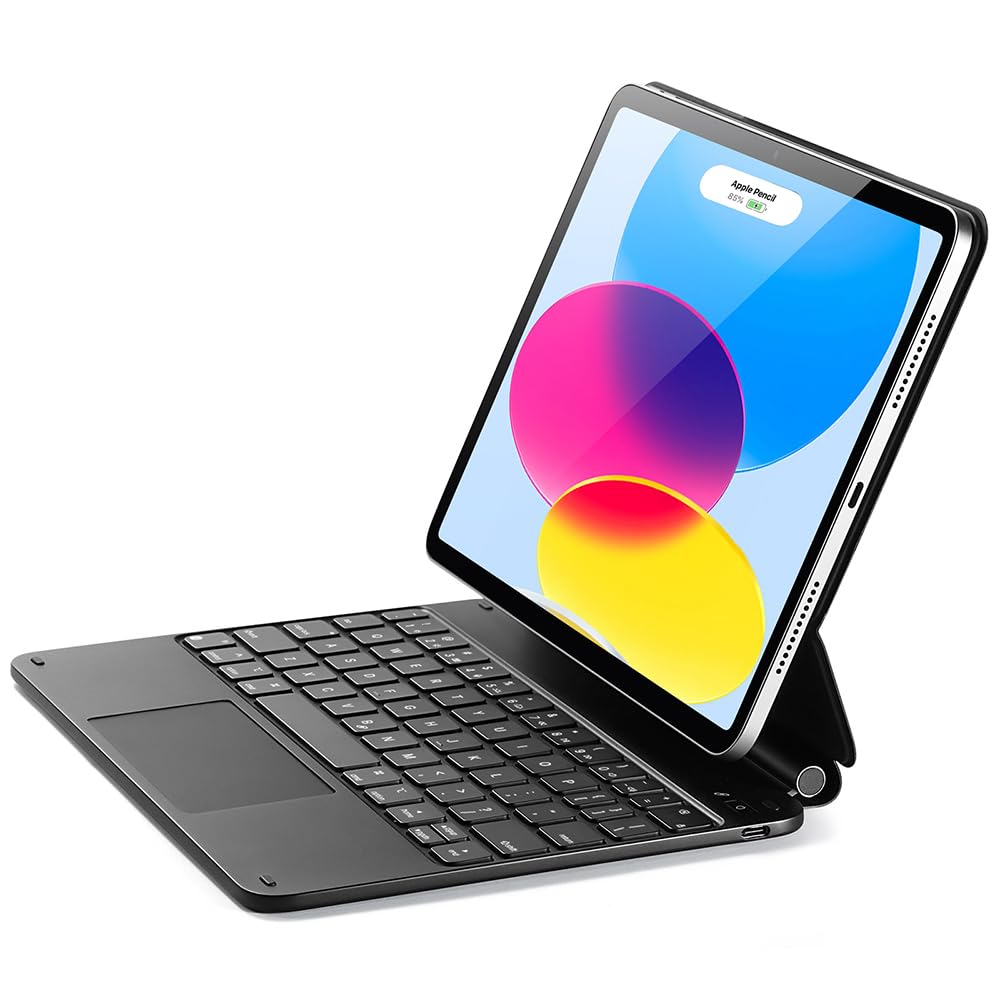
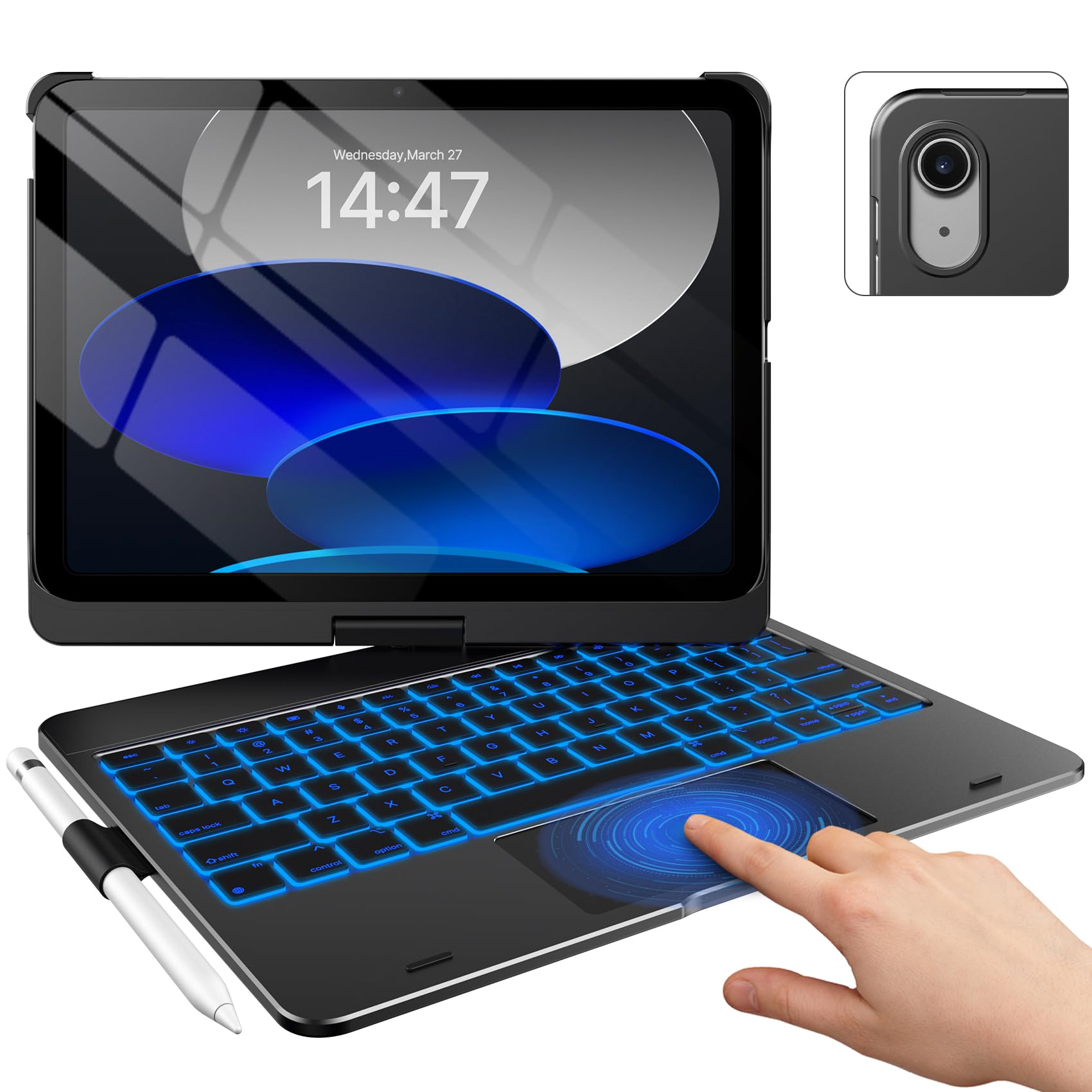
The typecase Touch pairs a 360° rotating hinge with a full multi-touch trackpad and 11-color backlit keyboard, delivering a laptop-like workflow on the iPad without a premium price tag. Seven distinct use modes — from typing to tent to tablet — cover just about any angle you'd need at a desk or on a lap.

Battery life stretches for weeks on a single charge, so periodic Bluetooth charging becomes a manageable routine rather than a chore. The case frame holds the iPad securely, and after months of daily use, the keys retain their feel and the backlight remains consistent.

This case suits iPad 10th or 11th gen users who want a trackpad and backlight for extended typing sessions — students taking notes, writers drafting long documents, or anyone transitioning from a laptop. The added heft is a deliberate tradeoff: you get a sturdy, feature-rich shell in exchange for a few extra ounces when carrying it around.

Bottom line: The typecase Touch is the most feature-dense budget keyboard case for iPad 10th/11th gen — the added weight is the price you pay for a trackpad, backlight, and 360° rotation at this price.

2

Logitech Combo Touch

Logitech Combo Touch

iPad 10th/A16

Our Score 9.0/10
Check Price

Worth Noting

  • Tight fit can make inserting the iPad a two-handed effort
  • Trackpad connectivity may drop intermittently during use
  • Hinge and material wear can develop after extended daily use
Backlit
Yes, single color
Trackpad
Yes, large precision
Connection
Smart Connector
Compatibility
iPad 10th/A16

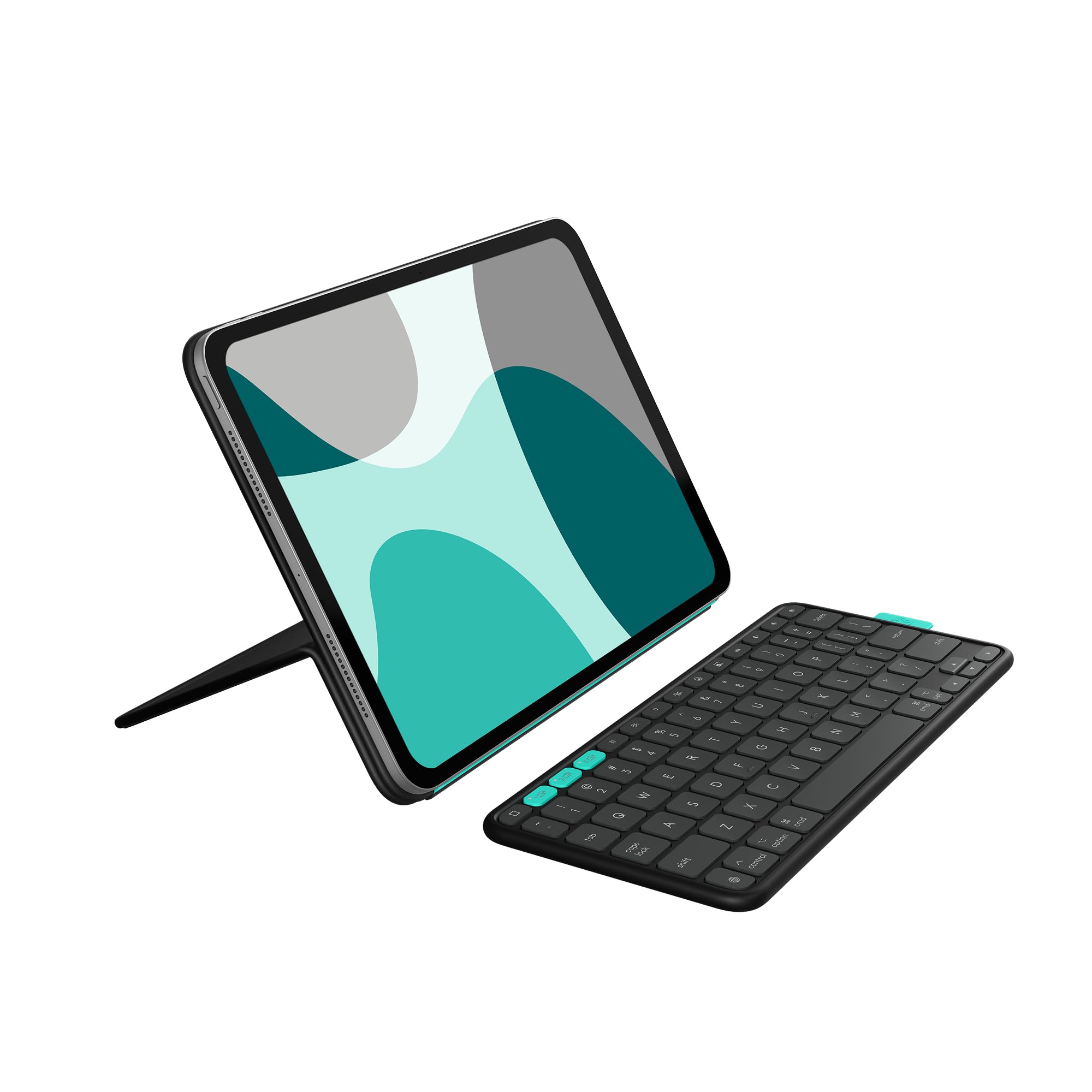
Logitech's Combo Touch uses the iPad's Smart Connector, so there is no battery to charge and no Bluetooth pairing to manage. The large multi-gesture trackpad and single-color backlit keys bring a laptop feel that the top pick's budget price does not match, while the four-mode versatility (type, read, sketch, view) covers more use cases than the floating cantilever design of cheaper alternatives.

Typing feel is a standout: the scissor-switch keys offer stable, responsive travel with a full row of iPadOS shortcut keys for brightness, volume, and media control. The keyboard detaches completely, turning the kickstand-backed iPad into a sketch pad or movie stand. Build quality is solid, with a fabric exterior that resists fingerprints and a trackpad that supports two-finger scrolling and three-finger gestures without delay.

This case suits iPad 10th gen and A16 owners who want a seamless, no-charge typing experience for long work or study sessions. Business professionals and students who switch between typing and sketching will appreciate the detachable design. The fit is intentionally snug to prevent wobble, but inserting the iPad can require careful alignment and firm pressure. Some units have shown hinge looseness or material wear after heavy daily use over many months, so the case works best for those who treat their device gently and want the convenience of Smart Connector above all else.

Tip: When inserting the iPad, align the Smart Connector side first and apply even pressure along the edge to seat it fully without forcing the device.

Bottom line: If you value zero-charge convenience and a premium typing feel over saving money, and you can accept a tight initial fit and possible long-term wear, the Combo Touch delivers a laptop-like iPad experience that no Bluetooth keyboard can match.

3

ZAGG Rugged Book

ZAGG Rugged Book

Max drop protection

Our Score 8.4/10
Check Price

Worth Noting

  • Adds noticeable weight and bulk to the iPad
  • Hinge may become stiff and harder to adjust over time
  • Bluetooth keyboard connection can drop after extended use in some cases
Backlit
Yes, 7-color RGB
Trackpad
No
Connection
Wireless, multi-device
Compatibility
iPad 10.9/11" Gen10/A16

The ZAGG Rugged Book focuses on drop protection above all else, with a military-grade rating for 6.6-foot falls. Its rugged frame and detachable backlit keyboard make it a sturdy companion for rough environments. The Apple Pencil holder adds practical storage for the stylus.

This case suits parents and outdoor workers who prioritize impact resistance over a slim profile. The added weight and bulk are acceptable tradeoffs for the protection it offers. However, the hinge can become stiff with use, and some units may experience Bluetooth keyboard disconnection after extended periods – worth considering if reliable typing is essential.

Owners report that the case withstands real drops and impacts, confirming its rugged claims. The seven-color backlight is a nice touch, though the lack of a trackpad means you will rely on the touchscreen or a separate mouse for cursor navigation.

Tip: Adjust the hinge gently – forcing it can worsen stiffness over time.

Bottom line: If drop protection is non-negotiable and you can accept a heavier case with potential keyboard quirks, the Rugged Book delivers. Otherwise, the top pick offers a better mix of features and consistent typing.

4

Harvopu iPad Case

Harvopu iPad Case

Budget-conscious users

Our Score 9.0/10
Check Price

Worth Noting

  • Keyboard keys may not register or Bluetooth connection can be inconsistent
  • Case material may tear after a few months of regular use
  • Trackpad can lag or become unresponsive in certain usage patterns
Backlit
Yes, 7-color RGB
Trackpad
Yes, multi-touch
Connection
Bluetooth
Compatibility
iPad 10th/11th Gen

For buyers who prioritize keeping costs low, the Harvopu case delivers features typically found in cases twice its price: a multi-touch trackpad, seven-color RGB backlight, and a magnetic detachable keyboard. That combination alone makes it stand out in the budget tier, especially when compared to pricier models like the Typecase Touch that add 360-degree rotation and more consistent build quality.

This case suits students or casual iPad users who need basic typing and navigation without investing in a premium accessory. The soft PU leather and TPU inner provide decent protection, and the backlight adds a touch of convenience in dim environments. However, the cost-saving comes with a notable tradeoff: some units arrive with keyboard keys that don't register or a trackpad that lags. The case material may also show wear sooner than expected — a realistic boundary for those who treat the case as a disposable accessory rather than a long-term investment.

When the keyboard works, the typing feel is adequate for short emails or note-taking, and the magnetic attachment makes it easy to switch between tablet and laptop mode. The RGB backlight is bright and offers enough colors to personalize the setup. For a multiple-iPad household on a tight budget, buying several of these cases is far more economical than a single premium option — as long as each unit functions out of the box.

Tip: Test keyboard and trackpad immediately after opening; if issues arise, return or exchange within the window.

Bottom line: Best suited for budget-conscious iPad owners who accept the possibility of a defective unit — if it works, the feature set is hard to beat for the price.

5

ESR Rebound Keyboard

ESR Rebound Keyboard

Floating stand fans

Our Score 8.4/10
Check Price

Worth Noting

  • Keyboard may stop working in some units after a few months of use
  • Magnetic hold can be weak, causing the iPad to slip off on a lap or uneven surface
  • Heavier than many competing folios, adding bulk for portability
Backlit
Yes, single color
Trackpad
Yes, multi-touch
Connection
Bluetooth
Compatibility
iPad 10th/11th Gen

The floating cantilever stand gives the iPad a laptop-like feel, paired with a responsive multi-touch trackpad and single-color backlit keys. Typing comfort is good for its class, and Bluetooth pairing is quick and stable.

Some units may experience keyboard glitches or eventual failure, and the magnetic hold can be weak enough that the iPad slips off when used on a lap. The case is also heavier than average, adding noticeable bulk to the tablet.

This case suits casual typers who want the floating stand aesthetic and can accept occasional keyboard quirks. It is less ideal for professionals needing consistent reliability or for anyone who types regularly on their lap.

Tip: Use on a flat desk rather than your lap to avoid magnetic slip issues.

Bottom line: Choose this if the floating stand design is your priority and you can accept the chance of keyboard glitches and lap instability.

6

Samsung S10+ Book Cover

Samsung S10+ Book Cover

Tab S10+ owners

Our Score 9.2/10
Check Price

Worth Noting

  • No backlit keys, making typing difficult in low light
  • Trackpad sensitivity cannot be adjusted, causing occasional cursor issues
Backlit
No
Trackpad
Yes, full-size
Connection
Pogo pin / magnetic
Compatibility
Galaxy Tab S10+

The S10+ Book Cover Keyboard attaches via pogo pins, eliminating Bluetooth pairing and battery anxiety. A dedicated AI key offers quick access to Samsung's on-device assistant, and the free-angle hinge holds the tablet at any viewing position. The keys are full-size with decent travel, delivering a typing feel that rivals a laptop for extended writing sessions.

Where the cover shows its limits is in dim environments – the keys lack backlighting, so typing after dark requires external light. The trackpad's sensitivity is fixed, which can cause cursor jumps for some users, though the strong magnetic hold keeps the tablet and S Pen securely attached during transport. These are usability tradeoffs rather than build failures.

This keyboard fits Galaxy Tab S10+ owners who value seamless integration and a premium-finished accessory over features like backlighting or adjustable trackpad sensitivity. It works best in well-lit offices or living rooms, and is a straightforward choice for those who want a first-party solution that never needs charging.

Tip: Use a small desk lamp or tablet screen brightness for typing in dark rooms.

Bottom line: For Tab S10+ owners who want a first-party keyboard with solid build and no charging requirement, this cover works well – just be prepared to add external light and accept a fixed trackpad.

7

typecase Edge

typecase Edge

Desk use only

Our Score 8.8/10
Check Price

Worth Noting

  • Magnetic grip may not secure the iPad during lap use
  • Materials can show wear over time under regular use.
Backlit
Yes, 11-color RGB
Trackpad
Yes, multi-touch
Connection
Bluetooth
Compatibility
iPad 10th/11th Gen

The typecase Edge brings a floating cantilever design and 11-color backlight to the table at a mid-range price, with a premium feel that stands out among budget options. The keyboard pairs quickly via Bluetooth and the multi-touch trackpad includes palm rejection, making it a smooth desk companion. However, the magnetic hold on the iPad can loosen on soft surfaces like a lap, and the materials may show wear sooner than expected. These tradeoffs mirror the top pick typecase Touch but without 360-degree rotation; the Edge is a sensible alternative if the floating aesthetic is your priority and you primarily type on a stable surface.

Bottom line: Choose the Edge if you value the floating stand over 360-degree rotation and can work around the magnetic hold – it fits best at a desk or table.

8

Logitech Flip Folio

Logitech Flip Folio

iPad Pro 11

Our Score 8.4/10
Check Price

Worth Noting

  • No backlit keys
  • Magnetic attachment may not hold securely in all positions
Backlit
No
Trackpad
No
Connection
Bluetooth, multi-device
Compatibility
iPad Pro 11" M4/M5

Logitech's Flip Folio covers the basics for iPad Pro and Air users who frequently switch between devices: Bluetooth pairing for up to three, a detachable keyboard that stores neatly inside the folio, and a protective shell with good build quality. The trade-offs are clear — no trackpad or backlit keys, and the magnetic attachment that holds the keyboard in place can come loose under certain angles. At a premium price, it delivers the multi-device convenience that simpler folios lack, but the absence of a trackpad and backlight means it lags behind similarly priced competitors that include both.

Bottom line: Best suited for iPad Pro or Air owners who regularly switch between a Mac, iPhone, and iPad and are willing to forgo a trackpad and backlight for that multi-device convenience.

9

EAMPANG Samsung Case

EAMPANG Samsung Case

Tab A9+/A11+ budget

Our Score 9.0/10
Check Price

Worth Noting

  • Magnetic keyboard attachment can slide off when bumped or used on a soft surface
  • Plastic hinge and keyboard areas may show wear after several months of regular use
Backlit
Yes, 7-color rainbow
Trackpad
No (includes mouse)
Connection
USB-C / Bluetooth
Compatibility
Samsung Tab A9+/A11+

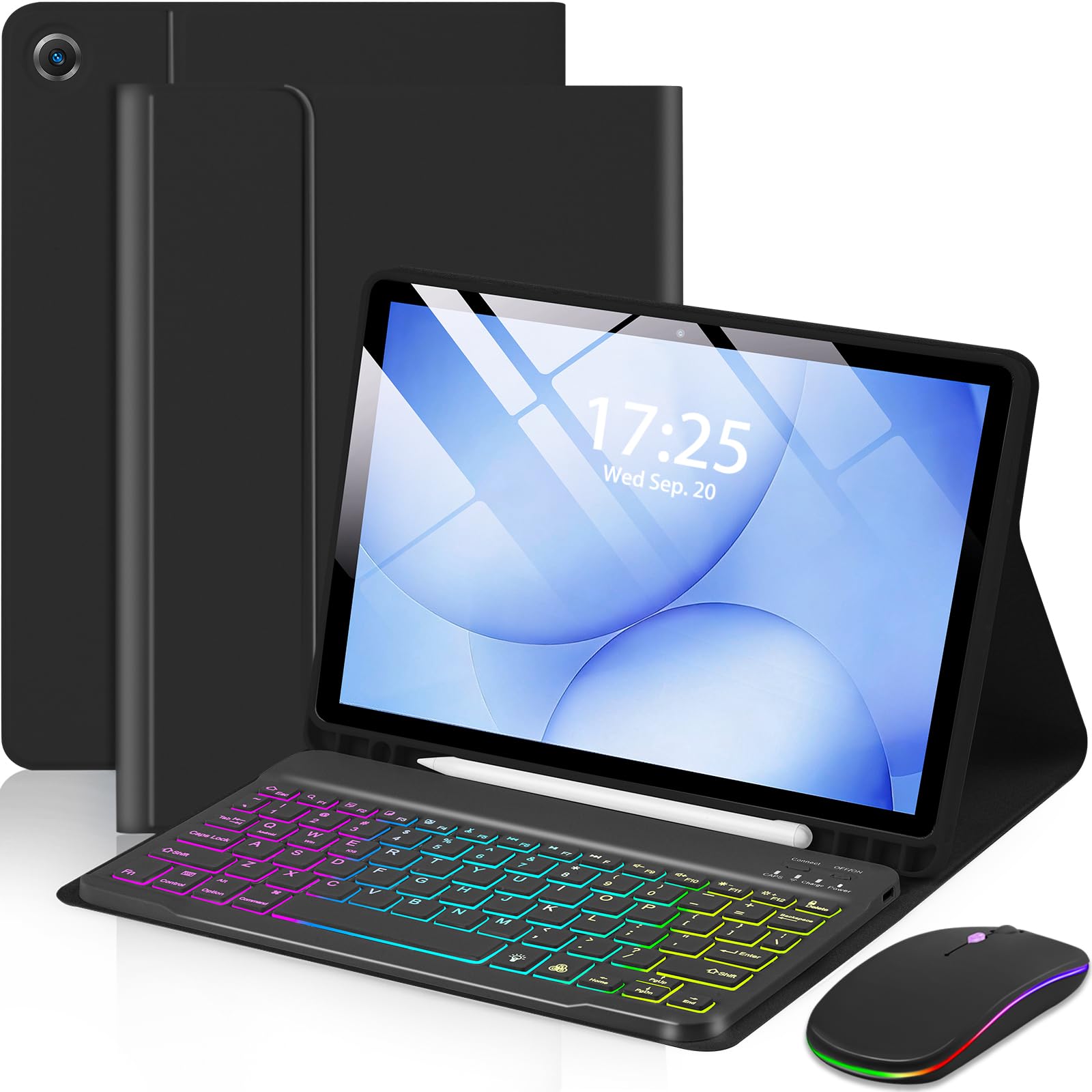
The EAMPANG case bundles a keyboard, mouse, and protective cover for under $30, making it the cheapest way to turn a Samsung Tab A9+ or A11+ into a laptop-like setup. The rainbow backlight adds a fun touch, and the case fits securely around the tablet. However, the keyboard attaches via magnets that can shift during lap use, and long-term durability is a compromise -- some units show wear after a few months. This is not a long-term investment but a budget-friendly stopgap for students who need a full desktop experience without the cost.

Tip: Use the tablet on a flat desk rather than your lap to minimize accidental keyboard detachment.

Bottom line: Best for students on a tight budget who need a temporary desktop-style setup for occasional typing, but not for anyone expecting a long-term daily driver.

10

Logitech Rugged Combo 3

Logitech Rugged Combo 3

iPad 7-9 gen rugged

Our Score 9.2/10
Check Price

Worth Noting

  • No trackpad for cursor control; requires screen touches for navigation
  • Compatibility limited to iPad 7th, 8th, and 9th generations only
Backlit
No
Trackpad
No
Connection
Smart Connector
Compatibility
iPad 7th/8th/9th Gen

The Logitech Rugged Combo 3 delivers exactly what its name promises: a tough, sealed keyboard case that withstands drops and grime. The Smart Connector means no charging or pairing, a clear advantage for school deployments or outdoor use where lost Bluetooth connections are a hassle. However, this focus on ruggedness comes with tradeoffs: there is no trackpad, so navigating the iPad requires touching the screen, and the case is limited to iPad 7th, 8th, and 9th generations only. Its pricing is unconfirmed, but the build quality justifies a mid-range cost for the right buyer. For anyone needing a durable typing solution for older iPads and willing to forgo trackpad and backlight, this fits the bill.

Bottom line: This case is the right choice for schools and outdoor workers who need drop protection and a no-charge keyboard, even without a trackpad.

How to Choose

Compatibility

Not all keyboard cases fit every tablet. Even within the same model line, minor design changes between generations can make a case too tight or loose. Always check the exact model number and year of your tablet before buying.

Third-party cases often list multiple iPad or Galaxy Tab generations, but fit may vary. A case that fits well provides stable support and proper alignment for connectors or magnets. A mismatch can block ports or cause the tablet to wobble.

Trackpad

A trackpad transforms a tablet into a laptop-like device, but not all trackpads are equally responsive. Multi-touch gestures like two-finger scroll and three-finger swipe vary in precision. Some trackpads lag or require heavy pressure, making navigation frustrating.

If you rely on cursor-based work, prioritize cases with glass trackpads and positive reviewer feedback on gesture support. Budget options often use plastic surfaces that feel sticky over time.

Backlit Keys

Backlit keys are a simple feature that is easy to underestimate. In dim environments – whether on a late flight or working in bed – backlighting makes or breaks the typing experience. Without it, you may need an external light or resort to hunt-and-peck.

Many mid-range cases include backlighting, but color options vary from single white to multi-color RGB. The practical difference is minimal; what matters is brightness consistency and even illumination across keys.

Connection Type

Connection type dictates battery life and convenience. Smart Connector uses physical pogo pins to power and pair the keyboard instantly, eliminating the need to charge. Bluetooth models require periodic charging but offer flexibility across devices.

Bluetooth cases typically last weeks to months between charges, but low-quality Bluetooth chips can cause lag or disconnects. Smart Connector cases are simpler but tie you to that specific tablet – no multi-device switching.

Weight and Protection

A rugged case with drop protection adds significant weight – often doubling your tablet's heft. If you mostly type at a desk, weight is less critical. If you carry the tablet everywhere, a slim folio may be better.

Protection often comes from thick materials and shock-absorbing corners. Military-grade drop ratings (e.g., 6.6 ft) are reassuring, but they add bulk. Decide whether you need daily drop insurance or just scratch protection.

Frequently Asked Questions