Phone & Tablet Accessories

8 Best Wireless Charger 2026: Models That Charge Fast Without Overheating

Find a wireless charger that actually delivers fast charging, stays cool, and lasts – for iPhones, Samsung, and more.

Many wireless chargers promise 15W speeds but deliver inconsistent performance and noticeable heat. Some stop working within months, leaving you with a dead phone and a wasted purchase.

The right charger balances speed, thermal management, and long-term reliability. This guide cuts through the marketing to highlight models that handle daily use without surprises or safety concerns.

The key trade-off is between proven, simple designs with millions of satisfied users and newer kits that include everything you need but may lack the same track record. Both have their place – it depends on your priorities.

1

Anker 313 Stand

Top Pick
Anker 313 Stand

Home & office

Our Score 9.0/10
Check Price

Worth Noting

  • Uses Micro-USB input instead of the more common USB-C
  • Some units may stop charging after several months of use
Form Factor
Stand
Charging Speed
10W max
Number of Devices
1
Magnetic Alignment
No

The Anker 313 Stand is the most-reviewed wireless charger on the market, and its popularity comes down to steady everyday performance. Qi-certified and compatible with a wide range of phones, each stand delivers up to 10W for Android devices and 7.5W for iPhones — enough for overnight or desk-top charging. The two-pack lets you outfit a nightstand and an office desk without buying separate units, cutting per-unit cost significantly.

Charging consistency depends on the adapter you pair it with — a 9V/2A adapter (sold separately) is required for full speed; using a standard 5V phone charger roughly halves the rate. The Micro-USB port is a minor inconvenience if all your other cables are USB-C. A small minority of units may stop charging after several months of use, so keeping the purchase receipt is a sensible precaution.

This kit suits anyone who wants two dependable stands for home and office without spending a premium. The Micro-USB input and 10W speed (7.5W on iPhones) are acceptable tradeoffs for overnight or dock-style charging, but not for rapid top-ups. Those who need 15W+ speeds or prefer a magnetic connection should consider the newer Qi2 options — though they often run hotter and cost more per unit.

Tip: Use a 9V/2A adapter (like the one from a tablet) to reach full 10W speed; a standard phone charger will charge much slower.

Bottom line: The Anker 313 Stand two-pack solves the one-charger-in-two-rooms need at a low per-unit cost — no frills, but it delivers steady power day after day.
2

Ouotoo 3-in-1 MagSafe

Ouotoo 3-in-1 MagSafe

Apple ecosystem

Our Score 9.2/10
Check Price

Worth Noting

  • Blue light only activates during charging
  • Earbud charging pad may be non-functional in some units; check on arrival
Form Factor
Stand
Charging Speed
15W phone
Number of Devices
3
Magnetic Alignment
Yes (N52)

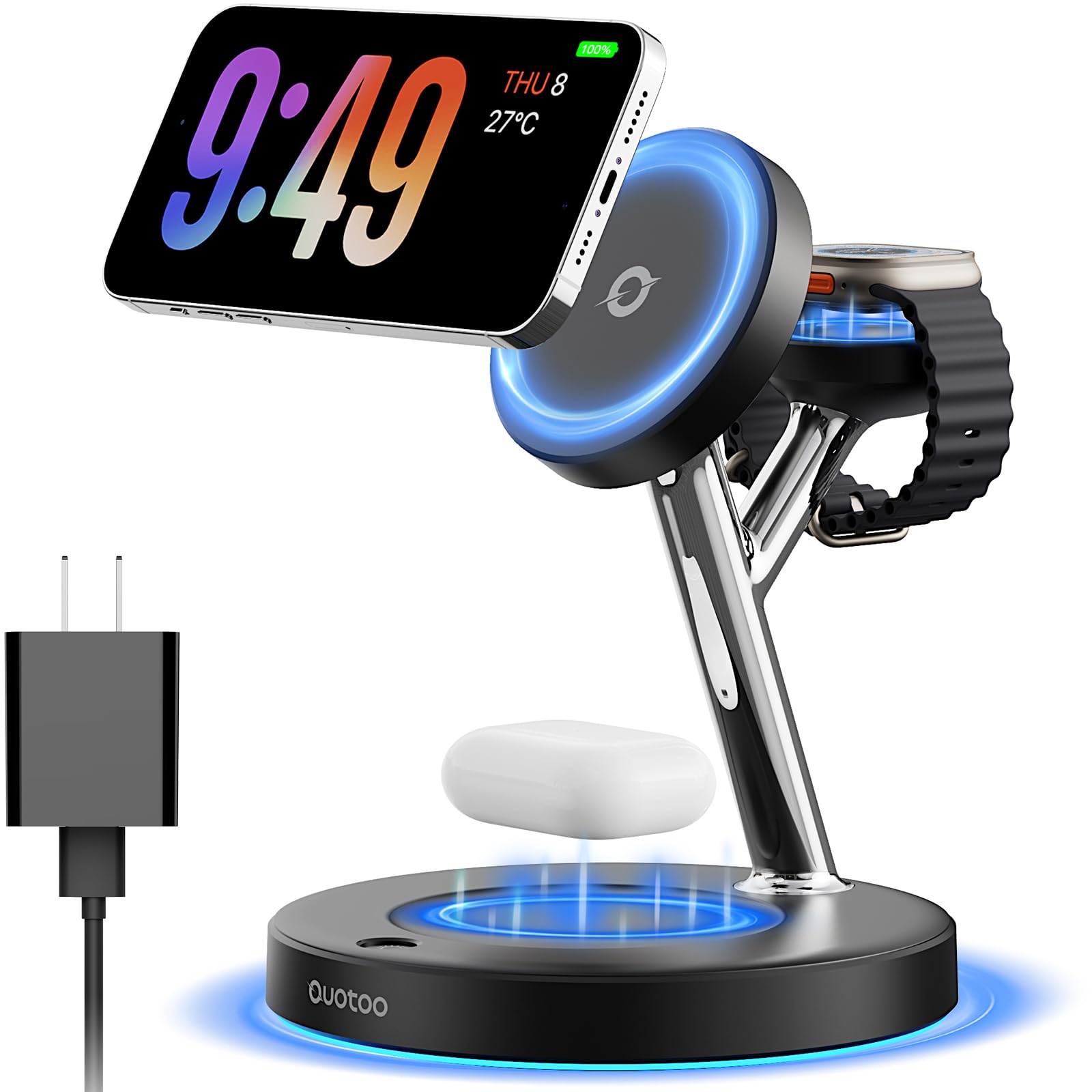
This Ouotoo stand delivers the kind of build and finish you'd expect from a charger twice its price, with strong N52 magnets that hold an iPhone securely and a compact footprint that clears up a nightstand or desk. The 15W charging speed matches what Apple's MagSafe offers, so you're not sacrificing performance for the lower cost.

The design is sleek and understated, with a soft-textured base and a blue ambient light that glows only while a device is charging — a detail that looks clean but won't double as a nightlight. Every element feels considered, from the USB-C input to the 3-year warranty that backs the purchase.

This is for Apple ecosystem users who want a tidy, fast-charging station without spending on premium brands. The main tradeoff: some units have had the earbud charging pad not work out of the box, so it's worth testing all three spots as soon as you unbox it. That occasional QC hiccup aside, the value is clear.

Tip: The blue light turns off when no device is charging, so plan accordingly if you want constant ambient lighting.

Bottom line: For Apple users who want a clean, fast-charging 3-in-1 stand on a budget, this is a smart buy — just confirm the earbud pad works right away.

3

TOZO W1 Pad

TOZO W1 Pad

Overnight charging

Our Score 8.6/10
Check Price

Worth Noting

  • Charging speed trails advertised rates, especially on Samsung phones
  • Some heat buildup can occur during extended charging sessions
Form Factor
Pad
Charging Speed
15W max
Number of Devices
1
Magnetic Alignment
No

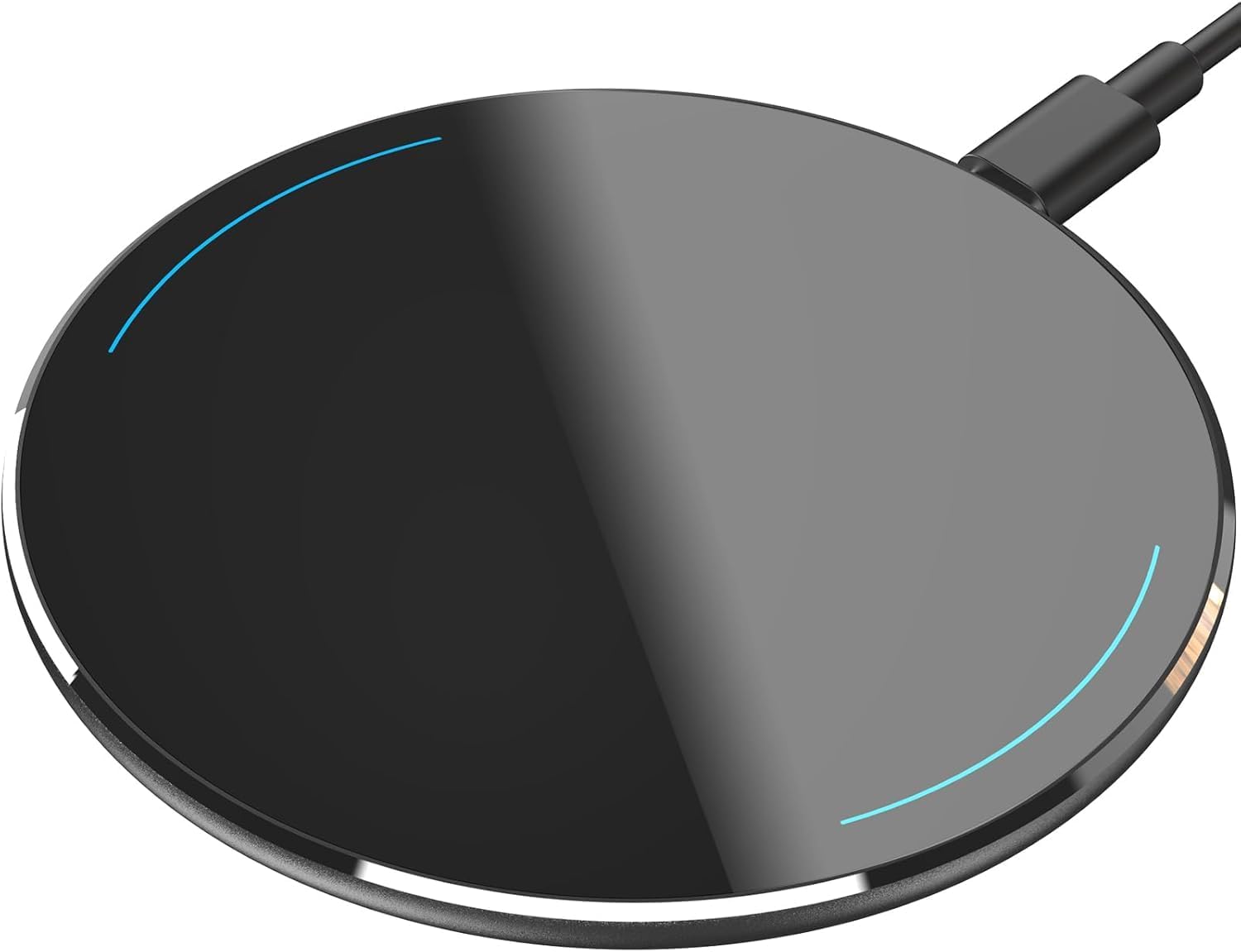
At just 7mm thick, the TOZO W1 is the slimmest wireless charging pad we have tested. Its aircraft-grade aluminum shell and anti-slip surface give it a premium feel that stands out from basic plastic pads, making it a clear step up in aesthetics for a budget price.

This pad is best suited for users who prioritize a clean desk look and charge their phone overnight. The actual charging speed runs slower than the advertised 15W peak — expect iPhone 7.5W and Samsung 10W at best, with some Samsung models dipping further. For casual overnight top-ups the pace is fine, but anyone needing a quick midday boost should look elsewhere.

In everyday use, the W1 handles basic charging through most slim cases without trouble. Some users note mild warmth under the phone during longer sessions, but it stays within acceptable limits for a budget charger and rarely becomes uncomfortable.

Tip: Place the pad on a hard, open surface to help dissipate any heat during longer charging sessions.

Bottom line: A sharp-looking pad for overnight charging on a budget, but speed-conscious users or those with thick cases will need a different option.

4

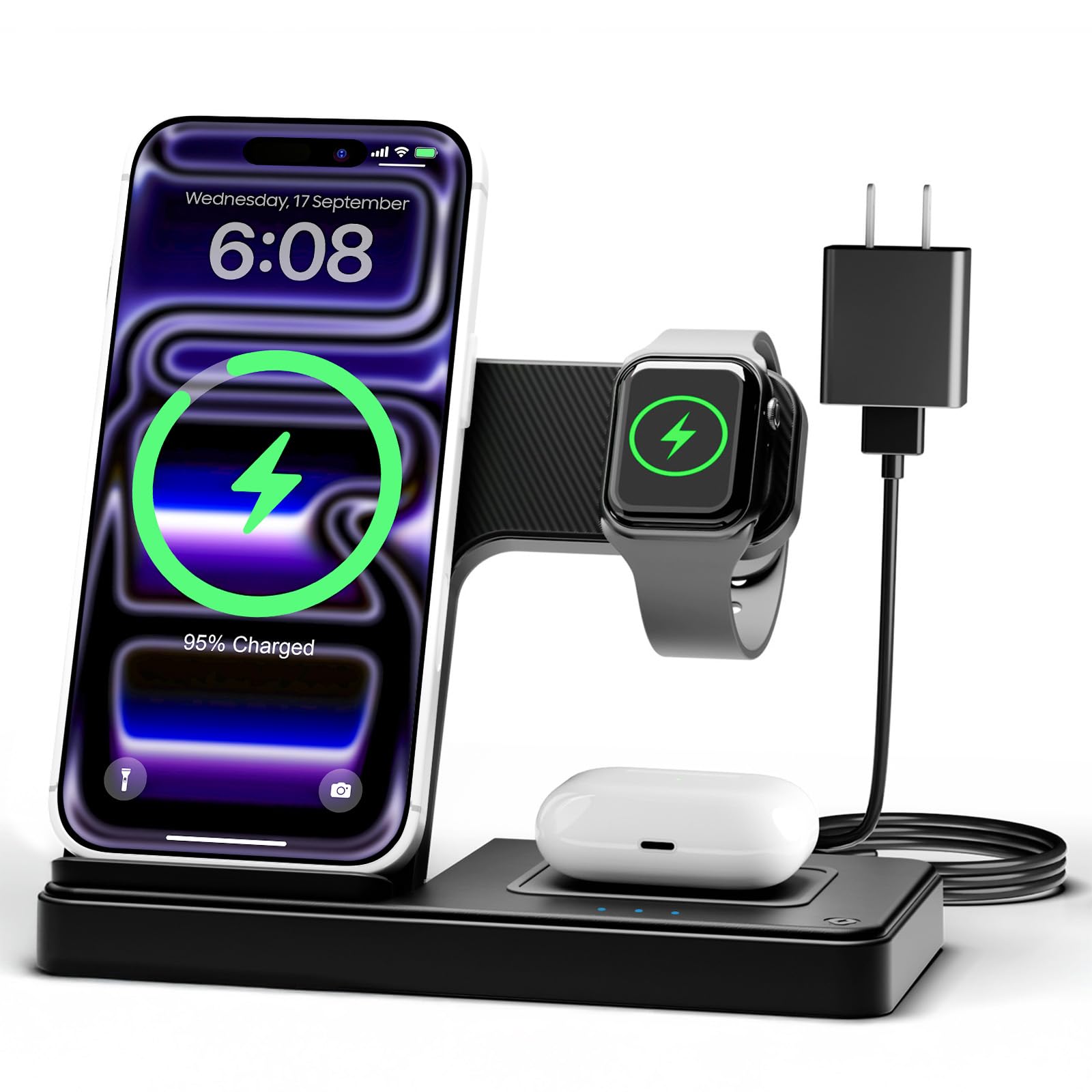
GETPALS 3-in-1

GETPALS 3-in-1

Travel multi-device

Our Score 8.4/10
Check Price

Worth Noting

  • Phone charging at 7.5W is slow
  • Charging reliability can fade after several weeks in some units.
Form Factor
Foldable stand
Charging Speed
7.5W phone
Number of Devices
3
Magnetic Alignment
No

The GETPALS 3-in-1 folds into a slim bundle that slips into any bag, making it the most travel-friendly way to charge an iPhone, Apple Watch, and AirPods on the go. While the Anker 313 stand wins for a permanent desk setup, this charger is built for the suitcase rather than the nightstand.

This setup is best for frequent travelers who want one cable to manage three devices overnight in a hotel room. The tradeoff is plain: the phone charges at 7.5W, which is noticeably slower than a typical desk charger, and some units have shown intermittent charging after a few weeks of use. If you need a quick top-up before heading out, this isn’t the tool – but for overnight charging in a compact package, it does the job.

Tip: Keep it plugged in overnight to let the slow phone charge reach full battery by morning.

Bottom line: A capable travel companion for Apple users who don’t mind slow phone charging and are willing to accept occasional unit variance in exchange for extreme portability.

5

NANAMI Stand + Adapter

NANAMI Stand + Adapter

Complete kit

Our Score 9.0/10
Check Price

Worth Noting

  • Bright blue LED stays on during charging
  • Some phones may experience occasional charging interruptions.
Form Factor
Stand
Charging Speed
10W (7.5W iPhone)
Number of Devices
1
Magnetic Alignment
No

The NANAMI Stand + Adapter sets itself apart from other budget options by including a 20W PD charger block in the box — no need to dig out an old brick or buy one separately. Charging speed is consistent for both iPhones (up to 7.5W) and Samsung devices (10W), and the stand holds the phone securely in portrait mode. Build quality feels solid, with a clean design that blends into a desk or nightstand.

This kit suits buyers who value convenience and want a single-box solution for fast wireless charging. The included adapter is a genuine time-saver, especially for those new to wireless charging or upgrading from a slower pad. However, the blue LED indicator stays lit during charging and can be distracting in a dark bedroom — a small issue for daytime use but worth noting if you’re sensitive to light while sleeping. Occasional charging pauses have been noted with some phone models, though most sessions complete without interruption.

Tip: Place the stand away from your pillow or cover the LED with a small piece of tape if the glow disturbs your sleep.

Bottom line: The NANAMI kit is the straightforward pick if you want a stand and a fast charger in one box, but the Anker 313 dual-pack is the safer bet for sheer consistency.

6

Yootech Wireless Pad

Yootech Wireless Pad

Budget backup

Our Score 8.6/10
Check Price

Worth Noting

  • When you need a quick top-up between meetings, the 10W max speed means longer waits
  • As a daily driver, the possibility of the pad stopping charging after a few months is worth considering
Form Factor
Pad
Charging Speed
10W max
Number of Devices
1
Magnetic Alignment
No

At its sub-$10 price, the Yootech pad delivers straightforward charging for most Qi devices — no pairing, no fuss. However, long-term durability varies between units, with occasional reports of the pad ceasing to charge after several weeks of use. Charging speed is also modest at 10W max, better suited for overnight top-ups than quick daytime refills. This makes it a practical choice as a travel backup or secondary charger where the risk of premature failure is acceptable.

Tip: Use it for overnight charging to avoid frustration with slow top-ups.

Bottom line: Best as a low-cost backup charger for overnight use or travel, where the risk of eventual failure is acceptable.

7

Apple MagSafe Puck

Apple MagSafe Puck

Fast iPhone

Our Score 9.0/10
Check Price

Worth Noting

  • Requires a separate adapter, adding to the overall cost and limiting convenience
  • Charging may become intermittent over time in some units, reducing dependability
Form Factor
Magnetic puck
Charging Speed
25W (w/ 30W adapter)
Number of Devices
1
Magnetic Alignment
Yes (MagSafe)

The Apple MagSafe Charger delivers up to 25W to iPhone 16 models when paired with a 30W USB-C adapter – noticeably faster than standard Qi2 chargers. Magnetic alignment is precise, snapping the phone into place every time, and the build quality matches Apple's ecosystem standards.

That speed comes at a cost: you'll need to supply your own 20W+ adapter, and the puck itself is premium-priced. Some units have been known to develop charging issues over time, and the charger can get warm during fast charging. For users who already own a compatible adapter and prioritize maximum wireless speed, this remains the fastest option – but most buyers will find better value elsewhere.

Bottom line: Best suited for iPhone 16 owners who already have a 30W adapter and prioritize maximum wireless speed over cost and long-term consistency.

8

NANAMI Stand

NANAMI Stand

Budget stand

Our Score 8.6/10
Check Price

Worth Noting

  • Charging speed can be slower than expected, suitable for overnight but not quick top-ups
  • Some chargers may stop working after a few months of use
Form Factor
Stand
Charging Speed
10W max
Number of Devices
1
Magnetic Alignment
No

This NANAMI stand offers the lowest price point among USB-C stands, making it an option for those seeking a simple dock for nightstand use. The two-coil design provides a wider charging area, and the stand holds the phone at a convenient viewing angle. However, charging speed can be slower than advertised, and some units may stop working within a few months - a tradeoff that suits occasional backup use rather than daily driving. For buyers who want a dependable primary charger, the Anker 313 Stand (top pick) offers more consistent performance at a slightly higher cost.

Bottom line: A budget-friendly backup stand for overnight charging, best for those who accept slower speed and occasional unit variance.

How to Choose

Charging Speed

Wireless chargers advertise max speeds like 10W or 15W, but that figure is only reachable with a compatible phone and a high-wattage adapter. iPhones cap at 7.5W on standard Qi and 15W on MagSafe or Qi2; Samsung phones can hit 10W or 15W depending on model.

Using a 5W adapter with a 15W charger locks the output to 5W. To get the advertised speed, you need a 20W or higher PD adapter. Many budget chargers overheat when pushing full power, so look for models with temperature monitoring (like ActiveShield) to avoid throttling or battery damage.

Form Factor

Stand chargers let you see notifications and use Face ID while charging, making them ideal for a desk or nightstand. Pads are simpler and cheaper, but you must place the phone flat, which can make it harder to interact with.

Portable folding stands are convenient for travel, but they often have slower charging speeds and smaller coils that require precise placement. Consider your primary use location before choosing between a stand and a pad.

Magnetic Alignment

Magnetic chargers (MagSafe or Qi2) snap into place, ensuring optimal coil alignment for faster charging and less heat. Without magnets, you may need to adjust the phone to find the sweet spot, leading to slower charging or no charging at all.

Magnetic models generate more heat because of the tighter coupling and higher power transfer. Some poorly designed magnetic chargers overheat, so check for thermal safety features if you plan to use them regularly.

Number of Devices

Multi-device chargers (2-in-1 or 3-in-1) charge your phone, watch, and earbuds from a single power source, reducing cable clutter. However, these models often split the total power, so each device charges slower than a dedicated charger.

For a nightstand or travel kit, a 3-in-1 is convenient. For a desk where you want the fastest phone charging, a single-device stand is usually better. Multi-device chargers also tend to have more points of failure, especially the smaller watch and earbud pads.

Included Accessories

Many wireless chargers ship without a wall adapter, assuming you already have one. If you don't, you'll need to buy a 20W or higher PD adapter separately, which adds cost and complexity. Some kits include a quality adapter and cable, offering a true plug-and-play experience.

The cable type matters: USB-C is modern and widely available, while Micro-USB is outdated and harder to replace. Chargers with integrated cables (like Apple's MagSafe puck) limit cable length options. Check what's in the box before you buy.

Frequently Asked Questions