Smart Home & Security

13 Best Smart Light Switch of 2026: Choose Reliability over Budget Risk

Which smart light switch actually stays connected and lasts? For homes with or without neutral wires, find the right one for your ecosystem.

A smart light switch that drops its Wi-Fi connection every few days isn't smart — it's frustrating. The most common complaints about budget-friendly switches: intermittent connectivity and failures within months. But you don't have to spend a fortune to get a stable setup.

The key is matching the switch to your home's wiring and your ecosystem. Whether you need a dimmer, a 3-way solution, or compatibility with Apple HomeKit, the right choice depends on whether you have a neutral wire and how much you value uptime over upfront savings.

For homes that need reliability above all, a hub-based system like Lutron Caseta is the gold standard. For those on a tighter budget, there are Wi-Fi options that work — if you understand their limits. This guide highlights which switches last and which ecosystems they play best with.

1

Lutron Caseta PD-6WCL-WH

Top Pick
Lutron Caseta PD-6WCL-WH

No neutral wire

Our Score 9.4/10
Check Price

Worth Noting

  • The required Lutron hub (sold separately) adds to the upfront cost and demands a dedicated space near the router.
  • Per-switch price is higher than Wi-Fi competitors
Ecosystem
Alexa, Google, HomeKit
Switch Type
Dimmer
Hub Required
Yes
Neutral Wire
Not required

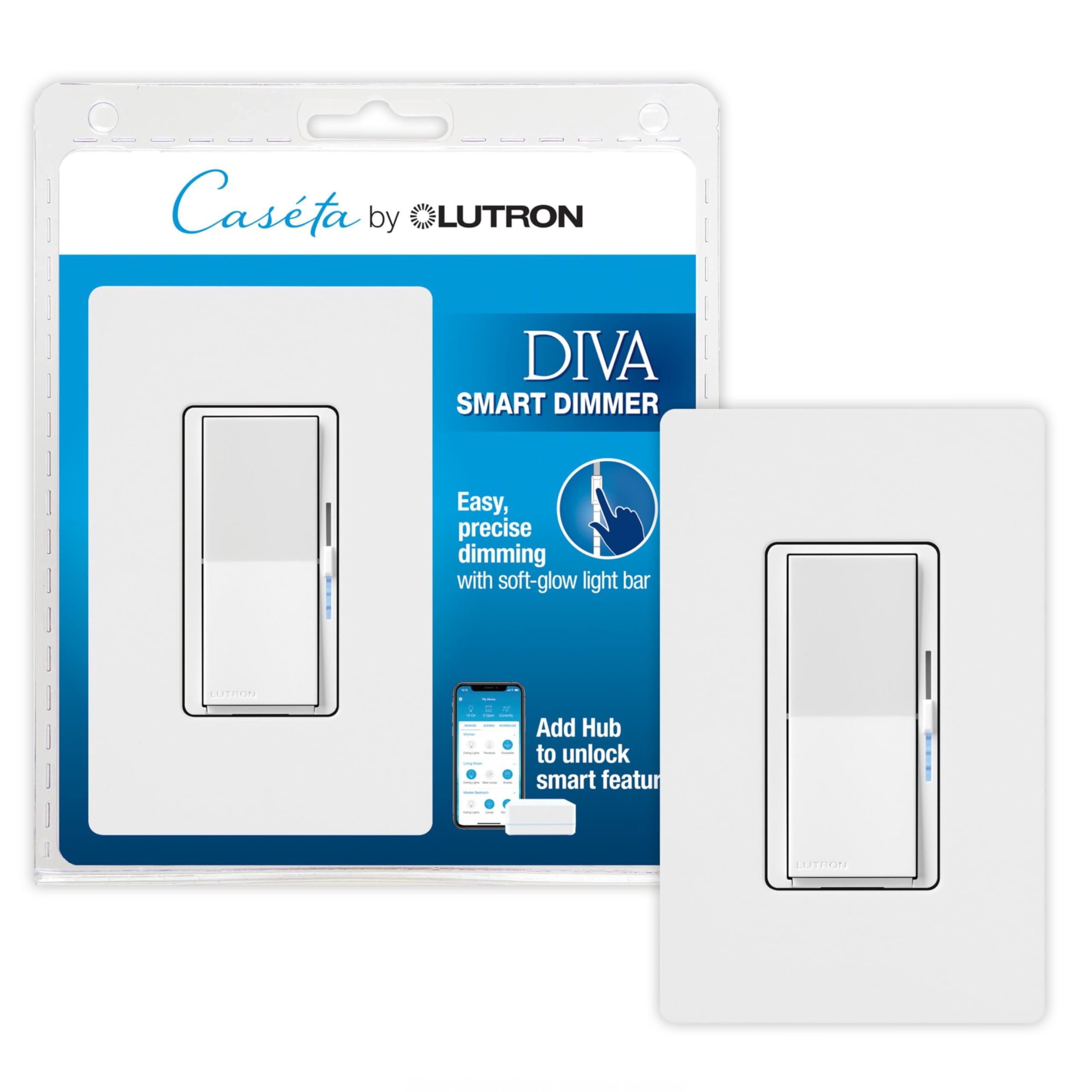
The Lutron Caseta dimmer functions dependably in homes lacking a neutral wire—a setup that many smart switches cannot handle. Its Clear Connect technology maintains stable communication over long distances, so lights respond instantly whether you are in the same room or across the house. The dimmer's build quality and matte white faceplate feel solid, not plasticky.

This switch suits households that prioritize consistency over cost savings, especially those already invested in multiple ecosystems like Apple HomeKit, Alexa, and Google Home. However, it requires the Lutron Smart Hub (sold separately), which adds both upfront expense and an extra component to your network. If you are willing to accommodate that, you get a dimmer that simply works without the connection drops typical of Wi-Fi-only alternatives.

Tip: Consider the Lutron starter kit that bundles a hub with one dimmer – it often reduces the per-device cost.

Bottom line: For anyone with older wiring or a multi-ecosystem home, this dimmer delivers consistent performance that cheaper switches can't match.
2

TREATLIFE 4-Pack

TREATLIFE 4-Pack

Budget multi-pack

Our Score 9.0/10
Check Price

Worth Noting

  • No dimming
  • Requires a neutral wire, which some homes may lack
Ecosystem
Alexa, Google, SmartThings
Switch Type
On/Off
Hub Required
No
Neutral Wire
Required

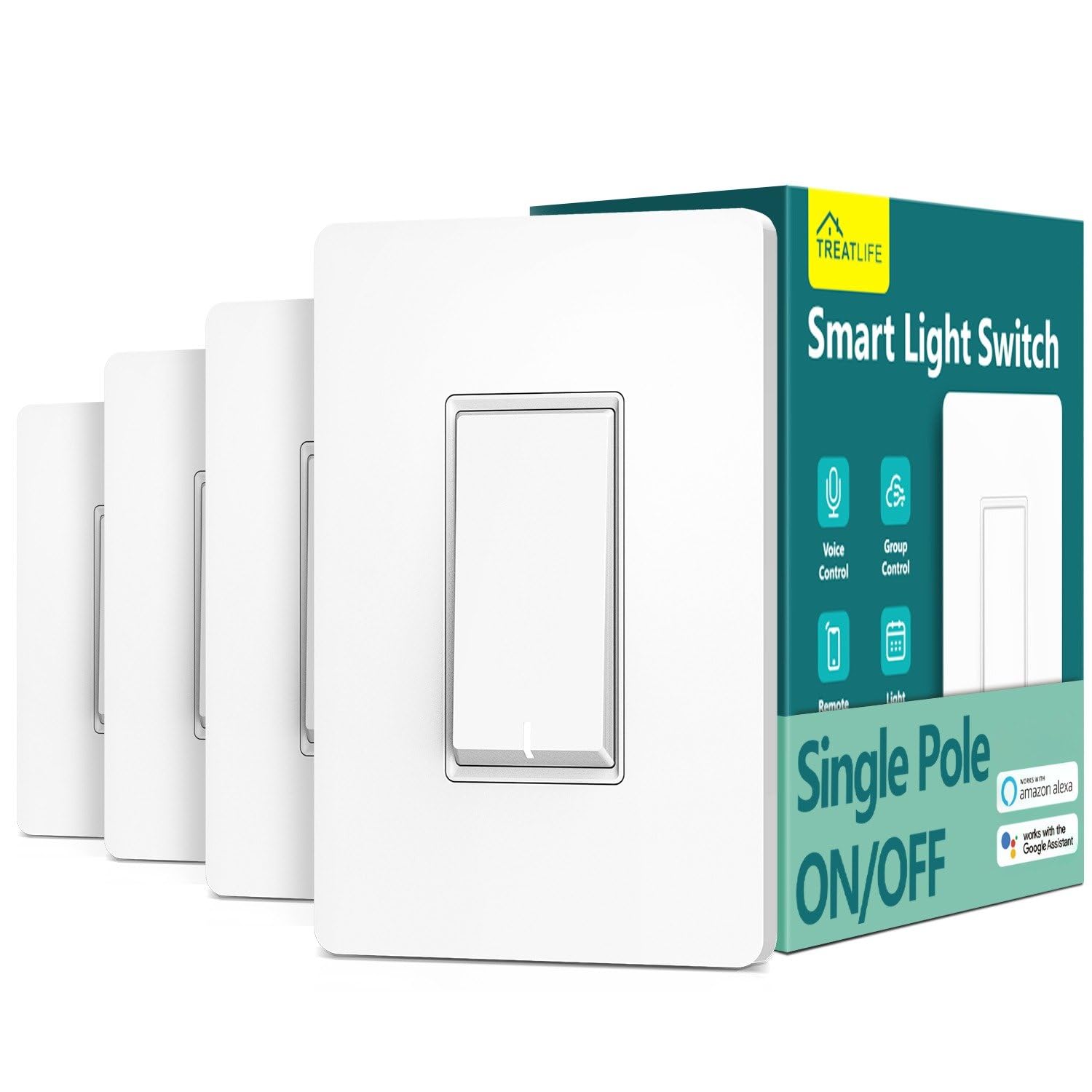
The TREATLIFE 4-pack stands out for its low per-switch cost and straightforward setup, making it a practical alternative to pricier hub-based systems. Where the budget dimmer multi-pack offers dimming at the cost of inconsistent quality, this on/off switch focuses on reliable core functionality. It's best suited for homes with neutral wires where dimming is not needed — older homes lacking a neutral wire are not compatible.

Bottom line: A cost-effective way to add smart on/off control to multiple lights, as long as you have neutral wires and don't need dimming.

3

Kasa Smart HS220P3 3-Pack

Kasa Smart HS220P3 3-Pack

Budget dimmer pack

Our Score 9.2/10
Check Price

Worth Noting

  • Some units may lose functionality after extended use
  • Wi-Fi connectivity can drop with routers far from the switch
Ecosystem
Alexa, Google
Switch Type
Dimmer
Hub Required
No
Neutral Wire
Required

The Kasa HS220P3 delivers an affordable three-pack of dimmers with app-guided setup and solid voice control via Alexa or Google Assistant – no hub required. This makes it a straightforward entry point for whole-home dimming without a premium price tag.

That said, long-term consistency can vary between units, and Wi-Fi connectivity may drop with distant routers. This dimmer is best suited for general living spaces where occasional hiccups are acceptable, rather than mission-critical hallway or exterior lighting.

Tip: For best dimming smoothness, pair with dimmable LEDs from reputable brands.

Bottom line: A cost-effective way to add dimming to multiple rooms, as long as you're comfortable with the possibility of occasional connectivity issues or early failure.

4

Kasa Smart HS210 KIT 2-Pack

Kasa Smart HS210 KIT 2-Pack

3-way budget

Our Score 9.2/10
Check Price

Worth Noting

  • Some switches may stop working after several months of use
  • Wi-Fi connection can be unstable on networks with heavy 2.4GHz interference
Ecosystem
Alexa, Google
Switch Type
On/Off
Hub Required
No
Neutral Wire
Required

The Kasa HS210 kit delivers the lowest per-switch cost for adding voice-controlled 3-way lighting. Setup is clear with labeled wires and app guidance, and Alexa or Google Assistant integration works without an extra hub. For homes with a neutral wire and a 2.4GHz network, this is an easy entry into smart multi-location control. However, some units may stop responding after several months, and Wi-Fi connectivity can drop on busy networks — worth considering if you need long-term reliability for a frequently used light.

Tip: For best Wi-Fi stability, connect the switch to a dedicated 2.4GHz network or minimize nearby interference.

Bottom line: The HS210 is a strong value for budget-friendly smart lighting, as long as you are comfortable with the possibility that some units may not last as long as expected.

5

Tapo S505 2-Pack

Tapo S505 2-Pack

Matter entry

Our Score 9.2/10
Check Price

Worth Noting

  • Occasional connectivity drops may occur in setups with many Matter devices or crowded 2.4GHz Wi-Fi
Ecosystem
Matter, Alexa, Google
Switch Type
On/Off
Hub Required
No
Neutral Wire
Required

Matter support is the headline feature here — the Tapo S505 works with Apple Home, Alexa, Google, and SmartThings directly, no separate hub needed. That puts it in rare company at this price point, contrasting with the top pick Lutron Caseta which requires its own hub for rock-steady performance.

This two-pack is ideal for homeowners already committed to the Matter ecosystem who want basic on/off control at a low per-switch cost. The tradeoff is that connectivity can be less consistent than a hub-based system — occasional unresponsive switches have been noted, especially in environments with many Matter devices or crowded Wi-Fi.

Tip: If a switch becomes unresponsive, power-cycling the circuit breaker or resetting the switch via the app usually restores connectivity.

Bottom line: For buyers building a Matter smart home, this is the most cost-effective way to add standard on/off switches, as long as you can accept the possibility of occasional unresponsiveness.

6

Lutron Caseta PD-6ANS-WH

Lutron Caseta PD-6ANS-WH

Fan control

Our Score 9.4/10
Check Price

Worth Noting

  • High cost for a basic on/off switch, plus the required hub adds expense
  • Switch may stick or stop responding over time in some cases
Ecosystem
Alexa, Google, HomeKit
Switch Type
On/Off
Hub Required
Yes
Neutral Wire
Required

This switch handles up to 6 amps, making it the right pick for ceiling fans where dimmers would cause flickering or hum. The Lutron app walks through installation and pairing with the required Caseta hub. Voice control through Apple HomeKit, Alexa, and Google responds with near-instant toggling. This is the switch for buyers already in the Caseta ecosystem who need fan or non-dimmable light control — but the combined hub and switch cost adds up for a basic on/off function.

Tip: This switch requires a neutral wire — check your junction box before installing.

Bottom line: A focused choice for Caseta users who need fan control, but not a cost-effective entry point for general on/off switching.

7

Amazon Basics Smart Switch

Amazon Basics Smart Switch

Alexa-only budget

Our Score 8.8/10
Check Price

Worth Noting

  • Wi-Fi disconnections may occur, especially in homes with many connected devices
Ecosystem
Alexa only
Switch Type
On/Off
Hub Required
No
Neutral Wire
Required

For an entry-level price, this switch pairs quickly with Alexa and replaces a standard wall switch in minutes. However, Wi-Fi connections can drop periodically, and the unit may become unresponsive over extended use — best suited for temporary setups or non-essential lighting where occasional disconnection is acceptable.

Bottom line: This switch makes sense as a low-cost experiment for Alexa users who can tolerate occasional hiccups and don't mind replacing it if it stops working.

8

GHome Smart 4-Pack

GHome Smart 4-Pack

Temporary use

Our Score 9.0/10
Check Price

Worth Noting

  • Some units may become unresponsive after several months of use.
Ecosystem
Alexa, Google
Switch Type
On/Off
Hub Required
No
Neutral Wire
Required

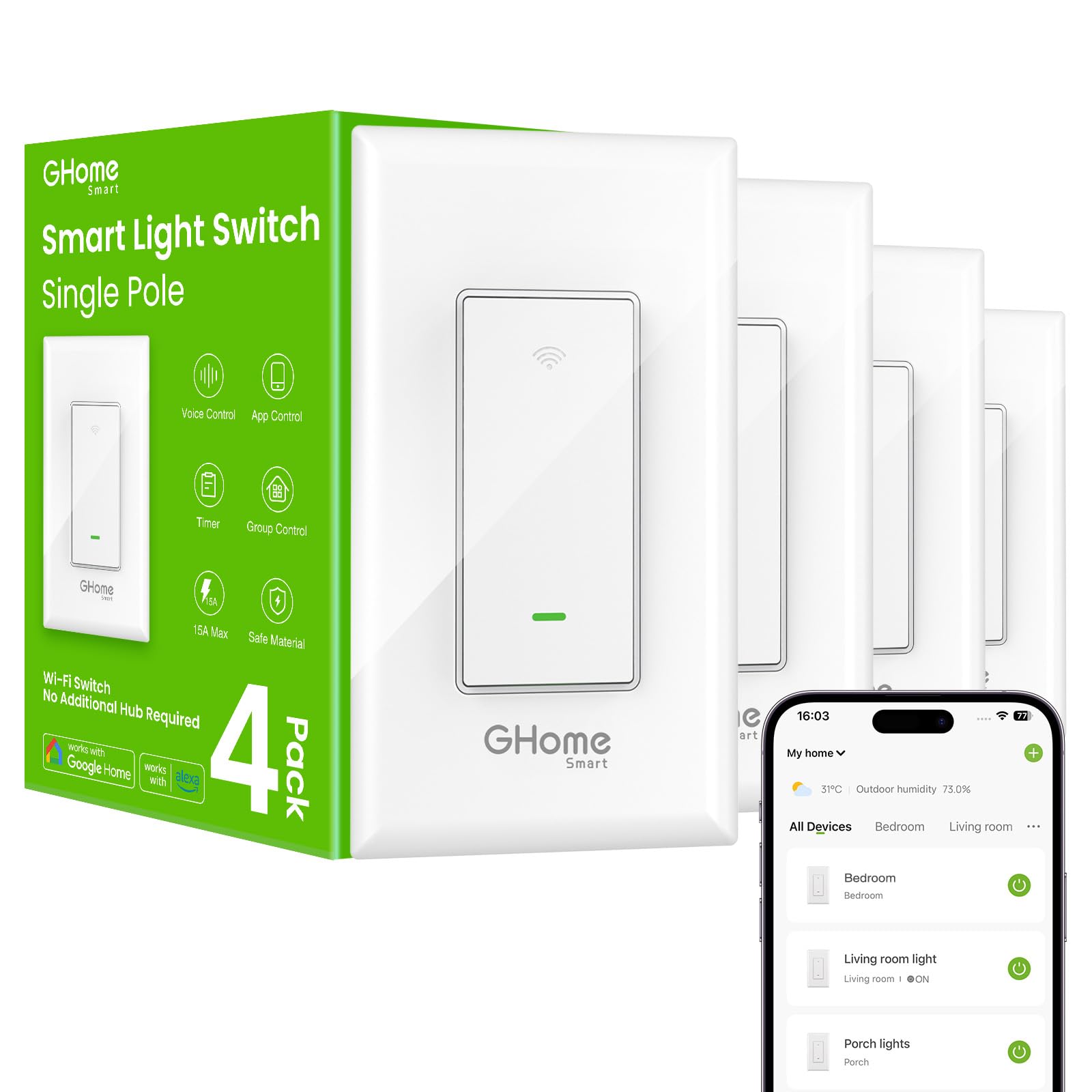
This 4-pack of Wi-Fi switches pairs quickly with the Smart Life or Tuya app and installs like a standard single-pole switch. The per-switch cost is low, making it an attractive entry point for adding voice control to a few lights. However, some units may become unresponsive after several months of use, so this set works best for temporary or non-critical lighting rather than permanent whole-home automation.

Bottom line: Best for short-term or non-critical lighting where cost per switch is the priority.

9

TREATLIFE Dimmer 4-Pack

TREATLIFE Dimmer 4-Pack

Budget dimmer pack

Our Score 8.8/10
Check Price

Worth Noting

  • Consistency can vary between units
Ecosystem
Alexa, Google
Switch Type
Dimmer
Hub Required
No
Neutral Wire
Required

This four-pack brings app-guided setup and smooth dimming to multiple rooms for less than $18 per switch. However, unit consistency varies — some switches may develop connectivity issues over time, making this a better fit for non-critical locations like basements or guest rooms rather than everyday living spaces.

Bottom line: Best for budget-conscious buyers wiring non-critical rooms or temporary setups, provided you are comfortable with possible unit variation.

10

Kasa KS200P3 3-Pack

Kasa KS200P3 3-Pack

HomeKit 3-pack

Our Score 9.0/10
Check Price

Worth Noting

  • Long-term behavior is not well-documented, so some units may exhibit connectivity or durability issues over time.
Ecosystem
Siri, Alexa, Google
Switch Type
On/Off
Hub Required
No
Neutral Wire
Required

This three-pack delivers native Apple HomeKit voice control alongside Alexa and Google Assistant, all over 2.4GHz Wi-Fi without a separate hub. However, overall consistency hasn't been widely documented by owners, making long-term performance uncertain. Buyers already familiar with Kasa's quality may find this a reasonable choice for multi-room Siri control at a mid-range price.

Bottom line: Best for Apple HomeKit households who trust Kasa's brand quality and want a hub-free Siri-compatible switch at a mid-range price.

11

Kasa HS200-2 2-Gang

Kasa HS200-2 2-Gang

Dual switch box

Our Score 9.2/10
Check Price

Worth Noting

  • Alexa voice control may drop intermittently in some setups.
Ecosystem
Alexa, Google
Switch Type
On/Off (dual)
Hub Required
No
Neutral Wire
Required

Controls two separate lights from one gang box, saving space and cost versus two separate smart switches. Niche for dual-switch replacements; single-pole buyers should use individual units. Alexa voice control may occasionally disconnect, which is less of an issue when using the app or schedules.

Bottom line: Best suited when you need to control two lights from one wall box and voice commands are not your primary method of control.

12

Lutron Diva DVRFW-6L

Lutron Diva DVRFW-6L

Paddle dimmer

Our Score 9.6/10
Check Price

Worth Noting

  • Premium price plus hub cost makes it the most expensive single-dimmer option
Ecosystem
Alexa, Google, HomeKit
Switch Type
Dimmer
Hub Required
Yes
Neutral Wire
Not required

This dimmer delivers the same rock-solid wireless performance as the top-pick Caseta switch, working with no neutral wire and supporting all major voice assistants. The paddle design and subtle light bar appeal if you dislike the rounded look of the standard Caseta dimmer. The catch: it costs a bit more than the top pick, and you still need the Lutron hub. Best for existing Caseta owners who want a familiar switch appearance or homes without a neutral wire where other smart dimmers won't work.

Bottom line: Worth choosing only if you prioritize the paddle aesthetic over saving money or if you already own a Lutron hub.

13

Lutron Caseta 3-Way Kit

Lutron Caseta 3-Way Kit

3-way remote kit

Our Score 9.6/10
Check Price

Worth Noting

  • Premium-priced and requires a separate hub, raising total cost significantly.
Ecosystem
Alexa, Google, HomeKit
Switch Type
On/Off kit
Hub Required
Yes
Neutral Wire
Required

This kit solves 3-way wiring by replacing the second switch with a Pico remote — no extra cables needed. Build quality is excellent, and connectivity remains stable even without internet. The catch: premium pricing plus mandatory hub makes it a costly entry, better suited for expanding an existing Caseta system.

Bottom line: Best for existing Lutron Caseta owners who want a hassle-free 3-way without running new wires.

How to Choose

Neutral Wire Check

A neutral wire is a white wire that connects the switch to the home's electrical panel, completing the circuit. Most smart switches need it to power their Wi-Fi radio when the light is off. If your switch box has only black and ground wires (common in pre-1980s homes), you're limited to hub-based switches like Lutron Caseta that draw power differently.

Ignoring this requirement leads to a switch that simply won't power on. Check your box with a voltage tester before buying.

Hub vs. Hubless

Wi-Fi switches connect directly to your router — no extra hardware, but they rely on your home network's stability. A weak 2.4GHz signal or channel congestion can cause disconnections. Hub-based systems like Lutron use a dedicated radio frequency (Clear Connect) that doesn't share your Wi-Fi, giving near-flawless response at any distance.

The trade-off: a hub adds $50–80 and ties you to one ecosystem. If you have a strong router and don't mind occasional resets, hubless is fine.

Wiring: Single-Pole or 3-Way

A single-pole switch controls one light from one location; a 3-way setup uses two switches to control the same light (e.g., top and bottom of stairs). Many smart switches support both, but some are single-pole only. For 3-way, you need a kit with two smart switches or one smart switch plus a remote (like Lutron's Pico).

If you buy a single-pole switch for a 3-way circuit, you'll lose control from the second location unless you rewire. Verify your box's wiring before purchase.

Dimmer vs. On/Off

Dimmers let you adjust brightness, but they require compatible LED bulbs — not all LEDs dim smoothly. On/Off switches work with any bulb type but offer no ambiance control. For fans, always use an on/off switch rated for inductive loads (like Lutron's 6A fan-rated model).

A dimmer on a non-dimmable bulb can cause flickering or buzzing. Stick with on/off for fans and dedicated lights.

Ecosystem Compatibility

Most smart switches work with Alexa and Google Assistant, but Apple HomeKit and Matter support are less common. If you use Siri, look for 'Works with Apple HomeKit' or Matter certification. Matter allows cross-platform control without a hub, but the current selection is limited.

Your choice also affects future flexibility. A switch that only supports Alexa locks you into that ecosystem. Lutron Caseta supports all three major assistants out of the box.

Frequently Asked Questions