Smart Home & Security

11 Best Security Camera 2026: No Monthly Fees, Real Performance

Find the best security camera for your home without hidden monthly fees. See which models offer reliable performance and free local recording.

Many security cameras advertise sharp video and smart features, but real-world performance often falls short due to unreliable WiFi connections or hidden subscription fees. The best cameras balance image quality, connectivity stability, and cost over time.

This guide focuses on models that work as advertised – without forcing you into a monthly plan for basic recording. Whether you need a weatherproof outdoor camera or a pan/tilt indoor unit, the right choice depends on where you place it and how you want to store footage.

We break down the key trade-offs between resolution, power source, and storage to help you match the camera to your specific setup and avoid buyer's remorse.

1

Tapo C120

Top Pick
Tapo C120

Indoor/outdoor

Our Score 8.8/10
Check Price

Worth Noting

  • WiFi connection may drop or become unstable when the camera is far from the router
  • Some units can go offline intermittently, requiring a manual reboot
Pan/Tilt
Fixed
Resolution
2K QHD
Power Source
Wired USB
Subscription
None

At this price point, the Tapo C120 delivers 2K video sharp enough to read license plates from a modest distance. Color night vision works well in near-darkness, and the free AI detection identifies people, pets, and vehicles without any ongoing cost.

The magnetic base holds firmly on metal surfaces, and the app guides you through setup in minutes. Alerts arrive quickly, and recorded clips stored on a microSD card (up to 512GB) are easy to review. The starlight sensor keeps footage usable even in very low light.

This camera is best for fixed outdoor monitoring of a porch, driveway, or backyard. The fixed lens requires deliberate positioning — it does not pan or tilt. Homes with a strong 2.4GHz WiFi signal within range will have the smoothest experience.

Tip: Position the camera close to your WiFi router to minimize connectivity issues.

Bottom line: The Tapo C120’s sharp 2K video and free features make it a practical option for monitoring a porch or driveway — WiFi range is the main factor to consider.

2

Tapo C200

Tapo C200

Budget indoor pan/tilt

Our Score 9.0/10
Check Price

Worth Noting

  • In long-term use, some units may stop responding after a few months of operation.
Pan/Tilt
360° pan, 114° tilt
Resolution
1080p HD
Power Source
Wired USB
Subscription
None

The Tapo C200 delivers pan/tilt and 1080p resolution at an entry-level price, setting it apart from fixed cameras like the top pick. Video quality is clear with effective night vision up to 30 feet. For indoor monitoring where you need to follow movement — a baby crawling or a pet exploring — this rotating design adds flexibility without a subscription fee.

This camera is best suited for budget-conscious buyers who prioritize pan/tilt and local storage over absolute reliability. WiFi connectivity can be a challenge in homes with thick walls or routers placed far away; a close proximity or extender may be needed. If your setup is already near a strong router, the C200 works well for daytime and night-time monitoring.

Setup through the Tapo app is straightforward, and motion detection sensitivity is adjustable to reduce false alerts. Some units may stop responding after several months of use; this is a known possibility with low-cost electronics. For non-critical monitoring like checking on pets, this risk is manageable.

Tip: Place the camera near your router or use a WiFi extender to minimize connectivity drops.

Bottom line: For a budget indoor camera that can pan and tilt without subscription fees, the C200 is a strong pick if you can work around WiFi placement and accept the occasional reliability hiccup.

3

HITELLARCAM 2K Wireless

HITELLARCAM 2K Wireless

Wireless outdoor

Our Score 8.8/10
Check Price

Worth Noting

  • Free cloud storage is limited to SD resolution
  • Battery life can fall short of the 6-month claim under heavy motion triggers.
  • Motion detection can be inconsistent, occasionally missing events or triggering false alerts.
Pan/Tilt
Fixed
Resolution
2K UHD
Power Source
Rechargeable battery
Subscription
Free SD cloud; HD paid

The HITELLARCAM 2K Wireless stands out as a budget-friendly outdoor camera with sharp 2K video and IP66 weatherproofing, all powered by a rechargeable battery that can last months between charges. For renters or anyone who can't run wiring, it's a convenient alternative to wired models like the Tapo C120, though it relies on wireless connectivity and has tradeoffs in storage and detection.

Battery life can be shorter than the 6-month estimate when motion triggers are frequent — some users find themselves recharging every few weeks. Motion detection may also miss events or generate false alerts in windy conditions or with passing cars.

This camera is a fit for budget-conscious buyers who want 2K video without wiring and are willing to manage the cloud storage limitation: the free tier provides SD-quality clips only, with HD requiring a paid subscription. Those needing continuous HD recording without added cost should look at the top pick instead.

Tip: Use an SD card for local recording to avoid the HD subscription cost.

Bottom line: For renters and budget buyers who can accept the cloud storage tradeoff, this wireless camera delivers solid 2K performance and long battery life at a low upfront price.

4

eufy E30 4K

eufy E30 4K

Indoor pan/tilt 4K

Our Score 9.0/10
Check Price

Worth Noting

  • Indoor only; not suitable for outdoor installation
  • Some connectivity hiccups possible in certain network environments
Pan/Tilt
360° pan, auto tracking
Resolution
4K Ultra HD
Power Source
Wired USB
Subscription
None

The eufy E30 delivers sharp 4K video with vibrant color night vision, and its pan/tilt mechanism follows people and pets automatically. Unlike the fixed-lens top pick, the E30 offers full 360-degree coverage indoors, making it ideal for monitoring active spaces. No subscription is needed for full functionality, including cloud-free local recording.

This camera is best for homeowners who prioritize indoor video quality and want to avoid monthly fees. It works well for keeping an eye on babies, pets, or busy rooms, but it is strictly indoor-rated — not for eaves or uncovered patios. WiFi stability can vary depending on distance from the router, so a strong network signal is worth planning around.

When the connection remains stable, the auto-tracking is responsive and the 4K footage stays crisp. The color night vision with spotlight adds useful detail in low light, and the pan/tilt motion is smooth enough to follow a roaming pet without lag. This performance is consistent for indoor use, though network interruptions can interrupt the feed temporarily.

Tip: Place the camera within strong WiFi range to reduce occasional disconnections.

Bottom line: For indoor monitoring where 4K detail and pan/tilt tracking matter more than outdoor capability or absolute network stability, the eufy E30 delivers premium performance without subscription costs.

5

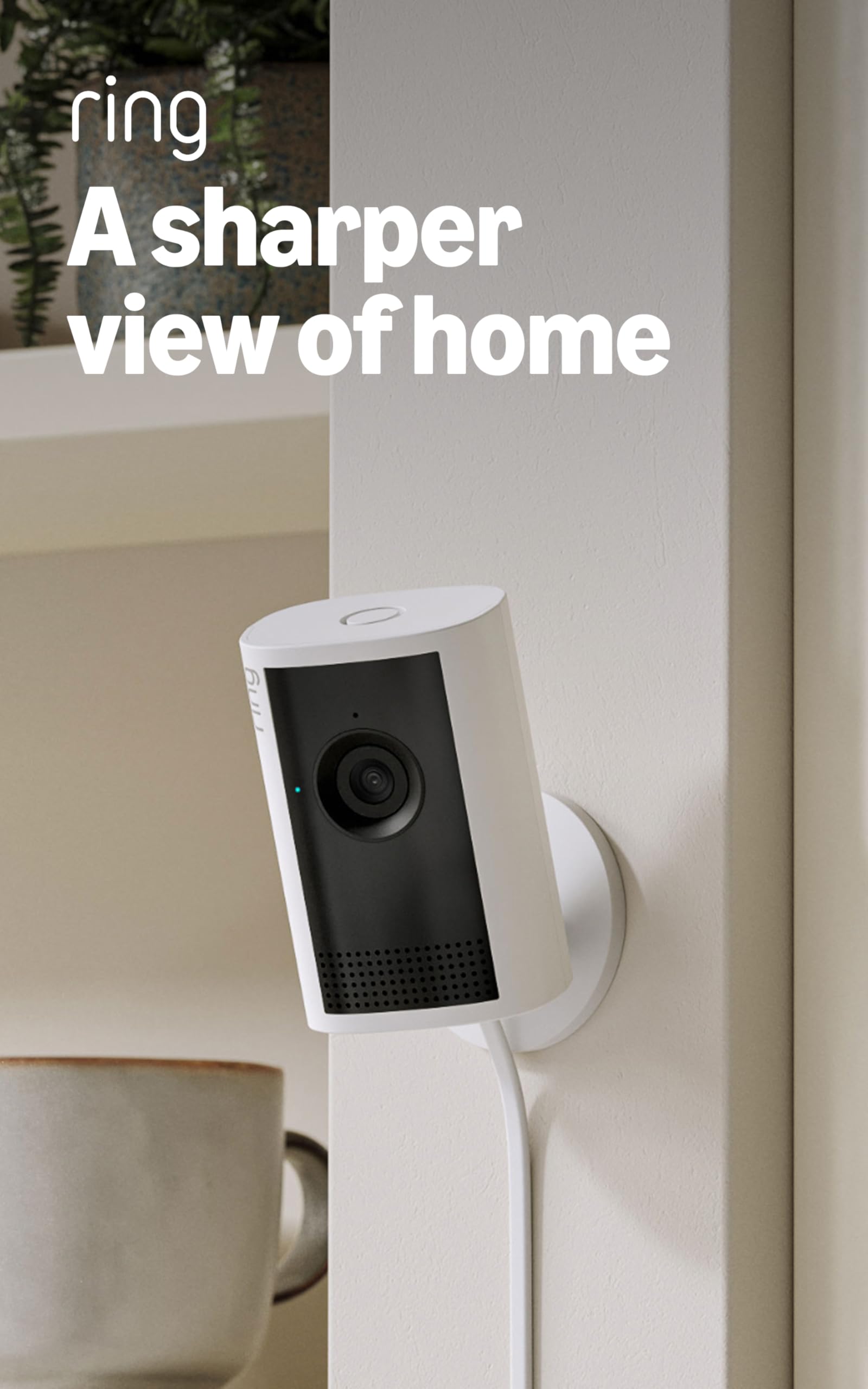
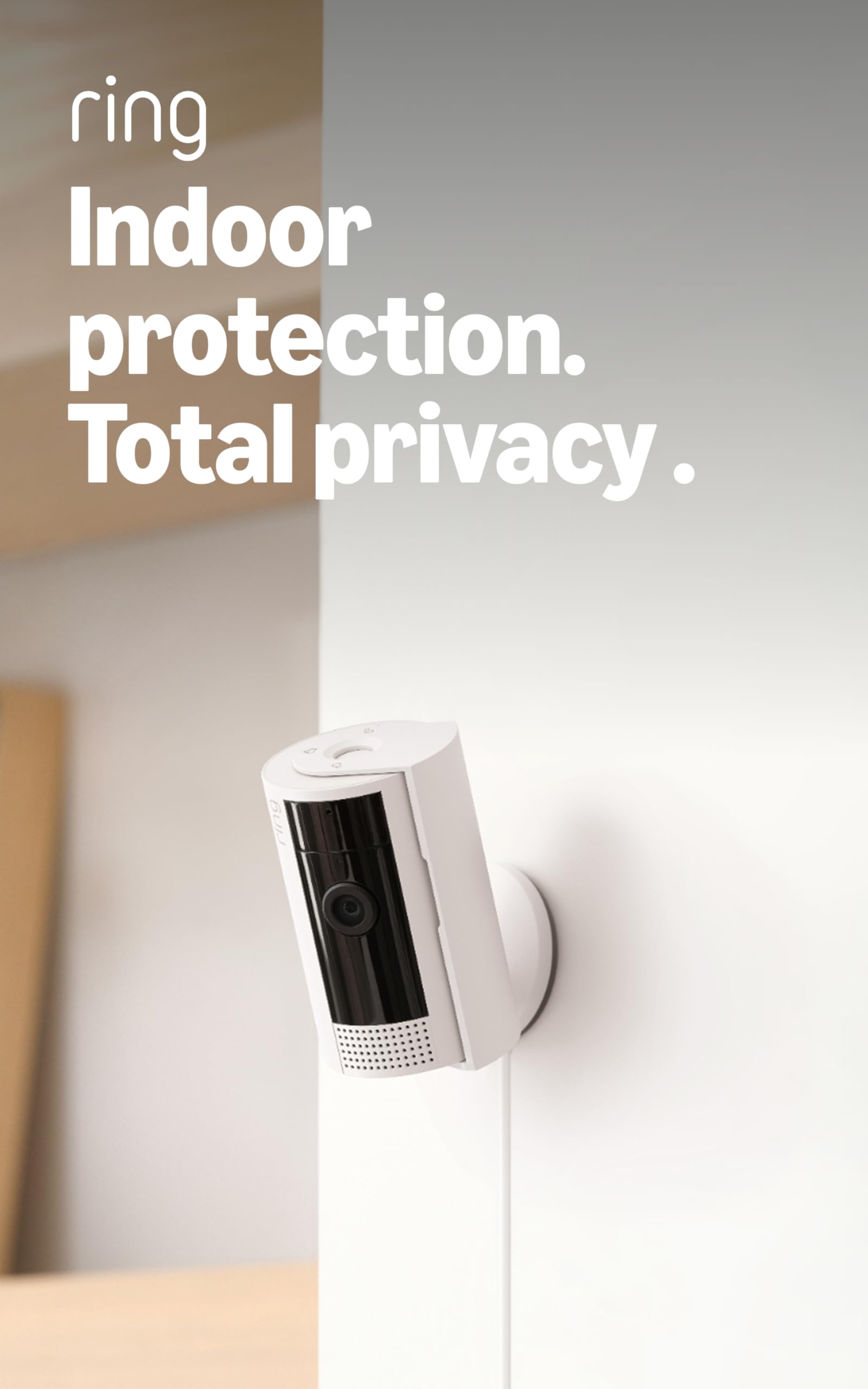
Ring Indoor Cam Plus

Ring Indoor Cam Plus

Ring ecosystem

Our Score 9.2/10
Check Price

Worth Noting

  • Cloud recording and advanced features require a Ring Protect subscription (priced separately)
  • In very low light, night vision may appear grainy
  • WiFi connectivity can be inconsistent in crowded network environments
Pan/Tilt
Fixed
Resolution
2K Retinal
Power Source
Wired plug-in
Subscription
Required for recording

The Ring Indoor Cam Plus delivers noticeably sharper video than the entry-level Ring Indoor Cam (2K vs 1080p), and its 4x digital zoom lets you inspect license plates or package labels without moving the camera. Setup is genuinely quick if you already have a Ring account — unbox, plug in, scan the QR code, and the camera appears in the same app as your doorbell or floodlight. Low-light performance is strong enough to identify faces across a dimly lit living room, though color night vision can shift slightly warm.

This model is best for existing Ring users who want the sharpest indoor image quality their ecosystem can provide and are comfortable paying a monthly Ring Protect subscription for cloud recording. Without that subscription, the camera only streams live video and triggers motion alerts — it will not save clips or enable person detection. The build feels solid, and the manual privacy lens cover is a practical touch for bedrooms or home offices.

Some units may experience occasional night vision graininess in pitch-black rooms or brief WiFi drops during peak network congestion — not a systemic problem, but worth checking your home network if reliability is critical. Over 2,100 customer reviews reflect generally high satisfaction with image quality and ease of use.

Tip: If you place it in a room with a strong WiFi signal, the occasional connectivity drops are less likely to occur.

Bottom line: Stick with the Tapo C120 if you want subscription-free indoor/outdoor coverage. The Ring Indoor Cam Plus makes sense only when you already trust the Ring ecosystem and are willing to pay for cloud storage.

6

SEHMUA Solar 2-Pack

SEHMUA Solar 2-Pack

Solar outdoor

Our Score 8.8/10
Check Price

Worth Noting

  • WiFi connectivity can be spotty, requiring occasional app reconnection.
  • Camera does not automatically follow moving subjects; manual pan is needed.
Pan/Tilt
360° view, pan/tilt control
Resolution
2K Full HD
Power Source
Solar + battery
Subscription
None

The SEHMUA 2K Solar 2-Pack delivers a combination rarely seen at this price: integrated solar panels that keep the battery topped up and 360-degree pan/tilt control via the app. This eliminates the need for running power cables and allows you to move the camera’s view remotely — a clear advantage over fixed-lens wired cameras like the Tapo C120, which require constant power and lack pan/tilt flexibility.

Picture quality is solid with 2K resolution and color night vision that remains usable in low light. The solar panel charges even on overcast days, reducing the frequency of manual recharging. Motion detection relies on passive infrared (PIR) triggers — the camera records when motion is detected but does not track or follow subjects as they move. WiFi connectivity can be temperamental; the app may require occasional reconnection, which is more noticeable when the camera is placed far from the router.

This setup suits off-grid locations where wiring isn’t feasible and you want broad coverage from a pair of cameras. The lack of auto-tracking means it’s better for passive monitoring of areas like driveways, gardens, or parking spots where you can manually pan later. It’s not the best choice for active surveillance of a busy yard where you need the camera to follow motion automatically.

Tip: Keeping the camera within strong WiFi range reduces occasional connectivity hiccups.

Bottom line: For off-grid locations where solar power is a necessity and auto-tracking isn’t required, this two-pack delivers solid coverage and value.

7

Tapo C500

Tapo C500

Outdoor pan/tilt

Our Score 9.0/10
Check Price

Worth Noting

  • Some units may develop moisture inside the lens or stop responding after extended use
  • Pan/tilt mechanism can become noisy or momentarily stuck during rotation
Pan/Tilt
360° pan, 130° tilt
Resolution
1080p Full HD
Power Source
Wired USB
Subscription
None

Pan/tilt rotation and IP65 weatherproofing at this price point are hard to find — the C500 covers wide outdoor areas effectively. Video quality is clear in daylight and at night, and setup is straightforward. Where this model falls short of the top pick is in long-term consistency; some units perform well while others develop issues over time. For budget-conscious buyers who can accept that variance, it offers the most affordable way to get pan/tilt outdoors. Those who need more uniform performance should consider the fixed-lens Tapo C120.

Bottom line: This camera fits if your priority is maximum coverage per dollar and you are comfortable with potential unit-to-unit variation.

8

Tapo C210P2 (2-Pack)

Tapo C210P2 (2-Pack)

Multi-room indoor

Our Score 9.0/10
Check Price

Worth Noting

  • WiFi connectivity may be unstable if the 2.4GHz signal is not strong; cameras can drop off the network.
  • Occasional reliability hiccups, with some units requiring a reset to regain functionality.
Pan/Tilt
360° pan, 114° tilt
Resolution
2K QHD
Power Source
Wired USB
Subscription
None

This two-pack brings 2K clarity and motorized pan/tilt to two rooms for roughly the cost of a single premium camera. Setup is quick via the Tapo app, and motion tracking follows movement smoothly. The trade-off: the cameras rely on a solid 2.4GHz WiFi signal — weaker coverage can lead to disconnects, and a small percentage of units may need an occasional power cycle. If you are monitoring a single room, the even cheaper C200 makes more sense; for multi-room coverage on a budget, this pack delivers where it counts.

Tip: Ensure each camera is within range of a reliable 2.4GHz network; repositioning the router or adding a mesh node can reduce dropouts.

Bottom line: This two-pack is best suited for buyers who need pan/tilt in multiple rooms and don't mind occasional connectivity quirks — a solid choice if you have a strong WiFi router and are looking to save.

9

Ring Indoor Cam

Ring Indoor Cam

Ring basic indoor

Our Score 9.4/10
Check Price

Worth Noting

  • WiFi connection may drop in homes with weaker signals
  • Requires monthly subscription for cloud recording and advanced features
Pan/Tilt
Fixed
Resolution
1080p HD
Power Source
Wired plug-in
Subscription
Required for recording

For households already using Ring doorbells or alarms, adding this indoor cam is a matter of minutes. Picture quality is crisp at 1080p with color night vision, and the app provides polished controls. However, the camera requires a Ring Protect subscription for any video recording — a recurring cost that adds up. Competing options like the Tapo C120 offer local recording without fees, and Ring's own Indoor Cam Plus offers higher 2K resolution for a small premium. This leaves the base Ring Indoor Cam in a narrow spot: ideal for Ring loyalists who accept the subscription model, but less compelling for buyers seeking a standalone camera with no ongoing costs.

Bottom line: Best suited for Ring ecosystem users who want a straightforward indoor camera and are comfortable with the subscription requirement.

10

Kasa EC71

Kasa EC71

Tech enthusiasts

Our Score 8.8/10
Check Price

Worth Noting

  • WiFi connection can drop, requiring re-pairing in some setups
  • Camera may go offline randomly and need a power cycle to restore
Pan/Tilt
360° pan, 113° tilt
Resolution
1080p Full HD
Power Source
Wired USB
Subscription
None

The Kasa EC71 offers motorized pan/tilt, 1080p video with decent night vision, and motion tracking plus baby cry detection – all at a low price that undercuts many competitors. Setup is fast, and the app is straightforward. The catch is WiFi stability: some units lose connection or go offline without warning, demanding a manual reset. That inconsistency pushes this camera behind the Tapo C200 and eufy E30 for buyers who need dependable surveillance. It suits tech-savvy users willing to fine-tune their network and accept occasional downtime.

Tip: Place the camera near your router and use a dedicated 2.4GHz network – 5GHz can cause dropouts.

Bottom line: Best suited for tech hobbyists who enjoy optimizing network settings and don't need 24/7 uptime.

11

Wyze Cam v4

Wyze Cam v4

Budget indoor/outdoor

Our Score 8.8/10
Check Price

Worth Noting

  • In some cases, units may stop working within weeks, limiting long-term use
  • WiFi range may be insufficient in larger homes, possibly needing an extender
Pan/Tilt
Fixed
Resolution
2.5K QHD
Power Source
Wired USB
Subscription
None

This camera offers impressive 2.5K resolution and color night vision that make details clear even in low light. The lack of subscription fees for local recording on a microSD card adds to the value, and the magnetic mount gets it up quickly. However, some units have been noted to stop functioning within weeks, and WiFi range can be limited in larger spaces. For non-critical indoor or outdoor monitoring where occasional replacement is acceptable, this is a strong budget option — but the Tapo C120 provides similar specs with better long-term consistency for a comparable price.

Bottom line: This camera fits budget-conscious buyers who want high-resolution footage for non-critical areas, accepting that occasional unit replacement may be needed.

How to Choose

Resolution

Resolution determines how much detail you can see: 1080p is adequate for general monitoring, 2K captures finer details like license plates, and 4K offers the sharpest images but requires more bandwidth and storage. Higher resolutions also demand stable WiFi – a weak signal can cause buffering or dropped frames.

Power Source

Wired cameras (USB or plug-in) offer continuous operation and support 24/7 recording, but limit placement to near outlets. Battery-powered cameras are flexible to install anywhere but require recharging every 1-3 months under typical motion triggers. Advertised multi-month battery life assumes very few events.

Solar-powered cameras can extend time between charges in sunny locations, but in cloudy regions they may still need occasional USB top-ups. Wired is most reliable for critical security; battery is best for temporary or rent-friendly setups.

Outdoor Rating

An IP65 or IP66 rating means the camera is dust-tight and protected against water jets – suitable for rain and sprinklers. Cameras without an IP rating are indoor-only and will fail if exposed to moisture. Even weatherproof models can have issues with condensation inside the lens if not properly sealed; look for models with gaskets or desiccant.

Pan/Tilt Capability

Pan/tilt cameras can cover a large area from a single mounting point, but they add moving parts that can wear out or jam over time. Fixed-lens cameras are simpler and more durable, though they only see one direction. For tracking a pet or baby, pan/tilt is useful; for outdoor surveillance, a fixed wide-angle camera is often more reliable.

Subscription Requirements

Many brands lock video recording and AI detection behind a monthly subscription. Cameras with local microSD storage can record for free, but some still require subscription for cloud backup or advanced alerts. Check whether the camera supports continuous recording to SD or only motion-triggered clips. A one-time SD card cost often beats a $3-10 monthly fee over a few years.

Frequently Asked Questions