TVs & Video

8 Best Projector of 2026: Find One That Actually Works in Low Light

A guide to picking a home theater projector that delivers real-world performance without the marketing hype.

Projector brightness ratings are often inflated, and many buyers discover too late that their '3000 lumens' model requires a pitch-black room. The real challenge lies in finding a projector that delivers a clear image in the conditions you actually have.

Beyond brightness, built-in speakers are almost always underwhelming, and auto focus systems vary wildly in reliability. '4K support' is a marketing term for upscaled 1080p – not true 4K.

This guide focuses on real ANSI brightness, consistent auto features, and sound quality. Whether you prioritize powerful audio or a compact form, the best choice depends on your primary use case – and your tolerance for trade-offs.

1

WiMiUS P62 Pro

Top Pick
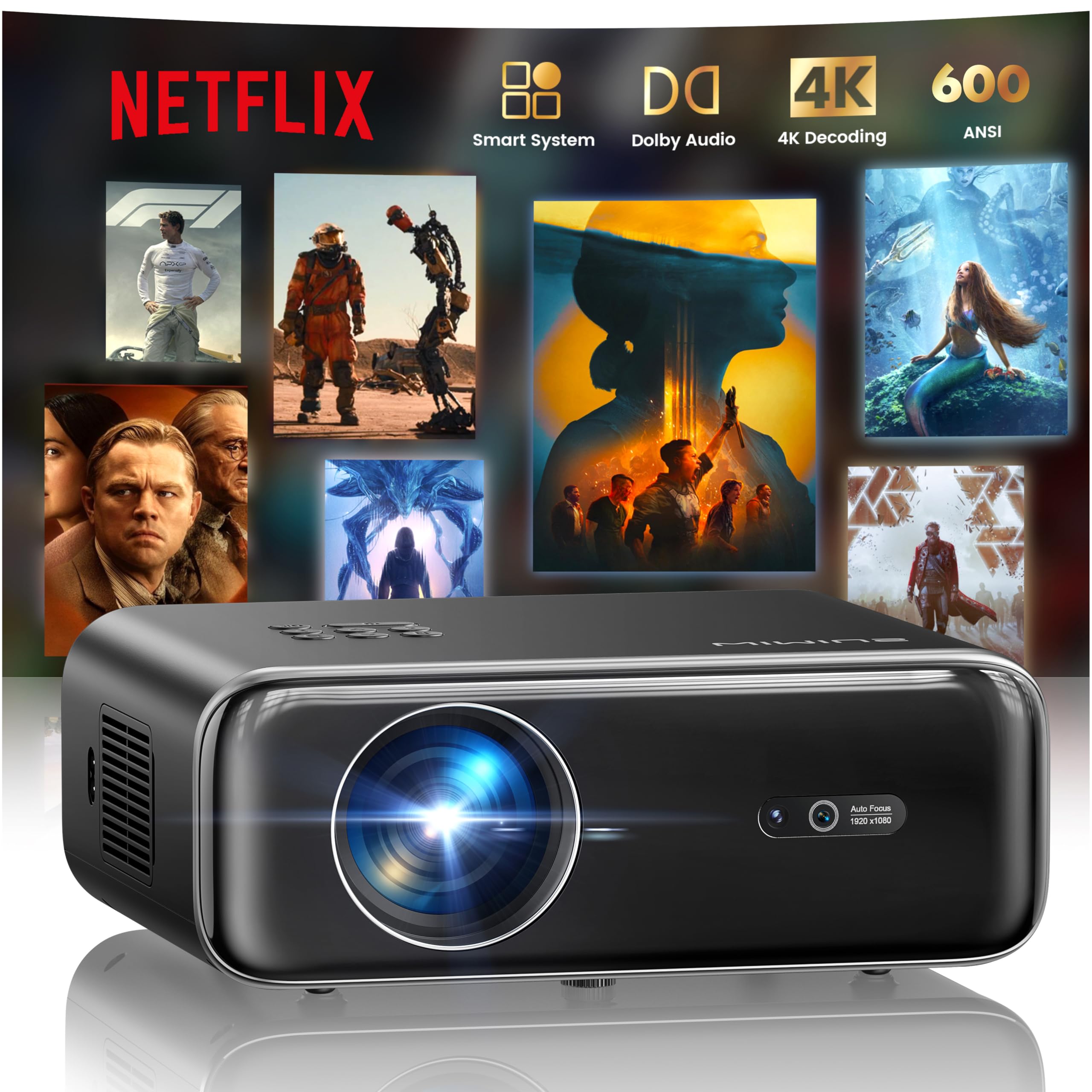
WiMiUS P62 Pro

Home theater use

Our Score 9.2/10
Check Price

Worth Noting

  • In a brightly lit room, the image becomes too washed out for comfortable viewing
  • Built-in speakers are adequate for dialogue but lack depth and bass; an external soundbar is a worthwhile addition for movie immersion.
Sound
Dual 10W Dolby
Smart OS
YouTube, Prime Video
Brightness
600 ANSI
Auto Features
Auto focus, keystone

The P62 Pro's auto focus and keystone correction activate within seconds of powering on, consistently producing a sharp, trapezoid-free image without manual adjustments. The native 1080p resolution delivers crisp detail and vibrant colors that hold up well in a darkened room, supported by 600 ANSI lumens and two brightness modes. Built-in apps for YouTube and Prime Video eliminate the need for an external streaming device, simplifying the setup.

The dual 10W speakers with Dolby Audio provide enough volume for casual movie nights, but voices can sound hollow and bass is limited — adding an external soundbar is a noticeable upgrade. WiFi 6 and Bluetooth 5.2 ensure stable connections for streaming and wireless audio. The contrast ratio of 20000:1 helps maintain depth in dark scenes, though the image lacks the pop of higher-priced laser projectors.

This projector is best suited for buyers who plan to use it in a controlled low-light environment — living room movie nights, gaming in the evening, or dark home theater setups. It is not a daytime living room display; bright ambient light washes out the image quickly. First-time projector owners will appreciate the straightforward out-of-box experience and the fact that auto features actually work without tweaking.

Tip: Pair with an external Bluetooth speaker or soundbar to get the most out of Dolby Audio content.

Bottom line: For buyers who can control ambient light and want a no-fuss projector with dependable auto features and built-in apps, the WiMiUS P62 Pro delivers consistent results at a mid-range price.
2

HAPPRUN H1

HAPPRUN H1

Occasional movie nights

Our Score 8.8/10
Check Price

Worth Noting

  • Bluetooth pairing can be inconsistent
  • Built-in speakers sound thin and tinny, so external speakers are a practical addition
  • Requires a completely dark room for a clear image
Sound
Built-in stereo
Smart OS
Brightness
Auto Features

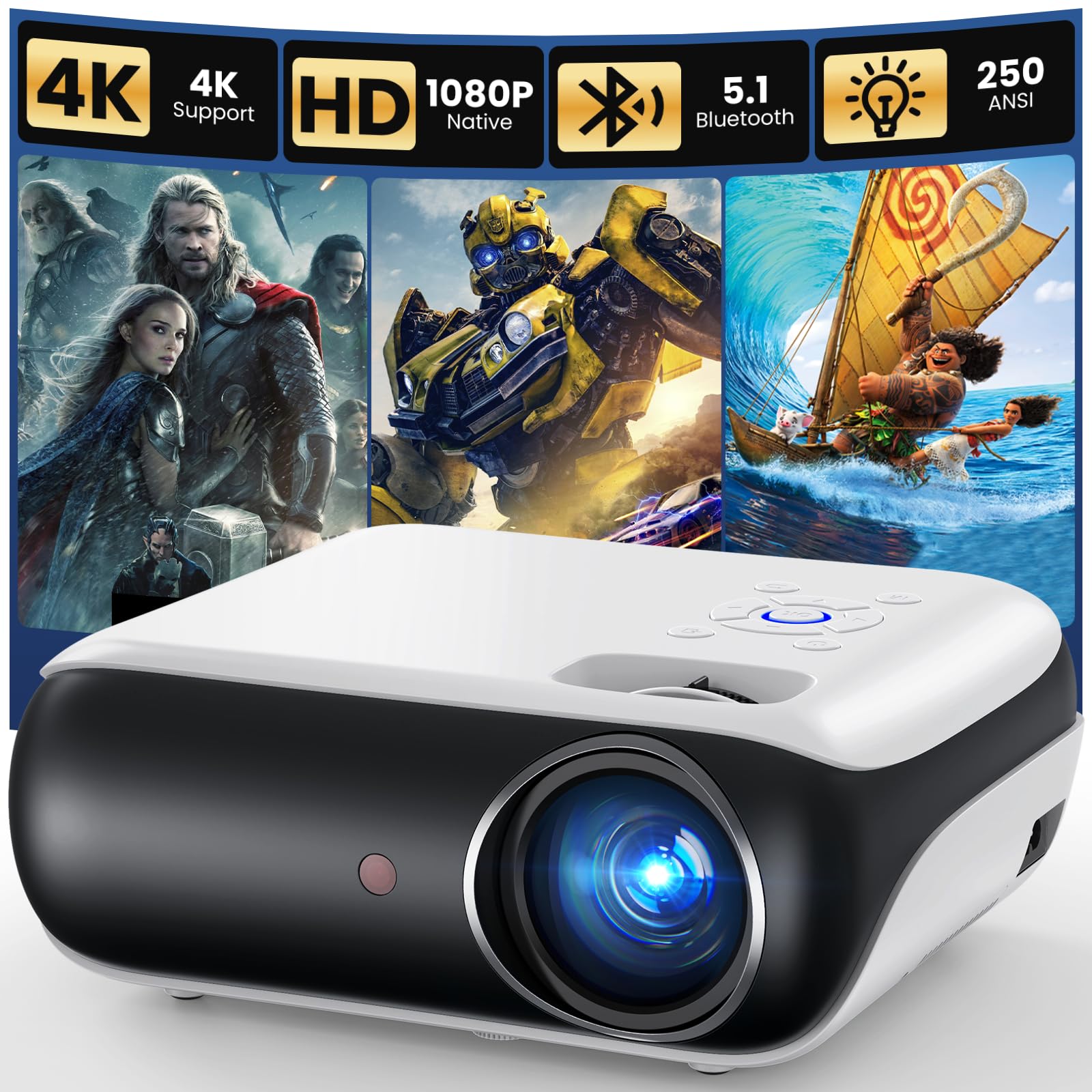
The HAPPRUN H1 is one of the most affordable native 1080p projectors, delivering a clear picture in dark rooms for a fraction of the cost of higher-end models. Its build quality feels solid for an entry-level device, and setup is straightforward right out of the box.

This projector suits buyers who prioritize low upfront cost over audio quality and brightness. It needs a completely dark space to produce an acceptable image, and the built-in speakers sound thin — external speakers are a practical addition. Some units have experienced early failures, so a warranty is worth considering.

Tip: Use a wired audio connection to avoid Bluetooth pairing hiccups.

Bottom line: The HAPPRUN H1 delivers native 1080p at a budget price, but only for buyers who can provide a dark room and external audio. Be prepared for possible early failures, so a warranty is sensible.

3

ONOAYO ONO5Pro 2.0

ONOAYO ONO5Pro 2.0

Immersive audio

Our Score 9.2/10
Check Price

Worth Noting

  • Brightness is not enough for rooms with lamps or daytime windows - optimal in dark or dim spaces.
  • Native 1080p resolution may show pixelation on very large screens (over 120 inches) compared to true 4K.
Sound
60W Dolby dual
Smart OS
Smart TV OS 2.0 (YouTube, Prime, Disney+)
Brightness
600-800 ANSI
Auto Features
AI auto focus, keystone, obstacle avoidance

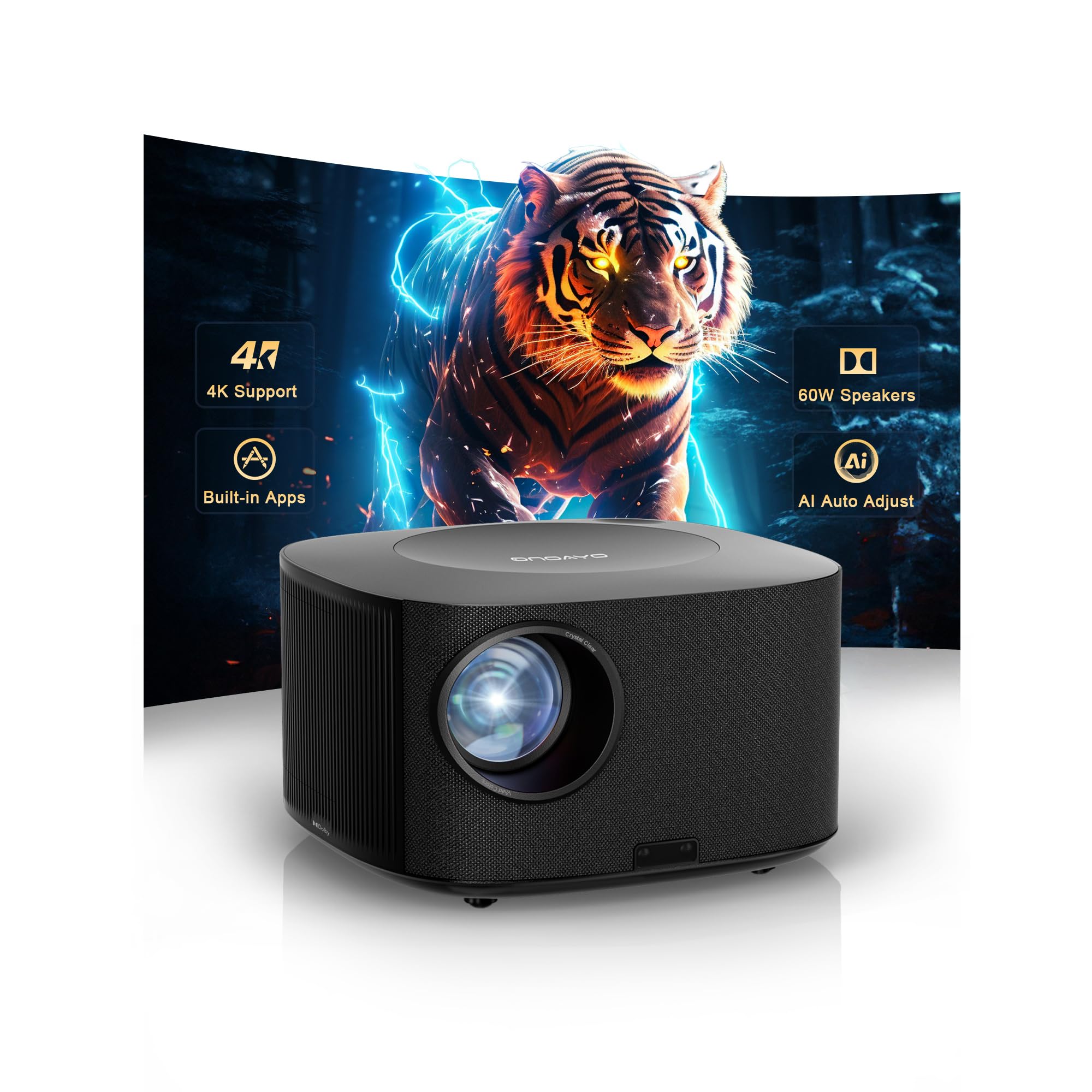
The ONO5Pro stands apart from typical projectors by delivering 60W Dolby-certified audio that fills a room with clear dialogue and punchy effects - enough to skip a separate soundbar. Its 1080p image is vibrant and sharp, with accurate colors that make movies and gaming look natural.

This projector is a strong match for home theater fans who want a single-box solution with minimal fuss. The auto focus and keystone correction work quickly, so you can get a square, sharp image in seconds. It is a newer model with a shorter user track record than the top pick, but early feedback points to consistent build quality. The brightness handles dark rooms well, but ambient light will reduce contrast - plan for controlled lighting.

Tip: For best image quality, use blackout curtains or dim lighting to maximize contrast and color saturation.

Bottom line: If integrated Dolby audio and effortless auto setup are your priorities, the ONO5Pro delivers a polished home theater experience without needing external speakers.

4

TOPTRO A2

TOPTRO A2

Small room use

Our Score 9.6/10
Check Price

Worth Noting

  • Premium pricing places it above $400, not ideal for budget-conscious buyers
  • At 4.16 pounds and non-compact design, it is less portable than many alternatives
Sound
36W Dolby dual
Smart OS
VIDAA OS (Netflix, YouTube, live TV)
Brightness
650 ANSI
Auto Features
AI auto focus, keystone

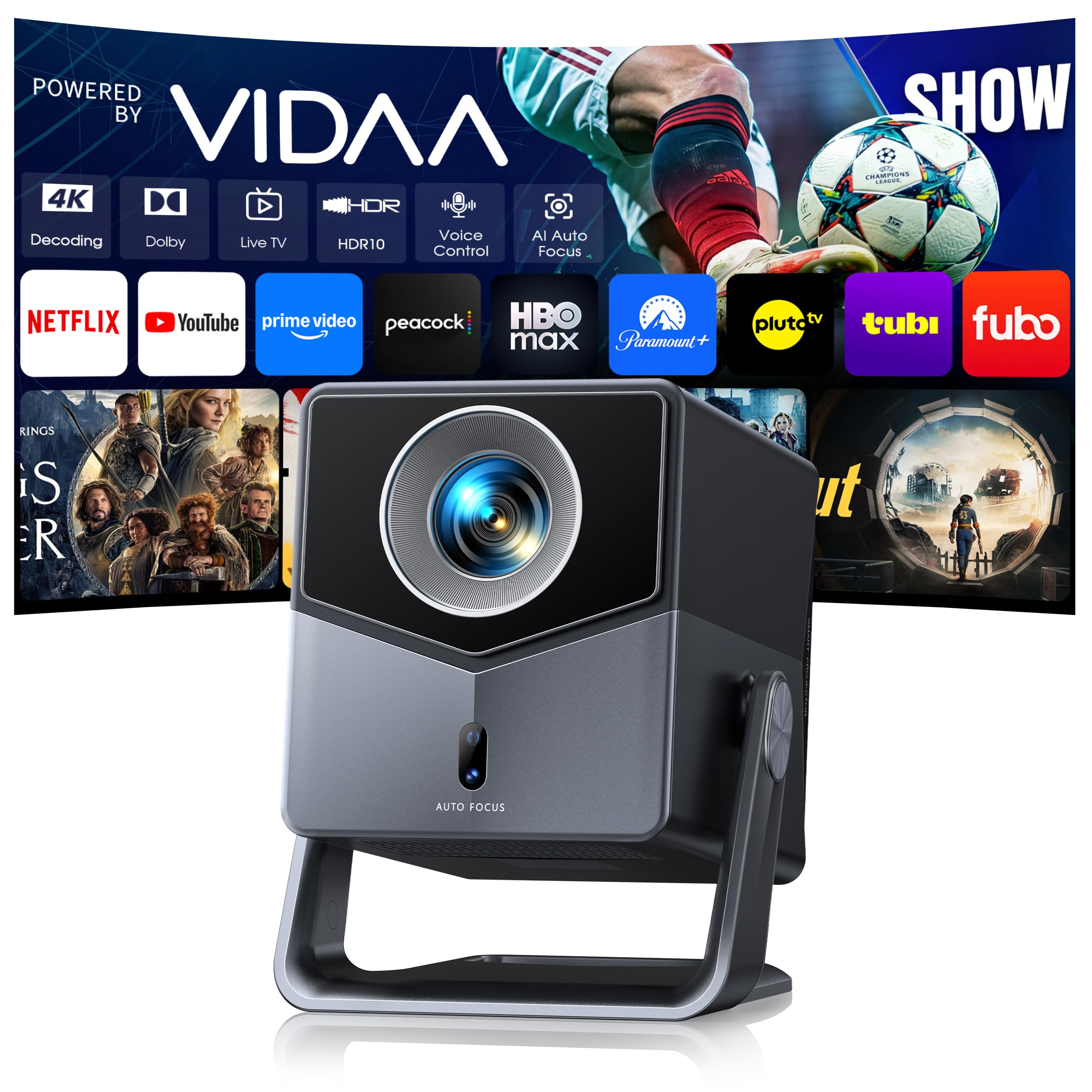
The TOPTRO A2 produces a 100-inch image from just 2.2 meters, making it a strong fit for apartments or small rooms. Its 650 ISO ANSI brightness rating is honest, delivering sharp native 1080p detail in dimmer environments. The VIDAA smart OS includes Netflix, YouTube, and over 1,000 live TV channels, with voice control via remote.

This projector suits buyers who need a big picture without the space to place a standard throw projector far from the screen. It is premium-priced and heavier than compact travel projectors, so it is not ideal for those on a strict budget or looking for ultra-portability. Long-term durability under heavy use is not yet well documented, but early feedback indicates consistent performance.

The AI auto focus and keystone correction simplify setup, adjusting the image quickly after moving the projector. The built-in 36W Dolby audio provides clear sound that works well for movies and TV shows without external speakers in smaller rooms.

Tip: Place the projector 2.2 meters from the screen for a 100-inch diagonal — measure your room first.

Bottom line: Short-throw buyers with space constraints will find the A2 delivers a big image without the usual projector-to-screen distance — its premium price and larger build are worth weighing against the need for portability.

5

YGSKK Mini

YGSKK Mini

Bedroom binge-watching

Our Score 9.2/10
Check Price

Worth Noting

  • Image washes out in any ambient light
  • Not suitable for fast-paced gaming due to likely high input lag
Sound
Built-in speaker
Smart OS
YouTube, Prime Video, Hulu
Brightness
300 ANSI
Auto Features

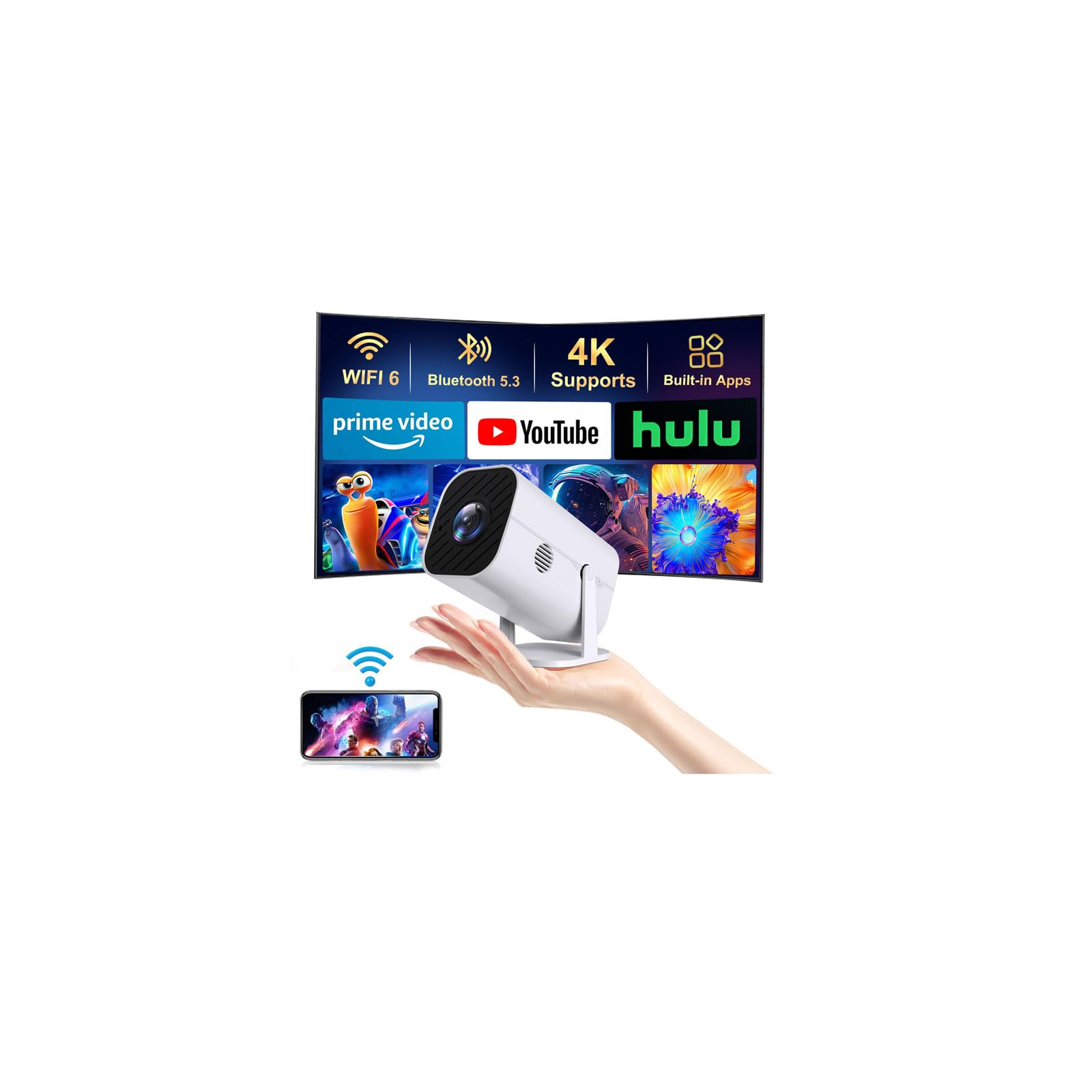
Electric focus via remote and native 1080p resolution set the YGSKK Mini apart from other ultra-budget projectors, removing the need to manually twist a lens while keeping the image sharp. Pre-installed streaming apps — Prime Video, YouTube, Hulu — mean no external dongle is required, making setup as simple as connecting to WiFi and Bluetooth.

This projector fits buyers who can control lighting completely, such as a bedroom with blackout curtains or a dedicated media room. The 300 ANSI brightness delivers a crisp, detailed image in total darkness, but any ambient light will wash it out. Gaming is off the table; input lag is not specified but likely too high for action titles. The 210° rotating stand helps position the image on walls or ceilings without a tripod.

Compared to the even cheaper native 1080p models, the YGSKK Mini adds smart features and electric focus for a small premium. The tradeoff is a firm requirement for a dark environment and the inability to handle fast-paced games. For its price, the picture quality and convenience are surprisingly strong — as long as you accept these boundaries.

Tip: Use the electric focus via remote to fine-tune the image from your seat — no need to approach the projector.

Bottom line: For roughly $70, the YGSKK Mini is a strong pick if you can guarantee a dark room and don't need gaming performance; the built-in apps and electric focus make it a self-contained budget solution.

6

ONOAYO ONO3Pro 2.0

ONOAYO ONO3Pro 2.0

Portable premium

Our Score 9.0/10
Check Price

Worth Noting

  • Built-in speakers lack the richness of the ONO5Pro’s 60W audio; external speakers recommended for serious home theater.
  • Premium pricing relative to stationary models with similar brightness and resolution.
Sound
50W Dolby stereo
Smart OS
Smart TV OS 2.0 (Netflix, YouTube, Prime)
Brightness
600-800 ANSI
Auto Features
AI auto focus, keystone

Weighing under 2.5 pounds, the ONO3Pro 2.0 delivers native 1080p resolution and effective 600–800 ANSI brightness in a package that slips easily into a backpack. Auto focus and keystone work reliably out of the box, making setup quick for indoor movie nights or outdoor presentations. The built-in Smart TV OS 2.0 includes Netflix and YouTube without needing a streaming stick.

Where the ONO3Pro falls short against similarly priced stationary projectors is audio — the 50W Dolby speakers are adequate for casual use but lack the depth and presence of the ONO5Pro’s 60W setup. Buyers who want a dedicated home theater with room-filling sound will likely need to add external speakers. For those who value portability above all else, this trade-off is easy to accept; otherwise, the ONO5Pro or the top pick offer better value for a fixed installation.

Bottom line: Best suited for buyers who need a high-quality portable projector for mixed indoor/outdoor use; those setting up a stationary home theater should consider the ONO5Pro or the top pick for better audio and value.

7

Anker Nebula P1i

Anker Nebula P1i

Portable Google TV

Our Score 9.0/10
Check Price

Worth Noting

  • Brightness is limited to dark rooms
  • Occasional Bluetooth disconnects and pairing issues can interrupt wireless audio
Sound
20W Dolby dual
Smart OS
Google TV (Netflix, YouTube, Prime)
Brightness
380 ANSI
Auto Features
Auto focus

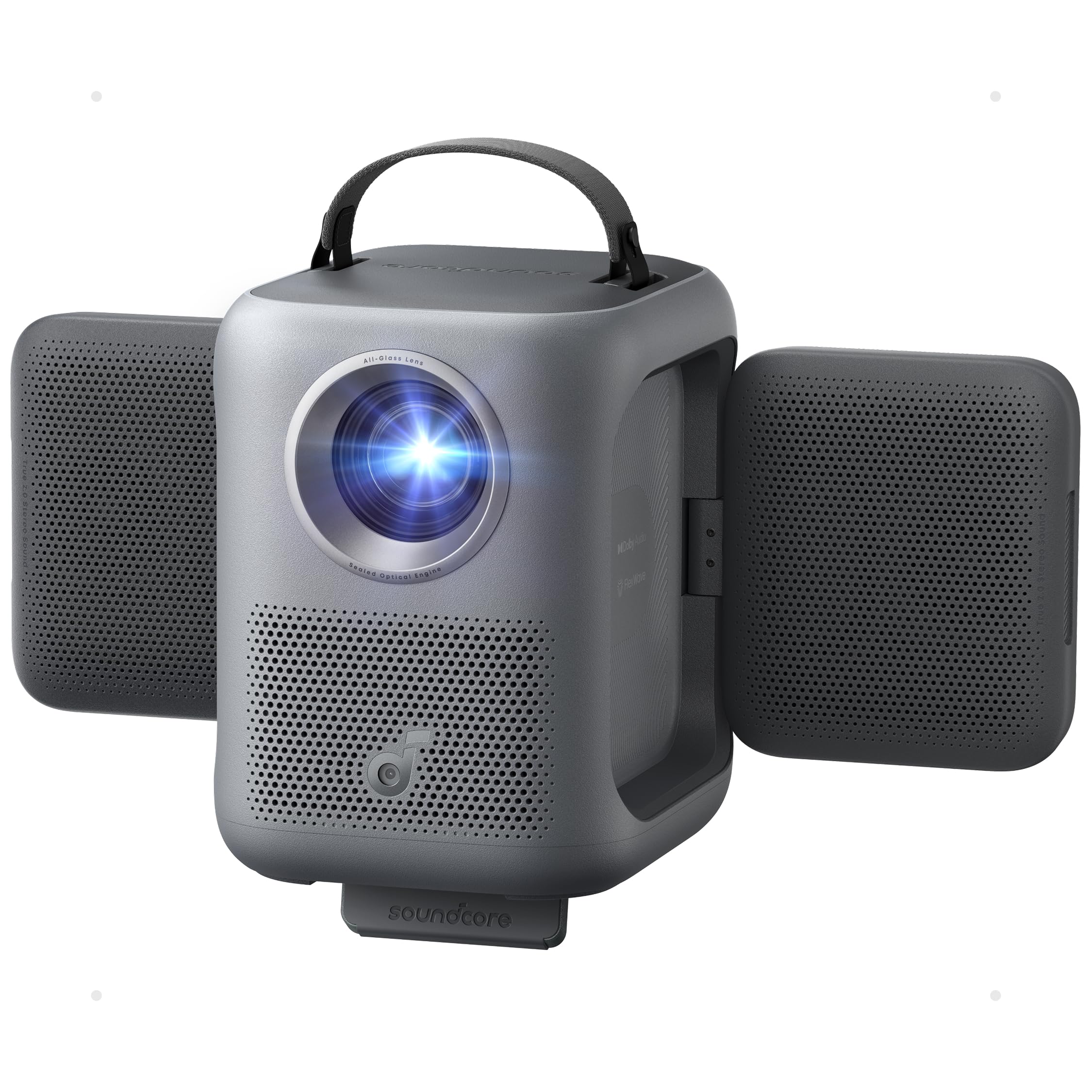
The Anker Nebula P1i integrates Google TV into a compact, portable body with a flippable design that doubles as a 20W Dolby soundbar. Build quality feels premium, and the auto focus adjusts quickly for consistent image clarity.

However, the 380 ANSI brightness is low for the price – the projector performs best only in completely dark rooms. Connectivity can be spotty with occasional Bluetooth disconnects. At this mid-range price, alternatives like the WiMiUS or ONO5Pro deliver higher brightness and similar smart features. Consider the P1i only if you specifically want Google TV integration and a stylish, compact form factor.

Bottom line: Best for Anker brand loyalists or buyers who prioritize Google TV and a compact soundbar design, and always use the projector in a light-controlled space.

8

TMY V08

TMY V08

Kids room use

Our Score 8.6/10
Check Price

Worth Noting

  • Built-in speaker lacks volume and clarity
  • Some units may develop issues after months of use
Sound
Built-in speaker
Smart OS
Brightness
200 ANSI
Auto Features

The TMY V08 delivers a clear 720p image in a pitch-black room and includes an 80-inch foldable screen that saves you from buying one separately. The low 200 ANSI lumens require total darkness for any usable picture, and quality control can be inconsistent — some units may develop issues after a few months. This setup suits temporary movie nights or a kids' room where the bundled screen and low price matter more than long-term reliability or resolution. For the same money, alternatives like the YGSKK Mini offer native 1080p without the screen, so the V08 is only a better fit if the included screen is essential.

Tip: An external Bluetooth speaker or wired headphones will dramatically improve audio — the built-in speaker is best for background noise.

Bottom line: The TMY V08 makes sense only when the included foldable screen is a priority — for image quality or daily use, a similarly priced model without the screen delivers better results.

How to Choose

Native Resolution

Native 1080p is the standard for sharp images. '4K support' only means the projector can accept a 4K signal and downscale it to 1080p, not true 4K. True native 4K projectors cost well over $1,500.

For most home theater use, native 1080p delivers crisp detail on 100-inch screens. If you plan to sit close or use a larger screen, consider a higher native resolution, but for the price range of this guide, 1080p is the sweet spot.

Brightness

Brightness measured in ANSI lumens is the only honest metric. Many budget projectors claim '3000 lumens' but that is often LED source brightness, not ANSI. For a dark room, 300-600 ANSI lumens is sufficient; for any ambient light, you need 1000+ ANSI.

A projector with 600 ANSI lumens will look washed out in a sunny room but produce a vibrant image once the lights are off. Always test your specific environment.

Auto Focus and Keystone

Auto focus and keystone correction save significant setup time. However, not all auto systems are equal—some require manual fine-tuning after the initial automation.

Look for projectors with AI auto focus and 6D keystone for the best accuracy. Electric focus (manual via remote) is a step down but still convenient.

Smart OS and Streaming Apps

Built-in smart TVs eliminate the need for an external streaming stick. Check which apps are licensed—many projectors support YouTube and Prime Video but not Netflix without a workaround.

Google TV and VIDAA OS offer the most app selection and voice control. Some budget models include only a few apps; verify your preferred services are available.

Sound Quality

Built-in speakers in projectors are universally underwhelming. Even the best onboard audio (like 60W Dolby) can fill a small room, but for any serious movie or gaming session, a separate soundbar or Bluetooth speaker is strongly recommended.

If you want to avoid extra gear, prioritize a model with large driver speakers and Dolby support. Expect trade-offs in bass and volume at lower price points.

Frequently Asked Questions