Computers & Accessories

9 Best Mini PC of 2026: Performance That Matches Your Actual Tasks

Find a mini PC that fits your workflow - whether coding, gaming, or office - without overpaying for benchmarks that don't translate to real speed.

Mini PC spec sheets often boast about CPU core counts and boost clocks, but once you start multitasking or launching a game, the integrated graphics and cooling matter far more. Many buyers end up with a machine that benchmarks well yet struggles with everyday tasks.

That is why the right mini PC for you depends on what you actually do with it - office work, light gaming, or running a home server. The trade-offs between raw power, noise, and upgradeability are real, and no single model nails all three.

Knowing which trade-offs matter most for your setup makes the difference between a tool you love and one you tolerate.

1

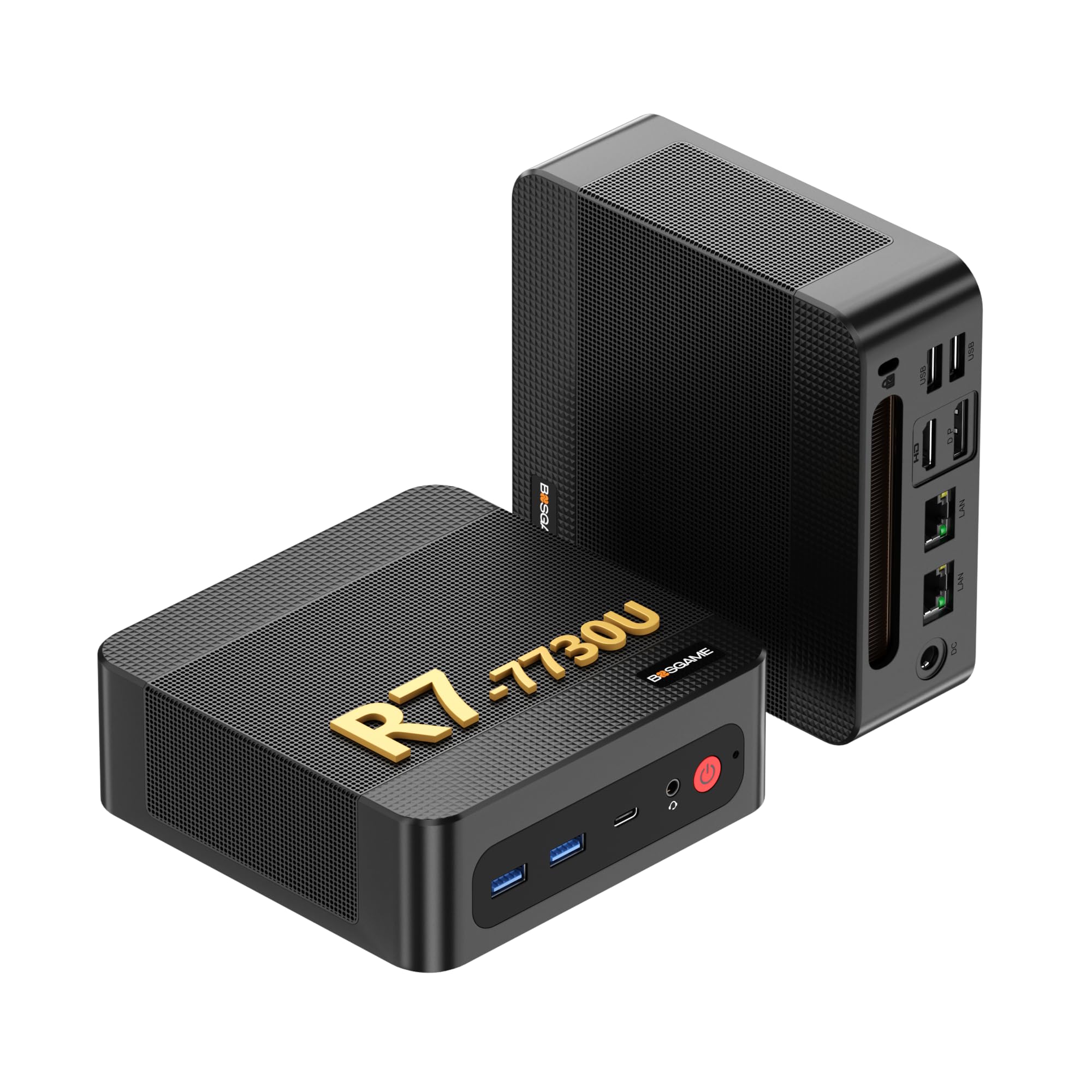
BOSGAME P4 Ultra

Top Pick
BOSGAME P4 Ultra

Home Office

Our Score 8.8/10
Check Price

Worth Noting

  • In a quiet home office, the fan is barely audible
  • The Vega 8 GPU handles 4K video and office tasks but cannot play AAA games or render 3D content.
Ports & LAN
HDMI, DP, USB-C, Dual 2.5GbE
Storage Slots
1TB NVMe + M.2 slot
Integrated GPU
Radeon Graphics (Vega 8)
CPU Gen & Cores
Ryzen 7 7730U (Zen 3)

The BOSGAME P4 Ultra delivers what most budget mini PCs promise but often miss: dependable everyday performance without surprises. Its dual 2.5GbE LAN ports and 1TB SSD at a sub-$450 price make it a standout for home-office setups and network appliances like a firewall or NAS. The Ryzen 7 7730U handles office suites, video conferencing, and 4K media playback effortlessly, while the system runs quietly even under sustained load.

Build quality is better than typical for this price tier — the chassis feels solid, and fan noise stays low in quiet rooms. Most buyers report a smooth out-of-box experience. In a small number of cases, units have arrived with pre-installed malware or failed to boot; running a clean OS install from a USB drive resolves the issue and is worth doing out of an abundance of caution.

The integrated Vega 8 GPU is adequate for office work, video streaming, and light photo editing, but it cannot handle AAA gaming or 3D rendering — a tradeoff clearly stated for a reason. This mini PC is best suited for users who prioritize reliable connectivity, ample storage, and a low price over graphical horsepower. Network enthusiasts and home-office workers on a tight budget will find exactly what they need here.

Tip: Performing a fresh OS install after unboxing is a good precaution — a small number of units have been noted with pre-installed software issues.

Bottom line: For anyone building a home office or a low-power network box on a strict budget, the P4 Ultra is the safest bet — no gimmicks, just solid performance where it matters.

2

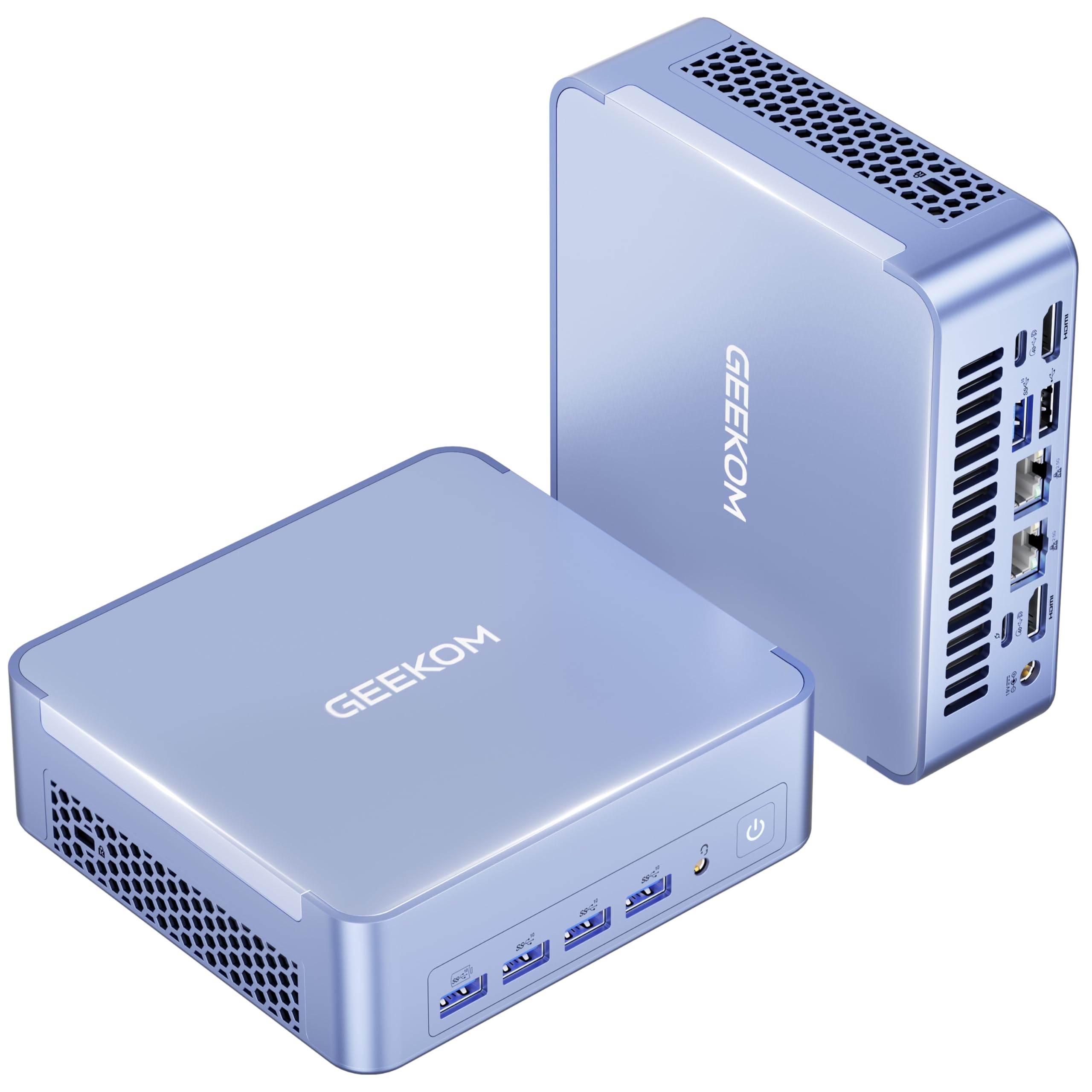
GEEKOM AX8 Max

GEEKOM AX8 Max

Light gaming, quiet

Our Score 8.6/10
Check Price

Worth Noting

  • Wi-Fi range can be noticeably weaker than a typical laptop, making a wired connection the better choice for reliable networking.
  • Some units have been noted to not output video to external monitors, so testing display connections early is recommended.
Ports & LAN
2x USB4, 2x HDMI, Dual 2.5GbE
Storage Slots
1TB NVMe, up to 8TB
Integrated GPU
Radeon 780M
CPU Gen & Cores
Ryzen 7 8745HS (Zen 4)

Quiet operation and strong 1080p gaming performance in a stylish metal chassis — the AX8 Max delivers the smoothest integrated graphics in this lineup, paired with a fan profile that stays inaudible during office tasks. Powered by a Ryzen 7 8745HS and 16GB DDR5, it handles multitasking without breaking a sweat. Its Radeon 780M outpaces the top pick's Vega 8 for light gaming, and the aluminum body gives it a premium desk presence.

This mini PC suits buyers who want a quiet home office machine that can also handle casual games at 1080p. Some units have been noted with display-out issues, and Wi-Fi reception can be weaker than a typical laptop — so a wired Ethernet connection is advisable for primary networking. If you need guaranteed video output or rely on Wi-Fi, the top pick's consistent performance may be a safer bet.

At a mid-range price, the AX8 Max offers strong value for those who prioritize silence and graphics performance over zero-risk connectivity. Dual 2.5GbE LAN ports further enhance its appeal for wired setups.

Tip: Connect via Ethernet for the most stable networking; Wi-Fi performance is adequate for light use at close range.

Bottom line: If silence and gaming potential matter more than risk-free connectivity, the AX8 Max delivers where it counts. For buyers who need guaranteed video output on every unit and strong Wi-Fi, the top pick offers more consistent performance.

3

GEEKOM IT12

GEEKOM IT12

Business, Plex

Our Score 8.8/10
Check Price

Worth Noting

  • In quiet rooms, the fan becomes audible under sustained load
  • Some units may experience motherboard or power supply problems; early warranty checks are advisable.
Ports & LAN
2x USB4, 2x HDMI, 2.5GbE
Storage Slots
512GB NVMe + SATA bay
Integrated GPU
Intel UHD (Quick Sync)
CPU Gen & Cores
Intel i5-12450H (2C/4P+4E)

The GEEKOM IT12 leans into enterprise-ready features: a 3-year warranty, dual USB4 ports, and Intel Quick Sync for Plex transcoding. It runs fast in a compact chassis, making it a solid choice for business deployments. With 16GB DDR4 and a 512GB NVMe SSD, it handles multitasking and local storage without bottlenecking. The dual USB4 ports support 8K displays and high-speed peripherals, broadening its workstation potential. Compared to the top pick’s silent aluminum design, the IT12 offers more connectivity but trades quiet operation for that flexibility.

This mini PC suits buyers who prioritize warranty length and port variety over whisper-quiet operation. The fan noise ramps up under load, so it is less ideal for noise-sensitive home offices or bedrooms. For a dedicated Plex server or a business workstation where ambient noise is already present, the tradeoff is acceptable. The 3-year warranty provides peace of mind for business buyers, though the occasional reported motherboard issue means testing the unit early is wise.

Tip: Place the IT12 in a ventilated area away from quiet workspaces to minimize fan noise distraction.

Bottom line: For buyers who need a long warranty and strong port selection and can accept a bit of fan noise, the IT12 delivers – just keep the warranty card handy for the rare QC issue.

4

ACEMAGIC M5

ACEMAGIC M5

Developer, multitasking

Our Score 8.8/10
Check Price

Worth Noting

  • Integrated UHD Graphics limit the system to basic display output
Ports & LAN
USB-C, HDMI, DP, Gigabit LAN
Storage Slots
1TB NVMe + M.2 slot
Integrated GPU
Intel UHD (1.55 GHz)
CPU Gen & Cores
Intel i5-14450HX (10C/16T)

The ACEMAGIC M5 puts raw CPU muscle ahead of all else — the Intel i5-14450HX with 10 cores and 55W TDP outpaces nearly every U-series chip in multi-threaded tasks like compiling code, rendering in Blender, or running virtual machines. While business-focused alternatives emphasize warranty and connectivity, this unit stays compact and quiet under load, a notable feat for an HX-class processor in a small form factor.

This setup is ideal for developers and content creators who need 32GB of RAM and sustained CPU performance without spending on a full tower. The integrated UHD graphics handle basic display output and office apps without issue, but they cannot run modern games or accelerate video encoding — anyone needing GPU work should look at models with Radeon 780M or Arc silicon.

Tip: For GPU-accelerated workloads like video encoding or light gaming, consider a mini PC with Radeon 780M or Arc graphics — this unit is optimized for CPU performance.

Bottom line: Pick the ACEMAGIC M5 if CPU throughput and 32GB memory are your priorities, and you can work around the weak iGPU.

5

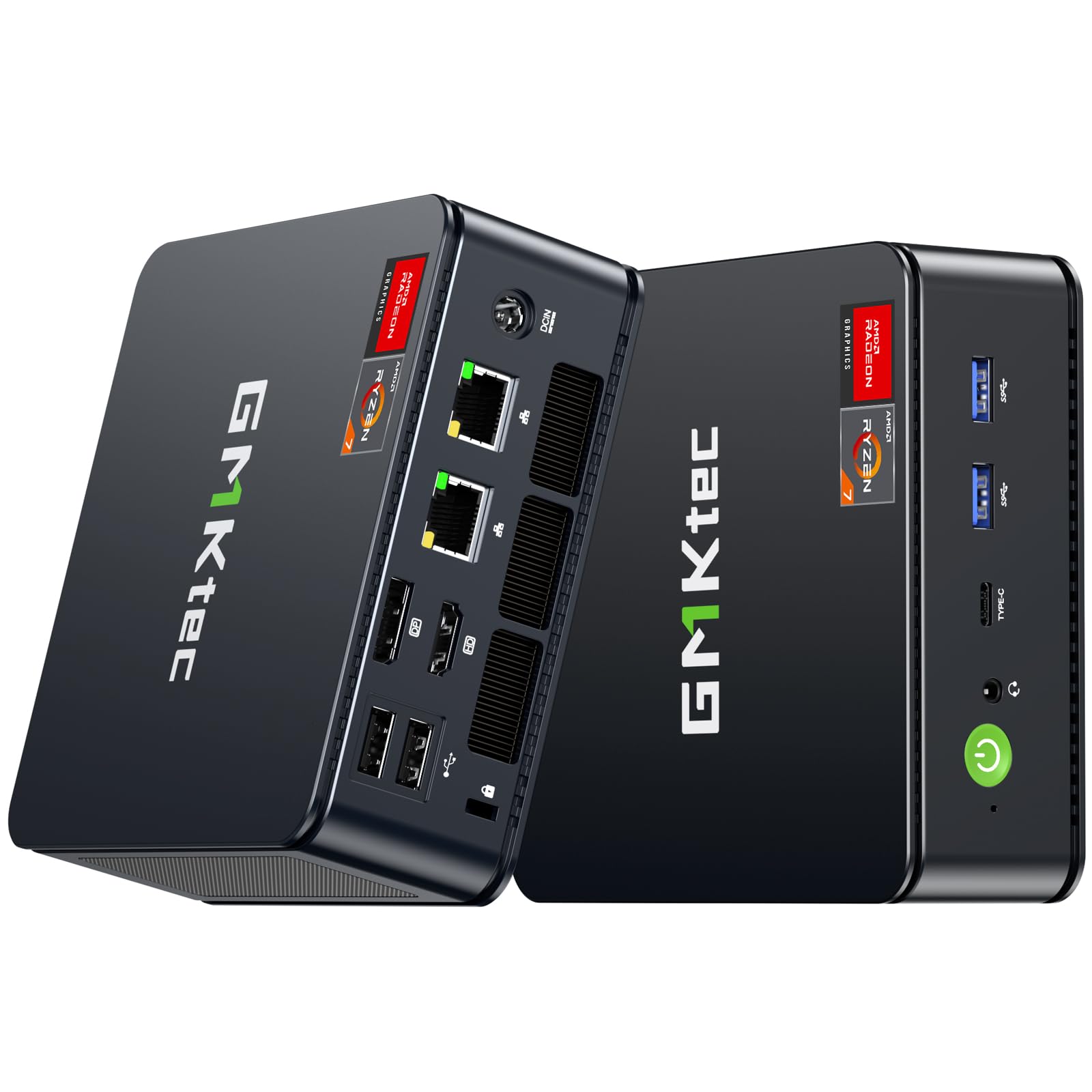
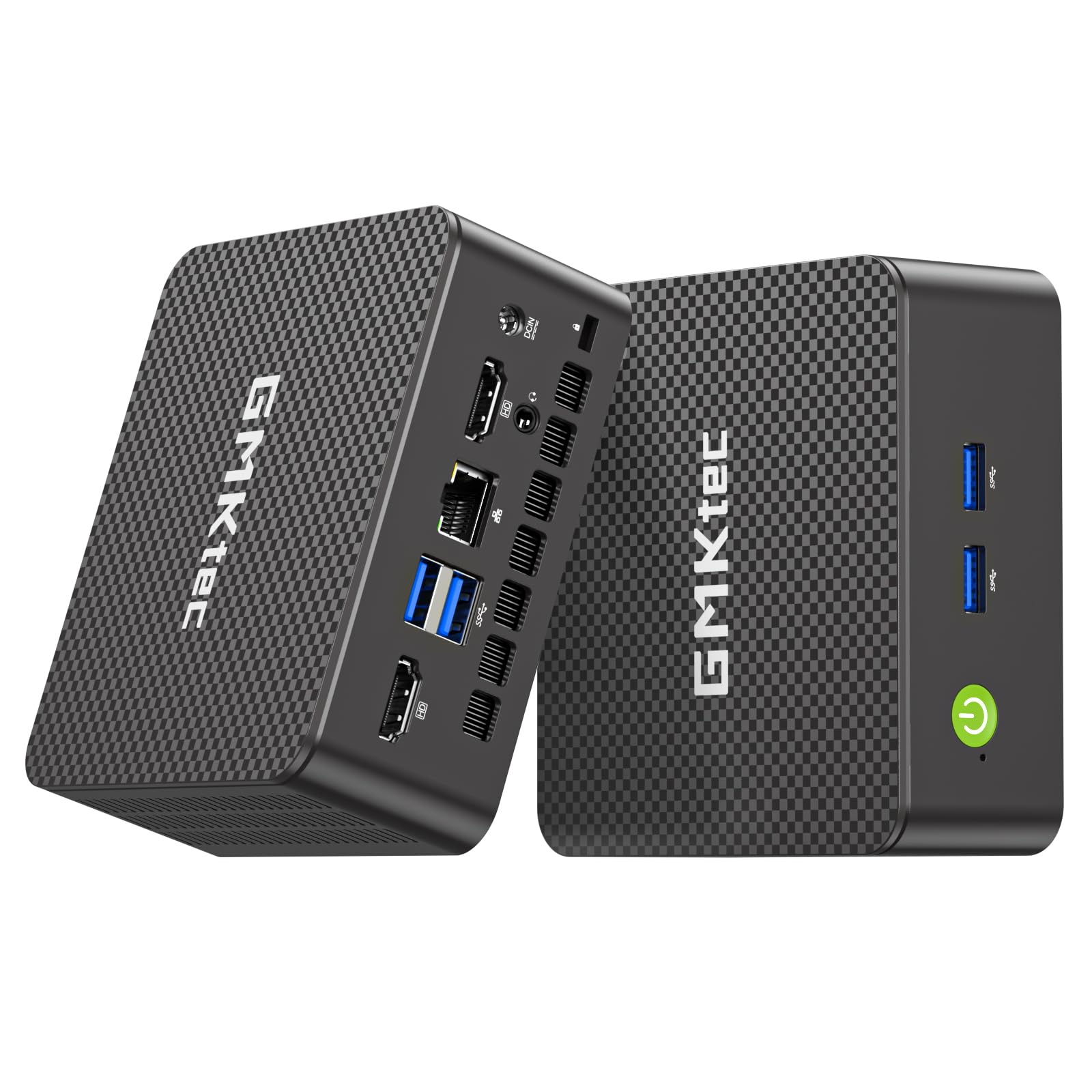
GMKtec M5 Ultra

GMKtec M5 Ultra

Multitasking, server

Our Score 8.4/10
Check Price

Worth Noting

  • The 15W U-series CPU may lag behind newer H-series chips during sustained rendering or compilation tasks.
  • The 512GB PCIe 3.0 SSD fills quickly with large files; upgrading to a larger drive is straightforward.
Ports & LAN
USB-C, HDMI, DP, 2.5GbE
Storage Slots
512GB SSD + dual slot
Integrated GPU
Radeon Graphics (Vega 8)
CPU Gen & Cores
Ryzen 7 7730U (Zen 3)

The GMKtec M5 Ultra stands out with its 32GB DDR4 RAM and dual 2.5GbE LAN, making it a strong choice for virtualization and home server setups. The triple 4K display support adds flexibility for multi-monitor productivity.

This mini PC suits buyers who need ample memory for multitasking or running multiple virtual machines, and who don't mind the older Zen 3+ CPU and DDR4 speed. The 15W TDP CPU may show slower performance under sustained heavy workloads compared to newer H-series chips, but for office work, media streaming, and light gaming it handles daily tasks without issue.

Bottom line: For buyers who prioritize memory capacity over CPU speed and plan to use the PC for office tasks or as a media server, the GMKtec M5 Ultra offers solid value. Those needing raw CPU performance for video editing or gaming should consider the top pick with a newer H-series processor.

6

BOSGAME P6

BOSGAME P6

Performance-focused

Our Score 9.2/10
Check Price

Worth Noting

Ports & LAN
USB-C, HDMI, DP, Dual 1GbE
Storage Slots
1TB NVMe + M.2 slot
Integrated GPU
Radeon 680M
CPU Gen & Cores
Ryzen 9 6900HX (Zen 3+)

The BOSGAME P6 delivers flagship-level CPU performance (Ryzen 9 6900HX) and a capable Radeon 680M integrated GPU, making it a strong option for productivity and light gaming at a mid-range price. The 24GB LPDDR5X RAM is soldered and cannot be expanded, so flexibility is capped at 24GB. For users who know they won't need more, this machine offers strong value; those wanting future upgradeability should consider the top pick's expandable memory.

Bottom line: Suited for buyers who prioritize CPU and GPU performance over future upgradeability and are comfortable with 24GB of non-expandable RAM.

7

Beelink SER5 MAX

Beelink SER5 MAX

Budget gaming

Our Score 8.4/10
Check Price

Worth Noting

  • Random shutdowns and graphics card crashes may occur during heavy use.
  • Soldered 24GB RAM cannot be expanded, capping future memory needs.
Ports & LAN
HDMI, DP, USB-C, 2.5GbE
Storage Slots
500GB NVMe, up to 8TB
Integrated GPU
Radeon 680M
CPU Gen & Cores
Ryzen 7 7735HS (Zen 3+)

The Beelink SER5 MAX delivers strong CPU and GPU performance for its price, handling light gaming and creative work smoothly. However, reports of random shutdowns and graphics card crashes make it a riskier pick than alternatives like the AX8 Max. Additionally, the soldered 24GB RAM offers no upgrade path, which may matter for long-term use.

Bottom line: Consider this mini PC only if you prioritize raw performance over long-term reliability and can accept the risk of intermittent crashes.

8

GMKtec G3 Pro

GMKtec G3 Pro

Basic office

Our Score 8.8/10
Check Price

Worth Noting

  • RAM is soldered to the board, leaving no room for future upgrades beyond 16GB.
Ports & LAN
2x HDMI, 2.5GbE
Storage Slots
512GB SATA + NVMe slot
Integrated GPU
Intel UHD
CPU Gen & Cores
Intel i3-10110U (2C/4T)

The GMKtec G3 Pro is the cheapest mini PC in this lineup, suitable for very basic tasks like email and document editing. Its dual-core i3-10110U and SATA SSD limit it to light use only; opening more than a few browser tabs or running modern applications will cause slowdowns. The 16GB RAM and dual HDMI 4K output are positive surprises at this price, but the outdated internals mean it is not a machine for multitasking or future-proofing.

Bottom line: Pick this only for a single-purpose machine like a digital signage player or a dedicated file server, where simple tasks and a low price matter more than multitasking.

9

GMKtec K11

GMKtec K11

Enthusiast gaming

Our Score 9.0/10
Check Price

Worth Noting

  • Premium pricing makes sense only if you plan to add an external GPU; otherwise, similar on-board performance is available for less.
Ports & LAN
Oculink, 2x USB4, Dual 2.5GbE
Storage Slots
1TB NVMe, dual slot
Integrated GPU
Radeon 780M
CPU Gen & Cores
Ryzen 9 8945HS (Zen 4)

The GMKtec K11 brings an Oculink eGPU port and a powerful AMD Ryzen 9 8945HS with Radeon 780M, enabling a path to desktop-class gaming via an external GPU. The 32GB DDR5 RAM and 1TB PCIe 4.0 storage handle heavy multitasking and creative workloads. However, its $900 price sits above similarly equipped models without Oculink, making it a niche choice for upgraders. Dual 2.5GbE LAN and USB4 add flexibility for advanced networking, but these features are overkill for typical home office use.

Bottom line: The K11 is the right choice if you're building a compact system with an eGPU. For standard home office or media center use, the cost and feature set overshoot practical needs.

How to Choose

Processor: Cores vs. Real-World Speed

A 15W U-series chip (like the Ryzen 7 7730U) sips power and runs cool, but it throttles under sustained loads. A 45W H-series (like the Ryzen 7 8745HS) holds its boost longer for multitasking and creative apps.

If you mainly browse, stream, or run office apps, a U-series is fine and quieter. For compiling code or rendering video, the H-series saves minutes per task. Don't pay for cores you won't keep fed.

Integrated GPU: The Real Gaming Decider

The Radeon 780M and Intel Arc 140T can handle 1080p gaming at medium settings, while older Vega or UHD graphics struggle with even basic titles. This is the biggest performance gap on the spec sheet.

If light gaming or media editing is on your list, prioritize a mini PC with a powerful iGPU. The CPU upgrade from a 7730U to a 7940HS makes less difference in games than the GPU jump from Vega to 780M.

RAM: Type and Upgrade Path

DDR5 is faster and more power-efficient than DDR4, but the bigger decision is whether the RAM is soldered or socketed. Soldered RAM (like LPDDR5) cannot be upgraded, locking you into that capacity for the machine's life.

If you plan to keep the mini PC for more than two years, choose a model with SO-DIMM slots. 16GB is comfortable today, but 32GB is safer for future multitasking demands.

Storage: How Many Slots?

Most mini PCs offer a single M.2 NVMe slot, but dual slots plus a 2.5-inch SATA bay give you room to expand without replacing the boot drive. This matters if you store media files or run multiple VMs.

PCIe Gen4 drives are twice as fast as Gen3 for sequential transfers, but real-world boot and app loading times are nearly identical. Don't overpay for Gen4 unless you move large files daily.

Connectivity and Ports

Dual 2.5GbE LAN is a godsend for home servers, firewalls, or NAS setups, but adds cost you don't need if you only use Wi-Fi. USB4 offers 40Gbps throughput and can drive 8K displays, while USB-C with DP alt mode simplifies single-cable docking.

The number of video outputs matters for triple-monitor work setups. HDMI 2.0 is limited to 4K60, while DP and USB4 support higher refresh rates. Check your monitor inputs before buying.

Frequently Asked Questions