Computers & Accessories

11 Best Laptop for College Students 2026: Avoid the RAM Trap

Find the best laptop for college students that balances real performance, battery life, and portability without falling for inflated specs.

Many students see a laptop with 16GB RAM and assume it will be fast. But that RAM is useless if the processor can't keep up. Budget laptops often pair generous memory with slow Celeron or N-series chips, leaving you with a machine that struggles to open a dozen browser tabs.

The real performance drivers are the processor generation and real-world battery endurance. A well-balanced laptop with an i5 or Ryzen 5 and 8GB RAM will feel faster than a 16GB machine with a weak CPU. This guide focuses on what actually matters for class: reliable multitasking, lasting battery, and build quality that survives four years.

You will find options that prioritize proven reliability and long battery life, but each choice involves a trade-off. Understanding your own usage pattern — whether you commute, work at a desk, or need specific software — eliminates the guesswork.

1

MacBook Neo 13" (A18)

Top Pick
MacBook Neo 13" (A18)

macOS users

Our Score 9.4/10
Check Price

Worth Noting

  • In data-intensive majors, 8GB unified memory may limit multitasking with large files or virtual machines
  • 256GB storage fills quickly for students with extensive media libraries or multiple applications
RAM
8GB Unified
Screen
13.3" Liquid Retina
Weight
2.71 lbs
Battery
Up to 16 hours

The A18 Pro chip handles everyday tasks with responsiveness, and the battery stretches to 16 hours between charges. At 2.71 pounds, this laptop is easy to carry between buildings without shoulder strain, and the aluminum chassis feels robust enough for daily commutes.

Moving between lectures, note-taking, and web browsing, the Neo runs quietly and stays cool. App launch times are quick, and multitasking between a dozen browser tabs and office apps feels fluid without stutter or delay.

Students who prefer macOS will appreciate the seamless integration with iPhones and iPads for file sharing, messaging, and handoff. However, if your coursework involves video editing, large datasets, or running multiple virtual machines, the 8GB unified memory and 256GB storage will require careful management — consider cloud storage or an external drive.

Compared to Windows ARM laptops with similar battery claims, the Neo avoids app compatibility issues since most macOS software runs natively on Apple Silicon. This gives it a real advantage for students whose school ecosystem leans toward Apple.

Tip: Offload large files to cloud storage or an external SSD to manage the 256GB capacity effectively.

Bottom line: For students committed to the Apple ecosystem who prioritize portability and battery life over raw RAM and storage, the MacBook Neo is the day-to-day companion that won't leave you searching for an outlet.


2

Lenovo IdeaPad Slim 3X

Lenovo IdeaPad Slim 3X

All-day battery

Our Score 9.0/10
Check Price

Worth Noting

  • No touchscreen
  • ARM-based processor may have compatibility issues with some Windows applications and peripherals.
RAM
16GB LPDDR5
Screen
15.3" WUXGA IPS
Weight
3.4 lbs
Battery
Up to 15 hours

The Lenovo IdeaPad Slim 3X delivers over 15 hours of battery life in a 3.4-pound chassis, making it one of the longest-lasting Windows laptops for all-day campus use. The Snapdragon X processor handles web browsing, Office apps, and streaming without hesitation, while the 16GB of RAM keeps multiple tabs and documents running smoothly.

The aluminum build feels premium and stays cool during extended use. The 15.3-inch WUXGA display offers sharp text and good viewing angles, suitable for reading or writing papers. At this weight and size, it slips easily into a backpack without adding bulk.

This laptop suits students who rely on web apps, cloud-based tools, and standard Office suites, and who value battery endurance above all else. The ARM-based processor may not run some traditional Windows applications or older peripherals — check your must-have software compatibility before buying.

Tip: Test your essential software during the return period, especially older or specialized academic tools.

Bottom line: For students who can work within the ARM software ecosystem, this laptop offers exceptional battery life and portability at a fair price — just verify your required apps before committing.

3

HP 17.3" i5 Laptop

HP 17.3" i5 Laptop

Big screen

Our Score 8.8/10
Check Price

Worth Noting

  • At 4.6 lbs, it's heavier than typical 15-inch laptops, less convenient for daily campus carry.
  • Under active use, battery lasts 2-3 hours, requiring frequent charging.
RAM
16GB DDR4
Screen
17.3" FHD IPS
Weight
4.6 lbs
Battery
Up to 8 hours

The 17.3-inch FHD anti-glare display offers ample space for split-window multitasking, a key advantage over smaller 15-inch laptops in the same price range. The full-size keyboard and Intel Core i5-1334U provide a comfortable typing and browsing experience for desk-based work.

This HP suits students who primarily use their laptop at a desk and want a big screen for programming or spreadsheet work. The 4.6-pound weight and modest battery life (2-3 hours under load) make it less ideal for all-day campus carrying or lecture halls without outlets.

Getting started takes minutes, and the i5 processor handles daily tasks like web browsing, Office apps, and light coding without noticeable lag. The 16GB RAM and 512GB SSD offer enough headroom for multitasking and file storage.

Tip: Keep the charger handy — battery life is short under load, so plan for desk use near an outlet.

Bottom line: For desk-bound students who prioritize screen space over portability, this HP delivers the big display and solid performance at a reasonable price.

4

Acer Aspire Go 15

Acer Aspire Go 15

Fast multitasking

Our Score 8.6/10
Check Price

Worth Noting

  • Fan noise can be noticeable during moderate use, especially in quiet spaces
  • Long-term durability under heavy use has not been established
RAM
16GB DDR4
Screen
15.6" FHD IPS
Weight
3.92 lbs
Battery
Exceptional (claimed)

The Acer Aspire Go 15 packs an AMD Ryzen 7 7730U and 16GB DDR4 RAM into a $550 package — a combination that easily outperforms entry-level budget laptops with slower processors and less memory.

In everyday use, the Ryzen 7 handles multiple browser tabs, Office apps, and light photo editing without lag. However, the cooling fan spins up audibly under moderate loads — in a quiet library or dorm room, the noise may be distracting.

This laptop suits students who need heavy multitasking or occasional content creation on a budget, and who aren't sensitive to fan noise. Long-term durability under sustained heavy use is not yet established, so those planning to keep the laptop for several years may want to consider a model with a longer track record.

Tip: Use in a well-ventilated area or with headphones if fan noise is a concern.

Bottom line: If you prioritize processing power and RAM over silence and an established track record, the Aspire Go 15 delivers strong performance for the price.

5

Dell 15 i5 120Hz

Dell 15 i5 120Hz

120Hz display

Our Score 8.6/10
Check Price

Worth Noting

  • Battery drains in 2–4 hours of real-world use, requiring frequent charging.
  • Trackpad may stop responding or unit may not power on in some cases.
RAM
16GB DDR4
Screen
15.6" FHD 120Hz
Weight
3.64 lbs
Battery
41Wh battery

The 120Hz anti-glare screen is the standout feature here — it makes scrolling, document editing, and basic productivity feel notably smoother than the standard 60Hz panels found in most student laptops around this price. Combined with the robust build and Dell's onsite warranty, this feels like a machine designed to survive the daily shuffle of backpacks and shared tables.

Performance from the Core i5-1334U and 16GB RAM handles multitasking across browser tabs, Office apps, and light media editing without hesitation. The out-of-box experience is clean — minimal bloatware means you can start working right away.

This laptop suits students who want a high-refresh display for productivity and value build quality, but it carries real tradeoffs. Battery life runs 2–4 hours in practical use, so it needs frequent access to an outlet — fine for a dorm or library with power strips, but a poor fit for all-day lecture halls without charging. Additionally, some units have exhibited trackpad failure or fail to power on, which makes it a cautious pick for anyone who cannot tolerate potential repairs.

Tip: Keep the charger handy — the 120Hz display is a pleasure to use, but it pulls power quickly.

Bottom line: A good option for students who prioritize screen quality and build durability, provided they stay near an outlet and accept the possibility of hardware quirks.

6

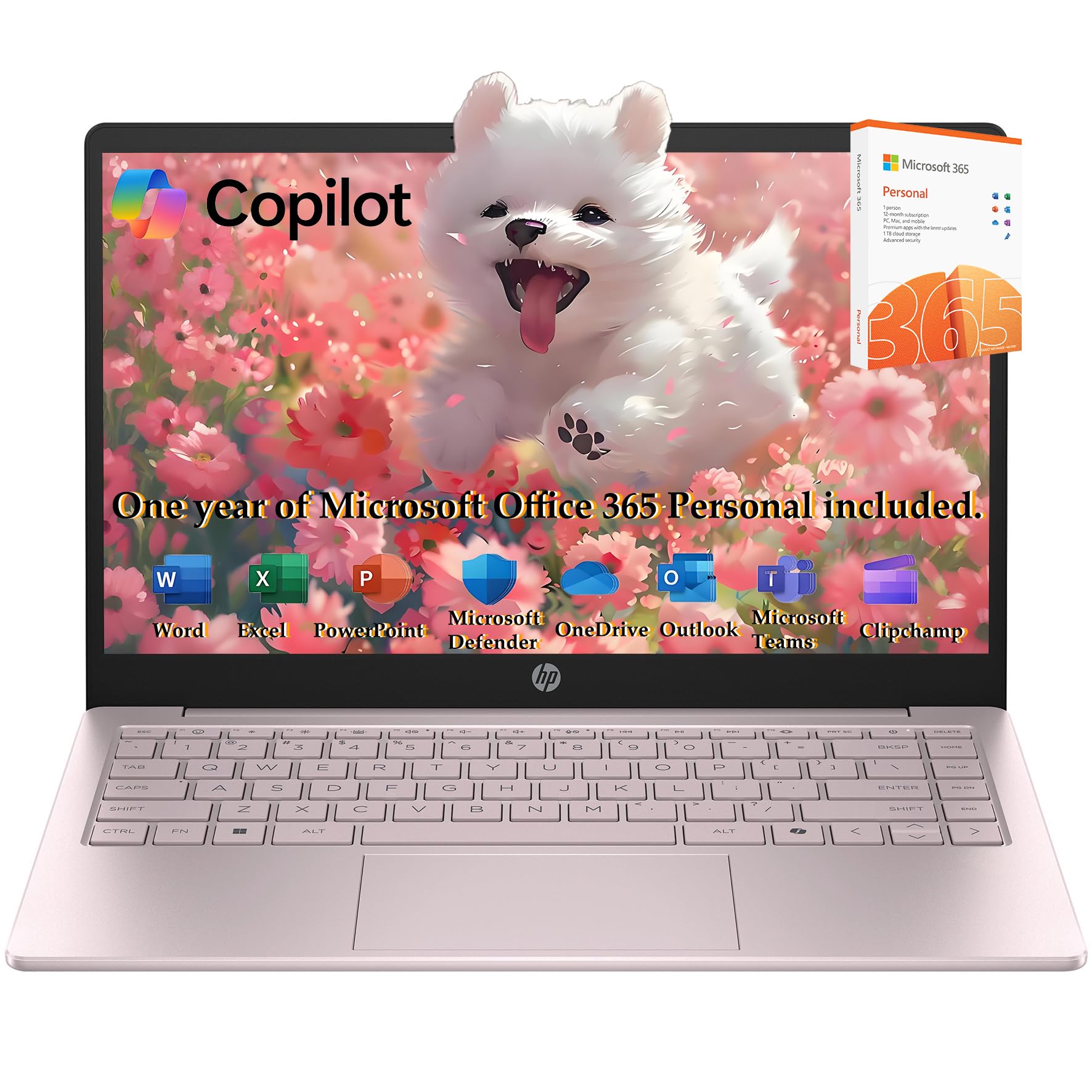
HP 2026 Laptop

HP 2026 Laptop

Budget conscious

Our Score 8.8/10
Check Price

Worth Noting

  • Under heavier multitasking, the N150 processor may lag noticeably
  • Some units have shown startup problems or microphone issues, affecting video calls
RAM
16GB DDR4
Screen
14" HD (1366x768)
Weight
3.24 lbs
Battery
Long battery life (claimed)

The HP 2026 Edition pairs 16GB of RAM with a dual storage setup (256GB SSD plus 128GB UFS) at a budget-friendly price, making it a sensible choice for light office work and web browsing. The N150 processor handles single-task flows comfortably, but under heavier multitasking it can feel sluggish. Some units have experienced startup problems or occasional microphone issues, which means it's best suited for buyers who can accept these tradeoffs and don't require fast app switching.

Tip: Keep important files backed up in case of startup problems.

Bottom line: This HP laptop fits budget-focused students who primarily use office apps and web browsing, provided they can tolerate occasional startup quirks.

7

Acer Aspire 3 15.6"

Acer Aspire 3 15.6"

Tight budget

Our Score 8.4/10
Check Price

Worth Noting

  • Trackpad may become less responsive after extended use, requiring a restart or replacement in some cases
  • Battery life can be inconsistent; some charging cycles deliver noticeably shorter runtime
RAM
8GB LPDDR5
Screen
15.6" FHD IPS
Weight
3.92 lbs
Battery
Up to 11 hours

This budget laptop delivers solid performance for note-taking, web browsing, and document editing thanks to its Ryzen 3 and 8GB LPDDR5 memory. The keyboard is comfortable for extended typing sessions, and the FHD IPS display is clear for the price. However, long-term stability is a concern: some units develop trackpad responsiveness issues after months of use, and battery life can vary noticeably between charges. The speakers are quiet and the fan can be loud, which may be distracting in quiet study spaces. This laptop suits light, occasional use rather than a daily driver for demanding coursework.

Bottom line: This Acer is a passable option for note-taking and web browsing on a tight budget, provided you can accept the possibility of trackpad or battery variability and don't need quiet operation.

8

HP Pavilion 15.6 Touch

HP Pavilion 15.6 Touch

Touchscreen

Our Score 8.4/10
Check Price

Worth Noting

  • Dual-core i3 processor slows down under multiple apps or browser tabs
  • Battery life around 3-4 hours may not last through a full school day away from power
RAM
16GB DDR4
Screen
15.6" HD touchscreen
Weight
3.75 lbs
Battery
Up to 11 hours (claimed)

The HP Pavilion's 15.6-inch touchscreen and 1TB SSD give it two distinct advantages: intuitive navigation for note-taking and ample room for offline media libraries. However, the dual-core Intel i3 processor handles only light tasks, and battery life runs short of a full class day, often requiring a power outlet. Some units may experience keyboard or system stability issues over months of use. This makes it a reasonable pick for students who prioritize local storage and touch input over portability and multitasking performance.

Bottom line: Best suited for students who need a large on-device file library and touch input, and can keep the laptop plugged in during extended use.

9

Samsung Chromebook Go

Samsung Chromebook Go

Ultra budget

Our Score 8.6/10
Check Price

Worth Noting

  • No touchscreen despite some listings claiming otherwise.
  • Some units may not boot consistently; initial reliability can vary.
RAM
4GB LPDDR4X
Screen
14" HD LED
Weight
3.2 lbs
Battery
Up to 12 hours

Long battery life and a straightforward setup make this a low-cost option for cloud-based schoolwork. However, the Intel Celeron N4500 and 4GB RAM can struggle when multiple tabs are open, and some units may experience boot issues. The lack of a touchscreen, despite what some listings suggest, adds confusion. This device is best for elementary or middle school students with light usage, not for college students who need multitasking or Windows apps.

Bottom line: This Chromebook works well for elementary students needing a simple, low-cost device for web-based assignments, but it is not suitable for college-level multitasking.

10

HP Stream 14" N150

HP Stream 14" N150

Secondary use

Our Score 8.4/10
Check Price

Worth Noting

  • Celeron N150 processor is slow even for web browsing
  • Unit reliability can vary; some may develop problems within months
RAM
16GB DDR4
Screen
14" HD BrightView
Weight
3.24 lbs
Battery
Up to 11 hours

The HP Stream 14 delivers 16GB RAM and a 288GB storage bundle at a budget-friendly price, ideal for those who need a very basic laptop for occasional tasks. Setup is simple, and the value is solid for the specs. But the Celeron N150 processor is notably slow—opening multiple tabs takes seconds—and some units may develop issues within months. It's a tradeoff that rules out daily college use but works for light web browsing and document editing as a spare machine.

Bottom line: Best for someone who needs a cheap secondary laptop for occasional web browsing and document editing, but not for daily college work.

11

Surface Laptop 13.8"

Surface Laptop 13.8"

Premium battery

Our Score 8.8/10
Check Price

Worth Noting

  • May not support certain Windows applications and hardware peripherals due to ARM processor
  • Occasional system instability or startup problems noted in some units
RAM
16GB LPDDR5X
Screen
13.8" PixelSense Touch
Weight
3.0 lbs
Battery
Up to 20 hours

The Surface Laptop offers a high-quality build and long battery life that can last through a full day of classes and more. Its slim design and responsive performance make it a capable machine for cloud-based work and note-taking. However, the Snapdragon X Plus processor uses ARM architecture, which may not support certain x86 applications and peripherals like printer drivers or specialized software. Some units have shown occasional instability issues. This laptop is best suited for students who can verify their essential software works and are willing to pay a premium for design and battery endurance.

Bottom line: This laptop is a good match for students who prioritize build quality and battery life, and who have verified that their essential software runs on ARM Windows.

How to Choose

Processor Performance

The processor is the engine of your laptop. More cores and higher clock speeds let you run multiple apps smoothly. Entry-level Celeron or N-series chips handle basic web browsing and document editing, but they choke when you open a dozen browser tabs alongside Zoom and Spotify.

A mid-range Intel Core i5 or AMD Ryzen 5 (or better) is the sweet spot for college. The trade-off: more performance often generates more heat and fan noise. If you often work in quiet libraries, look for laptops with larger cooling fans or choose a model known for quiet operation.

RAM Capacity

RAM is the short-term memory that keeps your apps from reloading. For Windows 11, 8GB is the bare minimum for light use. If you regularly juggle Office apps, browser tabs, and video calls, 16GB prevents frustration.

A hidden trap: many budget laptops have soldered RAM that cannot be upgraded later. Buying 8GB now may force you to replace the laptop in two years. Check the manufacturer specs for upgradability before buying.

Battery Life

Manufacturers advertise battery life under ideal conditions — low brightness, airplane mode, idle screen. In real campus use with Wi-Fi, moderate brightness, and background apps, you can expect 60-70% of the claimed number. A laptop rated for 12 hours may deliver 7-8 hours in practice.

Look for laptops with at least 10-hour rated battery to get through a full day of classes. Larger screens and powerful processors drain batteries faster. If you have gaps between classes, prioritize models with user-reported endurance rather than spec-sheet numbers.

Weight and Portability

Every pound you carry matters when you walk across campus. Laptops under 3.5 lbs are comfortable for daily commuting. Heavier models (4+ lbs) are better suited for dorm or desk use because they often accommodate larger screens and better cooling.

The trade-off: lighter laptops may have smaller batteries or thinner chassis that sacrifice cooling and upgradability. If you carry your laptop everywhere, test the weight in a store before buying. A 3 lb difference becomes very noticeable after a semester.

Screen Quality

A 1080p (Full HD) screen is the baseline for readability. Higher resolutions (1440p or higher) and 120Hz refresh rates make scrolling smoother but consume more battery. Anti-glare finishes are essential for working near windows or under bright library lights.

Touchscreens add versatility for note-taking but often have glare and can reduce battery life. If you primarily type notes, a matte non-touch display offers better battery and less eye strain. For programming or design work, prioritize color accuracy and brightness over extras.

Frequently Asked Questions