Office Electronics

9 Best Label Maker of 2026: Reliable Standalone and Bluetooth Options

Find the best label maker for home and office — from reliable standalone units to budget Bluetooth models that avoid common connectivity problems.

Label makers seem straightforward: type a name, print a sticker, stick it on. But many buyers discover hidden issues after purchase — dim, unreadable screens, batteries that drain in weeks, or Bluetooth connections that drop mid-project.

The market splits between standalone keyboard models that work without a phone and Bluetooth app-based printers that offer endless design options. The trade-off is real: standalone units are always ready but often have poor displays; Bluetooth models give you creative control but can be unreliable and phone-dependent.

This guide focuses on the label makers that sidestep those common frustrations — whether you need pocket-sized portability, wide waterproof labels for a small business, or a simple device that just works every time you pick it up.

1

DYMO LetraTag 100H

Top Pick
DYMO LetraTag 100H

Home & office

Our Score 9.4/10
Check Price

Worth Noting

  • Standard LT labels are not laminated, limiting outdoor durability in high-moisture settings
  • No Bluetooth or app integration for advanced templates or fonts
Tape Type
Paper & plastic
Label Width
1/2 inch
Connectivity
Standalone keyboard
Power Source
AAA batteries

The DYMO LetraTag 100H arrives with three label tapes and consistently positive feedback from owners, making it one of the most highly regarded options in its class. This handheld label maker is designed for immediate use – no app setup or smartphone pairing required.

A graphical display shows label previews before printing, helping reduce wasted tape. The physical keyboard layout is intuitive, and the compact design fits easily into a desk drawer or carry bag. The device runs on batteries with an auto-off feature to preserve power.

This label maker suits those who prefer a dedicated tool over smartphone-based solutions. It avoids the connectivity issues that can plague Bluetooth models and offers immediate control via its built-in keyboard. However, its LT tapes are standard non-laminated options – fine for indoor organization, but not built for outdoor use or high-moisture environments.

Priced in the mid-range, the LetraTag 100H includes three tapes that add immediate value compared to models that sell tapes separately. For buyers focused on simple labeling without extra software, this package removes the need for initial tape purchases.

Bottom line: If you want a label maker that works immediately without app setup, the LetraTag 100H delivers a consistent labeling experience with strong user approval.

2

Brother PTH110BP

Brother PTH110BP

Office pro

Our Score 9.4/10
Check Price

Worth Noting

  • Priced higher than comparable standalone models that use non-laminated tape.
  • Requires six AAA batteries (not included); an AC adapter is sold separately.
Tape Type
Laminated TZe
Label Width
1/2 inch
Connectivity
Standalone keyboard
Power Source
AAA batteries

The Brother PTH110BP produces laminated labels that hold up against moisture, sunlight, and handling far better than standard non-laminated alternatives. Unlike the top pick DYMO LetraTag 100H, which relies on standard tape, this model uses Brother's TZe laminated tape for long-lasting legibility. It operates as a standalone unit with a full QWERTY keyboard, so there is no app dependency or Bluetooth pairing. The bundle includes four tape cartridges, allowing immediate use. Labels come out crisp at 180 dpi, making small text easy to read. However, the screen lacks a backlight, and the printer runs on six AAA batteries rather than an included AC adapter.

This label maker suits office professionals, home organizers, and anyone who needs labels that stay readable in file drawers, garage bins, or outdoor storage. The tradeoff for that durability is the need to supply your own batteries (or purchase the optional AC adapter) and work without a backlit display. For users who value label longevity over convenience features, the Brother PTH110BP is a capable, no-fuss choice.

Tip: Use rechargeable AAA batteries to reduce long-term costs and avoid frequent replacements.

Bottom line: For those who need laminated labels that survive harsh conditions, this Brother offers a durable solution – just plan for battery supply and a non-backlit screen.

3

Nelko P21

Nelko P21

Budget home org

Our Score 9.0/10
Check Price

Worth Noting

  • Bluetooth connection may drop during use
  • Only supports fixed-length die-cut labels, no variable-length tape
  • Quality control variance means some units may stop working after a few months
Tape Type
Die-cut fixed
Label Width
12-40mm fixed
Connectivity
Bluetooth app
Power Source
Rechargeable USB-C

Under $20, the Nelko P21 pairs a feature-rich app with a huge library of templates, fonts, and icons — making label design faster and more creative than any standalone unit at this price. Unlike the top pick DYMO LetraTag 100H, which works without a phone, the P21 relies entirely on your smartphone via Bluetooth, so there is no built-in keyboard or screen.

This printer fits best for home organizers, students, and anyone comfortable with smartphone apps who needs labels for pantry bins, school supplies, cable tags, or small craft projects. The catch: it only prints fixed-length die-cut labels (no continuous tape), and Bluetooth connection may drop during longer sessions — a minor inconvenience for occasional use but less ideal for batch labeling.

Some units have been reported to stop working after weeks or months, reflecting variable build quality at this entry-level price point. The risk is manageable for non-critical labeling tasks, and the compact size plus USB-C charging make it easy to toss in a bag for on-the-go use.

Tip: If the Bluetooth disconnects, toggle the printer off and on or restart the app — most reconnections happen within seconds.

Bottom line: If you're comfortable with an app-only workflow and occasional Bluetooth hiccups, the Nelko P21 delivers remarkable value for small, creative labeling projects.

4

NIIMBOT D110

NIIMBOT D110

Pocket labeling

Our Score 9.2/10
Check Price

Worth Noting

  • Advanced templates and fonts require a paid subscription.
  • Label width limited to 15mm
Tape Type
Die-cut + continuous
Label Width
12-15mm
Connectivity
Bluetooth app
Power Source
Rechargeable 1500mAh

Slips into a jean pocket at just 149g, with a lithium battery that runs for hours on a single charge — this is the most portable Bluetooth label maker available. The D110’s compact size and long runtime set it apart from bulkier models like the NIIMBOT B1, which offer wider label support but can’t match this pocket-friendly footprint.

Students labeling binders, travelers organizing cable pouches, or anyone needing occasional small labels for spice jars and file tabs will find the D110 fits their workflow. The 15mm maximum label width means bottle labels or larger folder spines are out of reach, and the app’s advanced templates and fonts require a subscription — the free library covers basic needs. For home-office bulk labeling, a larger unit like the NIIMBOT B1 is a better fit.

Bluetooth pairing takes seconds, and the app guides you through selecting templates and adjusting text. Despite its size, the thermal printer produces clear 203 dpi labels at a good speed — fast enough for small batches. The rechargeable battery holds up for dozens of label strips between charges, so you rarely need to hunt for a USB cable.

Tip: Stick with the free template library unless you need specific fonts — the paid tier adds few essentials.

Bottom line: If portability is your priority, the D110 is unmatched. For everyday home or office labeling with larger labels, a standalone model like the DYMO LetraTag 100H offers more flexibility.

5

SUPVAN E11

SUPVAN E11

Flexible labeling

Our Score 9.0/10
Check Price

Worth Noting

  • Screen can appear dark in low-light conditions, making keyboard editing less convenient.
  • Manual cutter slows down consecutive label printing compared to auto-cut models.
  • Label width is fixed at 15mm, unsuitable for items needing wider identification.
Tape Type
Continuous + die-cut
Label Width
15mm
Connectivity
Bluetooth + keyboard
Power Source
Rechargeable 1200mAh

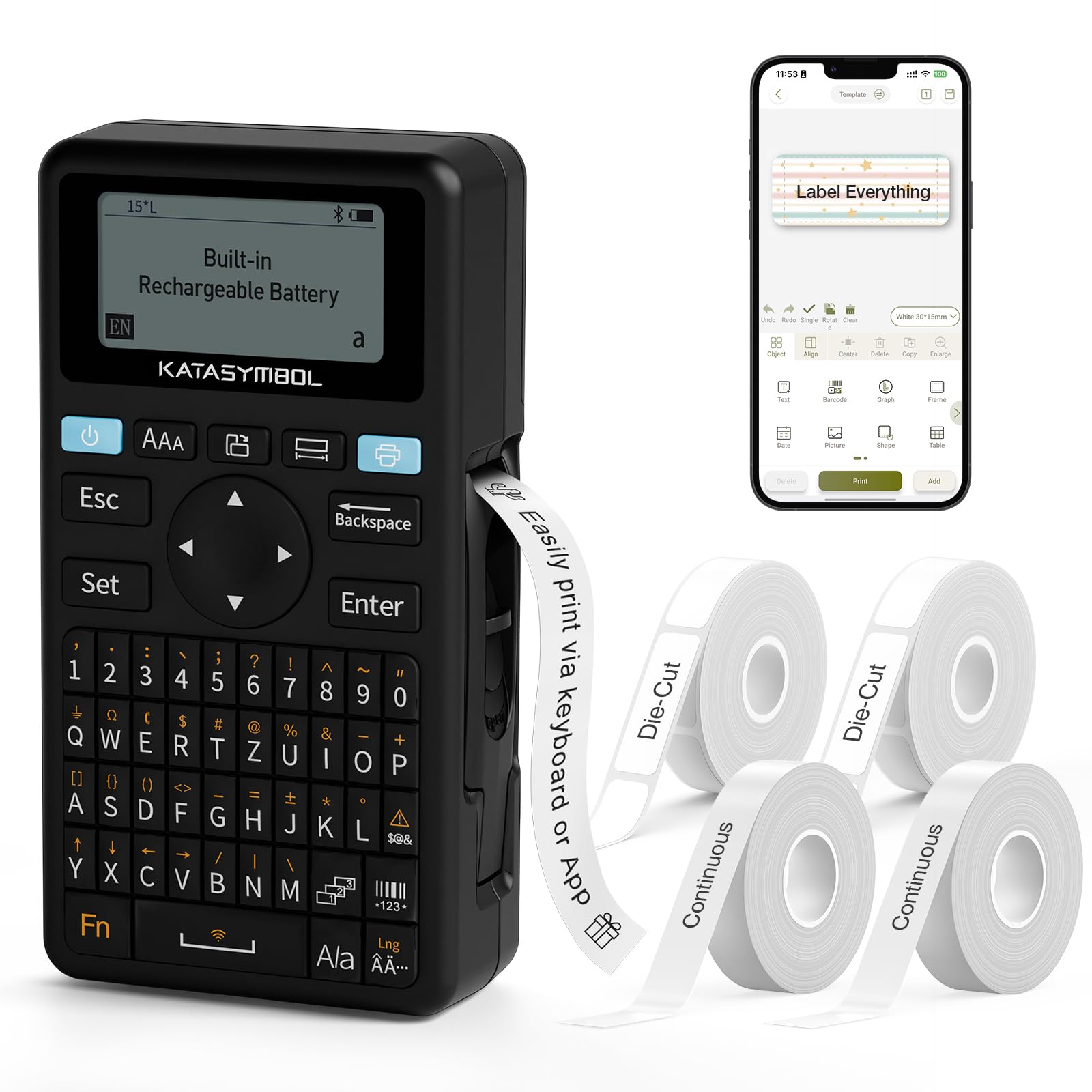
The SUPVAN E11 stands out in the budget label maker segment by giving you both a physical QWERTY keyboard and Bluetooth app control in one compact unit. That means you can knock out a quick 'spices' label without pulling out your phone, then switch to the app for barcode labels with icons or custom fonts. The 1200mAh rechargeable battery handles hours of mixed use, and print quality at 203 dpi is crisp enough for home and office organizing tasks.

This hybrid design is best suited for buyers who want flexibility: use the keyboard for speed on simple labels, and the app for creative layouts with 30+ fonts and 660+ icons. Four tape rolls (two continuous, two die-cut) in the box add immediate value. Two tradeoffs matter here: the label width is capped at 15mm (0.59 inches), so it won't handle cable wraps or bin tags that need wider tape. Also, there is no auto-cutter — you press a button and tear manually, which may slow down high-volume labeling sessions.

Tip: To avoid the dim screen issue for complex labels, compose them in the app and print via Bluetooth instead of using the keyboard editor.

Bottom line: The SUPVAN E11 earns its place as a runner-up by delivering two label-making modes in one budget-friendly package — ideal for anyone who wants the convenience of a standalone keyboard without giving up app-based customization.

6

SUPVAN T50M Pro

SUPVAN T50M Pro

Small business

Our Score 9.0/10
Check Price

Worth Noting

  • On labels requiring crisp text, some prints may appear blurry or faded
  • Bluetooth connection can drop during label editing or printing
Tape Type
Waterproof continuous/die-cut
Label Width
Up to 2 inches
Connectivity
Bluetooth app
Power Source
Rechargeable USB-C

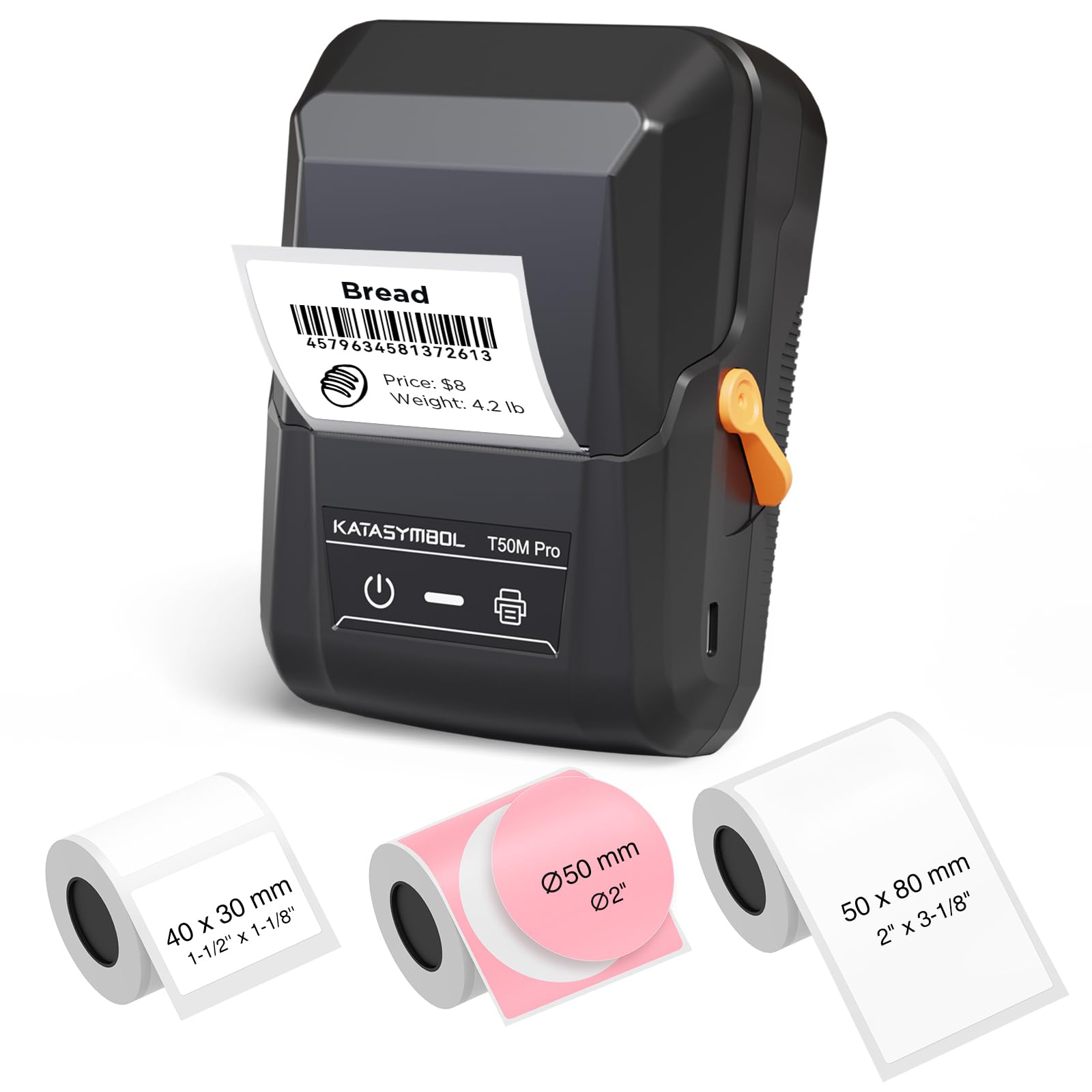
The SUPVAN T50M Pro stands apart from top-pick standalone models by supporting labels up to 2 inches wide that are waterproof, while offering a Bluetooth app for designing with fonts, icons, and templates. This wider format is particularly useful for canning jars, product pricing, and shipping labels where small 12mm tape falls short.

Best suited for small business owners and home canners who need durable, wide labels and value app-driven customization over pure consistency. Print quality may vary between units — some labels can come out blurry or faded — so this printer works best when absolute sharpness isn’t critical. Bluetooth connectivity can also drop during extended sessions, which makes it less ideal for high-volume batch labeling.

Bottom line: Good for those who prioritize wide, waterproof labels and app versatility over rock-solid print consistency, especially for small business or kitchen organization.

7

Phomemo D30

Phomemo D30

Crafty design

Our Score 8.6/10
Check Price

Worth Noting

  • Print clarity can be inconsistent, with some labels appearing blurry or uneven
  • Some units may stop functioning after a short period of use
Tape Type
Continuous + die-cut
Label Width
Up to 15mm
Connectivity
Bluetooth app
Power Source
Rechargeable

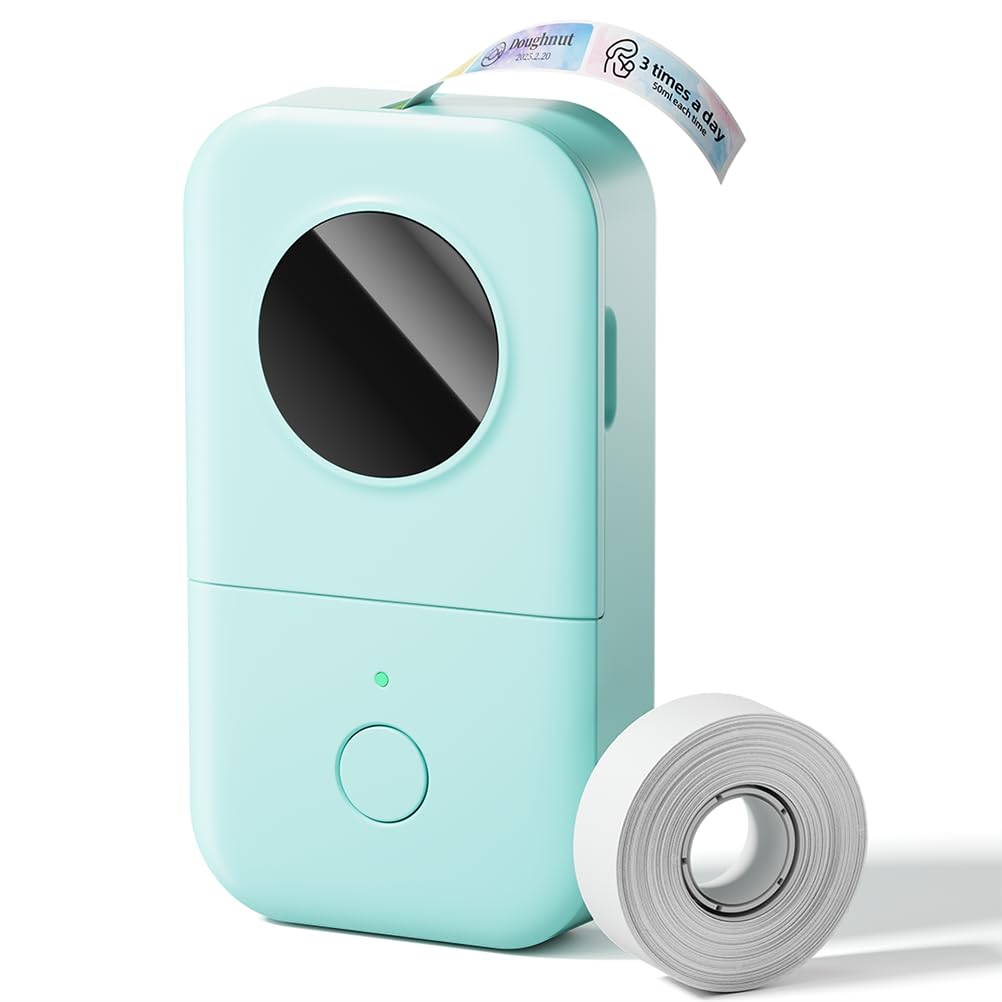
The Phomemo D30 stands out for its extensive library of templates, fonts, and icons in the companion app, making it a playground for creative labeling projects like scrapbooking, gift tags, or pantry organization. Its compact size and budget price add to the appeal for casual users. However, those who need sharp, professional-looking labels may be disappointed: print output can appear blurry or uneven in some cases, and unit reliability has shown some variance. This makes the D30 a good fit for crafty buyers who prioritize design variety over print perfection, but a risk for anyone needing consistent, crisp text for office or business use.

Bottom line: Best suited for craft projects and personal labeling where design variety matters more than crisp, professional output.

8

NIIMBOT B1

NIIMBOT B1

Home office

Our Score 8.8/10
Check Price

Worth Noting

  • Bluetooth connectivity can be inconsistent with occasional disconnections.
  • Requires proprietary NIIMBOT paper rolls; no third-party tape compatibility.
Tape Type
Proprietary die-cut
Label Width
Up to 2 inches
Connectivity
Bluetooth app
Power Source
Rechargeable

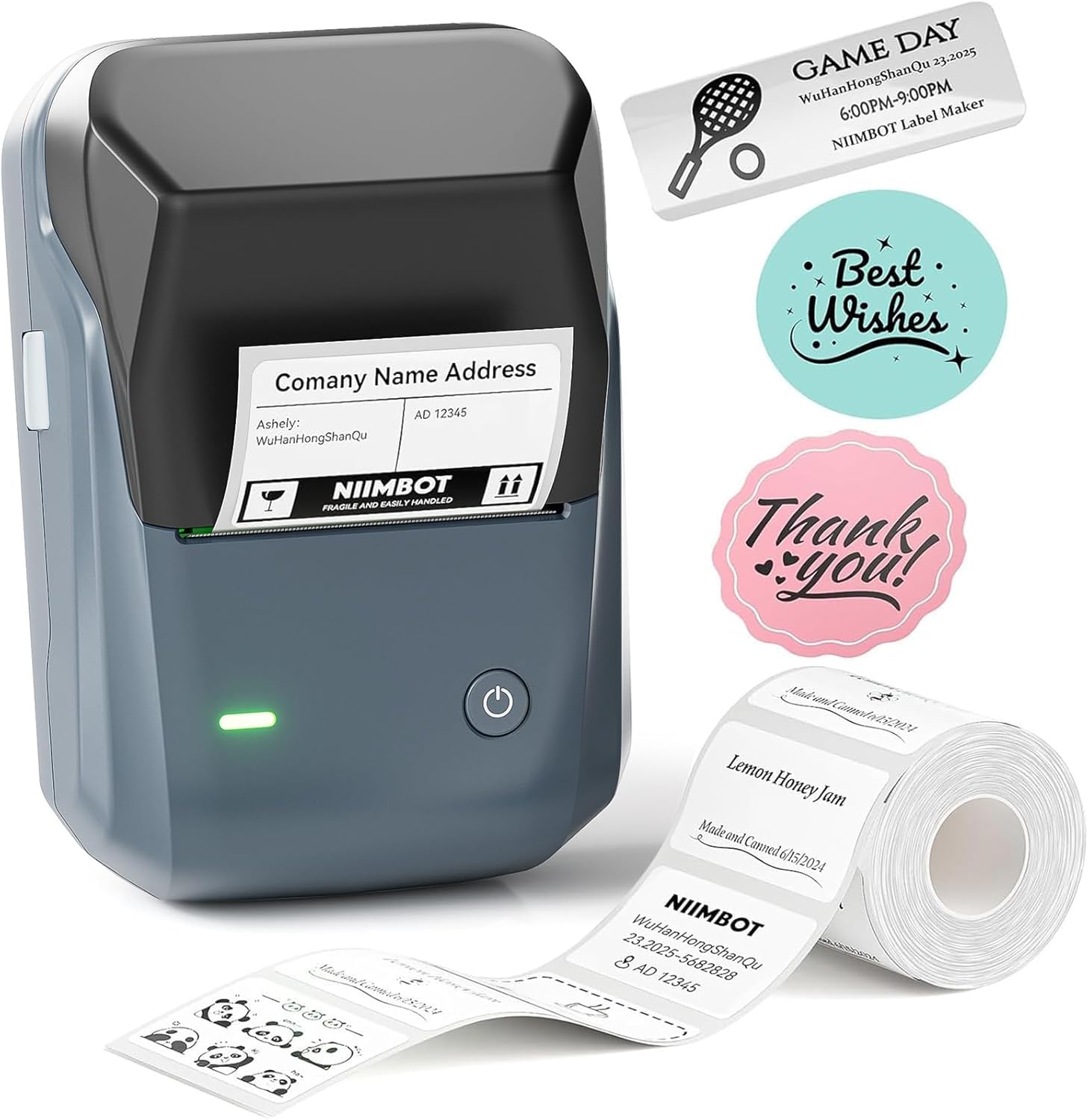
The NIIMBOT B1 offers a label width of up to 2 inches at a price under $30, making it one of the more affordable wide-label Bluetooth options for home offices and small businesses. It works with a dedicated app that automatically detects label sizes and includes a compact design with good battery life. However, the printer uses proprietary NIIMBOT tape rolls — third-party labels won't work, which limits long-term supply options. Bluetooth connectivity can drop unexpectedly, particularly on Android devices, so a stable connection is not guaranteed. These drawbacks make the B1 less dependable than similarly priced alternatives that either use standard tapes or offer more reliable wireless performance.

Bottom line: The NIIMBOT B1 fits if you need wide labels on a tight budget and are comfortable sticking with NIIMBOT's tape supply, and if Bluetooth quirks don't bother you or you plan to use USB connection.

9

DYMO LabelManager 160

DYMO LabelManager 160

Occasional use

Our Score 9.2/10
Check Price

Worth Noting

  • Runs through 6 AAA batteries quickly, even when powered off, requiring frequent replacement.
  • Some units may arrive non-functional or stop working shortly after purchase, warranting early verification.
Tape Type
D1 tapes
Label Width
1/4-1/2 inch
Connectivity
Standalone keyboard
Power Source
AAA batteries

The DYMO LabelManager 160 delivers sharp 300 dpi labels at a lower price than many standalone models. However, the device runs on 6 AAA batteries that drain rapidly even when switched off, making it impractical for anyone labeling more than a few items per week. Some units have arrived non-functional or stopped working shortly after purchase, so inspecting on arrival is wise.

Tip: Remove batteries when not in use to slow drain, or use rechargeable AAA batteries to reduce waste.

Bottom line: A reasonable pick for infrequent home labeling where battery drain is manageable, but regular users should consider a model like the LetraTag 100H with better power efficiency.

How to Choose

Connectivity: Standalone vs Bluetooth App

A standalone label maker has a built-in keyboard and screen — you turn it on, type, and print. There is no app to pair, no phone battery to worry about. The trade-off is that you are limited to the fonts and symbols stored on the device. Bluetooth models connect to a smartphone app that offers thousands of templates, custom fonts, and even barcodes. But they stop working if the app crashes, your phone dies, or the Bluetooth connection drops. For occasional labeling, the convenience of an app is hard to beat. For daily use in an office, a standalone device avoids a common frustration: the moment you need a label, your phone is across the room.

Label Width: Standard vs Wide

Most home and office label makers print on 12mm (1/2-inch) tape. That is fine for file folders, spice jars, and cable tags. Wider labels — 24mm (1 inch) or even 50mm (2 inches) — are necessary for shipping boxes, product pricing, or labeling large containers. The wider the tape, the more expensive each roll. Also, a wide-label printer is physically larger, so portability suffers. If your labeling needs are small and varied, a standard 12mm machine is more versatile. If you run a small business that labels packages or jars, a wide-label model saves time.

Power Source: Batteries vs Rechargeable

Standalone label makers typically run on 6 AAA batteries. Some models drain them quickly even when idle. Rechargeable Bluetooth printers use built-in lithium-ion batteries charged via USB-C. They last for hundreds of labels on a single charge and eliminate ongoing battery costs. The catch: a rechargeable label maker is useless if you forget to charge it, whereas you can always buy fresh AAAs. If you label infrequently and always near an outlet, rechargeable is a clear win. For heavy daily use in a workshop that may not have USB ports nearby, AAA batteries (with a backup set) can be more practical.

Print Resolution

Most thermal label makers offer 203 dpi, which produces clear text and simple graphics. A few models, like the DYMO LabelManager 160, offer 300 dpi for noticeably sharper text, especially at small font sizes. The practical difference: at 203 dpi, 8-point text on a 12mm label is readable but slightly jagged; at 300 dpi, it is crisp. For labels with barcodes or very small print, higher resolution matters. For everyday labeling of drawers and binders, 203 dpi is sufficient. The trade-off: higher resolution often means slower printing and slightly higher tape costs.

Tape Type: Continuous vs Die-Cut

Continuous tape allows you to print any length — one label could be 2 inches, the next 6 inches. Die-cut labels are pre-sized (e.g., 40x30mm rectangles). Continuous tape is more flexible but wastes material because the printer cuts before and after each label. Die-cut tapes avoid waste and are easier to peel, but you cannot adjust the label size. Some budget Bluetooth models only support die-cut fixed-size labels. If you need variable lengths (e.g., long file folder tabs and short spice jar labels), choose a machine that supports continuous tape.

Frequently Asked Questions