ClearClick 2.0
Top Pick
What We Like
- Practically plug-and-play setup with simple menus and a preview screen
- Works with VHS, Hi8, camcorders, DVD players, and gaming consoles via RCA or S-Video
- Records directly to USB or SD card without a computer or internet connection
- Saves money compared to commercial digitization services for a small to medium tape collection
Worth Noting
- Captures only standard definition (640x480), so video looks soft on high-resolution screens
- Recording sessions over an hour may produce audio sync drift or occasional video stutter
- Inputs
- RCA, S-Video
- Operation
- Standalone
- Resolution
- SD 720x480
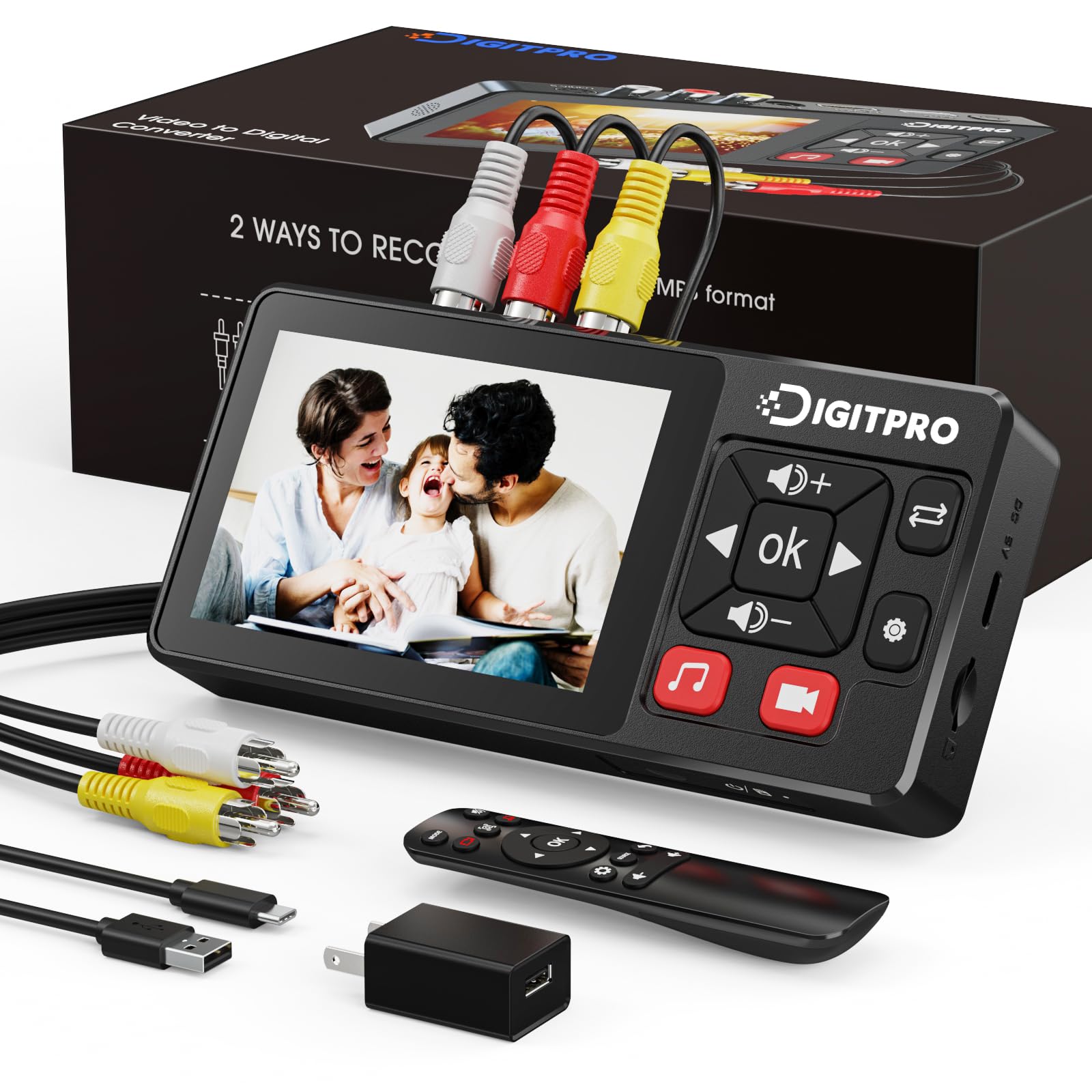
The ClearClick 2.0 gets one thing right that many competitors fumble: it makes digitizing old tapes as simple as connecting a source and pressing Record. The on-screen menus are self-explanatory, and the built-in 3.5-inch LCD lets you preview the feed without needing a computer. For someone who just wants to convert a box of family VHS tapes without learning software or wrestling with drivers, this converter is the most direct path.
When you plug in a VCR, camcorder, or Hi8 deck via RCA or S-Video, the unit records directly to a USB flash drive or SD card (up to 512 GB) in standard MP4 format. The capture resolution is SD 640x480 or 720x480 – think early DVD quality, not Blu-ray. That means playback on modern 4K TVs will look soft, but for archival viewing on a standard monitor or sharing online, the picture is serviceable. Some units have shown occasional video stuttering or audio sync drift during recordings longer than an hour, so it pays to keep an eye on longer transfers.
This converter is best for families who have a modest stack of tapes and prioritize ease over pixel perfection. If you are comfortable with SD quality and just want to preserve memories before the tapes degrade, the ClearClick 2.0 does the job without requiring a computer or third-party software. For those who insist on 1080p upscaling or plan to digitize hundreds of hours of footage where sync drift becomes a real risk, a capture-card-plus-software setup may be a better fit – though it demands more technical comfort.
Tip: For tapes longer than 60 minutes, pause recording at intervals to reset the audio sync – or test a short segment first to check for drift.
Bottom line: If your goal is to convert a few dozen tapes to digital with minimal hassle and you accept SD quality, this is the most dependable standalone converter you can buy. If you need sharp 1080p output, look at a capture-card alternative.