Phone & Tablet Accessories

8 Best Phone Cooling Fans of 2026: Real Cooling Power Without the Hype

Which phone coolers actually prevent throttling during intense gaming sessions—and which ones overpromise on temperature drops.

Phone gaming sessions that start smooth can quickly turn into a stuttery mess once the device heats up. Thermal throttling drops frame rates, dims the screen, and drains battery faster. Dedicated cooling fans claim to solve this, but marketing temperatures often don't match real-world results.

The core trade-off comes down to power delivery and durability. Wired models deliver consistent sub-zero cooling but need a wall outlet, while battery-powered units offer portability at the cost of sustained performance. Most coolers use Peltier semiconductor plates that generate heat on one side—meaning the cooler itself can get hot enough to burn your hand.

This guide cuts through the exaggerated specs to find coolers that actually keep your phone running at peak performance for the entire session. The right choice depends on whether you prioritize raw cooling muscle, portability, or budget.

1

Black Shark Cooler 6 Pro

Top Pick
Black Shark Cooler 6 Pro

Extreme cooling, monitoring

Our Score 8.8/10
Check Price

Worth Noting

  • Requires a 40W+ charger (not included)
  • Minimal RGB customization compared to the 5 Pro; smart display is information-focused, not decorative.
Noise Level
Battery Life
Wired
Smart Features
Smart display, RGB, app
Attachment Type
Magnetic + ring plate

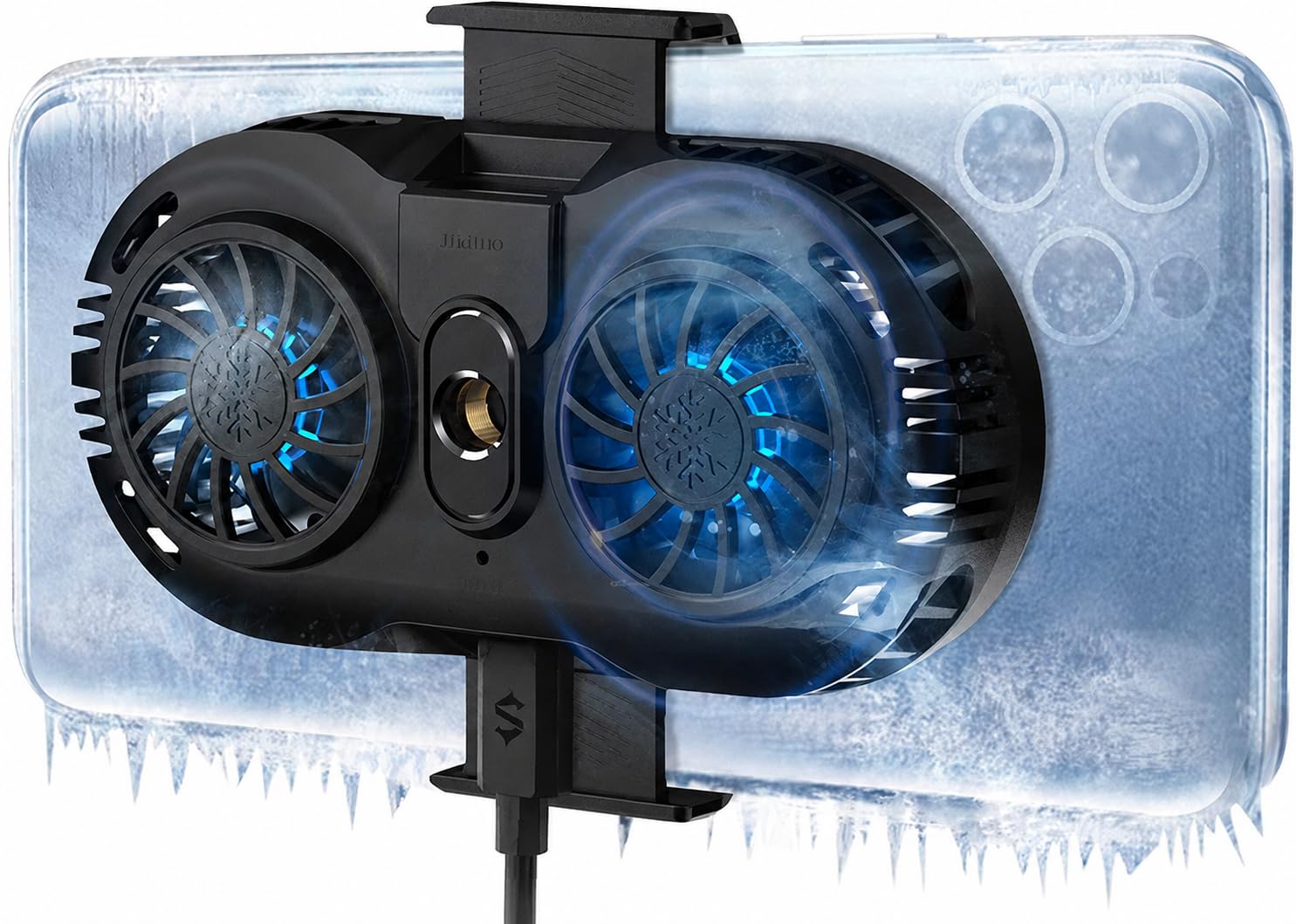
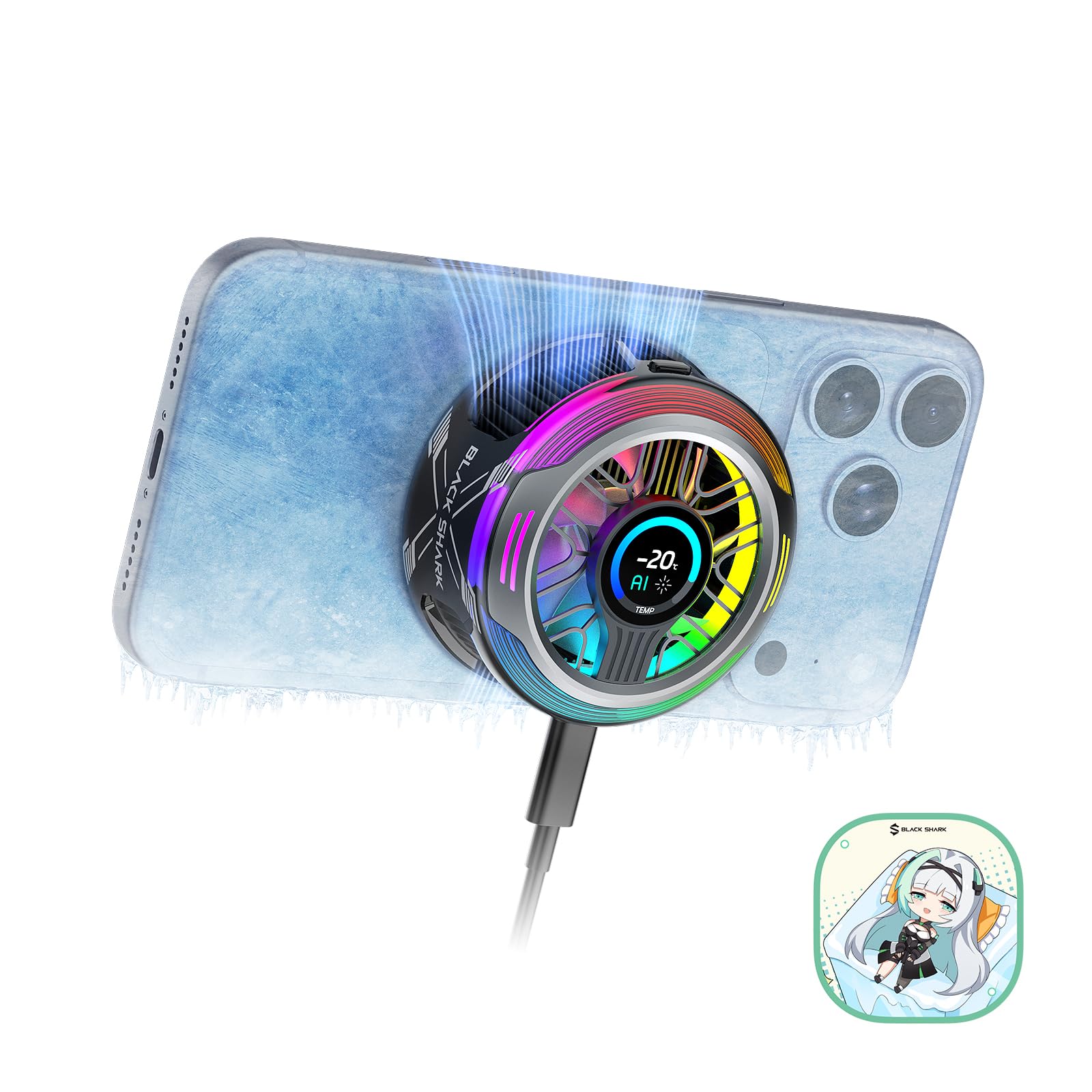
The Black Shark Cooler 6 Pro delivers the most aggressive cooling we've tested in a phone cooler, hitting sub-zero temperatures under sustained gaming loads. Its 35W Peltier chip pulls heat away fast, and users report the cold side stays cold even after the power is cut – a sign of efficient thermal mass design.

The full-color smart display is the standout feature here: it shows live temperature, power draw, and fan speed in a small but readable panel. This matters most during long gaming sessions or live streams where you need to know the cooler is keeping up. The tradeoff is that the display is functional rather than decorative – you won't get the 18-zone RGB lighting found on Black Shark's 5 Pro.

This cooler is built for gamers and streamers who want both maximum cooling and visual feedback. The magnetic attachment (with included ring plate for non-magnetic cases) feels secure. Be aware that it requires a 40W+ USB-C charger, which is not included – using a standard 18W phone charger will limit cooling performance. The 6 Pro also has a shorter history on the market compared to the 5 Pro, so long-term reliability is backed by fewer user experiences.

Tip: Pair with a 45W USB-C charger to unlock full cooling potential – standard 18W chargers will limit performance.

Bottom line: If raw cooling power and live temperature monitoring matter more than flashy RGB, the Cooler 6 Pro is the pick – just budget for a high-wattage charger.

2

Black Shark Cooler 5 Pro

Black Shark Cooler 5 Pro

RGB customization, app control

Our Score 8.6/10
Check Price

Worth Noting

  • Wireless charging may not work with some chargers
  • Cooling performance can vary between units, with some failing to reach advertised temperatures
  • Some units may lose cooling function after extended use
Noise Level
39 dB
Battery Life
Wired
Smart Features
App control, 18 RGB LEDs
Attachment Type
Magnetic + detachable grips

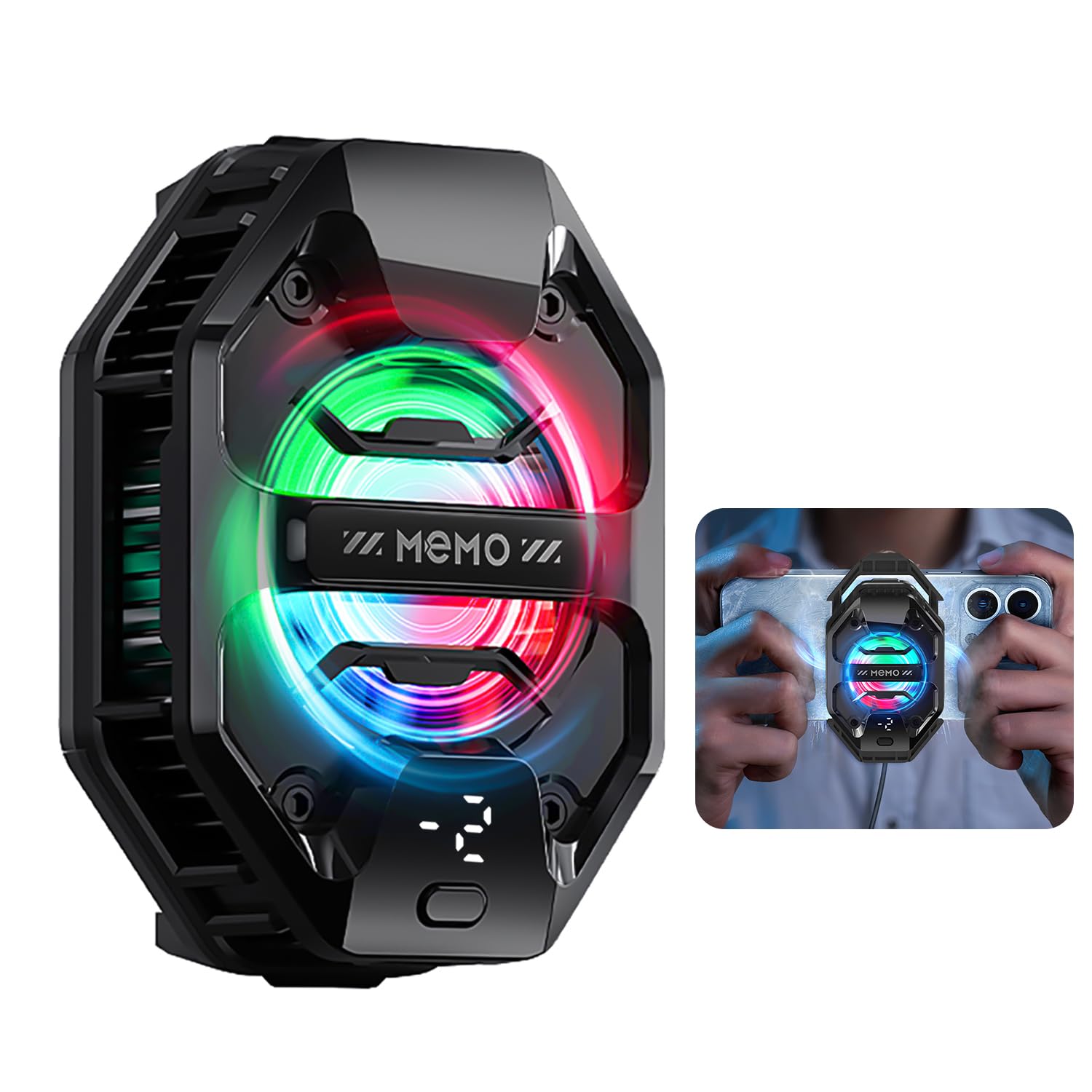
The Cooler 5 Pro stands out with 18 addressable RGB LEDs and full control through the Shark Arsenal app – a level of customization that few phone coolers offer. The build quality feels premium, and the detachable grip makes it easy to switch between magnetic and clip-on mounting.

That said, cooling performance can vary between units. Some coolers hit the advertised sub-zero temperatures, while others struggle to stay cold during extended gaming sessions. Long-term reliability under heavy use is not guaranteed – a few units lose cooling function after several months. This makes the Cooler 5 Pro best suited for gamers who prioritize aesthetics and app control over absolute cooling consistency.

Compared to the top pick, the Cooler 6 Pro, this model trades a smart display for deeper RGB customization and a larger user community. For the price, it offers good value if you get a consistent unit, but the variability is worth factoring into your decision.

Tip: If you rely on wireless charging, test compatibility with your charger – some setups may not work.

Bottom line: If RGB customization and app control matter more than raw cooling consistency, the Cooler 5 Pro is a well-built option – just be aware that performance can vary.

3

Stjiatu 27W Cooler

Stjiatu 27W Cooler

Budget cooling power

Our Score 8.2/10
Check Price

Worth Noting

  • Requires a 3A USB power supply, limiting use with standard battery packs
  • Occasional reliability issues
Noise Level
Quiet
Battery Life
Wired
Smart Features
RGB, temp display
Attachment Type
Retractable clip

The Stjiatu 27W Cooler pulls a thermal punch that belies its price tag, reaching -3°C within seconds and sustaining a 40°C temperature drop under load. That puts it close to the performance of premium semiconductor coolers while costing roughly half as much – a rare value in this category.

This clip-on cooler is best suited for budget-conscious gamers who have a compatible 3A USB power source, such as a laptop or a high-output wall adapter. It won't run effectively from most portable battery packs, and a small number of units have exhibited random shutdowns, making it less ideal for users who need absolute consistency over long sessions.

The fan runs quietly even at full speed, which is a welcome surprise at this price point. Combined with a retractable clip that fits most phone widths, the Stjiatu offers a straightforward, no-fuss cooling solution for extended gaming sessions.

Tip: Use a dedicated 3A USB wall adapter or a laptop USB port for consistent sub-zero performance – avoid low-current power banks.

Bottom line: Outstanding value for budget gamers who can meet the power requirement – delivers near-premium cooling at a fraction of the cost.

4

NEVEIKA Plug-in Cooler

NEVEIKA Plug-in Cooler

Dual-chip budget

Our Score 8.2/10
Check Price

Worth Noting

  • Clip width may be too tight for larger phones or devices with thick cases.
  • Some units may experience fan blade breakage or clip snapping after short use.
Noise Level
Quiet
Battery Life
Wired
Smart Features
None
Attachment Type
Telescopic clip

The NEVEIKA cooler uses two semiconductor chips to drop phone temperatures into the mid-60s Fahrenheit during gaming or streaming, with fan noise low enough to stay in the background. Compared to the budget alternative that prioritizes raw power, this model trades some cooling consistency for noticeably quieter operation and a lower upfront cost.

This cooler fits budget-conscious streamers and casual mobile gamers who need basic thermal management without a big investment. The telescopic clip may not accommodate larger phones like the iPhone 13 Pro Max or devices with thick cases, and some units have shown durability issues with the fan or clip mechanism after weeks of use. If you have a standard-sized phone and can live with the gamble on longevity, the price and quiet performance make it worth a look.

Tip: Remove any bulky case before attaching the clip to reduce strain on the mechanism.

Bottom line: A cost-effective entry into active phone cooling for standard-sized phones, provided you accept the possibility of early replacement.

5

NEEWER BASICS Cooler

NEEWER BASICS Cooler

Basic daily use

Our Score 8.0/10
Check Price

Worth Noting

  • Fan noise at high speed may be distracting in quiet rooms or during voice chats.
  • Cooling power is modest -- not suited for extended heavy gaming or sub-zero temperature drops.
Noise Level
45 dB
Battery Life
Wired
Smart Features
RGB
Attachment Type
Magnetic + clip

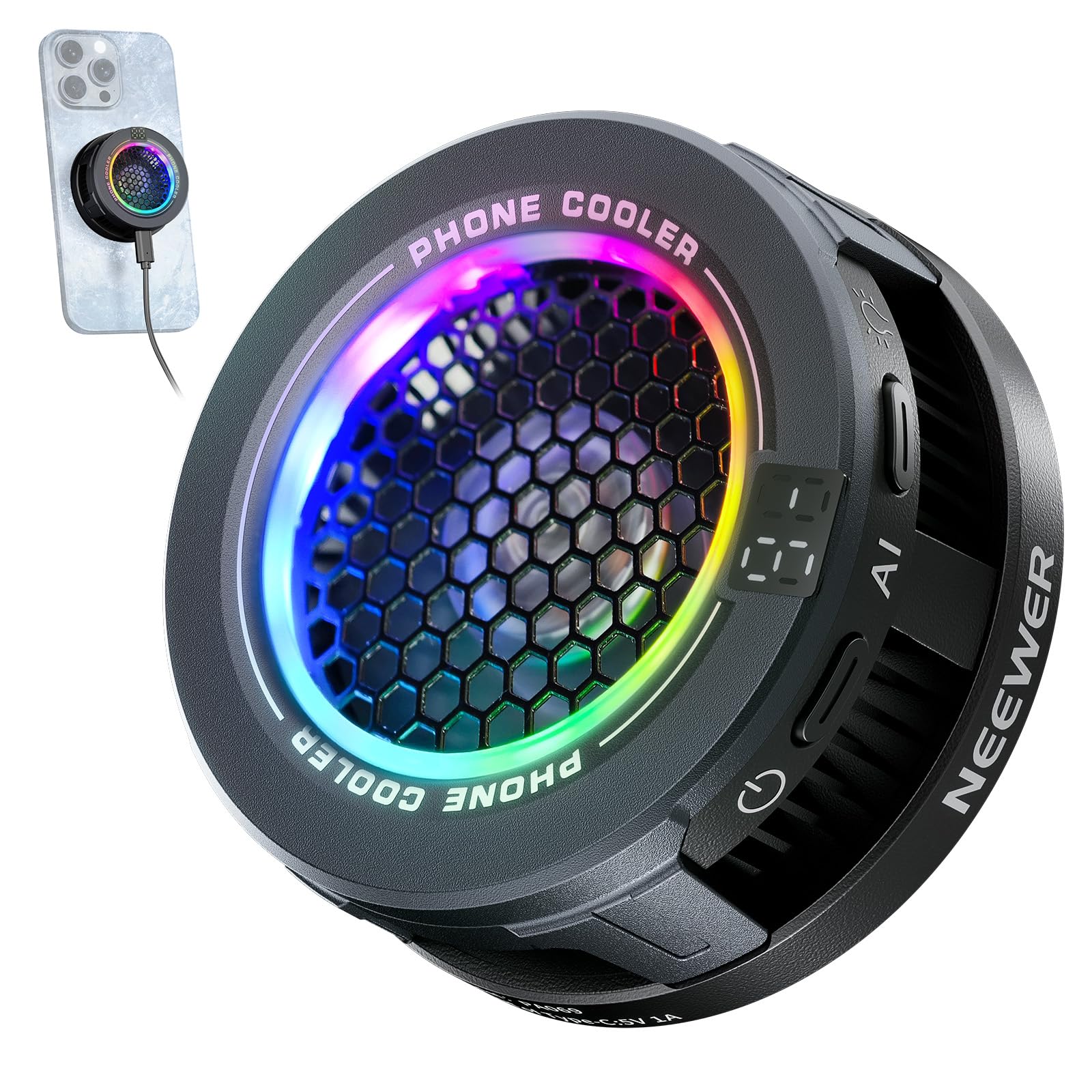
The NEEWER BASICS cooler drops phone temperature into the 60s within a minute, making it a practical fix for casual gaming, video calls, or streaming. It operates consistently across sessions with no unexpected behavior, fitting the buyer who wants functional cooling without paying extra for premium features. The tradeoff: fan noise at high speed can be noticeable in quiet spaces, and the cooling capacity is lower than many gaming-focused coolers -- fine for occasional use, but not for extended heavy gaming or sub-zero demands.

Bottom line: A decent pick for casual phone users on a tight budget who don't mind some fan noise -- those needing quiet or deeper cooling should consider alternatives.

6

darkFlash Battery Cooler

darkFlash Battery Cooler

Cordless occasional use

Our Score 8.0/10
Check Price

Worth Noting

  • Battery runtime around two hours with a recharge cycle that can take most of a day.
  • Magnetic attachment can lose hold during movement or with non-MagSafe cases.
Noise Level
38 dB
Battery Life
~2 hours
Smart Features
None
Attachment Type
Magnetic + magnetic sheet

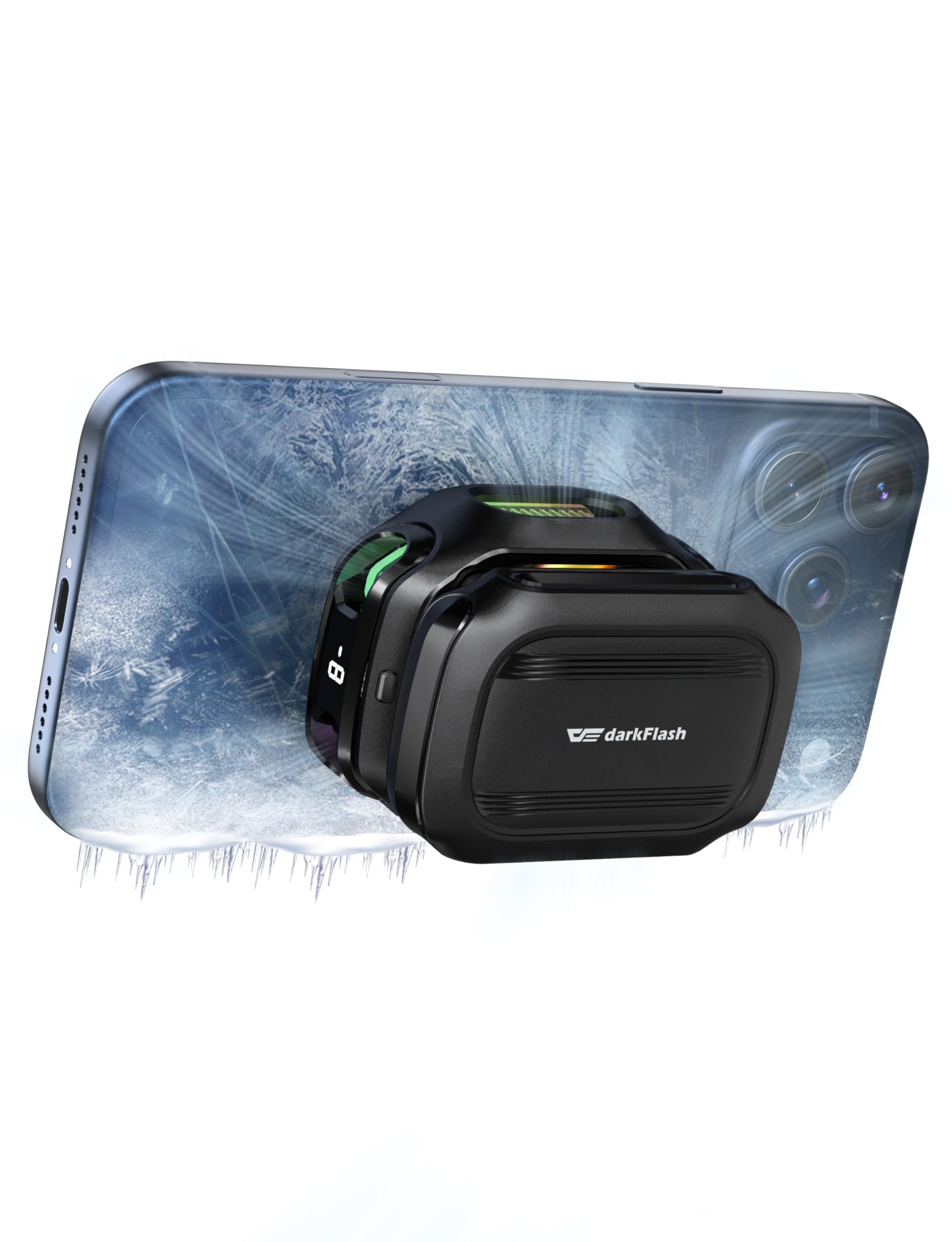
The darkFlash Magnetic Cell Phone Cooler brings phone temperatures down quickly in hot conditions, often within a minute or two. That makes it handy for short bursts of gaming or streaming when you're away from a wall outlet. But the battery only lasts about two hours, and a full charge can take most of a day — so cordless use is limited to short sessions unless you keep it plugged in. The magnetic hold works well with MagSafe phones and included sheet, but may lose grip during more active handling or with thicker cases, which can be frustrating in the middle of gameplay.

Bottom line: Best for occasional, short gaming sessions where quick cooling is the priority and you can plug in afterward — not for all-day cordless use.

7

shijianwy Battery Cooler

shijianwy Battery Cooler

Quiet cordless use

Our Score 8.0/10
Check Price

Worth Noting

  • Fan noise at higher settings can be audible in quiet rooms
  • Potential for the unit to stop functioning after a few weeks of use
Noise Level
25 dB
Battery Life
~2 hours
Smart Features
Temp/battery display
Attachment Type
Magnetic + clip

This cooler offers genuine cordless convenience with good cooling performance, making it a practical pick for short gaming sessions away from an outlet. The cold plate gets noticeably cold, and the built-in battery runs for up to two hours. However, the fan can be loud on higher settings, which may be distracting in quiet spaces. Some units have been noted to stop working after a few weeks, and the design becomes bulkier when the battery is attached. For those who prioritize portability over silence and long-term durability, this fits a narrow use case but isn't a daily driver for extended play.

Bottom line: A decent wireless cooling option for short outdoor gaming sessions, provided noise and potential reliability issues are acceptable tradeoffs.

8

lumivista Battery Cooler

lumivista Battery Cooler

Quiet battery cooling

Our Score 8.2/10
Check Price

Worth Noting

  • Battery life may not reach the claimed 3 hours under continuous use
Noise Level
16 dB
Battery Life
~3 hours
Smart Features
None
Attachment Type
Magnetic + clip

The Lumivista cooler keeps phone temperatures in check even during 100°F weather, thanks to its TEC semiconductor. Its magnetic attachment makes setup quick. The 3000mAh battery promises up to 3 hours of cordless use, but actual endurance can be shorter during continuous gaming. The 10W power output handles casual play well, but sustained heavy loads may push it beyond its comfort zone. This makes it a quiet, portable option for those who value low noise and occasional cooling over marathon sessions.

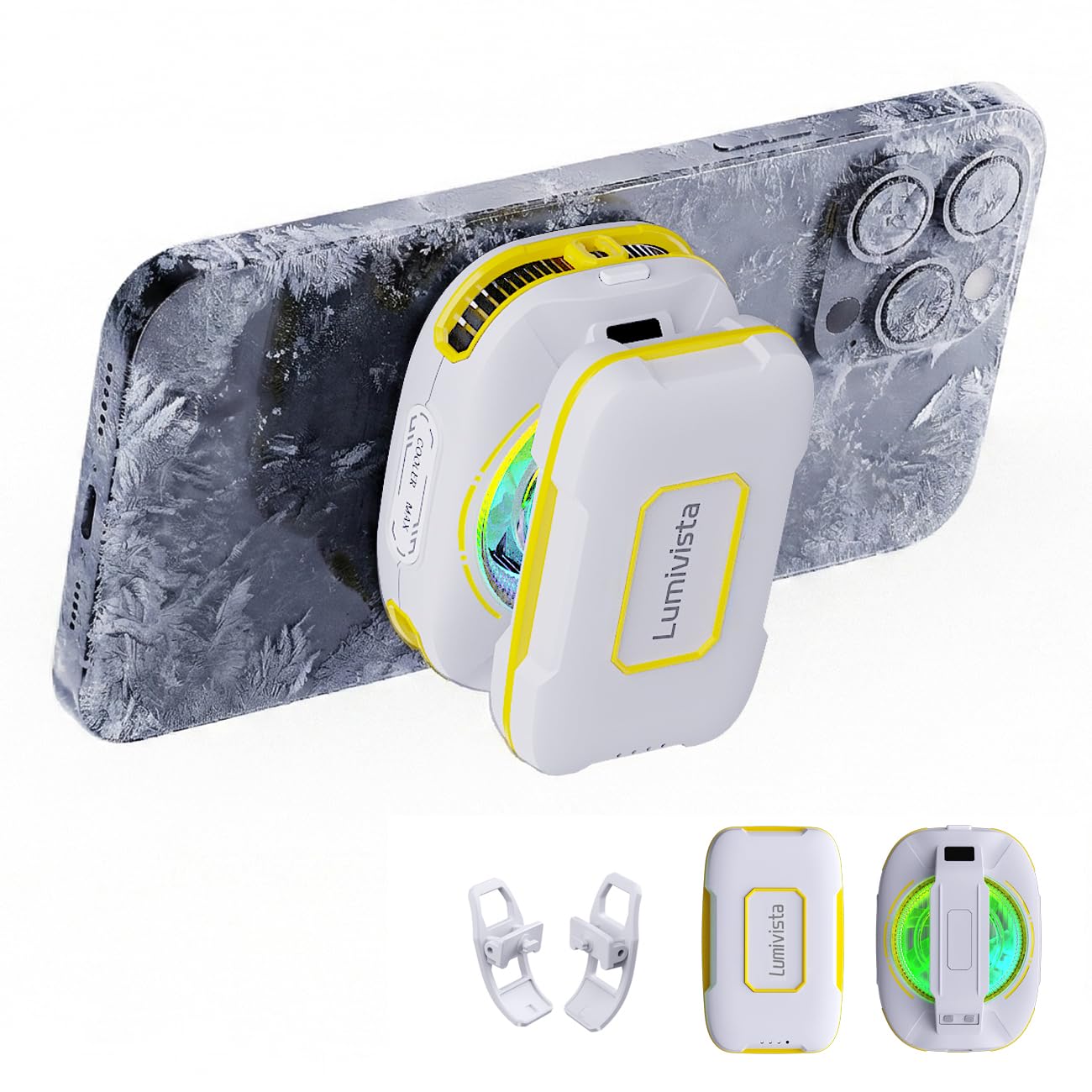
Tip: For longer play, keep the cooler plugged in via USB to bypass battery limits.

Bottom line: Pick this if you want a whisper-quiet cooler for short gaming sessions in hot weather and don't need all-day battery endurance.

How to Choose

Cooling Wattage

Wattage directly determines how much heat the Peltier plate can move away from your phone. A 15W cooler may prevent mild throttling, while 35W models can freeze the contact surface. The trade-off: higher wattage means the cooler's hot side gets very warm—sometimes hot enough to burn bare skin if you touch the heatsink during use.

For heavy gaming or streaming, aim for 27W or above. Budget coolers at 10W or less are fine for casual use but won't keep up with sustained loads like Genshin Impact or 4K recording.

Attachment Type

Magnetic coolers snap on easily and work with most MagSafe-compatible cases, but the magnetic hold is weak with thick cases or metal plates. Clip-on coolers grip the phone edges securely, ideal for intense gaming where you don't want the cooler sliding off. The catch: clip-on models may not fit larger phones with protective cases, and they add leverage that can fatigue the clip over time.

Noise Level

Noise is often understated in marketing. Coolers rated at 25-30 dB are genuinely quiet for background use, while anything above 40 dB becomes noticeable during quiet scenes. The hidden factor: fans spin faster as the cooler fights rising heat, so a unit that's silent at startup may become loud after 20 minutes of gaming. Check reviews for noise under load.

Battery Life

Battery-powered coolers free you from a wall outlet but typically last 1-3 hours under load. The reality: cooling efficiency drops as the battery drains, so the advertised '2-hour' runtime may only deliver strong cooling for 90 minutes. Wired models have consistent performance but tether you to a power bank or outlet. For long sessions (2+ hours), wired is the safer bet.

Smart Features

Smart displays, RGB lighting, and app control add visual feedback and customization but don't improve cooling. A display showing real-time temperature can help you adjust fan speed, but it's a convenience, not a performance enhancer. App-controlled RGB is popular for streamers who want coordinated lighting setups, but it also adds potential software bugs and extra cords.

Frequently Asked Questions