Gaming

9 Best PC Game Controller of 2026: Drift-Free & Built to Last

Find a PC game controller that avoids stick drift without sacrificing bumper durability. Our picks balance reliability, features, and price for every gamer.

Stick drift has become an almost expected flaw in many PC controllers, turning a $60 purchase into a gamble. Meanwhile, bumpers and triggers on even high-end models can snap within months. The real challenge isn't finding a controller that works out of the box — it's finding one that still works a year later.

Hall effect and TMR joysticks have largely solved the drift problem, but they often shift the weak point to the bumpers or trigger mechanism. That means the trade-off isn't between budget and premium — it's between which failure mode you're willing to tolerate. Some controllers prioritize stick longevity over everything else, others balance the two.

Based on what real-world users report, this guide highlights controllers that minimize those compromises. Whether you need low latency for competitive play or wireless convenience for casual gaming, the right controller is the one that matches your tolerance for each trade-off.

1

8BitDo Ultimate 2C

Top Pick
8BitDo Ultimate 2C

PC and Android

Our Score 9.0/10
Check Price

Worth Noting

  • Bluetooth connectivity may drop intermittently during use.
  • Button responsiveness can become inconsistent over time on some units.
Stick Type
Hall Effect
Connectivity
2.4G, Bluetooth, wired
Polling Rate
1000Hz (2.4G & wired)
Extra Buttons
2 extra bumpers

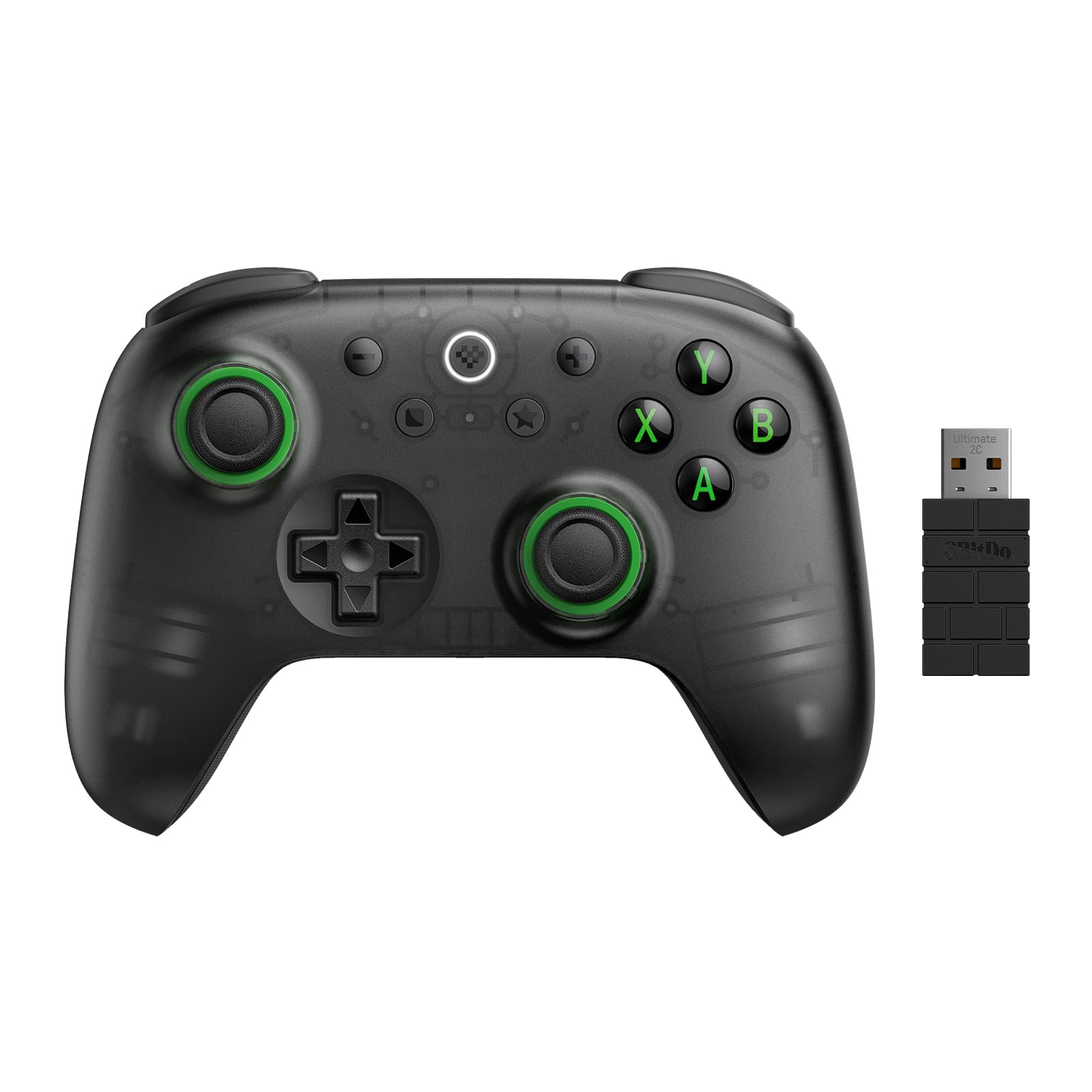
The 8BitDo Ultimate 2C brings drift-free Hall effect joysticks and triggers with a 1000Hz polling rate over its 2.4G wireless connection, matching the responsiveness of controllers that cost twice as much. The transparent black shell, rubberized grips, and metal stick rings give it a weight and texture that feel noticeably above its price point.

Battery life stretches for weeks on a single USB-C charge, and the controller sits comfortably in hand for long sessions. The two extra bumper buttons (L4/R4) are easy to reach for mapping shortcuts or abilities, though they lack the versatility of full rear paddles.

This controller is built for PC gamers who want drift-free sticks and low latency without spending on premium brands. It also pairs well with Steam Deck and Android devices. The tradeoff: Bluetooth connectivity can drop intermittently in some environments, and a minority of units may develop button responsiveness issues over time. Using the included 2.4G adapter sidesteps the Bluetooth quirks, making this a minor concern for desktop users. Not for Xbox or PlayStation console owners, and the two extra bumpers are not enough for complex fighting or flight-sim setups.

Tip: Use the 2.4G wireless receiver for a stable connection – Bluetooth can drop in crowded environments.

Bottom line: For PC gamers who want drift-free sticks and low latency without the premium price, the 8BitDo Ultimate 2C is the controller to pick.

2

GameSir G7 SE

GameSir G7 SE

Wired PC/Xbox

Our Score 8.8/10
Check Price

Worth Noting

  • In games that frequently use bumpers — like shooters or racing gear shifts
  • Some units may develop cable connection issues or stop functioning entirely, so early testing is worthwhile.
Stick Type
Hall Effect
Connectivity
Wired only
Polling Rate
Up to 1000Hz (overclockable)
Extra Buttons
2 back buttons

The GameSir G7 SE stands out for its Hall effect sticks and triggers, which remove the risk of stick drift entirely. Wired connection ensures low latency and no battery concerns. While the top pick in this set offers wireless freedom, the G7 SE delivers a more affordable wired alternative with responsive 1000Hz polling.

This controller is best suited for PC and Xbox gamers who want drift-free precision without the added cost of wireless hardware. The bumpers and triggers can be fragile under heavy use — players who rely on rapid bumper presses or aggressive trigger pulls may see wear or breakage within a few months. Moderate or lighter handling avoids this issue entirely.

Occasional cable connection problems or complete unit failure can occur in some cases, so testing the controller early and keeping warranty details handy is a sensible precaution. For most buyers, the G7 SE provides a dependable wired experience at a price that leaves room for other gear.

Tip: If bumper wear becomes an issue, map those inputs to the two back buttons via the controller’s software for extended life.

Bottom line: For PC and Xbox gamers who value drift-free sticks and a low price over wireless convenience and bumper durability, the G7 SE is a capable wired option.

3

PlayStation DualSense

PlayStation DualSense

Haptic PC gamers

Our Score 9.4/10
Check Price

Worth Noting

  • For long gaming sessions away from a power source, the built-in battery may need a mid-session charge
  • After months of regular use, the analog sticks may develop drift that compromises precision in aiming-heavy games
Stick Type
Standard potentiometer
Connectivity
Bluetooth, wired
Polling Rate
~125Hz wireless, ~500Hz wired
Extra Buttons
None

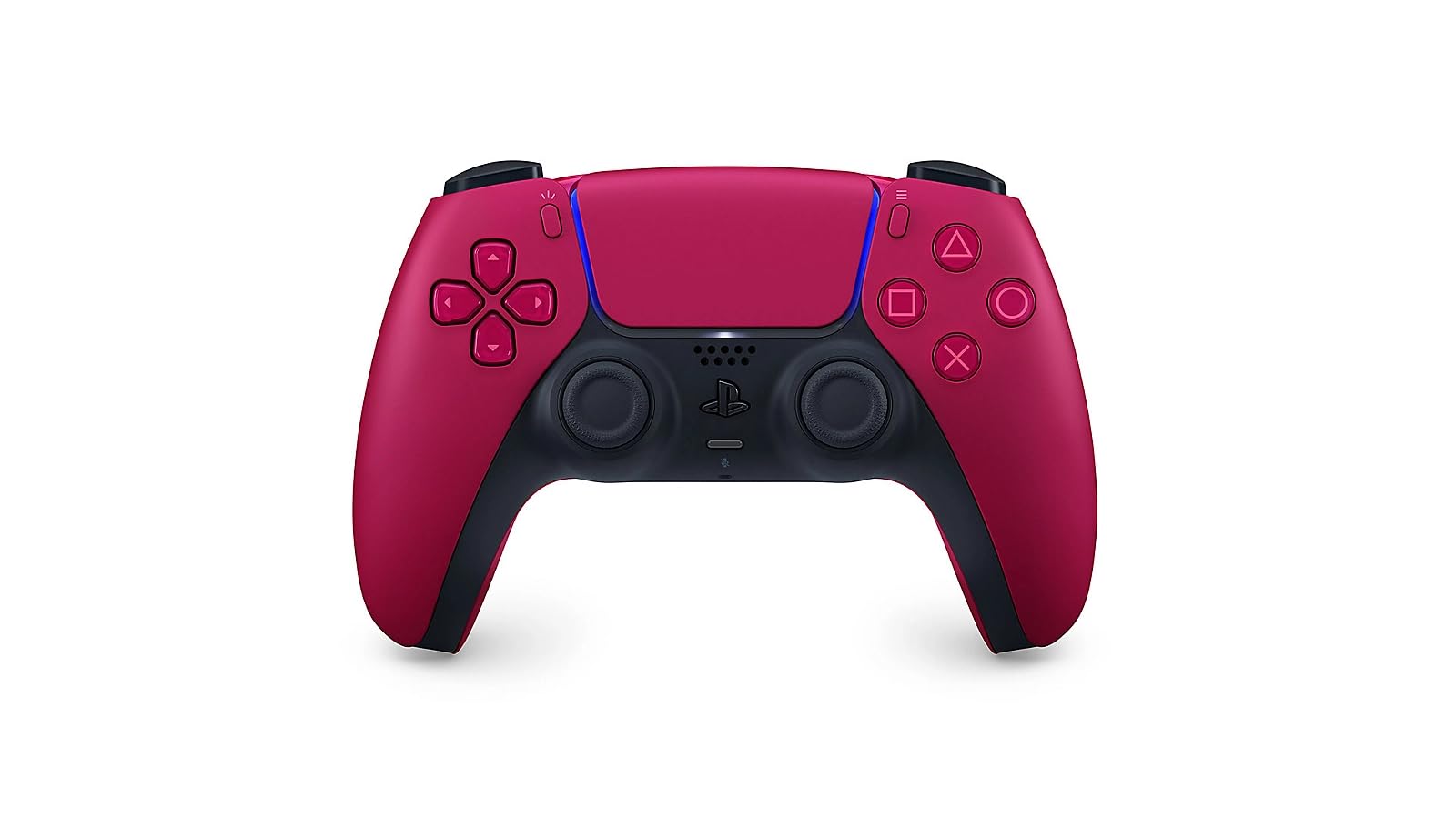
Haptic feedback and adaptive triggers set this controller apart from every other option in this roundup. Sony’s implementation translates in-game events into nuanced vibrations and variable trigger resistance, creating a level of immersion that standard rumble and linear triggers cannot match. It works wirelessly over Bluetooth on PC, or wired for lower input lag and consistent power.

This controller suits PC gamers who prioritize tactile immersion over raw competitive response times, as well as PS5 owners who want a second controller that also works on their computer. The sticky catch is longevity: after several months of use, the analog sticks may develop drift that affects aiming precision, and the built-in battery lasts roughly 12–15 hours, meaning daily charging is typical for regular players. Those who can accept these boundaries will appreciate the build quality and the way haptics and adaptive triggers enhance supported titles like Returnal and Metro Exodus.

Connectivity with both PS5 and PC is consistent, and the Cosmic Red finish is one of several visually striking options. The build feels dense and sturdy, and the touchpad, built-in microphone, and 3.5mm headphone jack add convenience for PC use. The 125 Hz polling rate over wireless is adequate for single-player and casual games, though competitive players may notice slightly less responsiveness compared to dedicated PC controllers with higher polling rates, especially when using the wired 500 Hz mode.

Tip: Using it wired bypasses battery concerns and lowers input lag, making it a more consistent option for desktop play.

Bottom line: If the unique haptic and adaptive trigger experience matters more to you than drift-free longevity and all-day battery life, the DualSense is a compelling peripheral for PC gaming.

4

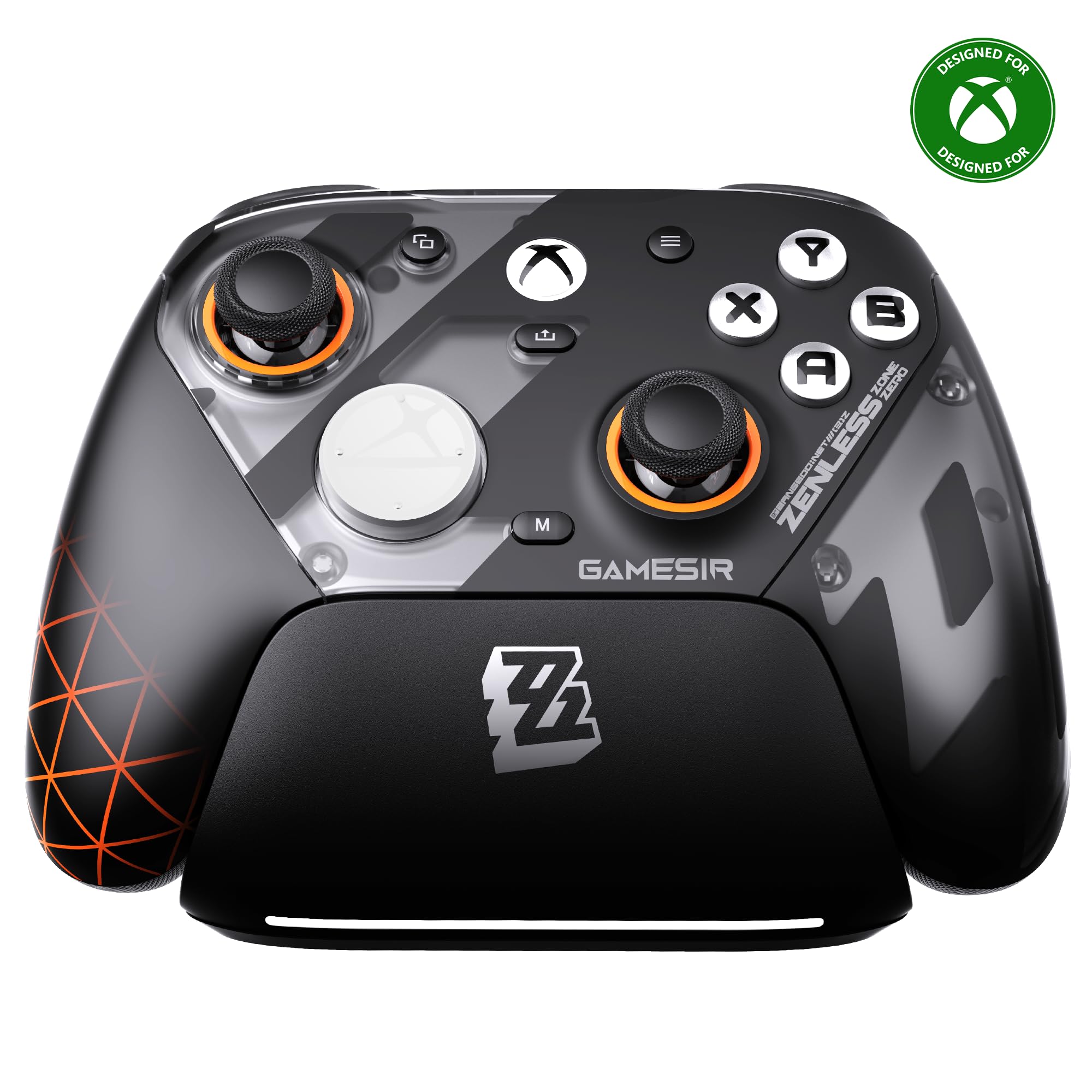
GameSir G7 Pro ZZZ

GameSir G7 Pro ZZZ

Xbox PC premium

Our Score 9.0/10
Check Price

Worth Noting

  • Trigger or bumper may develop clicking or stop registering inputs within a few months in some units
Stick Type
TMR
Connectivity
2.4G, Bluetooth, wired
Polling Rate
1000Hz (2.4G & wired)
Extra Buttons
4 remappable buttons

The GameSir G7 Pro cuts the cord with official Xbox wireless support, offering freedom the wired G7 SE can't match. It adds TMR anti-drift sticks, a convenient charging dock, and swappable faceplates, making it a direct competitor to controllers twice its price.

The TMR sticks deliver smooth, drift-free aim. Optical micro-switch ABXY buttons respond with a crisp click, and the dual-mode triggers (analog or micro-switch) suit shooters and racing games alike. The rubberized grips and balanced weight keep fatigue low during hours of play.

This is the controller for Xbox and PC gamers who want wireless flexibility, stick longevity, and customization options without paying for the Elite badge. However, a small number of units have experienced trigger or bumper faults within months, so it's best suited for buyers who can accept that possibility and have a straightforward return option.

Tip: If you notice trigger stiffness or unusual clicking soon after purchasing, exchange it promptly within the return period.

Bottom line: For Xbox and PC gamers seeking wireless play, TMR sticks, and broad customization without the Elite price, the G7 Pro delivers — just be prepared to test it early and use the return window if any trigger issues show up.

5

EasySMX D10

EasySMX D10

PC Switch mobile

Our Score 9.0/10
Check Price

Worth Noting

  • Bluetooth connectivity can drop during wireless play
  • Trigger responsiveness may feel inconsistent on some units, affecting fast-paced or precision games.
Stick Type
TMR
Connectivity
2.4G, Bluetooth, wired
Polling Rate
1000Hz (2.4G & wired)
Extra Buttons
2 back buttons

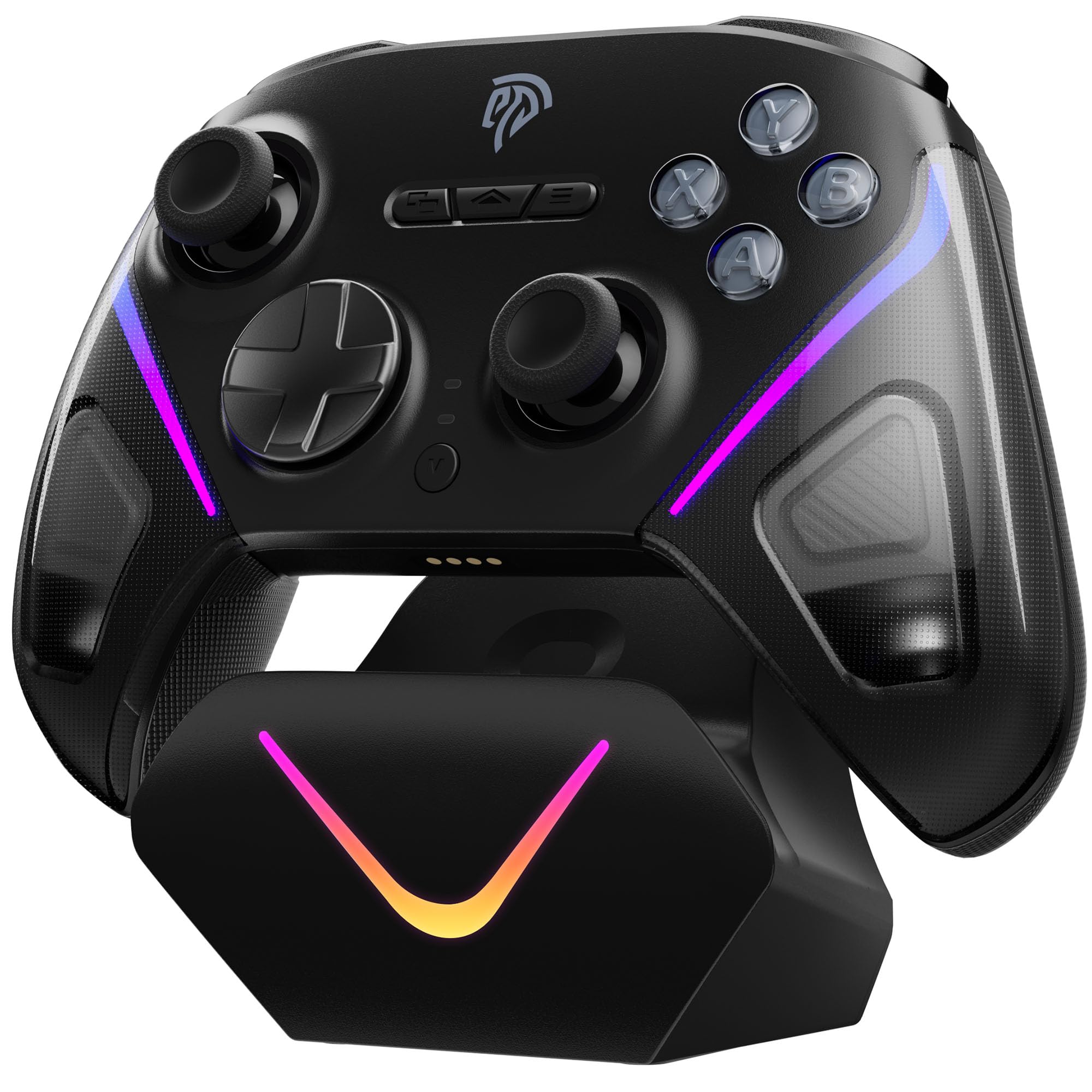
EasySMX D10 brings TMR joystick technology and a magnetic charging dock to the mid-range market — features typically reserved for premium-priced controllers. Dual-mode triggers (Hall linear or micro-switch) and mechanical face buttons round out a spec sheet that competes well above its price tier.

This controller suits PC and Switch gamers who want drift-free sticks and a tidy charging solution without paying a premium. The Bluetooth connection can drop unexpectedly during play, so those who prioritize rock-solid wireless should lean on the included 2.4G dongle or wired mode. Occasional trigger inconsistency has also been noted on some units, which matters most for competitive shooters or racing games.

Build quality and low-latency performance draw consistent praise, with the 1000Hz polling rate and responsive sticks feeling crisp in fast-paced titles. The charging dock magnetically aligns the controller and charges via USB-C, a convenience that many higher-priced competitors omit. Trigger behavior may vary between units, but for the majority of buyers this remains a reliable mid-range option.

Tip: Use the included 2.4G dongle or wired mode for the most stable connection; Bluetooth is fine for less demanding titles.

Bottom line: For PC and Switch gamers who prioritize drift-free TMR sticks and a convenient dock, the EasySMX D10 delivers strong value — just rely on the 2.4G or wired connection if Bluetooth stability is critical.

6

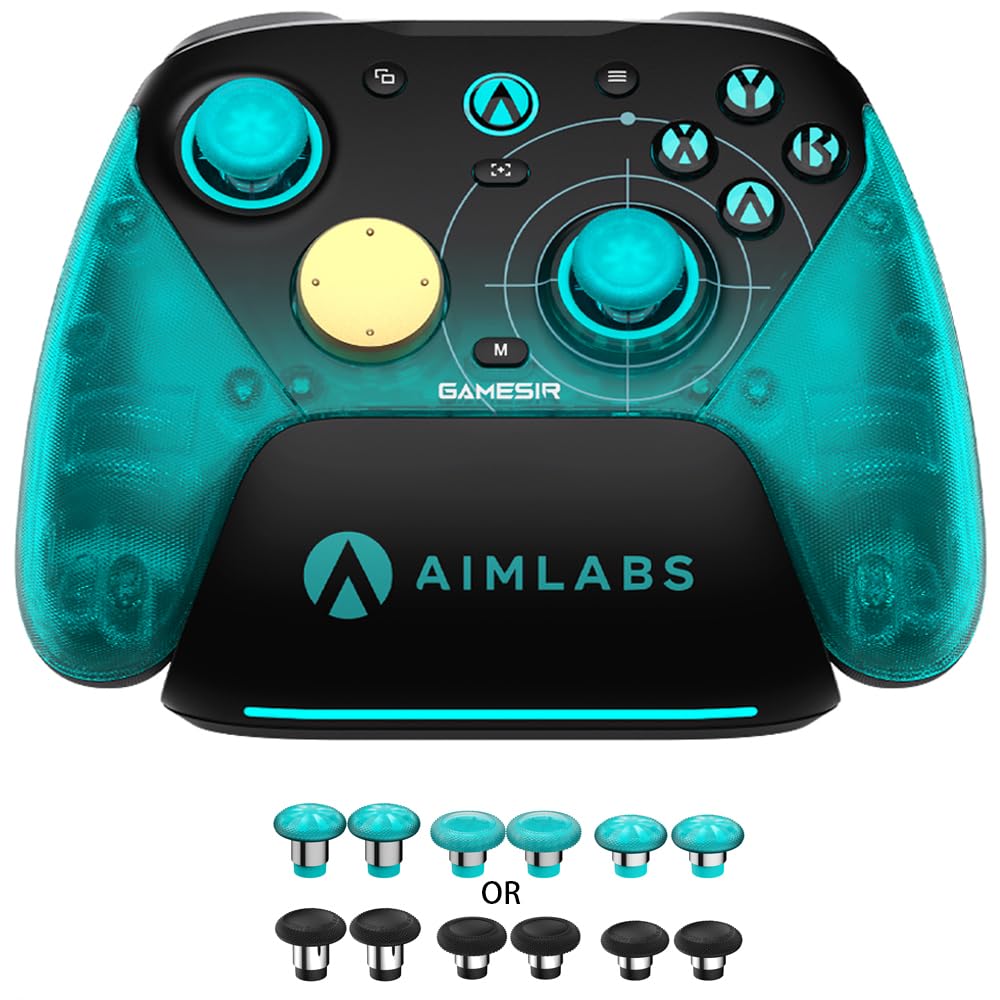
GameSir G7 Pro 8K

GameSir G7 Pro 8K

Competitive PC esports

Our Score 9.2/10
Check Price

Worth Noting

  • Trigger mechanism can lose functionality in some units
  • Stick consistency varies; some controllers exhibit drift after limited use.
Stick Type
TMR Gen 2
Connectivity
2.4G, wired
Polling Rate
8000Hz (wired & 2.4G)
Extra Buttons
4 macro buttons

With 8000Hz polling both wired and over 2.4GHz wireless, the GameSir G7 Pro 8K achieves response times well beyond typical PC controllers. The lighter G7 SE offers better overall reliability and a lower price, but this model is built for latency-sensitive esports players who need every millisecond of advantage.

This controller targets competitive players who prioritize input lag reduction above all else. However, some units have shown trigger or stick issues after limited use – a consideration for anyone expecting years of daily driving without replacement.

The build quality and ergonomics are immediately noticeable: textured grips, crisp optical ABXY buttons, and smooth Hall-effect triggers that can switch to micro-switch mode. The TMR Gen 2 sticks provide fine precision and resistance to drift under normal use, though consistency between units varies.

Tip: If you plan to use this daily for years, consider a warranty or retailer protection plan.

Bottom line: Best suited for competitive players who want the fastest PC controller available and are willing to accept some risk on long-term durability.

7

Razer Wolverine V3 TE

Razer Wolverine V3 TE

Wired esports PC

Our Score 8.2/10
Check Price

Worth Noting

  • Ergonomic design may cause hand discomfort for some users during extended sessions.
  • Joystick caps can pop off under heavy use
Stick Type
TMR
Connectivity
Wired only
Polling Rate
8000Hz wired
Extra Buttons
6 remappable buttons

The Wolverine V3 TE delivers the fastest wired polling available and extensive button customization. However, the ergonomics don't suit all hand sizes – knuckle discomfort has been noted during longer sessions. The joystick caps may also pop off under lateral force, and the back button placement can feel awkward depending on grip style. These issues make it a niche pick for competitive PC gamers who prioritize responsiveness over all-day comfort.

Bottom line: Best suited for competitive PC gamers who need wired speed and many remappable buttons, and can accept occasional comfort or build quirks.

8

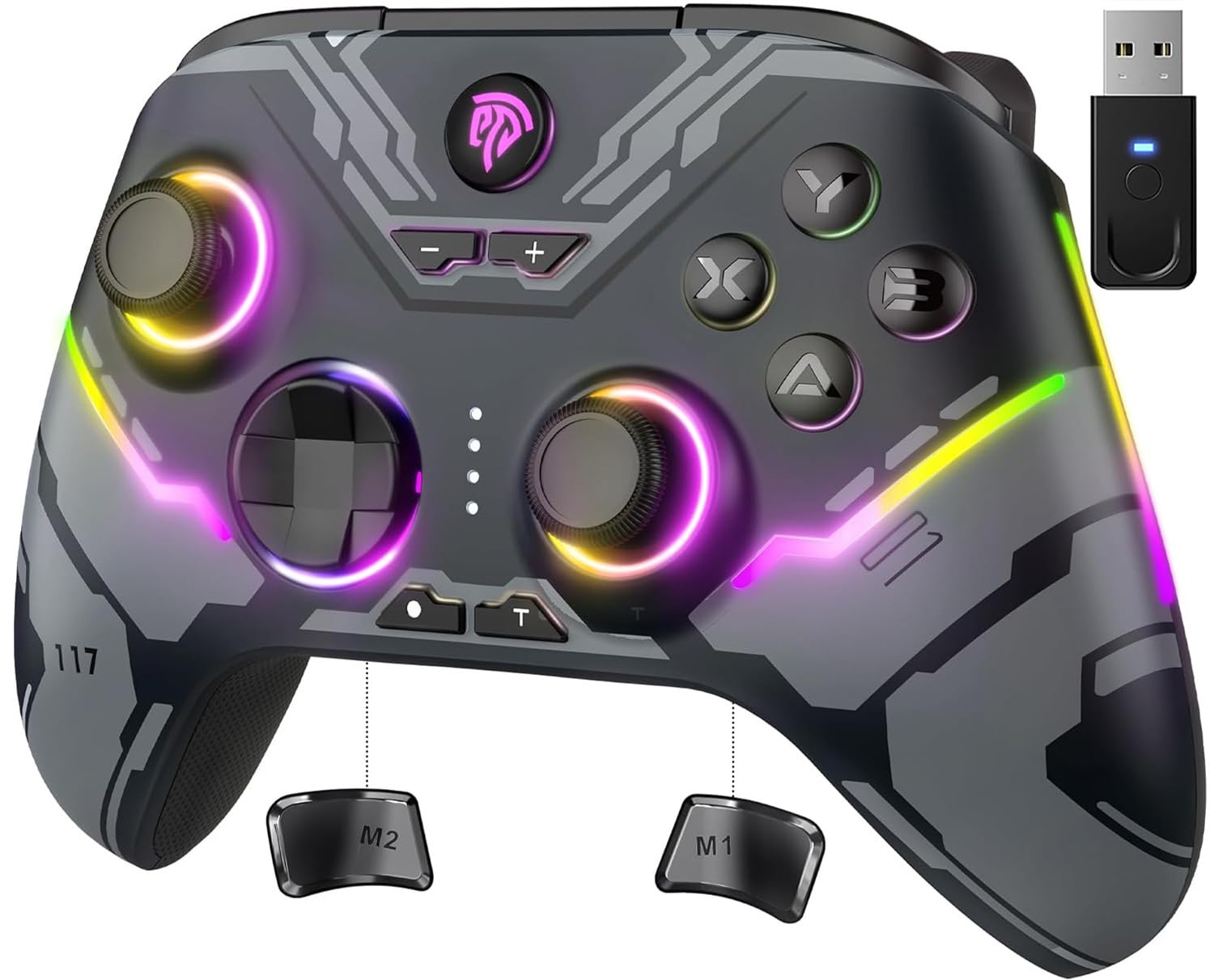
EasySMX X15

EasySMX X15

Ultra-budget PC

Our Score 8.4/10
Check Price

Worth Noting

  • Stick drift, button unresponsiveness, and overall breakdown can develop after light use
  • Bluetooth connectivity drops and pairing issues may occur
Stick Type
Hall Effect
Connectivity
2.4G, Bluetooth, wired
Polling Rate
Wired 2.4G (~250Hz)
Extra Buttons
2 back buttons

The EasySMX X15 brings Hall effect joysticks and triggers to a price point that undercuts nearly every competitor, making it an intriguing option if you are curious about drift-free analog control without spending much. The build feels acceptable for the cost, and the RGB lighting adds some flair. However, the trade-off is that long-term durability is uncertain — stick drift can appear after a few months of use, buttons may become unresponsive, and Bluetooth connections can drop intermittently. These issues make the X15 a risky choice for a primary controller, but for casual PC gaming or as a backup unit where failure is less disruptive, the value proposition remains strong.

Bottom line: Worth considering only if you need Hall effect sticks on a tight budget and can accept unit variance — best suited as a casual or backup PC controller.

9

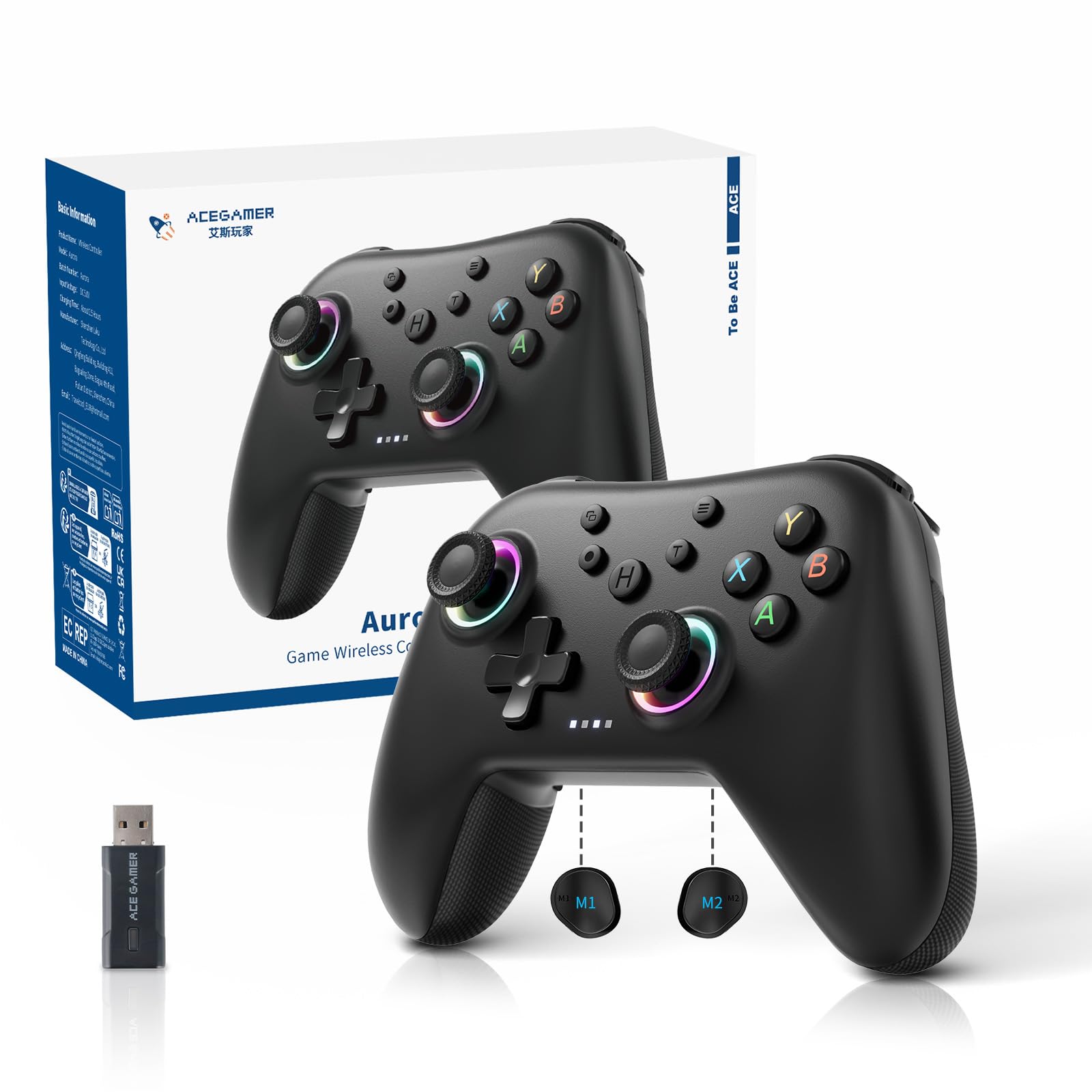
AceGamer Aurora II

AceGamer Aurora II

Ultra-budget casual

Our Score 8.6/10
Check Price

Worth Noting

  • Bluetooth disconnects can interrupt gameplay in some cases.
  • Button responsiveness issues
Stick Type
Hall Effect
Connectivity
2.4G, Bluetooth, wired
Polling Rate
Extra Buttons
2 back buttons

Hall effect joysticks and RGB lighting at this price point are rare. The Aurora II delivers those features for under $25, with a battery that lasts through long sessions and a build that feels decent for the cost. For a spare controller or casual PC gaming, the core specs are hard to beat at this budget.

The tradeoff comes in consistency. Some units drop Bluetooth connections mid-game or have buttons that stick and fail to register. Durability can also be a concern — the left stick may loosen over time. These issues make it a risky choice for competitive play, but for relaxed gaming or as a backup, the value proposition still holds if you get a good unit.

Bottom line: This controller fits best as a budget spare or for casual PC gaming where occasional connectivity and button quirks are acceptable given the low price.

How to Choose

Stick Type: Hall Effect vs. TMR vs. Potentiometer

Hall effect and TMR joysticks use magnetic sensors that eliminate physical contact, making them highly resistant to drift. This adds cost and complexity, but for competitive gamers the investment pays off in longevity. Traditional potentiometer sticks are cheaper and more common in official controllers, but they are prone to wear that causes drift after months of use.

For casual play, a controller with standard sticks may be acceptable if you don't mind replacing it sooner. For anyone who wants a reliable daily driver, Hall effect or TMR is the safer choice.

Polling Rate: How Fast Does It Report?

Polling rate determines how often the controller sends input data to your PC. At 1000Hz, inputs are reported every 1ms; at 8000Hz, every 0.125ms. The lower theoretical latency matters most in competitive shooters where reaction time is critical.

In practice, the difference between 1000Hz and 8000Hz is only noticeable if your PC consistently runs games above 200 FPS. For most gamers, 1000Hz is the sweet spot. Higher rates can create unnecessary CPU load without perceptible benefit.

Wired vs. Wireless: Latency vs. Convenience

Wired connections offer the lowest possible latency and eliminate battery anxiety, making them the preferred choice for competitive play. Wireless freedom comes with trade-offs: 2.4G dongles provide near-wired performance, while Bluetooth can introduce noticeable lag and occasional disconnects.

For casual gaming, a good wireless controller with 2.4G is convenient and reliable. If you play competitively, a wired connection is still the safest bet for consistent performance.

Extra Buttons: Back Paddles and Bumpers

Remappable back buttons or bumpers let you map actions like jump or reload without taking thumbs off the sticks. They are a major advantage in competitive games, but their placement and feel vary widely. Some controllers place them too high or low for comfortable reach depending on hand size.

The number of extra buttons matters less than whether they fit your grip. Try a layout with 2 back buttons first; 4+ can become cumbersome if not ergonomically designed.

Battery Life and Charging: Built-in vs. AAs

Built-in lithium batteries offer convenient USB-C charging but degrade over time, eventually requiring replacement or a new controller. AA batteries, while less convenient, let you swap in fresh cells instantly and extend the controller's lifespan indefinitely.

Charging docks add ease for daily use but take desk space. If you play long sessions, consider a controller with a dock or one that uses standard rechargeable AAs. Battery life varies widely from 12 to 40 hours, so match it to your typical session length.

Frequently Asked Questions