Smart Home & Security

8 Best Home Security System Without Monthly Fee 2026: Solar That Stays Charged

Which solar-powered security systems keep cameras powered without subscriptions, and which drain in the shade.

The promise of a solar-powered security system is simple: mount the cameras, let the sun do the work, and never pay a monthly fee. In practice, many solar kits drain faster than they charge, leaving you with dead cameras and a false sense of security. The difference comes down to panel efficiency, battery capacity, and how much direct sunlight your property actually gets.

This guide focuses on systems that deliver on the no-fee promise without cutting corners on reliability. Whether you need a full solar camera setup or a simple alarm system, the best options share one trait: they work consistently in the real-world conditions most homes have, not just in perfect sun.

1

ANSQUE GU01 4-Cam Kit

Top Pick
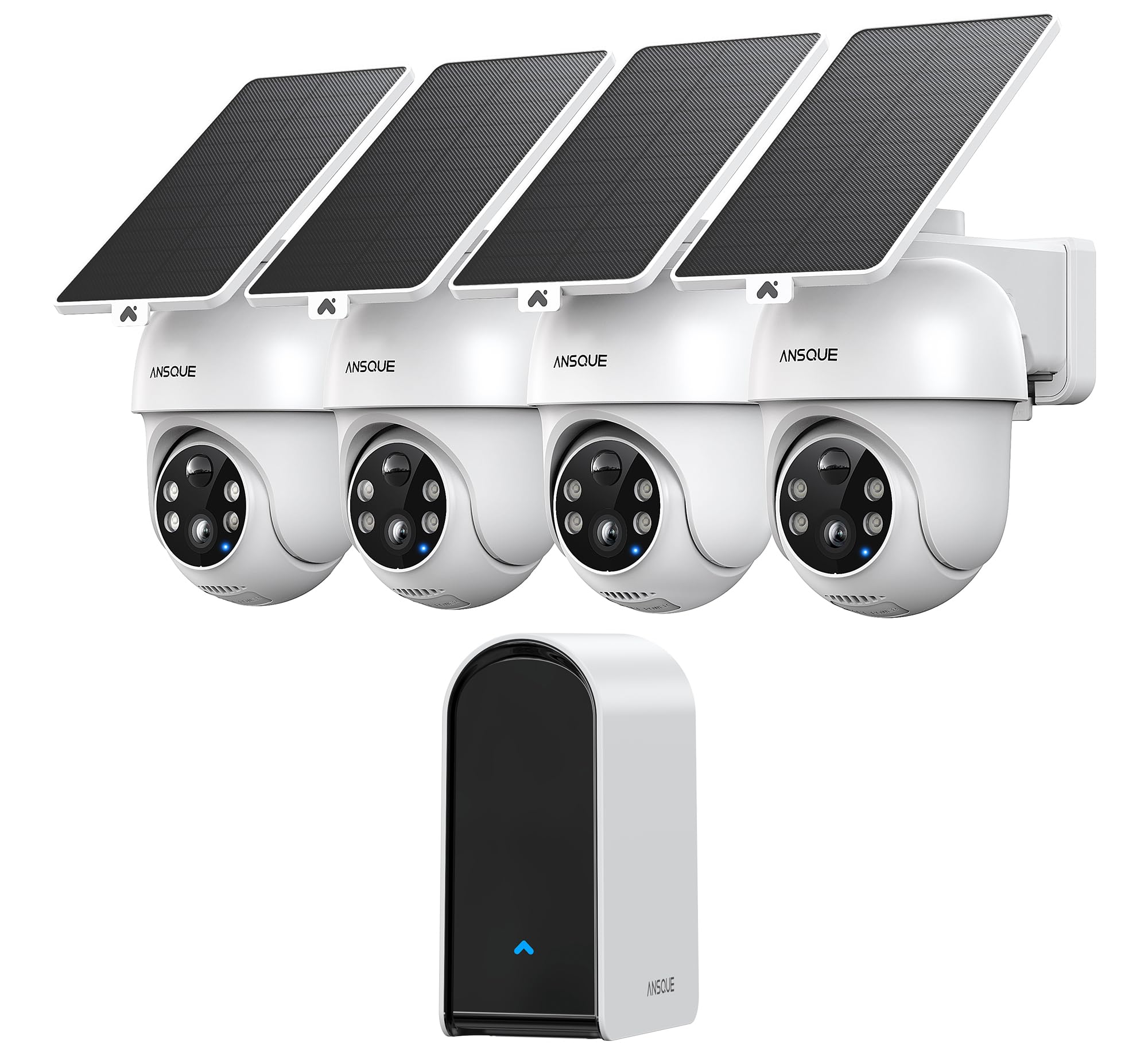
ANSQUE GU01 4-Cam Kit

Worry-free solar

Our Score 9.2/10
Check Price

Worth Noting

  • Motion detection sensitivity can trigger alerts from non-threatening movement like swaying branches.
  • WiFi connection may drop in homes with thick brick or concrete walls; placement near a router is advised.
AI Detection
AI auto tracking
Cameras & FOV
4 cams, 360° PTZ
Install & App
Easy, intuitive app
Local Storage
32GB base

The ANSQUE GU01 kit keeps its cameras powered even during stretches of overcast skies, so manual charging is rarely needed. Owners consistently highlight crisp 2K video and accurate auto-tracking as standout features, with installation taking under an hour using the included mounts and app-guided setup.

AI-based motion tracking follows people and vehicles across camera views, but the sensitivity can trigger alerts from wind-blown branches or passing headlights. In homes with brick or masonry walls, WiFi signal strength may drop; placing cameras within range of a router or using a mesh network helps maintain consistent connectivity.

This kit suits homeowners who want a self-monitored solar setup and don't want to babysit batteries. The tradeoff: homes with very thick walls require careful WiFi planning, and the motion detection works best when zones are tuned to ignore non-critical movement. Tech-savvy users comfortable with app adjustments will get the most out of it.

The app provides live PTZ control, event playback from the 32GB local storage, and cross-camera tracking without any subscription cost. Dual-band 2.4/5GHz WiFi and solar panels that charge even in shade make this a low-maintenance option for outdoor coverage.

Tip: Position cameras within strong WiFi range; a mesh network helps in larger or masonry homes.

Bottom line: For anyone wanting a solar-powered camera system that actually stays charged through variable weather, this kit delivers — just plan WiFi placement and tweak motion zones to match your property.

2

Aosu SolarCam D1 4-Cam Kit

Aosu SolarCam D1 4-Cam Kit

Budget PTZ

Our Score 8.6/10
Check Price

Worth Noting

  • Battery may need manual charging if cameras are in shaded areas or handle heavy motion
  • Cross-camera tracking may miss some events, leaving gaps in linked clips
AI Detection
Auto tracking
Cameras & FOV
4 cams, 360° PTZ
Install & App
Easy, clear instructions
Local Storage
32GB base

The Aosu SolarCam D1 kit offers 360-degree pan/tilt and auto tracking across four cameras, supported by a large user base that reports consistent performance. The solar panels keep the cameras running without monthly fees, but battery life depends heavily on direct sunlight — shaded spots or frequent motion can require manual recharging.

This kit suits homeowners who have cameras in open, sun-exposed areas and want uninterrupted coverage without subscription costs. The 2K color night vision delivers clear footage, and installation is simple with pre-paired cameras and clear instructions. However, cross-camera tracking occasionally misses linked events, and the system does not support 24/7 continuous recording on solar power alone.

For those who prioritize no recurring fees and wide-area PTZ coverage, the Aosu provides strong value. The auto tracking follows motion across multiple cameras, and the app control works reliably for live viewing and playback. Just plan camera placement with direct sunlight in mind to avoid battery issues.

Tip: Position camera solar panels in direct sun for at least 4-5 hours daily to keep batteries charged without manual intervention.

Bottom line: For homes with sunny camera placements and no need for 24/7 recording, this kit delivers dependable coverage with strong tracking and no ongoing costs.

3

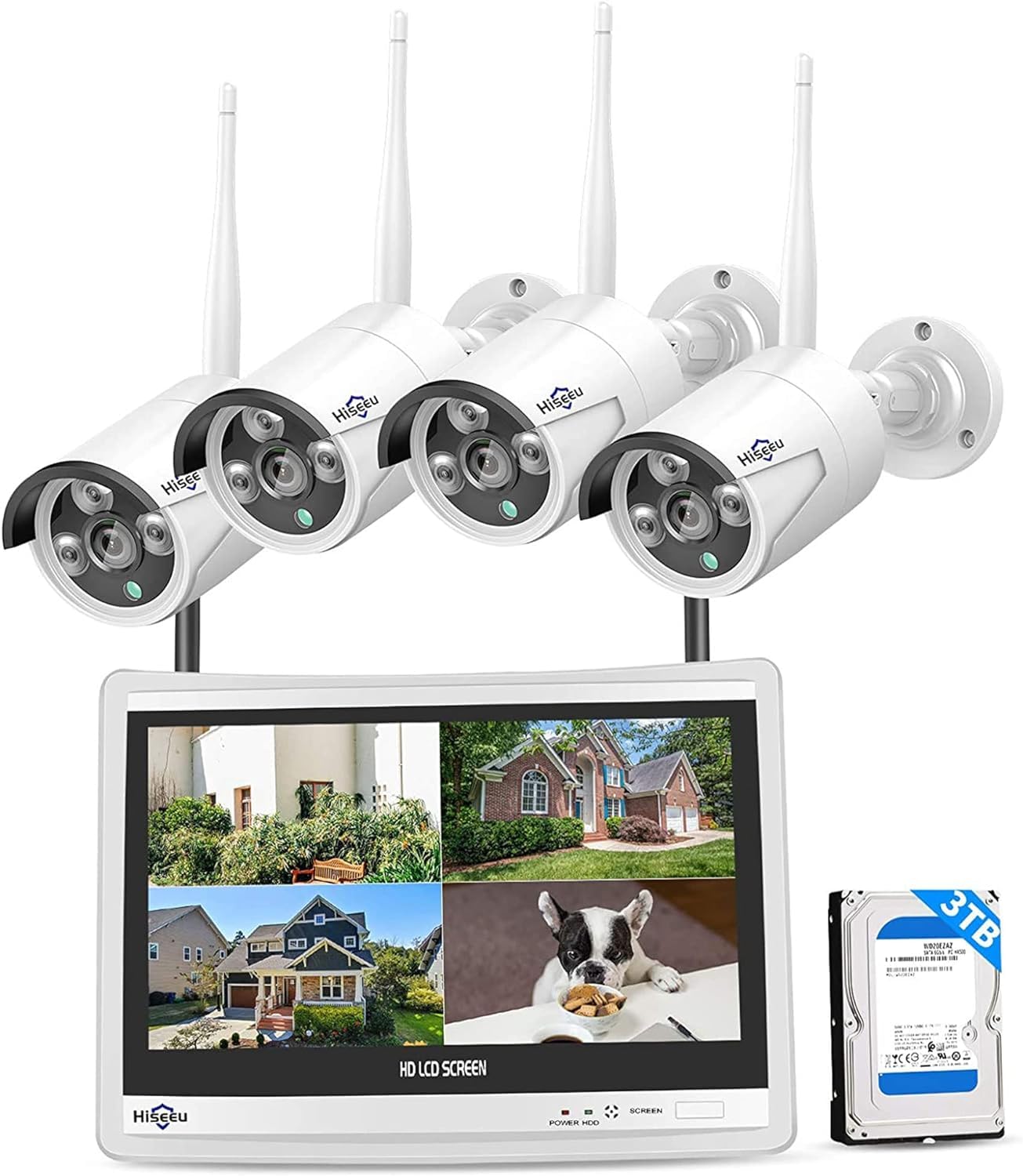
Hiseeu 12-Cam Wired System

Hiseeu 12-Cam Wired System

Max coverage

Our Score 8.6/10
Check Price

Worth Noting

  • Hard drive may require replacement after months of continuous use.
  • WiFi connectivity for remote viewing can be unstable with occasional disconnections.
AI Detection
AI human detection
Cameras & FOV
12 cams, bullet
Install & App
Easy for wired
Local Storage
3TB HDD

With 12 wired bullet cameras, a 4K NVR, 3TB storage, and a dedicated 12-inch LCD monitor all included at a budget price, this Hiseeu system offers an exceptional hardware-to-cost ratio. Picture quality is sharp and night vision performs well in low light. Setup is straightforward for a wired system, with clear instructions.

This setup suits large properties where 24/7 recording across many angles is the priority. The hard drive has been noted to require replacement after months of continuous use in some cases, so the ideal buyer is comfortable swapping a drive if needed. WiFi-based remote viewing can also be unstable, which matters less if you primarily monitor locally.

The main tradeoff is the hard drive: some users have experienced the need for a replacement within the first year, making it worth budgeting for a new drive. Wireless connectivity for app viewing may drop out occasionally, but the core recording functionality remains consistent as a wired system.

Tip: Consider the included HDD as a consumable — have a replacement ready or budget for one within the first year.

Bottom line: This kit gives you the most cameras and storage per dollar in a wired system, but the hard drive longevity means it suits buyers who don't mind swapping a drive after a year.

4

Ring Alarm 8-Piece

Ring Alarm 8-Piece

Ecosystem alarm

Our Score 9.4/10
Check Price

Worth Noting

  • Sensor false alarms may occur, especially if placed near metal or in high-traffic areas.
  • Wi-Fi connectivity drops can take the system offline temporarily, more likely in larger homes or with thick walls.
AI Detection
Motion sensor
Cameras & FOV
No cameras
Install & App
Easy, excellent app
Local Storage

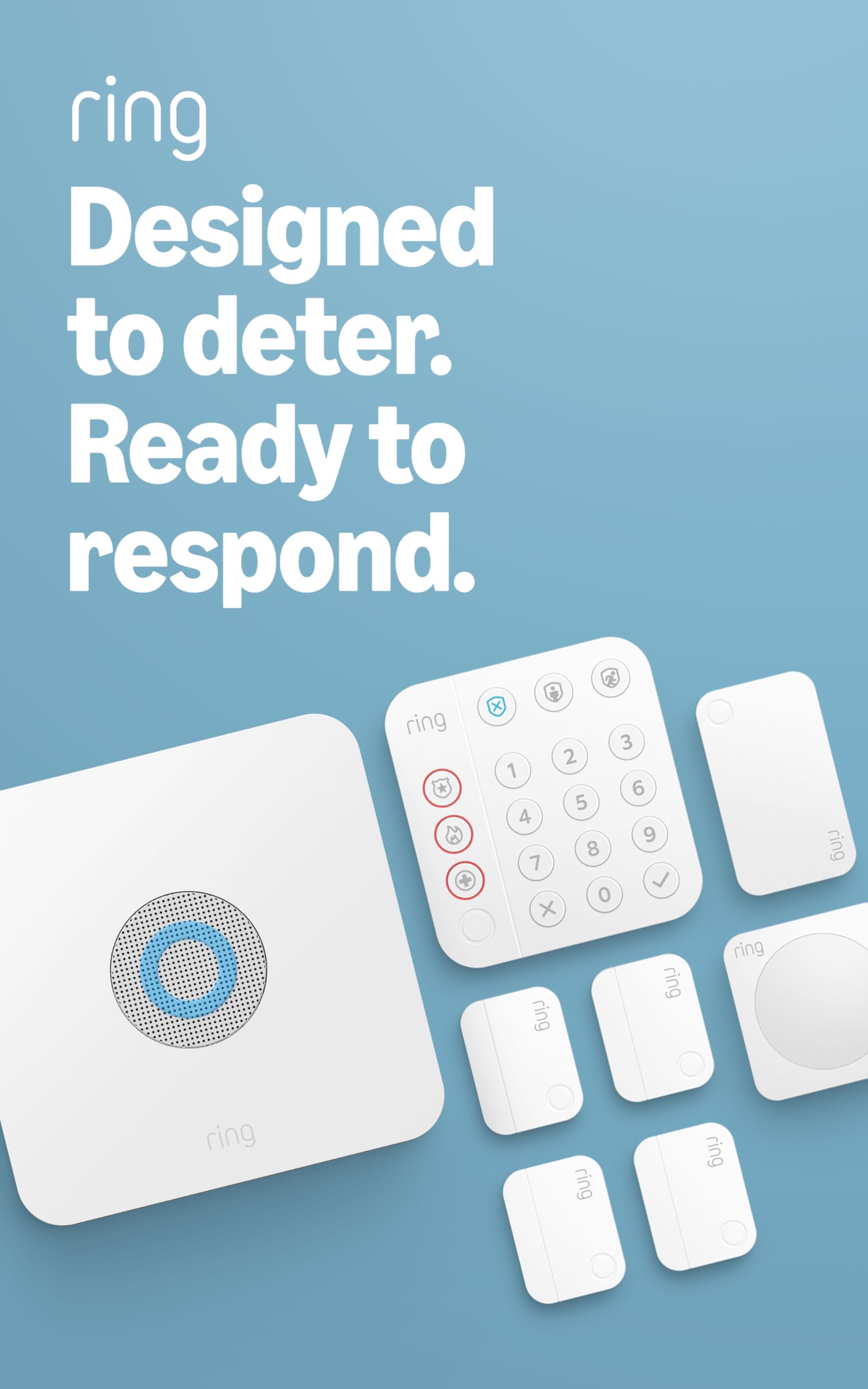
The Ring Alarm 8-Piece Kit differentiates itself with a guided app that walks you through sensor placement and base station setup in under an hour. Where many alarm systems require drilling or professional installation, this kit uses adhesive-backed contact sensors and a plug-in base. The Ring ecosystem means pairing with existing doorbells or cameras is seamless.

This alarm is a natural fit for households already using Ring doorbells or cameras, giving them a unified security system with a central keypad. It does not include cameras, so visual verification of alerts is absent — those needing eyes on their property should look at camera-based kits. The system can be self-monitored at no cost or upgraded to professional monitoring. Some sensor false alarms and intermittent Wi-Fi connection drops have been noted, so placement near the router and avoiding metal window frames for sensors is advisable.

For the mid-range price, the 8-piece kit covers a typical home's entry points and main hallway. Spare sensors are available to expand coverage, and the optional cellular backup adds resilience during internet outages (though that requires a monitoring subscription). The ability to arm/disarm via the keypad, app, or voice assistants adds convenience without monthly fees.

Tip: Place the base station near your router and avoid mounting sensors on metal surfaces to reduce false triggers and connectivity drops.

Bottom line: For Ring ecosystem households wanting a cost-effective alarm without monthly fees, this kit delivers a polished experience — with the understanding that sensor and Wi-Fi quirks may require minor adjustments.

5

Tolviviov Alarm System 12pc

Tolviviov Alarm System 12pc

Budget alarm

Our Score 8.4/10
Check Price

Worth Noting

  • False alarms may occur from pets or noise; occasional sensor disconnections have been noted
  • WiFi connectivity issues can cause the base station or sensors to go offline unexpectedly
AI Detection
Cameras & FOV
No cameras
Install & App
Easy DIY
Local Storage

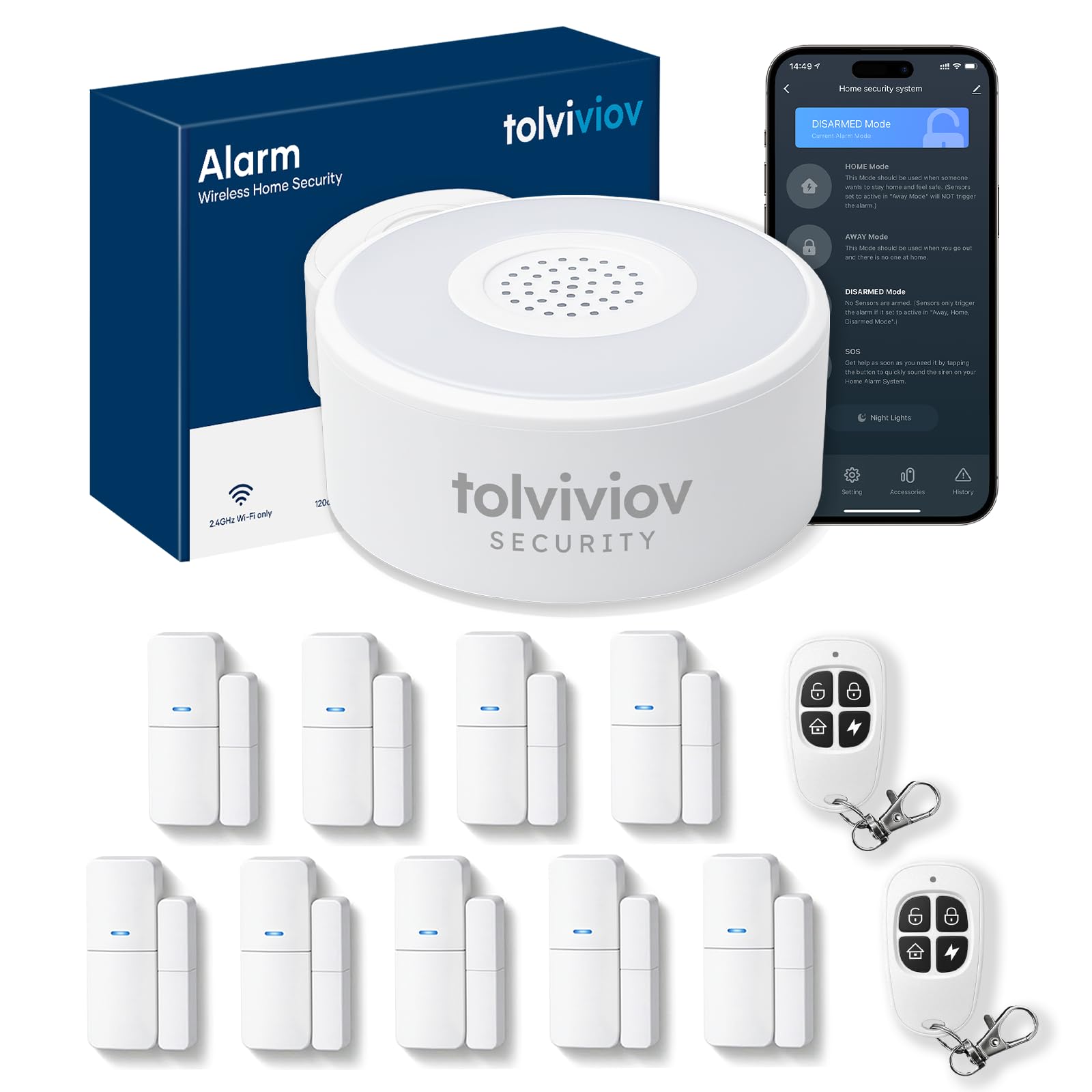
This 12-piece kit packs nine contact sensors, two remotes, and a base station for under $85. Setup takes minutes with clear instructions, and the app delivers push alerts when a door or window opens. For the price, you get a simple notification system that works well for basic awareness.

This setup suits renters or small-apartment dwellers who want inexpensive alerts for entry points without cameras or monthly fees. However, the system may trigger false alarms – movement from pets or gusts can set it off – and individual sensors can lose connection or go offline. If you need reliable intrusion detection, this is not the right fit.

Tip: Place the base station close to your router to reduce the chance of WiFi dropouts.

Bottom line: The cheapest entry point for door/window alerts, but only if you can accept the risk of false alarms and disconnections.

6

Aosu SolarCam Pro 4-Cam

Aosu SolarCam Pro 4-Cam

Ultra-wide coverage

Our Score 8.8/10
Check Price

Worth Noting

  • Battery may drain faster than the solar panel can replenish in shaded or low-sun placements, requiring occasional manual charging
  • Motion detection can miss events or trigger false alerts, especially in high-traffic areas or with small animals
AI Detection
Cam-to-cam sync
Cameras & FOV
4 cams, 166° ultra-wide
Install & App
Easy setup
Local Storage
32GB base

The aosu SolarCam Pro 4-Cam kit lets you monitor a wide expanse with fewer cameras thanks to its 166° ultra-wide lens — a clear advantage for open backyards or long driveways. However, the tradeoff is that battery and connectivity performance falls short of top-tier solar kits. In low-sun conditions, some cameras may drain faster than the solar panel can recharge, and the motion detection can miss events or trigger false alerts. This kit is best suited for buyers who prioritize wide coverage and don't mind occasional manual recharging or tweaking detection zones. It lacks pan/tilt — the lens is fixed — so you won't get PTZ tracking like on the category's top pick.

Tip: Place cameras in direct sunlight for most of the day to minimize battery recharge issues.

Bottom line: This kit works well for homeowners who need to cover large open areas with minimal cameras and are willing to accept occasional battery maintenance and motion detection quirks.

7

Eufy SoloCam S340 4-Cam

Eufy SoloCam S340 4-Cam

High-res enthusiast

Our Score 8.4/10
Check Price

Worth Noting

  • Solar panels may not keep batteries charged in low-sun or shaded spots; occasional manual recharge needed.
  • Solar panels have been noted to stop charging after several months of use in some cases.
AI Detection
AI tracking, 8x zoom
Cameras & FOV
4 cams, 360° PTZ
Install & App
Easy setup
Local Storage
HomeBase up to 16TB

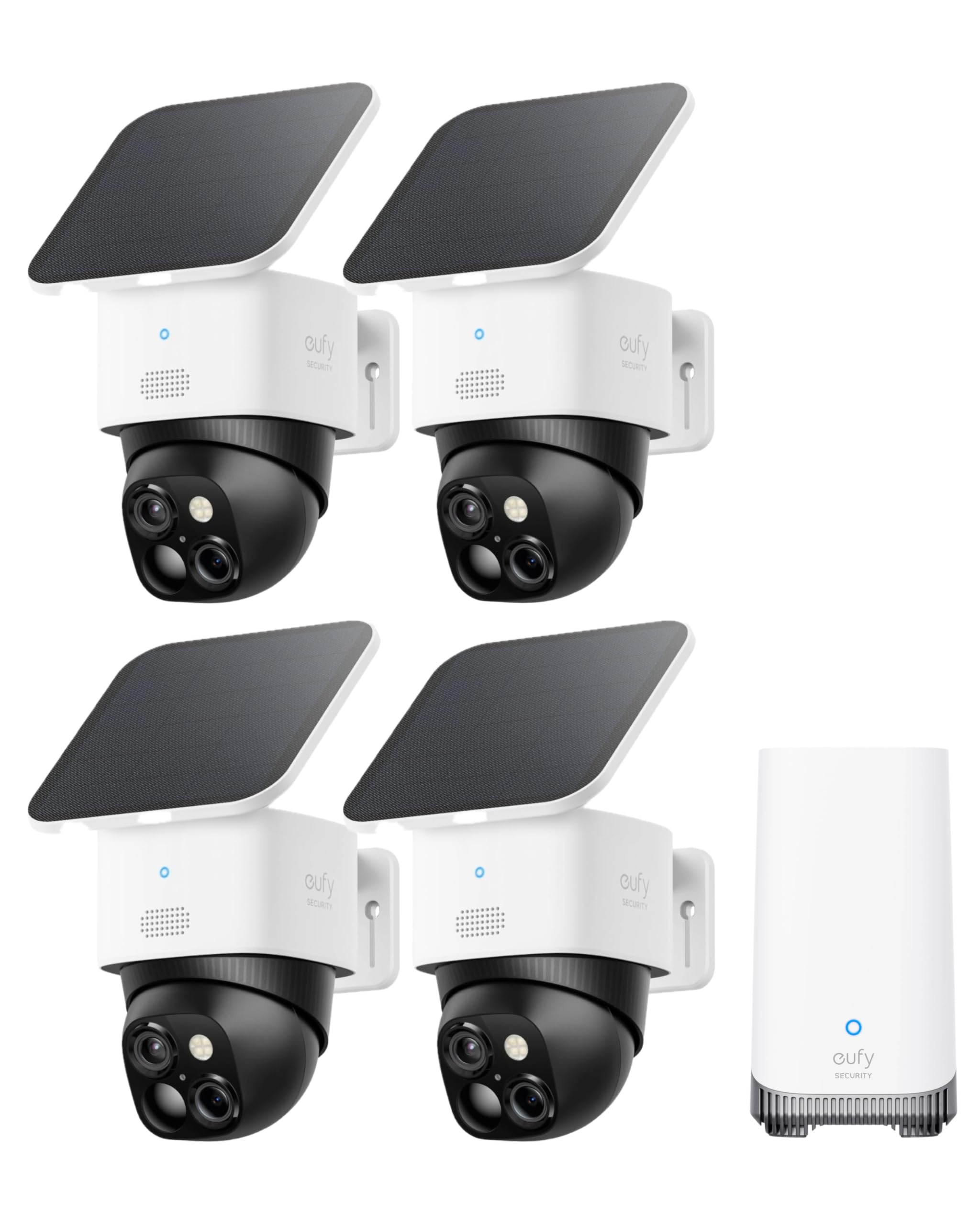
The Eufy SoloCam S340 4-Cam Kit delivers outstanding picture clarity with its 3K dual-camera system and 8x zoom, paired with expandable local storage up to 16TB via the HomeBase. Installation is quick, and AI tracking follows subjects smoothly. However, the solar panels often fail to keep the cameras charged, requiring manual recharging in many real-world setups -- especially in shaded or cloudy locations. Motion detection can also be delayed or miss events. This makes the kit less suited for buyers expecting a set-and-forget solar experience.

Tip: Position each camera in a spot that gets direct sun for most of the day to maximize solar charging; shaded placements will likely require manual recharge.

Bottom line: Fits best for users who prioritize video resolution and storage capacity over hassle-free solar operation, and who have strong direct sunlight or are willing to periodically top up the batteries.

8

Camcamp Dual-Lens 4-Cam

Camcamp Dual-Lens 4-Cam

Dual-lens value

Our Score 8.6/10
Check Price

Worth Noting

  • 500GB HDD may fill within weeks under continuous 24/7 recording across four cameras.
  • Requires a power outlet near each camera, limiting placement options in areas without outdoor wiring.
AI Detection
Auto tracking
Cameras & FOV
4 dual-lens, 360°
Install & App
Easy setup
Local Storage
500GB HDD

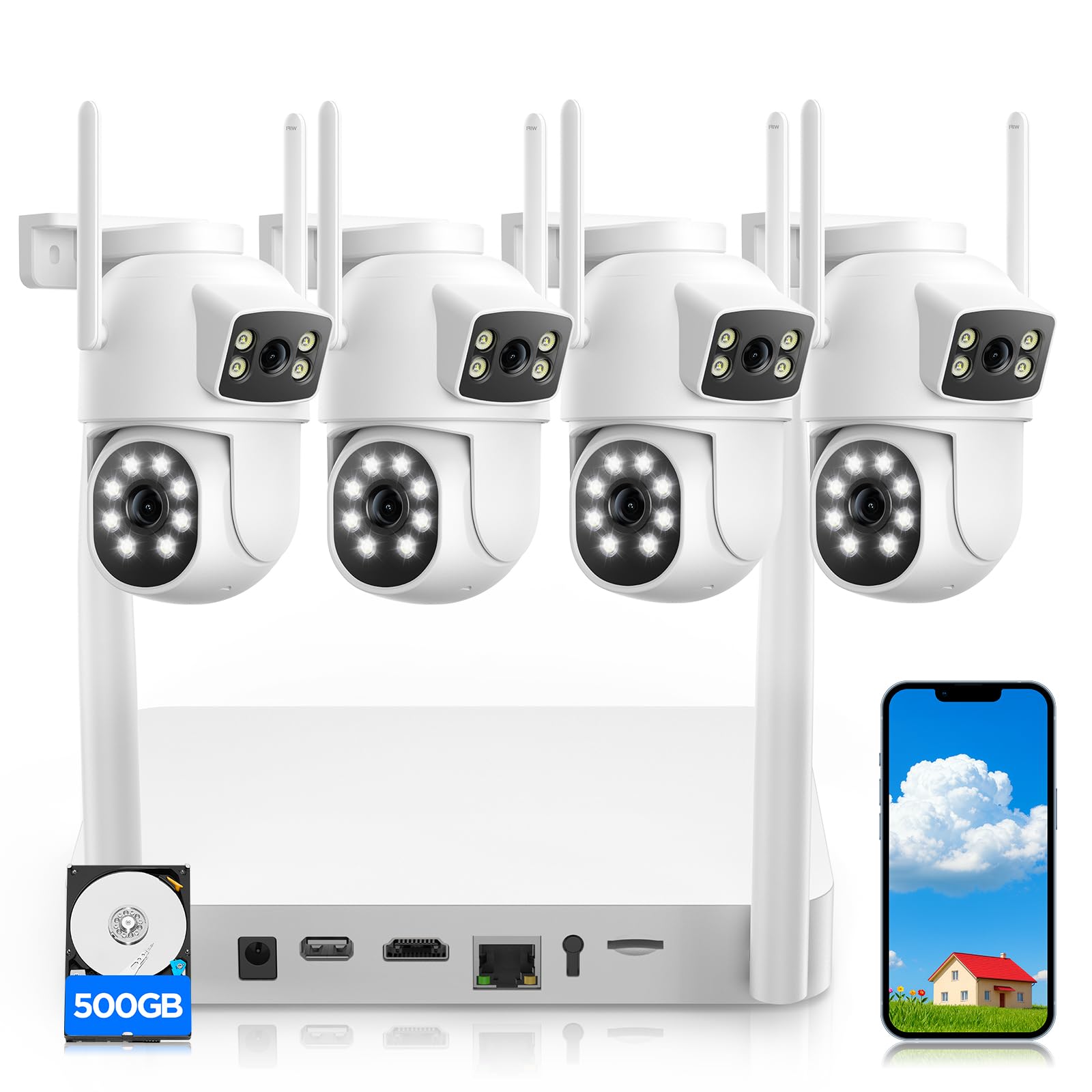
The Camcamp system offers an unusual approach: each camera combines a fixed wide-angle view with a pan-tilt-zoom lens, giving two simultaneous perspectives from a single mounting point. Video quality is clear in both day and night conditions, and the plug-in power means no battery worries — cameras stay active 24/7. The 500GB hard drive handles continuous recording, but with four cameras capturing constantly, the storage fills more quickly than larger HDD options. Long-term durability has not been extensively verified; early adopters should plan for possible component replacement down the road.

Bottom line: Best for buyers who want dual perspectives per camera and can accept a short-to-medium term commitment given limited longevity data.

How to Choose

Local Storage Capacity

Local storage determines how much footage you can keep without paying cloud fees. Most solar kits include a 32GB base station, which holds roughly 7-10 days of motion-triggered clips. If you need continuous recording or longer history, look for systems that accept a hard drive — some allow expansion up to 16TB.

The trade-off: larger storage often means a wired NVR or a more expensive base station. For most homeowners, 32GB is enough for reviewing events within a week. If you travel frequently or need evidence retention, prioritize expandable storage.

Solar Panel and Battery Reliability

Solar cameras rely on a small solar panel and a rechargeable battery. The panel must receive at least 4 hours of direct sunlight daily to keep the battery topped off. In shaded or cloudy locations, the battery drains faster than it charges, leading to manual recharges every few weeks.

Better solar kits use higher-efficiency panels and larger batteries (e.g., 10000mAh) to buffer through overcast days. Check the battery capacity and user feedback on solar performance in your climate before buying. A system that works in Arizona may struggle in Seattle.

Number of Cameras and Field of View

The number of cameras you need depends on your property size and layout. A 4-cam kit with 360° pan-tilt per camera can cover a typical suburban home. Fixed wide-angle lenses (166°+) cover more area per camera but lack zoom and tracking.

Wired systems offer the most cameras per dollar, but running cables limits placement. Solar kits are easier to install anywhere, but each camera needs adequate sunlight. For large properties, a combination of wide-angle fixed and PTZ cameras provides the best coverage.

AI Detection Accuracy

AI detection differentiates between people, animals, and vehicles to reduce false alerts. The accuracy varies by brand — some systems reliably track a person walking, while others trigger on moving leaves. Look for mentions of PIR + AI human detection in reviews.

False alarms are the top complaint across all systems. A good AI system should let you customize sensitivity zones and ignore pets. Systems that rely only on motion sensors (without AI) are often unusable in areas with trees or street traffic.

Ease of Installation and App Quality

Installation difficulty ranges from peel-and-stick sensors to running Ethernet cables. Most solar cameras are designed for DIY mounting — they include clear instructions and a screwdriver. Wired NVR systems require drilling and cable management, but many users report they are no harder than hanging shelves.

The app is your daily interface. Look for systems with reliable push notifications, timeline scrubbing, and easy sharing. A buggy app undermines even the best hardware. Reviews consistently praise Ring and ANSQUE apps for their simplicity, while some budget brands have sluggish or crashing apps.

Frequently Asked Questions