Gaming

14 Best Gaming Monitor of 2026: QHD High-Refresh That Actually Delivers

Find a gaming monitor that balances sharp 1440p resolution with high refresh rates without breaking the bank.

Shopping for a gaming monitor often means choosing between high frame rates and sharp image quality. Many affordable 1080p displays reach 240Hz, but text looks fuzzy on 27-inch screens. Meanwhile, 1440p monitors promise clarity but sometimes cut corners on panel quality and reliability. This guide cuts through the noise to highlight monitors that actually deliver on both counts without hidden compromises.

A recurring problem across budget and mid-range monitors is inconsistent panel quality - dead pixels, backlight bleed, or speakers that are barely usable. The best picks here are those that minimize these risks while offering the specs that matter for your setup. The sweet spot for most gamers is a 27-inch QHD 180Hz IPS panel - sharp enough for competitive play and immersive for single-player titles.

1

ASUS TUF VG27AQ3A

Top Pick
ASUS TUF VG27AQ3A

1440p gaming

Our Score 9.0/10
Check Price

Worth Noting

  • Built-in speakers are weak and lack bass
  • Occasional dead or stuck pixels can appear on some units
Ergonomics
Tilt only
Panel Type
Fast IPS
Size & Curve
27in flat
Adaptive Sync
FreeSync Premium, G-Sync

The ASUS TUF VG27AQ3A pairs a 27-inch Fast IPS panel with a 180Hz refresh rate and 1ms response time, producing sharp 1440p visuals with vibrant, accurate colors. ELMB Sync reduces motion blur effectively, making fast-paced games look fluid without the tearing or ghosting common on lower-tier monitors. The 130% sRGB coverage also means colors pop for both gaming and creative work, giving this display a dual-purpose edge.

In actual use, the monitor handles competitive shooters and open-world titles with equal composure. The 180Hz refresh is a noticeable step up from 144Hz, and the IPS panel maintains consistent color and contrast even at wide viewing angles. FreeSync Premium and G-Sync compatibility ensure smooth frame delivery on both AMD and Nvidia GPUs. The built-in speakers are present but deliver thin, quiet audio — most owners will want to plug in dedicated speakers or headphones.

This monitor is best suited for mid-range gamers who want a crisp 1440p display with high refresh for both gaming and daily productivity. It also works well for users who value color accuracy — the out-of-box calibration is solid enough for photo editing or video work. The tradeoff: the stand only offers tilt adjustment, so anyone needing height or swivel should budget for a VESA mount or aftermarket stand. That limitation is straightforward to work around, but it’s worth knowing upfront.

Tip: Plan for a VESA mount or adjustable stand if you need height or swivel – the included base only tilts.

Bottom line: For the gamer who wants 1440p sharpness and 180Hz smoothness without paying a premium, the VG27AQ3A delivers where it counts: image quality, motion clarity, and adaptive sync.

2

ASUS ROG Strix XG27ACDNG

ASUS ROG Strix XG27ACDNG

Elite competitive

Our Score 9.0/10
Check Price

Worth Noting

  • Premium price puts it out of reach for budget-focused buyers.
  • VRR flicker can be distracting in games with fluctuating frame rates.
Ergonomics
Full ergonomic stand
Panel Type
QD-OLED
Size & Curve
26.5in flat
Adaptive Sync
FreeSync Premium Pro, G-Sync

The ASUS ROG Strix XG27ACDNG pairs a QD-OLED panel with a 360Hz refresh rate, delivering deep blacks, vibrant colors, and near-instantaneous motion clarity that surpasses any IPS or VA alternative. This combination makes competitive games feel exceptionally fluid while retaining the rich image quality expected from OLED technology.

ASUS includes a dedicated heatsink to mitigate burn-in and backs the monitor with a 3-year warranty covering OLED degradation — a meaningful commitment for longevity. The chassis feels premium with a sturdy stand offering tilt, swivel, and height adjustment. In some scenarios, VRR flicker can occur when frame rates fluctuate, which may distract during variable refresh rate gaming.

This monitor is best suited to competitive gamers who have the hardware to drive 1440p at 360Hz and want the best image quality money can buy. The premium price and potential VRR flicker under variable frame rates are tradeoffs that enthusiasts willing to optimize settings can accept.

Tip: If VRR flicker becomes visible, setting a fixed refresh rate or disabling Adaptive Sync in the monitor OSD can eliminate it.

Bottom line: For gamers who demand the pinnacle of motion clarity and color fidelity and have the budget, this monitor delivers. Most will find the top pick a more balanced value.

3

Alienware AW3425DWM

Alienware AW3425DWM

Premium ultrawide

Our Score 9.2/10
Check Price

Worth Noting

  • No built-in speakers require external audio gear from the start
  • Stand only tilts with no height adjustment, making a VESA arm worth factoring into the total cost
  • Screen may arrive with damage during shipping
Ergonomics
Tilt only
Panel Type
VA (curved)
Size & Curve
34in curved 1500R
Adaptive Sync
FreeSync Premium, VESA AdaptiveSync

The AW3425DWM’s VA panel delivers deep blacks and vibrant colors out of the box, making it a strong choice for immersive single-player titles. Alienware’s warranty and customer service add a layer of confidence that is uncommon at this screen size, especially when compared to budget-focused ultrawides that cut corners on support.

At 180Hz with FreeSync Premium, motion handling is smooth and consistent across supported titles. The 1500R curve wraps the 34-inch screen gently, reducing eye strain during long sessions. Color accuracy holds up well for mixed use, though HDR400 is functional rather than transformative.

This monitor suits gamers who value a premium desktop aesthetic and dependable after-sales support over maximizing raw specs. Be aware that the stand offers tilt only with no height adjustment, and there are no built-in speakers. Plan for a VESA mount if you need ergonomic flexibility, and external audio is required from the start.

Tip: Pair with a VESA monitor arm to add height adjustment — the included stand is tilt-only.

Bottom line: If you want an ultrawide that feels premium and comes with robust support, the Alienware delivers. Just factor in a monitor arm and external speakers if those features matter to you.

4

SANSUI ES-G27C1 PRO

SANSUI ES-G27C1 PRO

Esports budget

Our Score 9.0/10
Check Price

Worth Noting

  • Out-of-box colors may appear washed out or overly warm
  • Lacks built-in speakers
  • Unit variation can result in dead pixels or early failure
Ergonomics
Tilt only
Panel Type
VA (curved)
Size & Curve
27in curved 1500R
Adaptive Sync
FreeSync

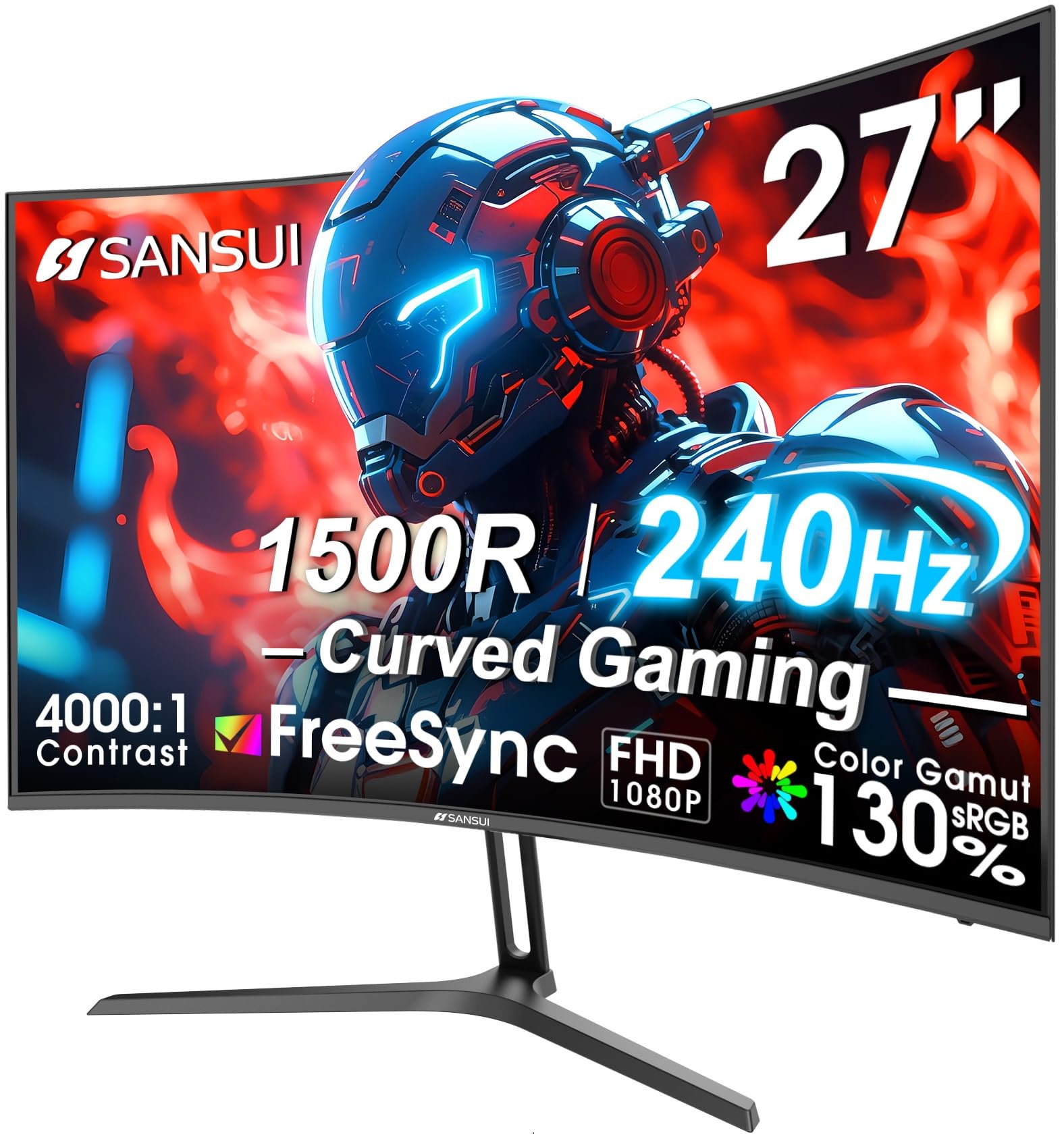
The SANSUI packs a 27-inch curved 1500R VA panel with 240Hz refresh into a monitor that costs well under $150 – a combination that makes high-speed gaming accessible without a big investment. While larger curved 240Hz options exist, this is one of the most affordable ways to get a 240Hz curve at 1080p.

This monitor is best for budget-focused esports gamers who play competitively in fast-paced titles like shooters or racing games, where fluid motion matters more than pixel density or color accuracy. It is not suited for photo editing or professional color work – out-of-box color consistency can vary, and some units may arrive with dead pixels or develop issues over time. Plan to test it thoroughly within the return window. There are no built-in speakers, so headphones or external speakers are needed.

The 240Hz VA panel delivers fluid motion with deep contrast (4000:1) and the 1500R curve enhances immersion in games. Tool-free assembly and a metal stand make setup easy. HDR performance is modest and the 1080p resolution limits multitasking, but for pure gaming at this price, the tradeoff is expected.

Tip: Test for dead pixels and backlight bleed within the return period – quality can vary between units.

Bottom line: For budget esports gamers who want a curved 240Hz monitor, the SANSUI delivers the specs at a low price – just plan for potential returns if the unit has issues.

5

Samsung Odyssey G3 G30D

Samsung Odyssey G3 G30D

Small desk competitive

Our Score 9.2/10
Check Price

Worth Noting

  • No meaningful HDR support for gaming or movies
  • Glossy screen finish can create reflections in bright rooms
Ergonomics
Height, tilt, swivel, pivot
Panel Type
VA
Size & Curve
24in flat
Adaptive Sync
FreeSync

The Samsung Odyssey G3 G30D sets itself apart in the 24-inch high-refresh segment by including a stand that tilts, swivels, pivots, and adjusts height — a rarity at this size. Combined with 180Hz and FreeSync, it delivers smooth motion handling and fits easily into tight setups where larger 27-inch or curved 32-inch monitors (like the 1000R Samsung Odyssey G5) won't.

This monitor suits competitive gamers who want a small, fast screen with precise positioning and limited desk space. The glossy screen finish can introduce reflections in bright rooms, and the 24-inch footprint feels cramped for productivity or cinematic gaming — so it's best reserved for esports-focused rigs where ergonomics and speed matter more than immersion or HDR.

Build quality is notably better than most budget 24-inch options — the stand doesn't wobble, and the VA panel provides solid contrast and color vibrancy for the price. Motion clarity at 180Hz keeps up with fast-paced shooters without obvious ghosting, though the lack of meaningful HDR means you're buying purely for refresh rate and adjustability, not visual pop.

Tip: Position the monitor away from windows or use bias lighting to reduce glare from the glossy panel.

Bottom line: The best 24-inch high-refresh monitor for gamers who prioritize ergonomics over screen size — the adjustable stand is a genuine advantage in tight desk setups.

6

LG 27GR83Q-B

LG 27GR83Q-B

Console hybrid

Our Score 8.8/10
Check Price

Worth Noting

  • Some units may have dead pixels or backlight bleed; inspect promptly after purchase.
  • A small number of units can develop power or display issues within the first few months.
Ergonomics
Full adjustment
Panel Type
IPS
Size & Curve
27in flat
Adaptive Sync
FreeSync Premium, G-Sync Compatible

Where the ASUS TUF requires DisplayPort to hit 1440p 240Hz, the LG 27GR83Q-B provides HDMI 2.1 that carries 1440p at 120Hz to consoles and 240Hz to PCs. The 27-inch IPS panel offers vivid colors, wide viewing angles, and a 1ms response time that keeps motion crisp. The stand is a highlight — fully adjustable in height, tilt, pivot, and swivel — rare at this price. G-Sync and FreeSync Premium compatibility handle variable refresh rates without tearing.

This monitor fits the dual-platform gamer who jumps between a powerful PC and a console, or anyone who values a premium stand out of the box. The tradeoff is panel QC: some units may arrive with dead pixels or backlight bleed. If you are willing to inspect and return a defective unit, the LG offers unique advantages. For risk-averse buyers, the ASUS TUF remains a more predictable choice.

HDR400 adds extra punch to compatible titles, though highlights don't reach the depth of higher-tier displays. For both competitive and casual gaming, the LG delivers a responsive, immersive experience that matches its price tier.

Tip: Run a pixel test and inspect for backlight bleed immediately after unboxing to take advantage of the return window.

Bottom line: For dual-platform gamers who need HDMI 2.1 and a fully adjustable stand, the LG delivers where the top pick does not — but panel QC means a careful inspection is part of the purchase.

7

Sceptre C248W-1920RN

Sceptre C248W-1920RN

Budget gaming

Our Score 9.2/10
Check Price

Worth Noting

  • Built-in speakers are very weak
  • Reliability concerns
Ergonomics
Tilt only
Panel Type
VA
Size & Curve
24in curved 1500R
Adaptive Sync
FreeSync

The Sceptre C248W-1920RN delivers a curved 75Hz VA panel at a price that is hard to beat, making it an affordable option for a secondary monitor or very casual gaming. The 1800R curve and VA contrast add immersion for the cost, but the built-in speakers are weak – external audio is necessary. Some units can experience issues within months, so quality control is a factor to consider. Its 75Hz refresh and reliability variance keep it from competing with higher-tier gaming monitors, but for a budget secondary display or light gaming, the value is clear.

Bottom line: A sensible pick for a secondary monitor or ultra-budget casual gaming setup, provided you are prepared to use external audio and accept possible QC variance.

8

Acer KB272 G0bi

Acer KB272 G0bi

Budget hybrid

Our Score 9.2/10
Check Price

Worth Noting

  • Tilt-only stand limits ergonomic adjustments
  • No built-in speakers; external audio is required.
Ergonomics
Tilt only
Panel Type
IPS
Size & Curve
27in flat
Adaptive Sync
FreeSync Compatible

The Acer KB272 G0bi packs a 27-inch IPS display with 120Hz refresh into a budget-friendly package. Colors are vivid right out of the box, and the panel handles text clarity well for everyday productivity. For light gaming or console use at 120Hz, this monitor delivers a fluid experience without breaking the bank.

The tradeoffs are clear: the stand offers tilt only — no height adjustment — and there are no built-in speakers, so plan for external audio. At 27-inch 1080p, pixel density is modest; this suits mixed use (work + casual gaming) more than dedicated esports or immersion-focused play. If you need a sharp, affordable display and can work around the ergonomic and audio limitations, this is a strong value.

Bottom line: Best for budget-conscious buyers who want a large, colorful display for work and light gaming, and can manage without height adjustment or speakers.

9

Acer Nitro KG241Y

Acer Nitro KG241Y

Budget esports

Our Score 9.0/10
Check Price

Worth Noting

  • Color accuracy is poor out of the box, with a cool tint that requires adjustment.
  • Screen may go black intermittently or unit may stop functioning in some cases.
Ergonomics
Tilt only
Panel Type
VA
Size & Curve
24in flat
Adaptive Sync
FreeSync Premium

The Acer Nitro KG241Y delivers a fluid 165Hz experience with FreeSync Premium at a budget-friendly price, packed into a compact 23.8-inch frame that fits easily on smaller desks. Color accuracy is poor out of the box, with a noticeable cool tint that requires manual adjustment for acceptable viewing. Additionally, some units may exhibit intermittent black screens or stop functioning entirely, making this a riskier buy than similarly priced alternatives. For console gamers needing 120Hz via HDMI 2.0, the tradeoffs may be acceptable, but for anyone prioritizing color fidelity or long-term reliability, other options are more suitable.

Tip: Adjust color temperature and RGB settings to improve accuracy; out-of-box presets are cool.

Bottom line: Best for esports players on a strict budget or console gamers who need 120Hz via HDMI 2.0 and can accept compromises in color and reliability.

10

SANSUI ES-G32C1F

SANSUI ES-G32C1F

Large immersive

Our Score 8.8/10
Check Price

Worth Noting

  • Color accuracy may be inconsistent out of the box, with some units showing washed-out tones
  • Possible dead pixels or black screen issues within the early usage period require attentive inspection
Ergonomics
Tilt only
Panel Type
VA (curved)
Size & Curve
32in curved 1500R
Adaptive Sync
FreeSync

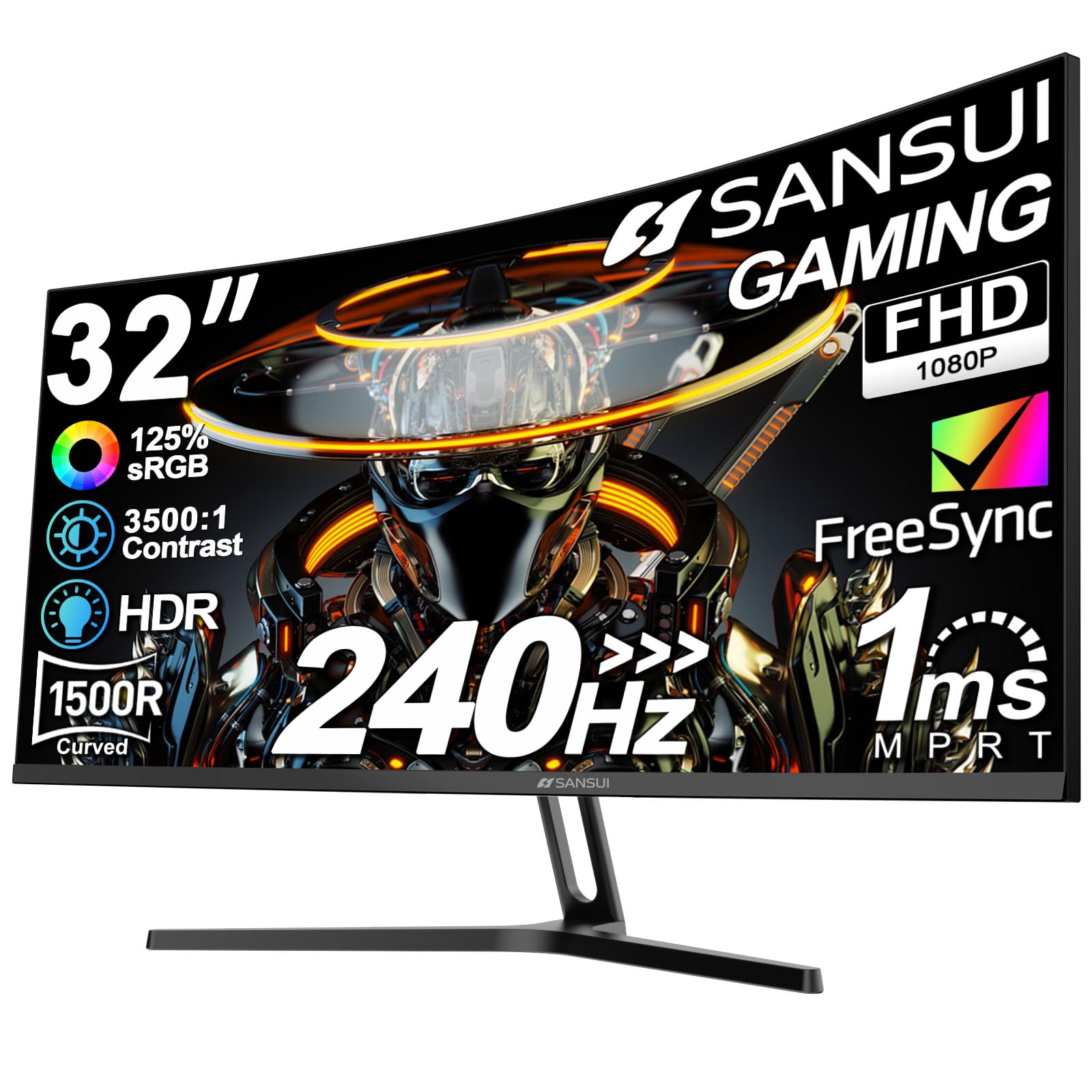
The SANSUI ES-G32C1F packs a 32-inch 1500R curved VA panel with a 240Hz refresh into a sub-$200 package — unusual for this size and speed. The metal stand and simple assembly get you up and running quickly. However, color accuracy can vary between units, with some displays appearing washed out, and occasional screen defects like dead pixels or black screen issues may appear early on. This monitor is best for gamers who prioritize screen size and refresh rate above all else and are comfortable with the possibility of a return if a unit has issues.

Bottom line: Pick this if you want the biggest curved high-refresh screen your budget can buy and are ready to check for QC issues upon arrival.

11

Samsung Odyssey G55C

Samsung Odyssey G55C

Immersive curved

Our Score 9.0/10
Check Price

Worth Noting

  • Stand is basic
  • Some units may experience flickering or random black screens
Ergonomics
Tilt only
Panel Type
VA (curved 1000R)
Size & Curve
32in curved 1000R
Adaptive Sync
FreeSync

The Samsung Odyssey G55C delivers an immersive 1000R curve with deep blacks and vibrant colors at 165Hz, making it a strong choice for single-player gaming. Its main drawback is the basic stand — tilt only, no height adjustment — so a VESA mount or aftermarket stand is recommended for proper ergonomics. Some units may experience occasional flickering, but overall it offers great value for a large curved 1440p monitor. If you're willing to mount it, this is a top option for immersive gaming.

Bottom line: Best for gamers who plan to VESA mount and want a large curved display with strong contrast for immersive single-player titles.

12

Acer Nitro KG271U

Acer Nitro KG271U

Budget 1440p

Our Score 9.0/10
Check Price

Worth Noting

  • Stand is wobbly and only offers tilt adjustment.
  • Backlight bleed and dead pixels may be present on some units.
Ergonomics
Tilt only
Panel Type
IPS
Size & Curve
27in flat
Adaptive Sync
FreeSync

The Acer Nitro KG271U delivers a 27-inch 1440p 180Hz IPS panel at the lowest price in its class, with vibrant colors and responsive gaming performance. However, the included stand is wobbly and only offers tilt, and some units may exhibit backlight bleed or dead pixels. These limitations make the ASUS TUF VG27AQ3A a safer bet for a small premium, but if you plan to VESA mount and can tolerate panel variance, the Acer offers strong value.

Tip: Use a VESA mount or aftermarket stand to bypass the wobbly included stand.

Bottom line: Best for budget-focused gamers who plan to VESA mount and are willing to accept panel variance in exchange for the lowest 1440p 180Hz price.

13

Acer Nitro XV272U W2

Acer Nitro XV272U W2

Budget 240Hz

Our Score 8.6/10
Check Price

Worth Noting

  • Brightness is lower than many competitors
  • Panel uniformity can vary
Ergonomics
Full ergonomic stand
Panel Type
IPS
Size & Curve
27in flat
Adaptive Sync
FreeSync Premium

The Acer Nitro XV272U W2 offers the highest refresh per dollar in the 1440p segment: 240Hz for under $200. Its fully adjustable stand (height, swivel, pivot) is a rare find at this price. Trade-offs include lower maximum brightness than competitors, making HDR content appear dim, and HDMI 2.0 ports that require DisplayPort for full 240Hz. This monitor suits PC gamers who prioritize raw refresh rate over HDR quality or console compatibility.

Tip: Use DisplayPort 1.4 for full 240Hz; HDMI 2.0 caps at 144Hz.

Bottom line: Best for PC gamers who want 240Hz at 1440p on a tight budget and can work with DisplayPort only for full refresh rate.

14

SANSUI ES-G34C5 PRO

SANSUI ES-G34C5 PRO

Ultrawide budget

Our Score 8.8/10
Check Price

Worth Noting

  • Color accuracy may require adjustment; some units arrive with washed-out hues.
  • Pixel quality can vary; dead pixels or screen flicker have been noted in some cases.
Ergonomics
Tilt only
Panel Type
Fast VA (curved)
Size & Curve
34in curved 1500R
Adaptive Sync
FreeSync

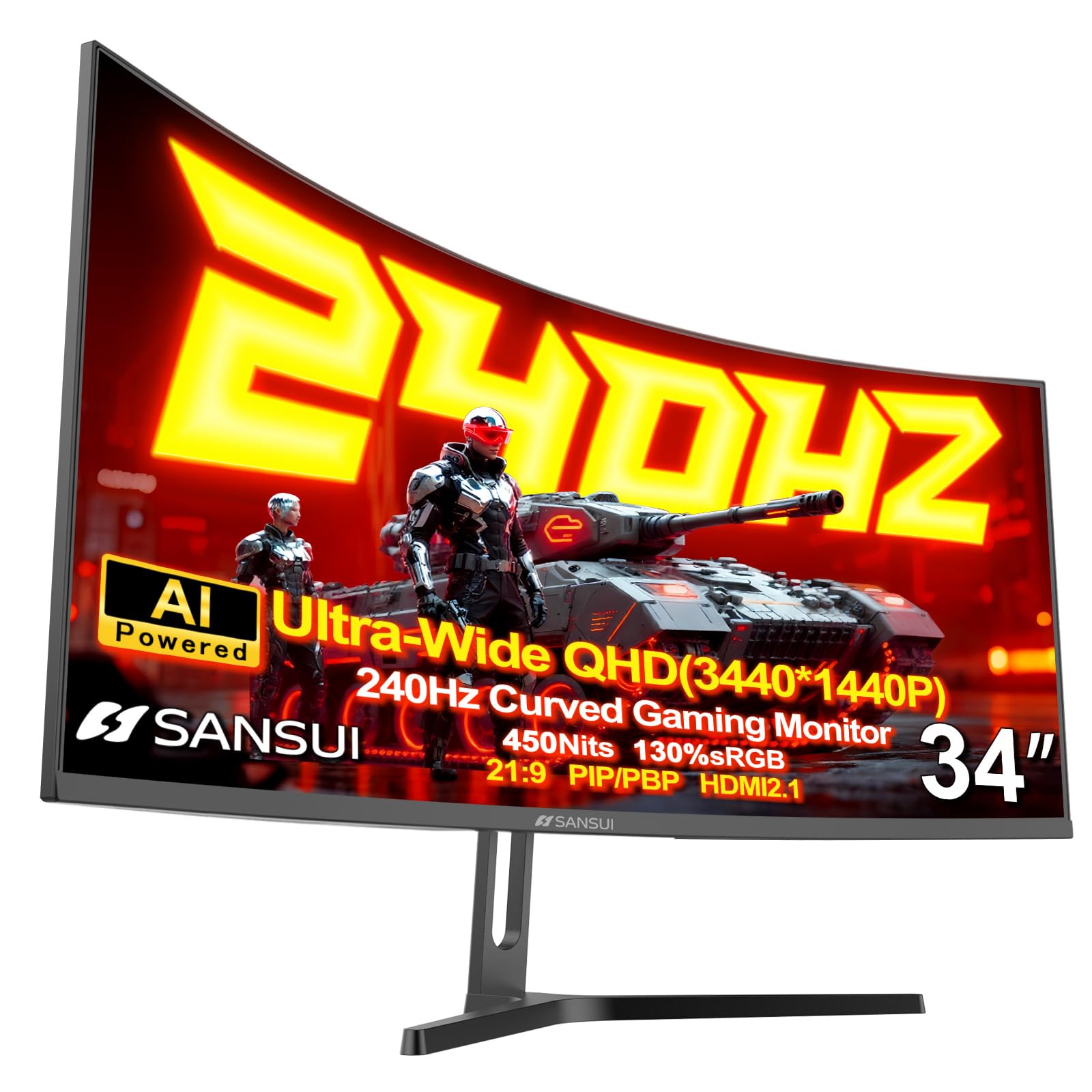
Its Fast VA panel delivers immersive 21:9 gaming with deep blacks and smooth motion, and features like PIP/PBP add versatility for multitasking. However, pixel quality issues such as dead pixels or screen flicker can appear in some units, and color calibration may need adjustment out of the box. For buyers who can tolerate occasional QC inconsistencies, this monitor offers ultrawide high-refresh performance that rivals pricier models like the Alienware AW3423DWF, at a $100 savings.

Bottom line: This monitor suits gamers who prioritize high-refresh ultrawide immersion over perfect panel consistency and are comfortable with potential QC variance.

How to Choose

Resolution and Refresh Rate Balance

Resolution determines sharpness; refresh rate determines smoothness. A 27-inch 1080p monitor has noticeably softer text and image detail than a 1440p one at the same size. On the other hand, 1440p demands more GPU power to maintain high frame rates.

The practical trade-off is: at 27 inches, 1440p at 165-180Hz offers a far better visual experience than 1080p at 240Hz for most games. Only competitive esports titles where every millisecond counts benefit more from the extra refresh than the resolution bump.

Panel Type

IPS panels deliver wide viewing angles, accurate colors, and consistent brightness - ideal for mixed-use gaming and productivity. VA panels offer deeper blacks and higher contrast, which improves immersion in dark scenes but suffers from slower response times and narrower viewing angles.

OLED (including QD-OLED) achieves perfect blacks and instant response times, but costs significantly more and requires careful use to avoid burn-in. For most gamers, a good IPS panel is the safest choice that balances price and performance.

Adaptive Sync

Adaptive sync (FreeSync or G-Sync) eliminates screen tearing and stuttering by matching the monitor's refresh rate to the GPU's frame output. FreeSync is widely supported by AMD and many NVIDIA cards now work with it via 'G-Sync Compatible' certification.

FreeSync Premium adds low framerate compensation (LFC) for smoother gameplay when FPS drops below the monitor's minimum range. If you play demanding titles that fluctuate between 40-60 FPS, LFC makes a noticeable difference.

Ergonomics and Build Quality

A stand that offers height, tilt, swivel, and pivot adjustments lets you position the screen for comfortable long sessions without neck strain. Budget monitors often skimp here with only tilt, forcing you to buy a separate VESA mount if you need height adjustment.

Build quality also affects longevity - metal stands feel more stable than plastic wobblers. If you plan to use the monitor for years, factor in the cost of a good mount if the stand is limited.

Screen Size and Curvature

Screen size must match your desk depth: a 32-inch monitor needs at least 30 inches of viewing distance to avoid eye fatigue. Curved displays (1500R or 1000R) wrap around your field of view, reducing distortion on edges and improving immersion in racing or flight sims.

For productivity, flat screens are generally better for reading documents and design work because curved screens can distort straight lines. Gamers who play a mix of genres should consider a mild curve (1500R) that offers immersion without affecting text clarity.

Frequently Asked Questions