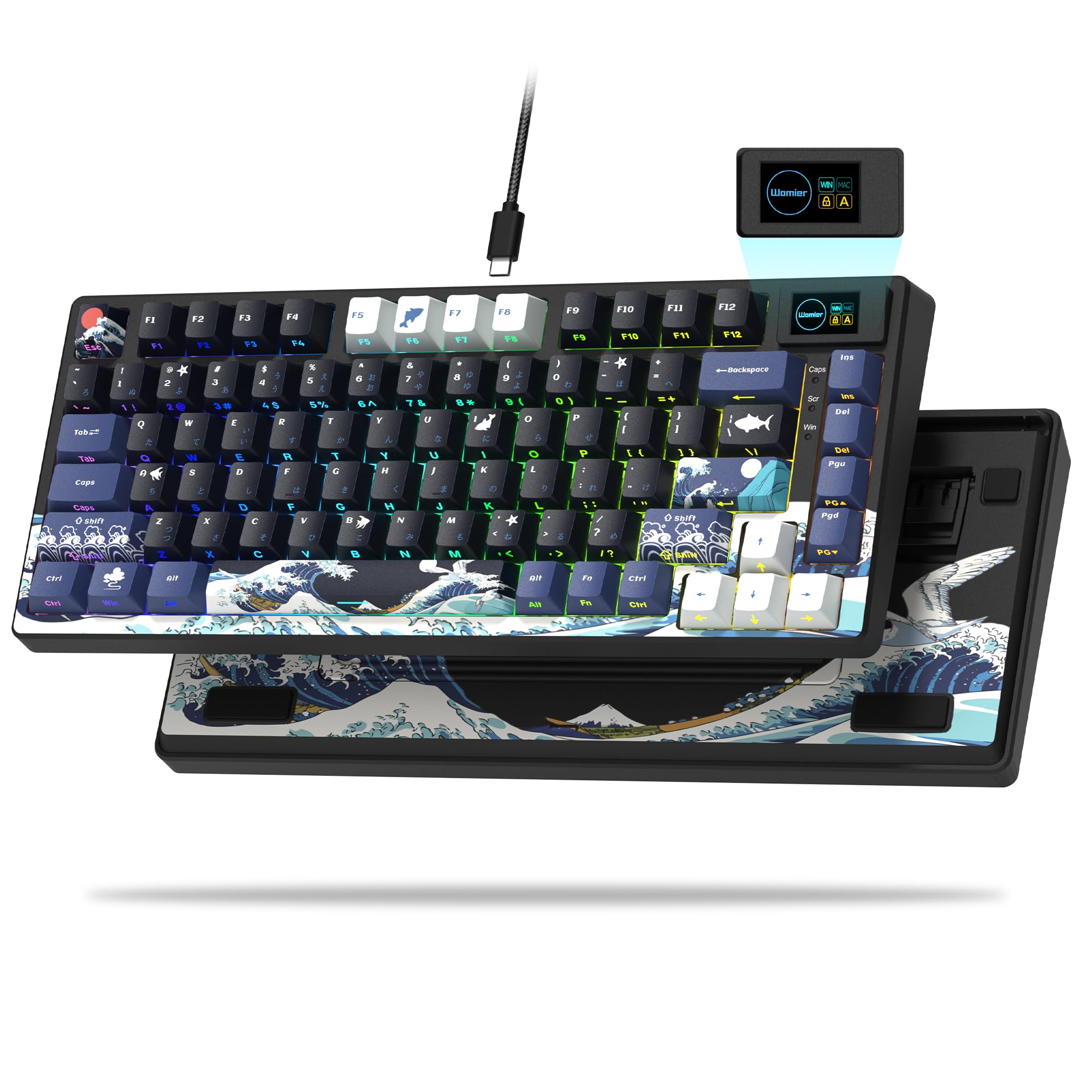
GravaStar Mercury K1
Top Pick
What We Like
- Heavy-duty aluminum alloy frame with gasket mount for a solid, dampened typing experience.
- Creamy sound profile and smooth linear switches out of the box.
- Attractive futuristic design with vibrant per-key RGB lighting.
- Hot-swap 3/5-pin switch support for easy customization without soldering.
- Tri-mode wireless connectivity (USB-C, Bluetooth, 2.4GHz) for flexible setup.
Worth Noting
- Firmware updates can occasionally cause the keyboard to become unresponsive or lose custom settings.
- Form Factor
- 75% (79 keys)
- Switch Type
- Linear (Kailh)
- Connectivity
- Tri-mode
- Build & Keycaps
- Aluminum alloy
The GravaStar Mercury K1 uses a heavy-duty aluminum alloy exoskeleton and a gasket mount design that gives the chassis a solid, dampened feel. Paired with GravaStar x Kailh linear switches, the typing experience is smooth and the sound profile is creamy – a characteristic often found in higher-priced custom boards. The hot-swap socket supports 3- and 5-pin switches, so you can adjust the feel without soldering.
Tri-mode wireless connectivity (USB-C, Bluetooth 5.0, 2.4GHz) works reliably in gaming and daily typing, with minimal input lag on the 2.4GHz dongle. Per-key RGB lighting is bright and customizable through the GravaStar software, though the software itself is the board's only rough edge. Firmware updates can cause temporary unresponsiveness or reset custom settings, so it's best to update only when necessary and follow the instructions carefully.
Budget 75% options like the EPOMAKER F75 offer a similar creamy sound at a lower price, but their hardware longevity is less predictable. The Mercury K1 provides a more consistent experience over months of use, with fewer reports of hardware issues that plague many lower-cost boards.
This keyboard is best for enthusiasts who value build quality, typing feel, and unique design in a compact 75% layout. It suits gamers and typists who want wireless flexibility without sacrificing mechanical keyboard sound. However, if you need a full-size layout or a numpad, look elsewhere. Also, buyers who prefer a completely hassle-free out-of-box experience without any software tinkering should note that the occasional firmware quirk is part of the package.
Tip: Update firmware with the keyboard connected via USB and avoid interrupting the process to prevent temporary unresponsiveness.
Bottom line: The Mercury K1 is a keyboard that delivers on its core promises day after day – premium typing feel, robust build, and wireless convenience – with the only notable tradeoff being software quirks that don't affect everyday use.