TVs & Video

10 Best Full Motion TV Mount 2026: Which Ones Actually Hold Their Tilt

Find the full motion TV mount that won't droop over time — focused on tilt retention and real-world stability for your TV size.

A full motion mount promises flexibility, but many buyers find the tilt mechanism fails to hold position after a few weeks. The difference comes down to how the tilt is engineered. This guide focuses on mounts that maintain their angle over time, helping you avoid the frustration of a drooping screen.

Price doesn't always predict tilt reliability. Some budget mounts outperform premium ones in holding the desired angle. The right choice depends on the hardware design, not the price tag.

We also cover trade-offs between extension, swivel range, and stability for various TV sizes. Whether you have a 55-inch bedroom TV or an 85-inch home theater screen, the best mount balances motion range with long-term hold.

1

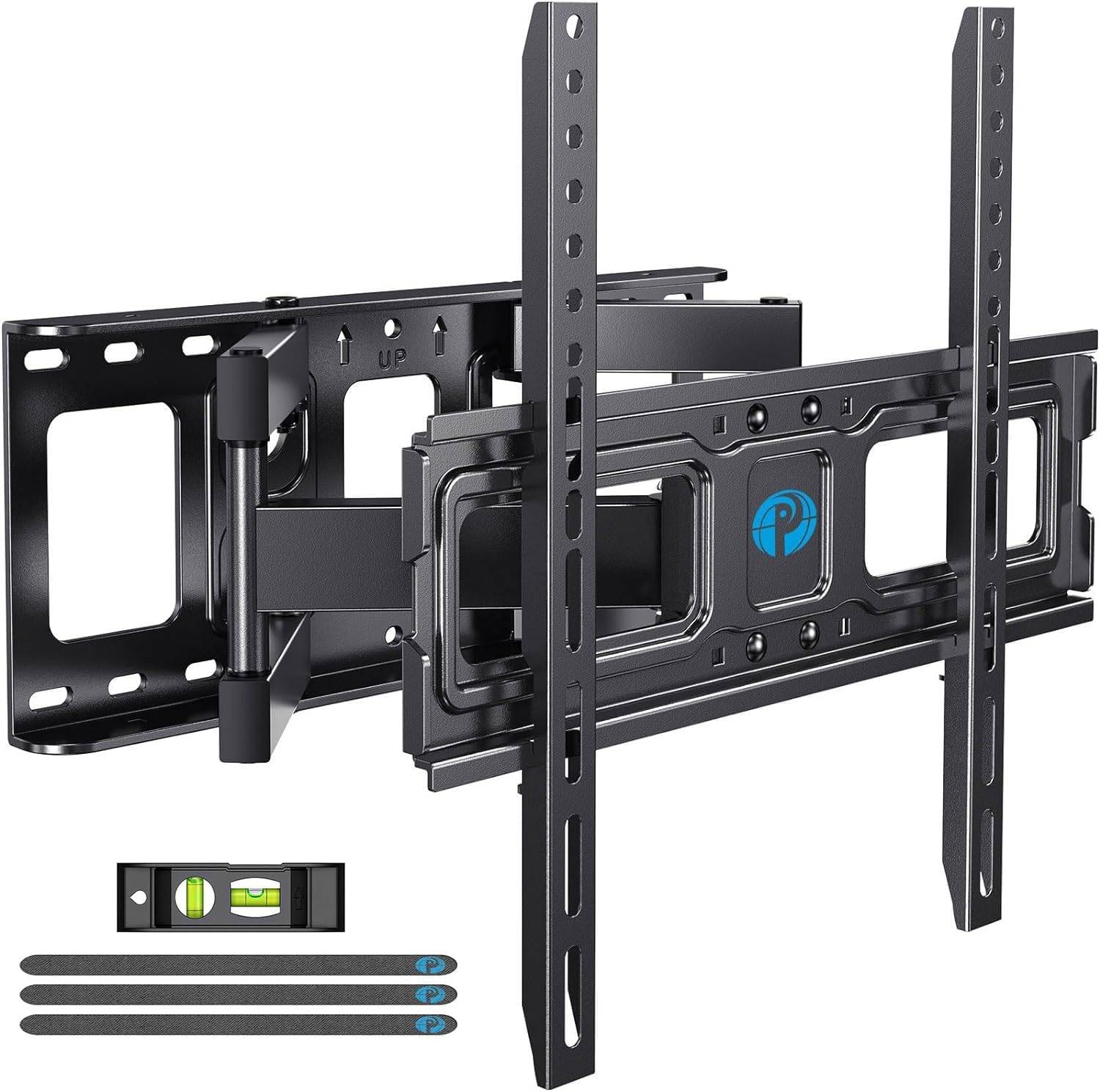
Mounting Dream MD2380

Top Pick
Mounting Dream MD2380

32-70 inch TVs

Our Score 9.6/10
Check Price

Worth Noting

  • Maximum supported screen size is 70 inches, limiting use for larger TVs beyond that range.
  • Extension is capped at 17.5 inches, too short for deep corner setups or extreme viewing angles.
Swivel Range
Full (no spec)
VESA & Studs
400x400mm, 16 in studs
Tilt & Adjust
+5/-15 degrees, friction screw
Screen & Weight
32-70 in, 99 lbs

The Mounting Dream MD2380 holds its tilt position reliably — a known weak point in many articulating mounts — without sagging or drifting over weeks of use. The included paper template and pre-labeled hardware cut installation time significantly, letting a single person mount a 65-inch TV in under 30 minutes. The dual arms feel solid when extended, with no wobble even at full reach.

Swivel and tilt adjustments move smoothly across the full range, and the arms retract to just 3.4 inches for a low-profile look. The steel construction and powder-coated finish resist scratches and corrosion during handling. No squeaks or creaks emerge when pivoting the TV toward a seating area.

This mount suits most households with flat screens from 32 to 70 inches, especially DIY installers who want a hassle-free experience. It maxes out at 70 inches and 99 pounds, so owners of larger TVs or those needing more than 17.5 inches of extension should look at heavier-duty options. The VESA pattern covers up to 400x400mm, fitting nearly all standard mid-size TVs. For the price — well under many competitors — the combination of ease, stability, and motion quality is hard to beat.

Tip: Double-check your TV's VESA pattern and weight before purchasing; the mount handles up to 99 lbs and 400x400mm.

Bottom line: If you own a 32-70 inch TV and want a mount that simply works — easy install, stays put, moves smoothly — this is the one to buy.
2

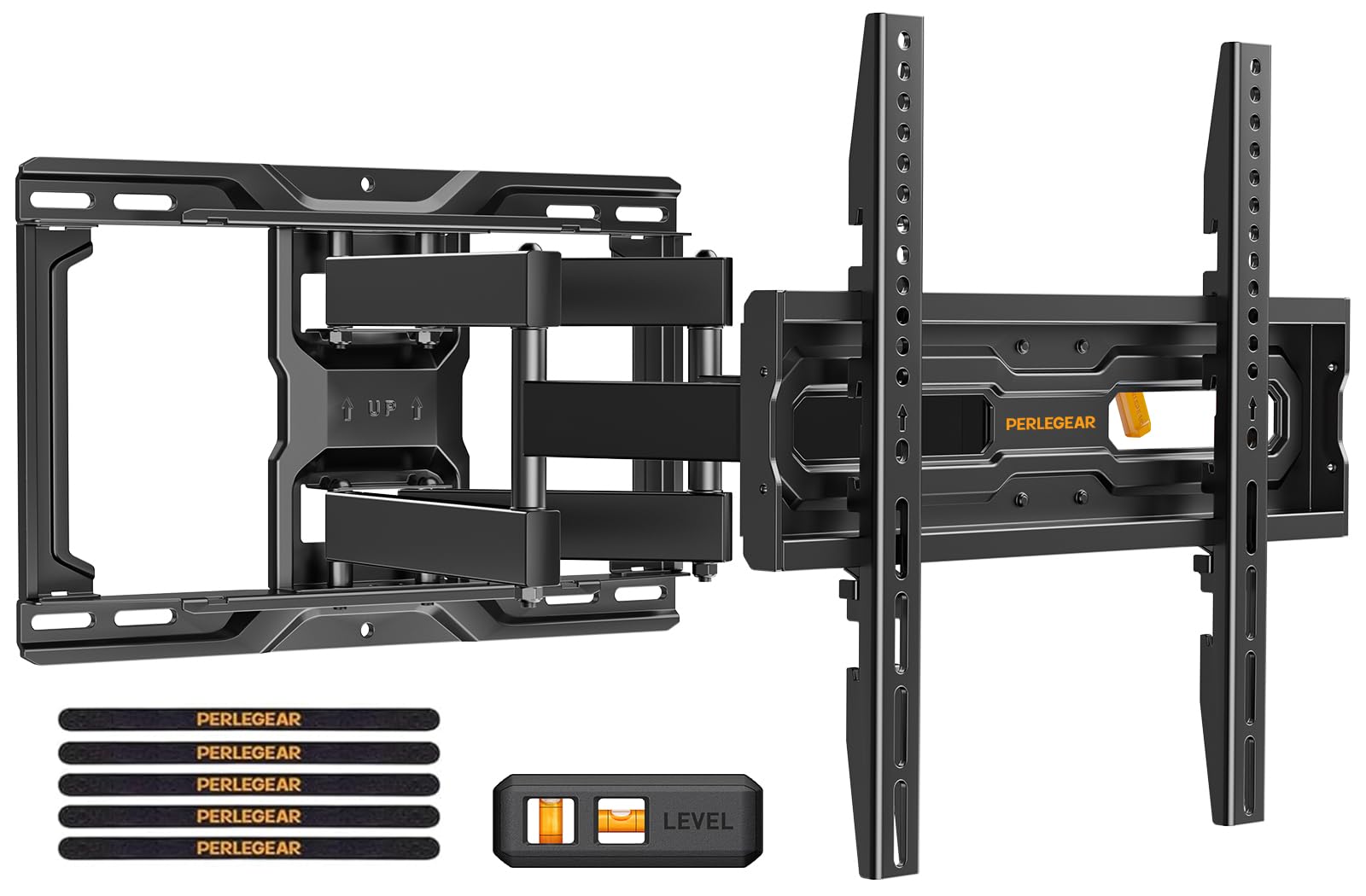
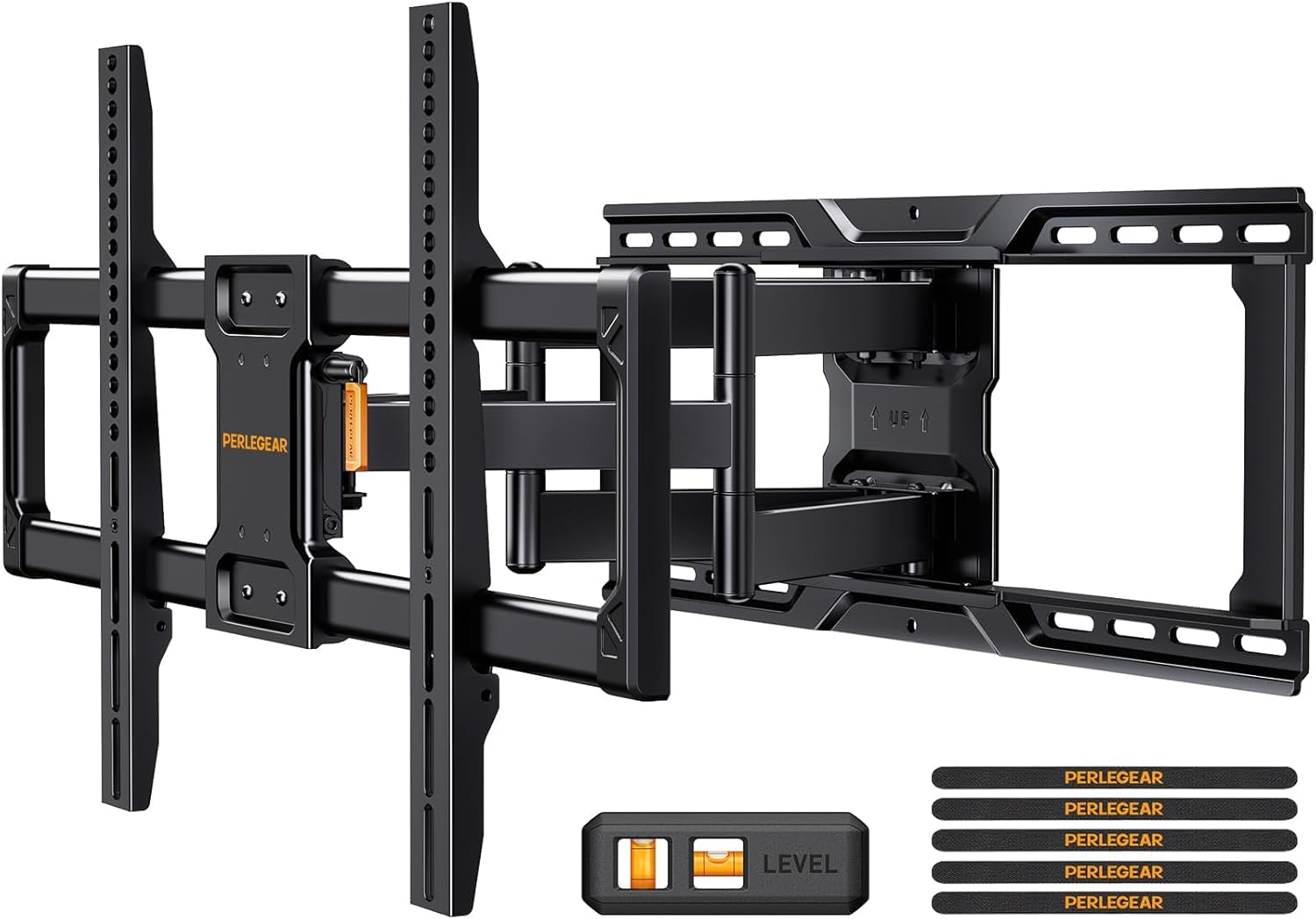
Perlegear PGLF16

Perlegear PGLF16

75-90 inch TVs

Our Score 9.6/10
Check Price

Worth Noting

  • Wall plate width may not align with off-center studs, limiting installation flexibility.
Swivel Range
±65 degrees
VESA & Studs
600x400mm, 12-24 in studs
Tilt & Adjust
+5/-15 degrees, tool-free
Screen & Weight
42-90 in, 150 lbs

The Perlegear PGLF16 holds TVs up to 150 pounds and works with studs spaced as wide as 24 inches apart — a combination rare at this price point. Its pre-assembled frame and tool-free tilt and swivel simplify installation, and the 22-inch extension provides adequate pull-out for large screens.

This mount is best suited for owners of 75- to 90-inch TVs where the wall studs are exactly 12, 16, 18, or 24 inches apart and centered behind the TV location. The wall plate width is fixed; if your studs are off-center or irregularly spaced, the plate may not span both studs, limiting installation options. For standard stud configurations, however, it offers robust support without breaking the budget.

The articulating arms extend smoothly to 22 inches, and the swivel range of ±65° allows flexible positioning in corner setups. Tilt adjustment is tool-free and stays put once set, though the range is limited to +5°/-15°. The steel frame feels solid even with a heavy 85-inch TV attached.

Tip: Measure the distance from the center of your TV location to each stud; the plate's slots work best when both studs fall within the fixed mounting brackets.

Bottom line: For large TVs mounted on standard 24-inch stud walls, the PGLF16 delivers heavy-duty support at a mid-range price — just confirm your stud placement before ordering.

3

USX Mount 42-90

USX Mount 42-90

42-90 inch TVs

Our Score 9.4/10
Check Price

Worth Noting

  • Tilt adjustment screw may not hold the TV at the desired angle for some users
Swivel Range
±45 degrees
VESA & Studs
600x400mm, 16 in studs
Tilt & Adjust
+5/-15 degrees, hand screw
Screen & Weight
42-90 in, 132 lbs

With a 132-pound weight limit and full 16.49 inches of extension, this mount handles 42- to 90-inch screens that would overwhelm cheaper alternatives. Its six-arm design provides smooth swivel and tilt through most of the range, making it a natural fit for corner placements or off-center viewing positions.

The tilt mechanism uses a hand screw that can lose grip over time, letting the TV sag slightly after adjustment. For buyers who set an angle once and leave it — typical in living rooms with fixed seating — this is rarely an issue. Frequent angle changers or those needing exact vertical alignment should consider the top pick, which holds tilt more reliably.

Installation benefits from pre-labeled hardware and a clear manual, reducing guesswork for first-time wall mounters. The steel construction feels substantial given the price point, and once mounted, the arms move with low friction across the ±45-degree swivel range.

Tip: If you need to change the tilt often, plan to re-tighten the hand screw periodically to maintain position.

Bottom line: Best for large TV owners who want heavy-duty full motion on a budget and won't frequently adjust the tilt angle.

4

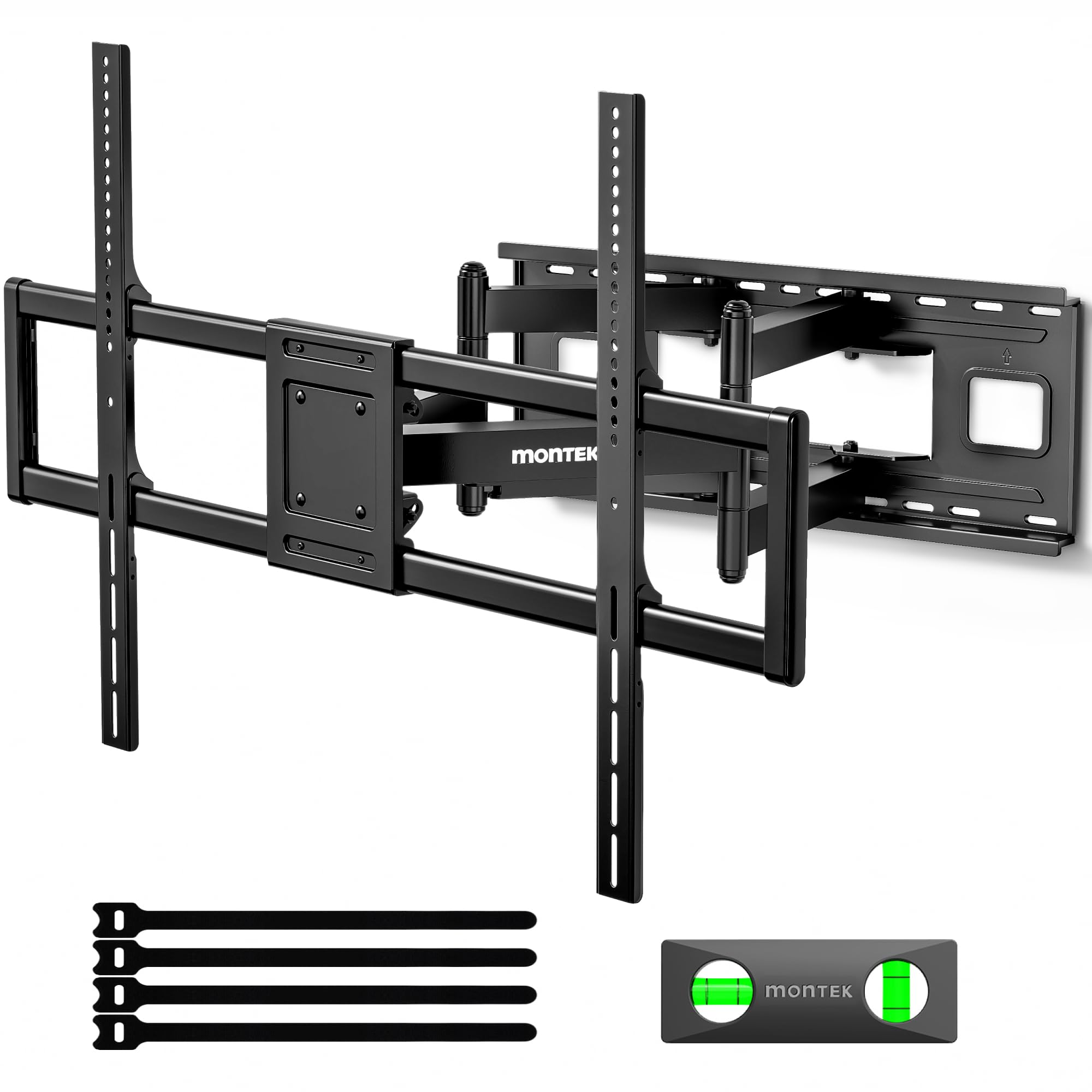
monTEK XXL

monTEK XXL

85-120 inch TVs

Our Score 9.6/10
Check Price

Worth Noting

  • Mount's 34.6 lb weight makes solo installation very difficult; two people needed
  • Arm movement can be stiff when repositioning the TV after mounting
  • Overkill for TVs under 85 inches
Swivel Range
±60 degrees
VESA & Studs
900x600mm, 12-24 in studs
Tilt & Adjust
+5/-15 degrees, friction
Screen & Weight
60-120 in, 265 lbs

The monTEK XXL supports screens up to 120 inches and holds 265 lbs, with a 27.7-inch extension that rivals any mount in this category. Its pre-assembled quick-lock system simplifies attaching a large TV once the wall plate is installed.

This mount is best suited for owners of 85-120 inch TVs in commercial or home theater installations where extreme capacity is non-negotiable. The 34.6-pound mount itself requires two strong people to handle during installation — not a casual weekend project for a single person.

Once mounted, the full motion range is smooth but can feel stiff when adjusting the TV's position. That stiffness is a tradeoff for the robust build — it holds position well without sagging. For standard TVs under 75 inches, a lighter mount like the top pick offers easier handling and similar motion at a lower cost.

Tip: Plan for two strong installers and a second pair of hands to lift the mount onto the wall plate — this is not a solo job.

Bottom line: For owners of 85+ inch TVs who need maximum extension and weight capacity, the monTEK XXL delivers the necessary build. But if your TV is under 75 inches, a standard full motion mount will save you effort and money.

5

USX Mount XMM006

USX Mount XMM006

26-65 inch TVs

Our Score 9.4/10
Check Price

Worth Noting

  • Instructions may be unclear for first-time installers, requiring online video guidance.
  • Single-stud design can produce wobble with larger TVs when fully extended.
Swivel Range
±90 degrees
VESA & Studs
400x400mm, single stud
Tilt & Adjust
+5/-15 degrees, friction
Screen & Weight
26-65 in, 77 lbs

The USX Mount XMM006 delivers full motion at an entry-level price point, with a 90-degree swivel and 16.7-inch extension that suits secondary rooms like bedrooms or offices. Where the larger USX mount targets heavy-duty capacity for 42-90 inch TVs, this model keeps weight and cost low for 26-65 inch screens.

This mount is best for buyers with 32-55 inch TVs in secondary rooms, where occasional adjustment is fine and the single-stud design keeps installation simple. The tradeoff appears when extending a larger TV at maximum range: the single-stud mounting can produce a wobble, though this is less noticeable with smaller screens in casual viewing setups.

For the price, the build quality and range of motion are notable. Installation is quick for a single-stud mount, and the swivel range gives you flexibility in corner or off-center placements without demanding a premium outlay.

Tip: To minimize wobble, avoid full extension if your TV is over 55 inches or close to the 77 lb limit.

Bottom line: For budget-conscious buyers with a 32-55 inch TV in a secondary room, the USX Mount XMM006 offers full motion without overspending.

6

ECHOGEAR MaxMotion

ECHOGEAR MaxMotion

Corner setups

Our Score 9.6/10
Check Price

Worth Noting

  • Tilt mechanism may not hold the TV's angle over time, causing sagging after repeated adjustments
Swivel Range
130 degrees
VESA & Studs
600x400mm, 16 in studs
Tilt & Adjust
+5/-15 degrees, friction
Screen & Weight
42-90 in, 125 lbs

The ECHOGEAR MaxMotion extends farther and swivels wider than most full-motion mounts, offering 22 inches of extension and a 130-degree swivel range. Compared to the leading mount for smaller TVs, this model provides a noticeably wider range of motion, making it ideal for corner installations or rooms with multiple viewing angles. The smooth articulation and thick steel construction give the mount a premium feel.

This mount suits buyers who prioritize wide swivel and deep extension over tilt precision. The tilt mechanism may not hold the TV's position over time, so it's best for setups where the angle is set once and left alone. If you need to adjust the tilt frequently, a mount with a more robust tilt lock would be a better fit.

Installation is straightforward thanks to the included template and clear, humorous instructions. The arms move smoothly when extending and retracting, and the mount sits close to the wall (2.4 inches) when fully retracted, keeping the TV profile low.

Tip: Avoid frequent tilt adjustments — set the angle during installation and leave it there to prevent sagging.

Bottom line: This mount is a strong choice for corner setups where the TV stays put, but buyers who need reliable tilt for frequent angle changes should choose the top pick.

7

Perlegear PGMF21

Perlegear PGMF21

26-74 inch TVs

Our Score 9.6/10
Check Price

Worth Noting

  • Tilt adjustment can be hard to fine-tune and may not hold the angle after being set.
  • Swivel and extension motion feels less fluid compared to higher-priced mounts.
Swivel Range
±45 degrees
VESA & Studs
400x400mm, 16 in studs
Tilt & Adjust
+5/-15 degrees, friction
Screen & Weight
26-74 in, 99 lbs

The Perlegear PGMF21 stands out among budget full motion mounts with its three-position height adjustment, letting you shift the TV up or down without tools — a rarity at this price. Installation is straightforward thanks to pre-assembled arms and a drilling template. However, the tilt mechanism requires patience: adjusting the angle can be imprecise, and the set position may slip over time. Additionally, the overall motion quality — swivel and extension — is less smooth than the top picks in this category. This mount suits buyers who need height flexibility and can accept some compromise on tilt and movement precision.

Bottom line: Choose this mount if you need height adjustment and can work around a finicky tilt — it delivers where most budget options don't.

8

Pipishell PIMFK1

Pipishell PIMFK1

32-55 inch TVs

Our Score 9.4/10
Check Price

Worth Noting

  • Adjusting the TV position after installation can require extra force due to stiff articulation.
  • No standout features beyond basic full-motion capability
Swivel Range
±45 degrees
VESA & Studs
400x400mm, 12/16 in studs
Tilt & Adjust
+5/-15 degrees, friction
Screen & Weight
26-74 in, 99 lbs

The Pipishell PIMFK1 delivers solid sturdiness and a straightforward installation process at a budget-friendly price. The included paper template and clear instructions make mounting a TV up to 70 inches a task that most DIYers can handle in under an hour. Once in place, the mount holds the screen firmly with no sagging.

Where this mount falls short of higher-tier options is in the smoothness of its articulation. Adjusting the TV’s position after installation requires noticeable force — the swivel and extension moves, but not with the effortless glide of pricier models. It also lacks standout features like integrated cable management or tool-free adjustments, making it a basic choice for users who will set the angle once and leave it.

Tip: If you anticipate moving the TV often, consider a mount with smoother articulation — this one is better for a set-and-forget setup.

Bottom line: Best suited for buyers who want a low-cost, sturdy mount and plan to set the TV position once without frequent adjustments.

9

Mount-It! Heavy Duty

Mount-It! Heavy Duty

98-120 inch TVs

Our Score 9.4/10
Check Price

Worth Noting

  • Mount weighs 18.6 lbs and requires a second person to install safely.
  • Premium price offers no clear advantage over the comparable monTEK mount for most extra-large TV owners.
Swivel Range
±60 degrees
VESA & Studs
900x600mm, 12-24 in studs
Tilt & Adjust
+5/-15 degrees, friction
Screen & Weight
60-120 in, 264 lbs

This mount handles extra-large TVs (98-120 inches) with a solid, no-sag build and a full set of hardware that includes a drill template. The 264 lb capacity and wide VESA compatibility (up to 900x600mm) make it a fit for commercial installations or home theaters with truly oversized screens. However, at 18.6 lbs it requires a second person for safe installation, and the price is noticeably higher than the comparable monTEK mount without offering any clear advantage in features or performance. For standard residential TVs in the 32-90 inch range, this is overbuilt and priced beyond what most homeowners need.

Bottom line: Best suited for owners of 98-120 inch TVs who need maximum load capacity and have a helper for installation. Those with standard 65-90 inch TVs will find better value in lighter, more affordable mounts.

10

USX Mount 42-84

USX Mount 42-84

55-75 inch TVs

Our Score 9.4/10
Check Price

Worth Noting

  • Instruction manual lacks detail for those unfamiliar with mounting.
Swivel Range
±45 degrees
VESA & Studs
600x400mm, 16 in studs
Tilt & Adjust
+5/-15 degrees, friction
Screen & Weight
42-84 in, 120 lbs

This USX mount offers a sturdy platform for 65-75 inch TVs at a budget price, with a straightforward installation process aided by the included template and clearly labeled hardware. The dual articulating arms provide sufficient swivel and tilt for most seating layouts. However, the instruction manual could be clearer for first-time installers; some may need to reference online guides. The main reason this sits behind the top pick is that the similar USX 42-90 model costs about $5 more and supports larger screens, making it a better value for those with TVs up to 84 inches or needing extra extension. For buyers with 55-75 inch screens who want to save a few dollars, this mount works well.

Bottom line: A cost-effective choice for mounting a 55-75 inch TV in a living room where the mount will not need extreme extension, and where the installer can supplement the manual with online resources.

How to Choose

Screen Size and Weight Capacity

Match the mount's size range and weight limit to your TV — not just the diagonal measurement. A 65-inch TV can weigh anywhere from 50 to 80 pounds depending on the model and year. Check the VESA pattern (the hole spacing on the back) to ensure compatibility. Most full motion mounts list a VESA max; if your TV's pattern is larger than that, the mount won't fit without adapter plates.

A mount rated for 99 pounds may hold a 75-inch TV, but the leverage at full extension puts extra stress on the arms. For TVs over 70 inches, choose a mount with at least 120 pounds capacity and dual-stud attachment for stability.

Extension and Retracted Depth

Extension distance determines how far the TV can pull away from the wall — useful for accessing cables or swiveling the screen. But more extension also means more leverage on the tilt and swivel joints. A 22-inch extension looks impressive, but if the tilt mechanism is weak, the TV will sag when pulled out. Retracted depth (how flush the TV sits) matters for aesthetics: mounts that retract under 3 inches give a near-flat look, while deeper ones stick out noticeably.

Tilt Range and Adjustment

Tilt range is usually +5 to -15 degrees, enough to reduce glare from overhead lights. The real issue is how the tilt holds. Some mounts use a simple friction screw that loosens over time, causing the TV to droop. Others have a ratcheting or locking mechanism that stays put. If you plan to adjust tilt frequently (e.g., for different viewing positions), look for a mount with a positive lock rather than friction-only tension.

Swivel Range and Smoothness

Most mounts offer 45 to 90 degrees of swivel per side. A wider swivel range is useful for corner installations or open floor plans, but extreme swivel angles increase the torque on the wall plate. Smoothness matters more than raw degrees: a sticky swivel makes adjustment frustrating and can shift the TV unevenly. Ball-bearing pivots or nylon bushings provide smoother movement than basic metal-on-metal joints.

VESA Pattern and Stud Spacing

VESA compatibility is straightforward: your TV's hole pattern must fall within the mount's max VESA spec. Stud spacing is often overlooked. Many mounts only fit 16-inch centers, but some support 12 to 24 inches. If your wall has non-standard stud spacing, you may need a mount with a wider wall plate or an adapter. Single-stud mounts are cheaper but less stable with large TVs — avoid them for screens over 55 inches unless you rarely extend the arm.

Frequently Asked Questions