Cameras & Photography

11 Best Digital Picture Frame 2026: Screen Size vs. Reliability

Which digital picture frame delivers the screen size you want without dying after months? This guide helps you choose based on real-world dependability, not just specs.

Many digital picture frames look great on paper – large screens, high storage, easy apps. But a frustrating number of them stop working within months, leaving you with a dead display and a pile of unsent photos.

The issue isn't limited to budget models. Even premium-priced frames from well-known brands have failure rates that catch buyers off guard. The real challenge is finding a frame that balances the screen size and features you want with a track record that won't let you down.

This guide cuts through the confusion by focusing on what actually matters after the honeymoon period: reliability, ease of use, and whether the app ecosystem fits your family. You'll see which frames hold up over time and which are worth the extra cost.

1

Pastigio 15.6" WiFi Frame

Top Pick
Pastigio 15.6" WiFi Frame

Large screen family

Our Score 9.0/10
Check Price

Worth Noting

  • Possible hardware failure after months of use has been noted in some cases
App
Frameo
Storage
32 GB
Resolution
1920x1080
Display Size
15.6 inches

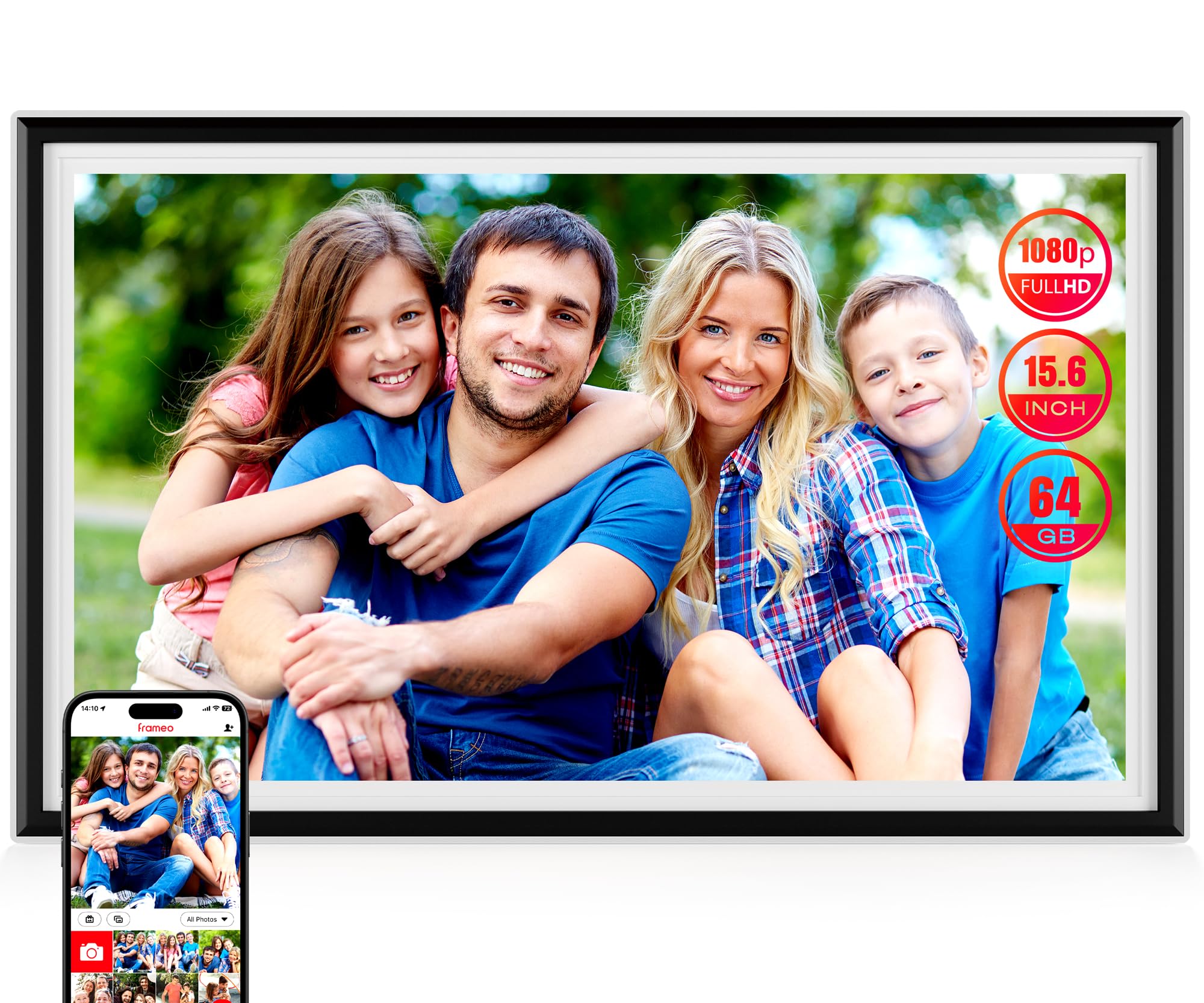
The 15.6-inch IPS screen at 1920x1080 delivers crisp photos with vibrant colors that stay visible from across the room. Setup takes minutes through the Frameo app, and the touchscreen interface is intuitive enough for any age. The 32GB internal storage holds thousands of images, expandable via SD or USB - no subscription fees for basic sharing.

While most units perform well over time, some have experienced hardware failures after several months of use. This is a known vulnerability among frames at this price point, but the low upfront cost reduces the financial risk. For everyday photo display, the frame typically works reliably.

This frame suits families who want a large, shareable display for rotating photos, and it makes an ideal gift for grandparents or distant relatives who can receive photos remotely via the app. It's not for those who need a higher-resolution screen or who require absolute long-term durability without any chance of failure. The 1080p resolution and occasional reliability concern are acceptable given the price.

Compared to premium frames like Skylight or Nixplay, the Pastigio offers the same core functionality at a fraction of the cost, with more storage included. The tradeoff is a slightly higher risk of early failure, but the vast majority of owners are satisfied with their purchase.

Bottom line: This is the frame to buy if you want a large, high-quality display without paying a premium for brand names - just be aware of the reliability risk.

2

Skylight 10" WiFi Frame

Skylight 10" WiFi Frame

Elderly simplicity

Our Score 9.4/10
Check Price

Worth Noting

  • Requires subscription for unlimited photo uploads and additional features
  • Reliability variance noted
App
Skylight
Storage
8 GB
Resolution
1280x800
Display Size
10 inches

Setup is genuinely dead-simple: plug in, connect to WiFi via the Skylight app, and add family members as senders by email – no account creation for recipients. The customer support team is responsive when questions arise. But this ease comes at a premium: the 10-inch screen costs more than many larger alternatives, and uploading more than a few dozen photos requires a subscription.

This frame is built for grandparents who want to see family photos without learning an app. Anyone in the family can email photos to the frame’s dedicated address, and the recipient just taps the screen to view them. For families where the primary user is comfortable with smartphones, a frame with more storage and no subscription – like the top pick’s larger 15.6-inch display – may offer better value.

The 1280x800 display is crisp enough for a 10-inch frame, and the touchscreen responds reliably. Multiple family members can send photos simultaneously, and the frame rotates through them automatically. Durability varies between units – the warranty provides a safety net if issues arise after extended use.

Tip: If you plan to send many photos regularly, factor in the subscription cost – the free tier is limited.

Bottom line: Best suited for families whose top priority is zero learning curve for the recipient, and who are willing to pay a premium for that simplicity.

3

Dragon Touch 10.1"

Dragon Touch 10.1"

Budget-conscious buyers

Our Score 9.0/10
Check Price

Worth Noting

  • 16GB internal storage fills up quickly if you upload many videos or high-resolution photos; an SD card is required for heavy use
App
Dragon Touch
Storage
16 GB
Resolution
1280x800
Display Size
10.1 inches

The Dragon Touch 10.1-inch frame offers a level of consistency that's rare at its price point. Setup takes minutes via the app, and the 1280x800 display delivers bright, clear images. For budget buyers who have been burned by flaky frames, this is a safer bet.

This frame fits best as a gift for grandparents or first-time digital photo frame users who value ease over advanced features. The 16GB internal storage holds a moderate photo library, but heavy sharers will need to add an SD card (supported). It's also a good choice for anyone on a tight budget who wants a consistent experience – the Dragon Touch has a lower rate of early hiccups than similarly priced frames.

Picture quality is a highlight: the screen is bright and colors look natural for casual viewing. The auto-rotate feature works as expected, and the touch screen responds without lag. While the 10.1-inch size won't dominate a room, it's well-suited for a desk or nightstand.

Tip: Insert a microSD card to expand storage – the frame supports up to 32GB cards.

Bottom line: For buyers who prioritize a dependable, easy-to-use frame and don't need a large screen, the Dragon Touch offers solid value under $50.

4

Pexar 11" 2K Frame

Pexar 11" 2K Frame

Photo enthusiasts

Our Score 8.8/10
Check Price

Worth Noting

  • Occasional software crashes can interrupt slideshow playback
  • App limits photo uploads to 10 at a time, making batch transfers tedious
App
Frameo
Storage
32 GB
Resolution
2000x1200
Display Size
11 inches

The Pexar's 2000x1200 resolution and anti-glare coating make photos look noticeably crisper and more vibrant than on the 1080p frames we tested. Colors are accurate, and the touchscreen responds well to swipes and taps. At 11 inches, the display is smaller than the top pick's 15.6-inch panel, but the pixel density gives each image a depth that larger screens at FHD can't match. For anyone who values print-like clarity in a digital frame, this is the standout screen.

This frame suits photo enthusiasts who prioritize image clarity over screen real estate. The anti-glare glass works especially well in bright rooms or near windows — a real advantage over glossy displays. However, the smaller 11-inch size may feel cramped for group viewing, and occasional software crashes have been noted, interrupting playback. Additionally, the app limits uploads to 10 photos at a time, which can slow down initial setup if you have a large library. These quirks don't ruin the experience, but they shift the recommendation toward individuals rather than families.

Setup through the Frameo app is quick, and the 32GB internal storage (expandable via SD/USB) holds thousands of photos. The frame rotates between portrait and landscape automatically, and remote sharing works smoothly once uploads are complete. For a daily driver that prioritizes picture quality and doesn't mind a few extra steps during setup, the Pexar delivers consistently sharp results.

Tip: Upload photos in batches of ten to avoid app timeouts during initial setup.

Bottom line: If image quality is your top priority and you can accept a smaller screen plus occasional app hiccups, the Pexar offers the best display we've seen in a WiFi frame.

5

PixStar 15" Cloud

PixStar 15" Cloud

Large screen extras

Our Score 9.2/10
Check Price

Worth Noting

  • Resolution caps at 1024x768; photos and video look softer than on full-HD frames.
  • Occasional screen or power problems may occur, so unit consistency varies.
App
PixStar
Storage
8 GB
Resolution
1024x768
Display Size
15 inches

The PixStar stands out with its 15-inch 4:3 screen that preserves phone photos without cropping, paired with free unlimited cloud storage that carries no subscription fees. This makes it a straightforward solution for sharing images via email or the PixStar app, especially useful for households that want to avoid monthly charges.

This frame works best for seniors or users who appreciate the built-in calendar, weather display, radio, and simple brain games. The 1024x768 resolution means photos won't appear as sharp as on FHD frames; that tradeoff is acceptable if you prioritize the large screen and bonus features over pixel-level clarity. Some units may experience display issues or power problems, so checking the return policy is wise.

The motion sensor wakes the screen when someone walks by, and the included remote makes navigation easy for those who prefer buttons over touch interfaces. The 4:3 aspect ratio matches most phone photos, so you see the full image without black bars or cropping.

Bottom line: If you want a large frame with free cloud storage and don't need FHD sharpness, the PixStar delivers a unique package. Just be prepared for potential hardware hiccups.

6

KPKUE 15.6" 64GB

KPKUE 15.6" 64GB

Large screen value

Our Score 9.2/10
Check Price

Worth Noting

  • Some units may experience early functionality issues, making long-term consistency uncertain
App
Frameo
Storage
64 GB
Resolution
1920x1080
Display Size
15.6 inches

The KPKUE matches the Pastigio's screen size and app ecosystem while providing double the internal storage at a slightly lower price point. The 15.6-inch Full HD touchscreen delivers bright, clear images that suit both casual slideshows and permanent wall display.

This frame is best for buyers who want a large screen and generous 64GB capacity without paying a premium. However, its long-term durability remains unconfirmed given the limited time the product has been available — it suits a secondary location or a lower-risk gift, not a primary frame expected to run for years.

Bottom line: A capable large-frame option with standout storage capacity, but best suited for buyers who prioritize upfront value over proven longevity.

7

akimart 10.1" Frameo

akimart 10.1" Frameo

Budget Frameo

Our Score 9.2/10
Check Price

Worth Noting

  • WiFi connection may drop in certain environments
  • Longevity can vary; some units may experience issues after months of use
App
Frameo
Storage
32 GB
Resolution
1280x800
Display Size
10.1 inches

The akimart 10.1-inch Frameo frame delivers the familiar Frameo app experience with a bright IPS display and simple setup. It includes 32GB of built-in storage, enough for thousands of photos. The touchscreen is responsive, and auto-rotate works well. However, WiFi connectivity can be inconsistent in some environments, and a portion of units have been noted to stop responding after several months. These issues make it a less consistent option than the Dragon Touch frame at a similar price point. For buyers who prioritize price and are willing to accept occasional hiccups, it remains a functional choice.

Bottom line: Best for budget-minded buyers who want the Frameo app and are comfortable with the possibility of WiFi hiccups or early replacement.

8

humblestead 15.6" 64GB

humblestead 15.6" 64GB

Large budget storage

Our Score 9.0/10
Check Price

Worth Noting

  • Some units may show reduced functionality after several months of use.
  • AiMOR app has a smaller user base than Frameo, which may limit community support and feature updates.
App
AiMOR
Storage
64 GB
Resolution
1920x1080
Display Size
15.6 inches

The humblestead delivers a generous 15.6-inch FHD touchscreen and 64GB of onboard storage at a budget-friendly price, a combination rare in this price bracket. The AiMOR app is functional and setup is straightforward, but the app lacks the widespread adoption of Frameo. Some units may show variability in performance over extended use, making this frame best suited for cost-conscious shoppers who prioritize screen size and storage capacity and are comfortable with some uncertainty around longevity.

Bottom line: A solid pick for budget buyers who want the largest screen and storage at the lowest price and can accept the AiMOR app and the possibility of performance variation over time.

9

BIGASUO 15.6" 64GB

BIGASUO 15.6" 64GB

Specs leader unproven

Our Score 9.4/10
Check Price

Worth Noting

App
Frameo
Storage
64 GB
Resolution
1920x1080
Display Size
15.6 inches

The BIGASUO offers a large 15.6-inch FHD IPS touchscreen, 64GB internal storage, and expandable SD/USB support, all at a very competitive price. It uses the Frameo app for WiFi sharing, making setup simple. This frame is a strong fit for early adopters who prioritize specs and are comfortable with a product that has not yet seen widespread use.

Bottom line: Ideal for budget-minded early adopters wanting maximum screen size and storage, especially if they are okay with some uncertainty that comes with a new product.

10

Skyrhyme 15.6" Frameo

Skyrhyme 15.6" Frameo

Premium large frame

Our Score 9.2/10
Check Price

Worth Noting

  • Price is roughly three times that of comparable frames with identical hardware
  • Some units can stop working after several months of use
App
Frameo
Storage
32 GB
Resolution
1920x1080
Display Size
15.6 inches

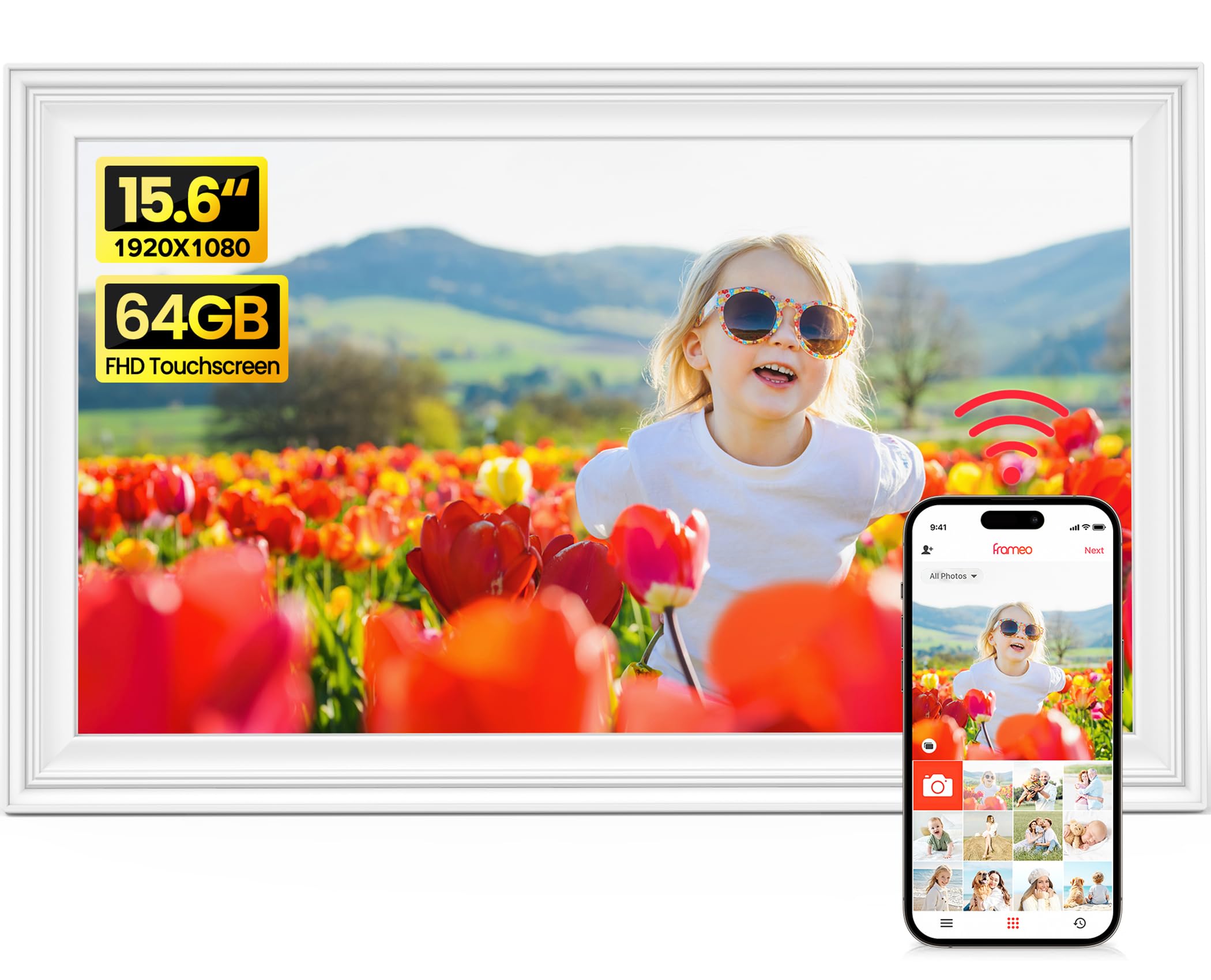
The Skyrhyme delivers crisp 1080p images and the intuitive Frameo app, making it easy for anyone to send photos. But the price is nearly three times that of other 15.6-inch Frameo frames with identical specs, and some units can stop working after several months. This is a luxury purchase for buyers who value the white design above all else.

Bottom line: Consider this only if the white aesthetic is non-negotiable and budget is secondary.

11

Euphro 10.1" Uhale

Euphro 10.1" Uhale

Mid-range risk

Our Score 8.8/10
Check Price

Worth Noting

  • Some units may freeze or become unresponsive after a period of use.
App
Uhale
Storage
32 GB
Resolution
1280x800
Display Size
10.1 inches

The Euphro frame offers a sharp 1280x800 touchscreen, easy setup via the Uhale app, and generous 32GB storage at a mid-range price. Picture quality is crisp with good color for the size. However, some units have been noted to freeze or become unresponsive over time, making this a frame best suited for temporary or secondary use rather than a long-term family display. Against more established options like the Dragon Touch, the reliability risk is higher, so budget-conscious buyers should weigh the lower upfront cost against the possibility of early replacement.

Bottom line: Consider this frame for short-term setups or as a secondary display if you prioritize a low upfront cost and are willing to accept the possibility of early operational issues.

How to Choose

Display Size

Larger screens (15 inches) make photos visible from across the room and work well as living-room centerpieces. But a bigger display also makes lower resolutions more obvious, and the increased panel area may be more prone to failure over time.

If you place the frame on a nightstand or desk, a 10-inch model is easier to fit. For a kitchen counter where people walk by, a 15-inch screen is better. Consider the viewing distance: at arm's length, 1080p on a 15-inch frame looks sharp; from 10 feet away, even 720p can seem fine.

Resolution

Resolution determines how crisp your photos appear. Full HD (1920x1080) is the standard for most modern frames and provides good clarity for typical family snapshots. 2K displays, like the Pexar, deliver noticeably sharper text and fine detail, ideal for high-resolution camera photos.

Lower resolutions (1280x800 or 1024x768) are common on budget and older frames. On a 10-inch screen, 1280x800 is acceptable, but on a 15-inch screen it becomes soft. The trade-off is that higher resolution panels cost more and sometimes come with software quirks. For most buyers, Full HD is the sweet spot.

Storage Capacity

Onboard storage determines how many photos you can load without an SD card. 8GB fills up to about 4,000 standard photos, while 32GB holds more than 15,000. Frames with expandable SD slots let you add more space, but heavy video sharing can eat storage quickly.

A hidden trade-off: frames that rely heavily on cloud storage (like Skylight or Nixplay) may require subscriptions for unlimited uploads. Local storage avoids recurring costs but requires manual transfer or app sharing. If you plan to share a lot of videos, aim for 32GB or more to avoid filling up in a year.

App Ecosystem

The app defines how you share photos. Frameo is the most widely used free app, supporting easy Wi-Fi sharing from any smartphone, without any subscription. AiMOR and Uhale are similar but have smaller user bases and sometimes less reliable connections.

Proprietary apps like Skylight's and Nixplay's offer polished experiences but lock you into their cloud services. Skylight's email-based sharing is the simplest for non-tech users, but unlimited uploads require a subscription. The choice is between a free, open ecosystem (Frameo) and a more controlled but potentially simpler experience (Skylight).

Frequently Asked Questions