Networking & Wi-Fi

11 Best Cable Modems of 2026: Avoid Costly Disconnects

Stop paying rental fees while finding a modem that actually stays connected. Cut through the hype to choose the right one for your ISP and speed plan.

Buying your own cable modem should save you money every month — but only if it actually stays connected. The reality is that many modems, even top-rated ones, suffer from intermittent disconnects that can turn a workday into a frustration session.

The problem isn't just bad luck. Across price tiers, connectivity issues are the most common complaint, and early failures often hit after just a few months. This doesn't mean you should stick with a rental. It means you need to pick carefully, knowing that specs alone won't predict real-world reliability.

This guide focuses on what actually keeps you online: ISP compatibility, connection stability records, and the trade-off between cutting-edge features and rock-solid uptime. The right modem for you balances your speed needs with a proven track record for your specific provider.

1

NETGEAR CAX30 Combo

Top Pick
NETGEAR CAX30 Combo

Future-proof combo

Our Score 8.6/10
Check Price

Worth Noting

  • Compatibility with Spectrum can be problematic; some users struggle with activation or connection stability.
  • Occasional reliability concerns
WiFi
WiFi 6 built-in
DOCSIS
3.1
Ethernet Ports
4 x 1GbE
ISP Compatibility
Xfinity, Cox

The NETGEAR CAX30 delivers wired and wireless speeds that handle multi-gig cable plans without breaking a sweat. Setup happens quickly through the Nighthawk app or manual steps, so most households can go from unboxing to online in under 15 minutes. Signal strength covers a typical 2,000-square-foot home without dead zones, and the WiFi 6 radio keeps multiple devices streaming and gaming simultaneously without slowdowns.

What sets this unit apart from the many modem/router combos on the market is its dual future-proofing. DOCSIS 3.1 supports the fastest tiers from cable ISPs that offer them, while WiFi 6 handles the growing number of connected devices in a modern home. The four 1GbE ports and USB 3.0 give wired peripherals plenty of headroom, and the Nighthawk app provides straightforward management for parents or remote workers.

This combo is best suited for households subscribed to Xfinity or Cox who want a single device that eliminates monthly rental fees and supports their current plan plus headroom for future speed bumps. If your ISP is Spectrum, this unit carries a known compatibility risk — some users have difficulty activating or maintaining a stable connection. Before buying, confirm your provider works with the CAX30's approved modem list.

Performance in daily use is consistently strong when the modem locks onto the ISP signal. Wired connections at 800-900 Mbps are routine on gigabit plans, and WiFi speeds hover around 500-700 Mbps at reasonable distances. The WiFi range holds up even through floors and walls typical of a suburban home, though placement near a central window helps maintain that range.

Reliability after months of use is a variable in this category, and the CAX30 is no different. A portion of units may require occasional reboots or stop working altogether after several months. This behavior is not universal — most owners report stable operation — but buyers who prioritize absolute connection stability should consider the MG7550, which uses older DOCSIS 3.0 and WiFi 5 technology but has a lower disconnect rate.

Tip: If you hit connection drops, check your ISP's approved modem list and ensure the coax cable is tightly connected.

Bottom line: For Xfinity or Cox homes that want DOCSIS 3.1 and WiFi 6 without a separate router, the CAX30 offers strong speed and easy setup. Spectrum subscribers should verify compatibility first.

2

Motorola MG7550 Combo

Motorola MG7550 Combo

Stable connection

Our Score 8.6/10
Check Price

Worth Noting

  • Compatibility with Spectrum is limited
  • WiFi signal strength drops over distance
WiFi
WiFi 5 built-in
DOCSIS
3.0
Ethernet Ports
4 x 1GbE
ISP Compatibility
Xfinity, Cox (no Spectrum)

The Motorola MG7550 delivers a level of connection stability that stands apart from newer, faster modems. Where DOCSIS 3.1 combos often trade reliability for speed, this 16x4 DOCSIS 3.0 unit maintains a steady link with fewer interruptions – a difference you notice during video calls or streaming marathons. Setup is equally hassle-free: plug in, activate online, and most cable ISPs recognize it immediately.

This combo is best suited for Xfinity or Cox subscribers with internet plans up to 600 Mbps who value uptime over headline speeds. Its DOCSIS 3.0 and WiFi 5 hardware won't handle gigabit+ packages, and Spectrum users may find activation is not possible – verify compatibility before buying. For households that fit this profile, the MG7550 provides a reliably steady connection that pricier, more feature-packed alternatives often miss.

In typical homes, the MG7550 delivers solid throughput for everyday use – streaming, browsing, and light gaming all feel responsive. WiFi coverage holds up well in open floor plans, but in larger homes or layouts with thick walls, signal strength can fade in distant rooms. A separate extender may be needed to cover the far end of a two-story house.

Tip: For larger homes, a separate WiFi extender can help maintain coverage in far rooms.

Bottom line: For Xfinity or Cox households on plans under 600 Mbps, the MG7550 offers a connection that stays up when others drop – just be sure to check ISP compatibility first.

3

Motorola MB7621

Motorola MB7621

Best value standalone

Our Score 9.0/10
Check Price

Worth Noting

  • Intermittent disconnections may occur in certain setups, particularly during peak usage.
  • Compatibility issues with Spectrum and some other ISPs can prevent activation or cause dropouts.
WiFi
No (standalone)
DOCSIS
3.0
Ethernet Ports
1 x 1GbE
ISP Compatibility
Xfinity, Cox

The MB7621 earns a high user rating and provides a cost-effective path to stop rental fees while supporting speeds up to 600–800 Mbps. Setup is plug-and-play: connect coax and Ethernet, then activate with your provider. For compatible ISPs the connection holds steady for long periods.

The Broadcom chipset delivers consistent throughput for streaming and browsing. The modem lacks a 2.5GbE port, limiting it to current speed tiers, but for plans up to 600 Mbps it performs as advertised.

This modem suits households on Xfinity or Cox who want to avoid monthly rental fees without investing in DOCSIS 3.1. Spectrum customers should check compatibility first, as some users report activation difficulties. For those needing absolute connection stability, a model with fewer connectivity complaints may be a better fit.

Bottom line: A cost-effective standalone modem for Xfinity or Cox subscribers who accept occasional disconnects and don't need gigabit speeds. Spectrum users should consider alternatives due to known compatibility risks.

4

ARRIS SB8200

ARRIS SB8200

Popular 3.1 standalone

Our Score 8.8/10
Check Price

Worth Noting

  • Connectivity drops can surface after a few months, especially during critical online activities like video calls or gaming.
  • A minority of units may need replacement within the first year due to complete loss of function.
WiFi
No (standalone)
DOCSIS
3.1
Ethernet Ports
2 x 1GbE
ISP Compatibility
Xfinity, Cox, Spectrum

The ARRIS SB8200 works with Xfinity, Cox, and Spectrum without compatibility fuss, and delivers smooth throughput for streaming and gaming when the link is stable. Its two 1 GbE ports support multi-gig plans up to 2 Gbps, making it a capable choice for gigabit subscribers who aren't chasing the latest specs.

This modem suits buyers who are comfortable with occasional troubleshooting and have responsive ISP support. Connectivity dropouts can occur after several months of use, and some units may stop working entirely within the first year – a risk worth accepting only if you can manage a swap or restart when needed.

Bottom line: If you need a budget-friendly DOCSIS 3.1 modem and can accept an occasional connectivity hiccup, the SB8200 delivers good value – but the top pick in this guide offers more consistent connection for a higher price.

5

NETGEAR CM2500

NETGEAR CM2500

Fast uploads

Our Score 8.6/10
Check Price

Worth Noting

WiFi
No (standalone)
DOCSIS
3.1
Ethernet Ports
2 x 1GbE
ISP Compatibility
Xfinity

The CM2500 is one of the few standalone cable modems that supports mid-split upload speeds up to 1 Gbps, a significant boost for Xfinity users with compatible plans. Its compact build and dual 1 GbE ports with LACP support give it a solid, no-frills feel. Unlike all-in-one combos that bundle WiFi, this is a pure modem — you supply your own router, which offers flexibility in network design.

Activation with Xfinity is straightforward, and the modem handles aggressive speed tiers without much fuss. Build quality feels dense and well-assembled, fitting neatly into a typical entertainment center.

This modem targets Xfinity subscribers on mid/high-split plans who prioritize faster uploads for activities like video conferencing or large file transfers. Connectivity drops and early unit failures have been noted, so it suits buyers prepared to monitor performance and potentially replace the unit within a few months. Those on lower-speed plans or seeking a worry-free setup should look elsewhere.

Bottom line: The CM2500 is a sensible choice for Xfinity mid-split users who can accept occasional connectivity hiccups and the possibility of early replacement in exchange for faster uploads.

6

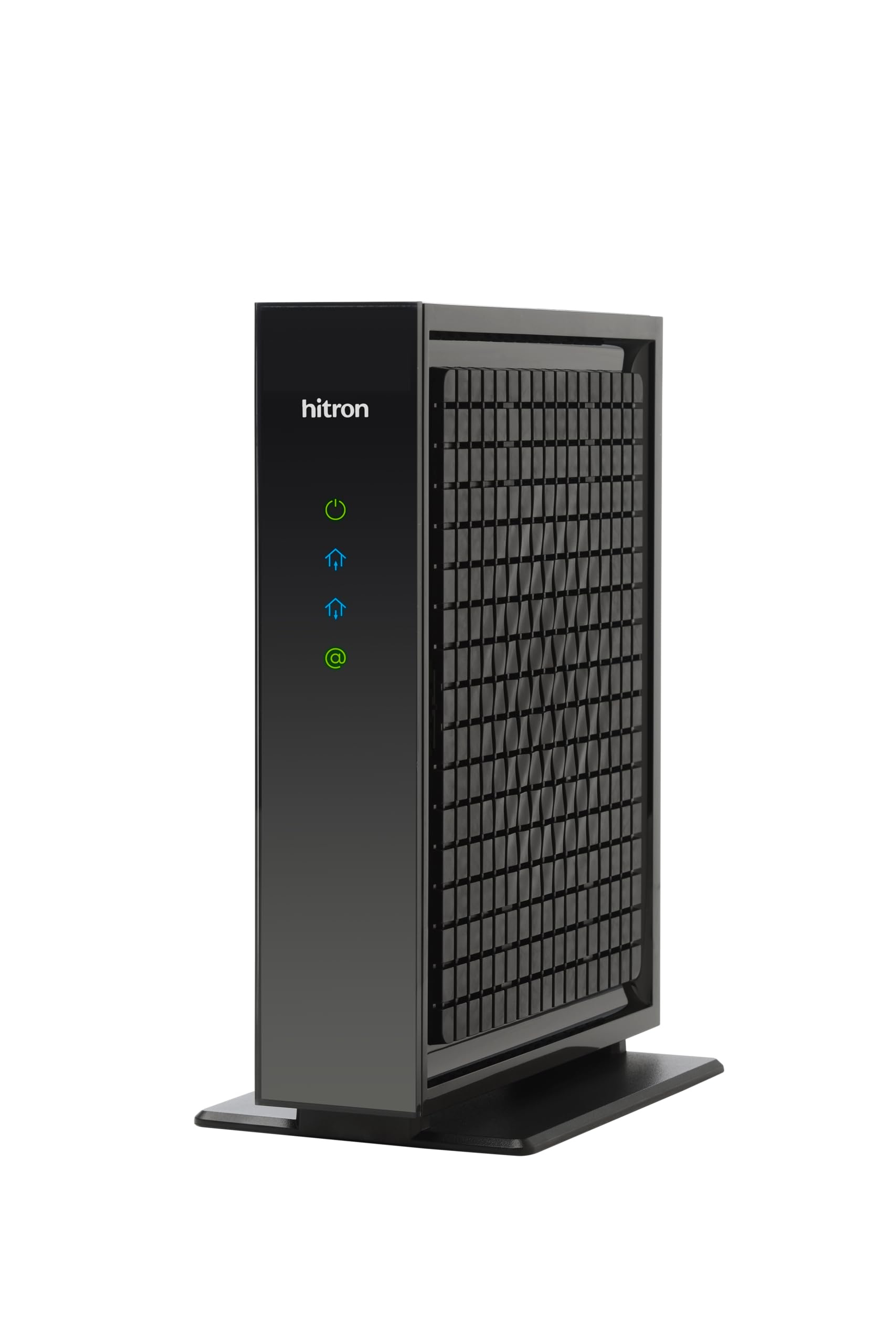
Hitron CODA56

Hitron CODA56

Budget 2.5GbE

Our Score 8.4/10
Check Price

Worth Noting

  • When placed in a closed cabinet or poor airflow area, the modem may run hot enough to throttle performance.
  • Some units can lose connection unexpectedly even when the ISP signal appears healthy, making uptime unpredictable.
WiFi
No (standalone)
DOCSIS
3.1
Ethernet Ports
1 x 2.5GbE
ISP Compatibility
Xfinity, Spectrum

For buyers wanting to future-proof their home network on a budget, the Hitron CODA56 offers the lowest entry price to 2.5 Gbps speeds and DOCSIS 3.1 support. Setup is quick with major ISPs like Xfinity and Spectrum. However, some units may experience intermittent connectivity drops even when the ISP signal is stable, and the modem runs warm enough that poor ventilation can lead to throttling. This makes it a fit for those comfortable troubleshooting and willing to return a unit if issues surface, rather than anyone needing a drop-in replacement that never needs thought.

Tip: Keep the modem in a well-ventilated area; a closed cabinet may trigger thermal throttling.

Bottom line: This modem suits tech-savvy users on gigabit plans who are comfortable monitoring temperature and returning a unit if issues arise — not a set-and-forget choice for households that need rock-solid uptime.

7

NETGEAR CM600

NETGEAR CM600

Mid-tier 3.0

Our Score 9.0/10
Check Price

Worth Noting

  • The modem can become unstable after 12–18 months in some cases
  • Compatibility with certain ISPs and newer speed tiers may require checking before purchase
WiFi
No (standalone)
DOCSIS
3.0
Ethernet Ports
1 x 1GbE
ISP Compatibility
Xfinity, Cox

The CM600 delivers consistent speeds up to 500 Mbps thanks to its 24x8 channel bonding, making it a capable choice for moderate-speed plans. Setup with major ISPs like Comcast is simple. However, some units have developed issues after a year of use, and compatibility with certain ISPs or newer speed tiers may need verifying beforehand. As a DOCSIS 3.0 modem, it cannot support future multi-gig packages.

Bottom line: Best for users on mid-tier plans (up to 500 Mbps) who are okay with replacing the modem if it develops issues within the first couple of years, and who don't need DOCSIS 3.1 features.

8

ARRIS SB6183

ARRIS SB6183

Cheapest decent

Our Score 8.6/10
Check Price

Worth Noting

  • Random disconnections and packet loss may occur in some setups.
  • Long-term durability is uncertain; some units may need replacement within a year.
WiFi
No (standalone)
DOCSIS
3.0
Ethernet Ports
1 x 1GbE
ISP Compatibility
Xfinity, TWC

The SB6183 delivers speedy activation and solid performance on mid-tier cable plans, but its long-term reliability is uncertain: some units may experience connectivity drops or need replacement within a year. This is acceptable for a secondary line or a short-term rental replacement, but not for a permanent primary connection.

Bottom line: This modem fits best as a low-cost option for a secondary connection or a temporary setup where occasional dropouts and a shorter lifespan are acceptable.

9

Motorola MB7220

Motorola MB7220

Under 150 Mbps

Our Score 8.8/10
Check Price

Worth Noting

  • Cannot handle internet plans above 150 Mbps
  • Signal quality may be weak in certain setups, causing occasional drops in connectivity.
WiFi
No (standalone)
DOCSIS
3.0
Ethernet Ports
1 x 1GbE
ISP Compatibility
Xfinity, Cox

The Motorola MB7220 is a simple, low-cost modem that pairs well with internet plans offering up to 150 Mbps. Its setup process works smoothly with major cable ISPs, and the modest upfront expense quickly offsets monthly rental charges. However, the DOCSIS 3.0 8x4 channel bonding limits its real-world throughput; it cannot support modern packages of 200 Mbps or higher, making it a niche choice for customers with no plans to upgrade speed.

Bottom line: Best suited for households with internet plans under 150 Mbps who want a no-frills modem to avoid rental fees – but not for anyone anticipating a speed upgrade.

10

ARRIS S33 Renewed

ARRIS S33 Renewed

Cheapest 2.5GbE

Our Score 8.2/10
Check Price

Worth Noting

  • Can fail after a few months of use (a known refurbished risk)
  • In a closed or poorly ventilated space, the chipset runs hot and may throttle performance
WiFi
No (standalone)
DOCSIS
3.1
Ethernet Ports
1 x 2.5GbE + 1 x 1GbE
ISP Compatibility
Xfinity, Cox, Spectrum

The ARRIS S33 Renewed offers the cheapest way to get 2.5 Gbps DOCSIS 3.1 speeds, with easy app-based setup and solid performance for the price. However, the refurbished condition brings a higher chance of early failure and overheating, which can cause throttling or connectivity drops in warm environments. This modem is best suited for risk-tolerant users who need a budget test setup or a secondary line, not for a primary daily driver where consistent uptime is critical.

f4a1f3a8 Tip: Place the modem in an open, well-ventilated area to reduce the risk of overheating.

Bottom line: Consider this only if you need multi-gig speeds on a tight budget and are prepared for possible replacement under warranty.

11

NETGEAR C7000 Renewed

NETGEAR C7000 Renewed

Ultra-budget combo

Our Score 8.6/10
Check Price

Worth Noting

  • In a home where internet stability is critical, the unit may require occasional rebooting due to unit variation from refurbishment.
  • On the 5 GHz band, the wireless connection can drop during active use, which may interrupt streaming or gaming.
WiFi
WiFi 5 built-in
DOCSIS
3.0
Ethernet Ports
4 x 1GbE
ISP Compatibility
Xfinity, Cox only

For Xfinity or Cox households on a tight budget, the renewed C7000 offers a low upfront cost that eliminates monthly rental fees. Setup is straightforward using the Nighthawk app, and the all-in-one design saves space. However, the refurbished condition introduces unit-level variation, with some users needing to reboot periodically. The 5 GHz band can also drop unexpectedly during active use. This model is not compatible with Spectrum, so it is only a fit for those on the two supported ISPs.

Bottom line: This is a workable option only if you are an Xfinity or Cox customer comfortable with occasional reboots and willing to accept the variability of refurbished hardware.

How to Choose

DOCSIS Version

DOCSIS 3.0 is mature and cheap, but limited to about 1 Gbps aggregate. DOCSIS 3.1 supports multi-gig plans and better efficiency, but the chipset complexity often introduces heat and stability trade-offs. Many 3.1 modems run noticeably warm, and if placed in a cabinet without ventilation, they can throttle or fail early.

For plans under 500 Mbps, a well-reviewed DOCSIS 3.0 modem often performs more reliably than a budget 3.1. For gigabit or above, 3.1 is necessary, but expect to monitor temperature and consider a ventilated shelf.

Ethernet Ports

Most cable modems come with a single 1 GbE port. If you have a multi-gig plan, look for a 2.5 GbE port to avoid bottlenecking. However, a single port limits wired connections to one device; if you need multiple wired devices, you'll need an external router or switch. A modem with multiple 1 GbE ports (e.g., two) can be used for link aggregation if your router supports it, but this is rare for home users.

Built-in WiFi

Modem/router combos save space and eliminate a separate router rental, but they lock you into the built-in WiFi performance. A separate modem plus a dedicated router gives more flexibility for upgrades and often better WiFi coverage. Combos with WiFi 6 are future-proof, but if you already own a good router, a standalone modem is cheaper and simpler.

Upload Capability

Standard cable modems have limited upload (typically 35–40 Mbps on 3.0, ~200 Mbps on 3.1). Newer mid-split or high-split DOCSIS 3.1 modems can deliver up to 1 Gbps upstream, but only if your ISP supports it (e.g., Xfinity's mid-split rollout). If you frequently upload large files or run a home server, this is worth the premium. Otherwise, standard upload is fine for streaming and video calls.

ISP Compatibility

Not all modems work with every cable provider. Even within a brand, compatibility can vary by firmware version and plan tier. Always check your ISP's official approved modem list before buying. A modem may be advertised as 'works with Xfinity' but fail to activate on certain speed tiers. Call your provider or use their online tool to confirm. Spectrum, in particular, has narrow compatibility.

Frequently Asked Questions